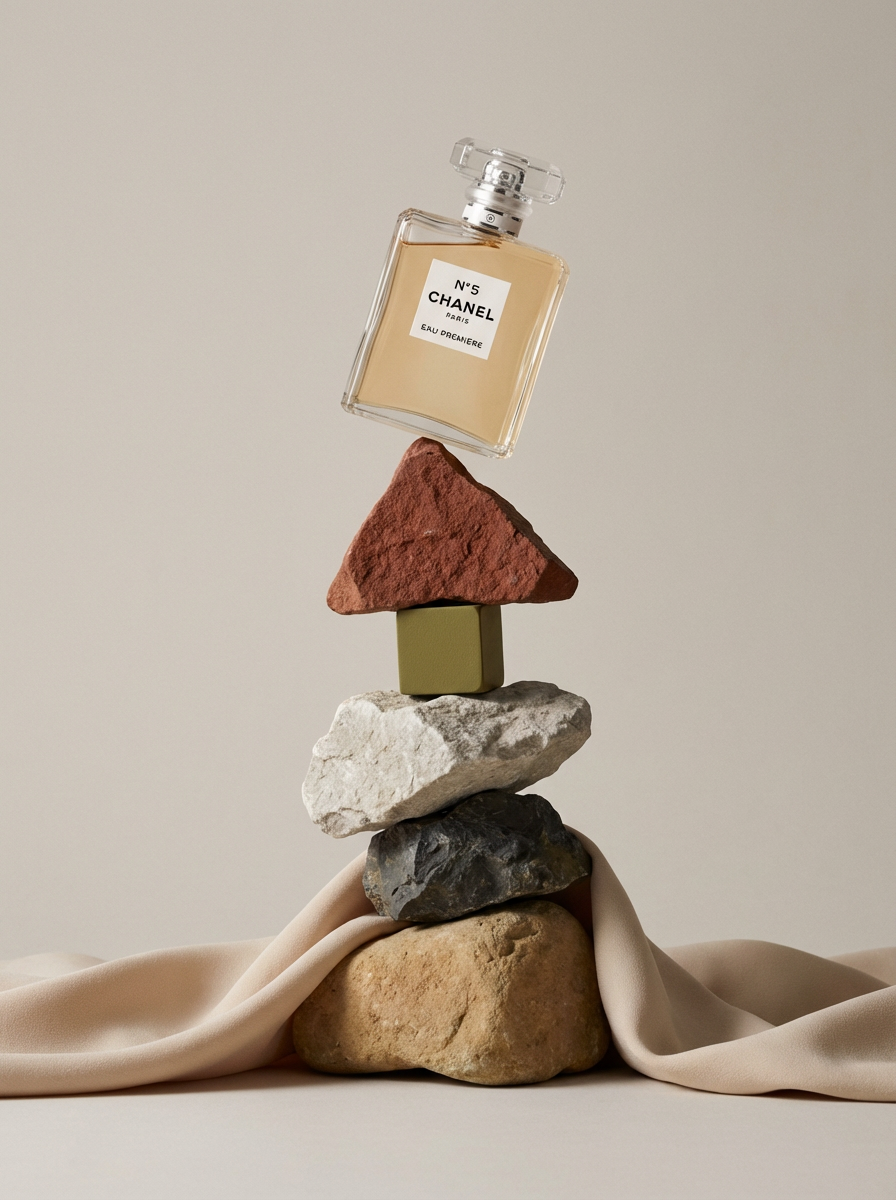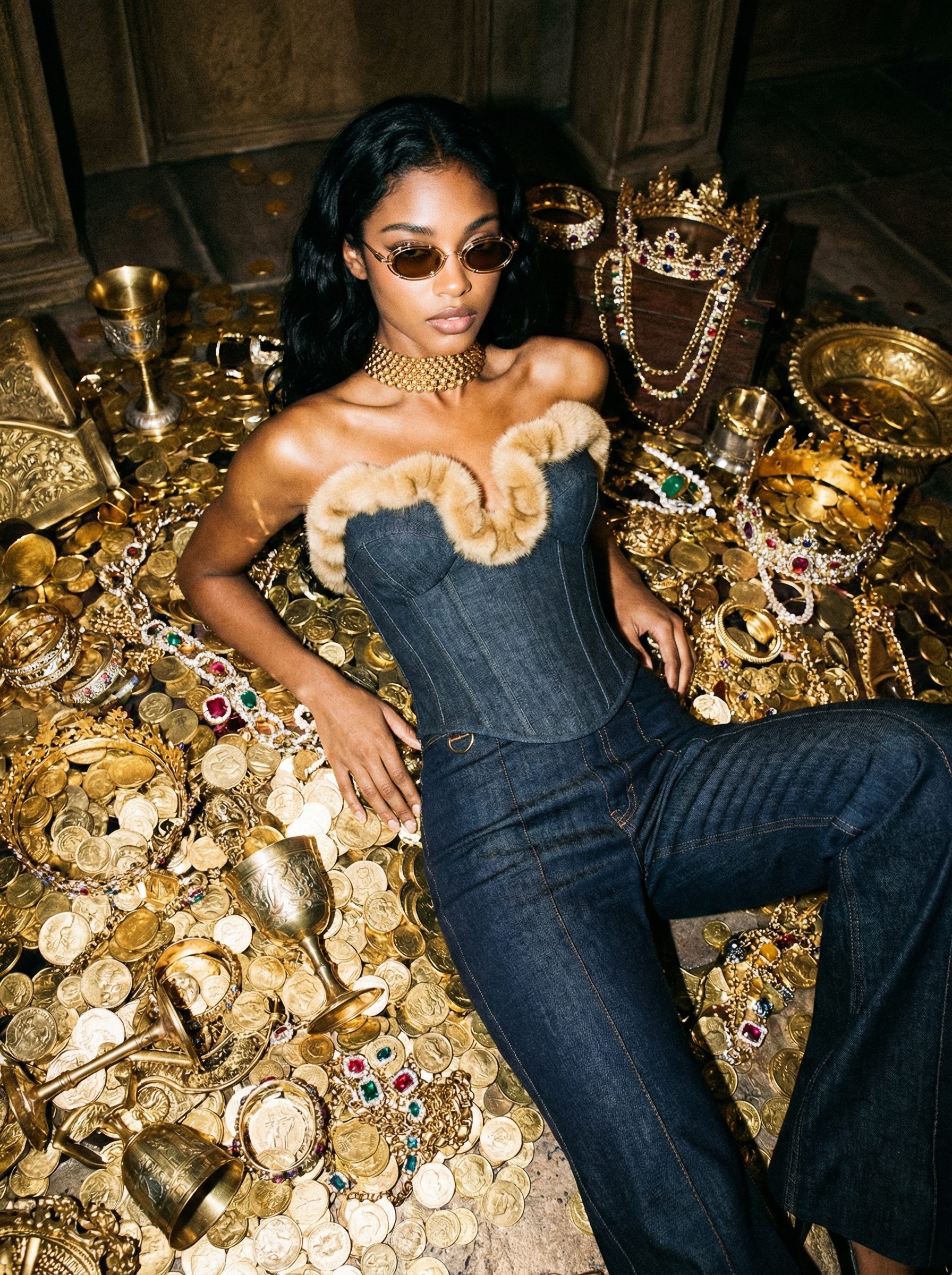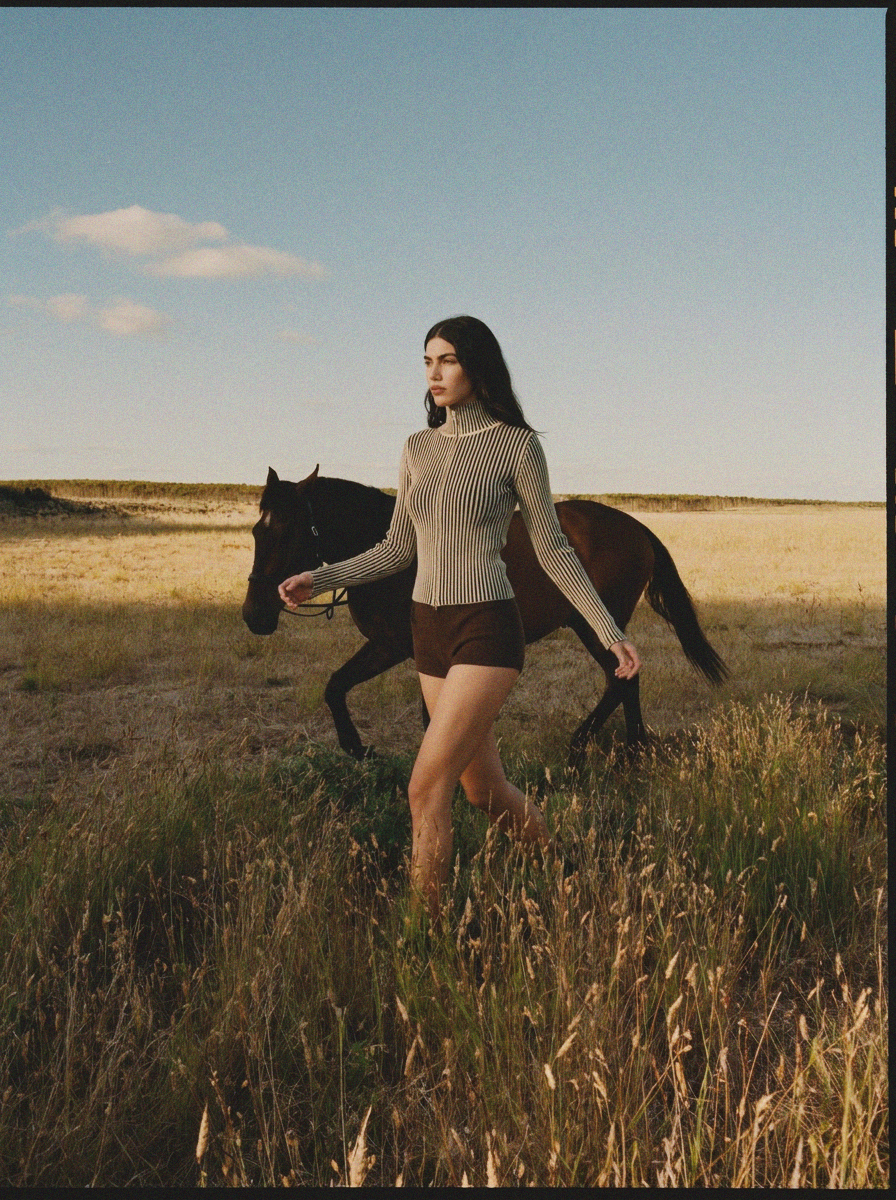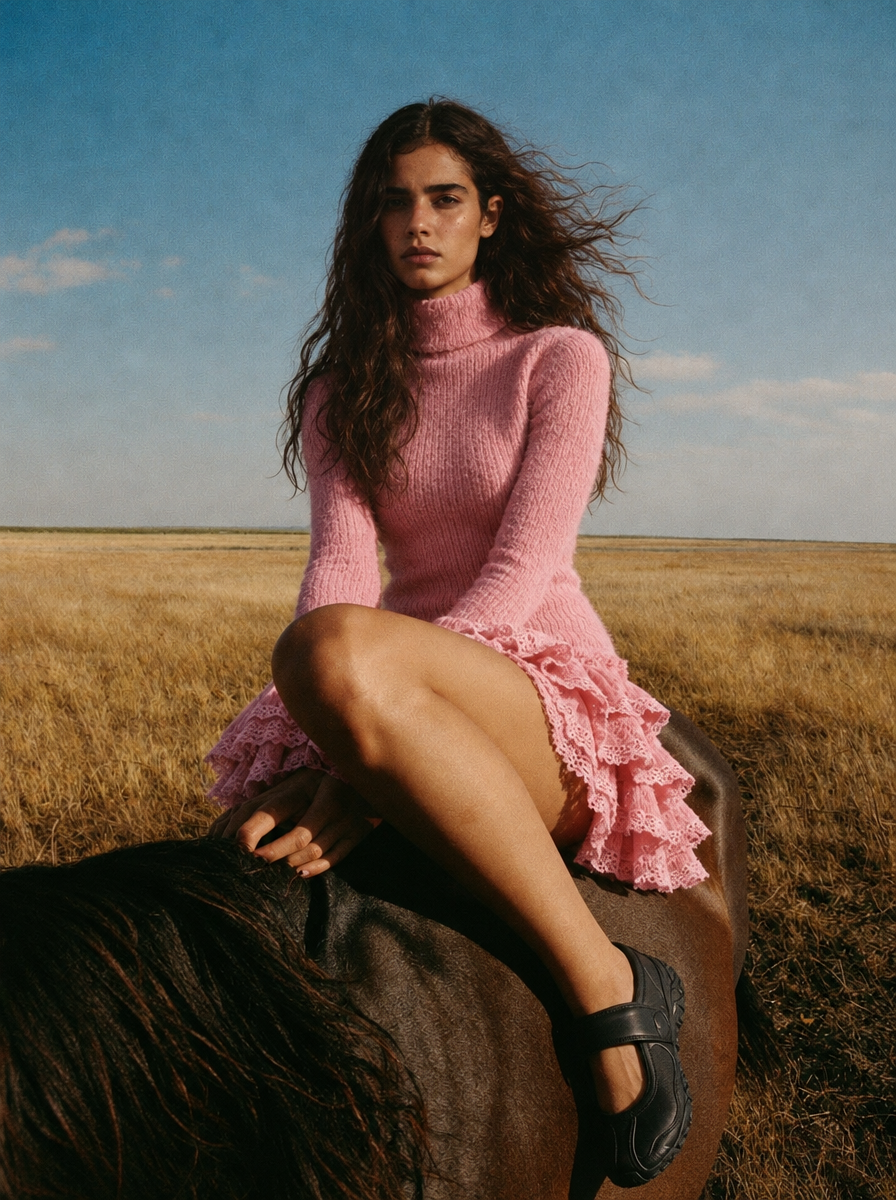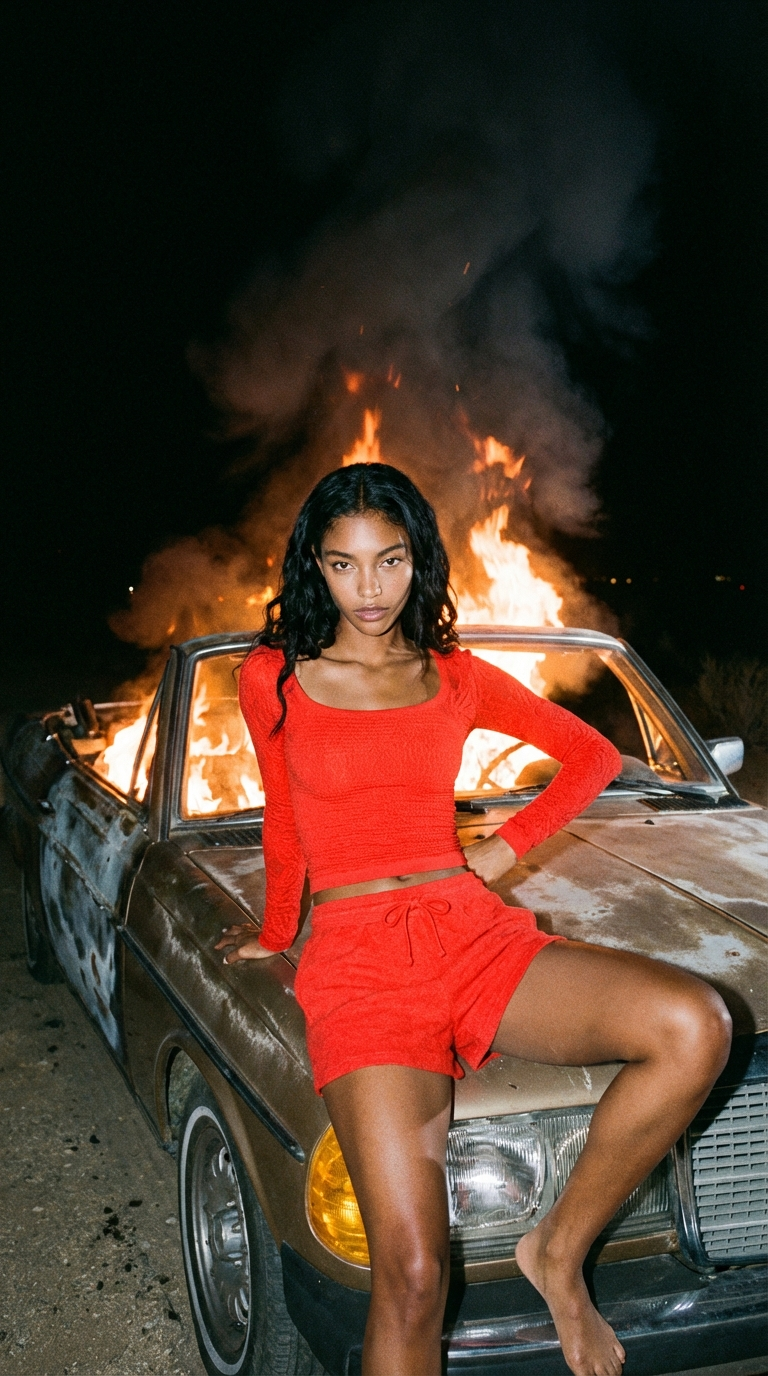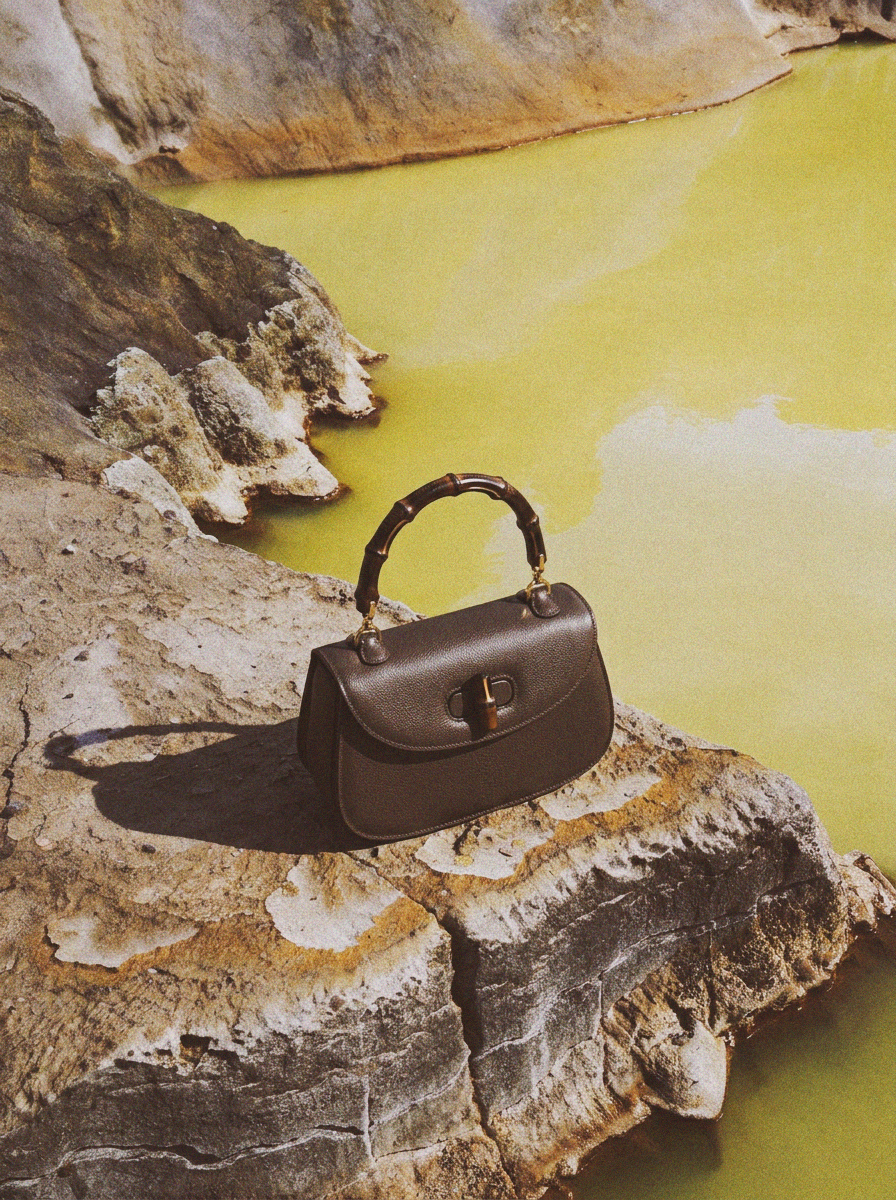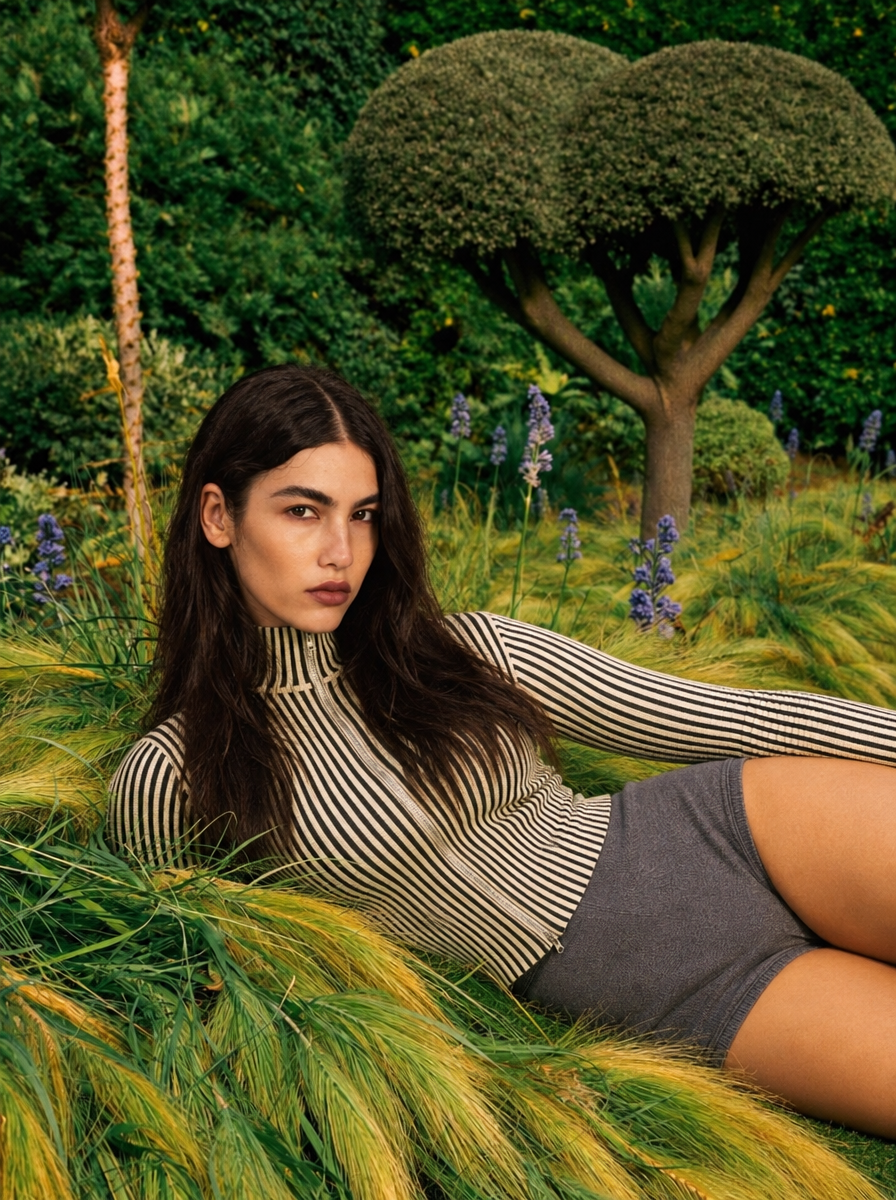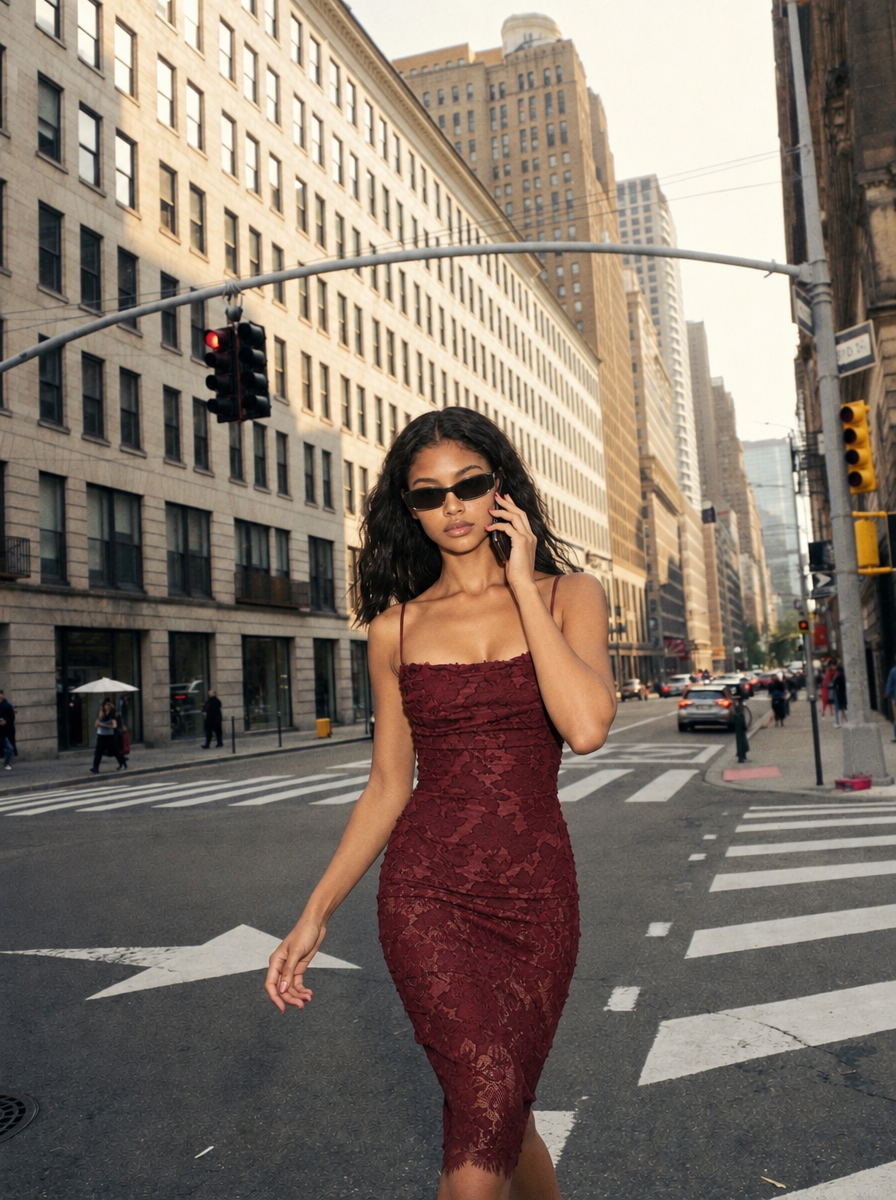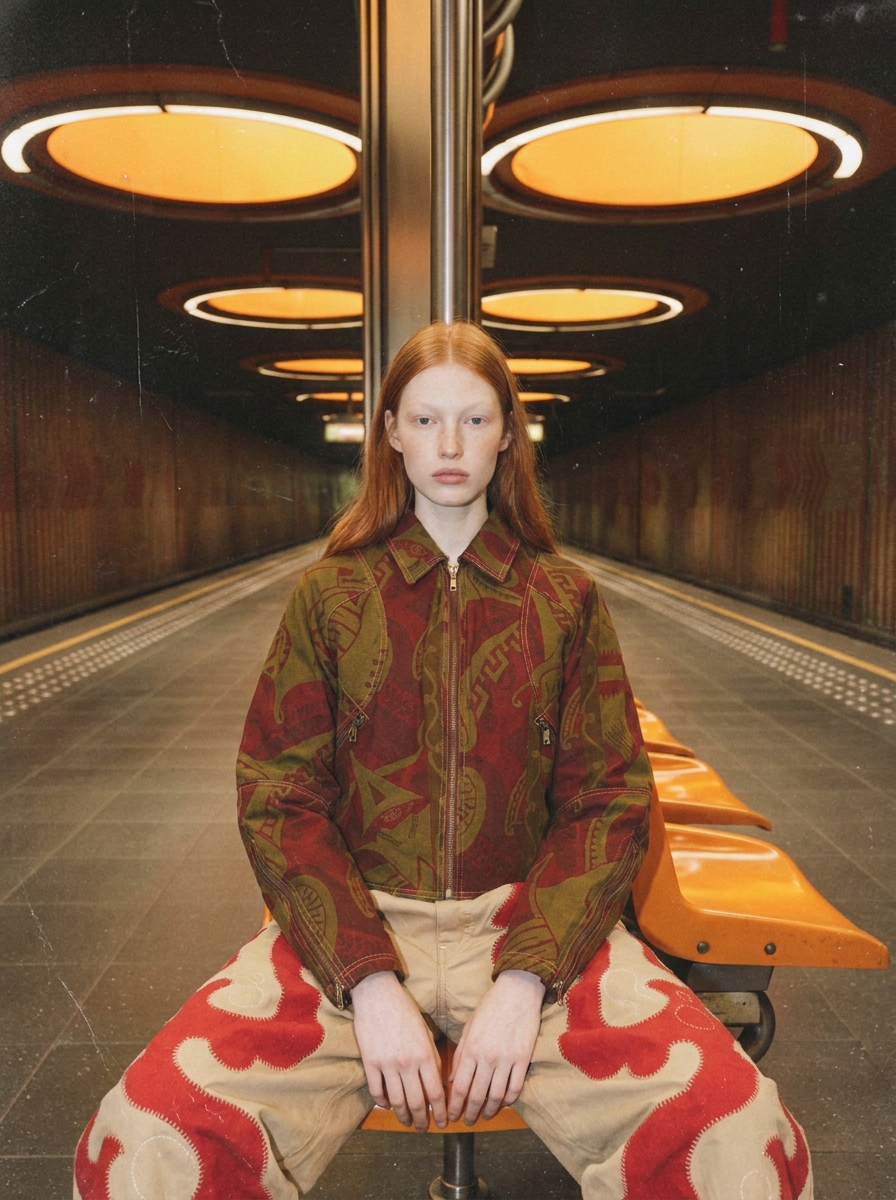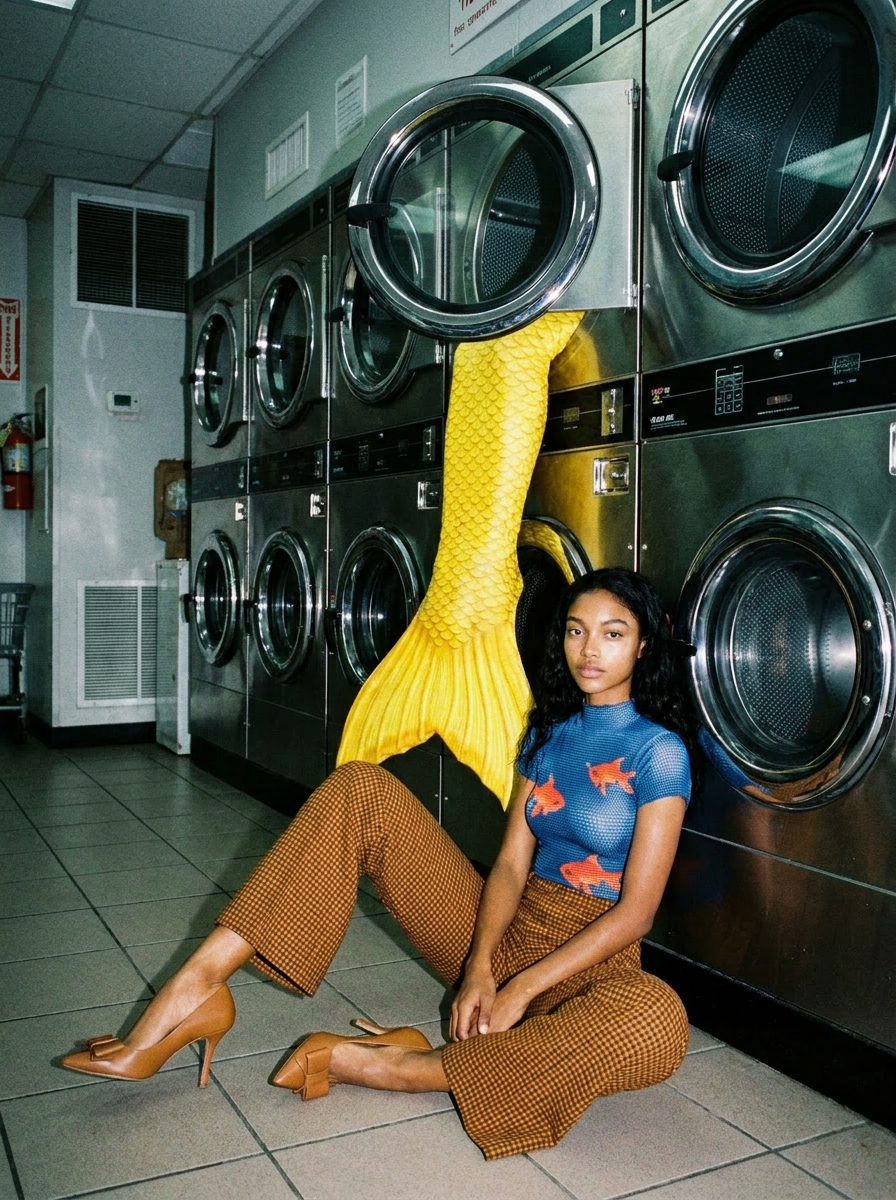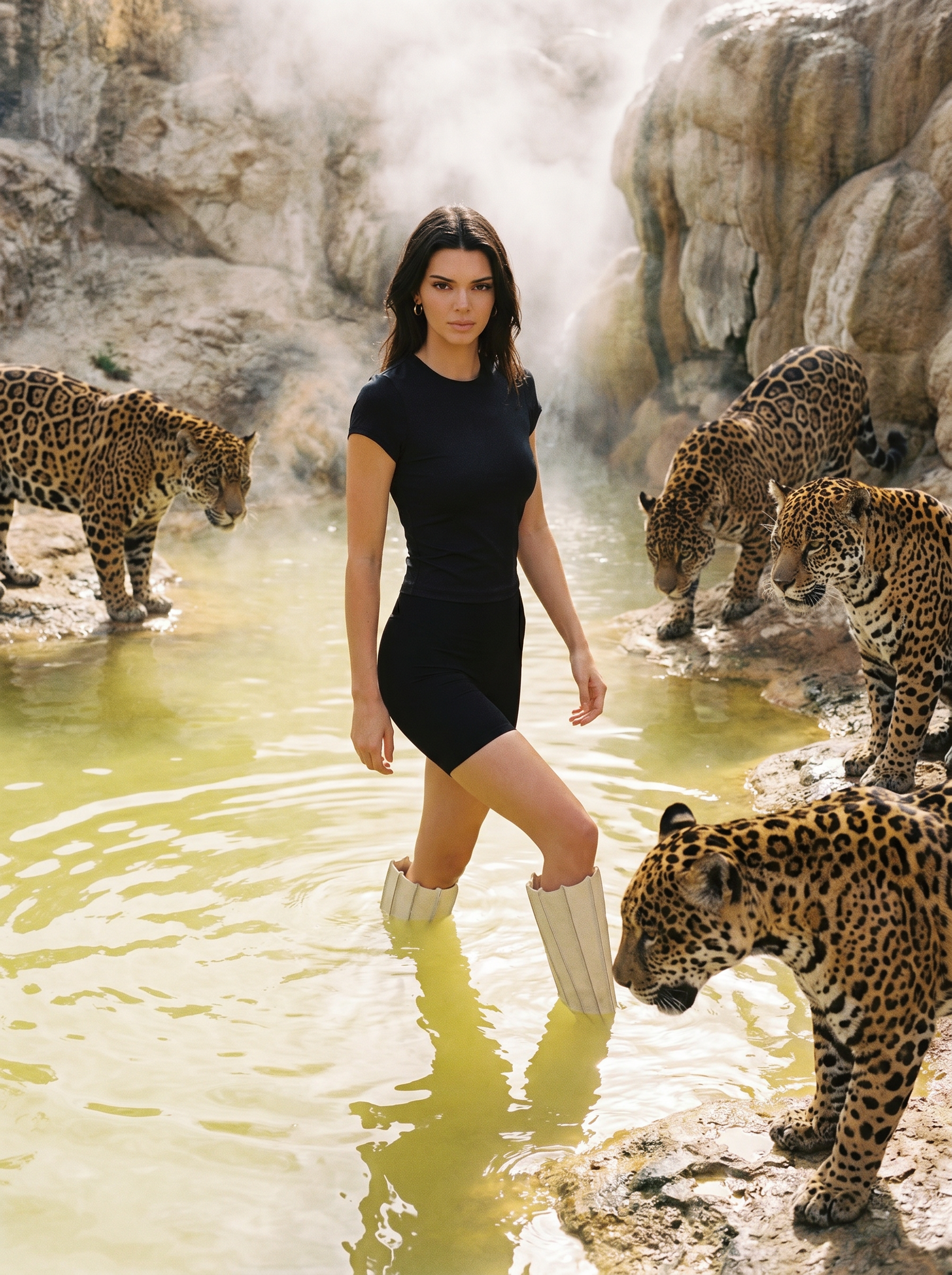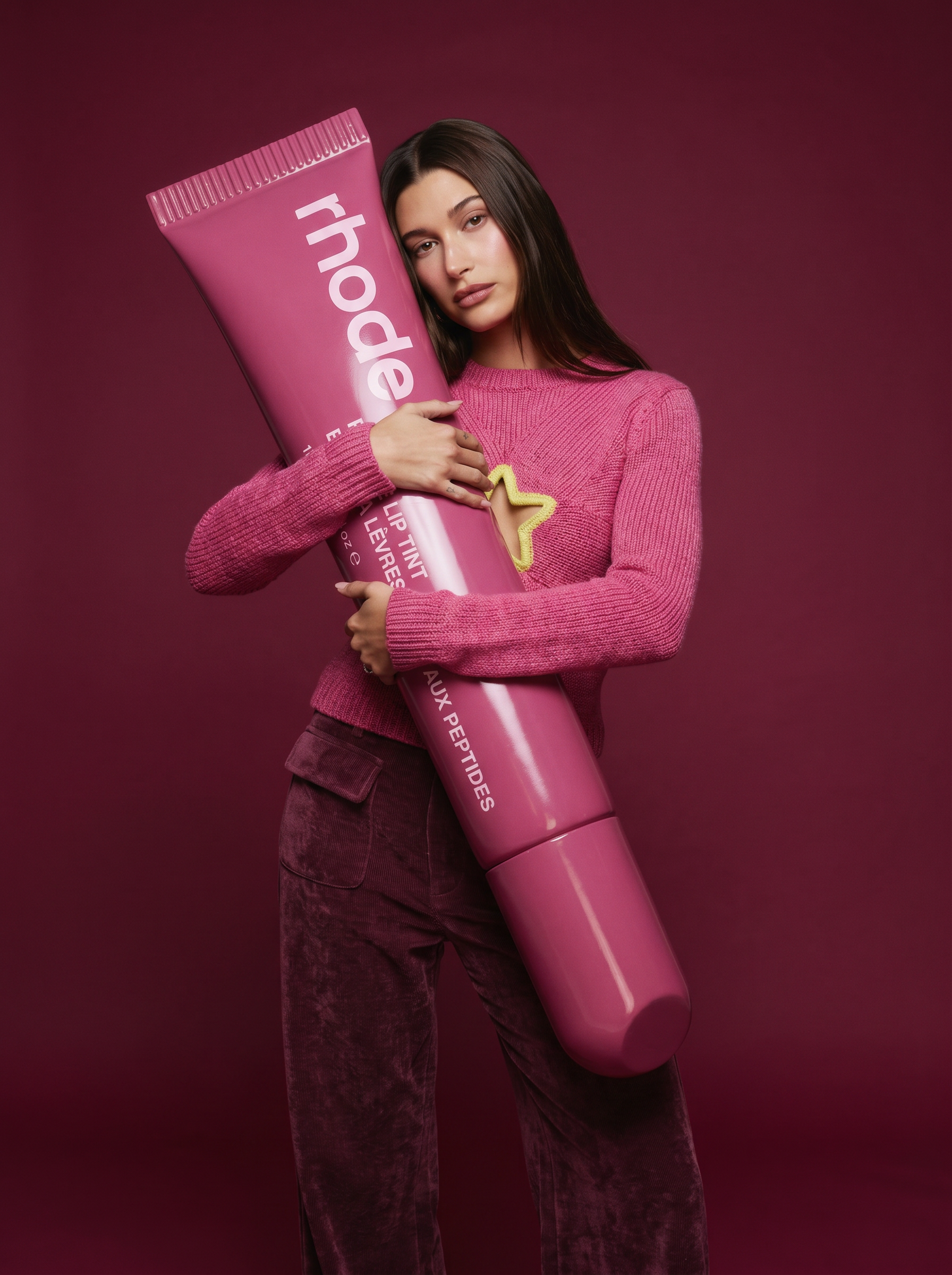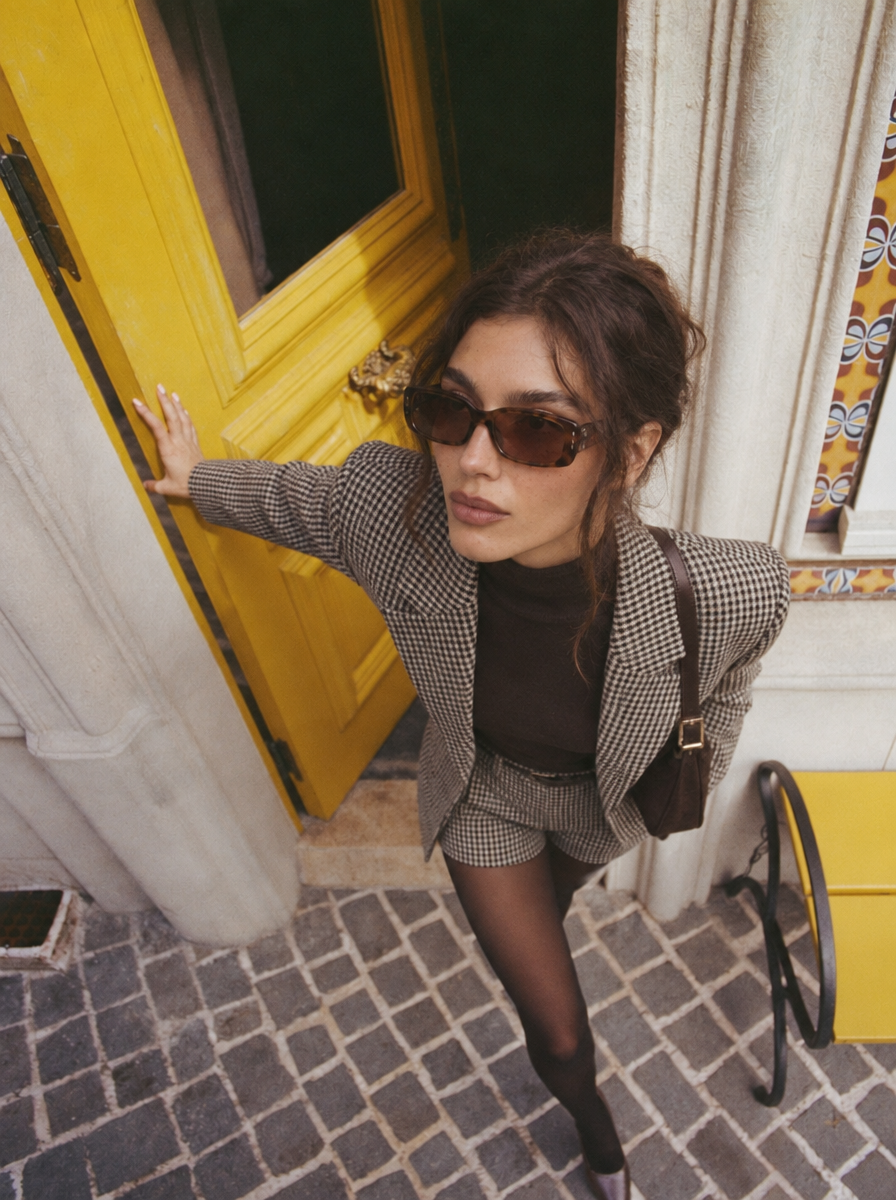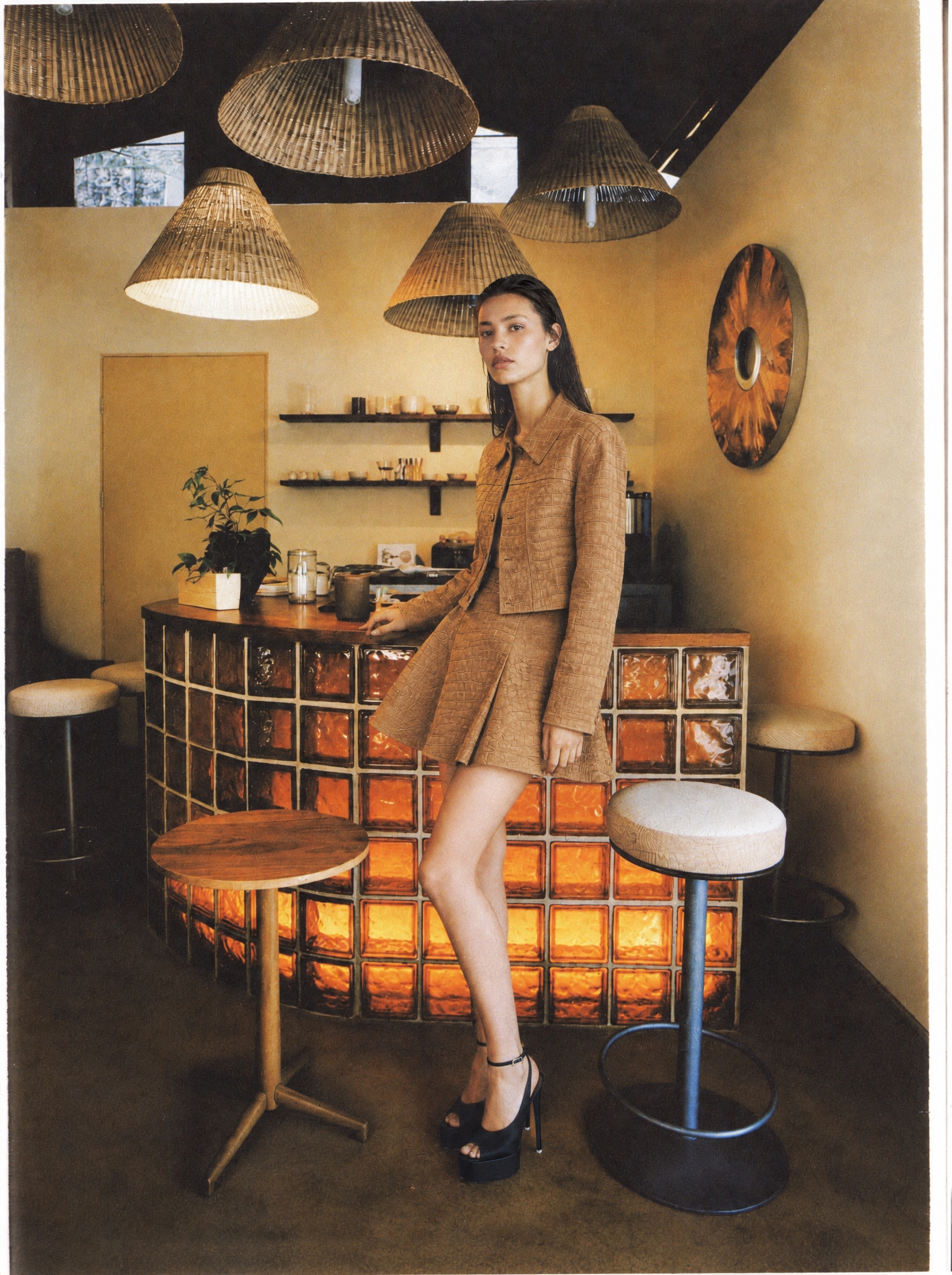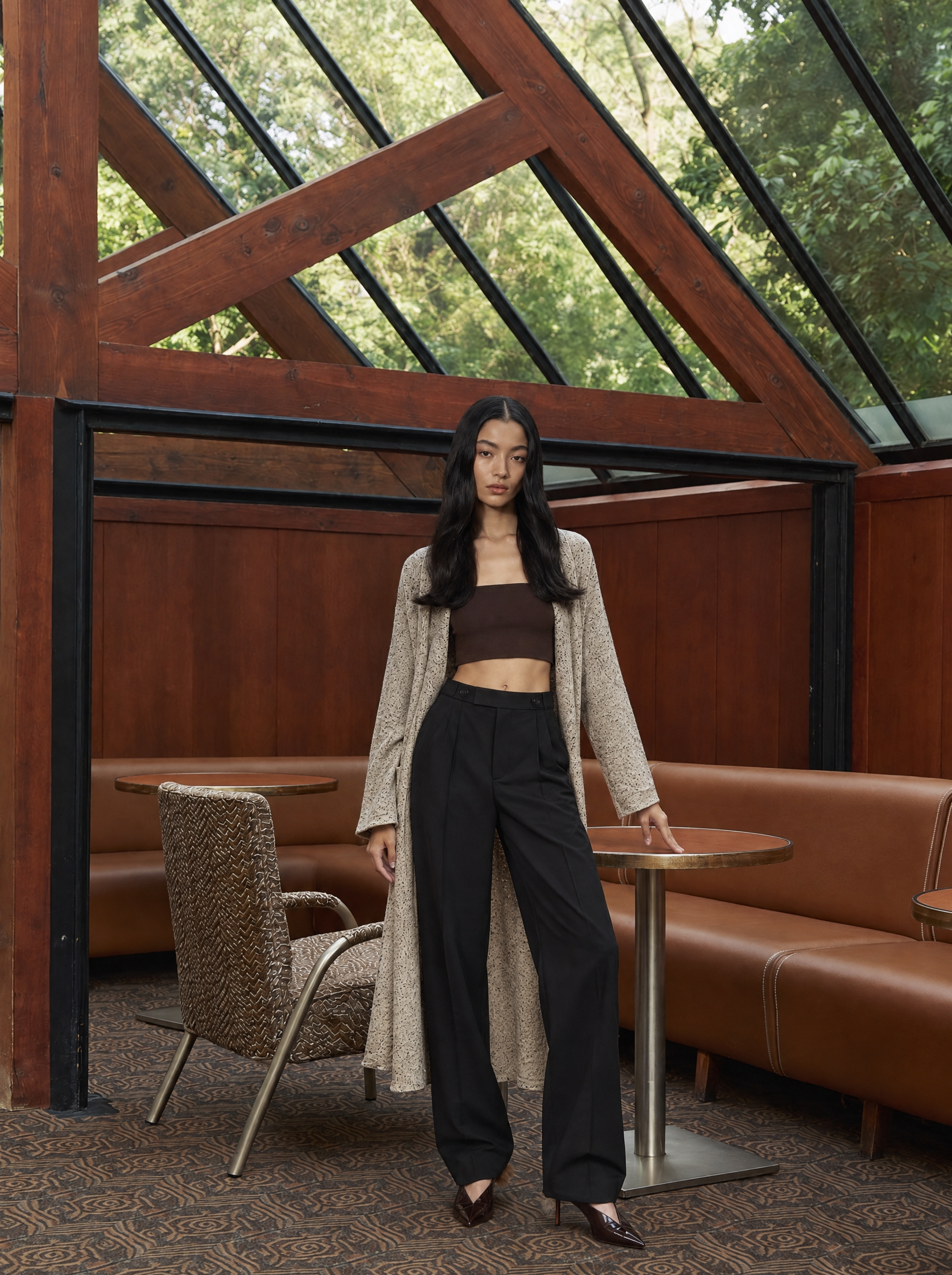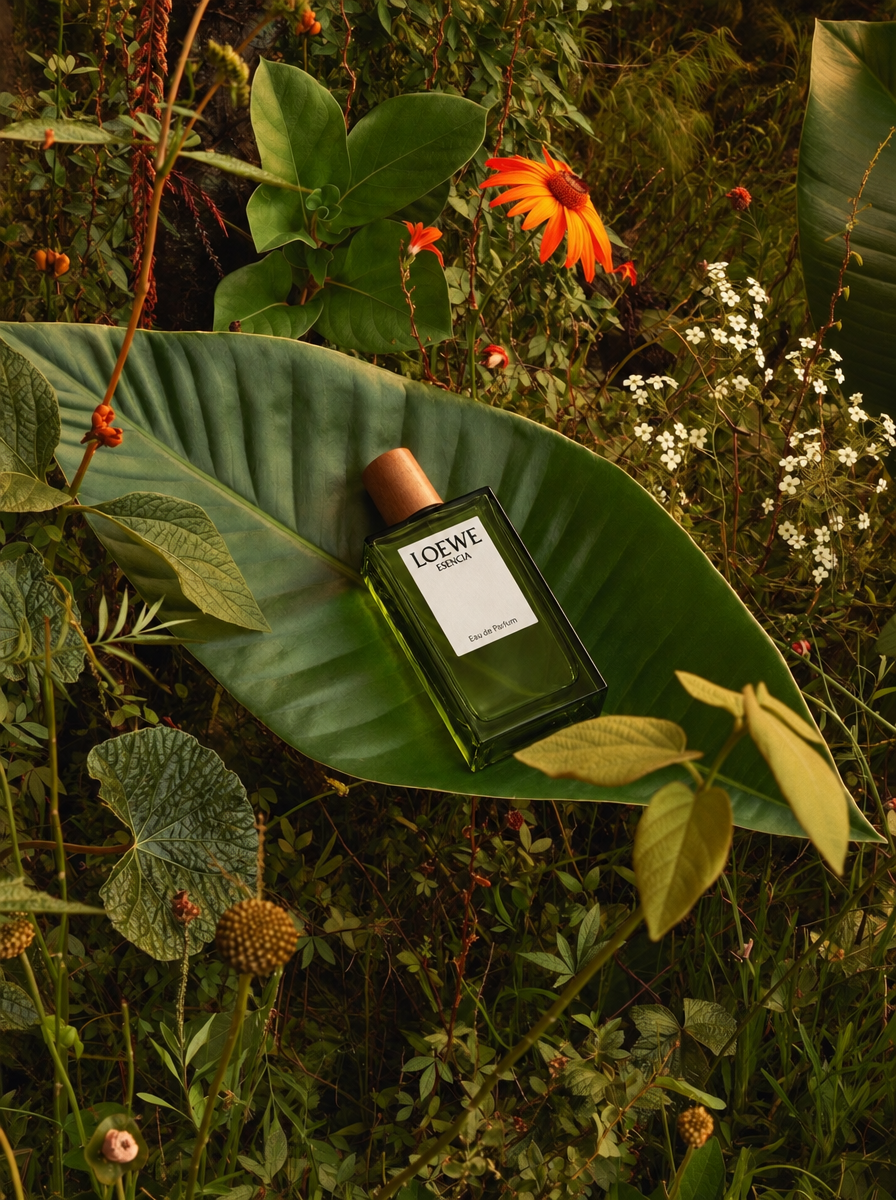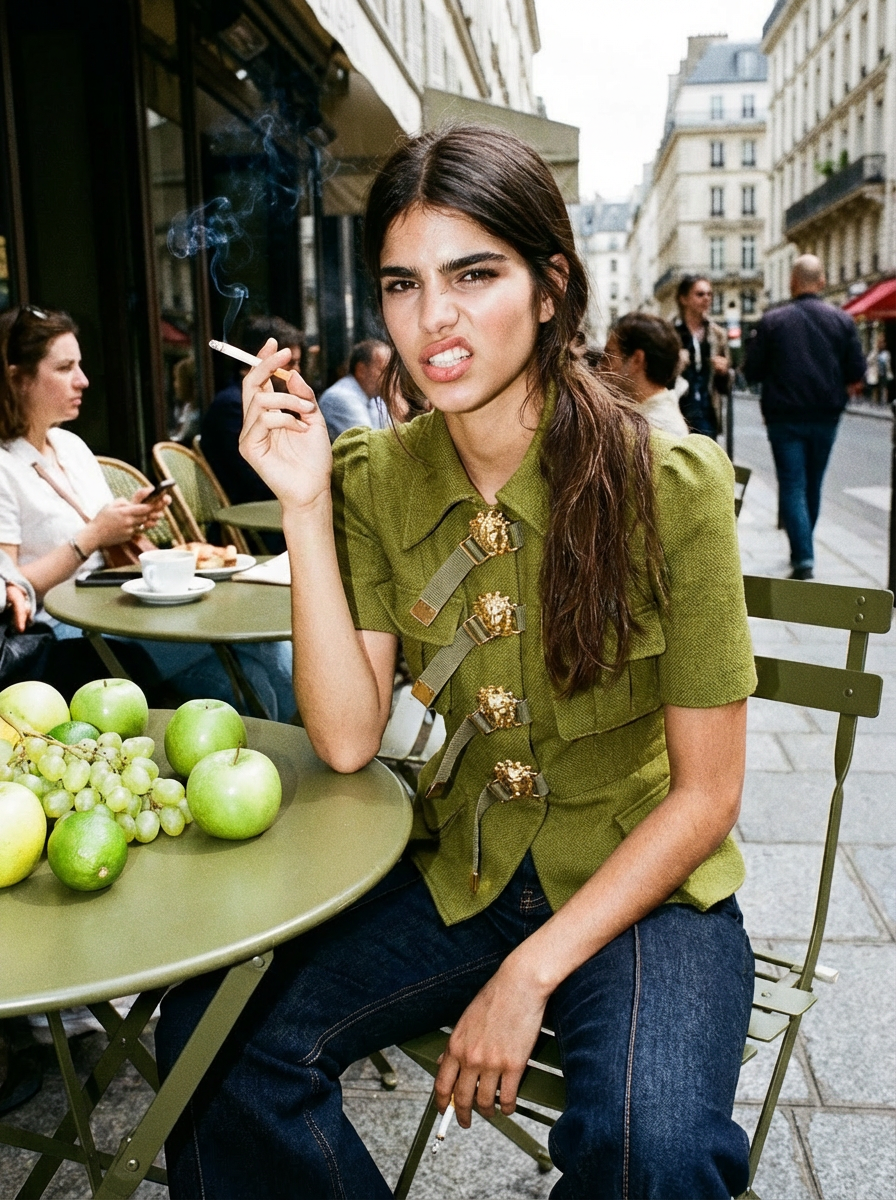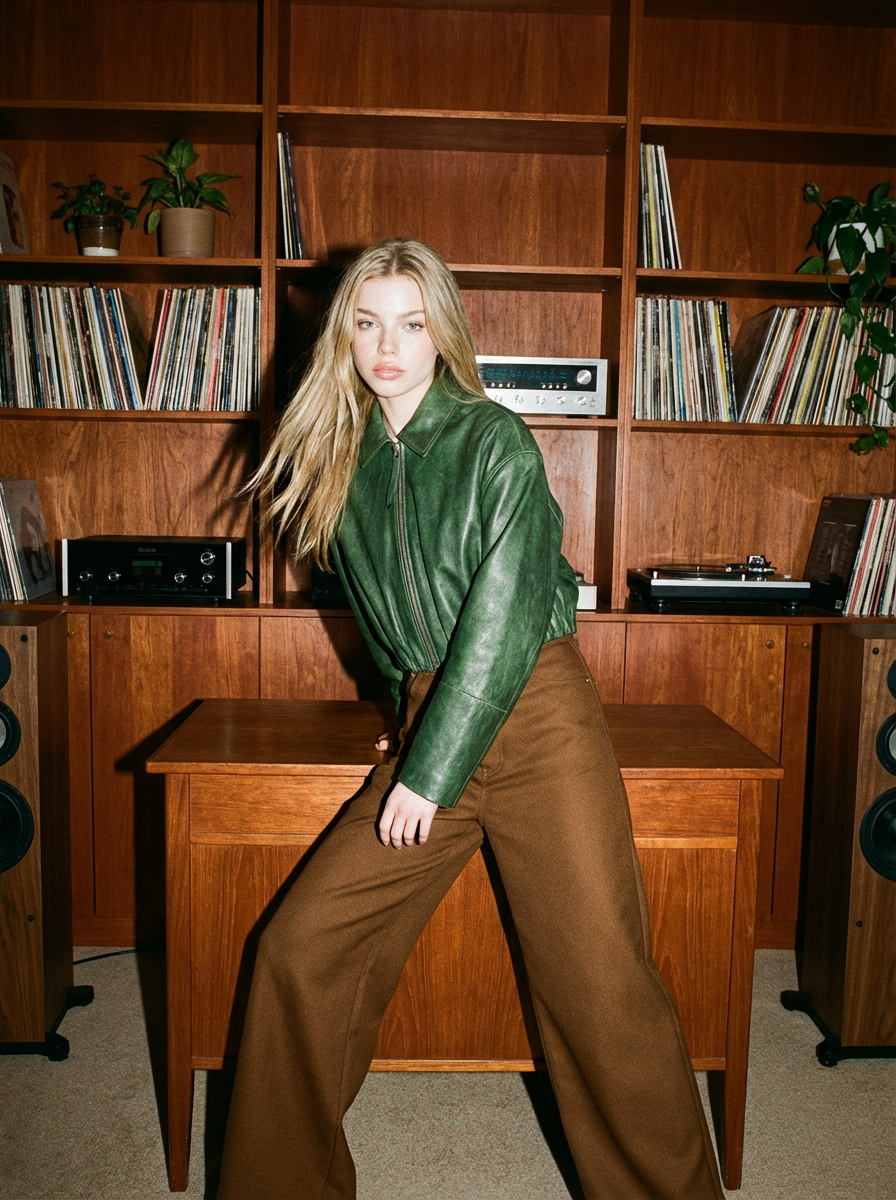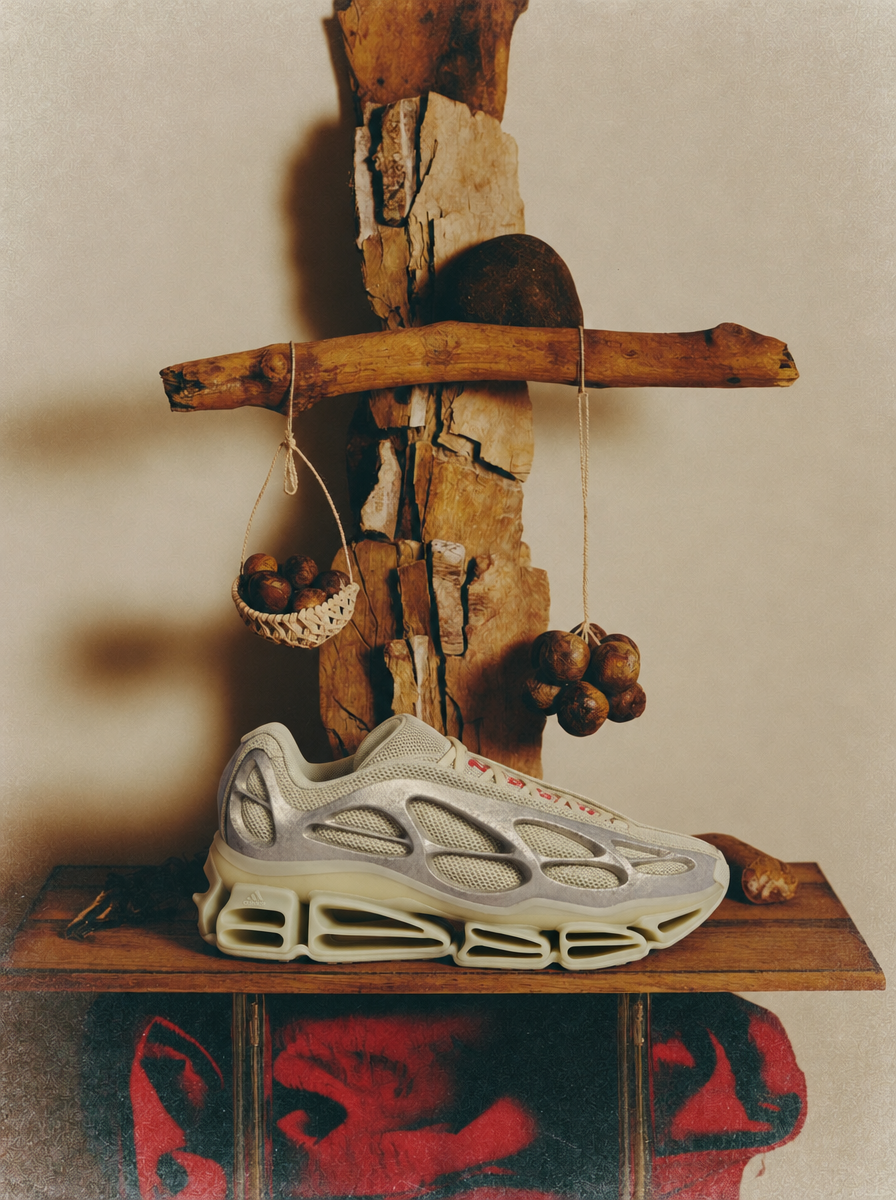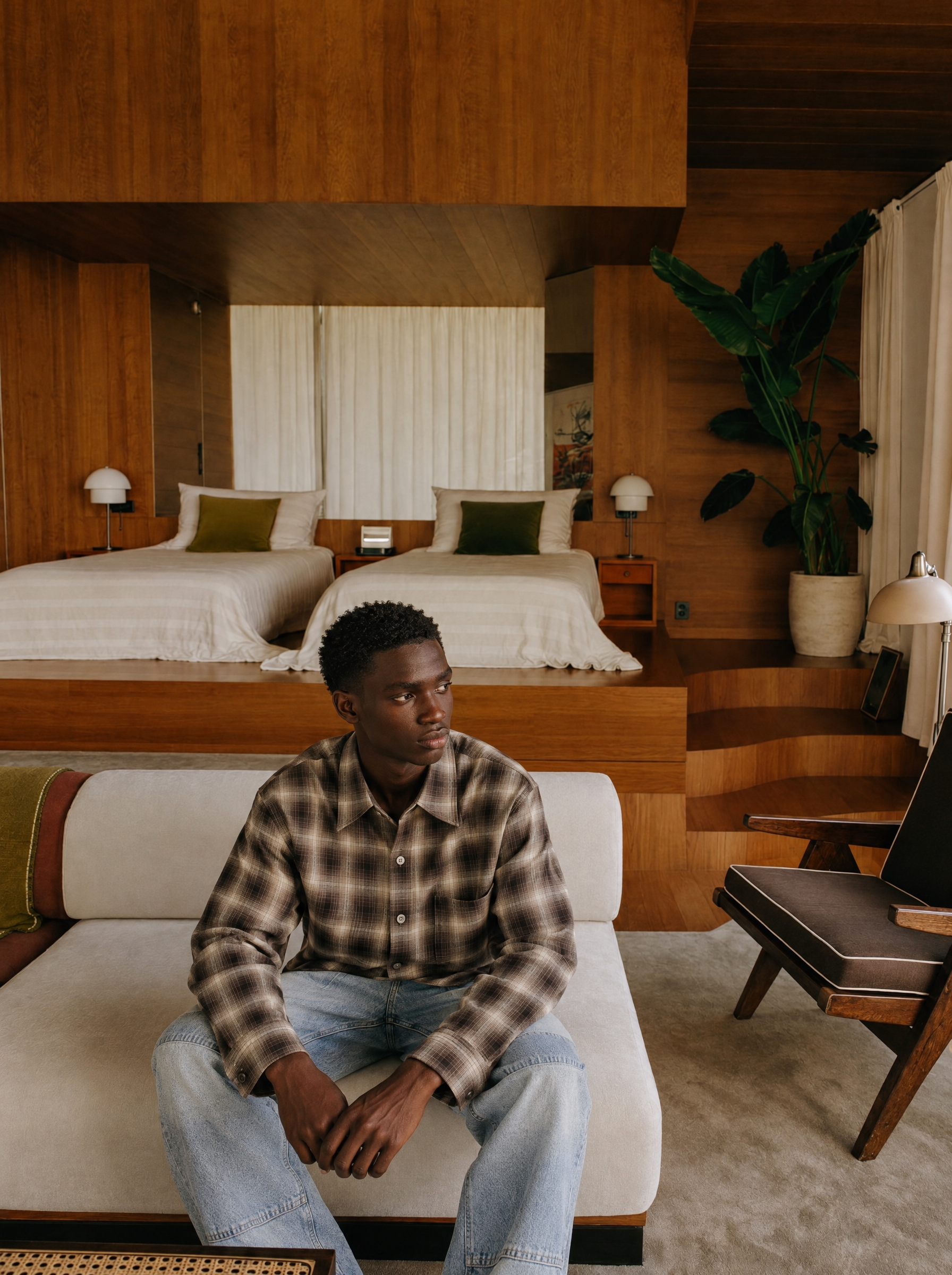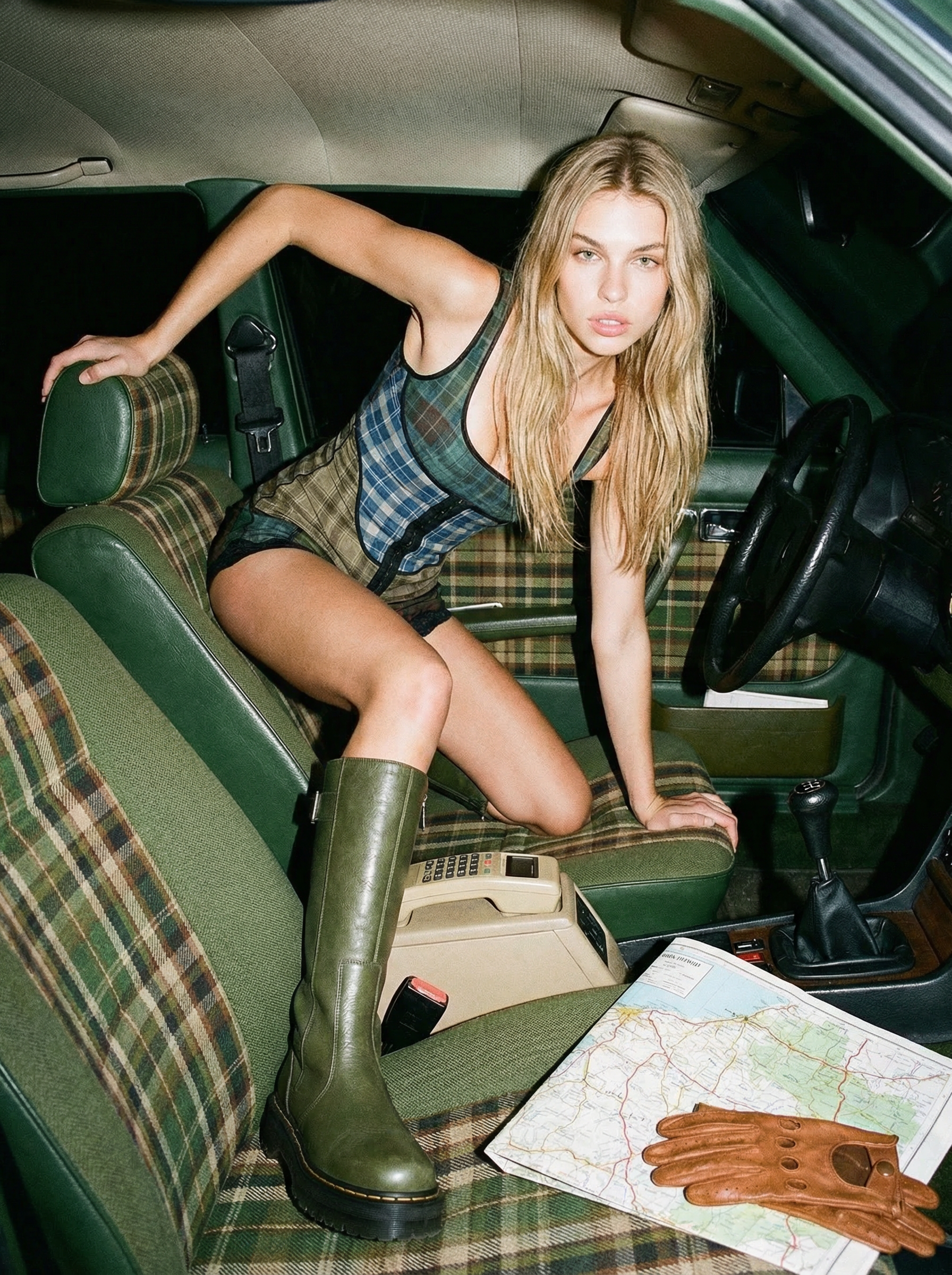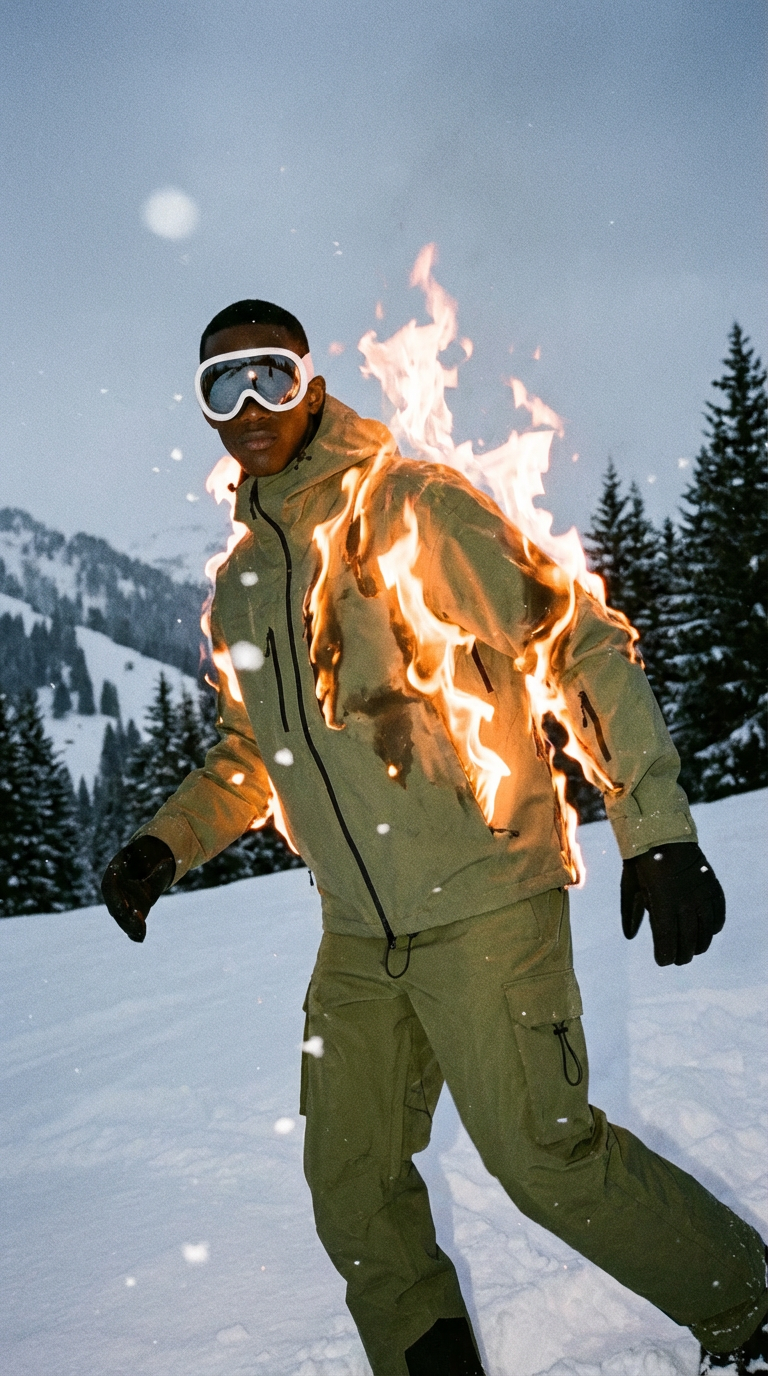
Brand-consistent AI images for every campaign asset
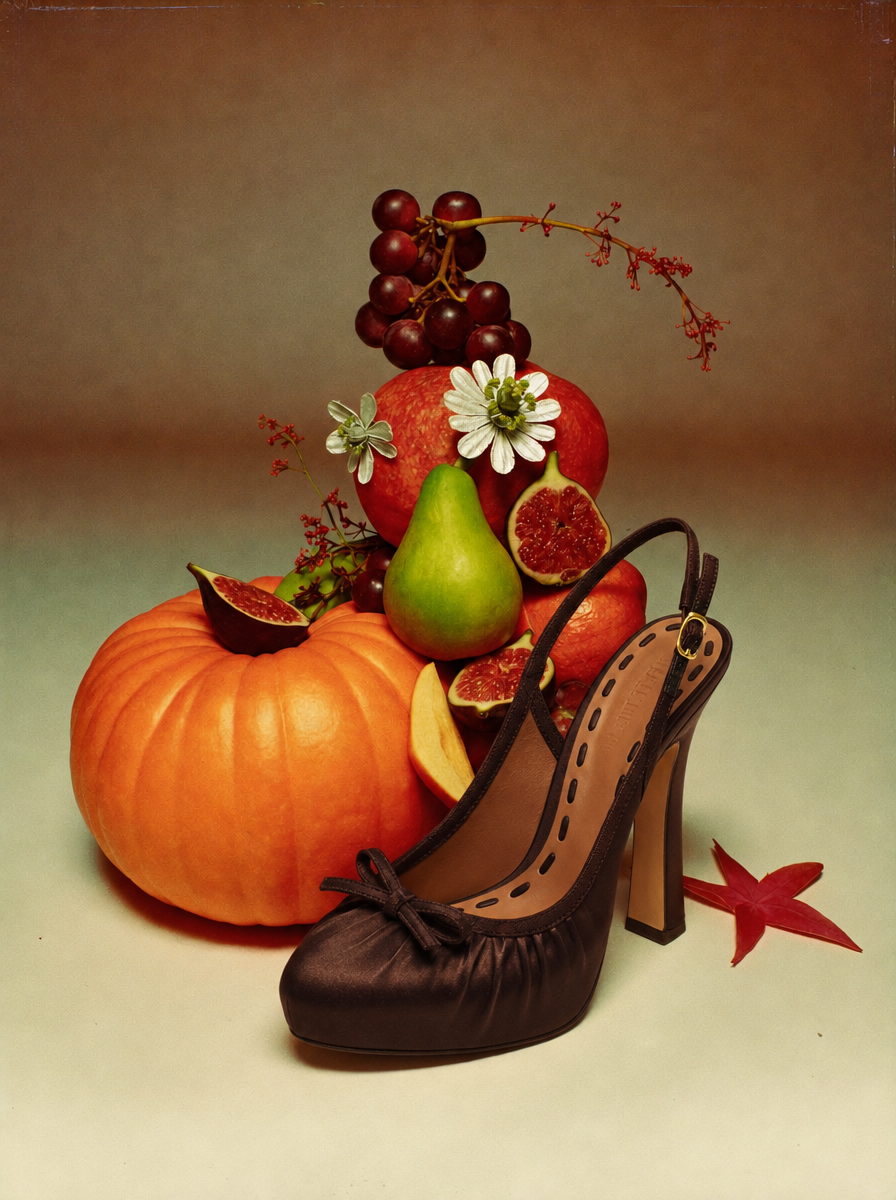
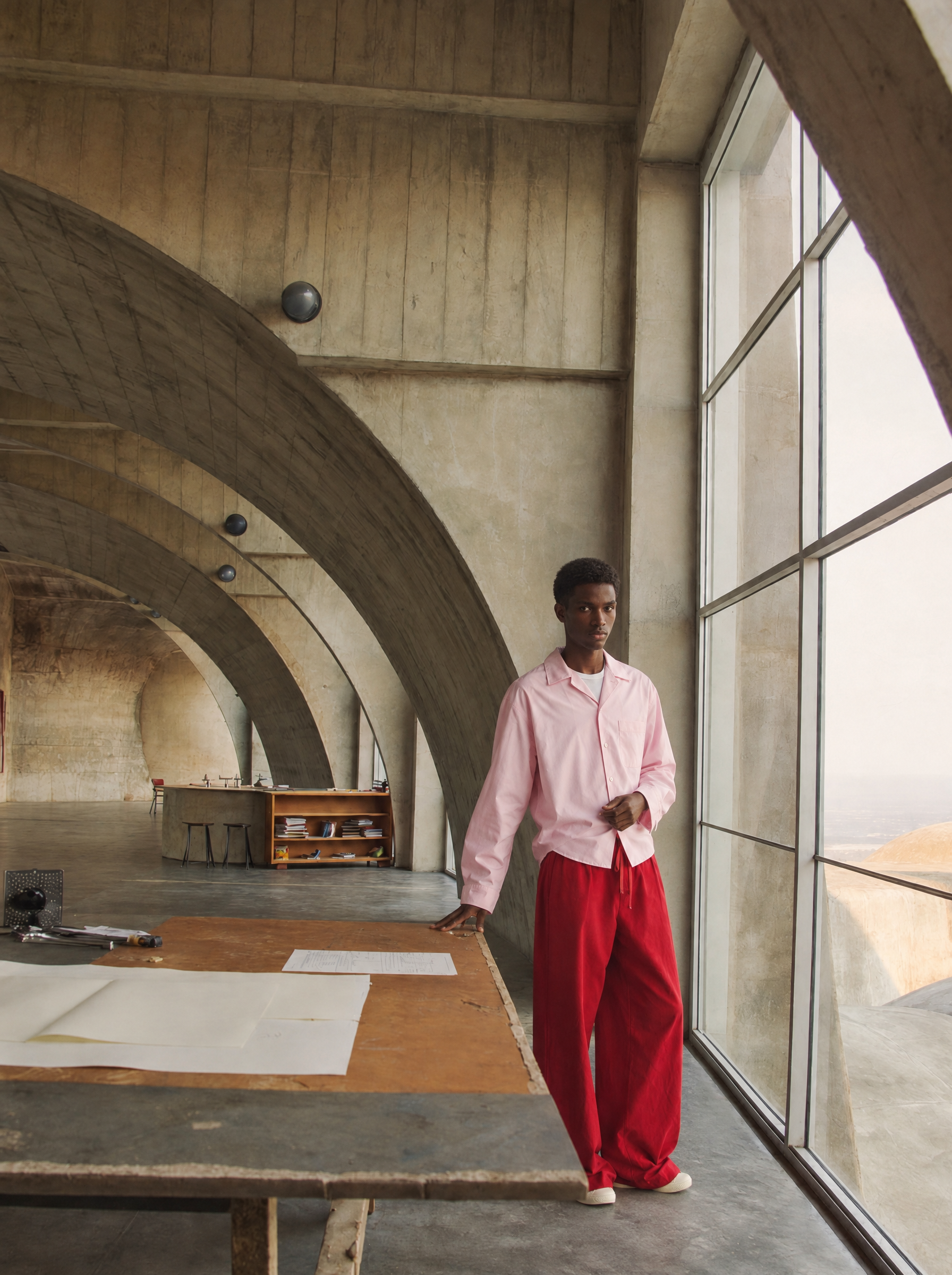
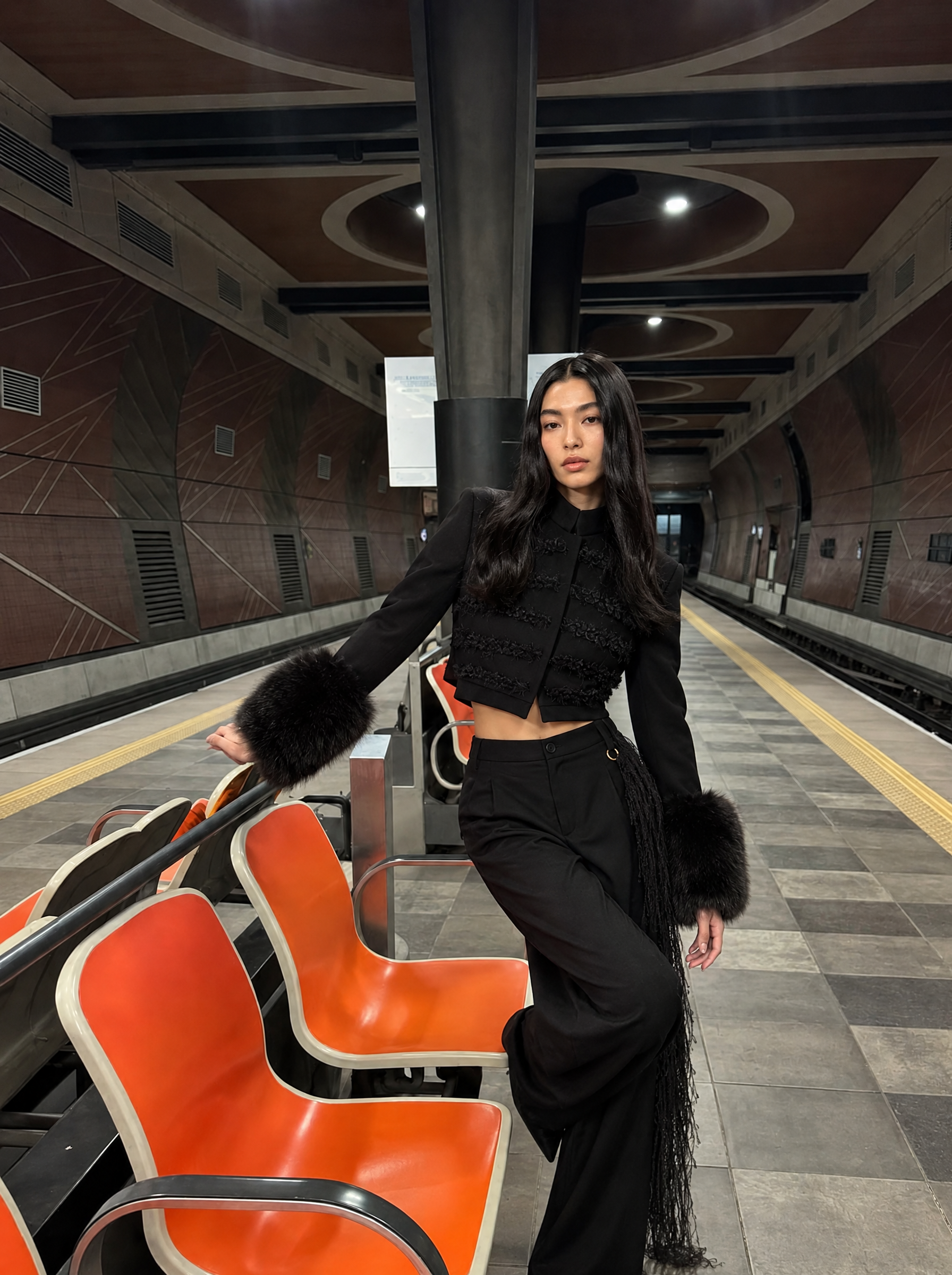
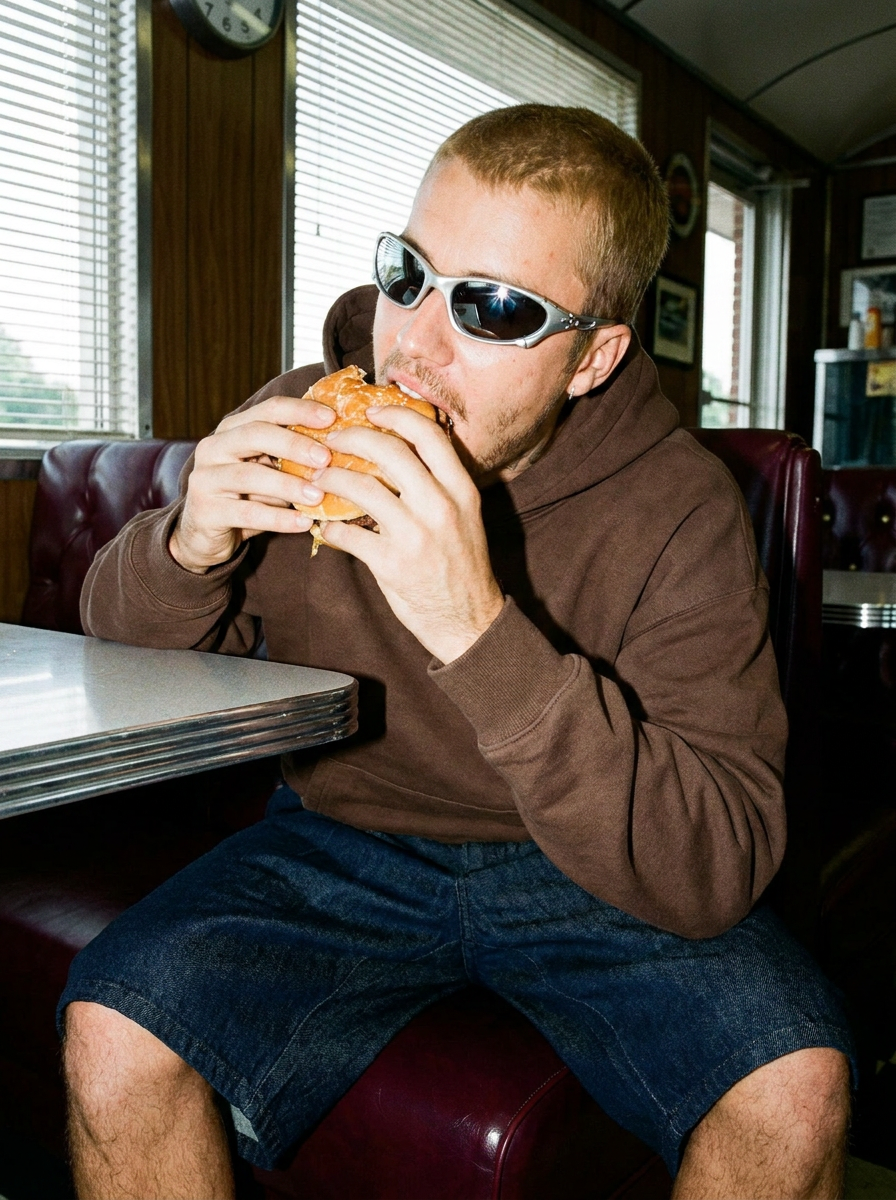
Save your products, characters, styles, and environments once. Every image you generate reuses the same references, so the campaign looks like one brand instead of fifty prompts.
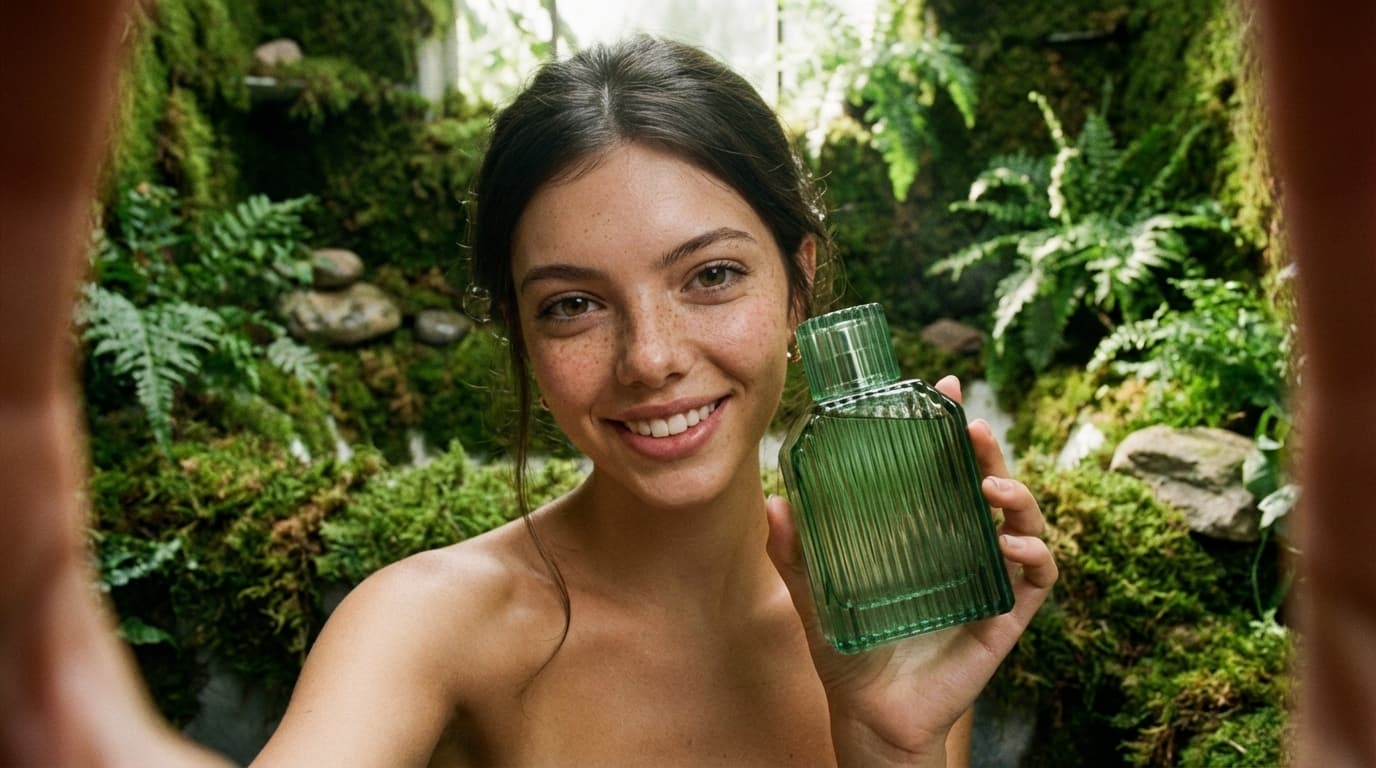
How does Rainfrog keep AI images on brand?
Most AI image tools start from a new prompt each time, so faces, products, and lighting drift between images. Rainfrog stores your brand references in a library and connects them as nodes on a visual workflow. Every generation reads the same product, character, style, and environment, which keeps the campaign consistent across shots, formats, and team members.
- The same character across a full campaign
- One product shown identically in every scene
- A house style applied to every image automatically
- Feed, story, and banner formats from one set
- UGC-style and editorial looks for the same brand
- Templates the whole team reuses
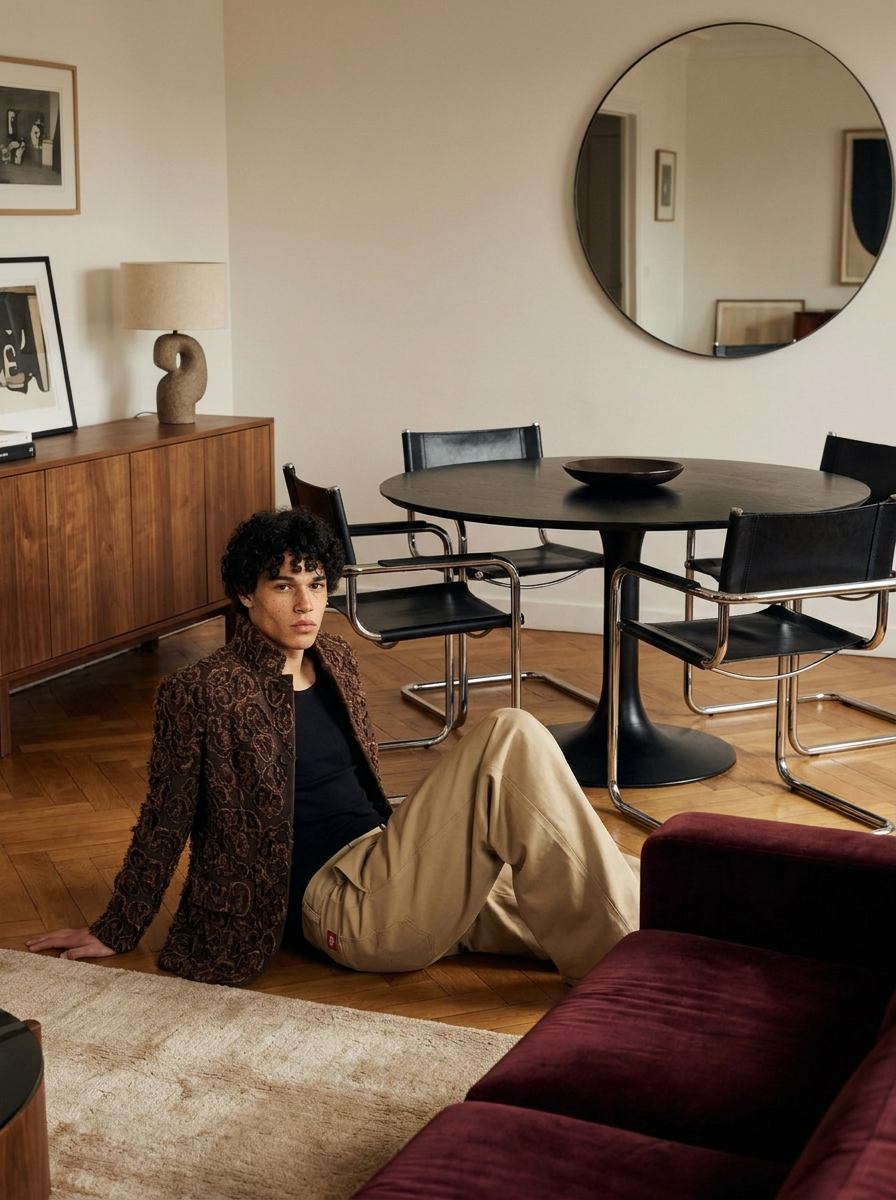
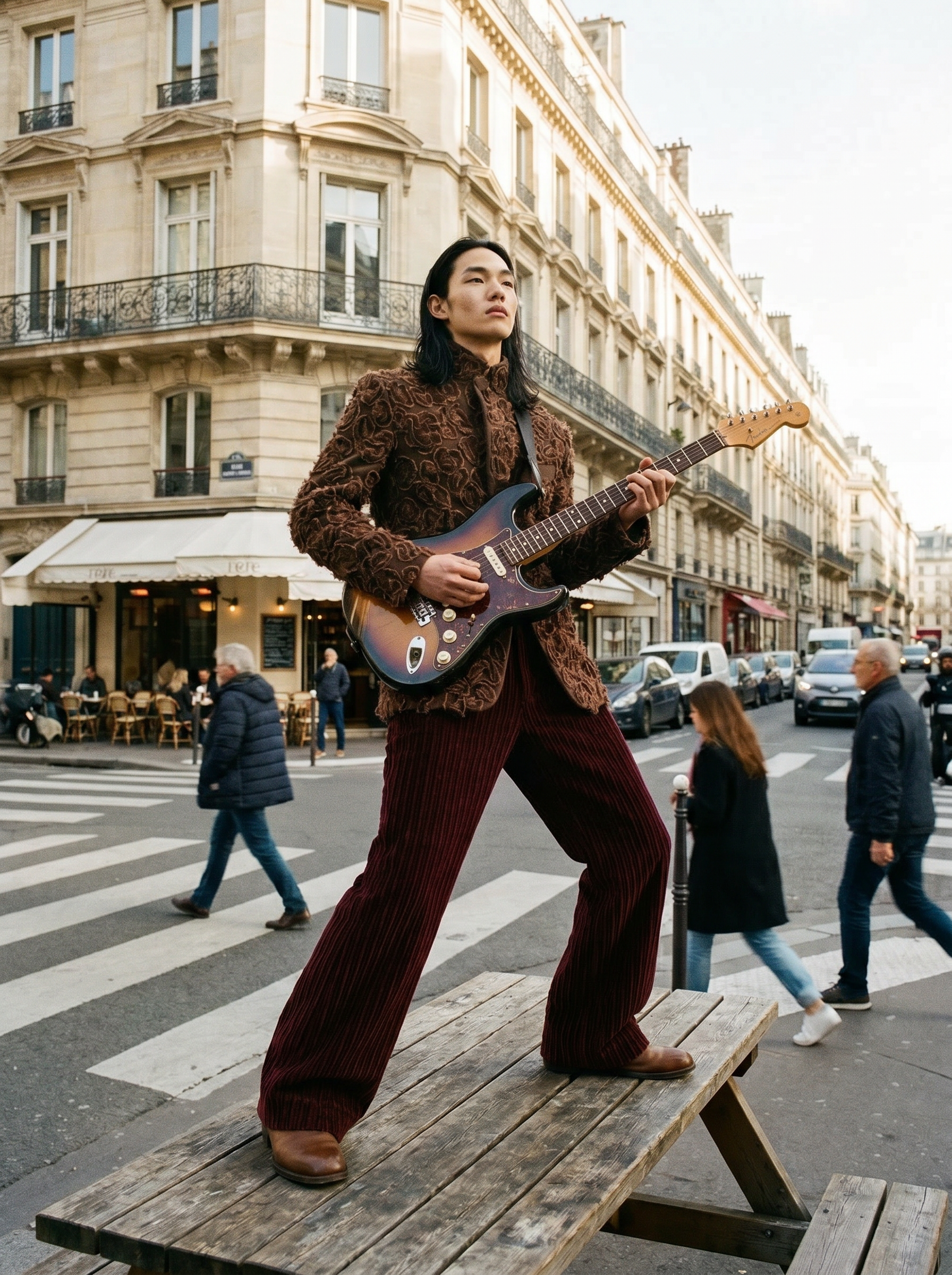
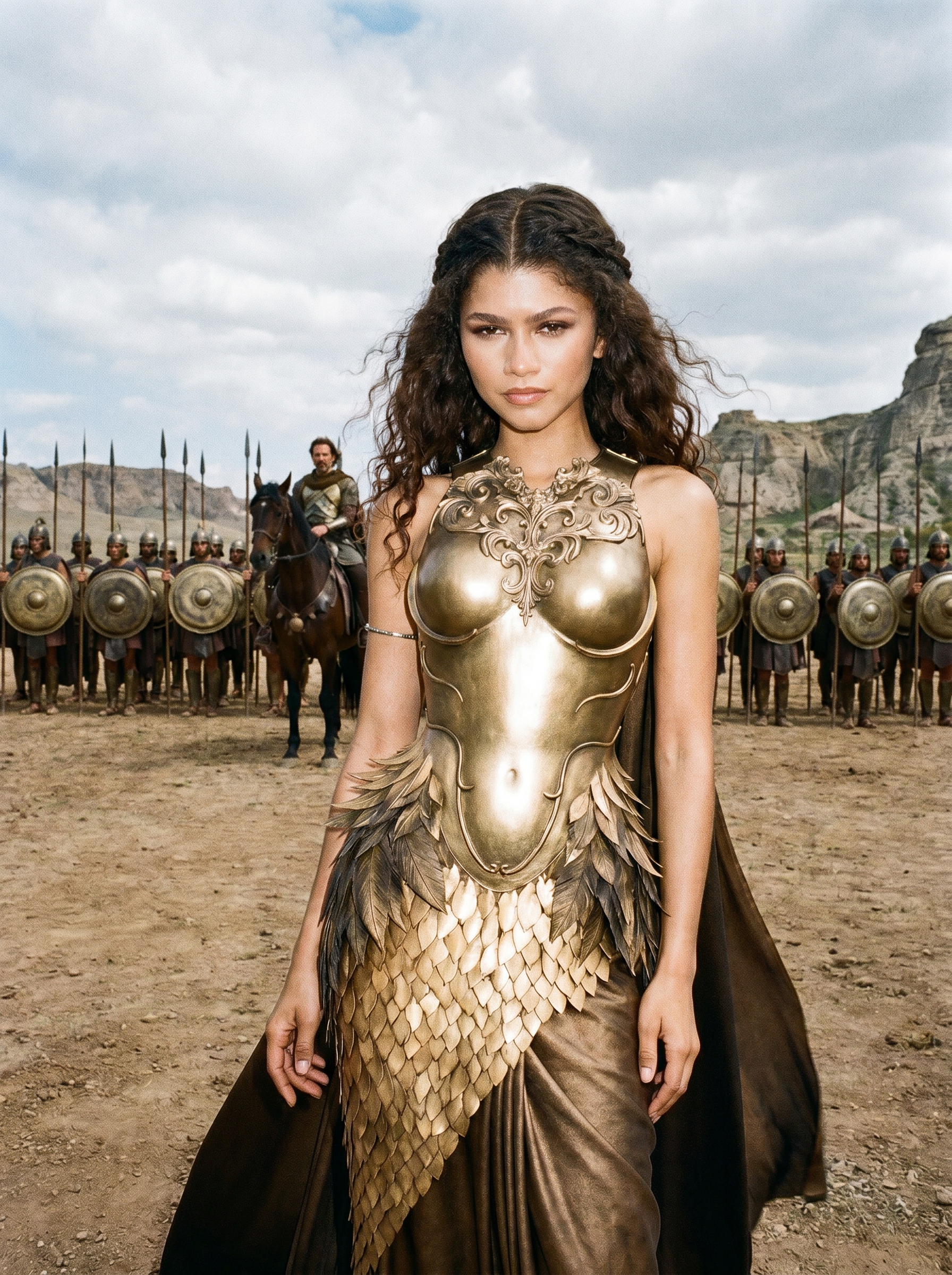
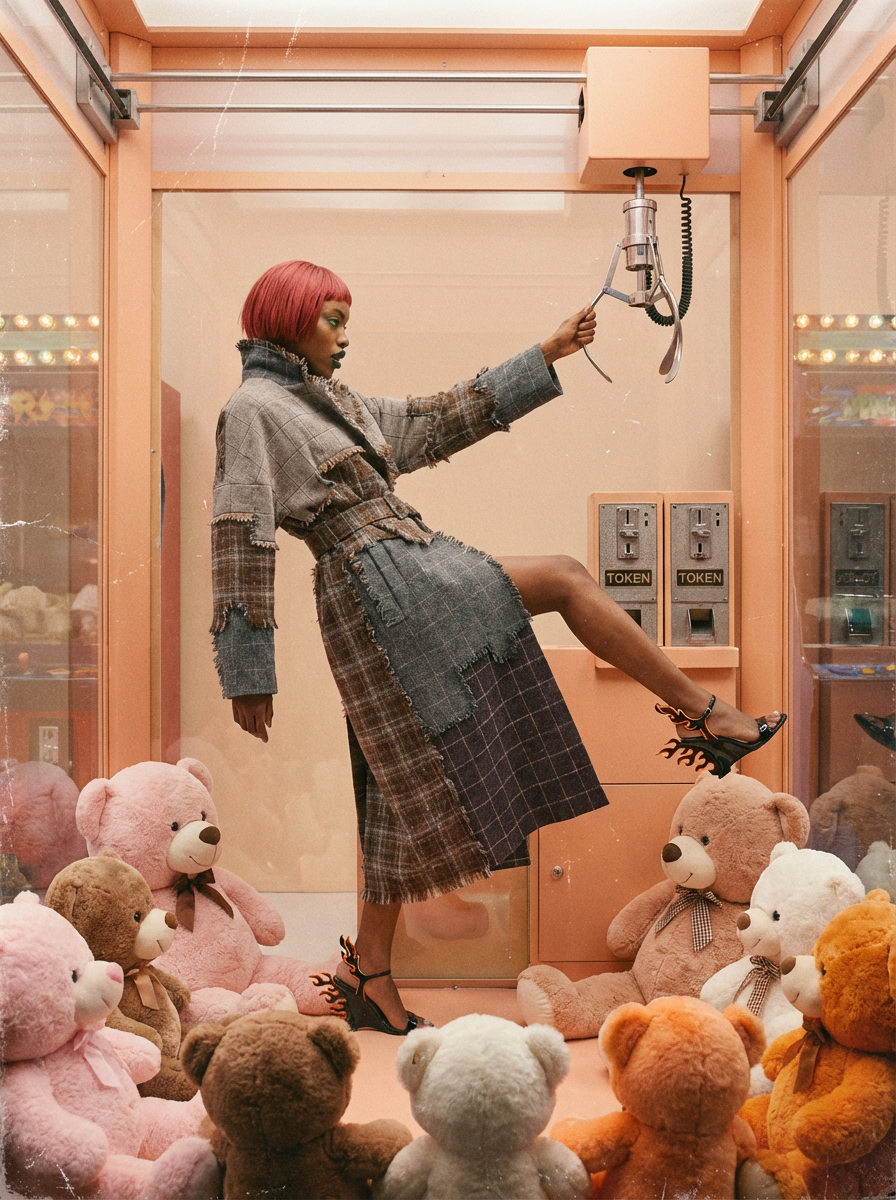
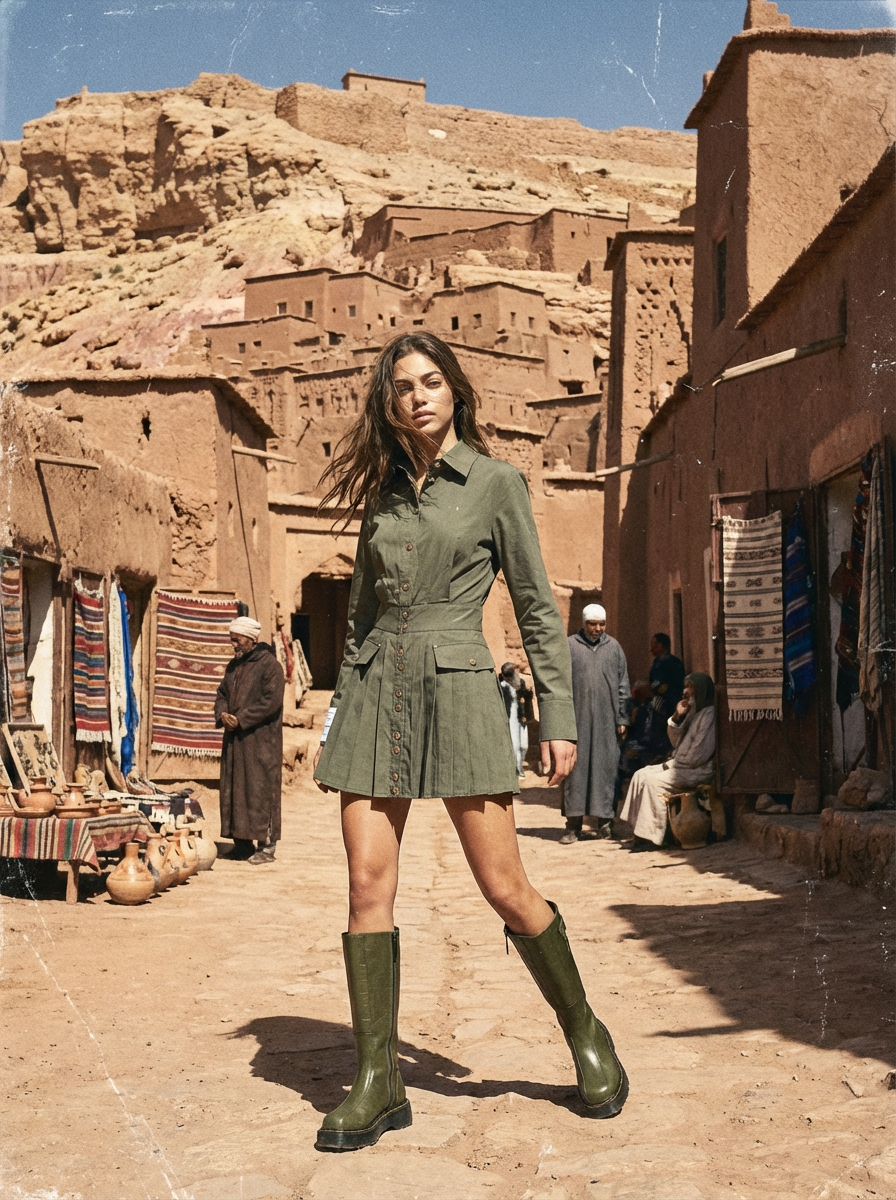
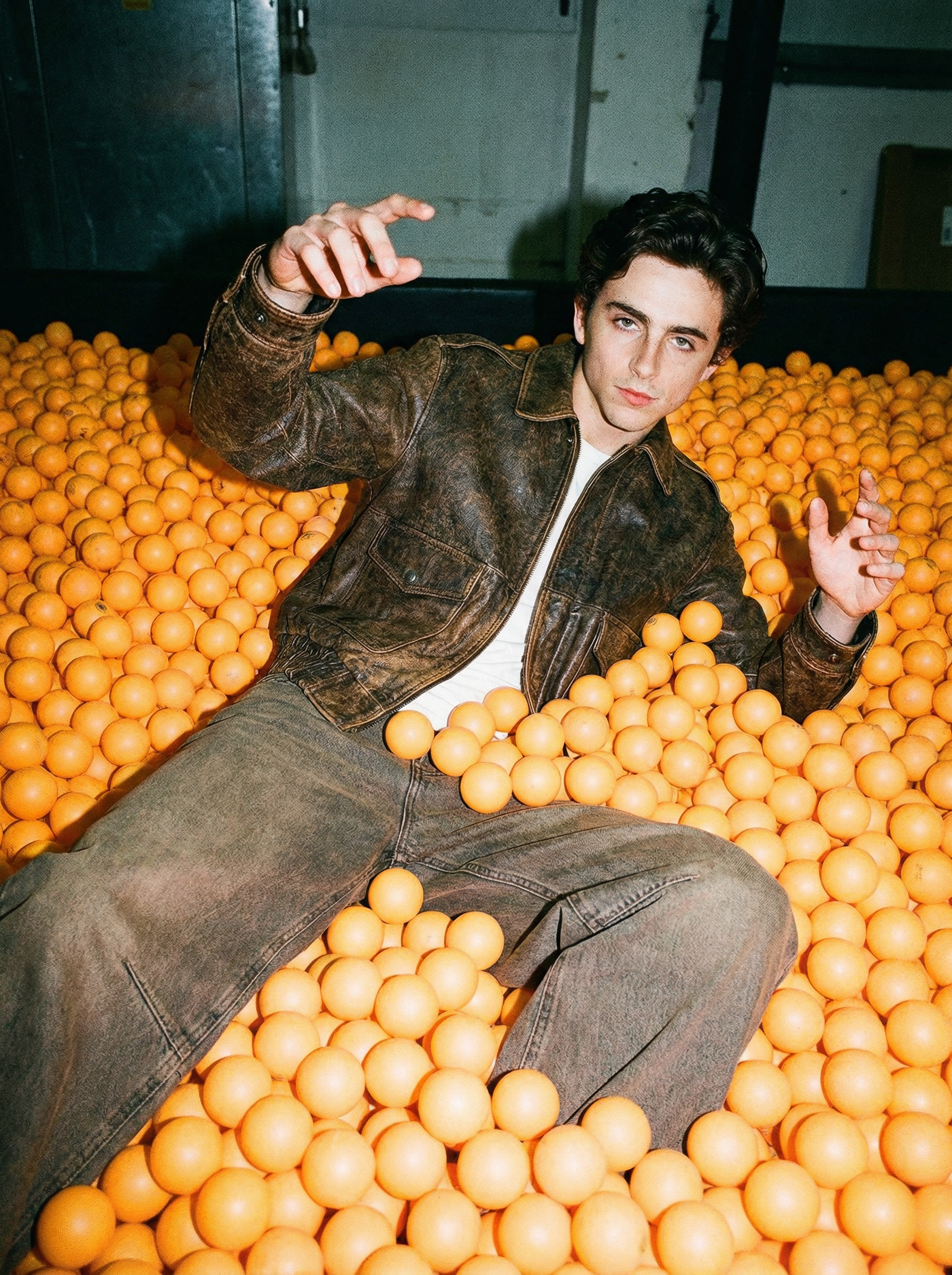
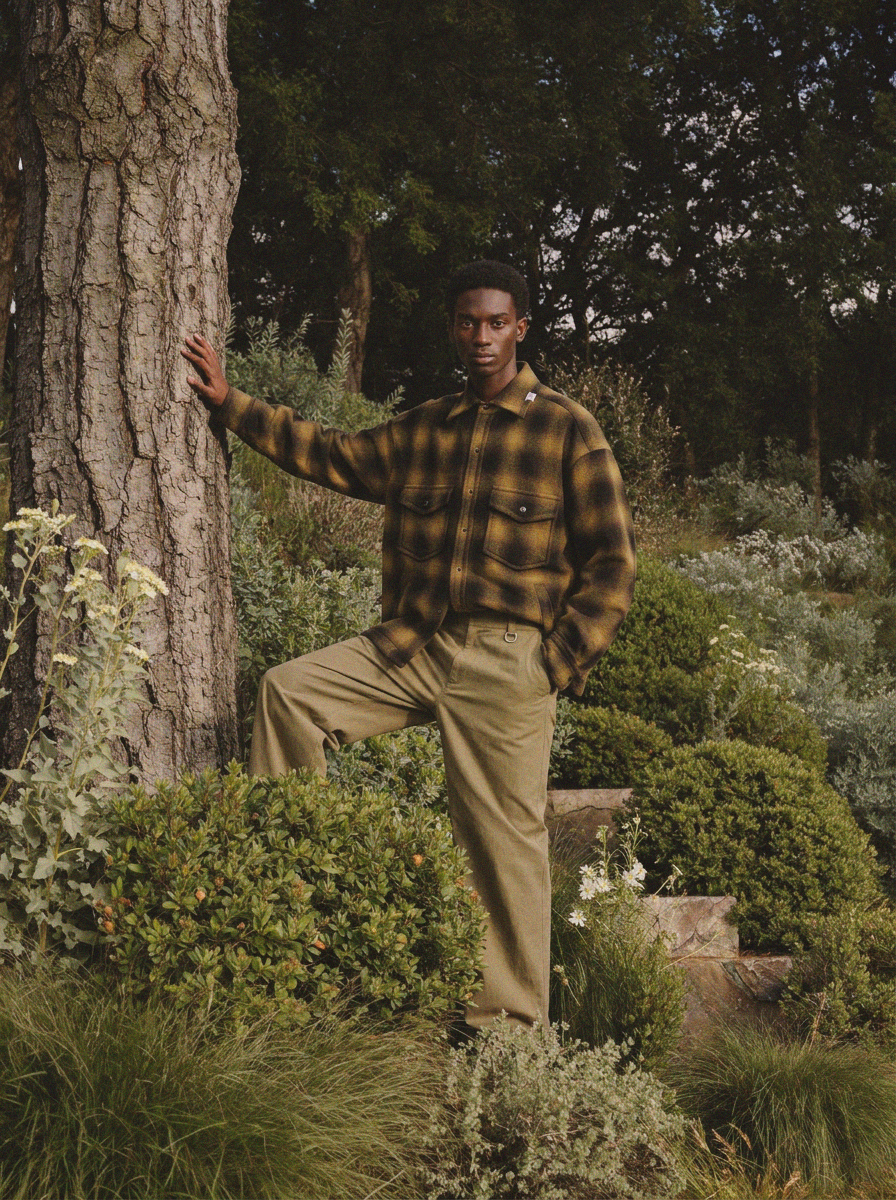
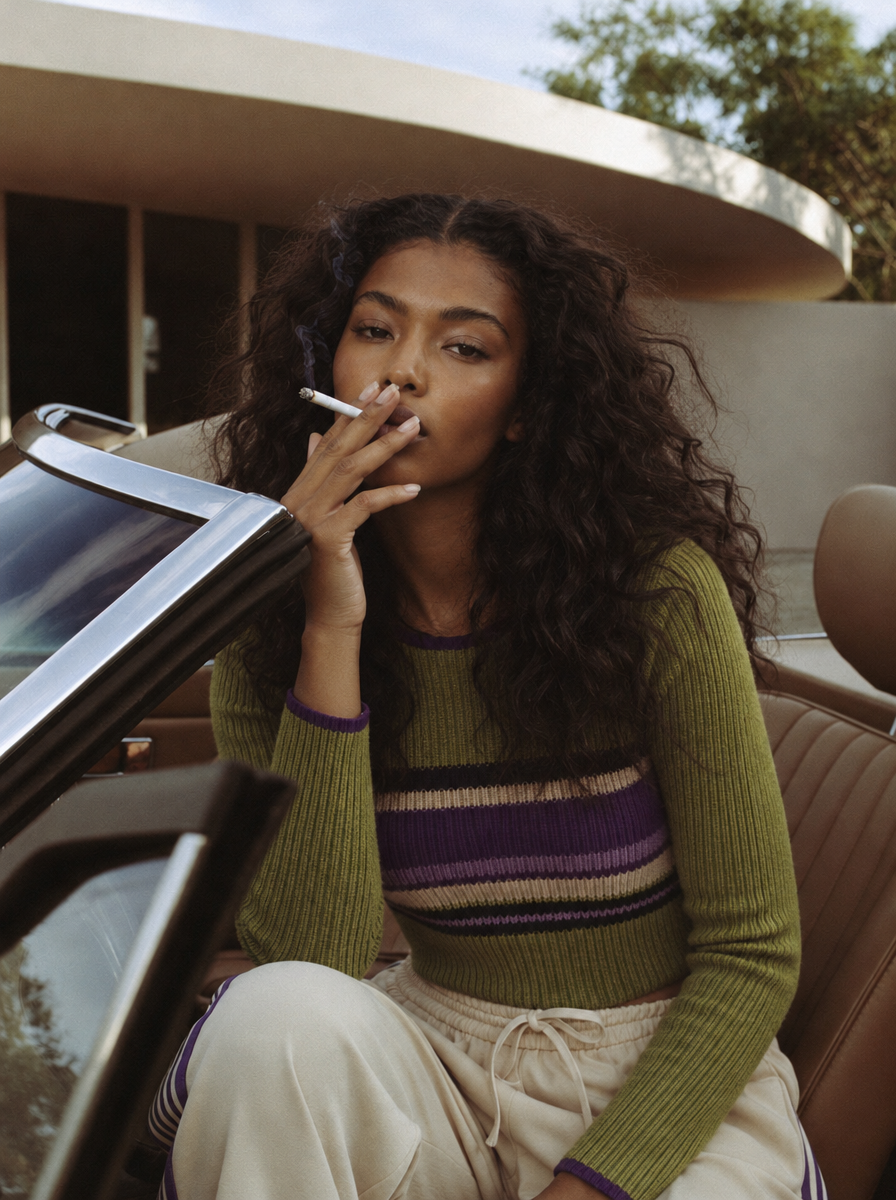
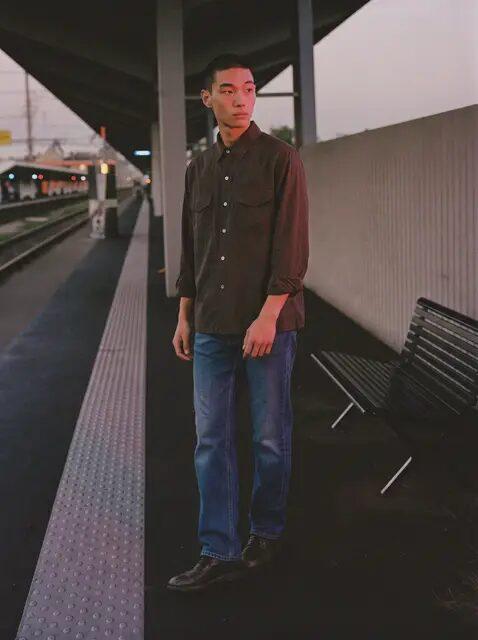
Consistent campaigns made in Rainfrog
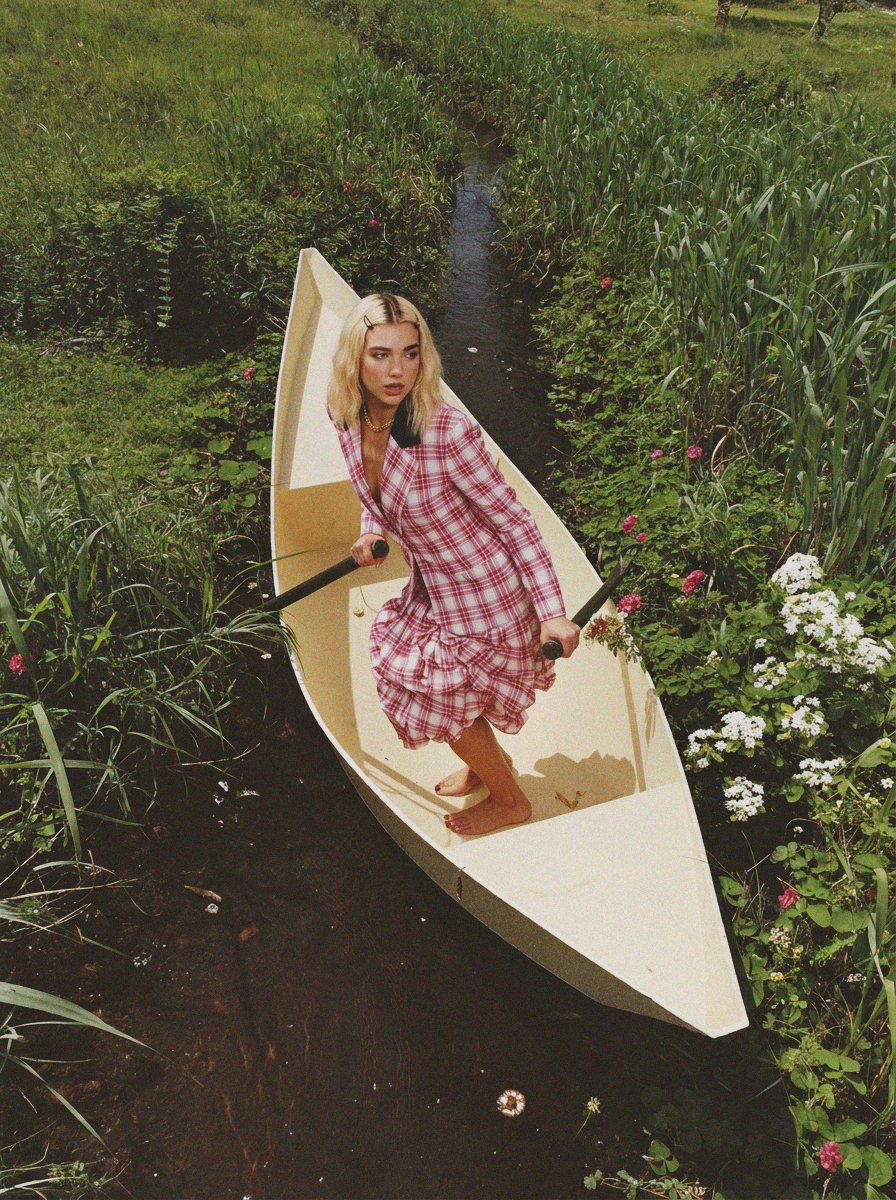
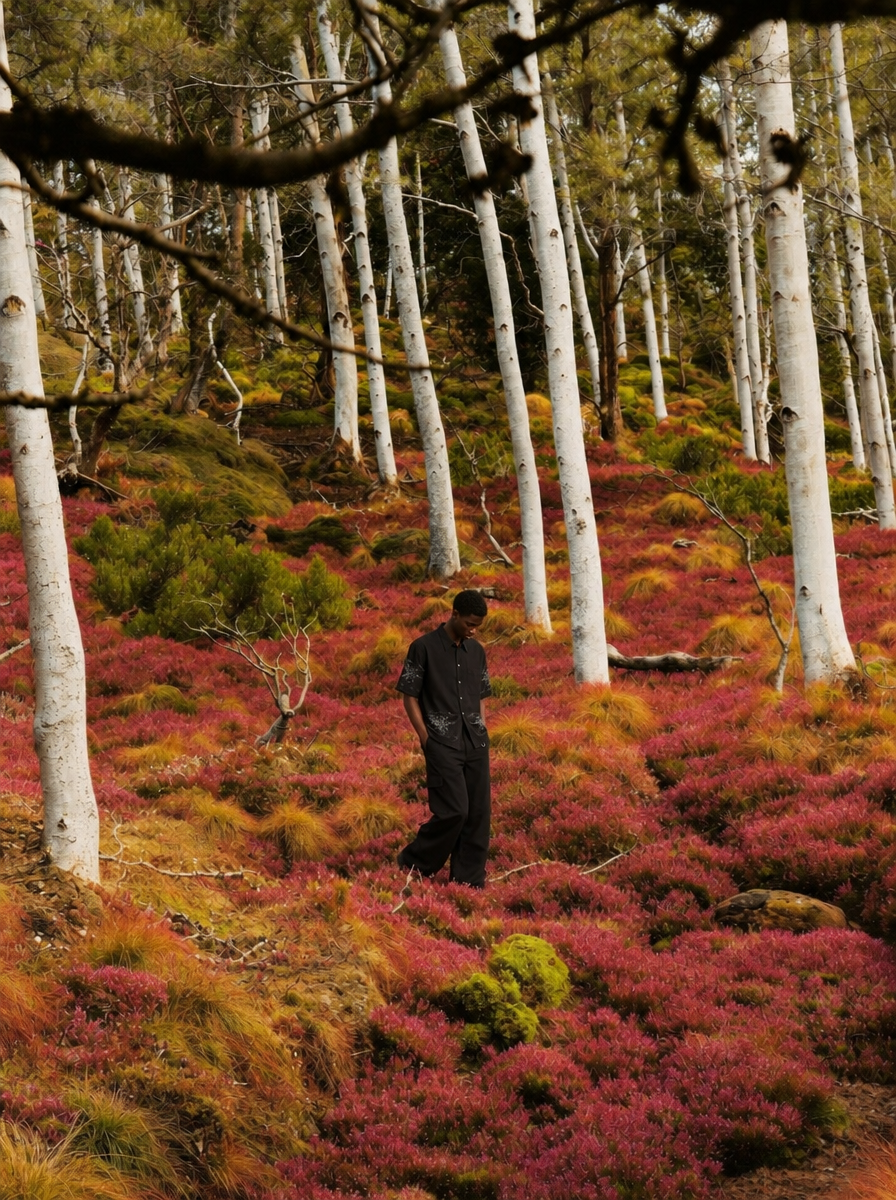
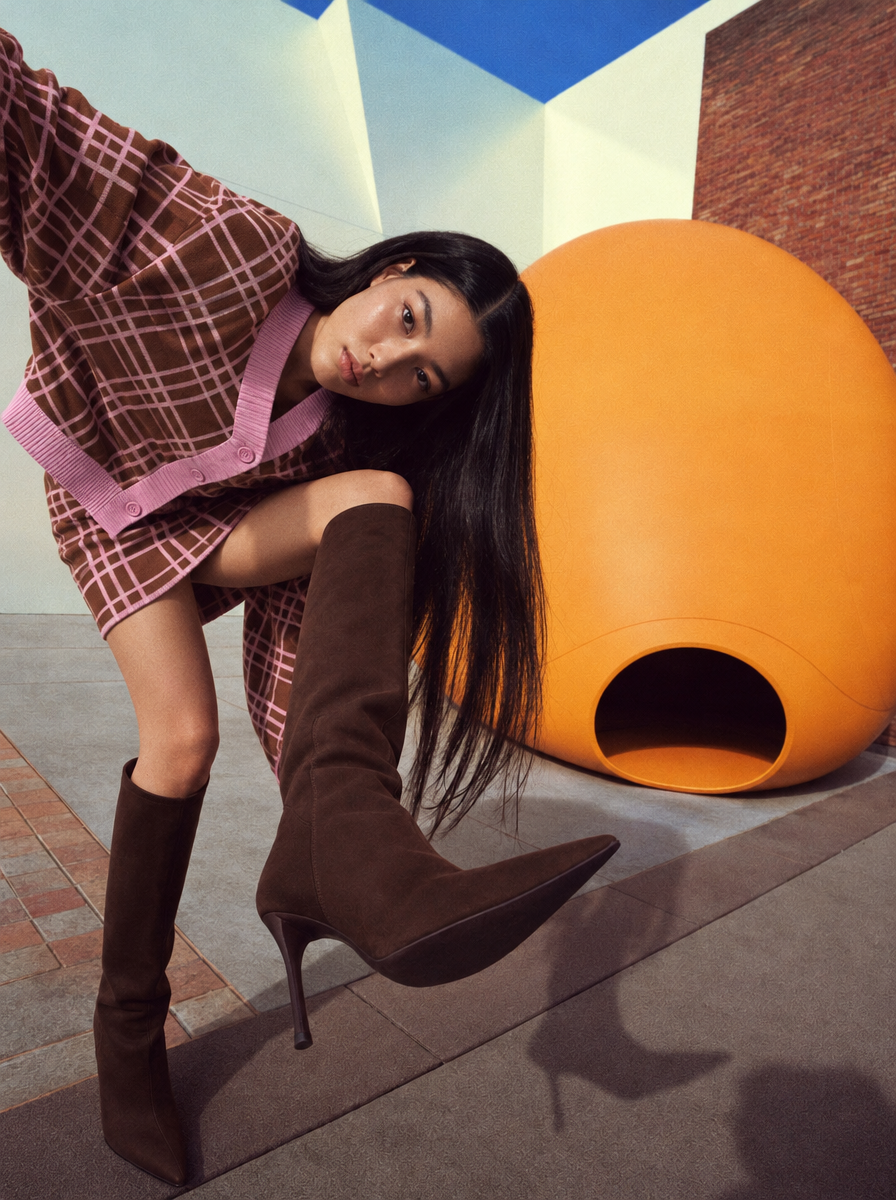
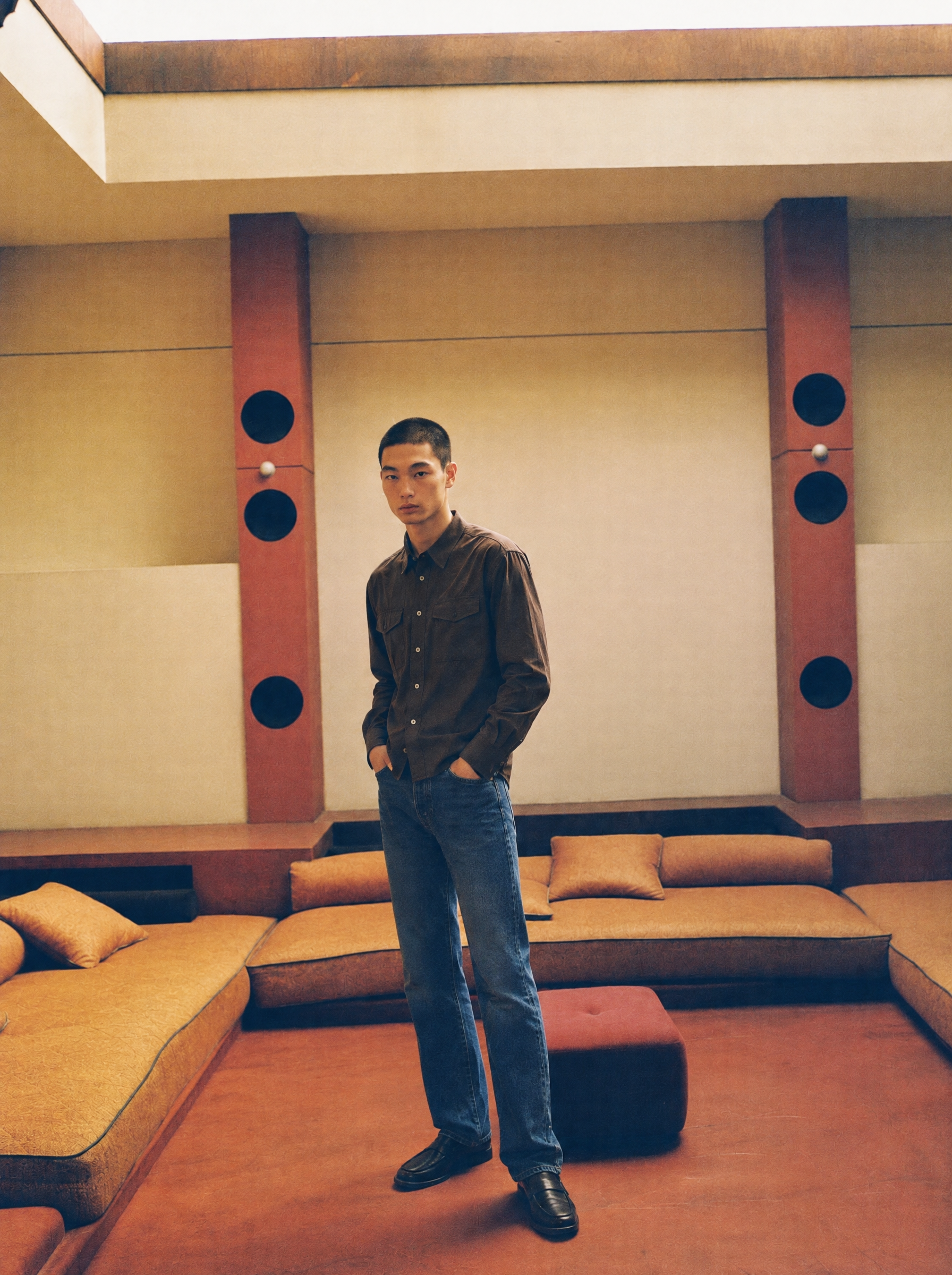
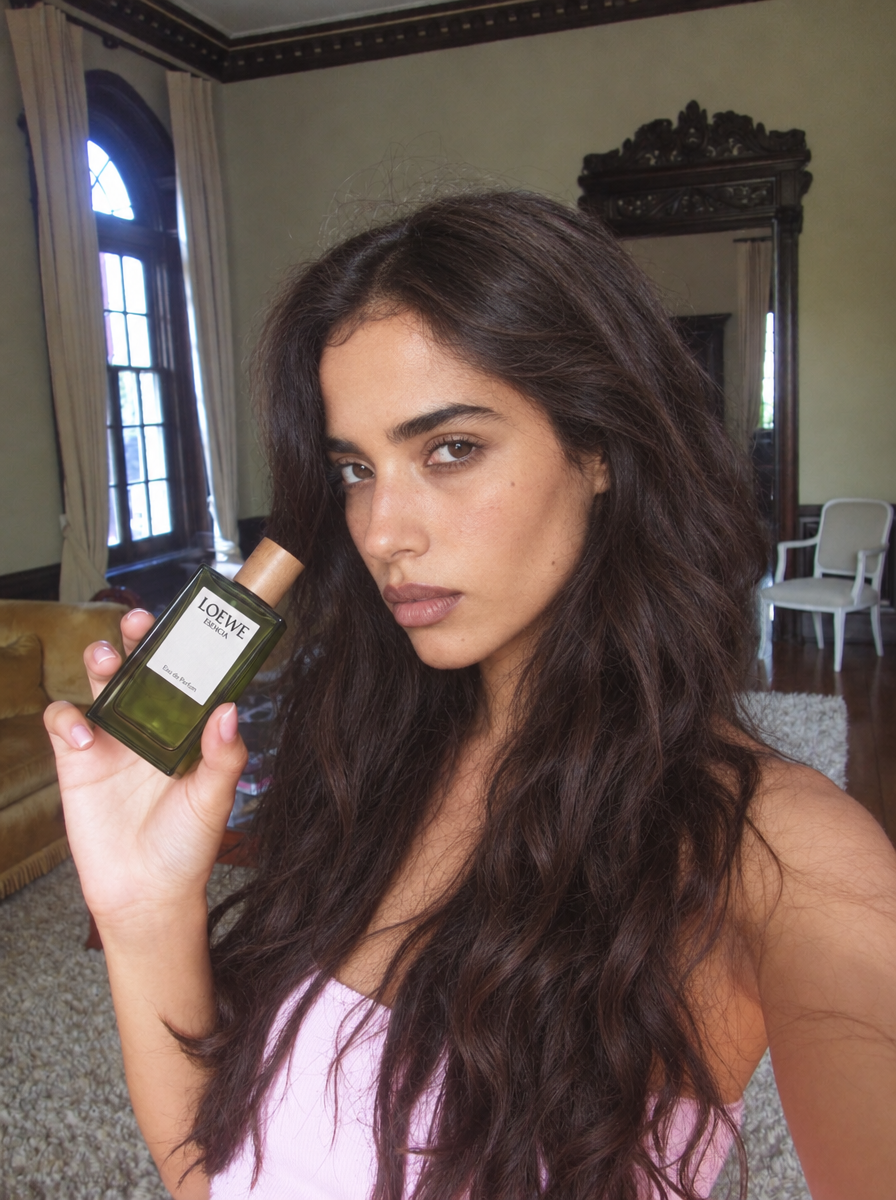
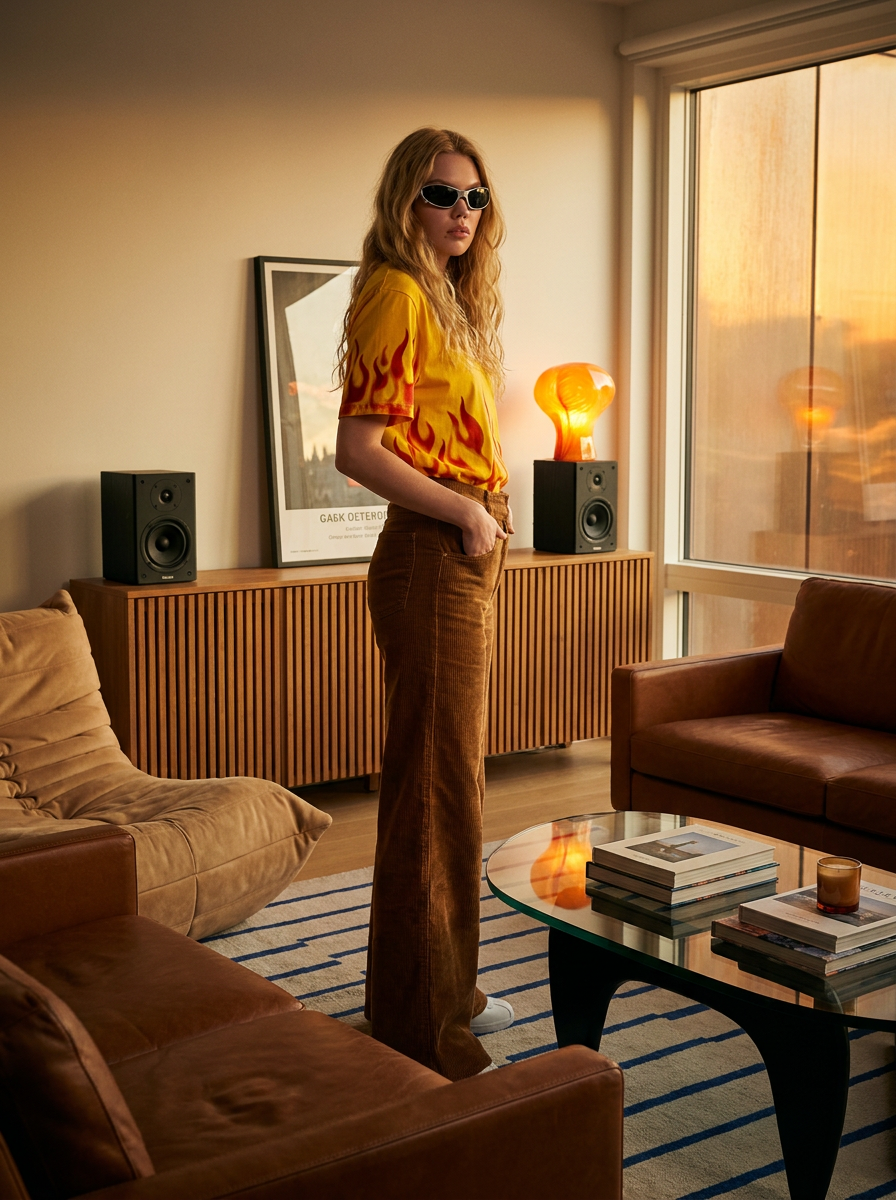
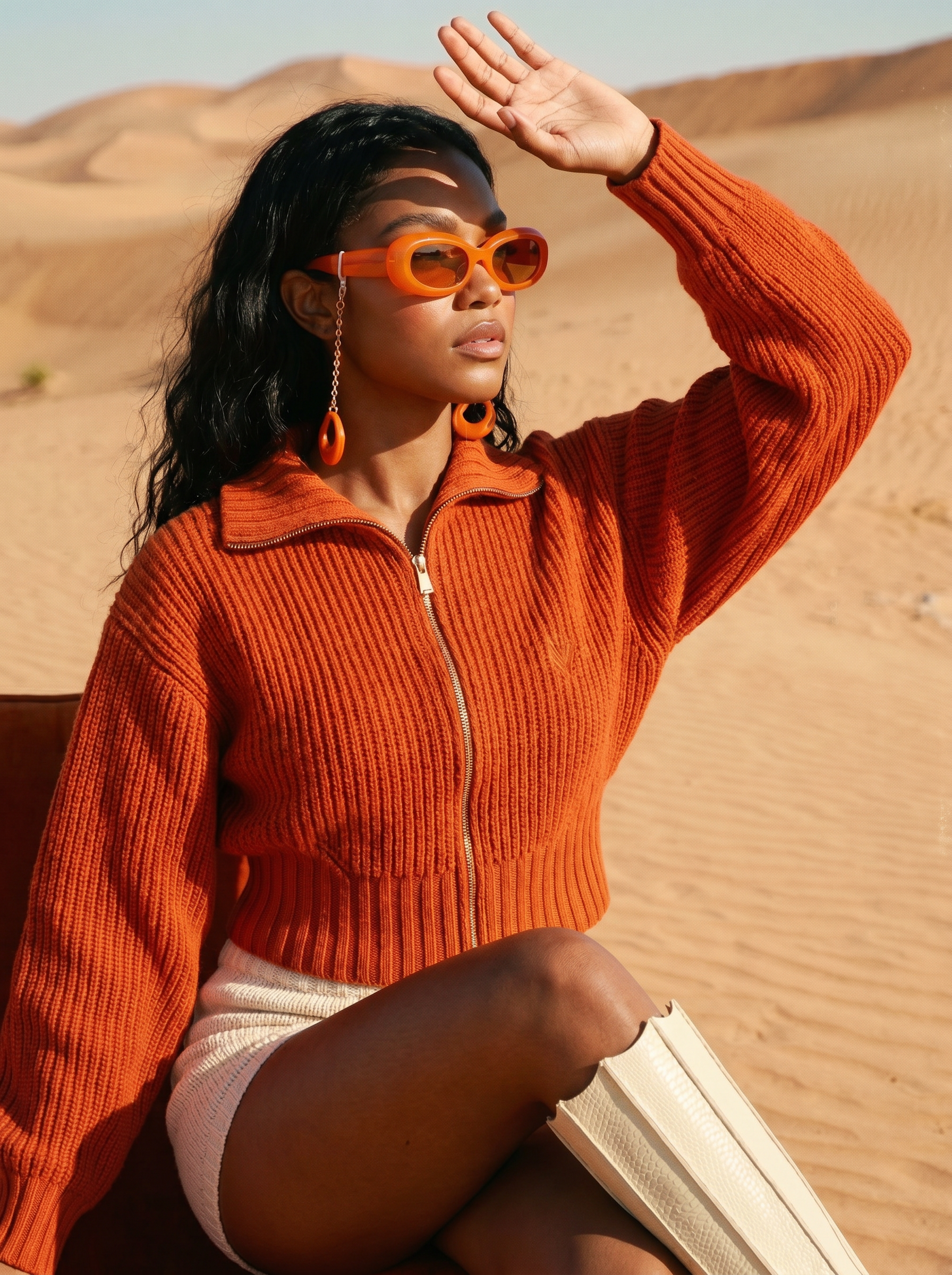
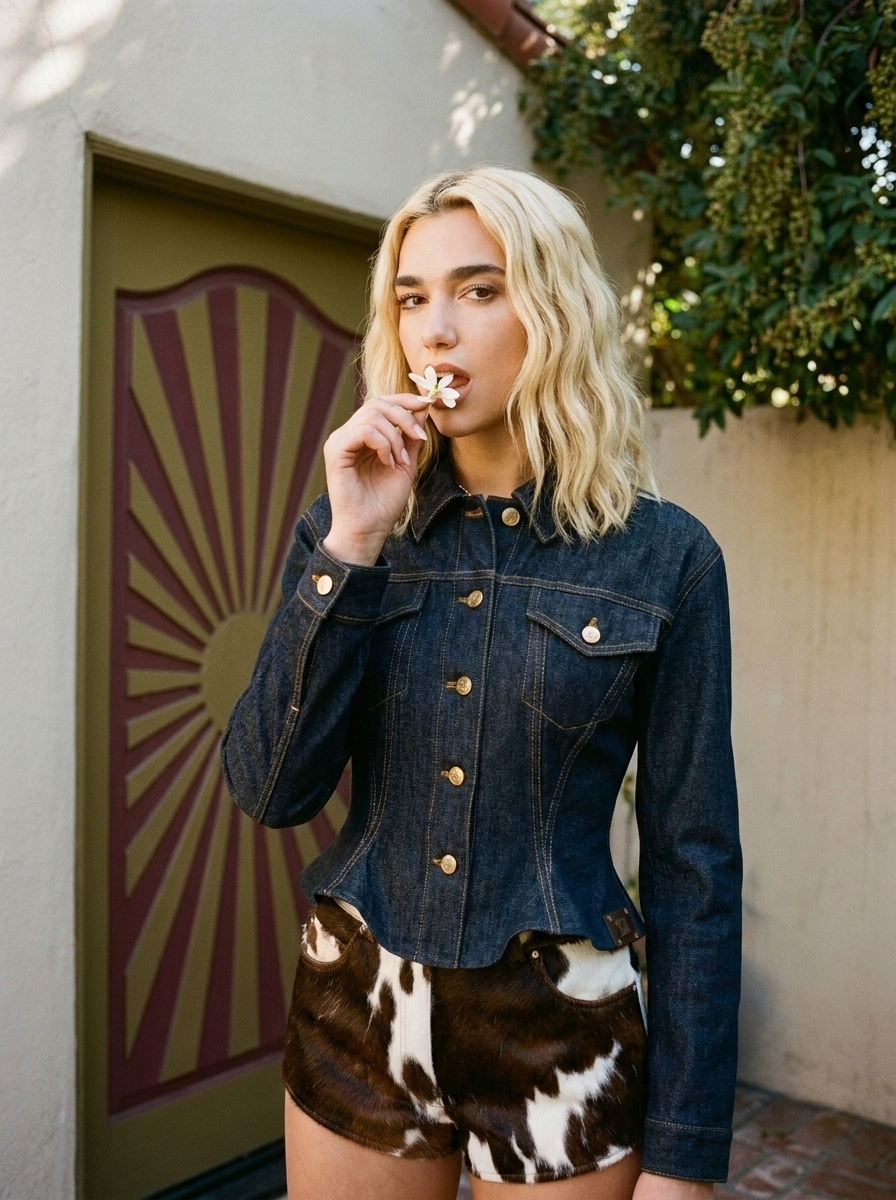
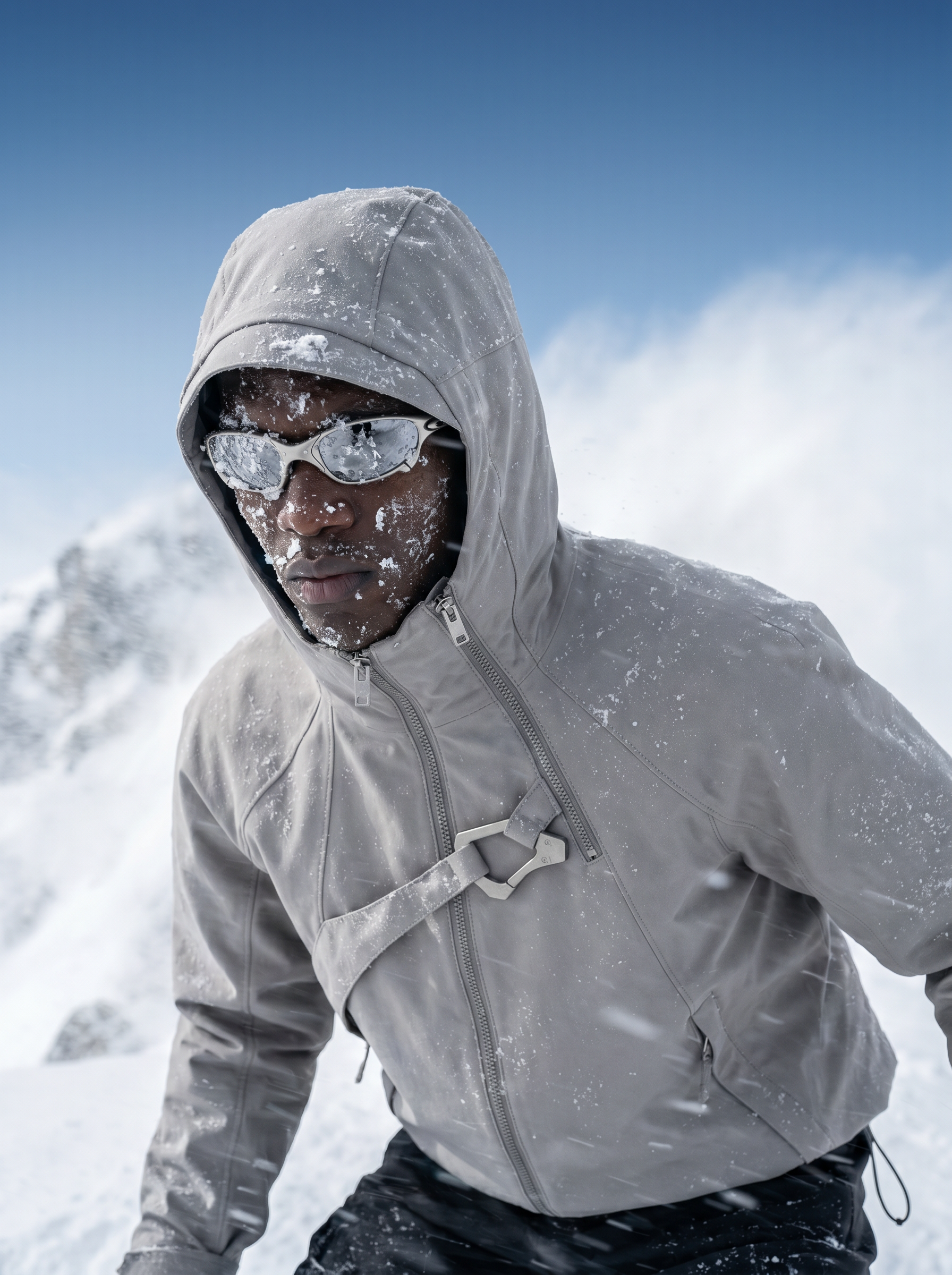
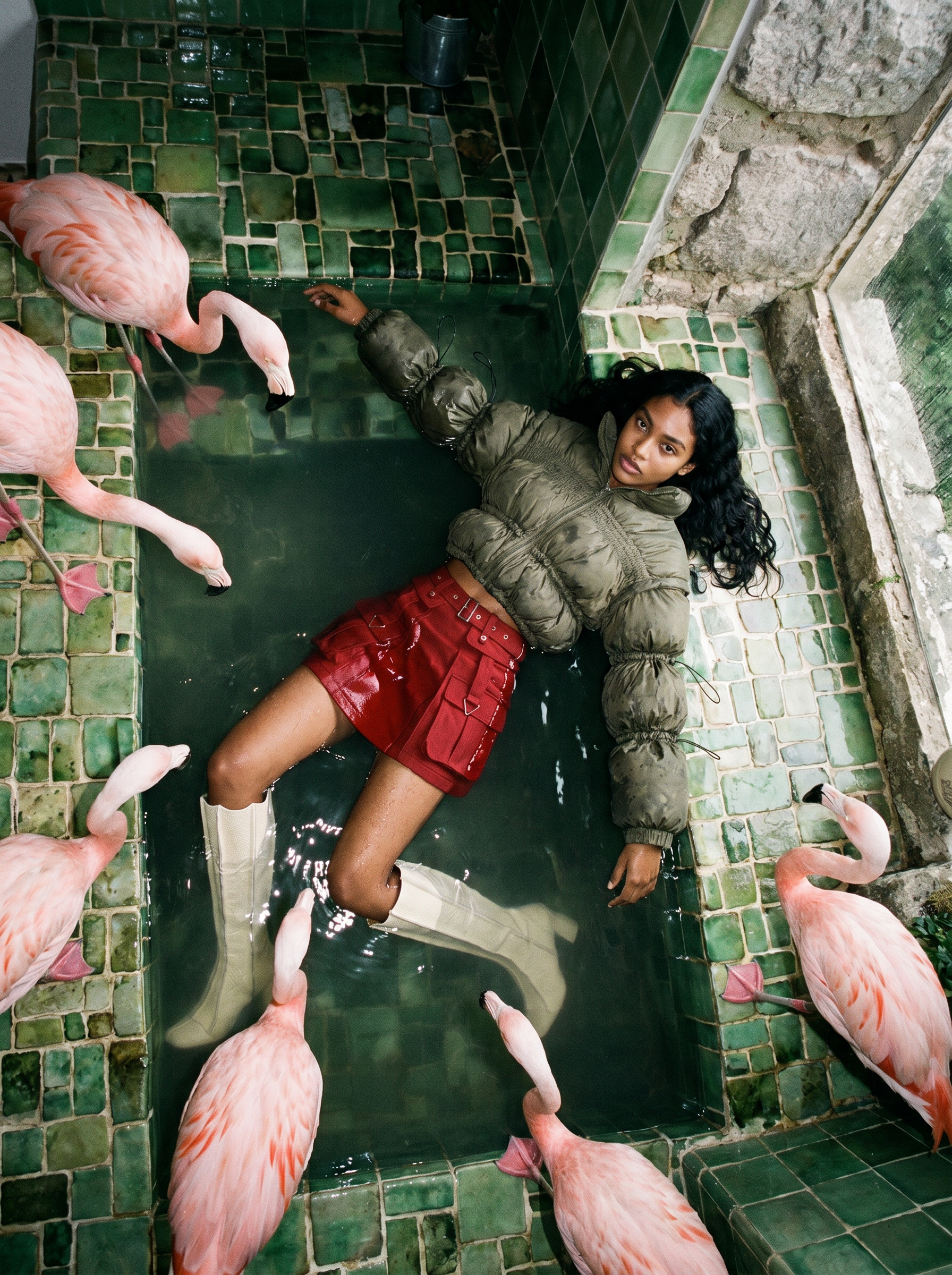
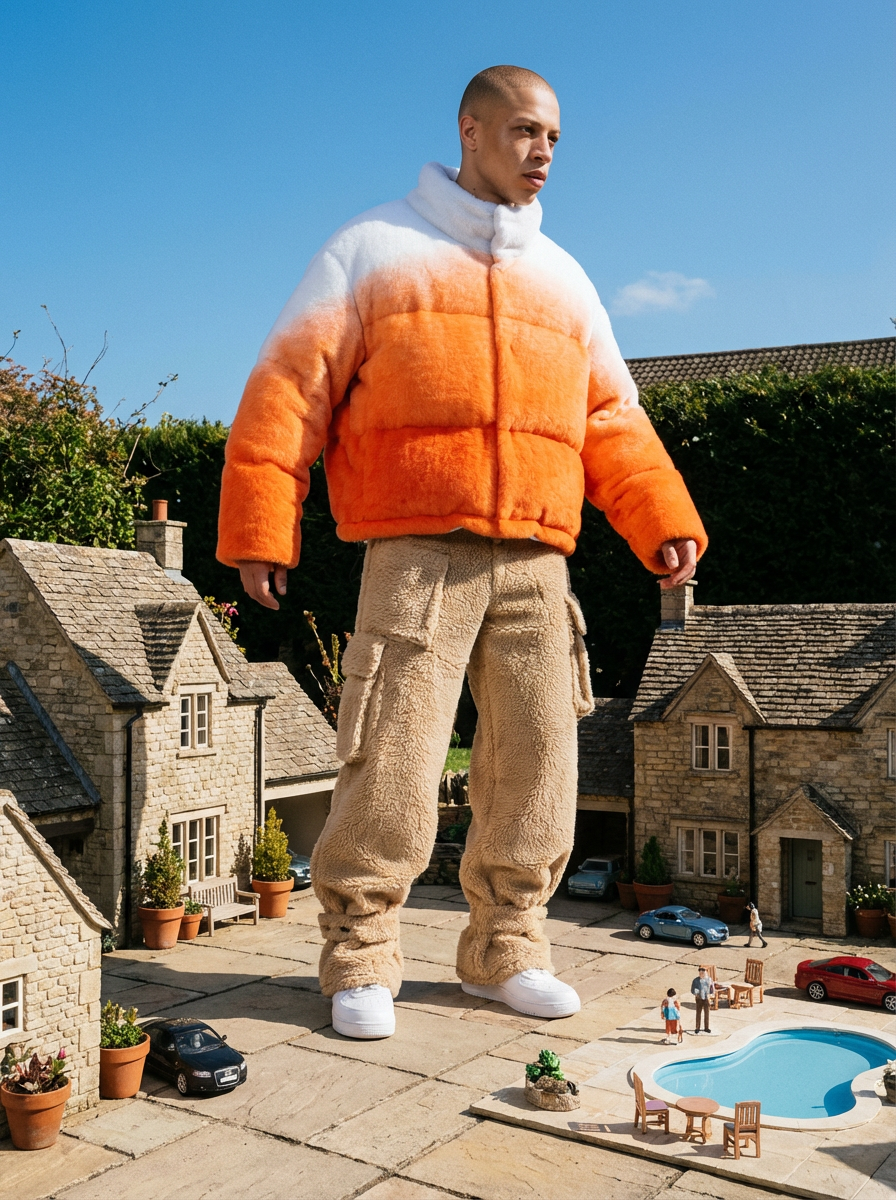
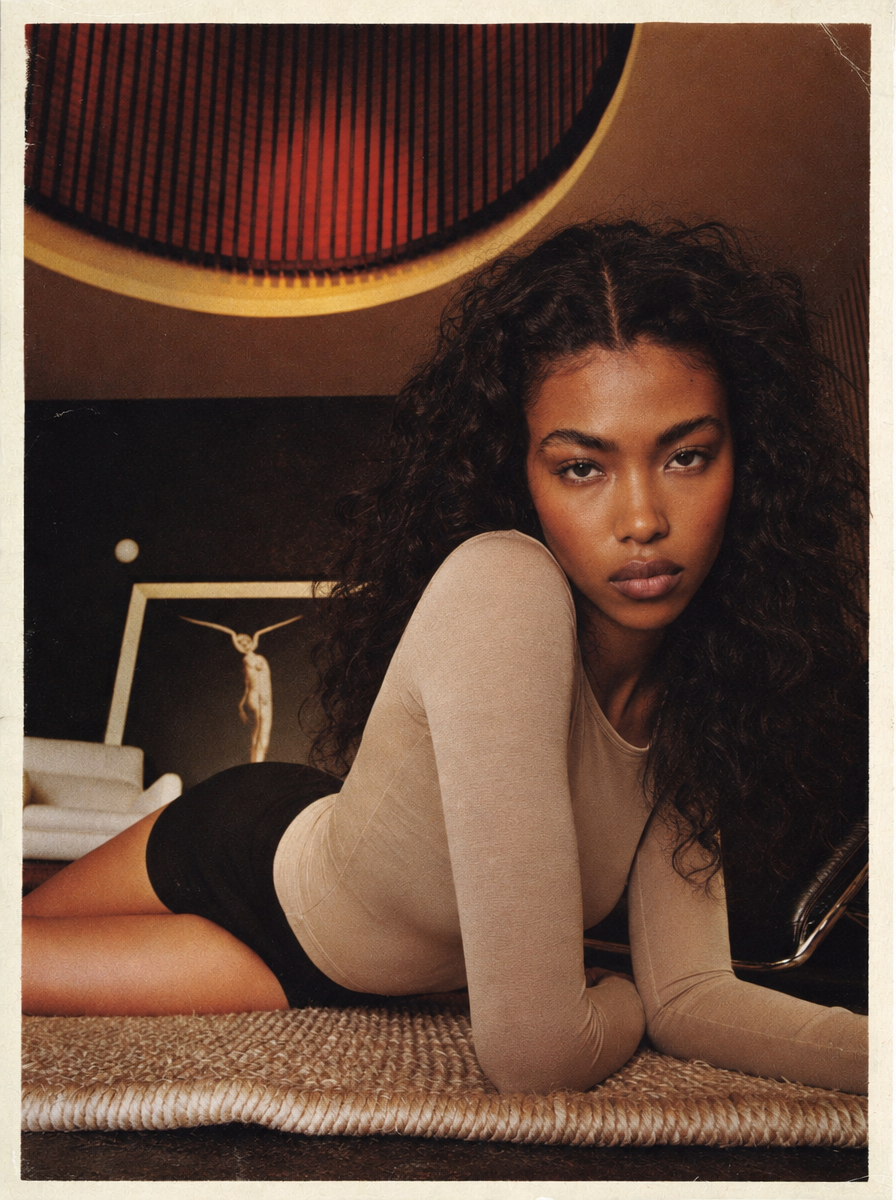
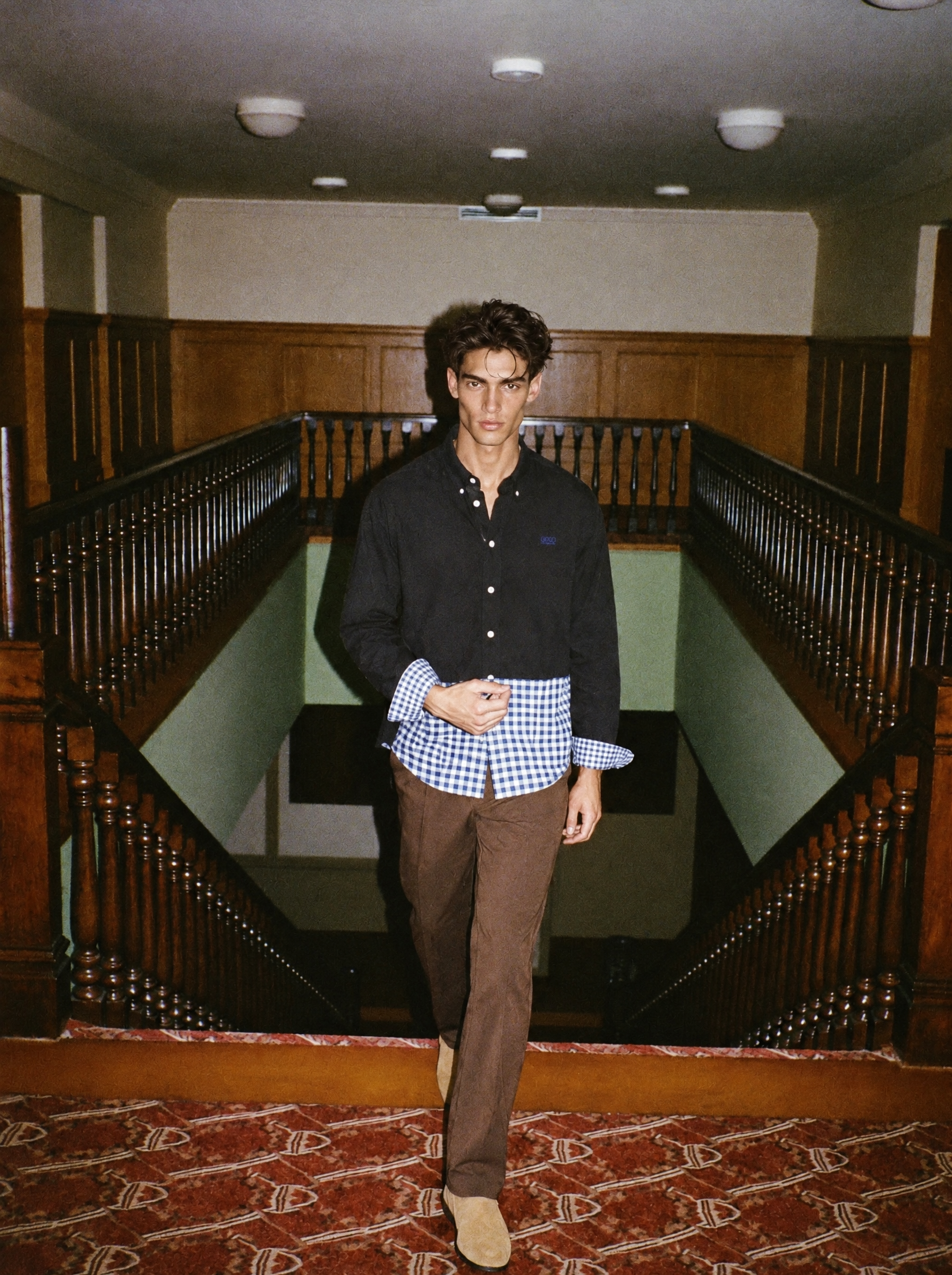
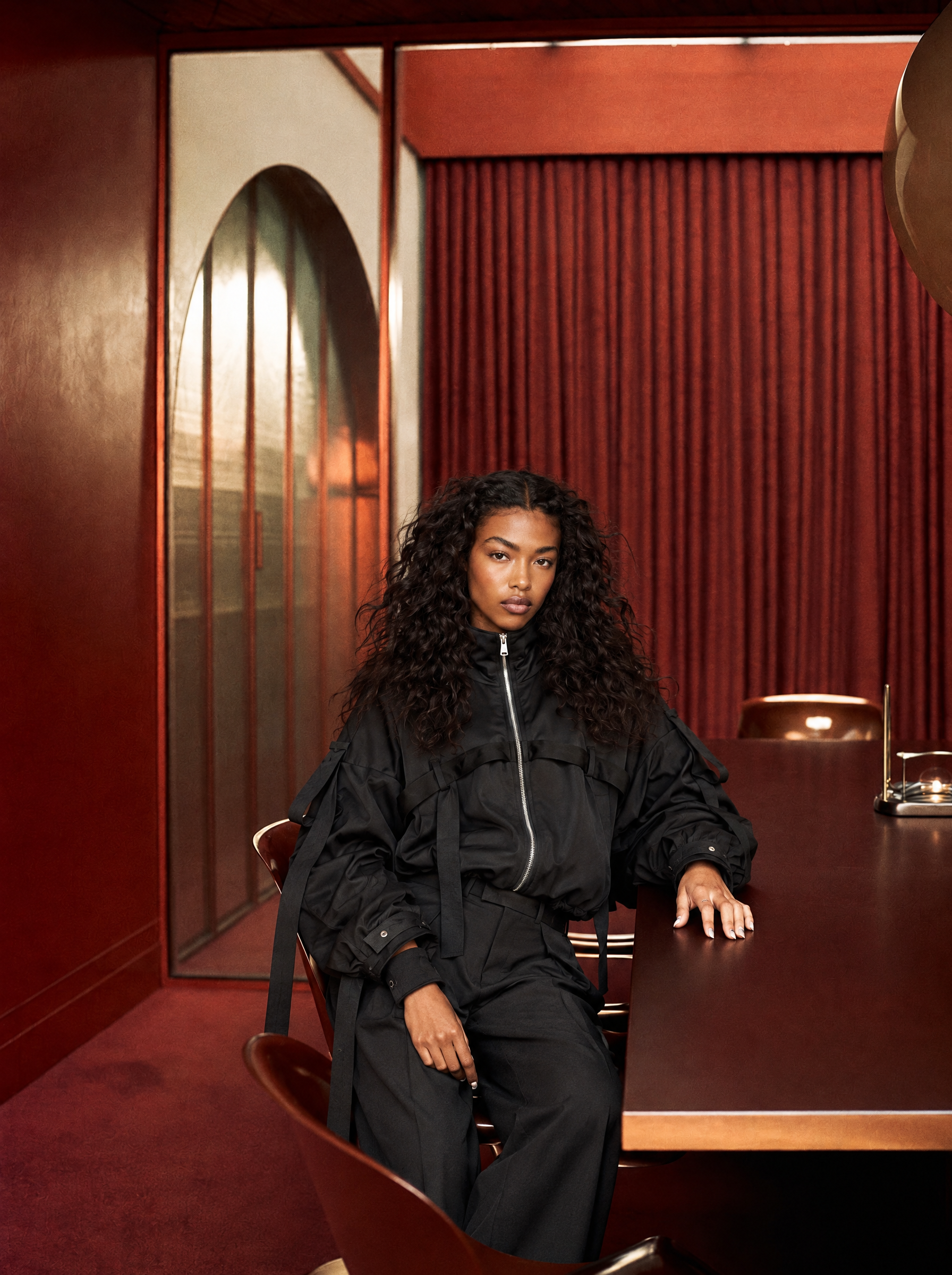
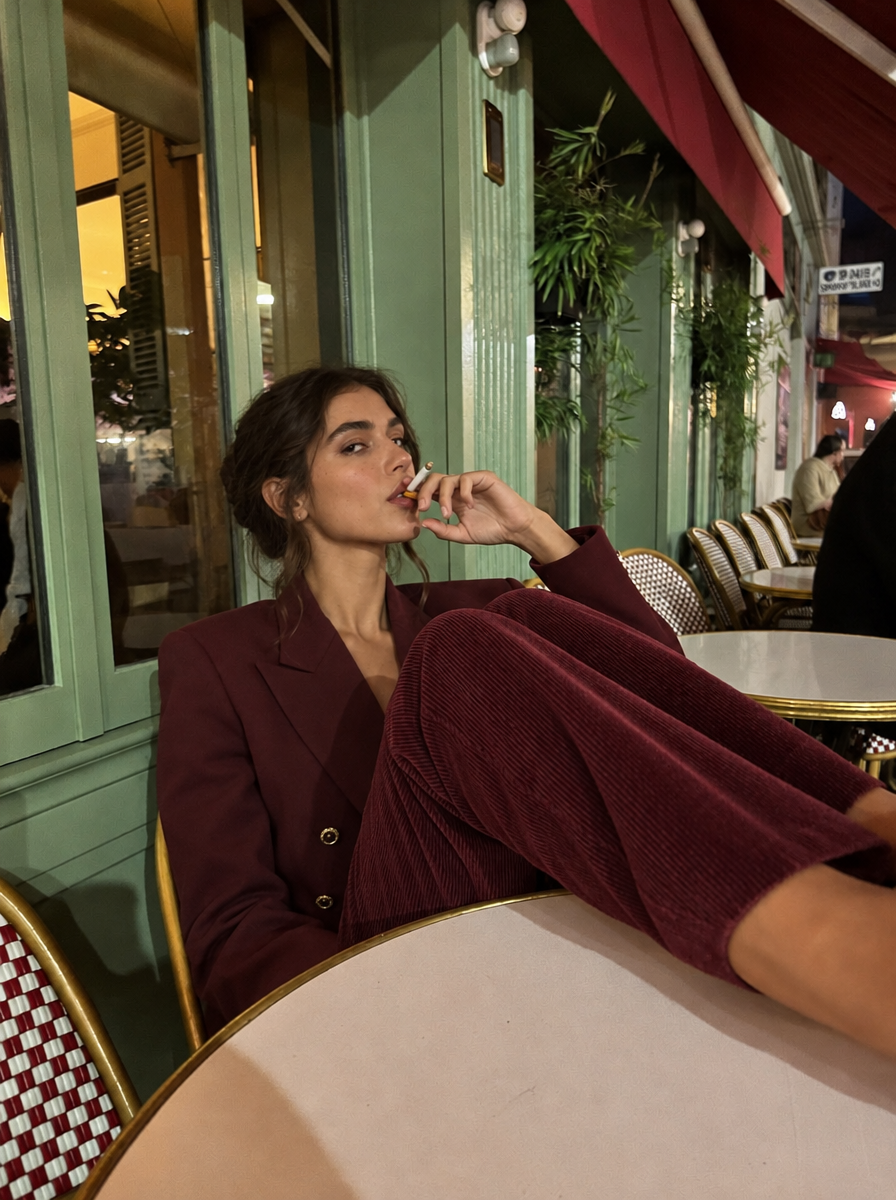
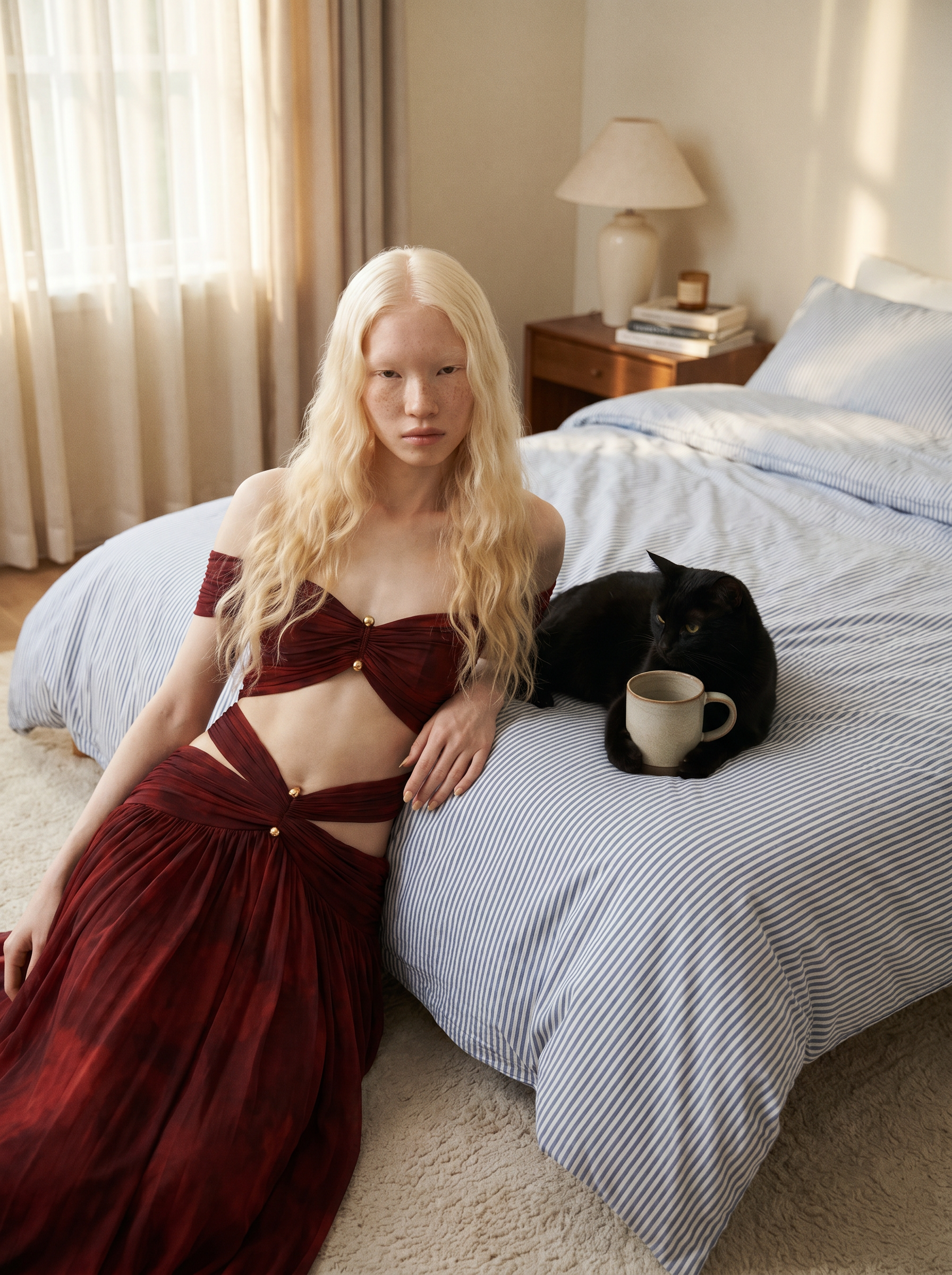
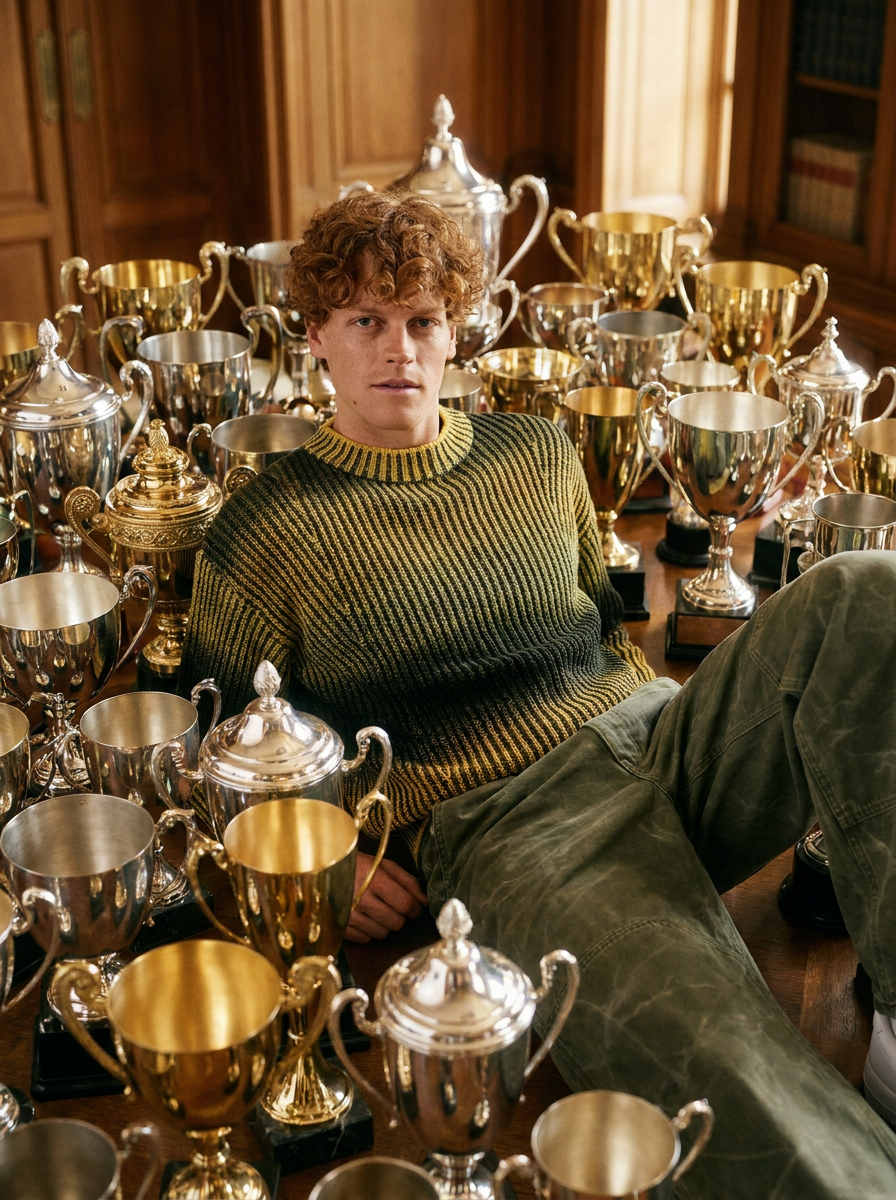
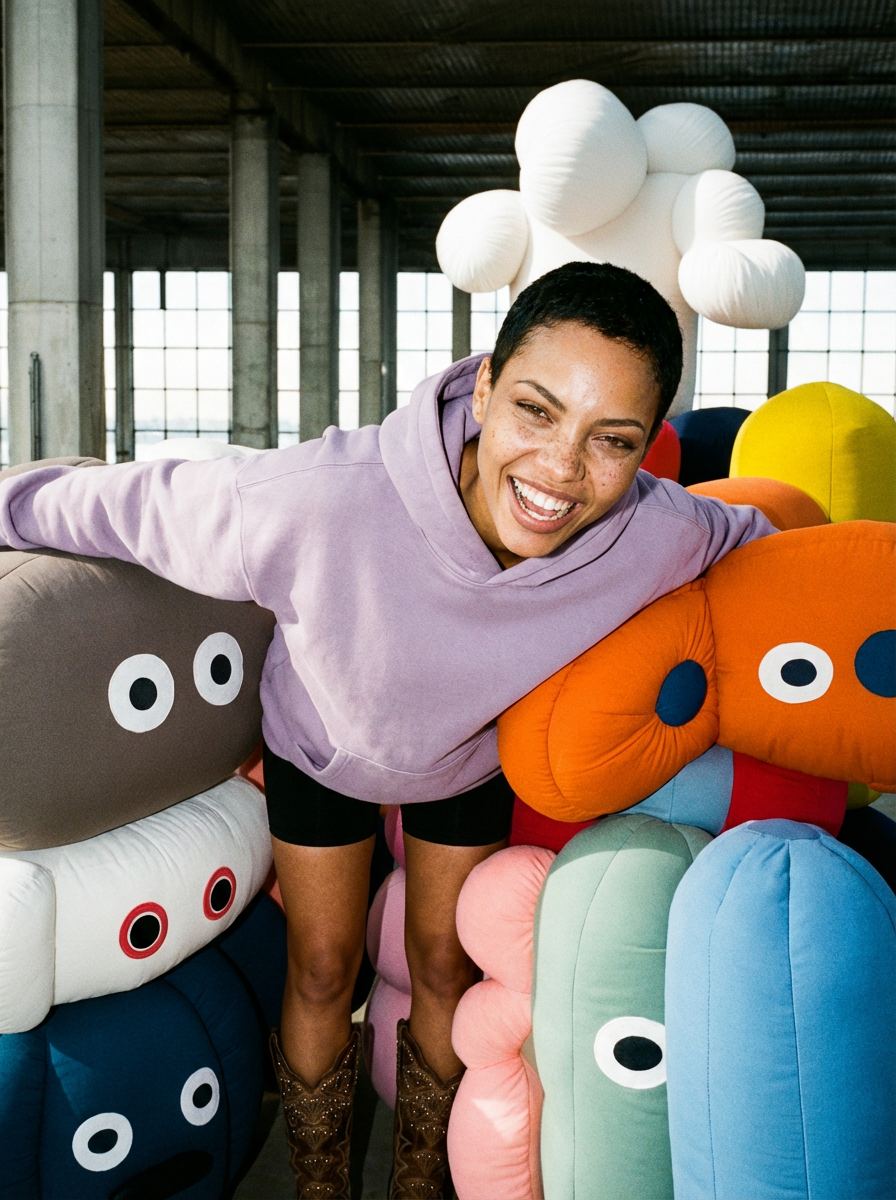
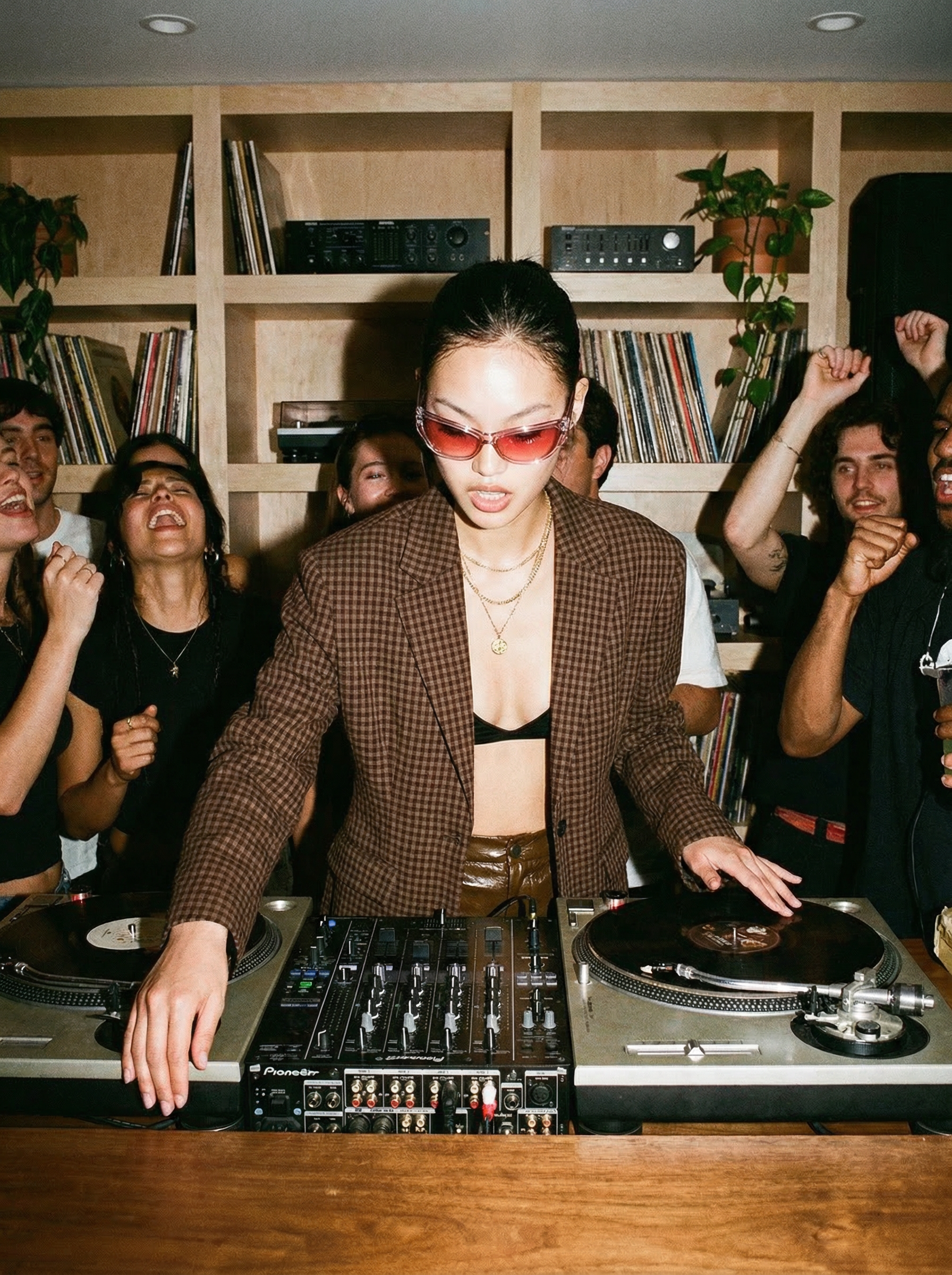
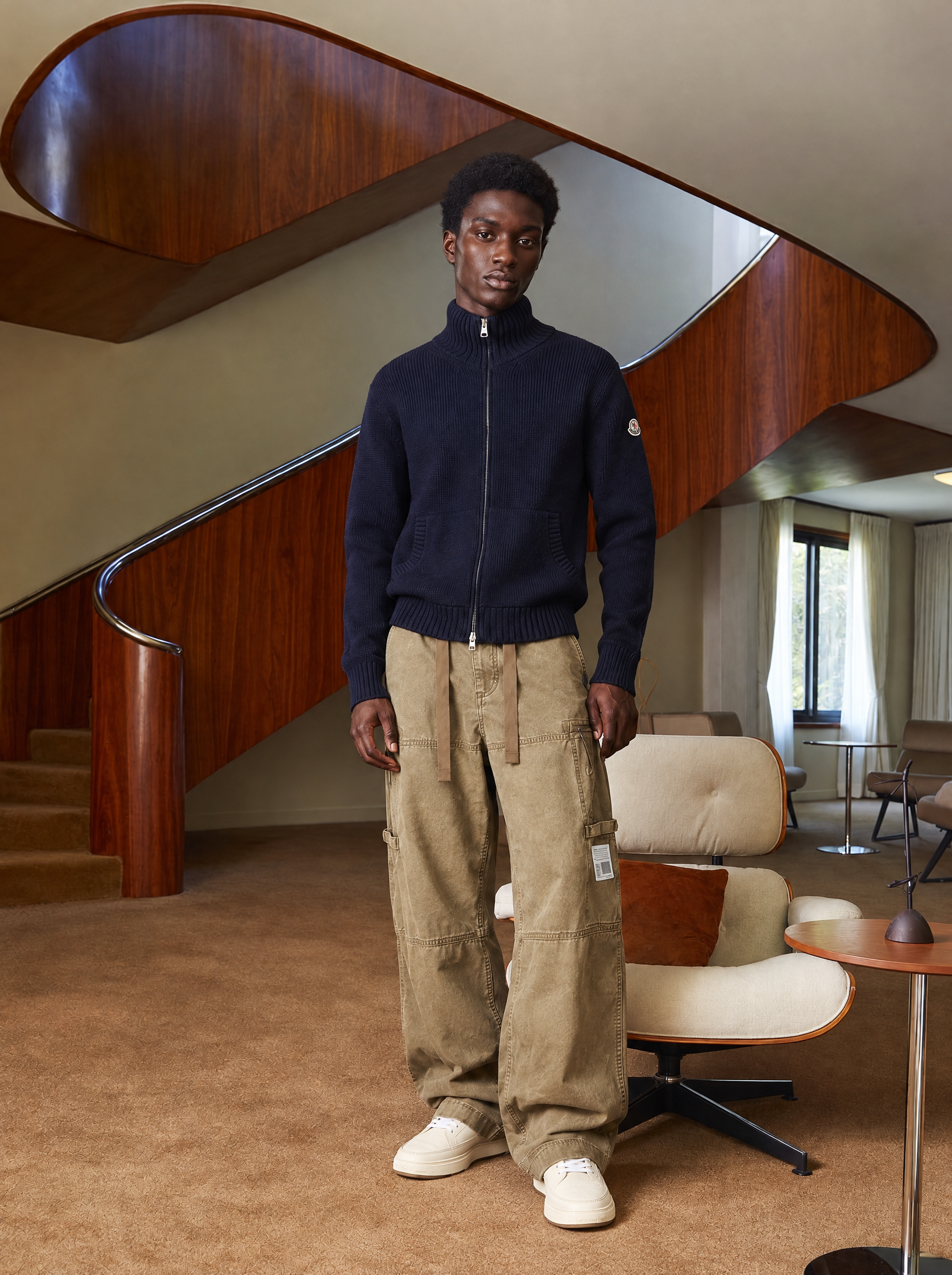
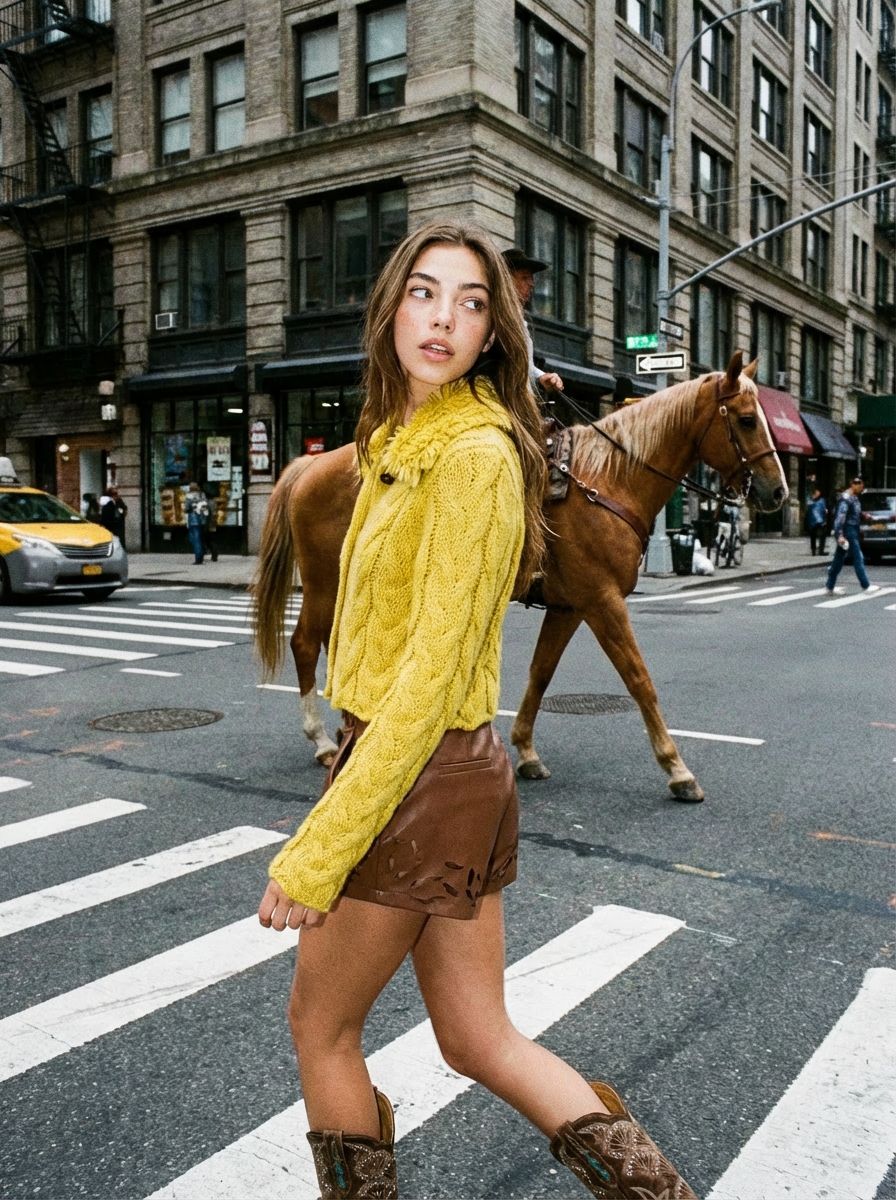
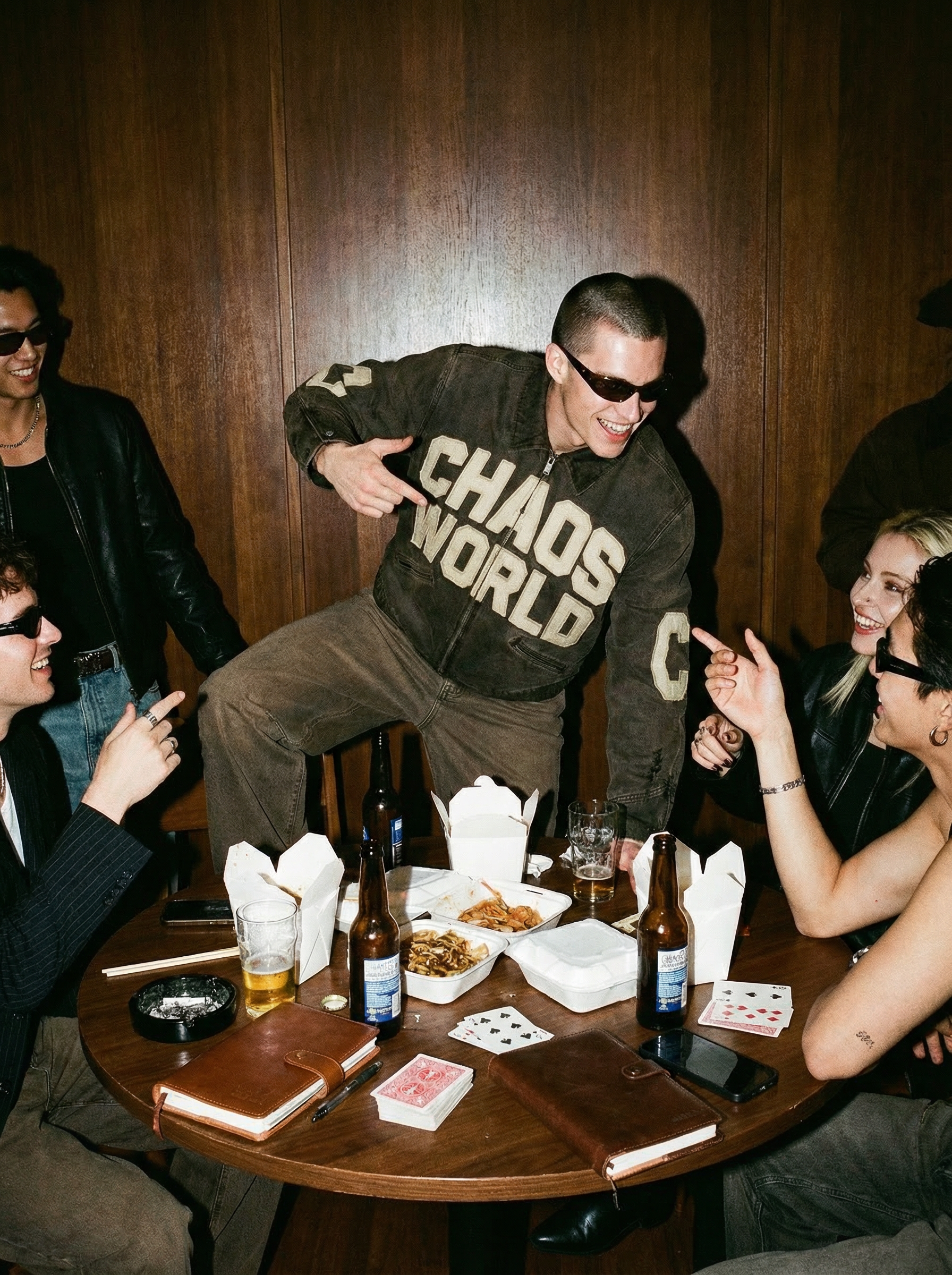
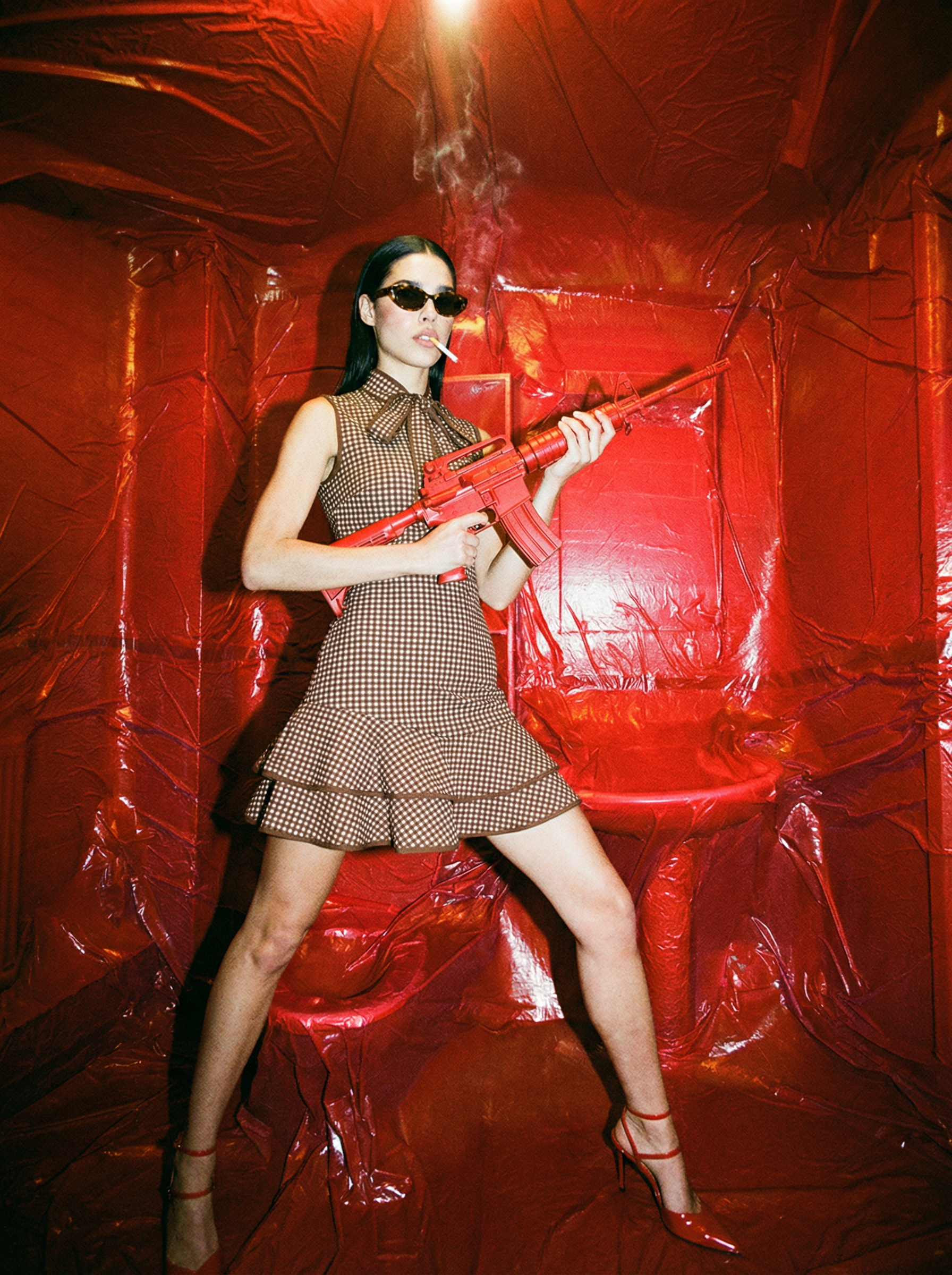
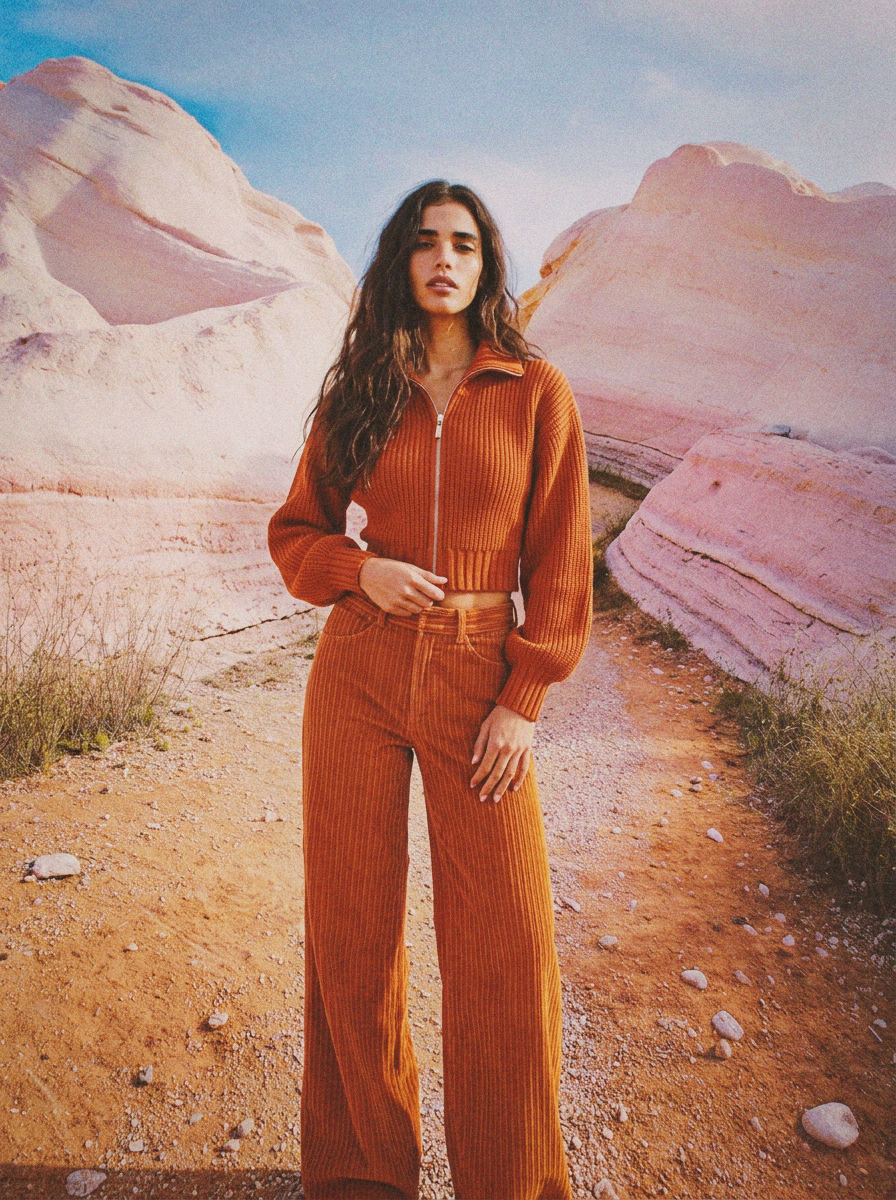
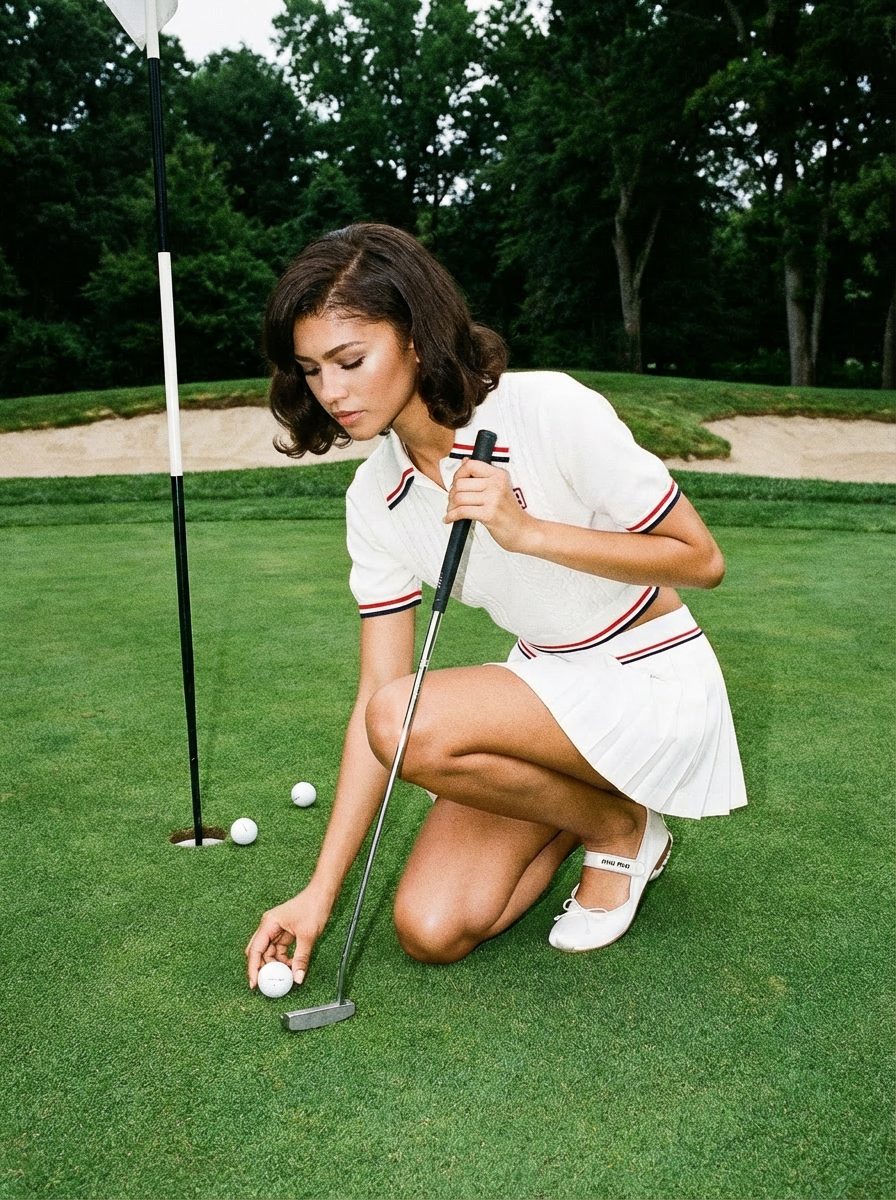
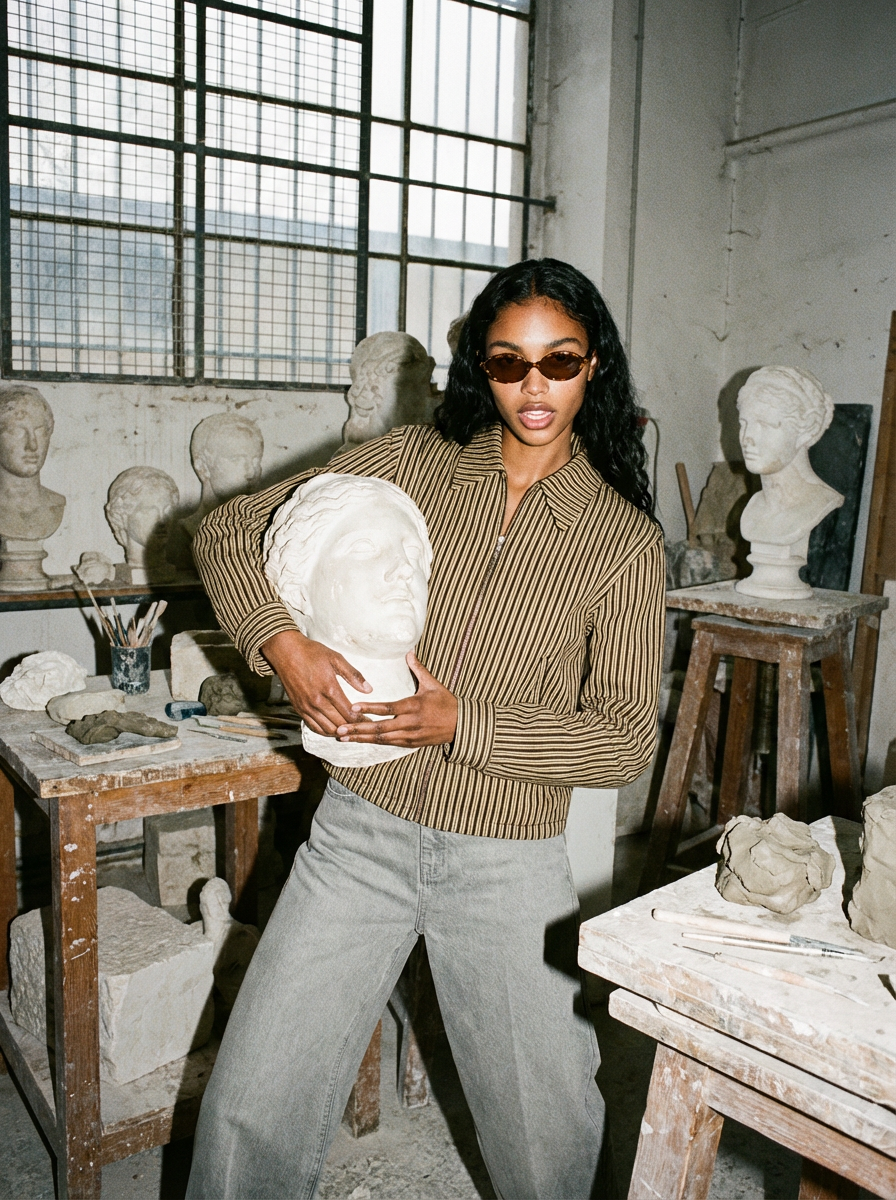
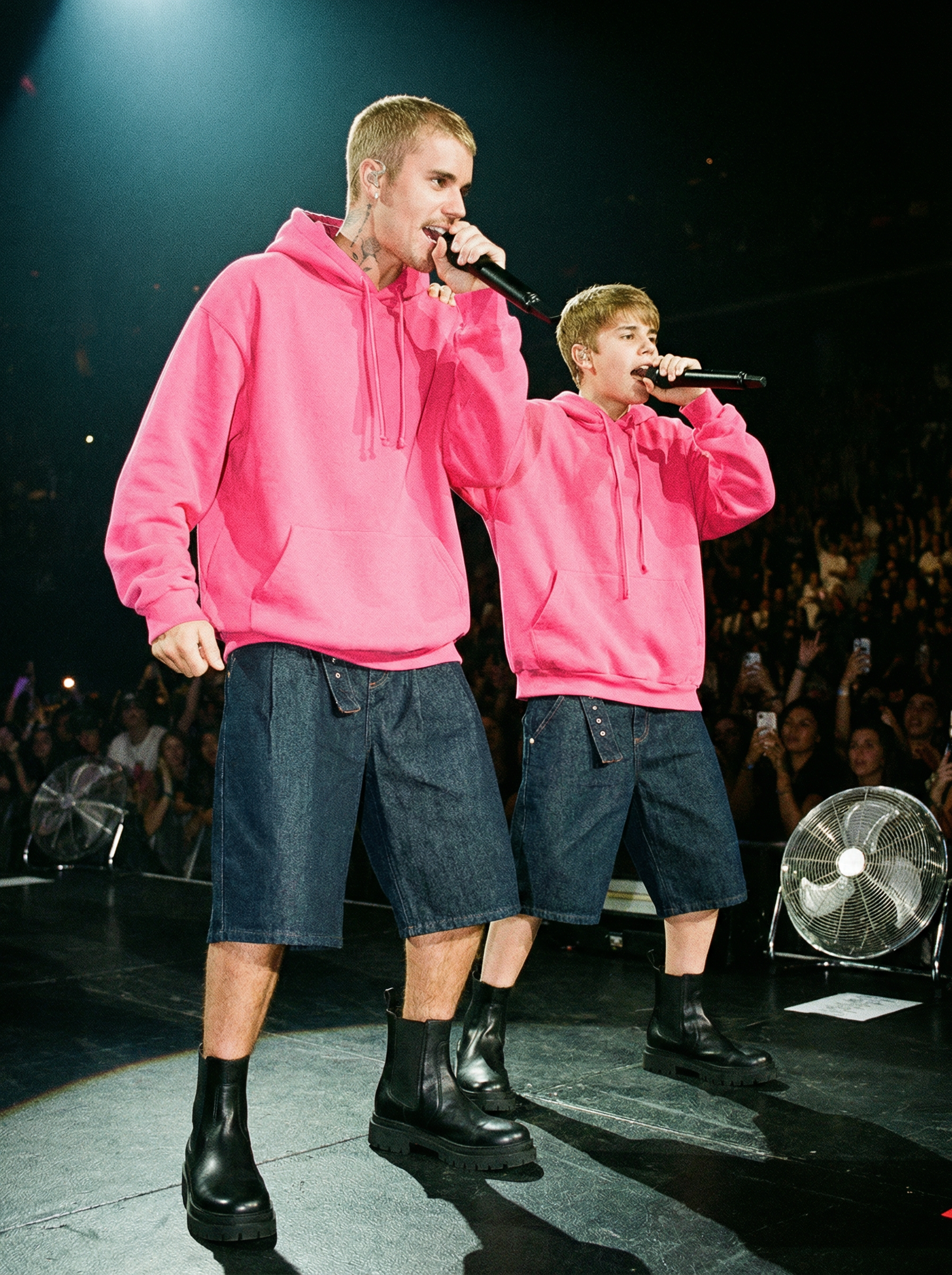
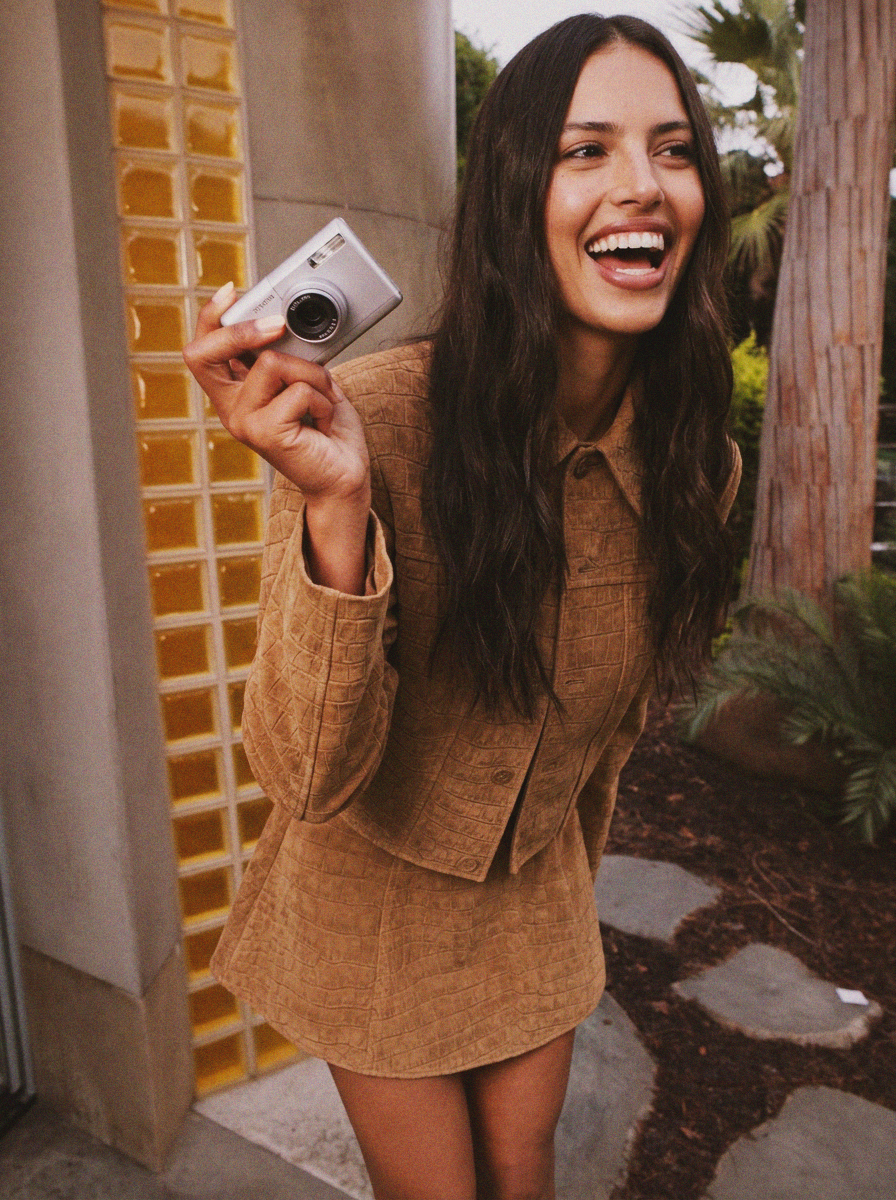
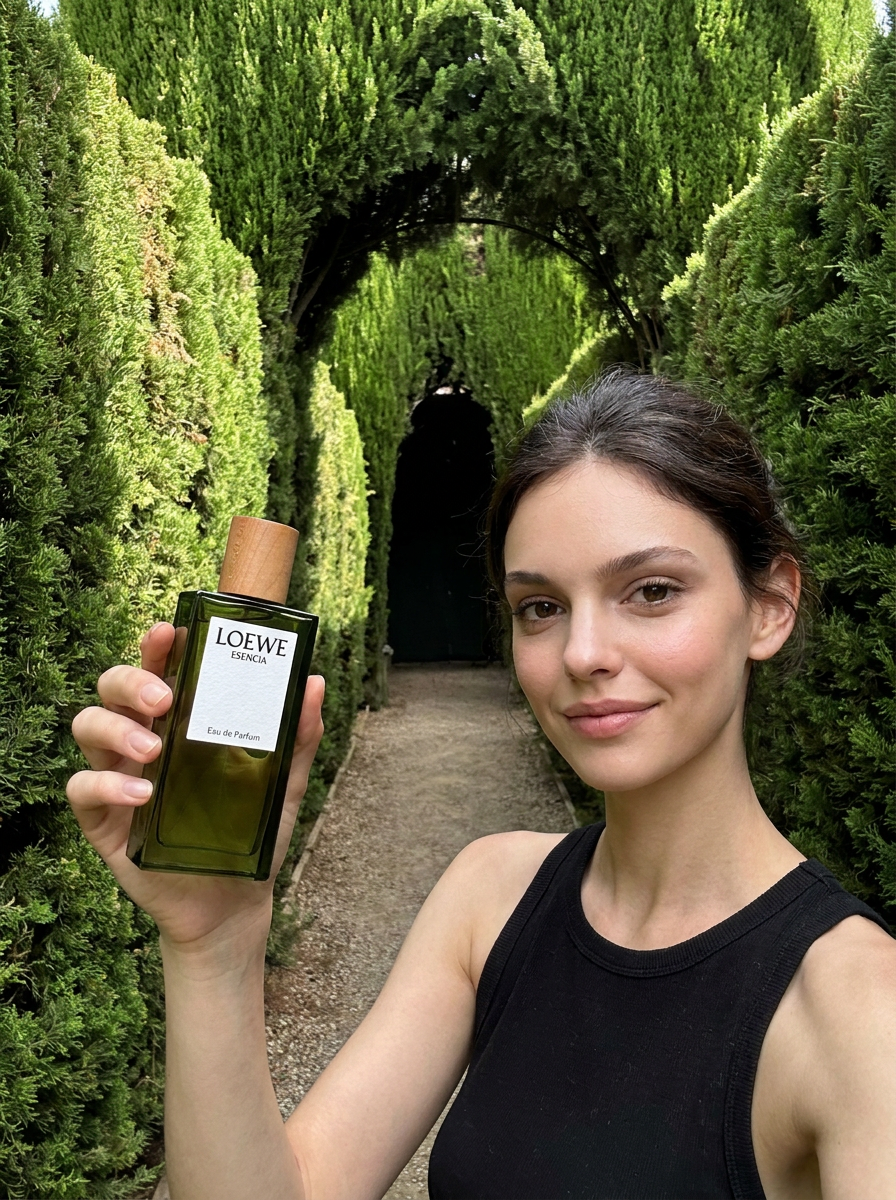
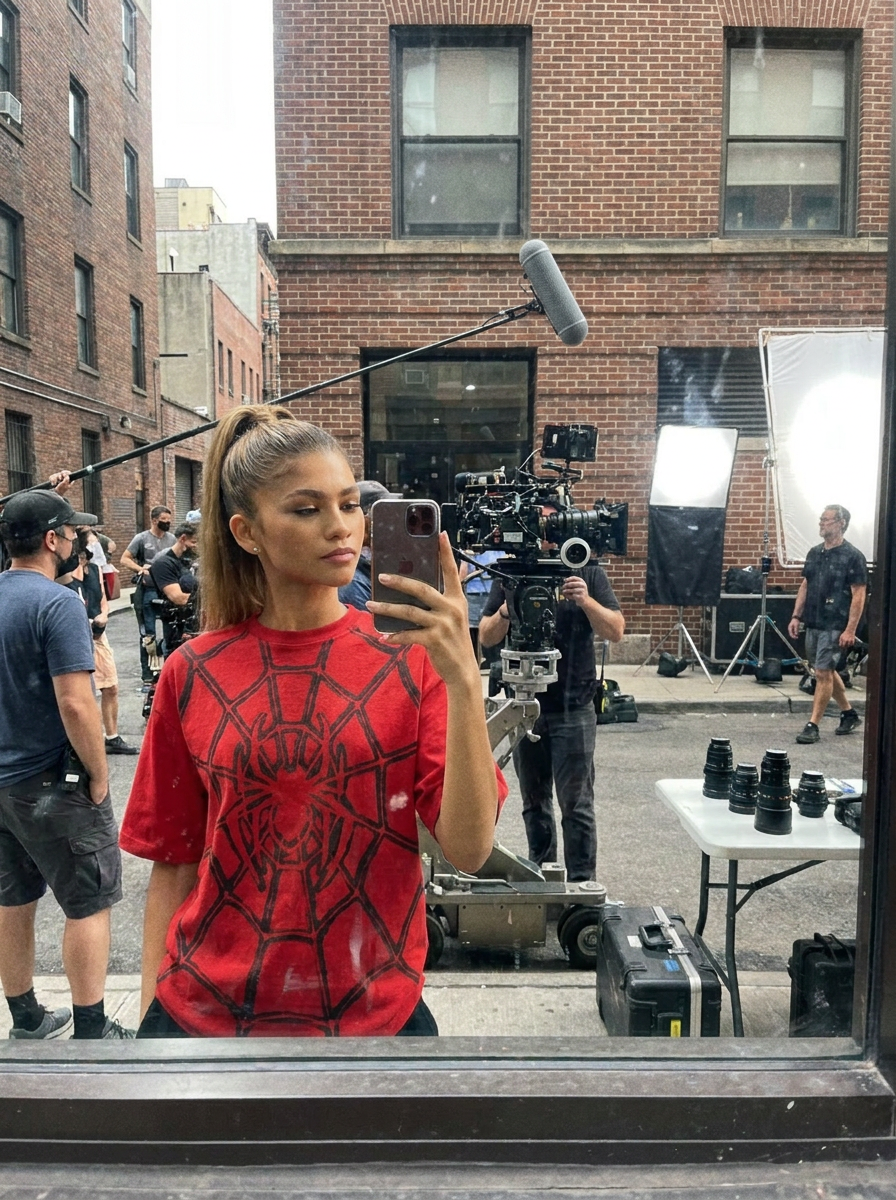
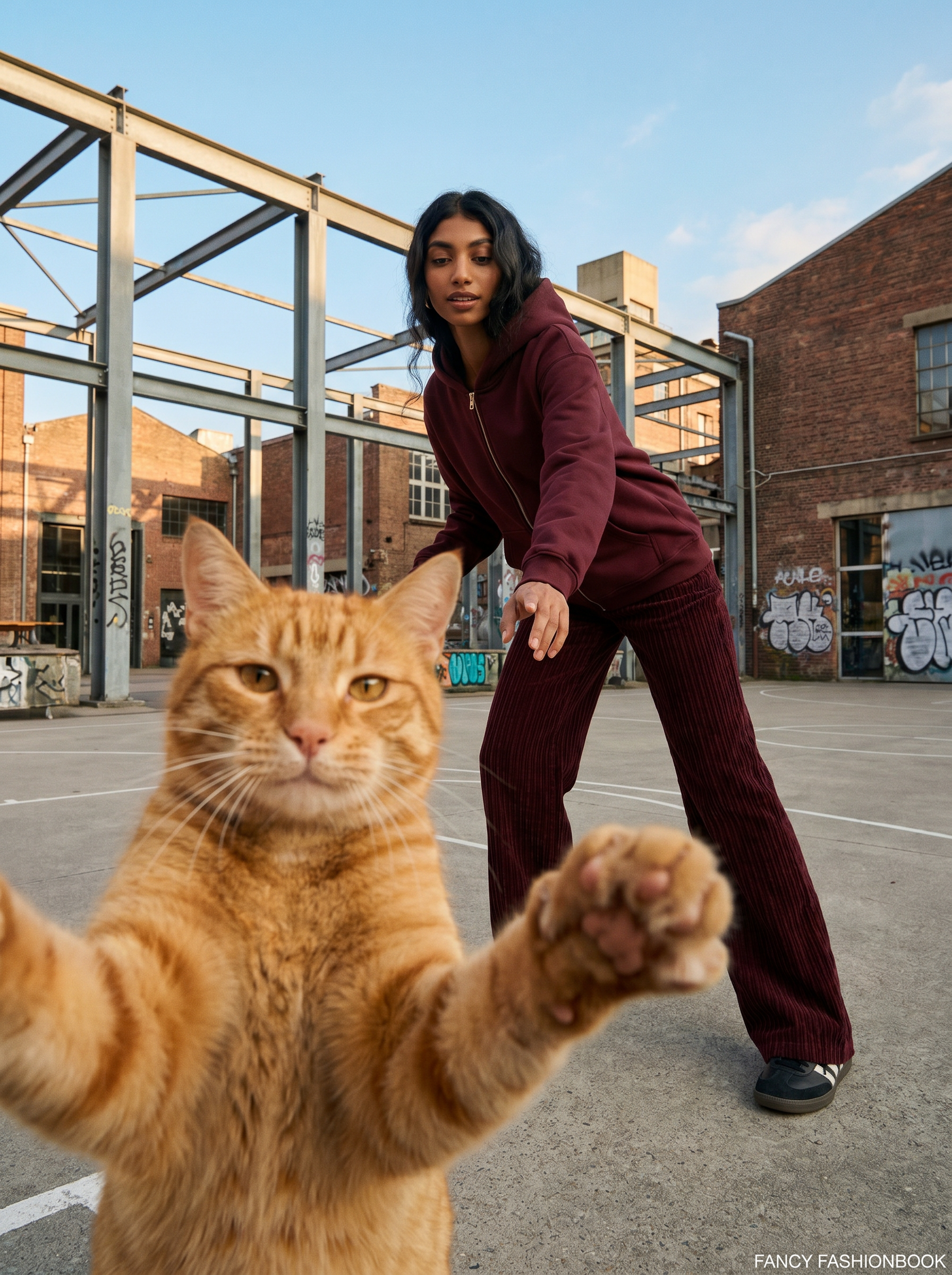
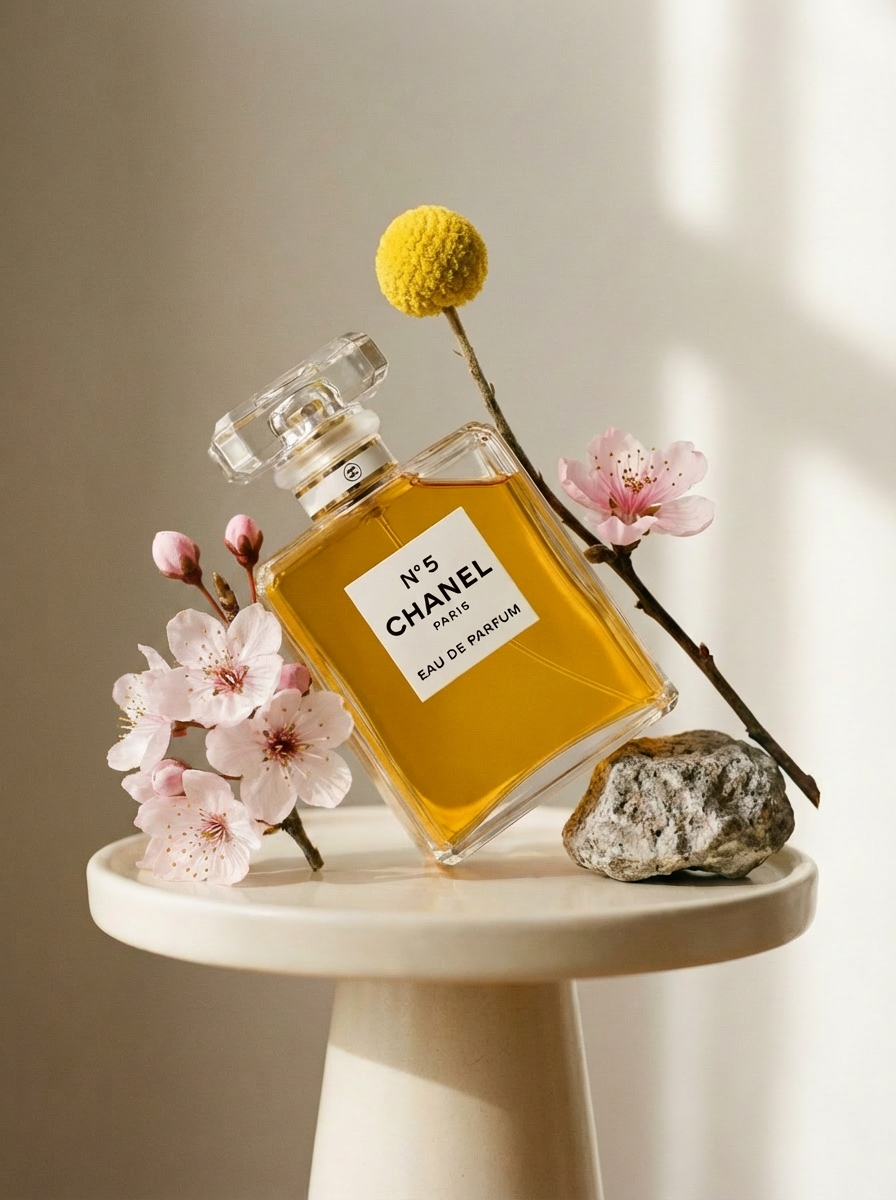
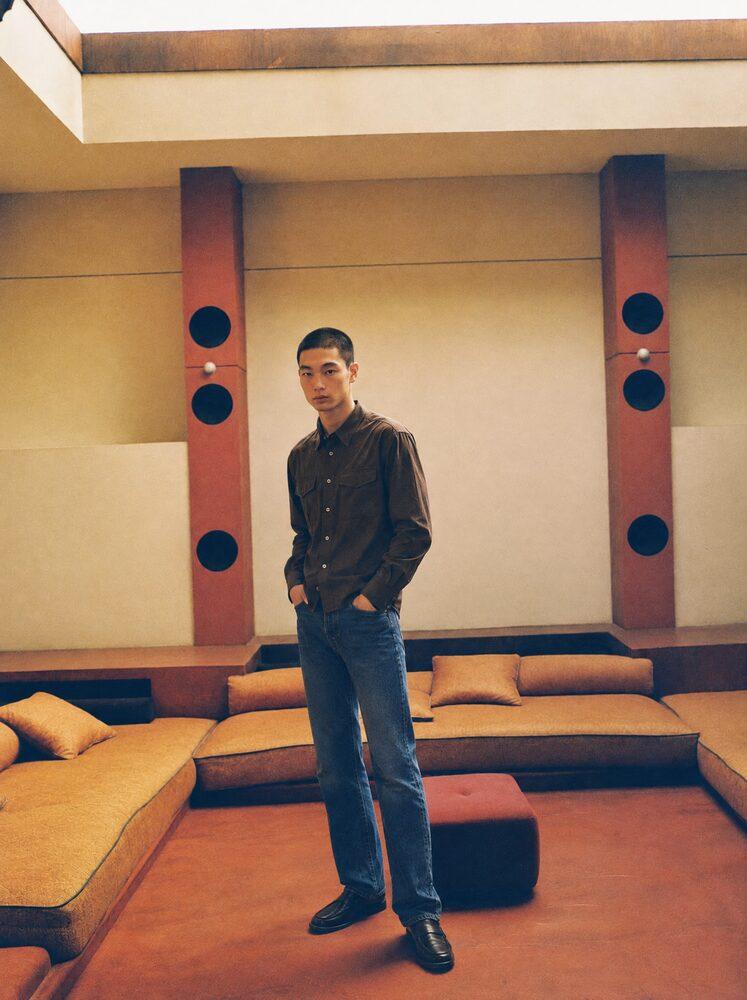
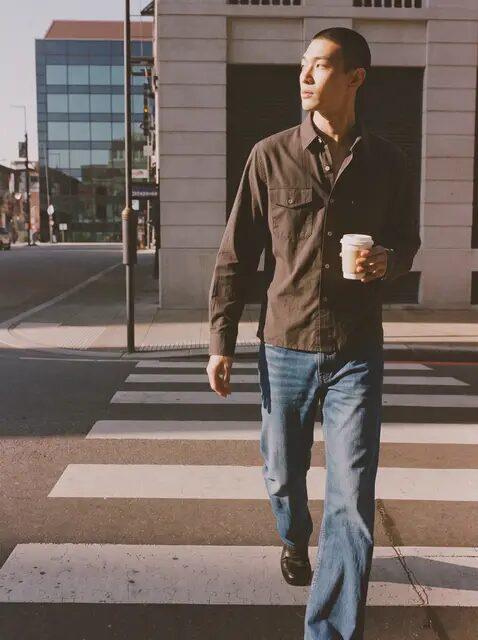
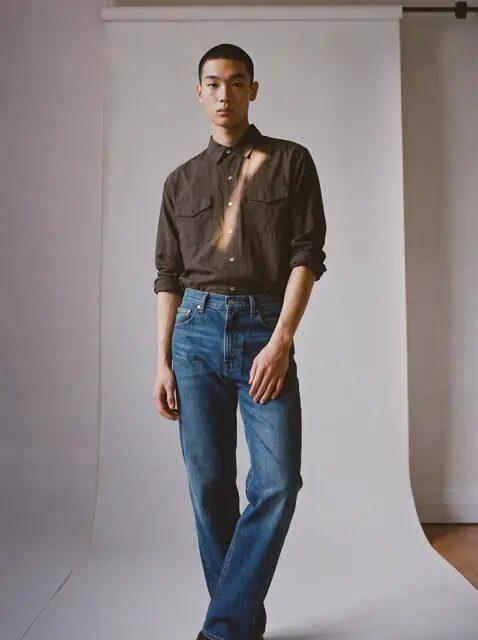
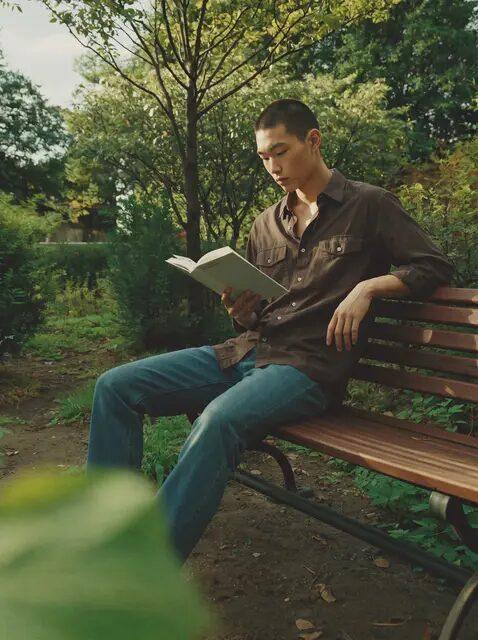
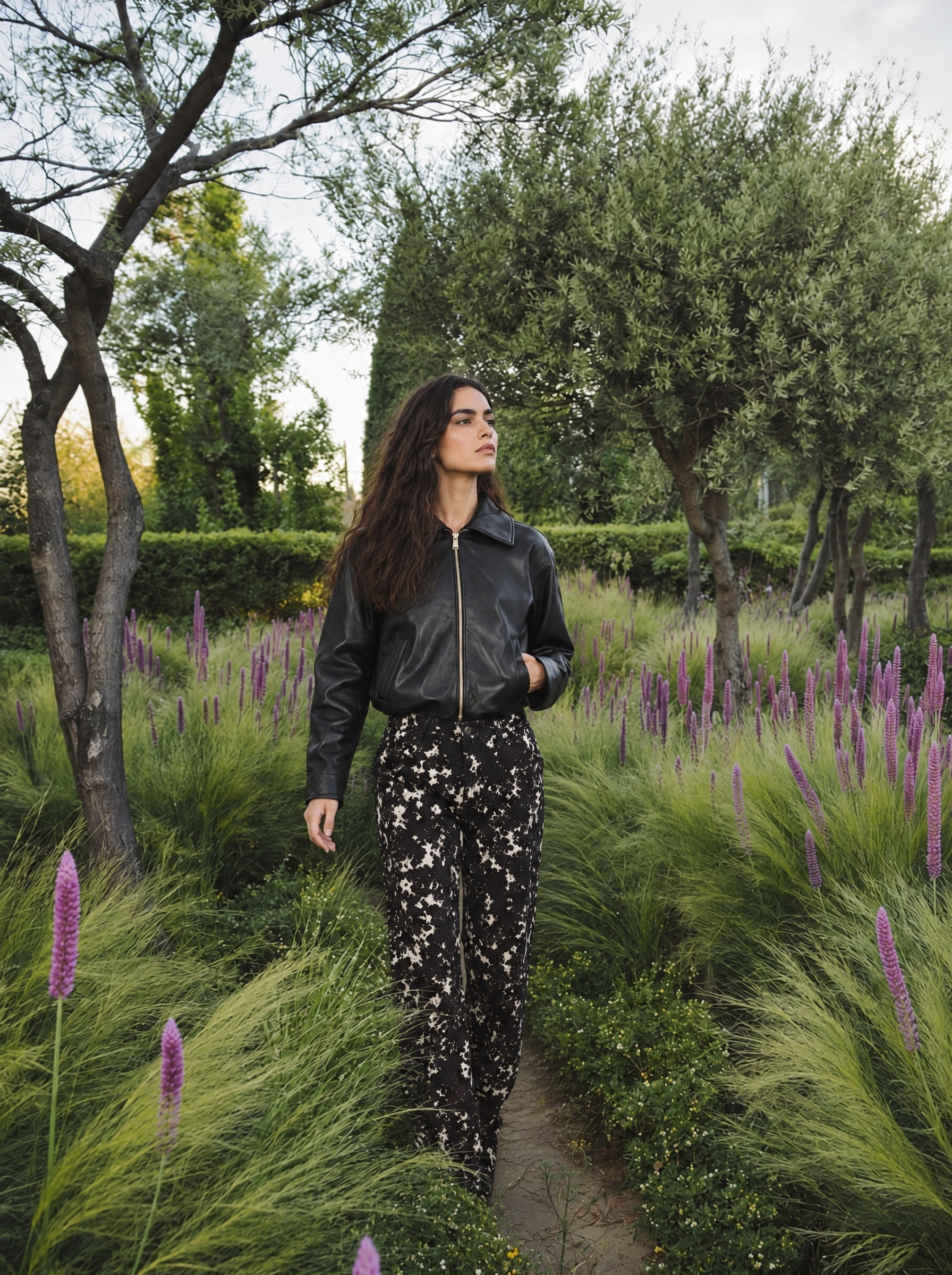
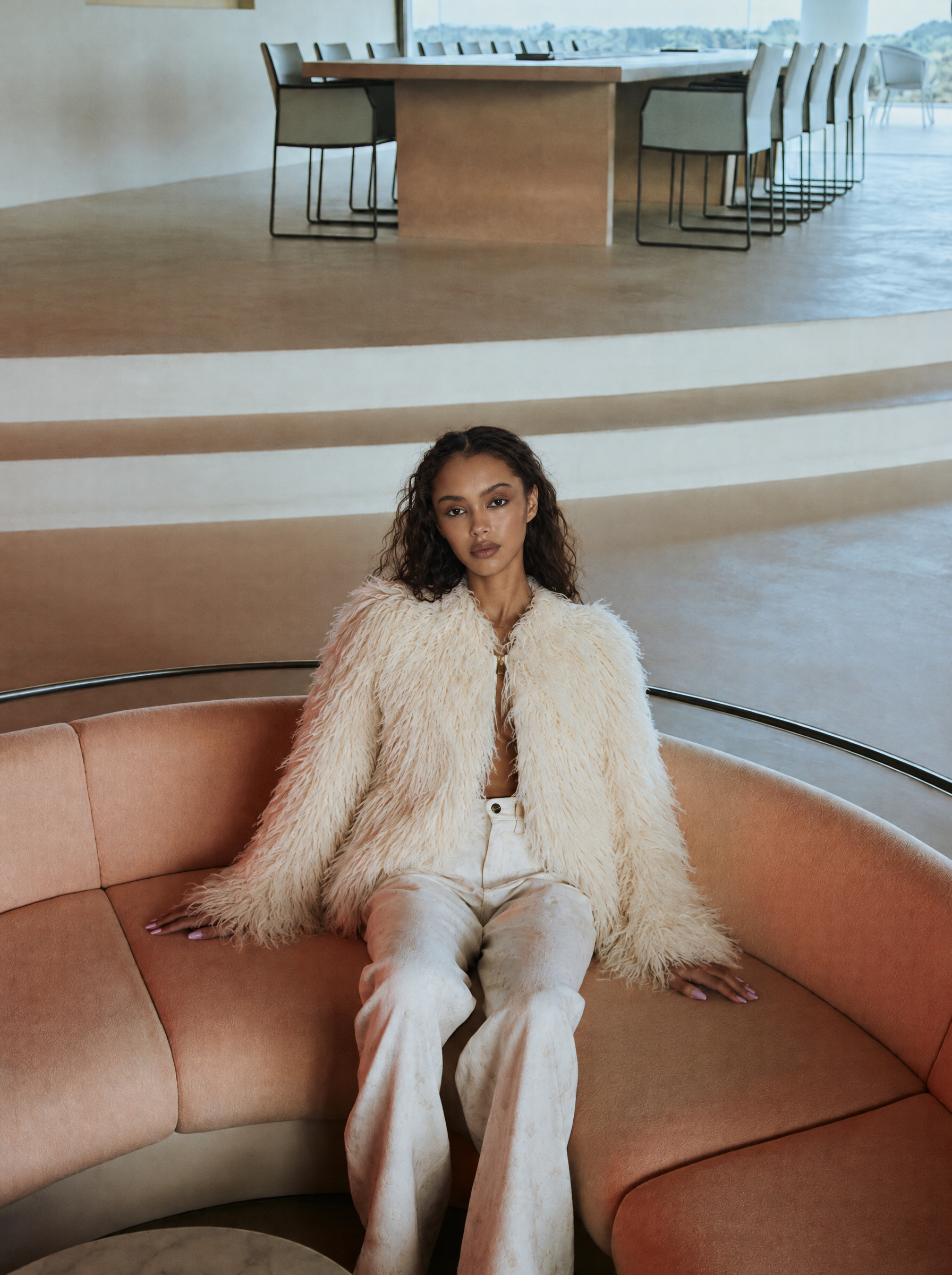
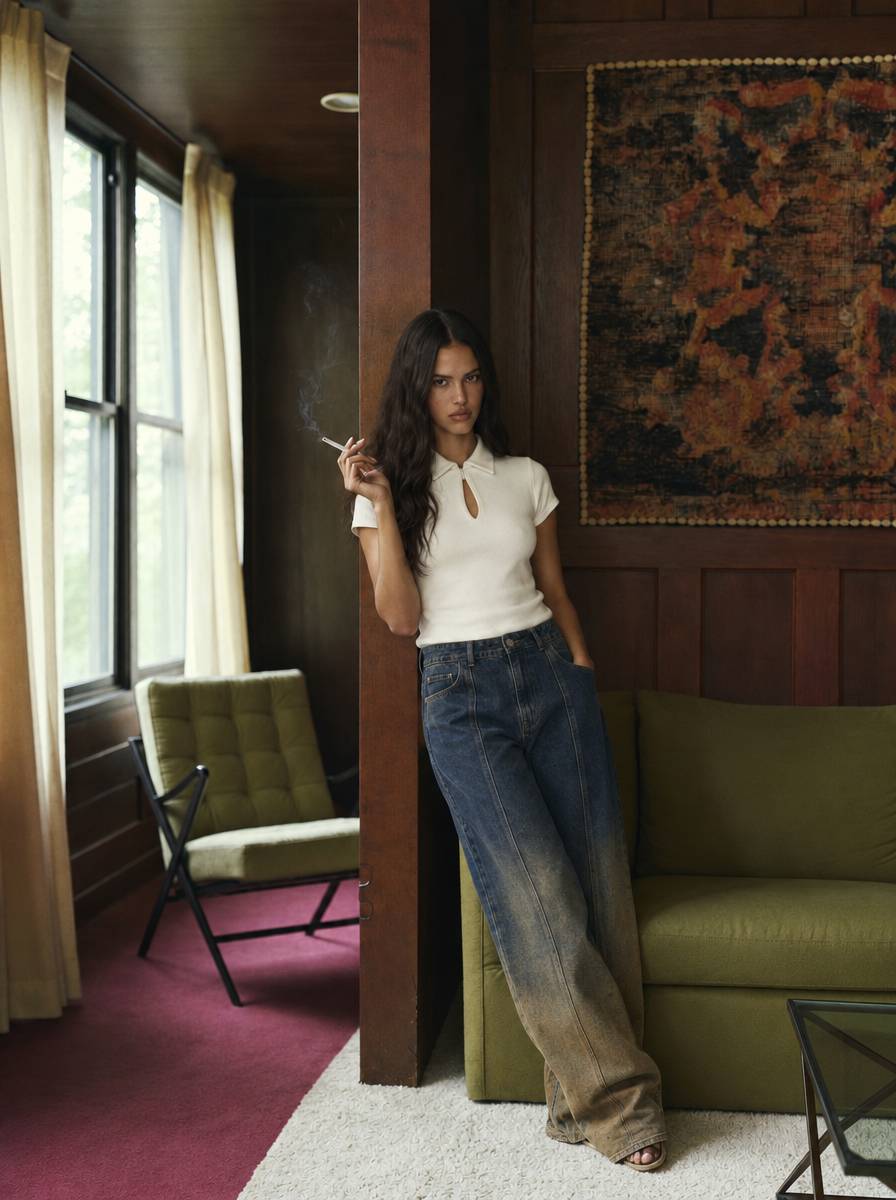
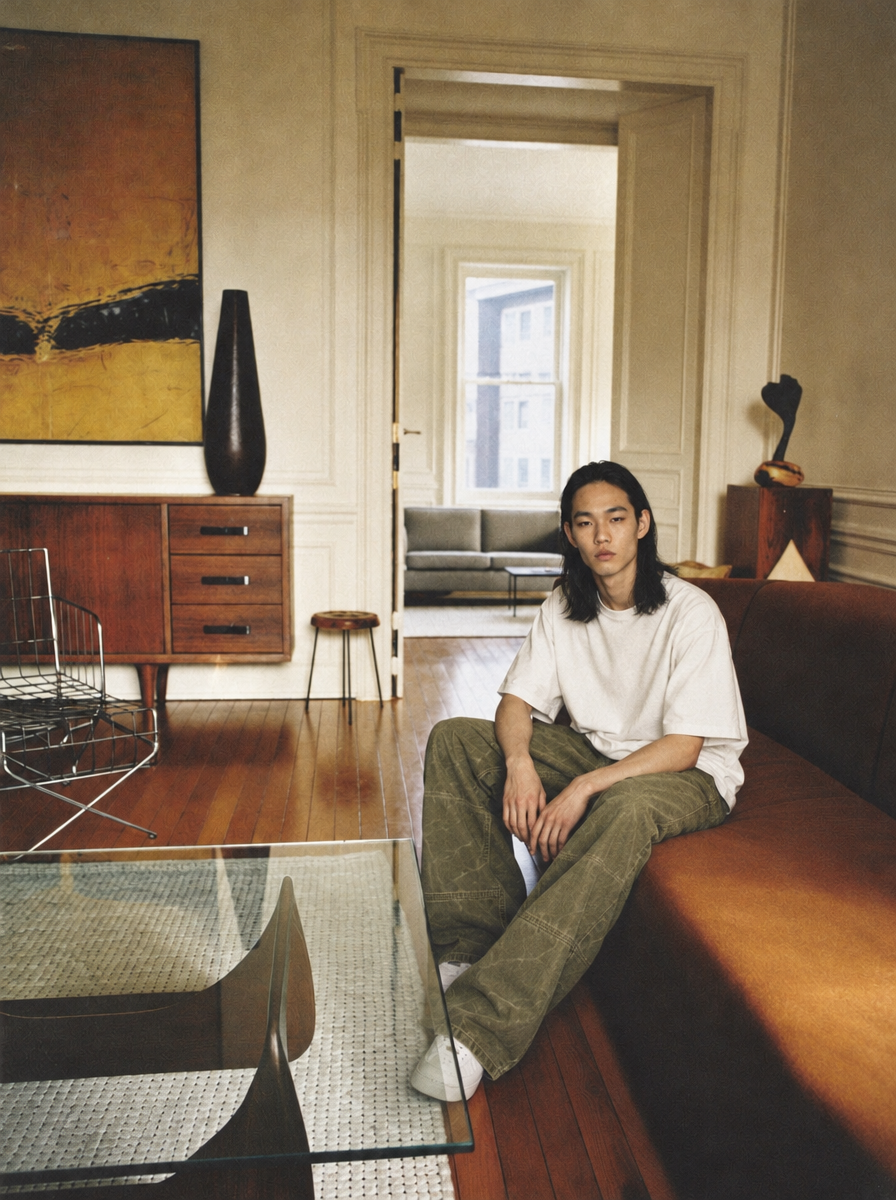
Eight images generated on a Rainfrog test account from one saved character, the same shirt and jeans, and one style reference.



Start from a public workflow
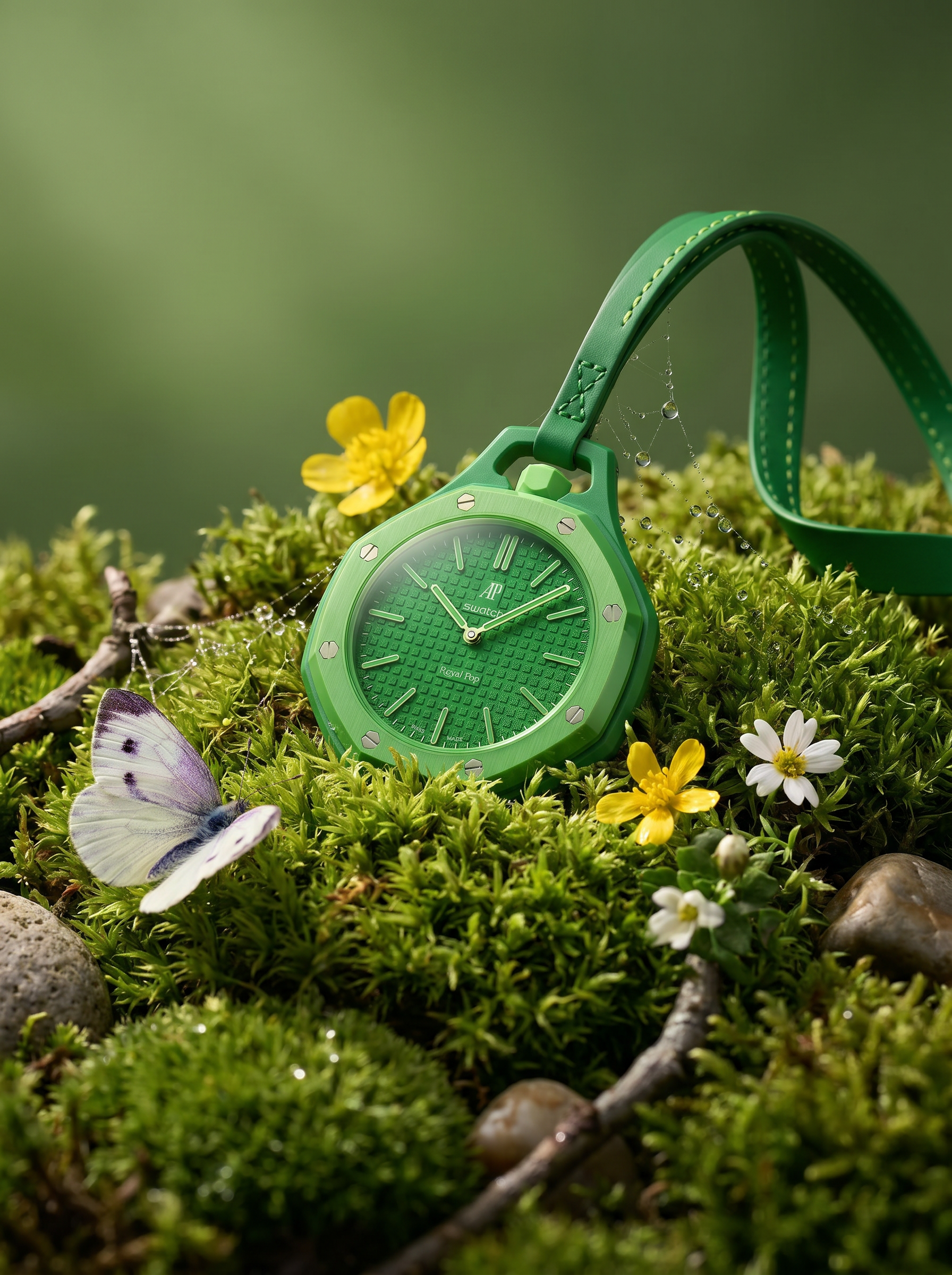
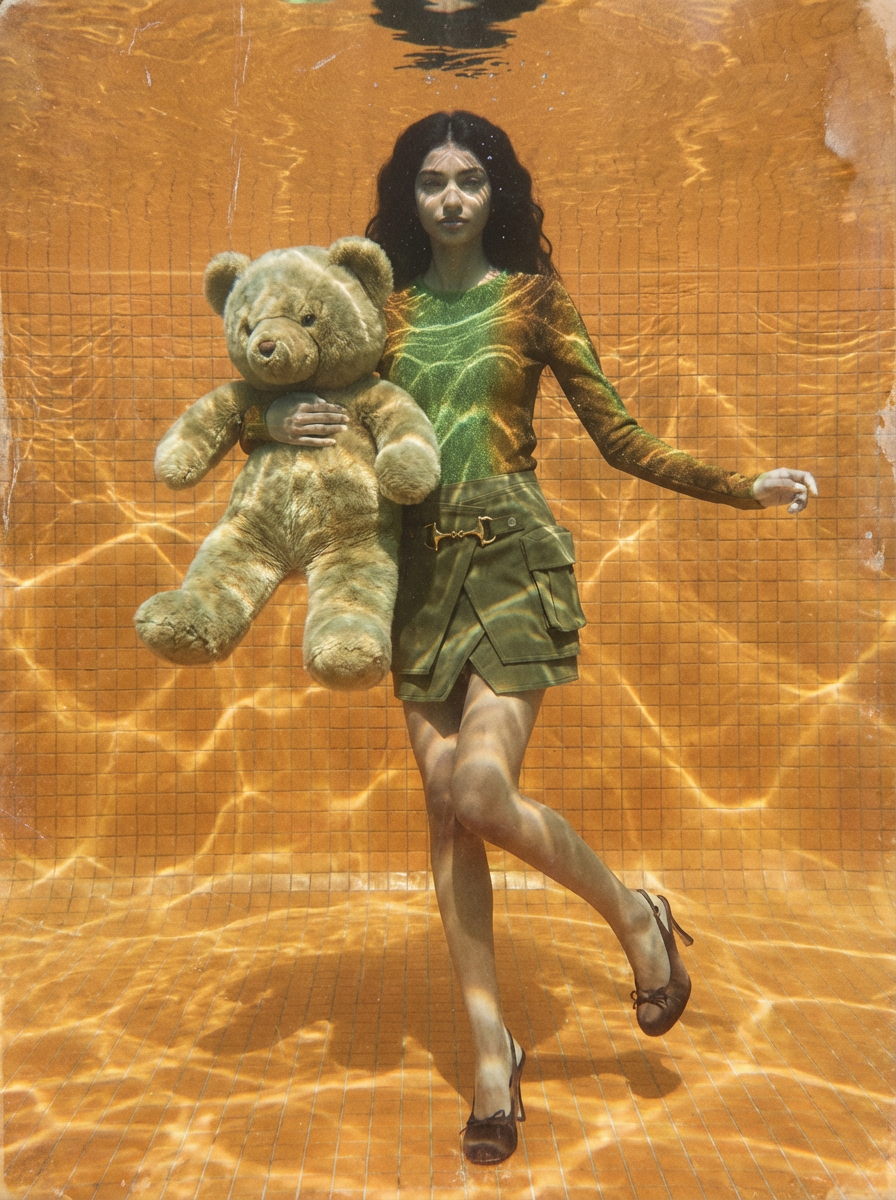
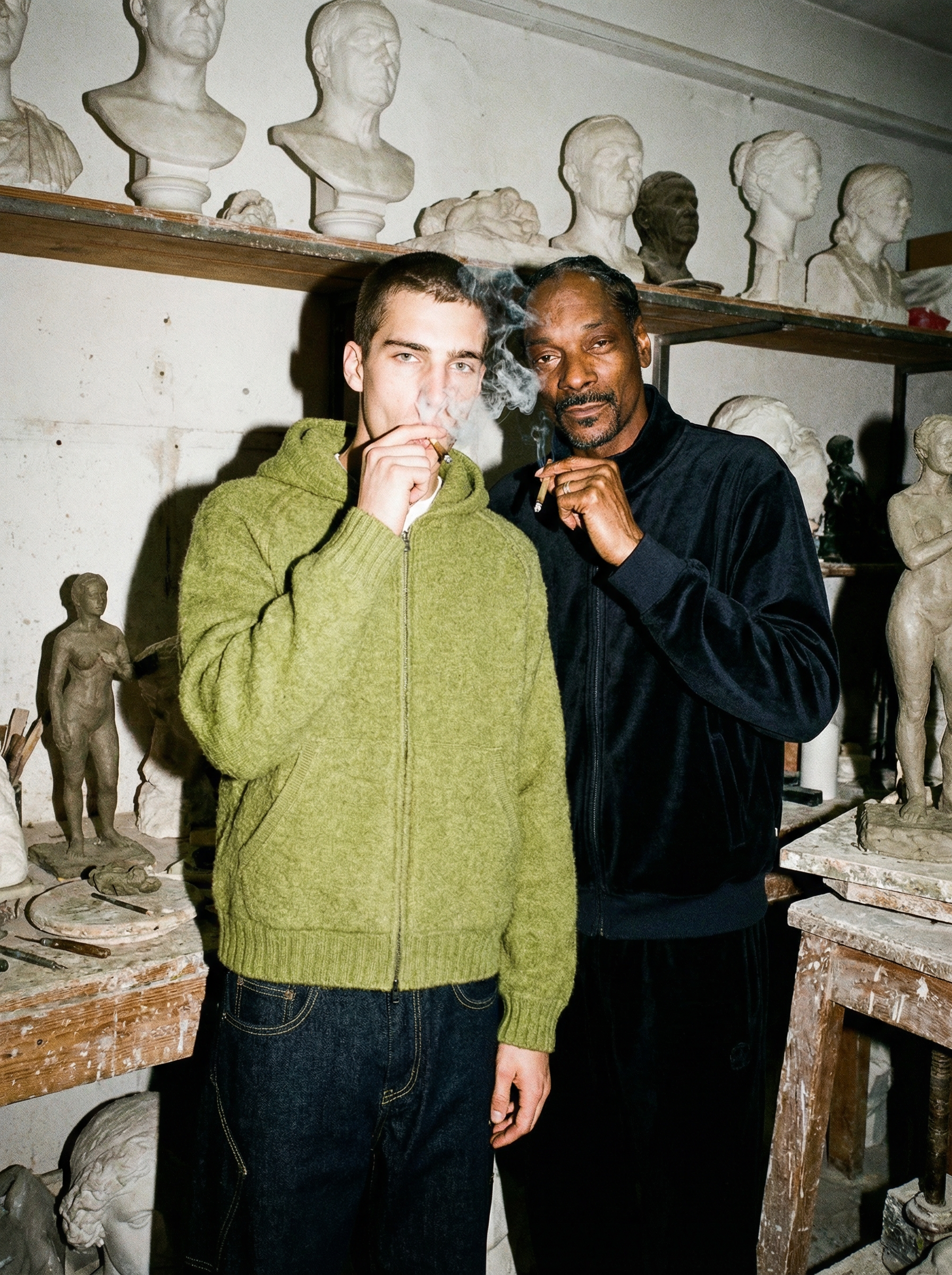
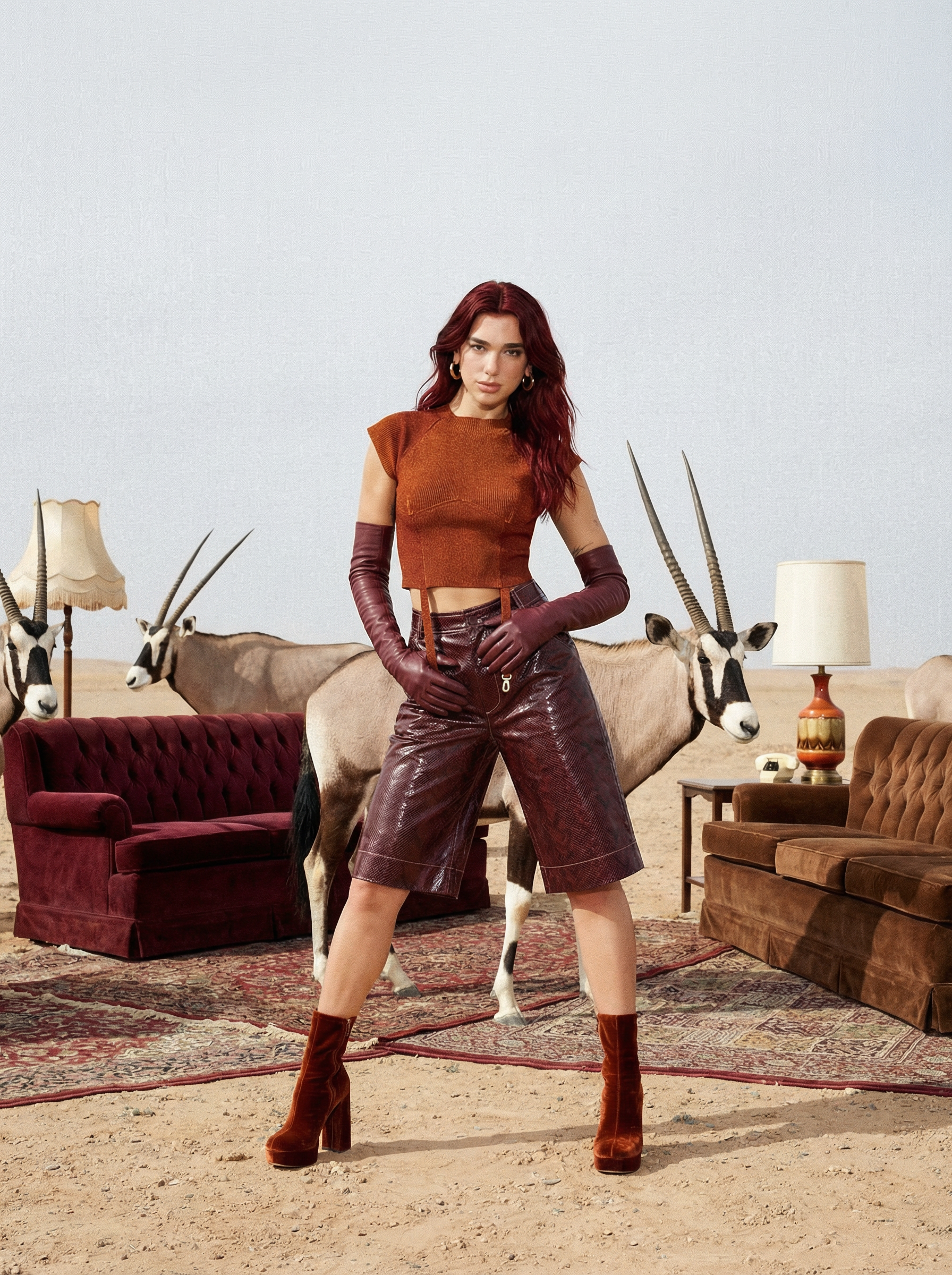
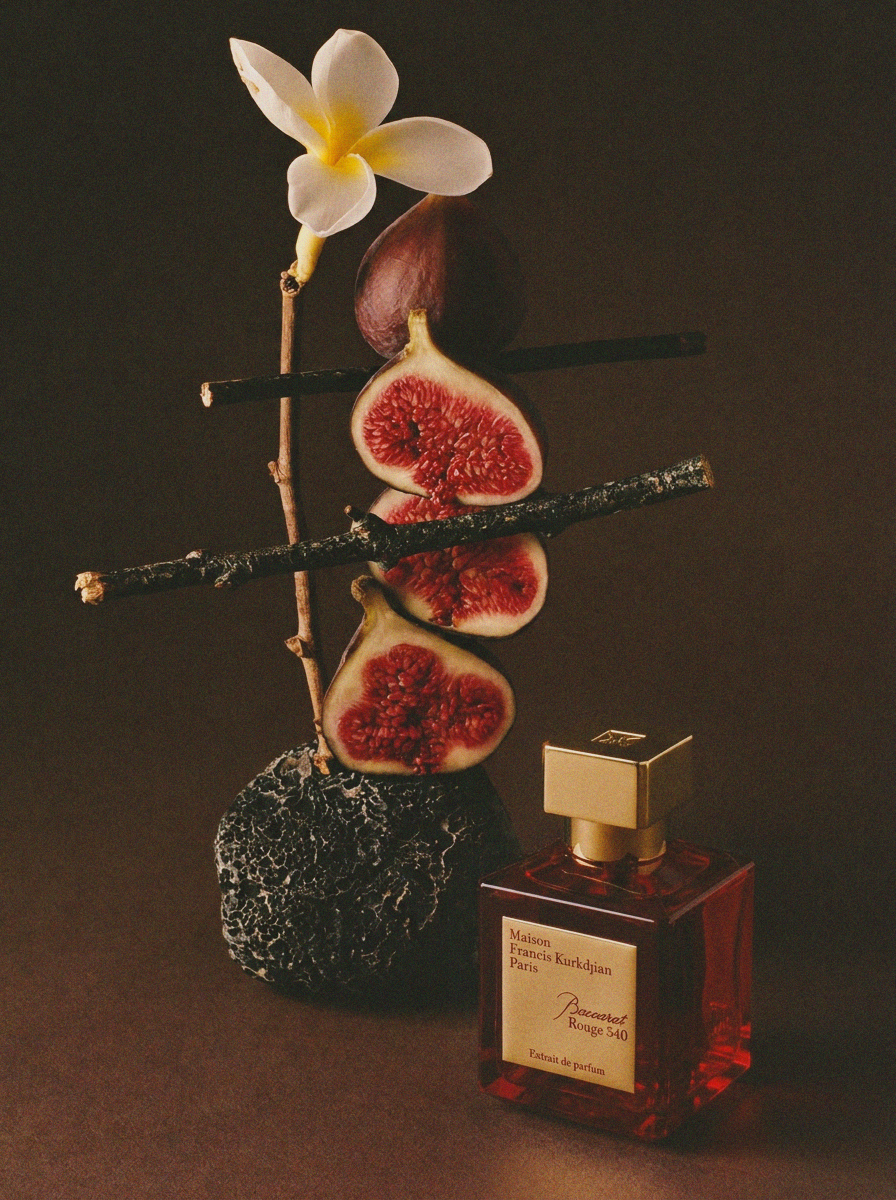
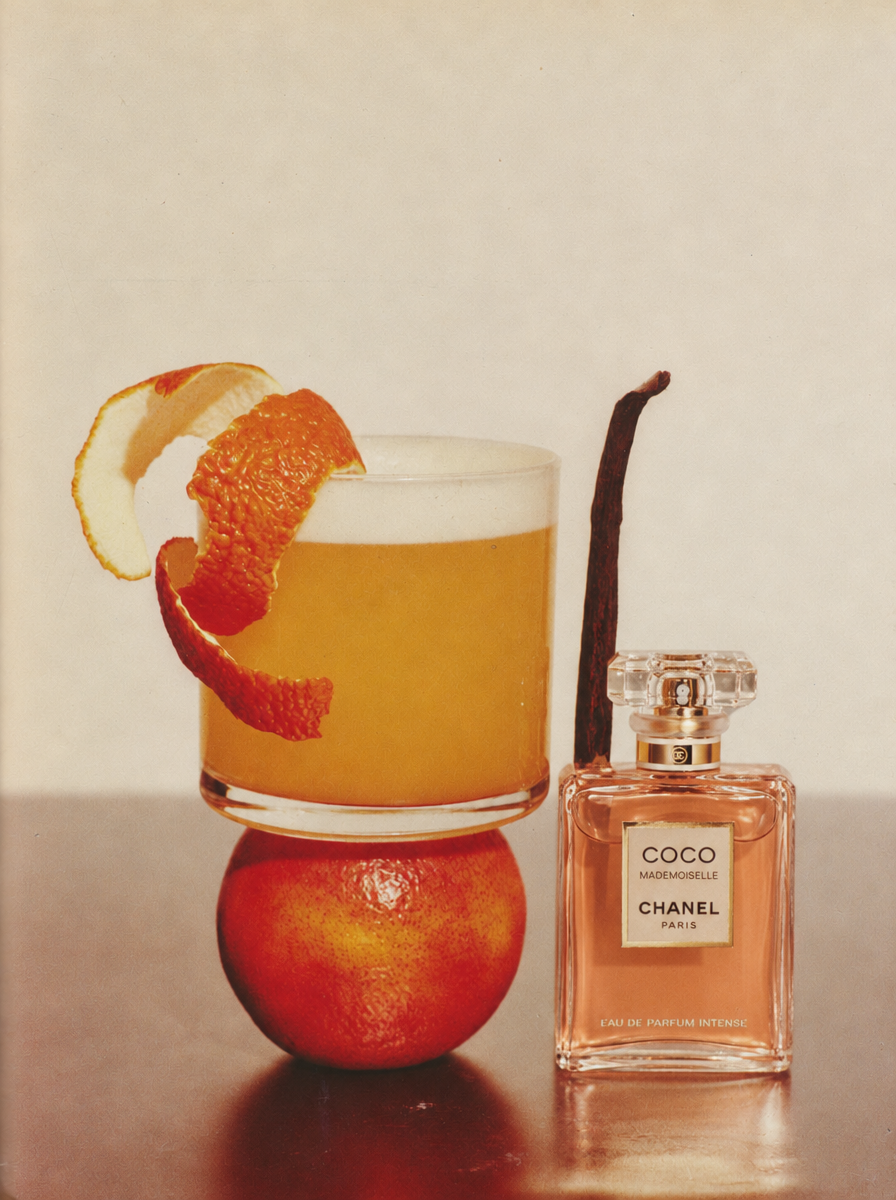
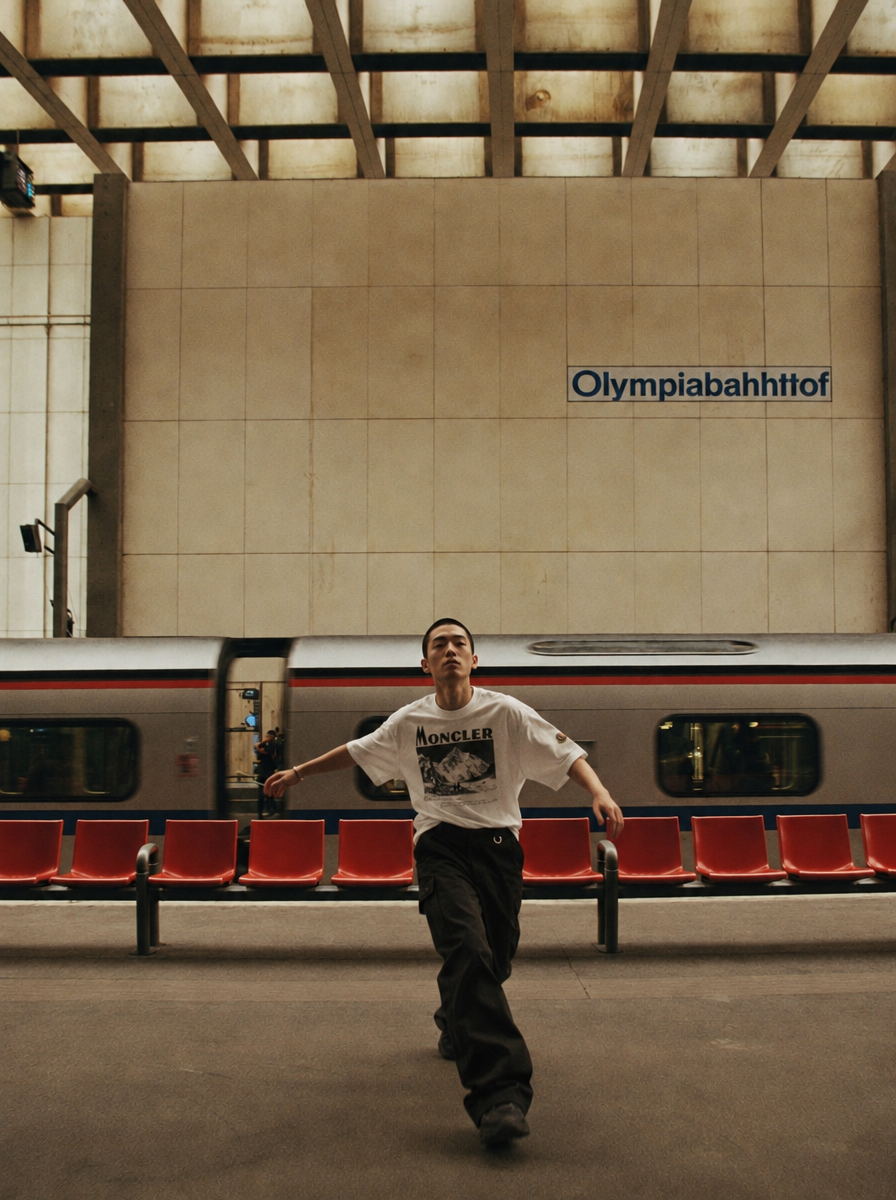
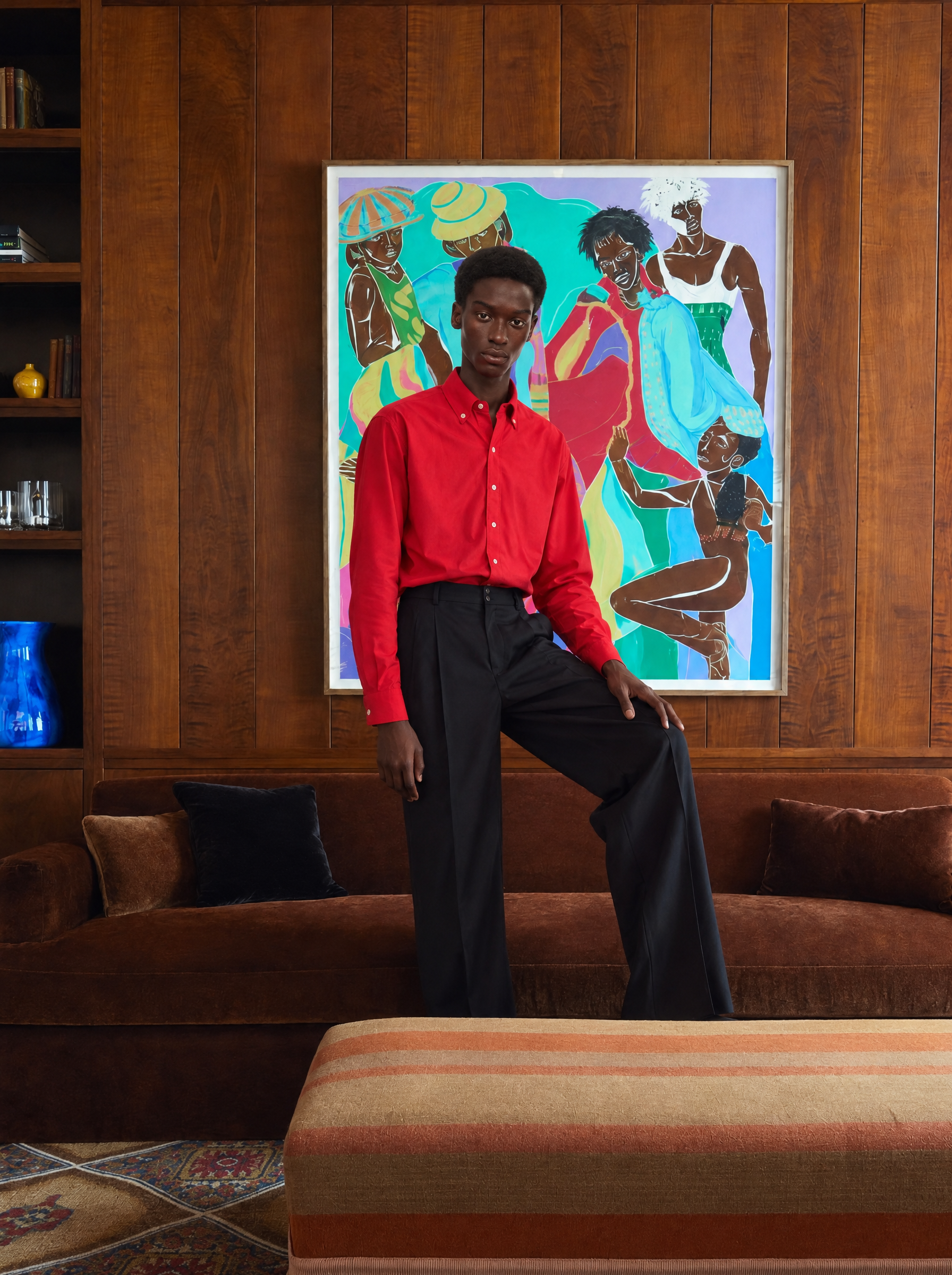
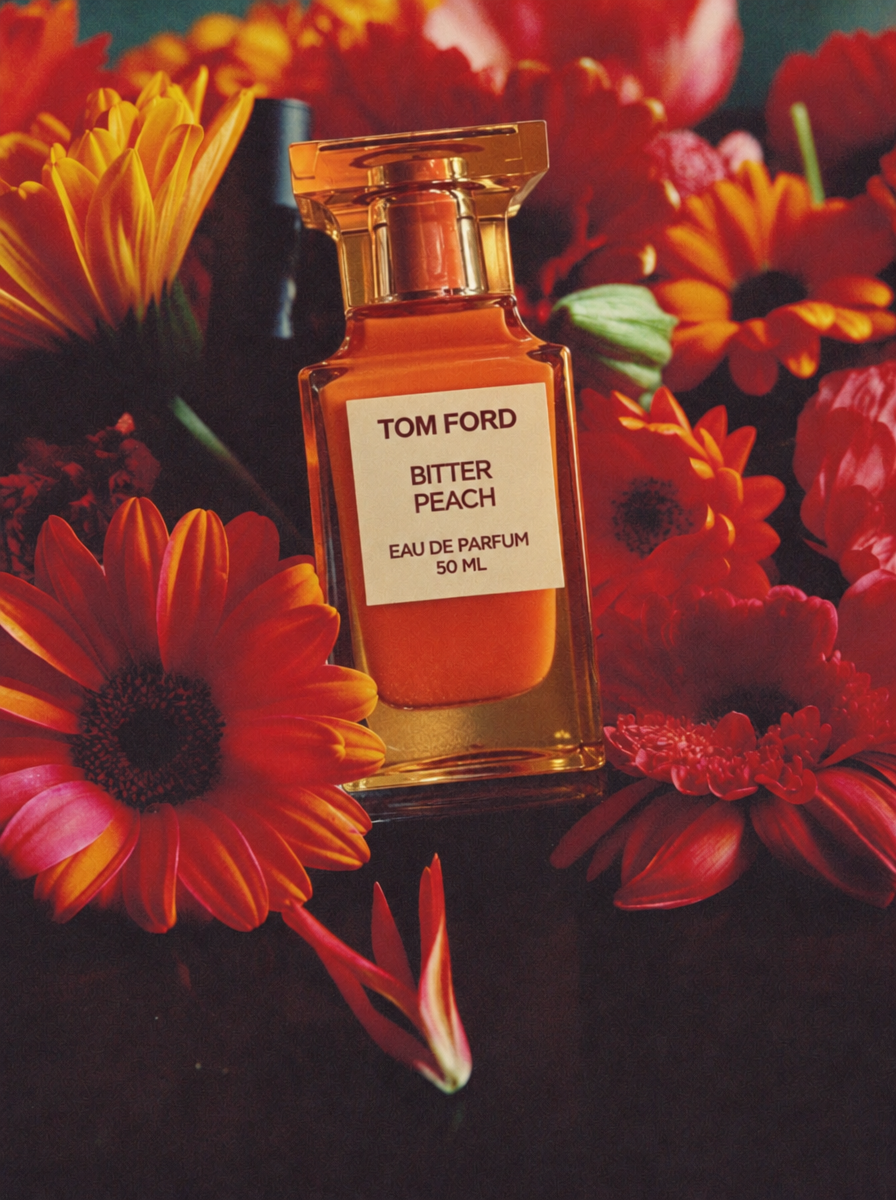
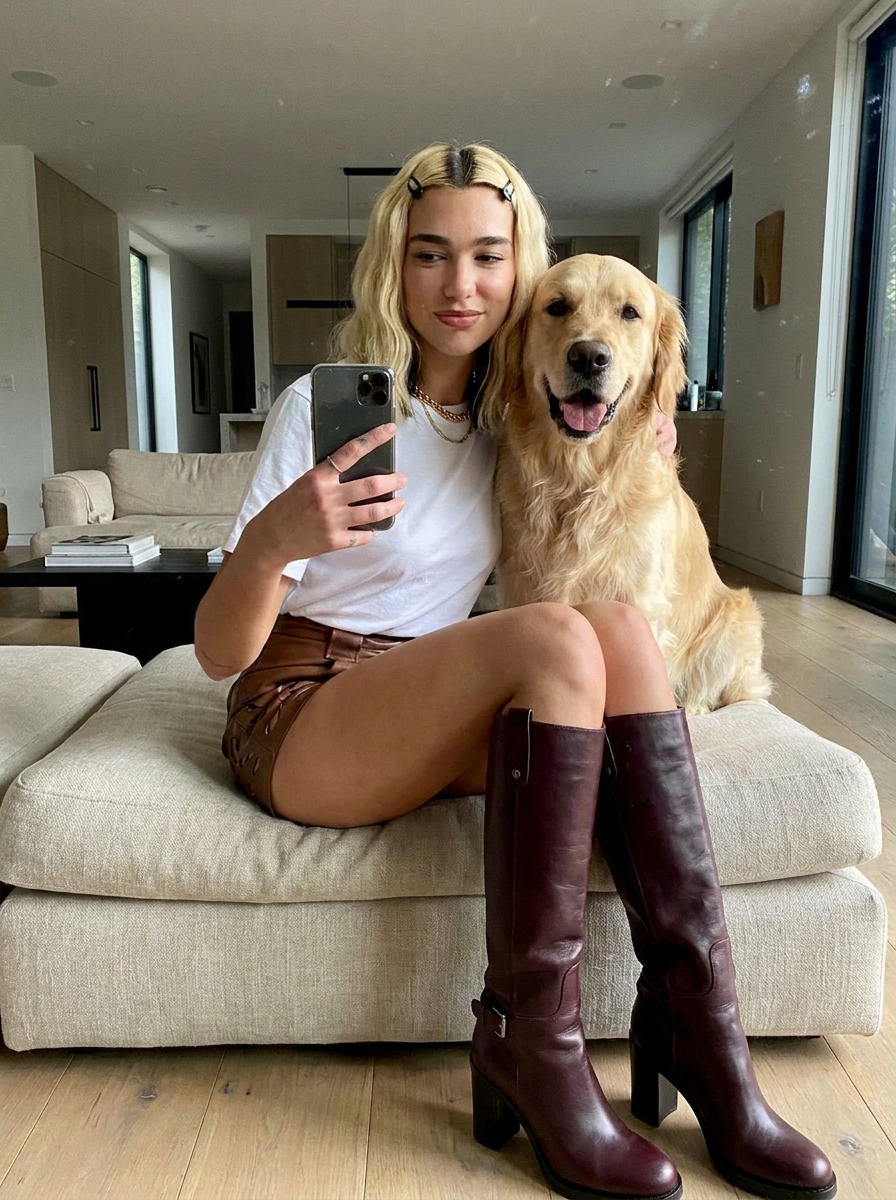
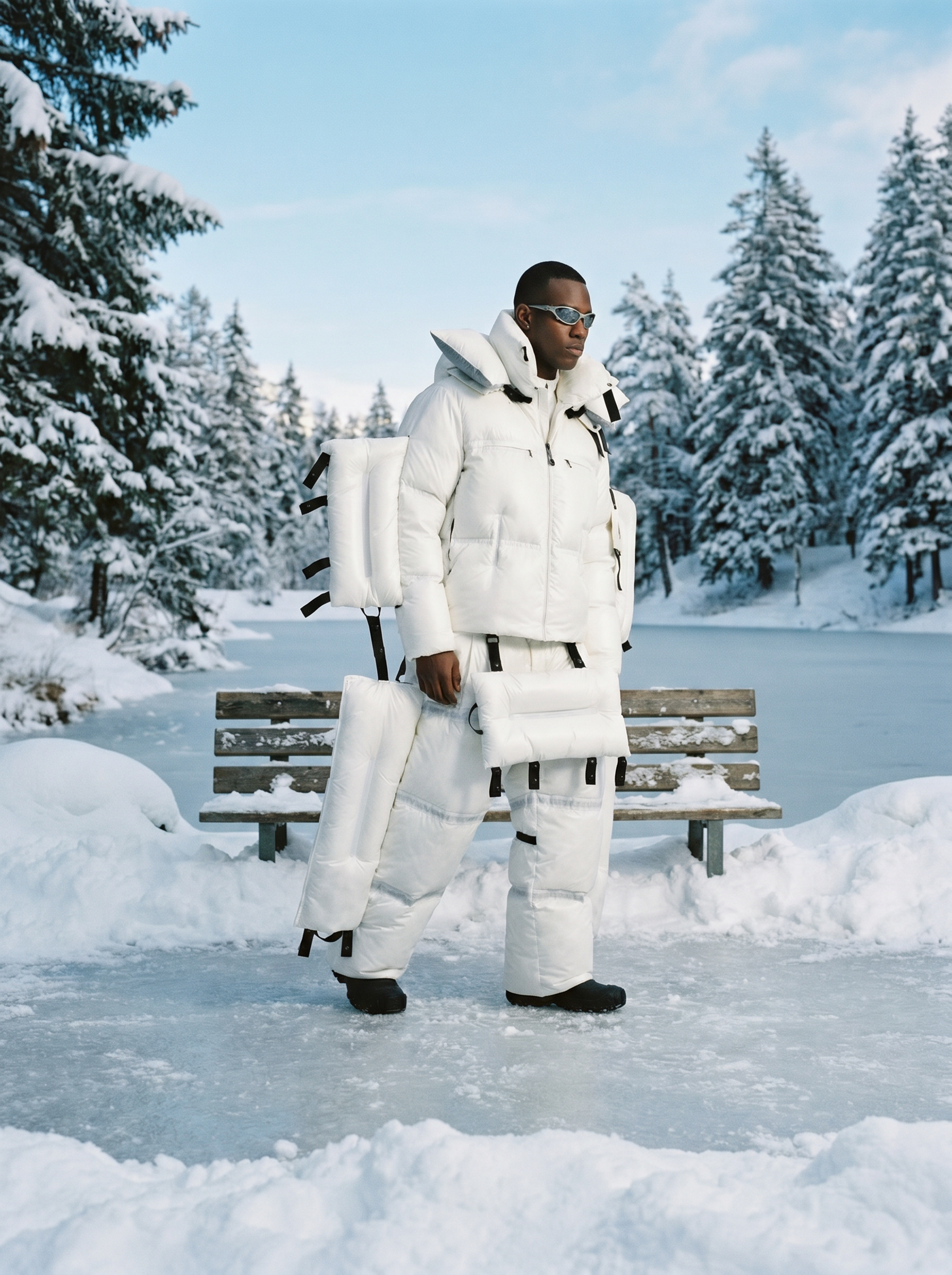
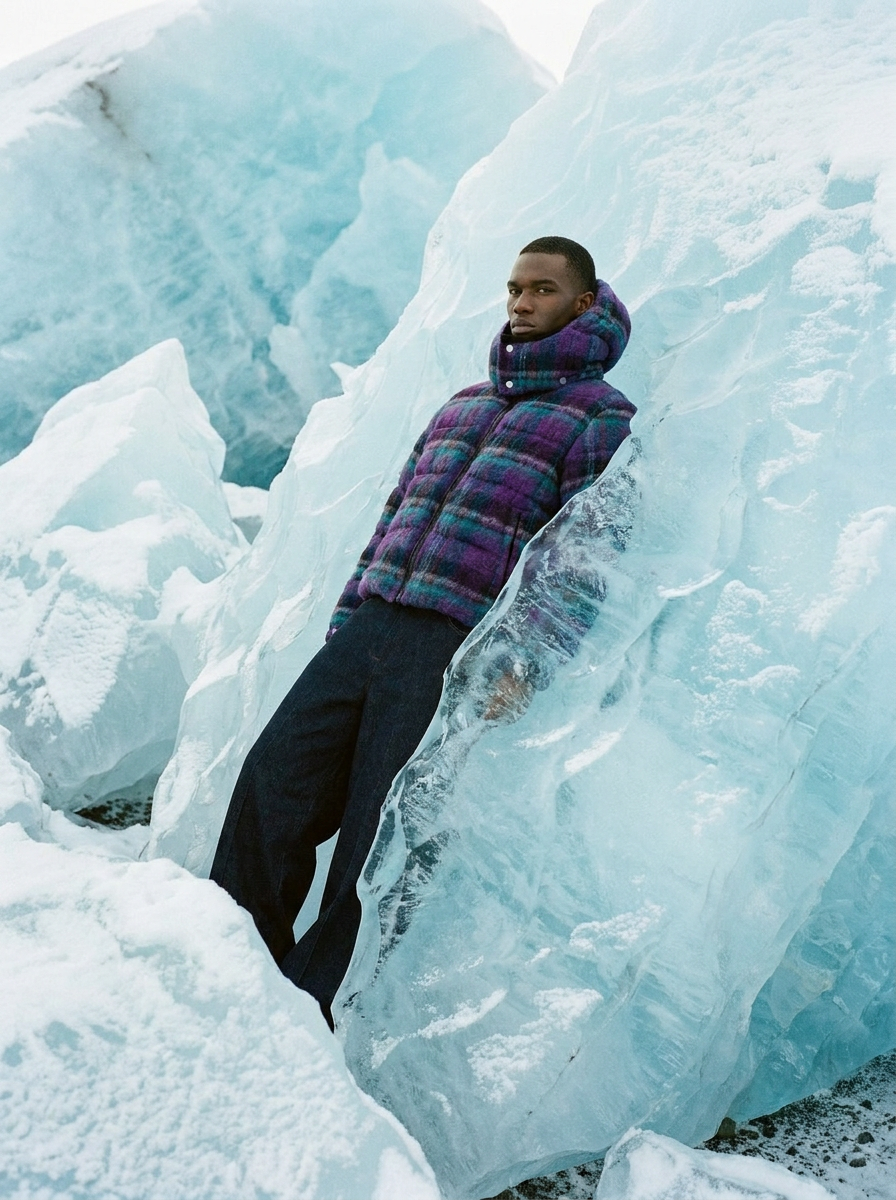
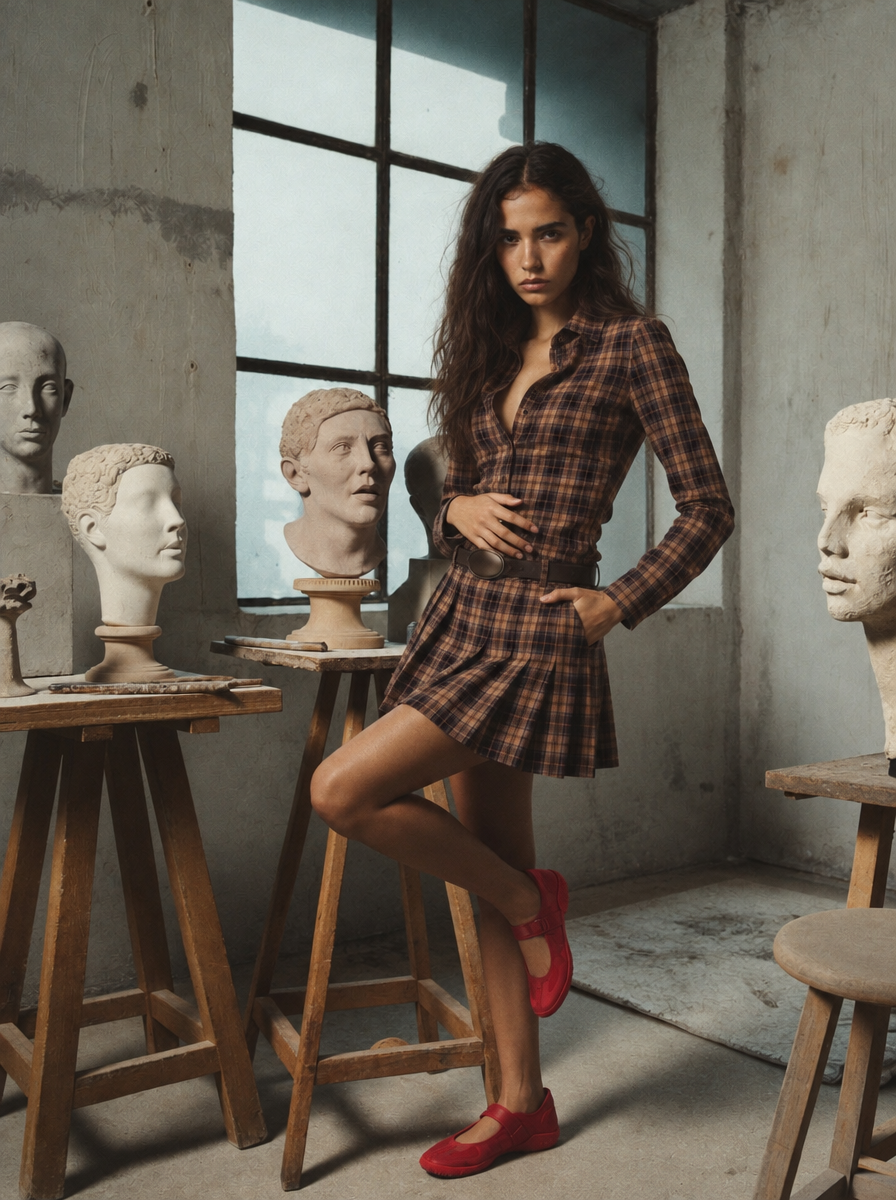
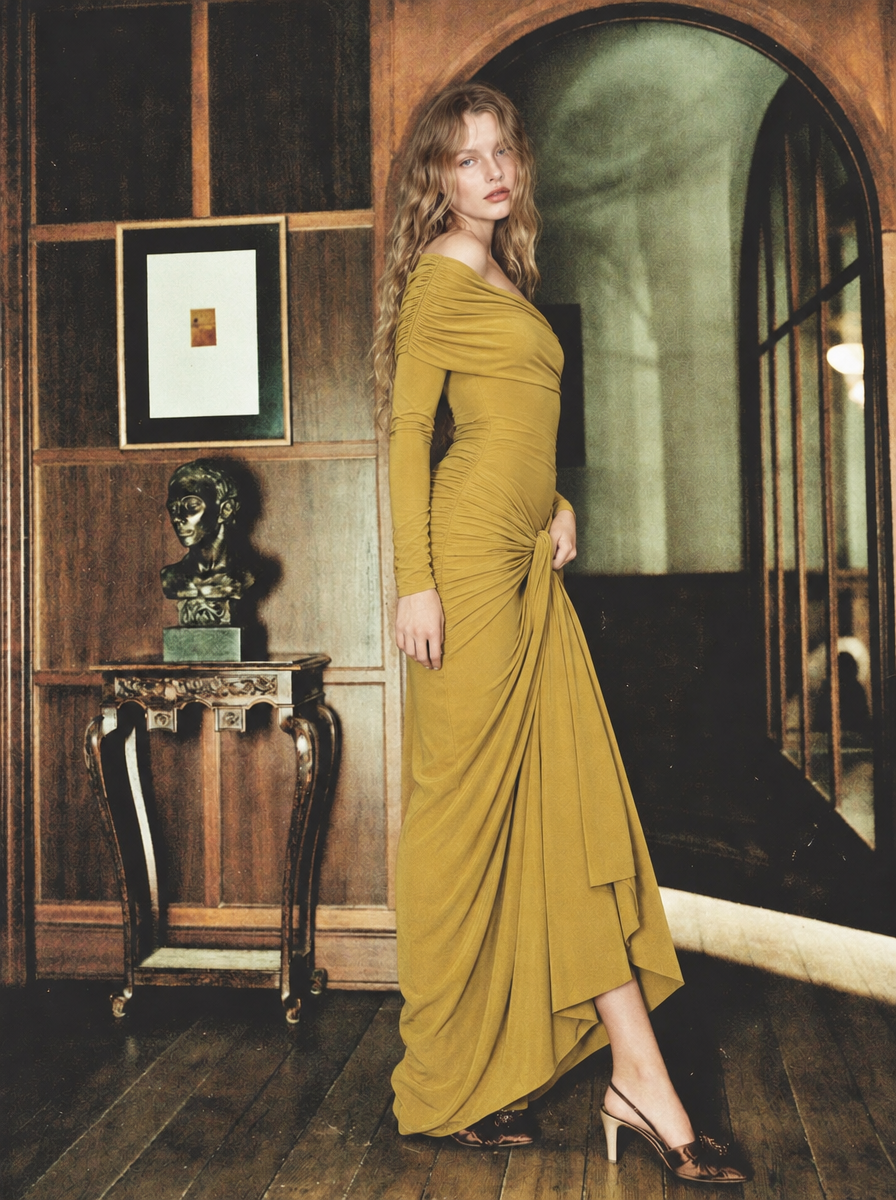
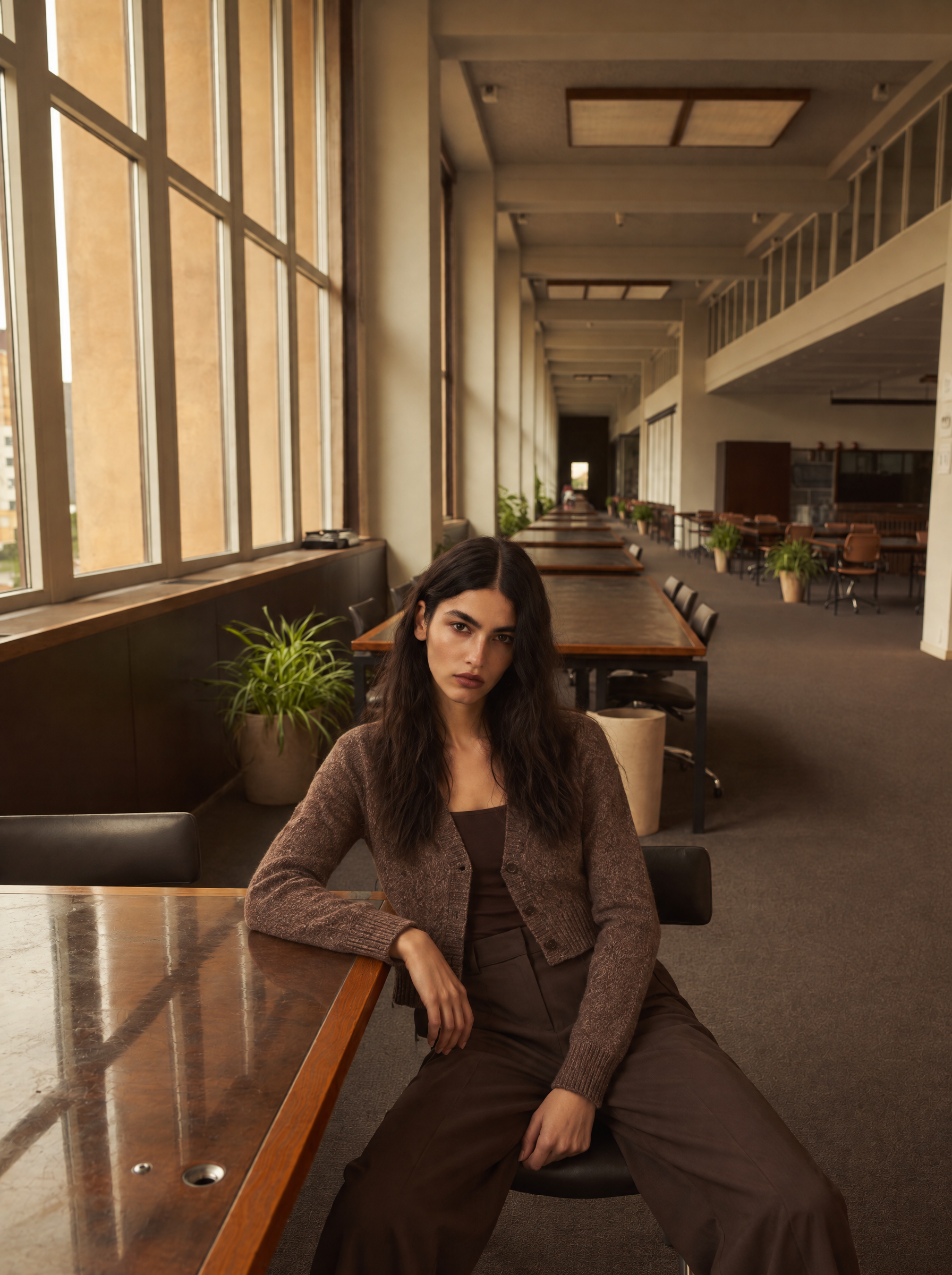
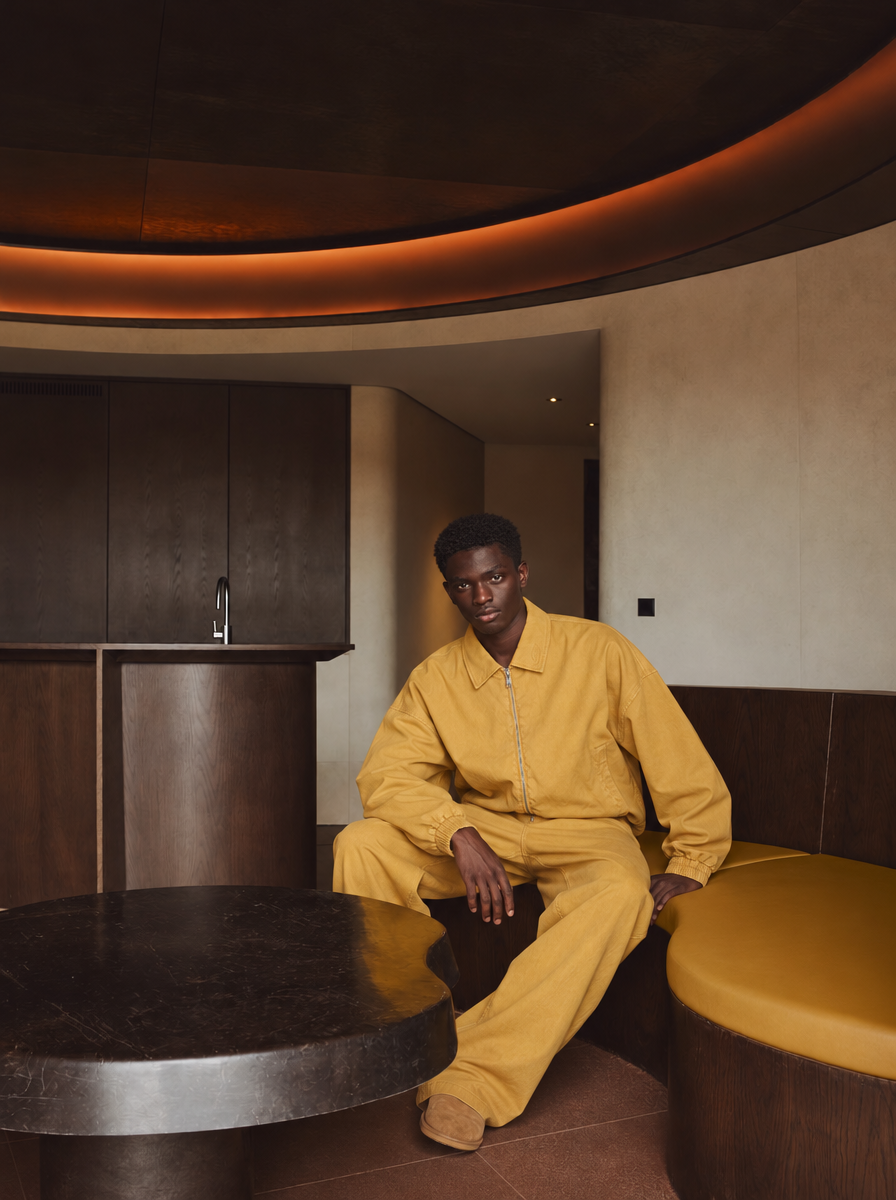
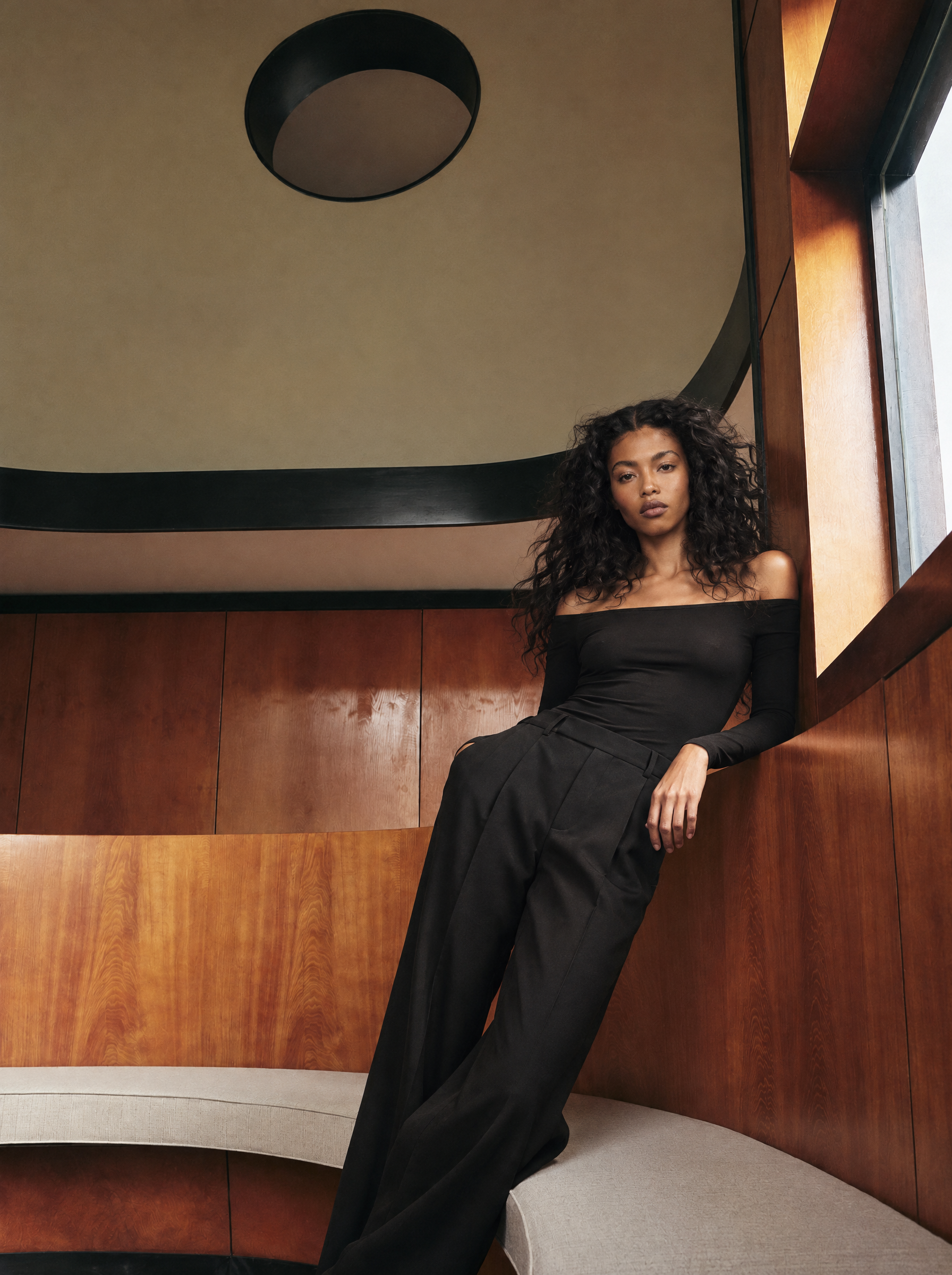
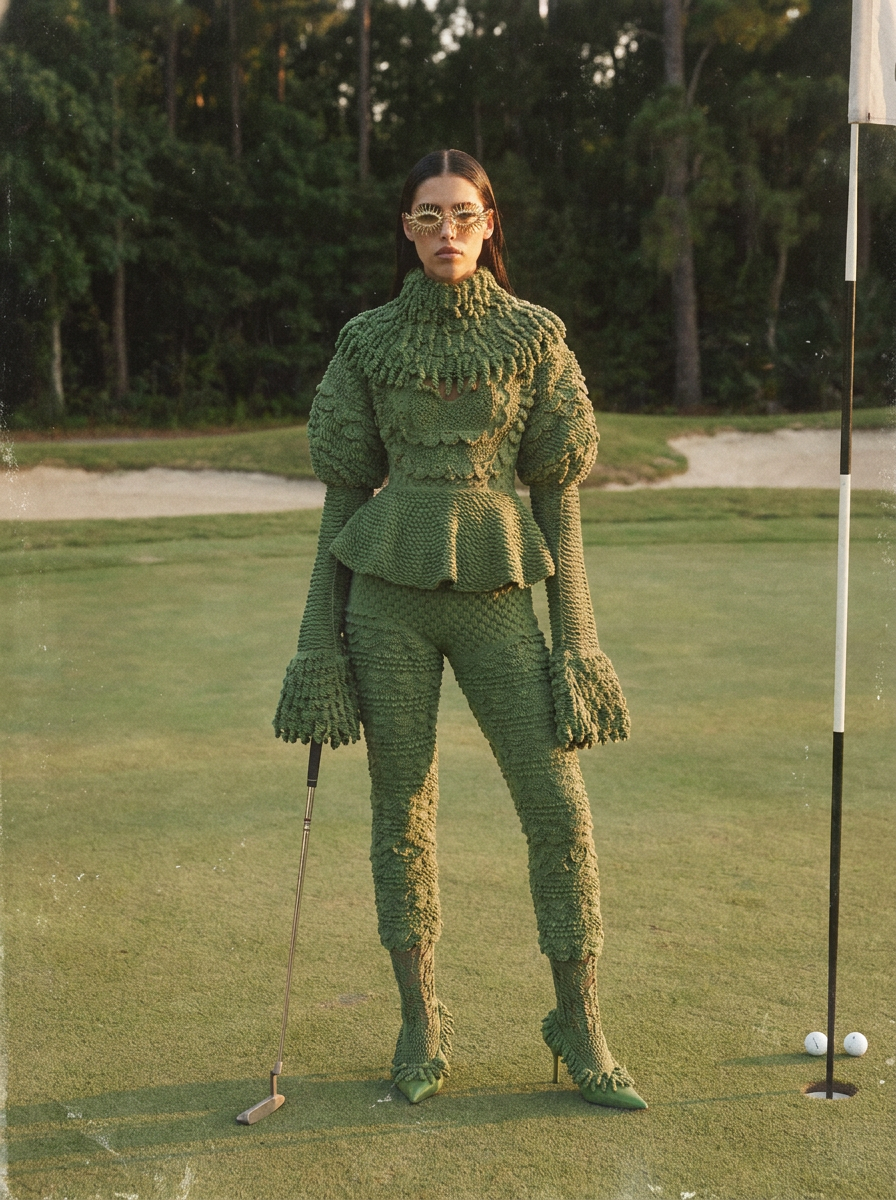
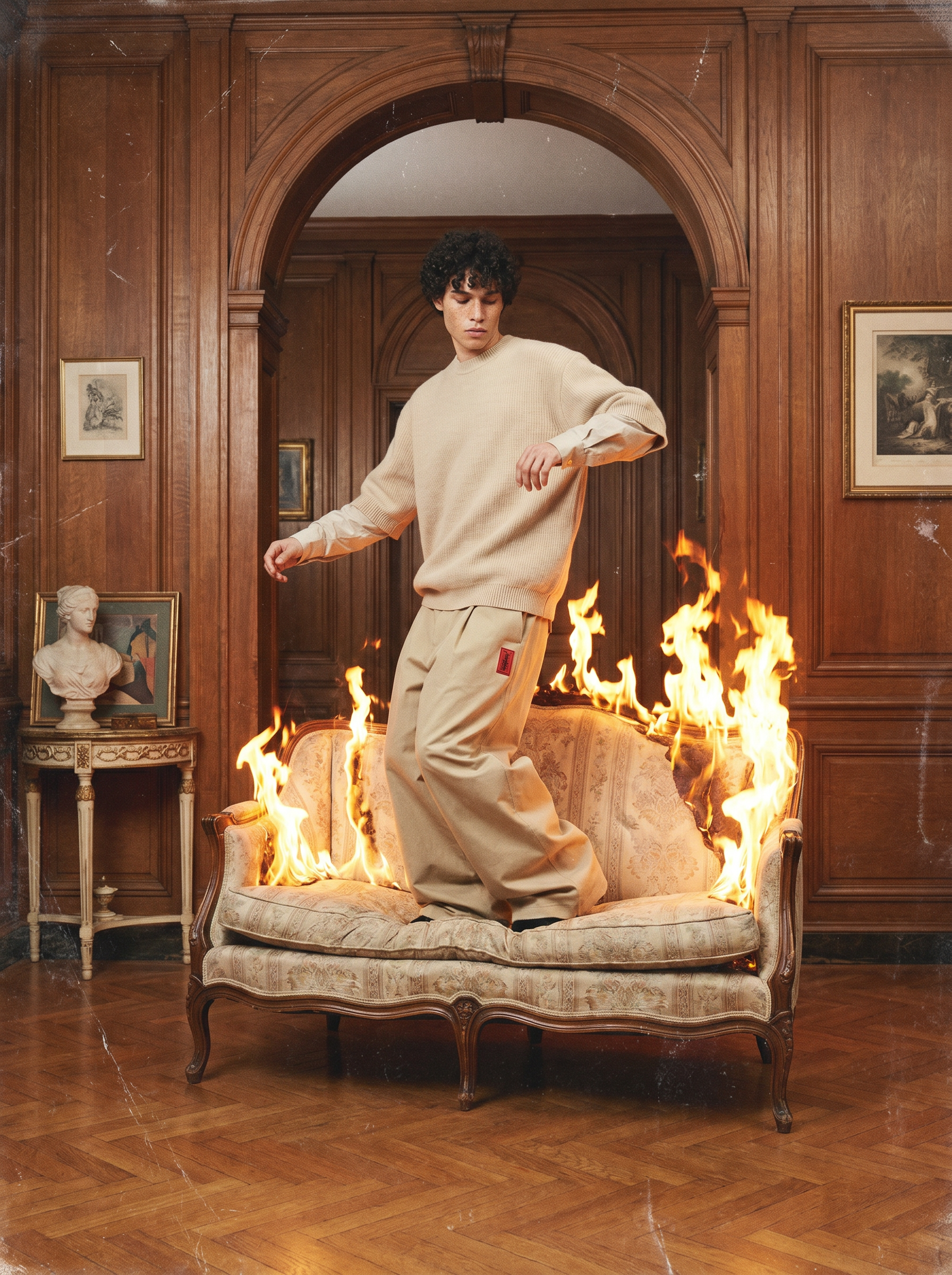
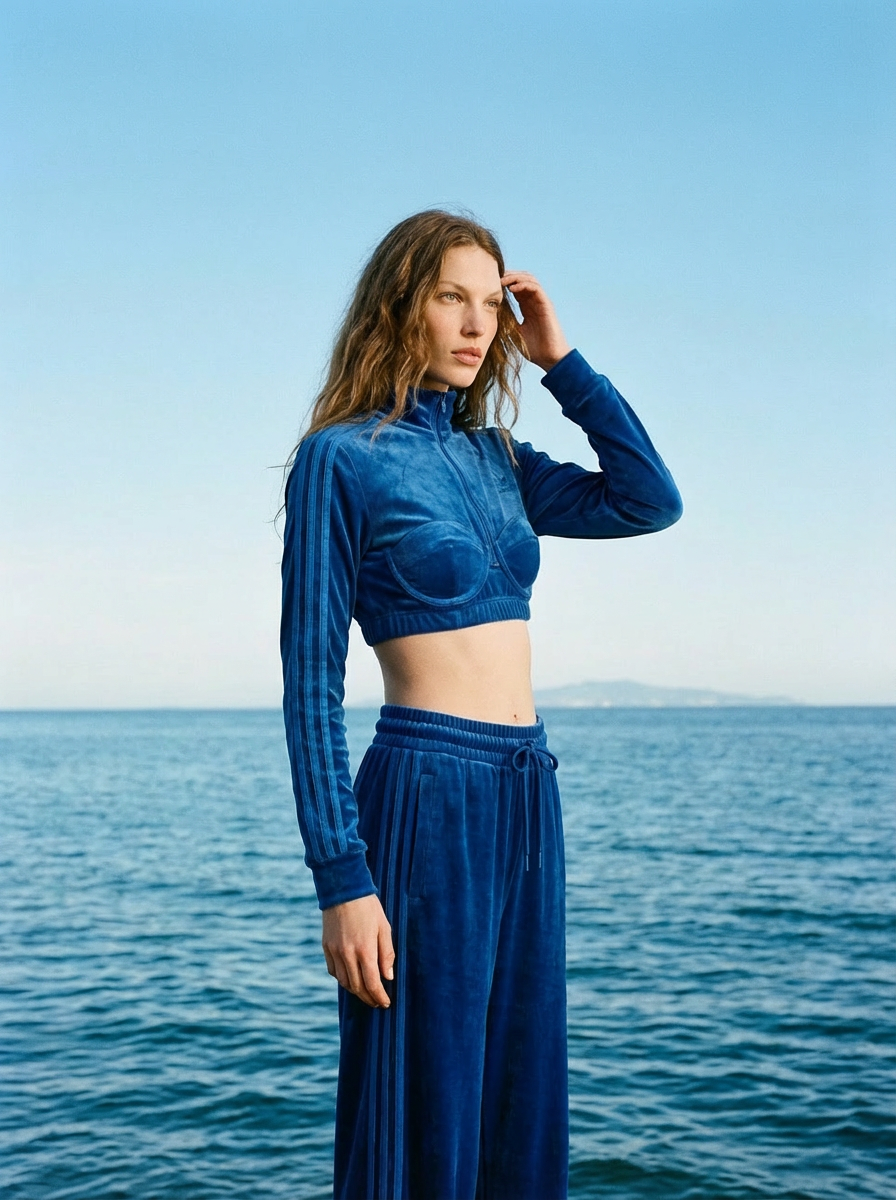
Real outputs from public Rainfrog workflows. Open one to see the workflow behind it.
How it works
- 01
Save your brand references once
Upload products, characters, styles, and environments to your libraries. They are the fixed inputs every campaign starts from.
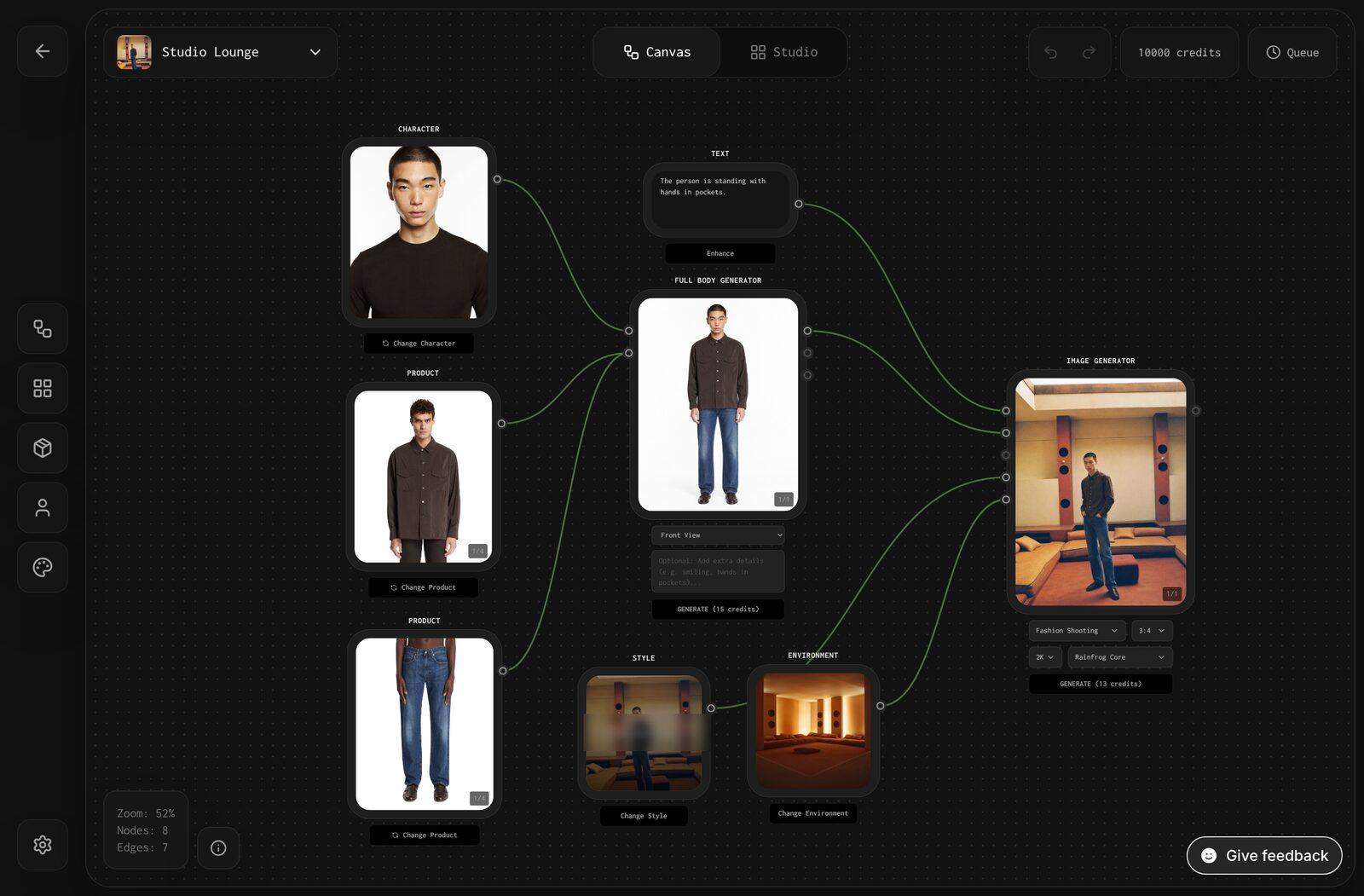
- 02
Connect them in one workflow
Drag the references onto the canvas and connect them to a generator, or start from a template. The workflow is the brief, and it does not change between shots.
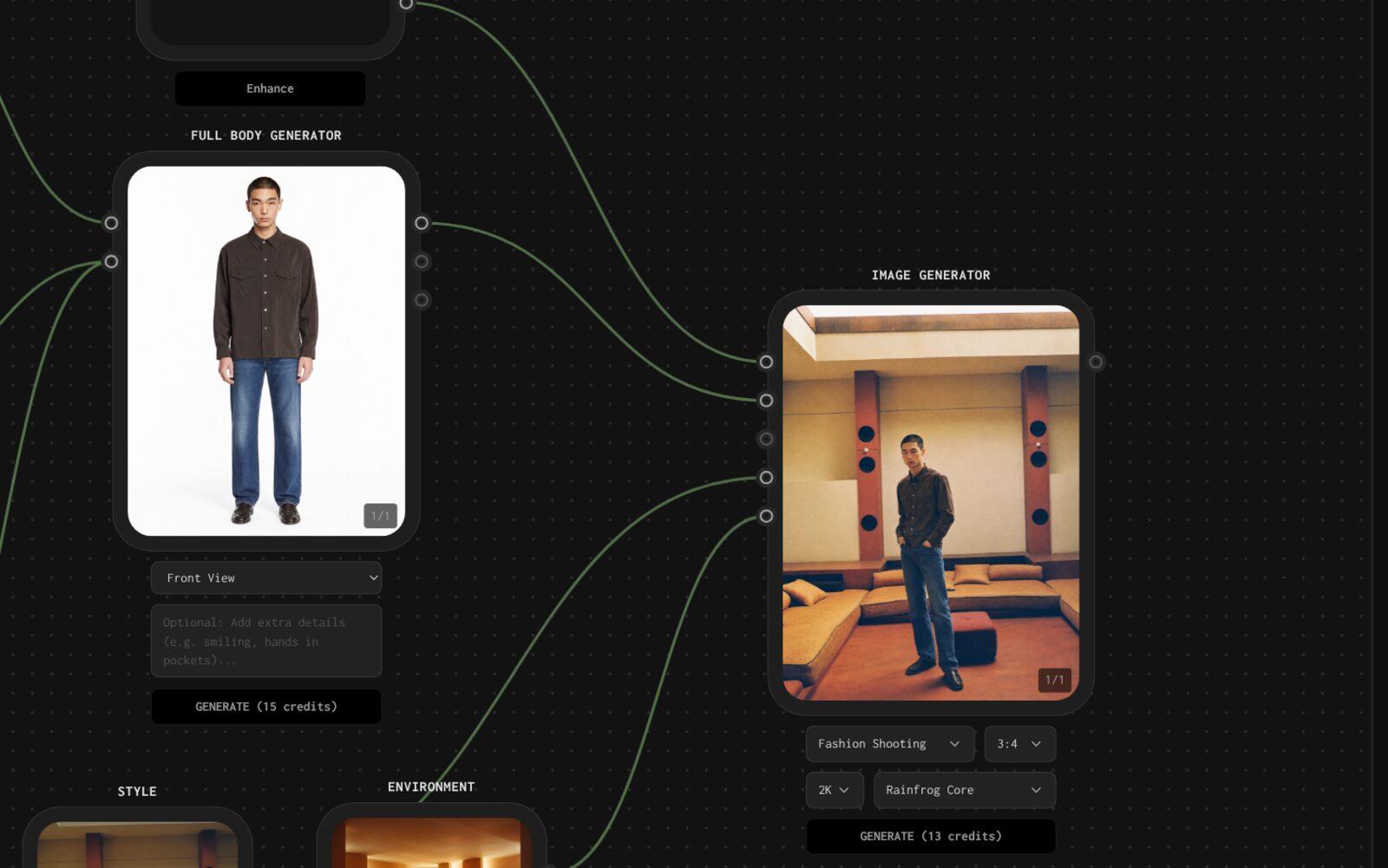
- 03
Generate every asset from the same inputs
Run the workflow for each shot and format. Change only what should change, such as the environment or the aspect ratio, and the rest stays on brand.
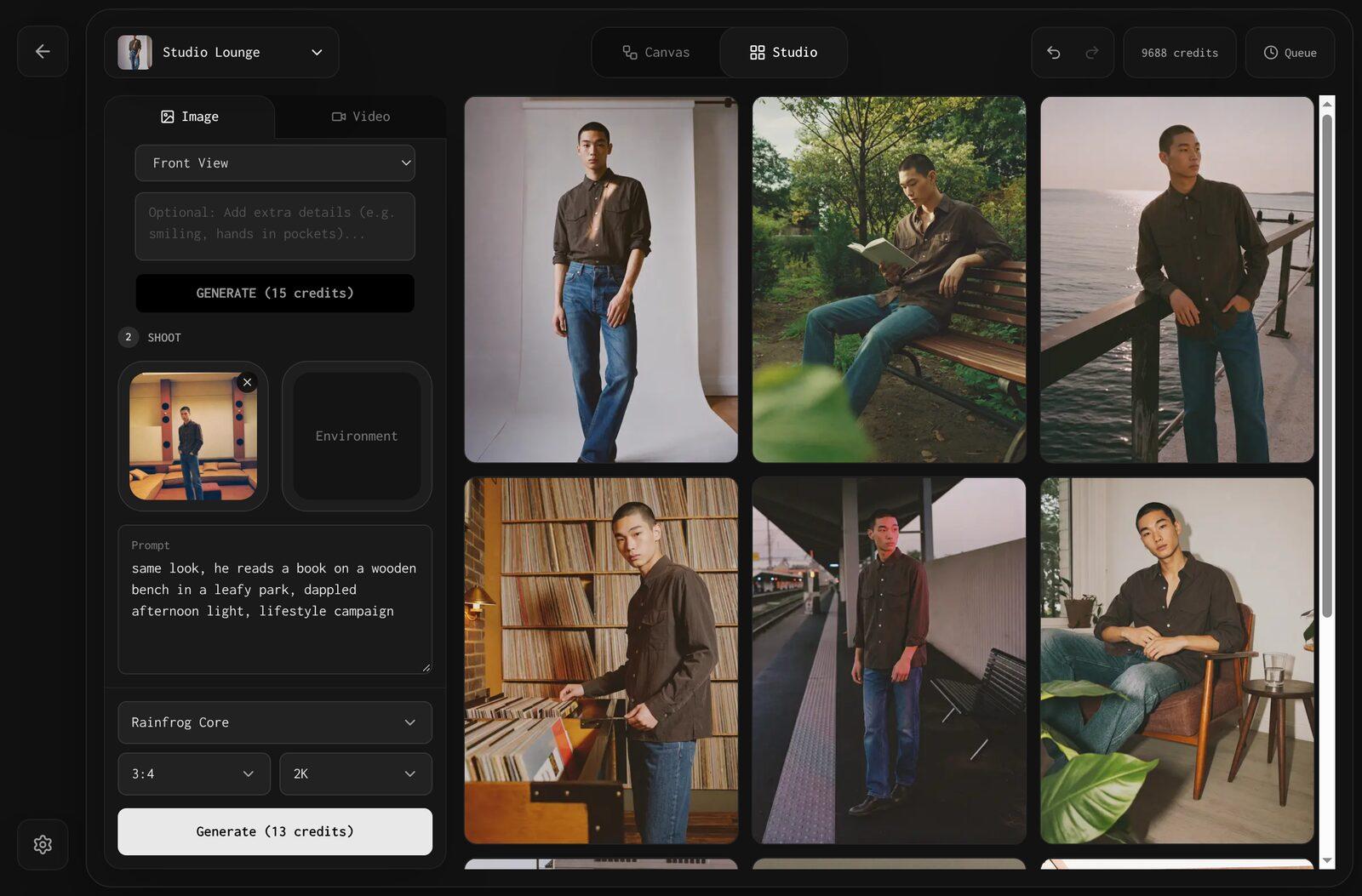
What to check before you publish
- Consistency is strongest when references are clear, well-lit images of the product or person.
- Small product details such as text on labels should be checked before publishing.
- Rainfrog keeps references consistent; brand approval and final selection stay with your team.
AI for brand consistency: common questions
Quick answers about using Rainfrog for this job.
What is the best AI image generator for brand consistency?
Look for a tool that reuses saved references rather than re-prompting each image. Rainfrog saves products, characters, styles, and environments and connects them in a visual workflow, so every output reads the same inputs. We compare seven options in our brand consistency guide.
Can AI keep the same face across many images?
Yes. In Rainfrog a character is a saved reference that every workflow reuses, so the same face appears across shots, scenes, and formats.
Do I need to write prompts to stay on brand?
No. The brand lives in the connected references and the style node. An optional text node can add direction for a single shot.
Is Rainfrog free to try?
You can create a free account to explore the studio, templates, and public workflows. Generating and downloading campaign images uses credits from a paid plan (Hobby, Pro, or Ultra); see the pricing page for current allotments.