Cursor · custom MCP
Connect Rainfrog to Cursor
Use the one-click install link or add Rainfrog to your personal or project MCP config.
{
  "mcpServers": {
    "rainfrog": {
      "url": "https://mcp.rainfrog.ai/mcp"
    }
  }
}How do I connect Rainfrog to Cursor?
- 01
Select Add to Cursor and approve the server, or paste the JSON into your MCP config.
- 02
Complete the Rainfrog OAuth sign-in when Cursor asks.
- 03
Open Agent and ask it to list your Rainfrog projects.
Rainfrog OAuth sign-in; no API key. The config belongs in Cursor Settings → MCP, in ~/.cursor/mcp.json for every project, or in .cursor/mcp.json for one project. This is a remote MCP server, not a Cursor Marketplace plugin.
What can I ask Cursor?
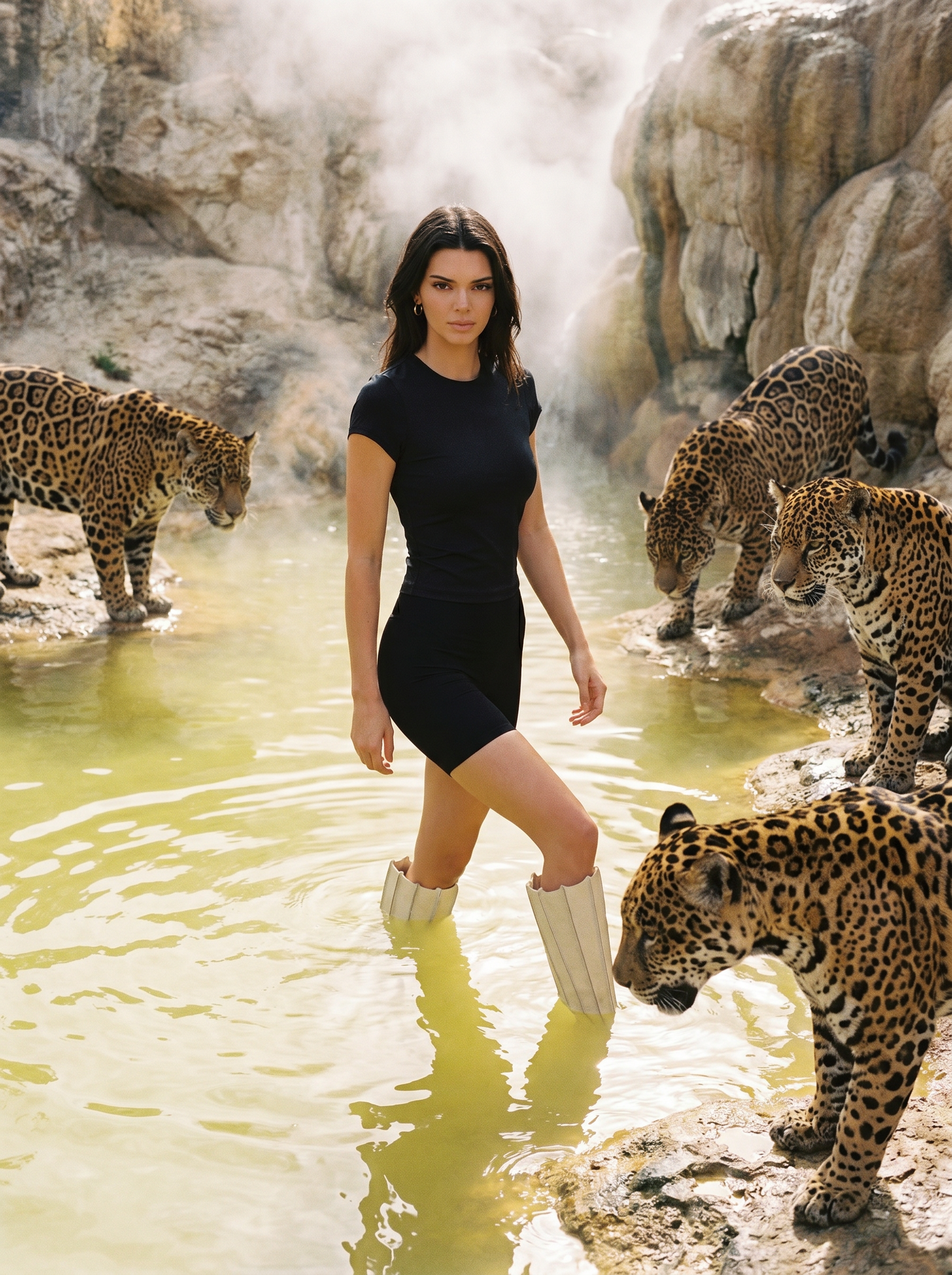
“Create a fashion editorial from these photos.”
“Make a studio still life of this product.”
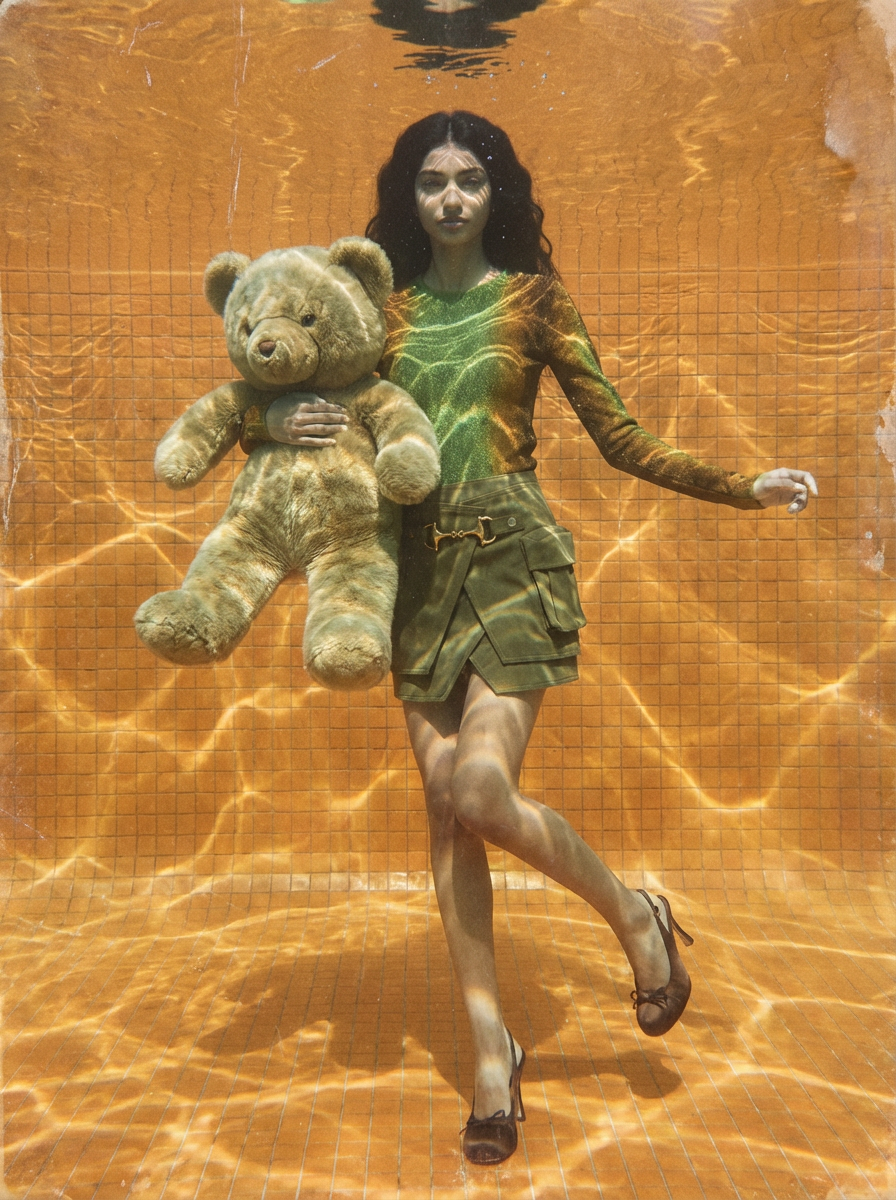
“Turn this look into a short campaign video.”
“List my Rainfrog projects and open the latest one.”
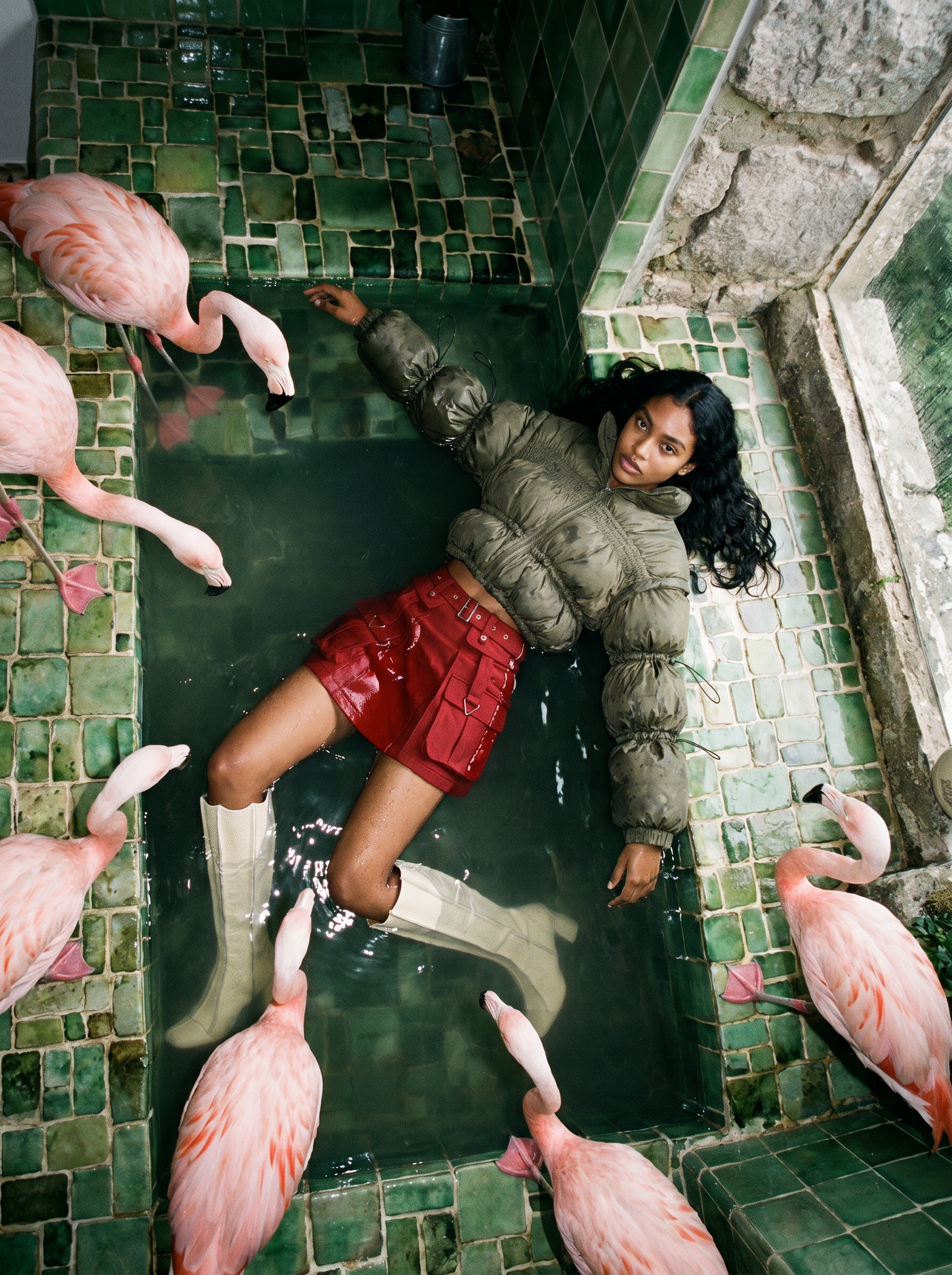
“Create a character from these two references, then run a 6-shot lookbook.”
“Regenerate shot 2 with warmer light and share the download link.”
Cursor and Rainfrog
Custom MCP setup, sign-in, and what the agent can do in your Rainfrog account.
How do I add Rainfrog to Cursor?
Use Add to Cursor on this page, or add an mcpServers entry named rainfrog with url https://mcp.rainfrog.ai/mcp. Then complete the Rainfrog OAuth sign-in.
Where does the Cursor config go?
Use Cursor Settings → MCP, ~/.cursor/mcp.json for every project, or .cursor/mcp.json inside one project.
Do I need a Rainfrog API key in Cursor?
No. The remote server signs in with OAuth. Do not put a token in mcp.json.
Is there a Rainfrog plugin in the Cursor Marketplace?
No. Connect the remote MCP server with the install link or the JSON on this page.
What can Cursor Agent do with Rainfrog?
Agent can create characters and products, generate campaigns, edit canvas projects, run image and video workflows, and export assets in the Rainfrog account you authorize.