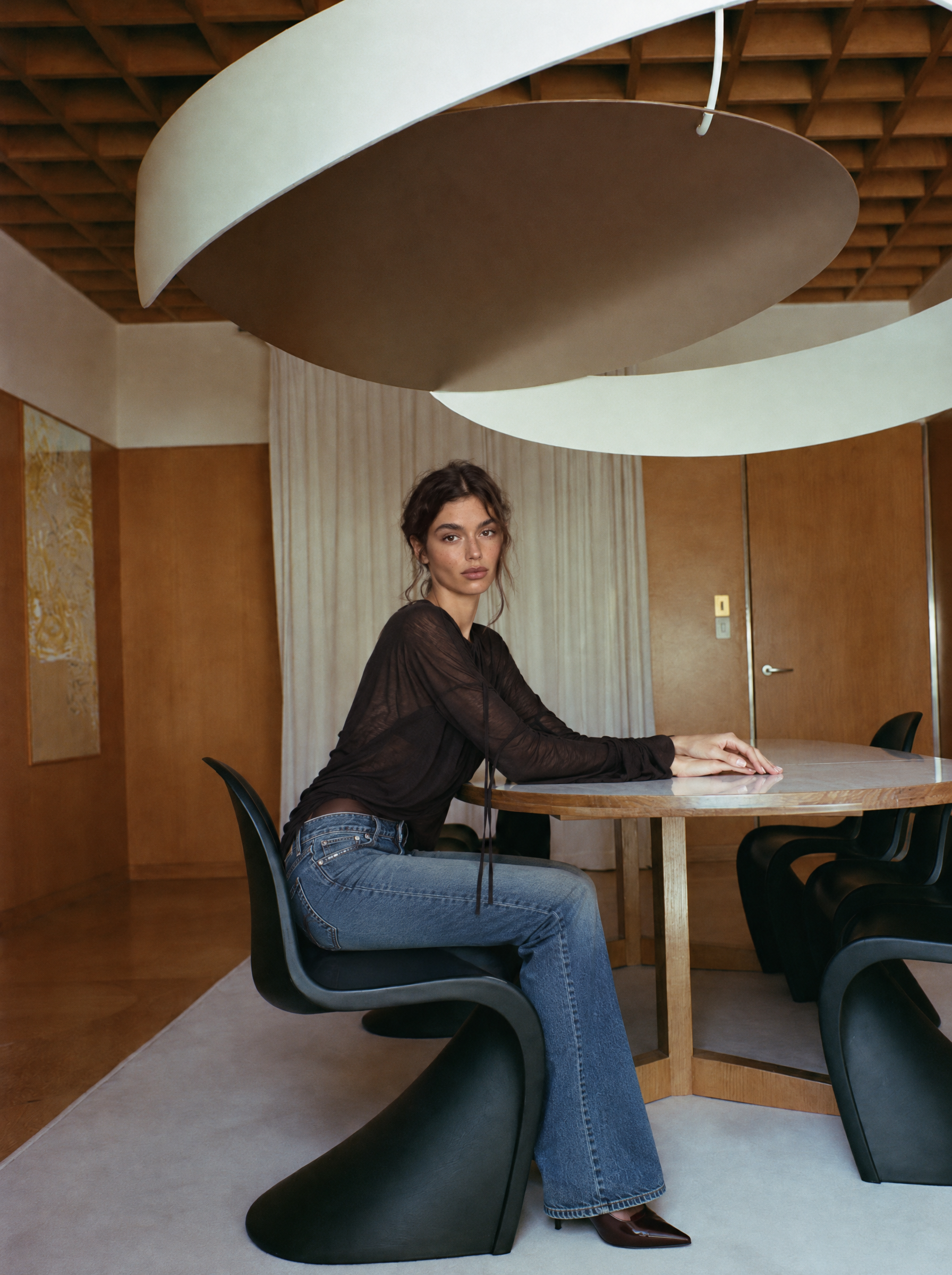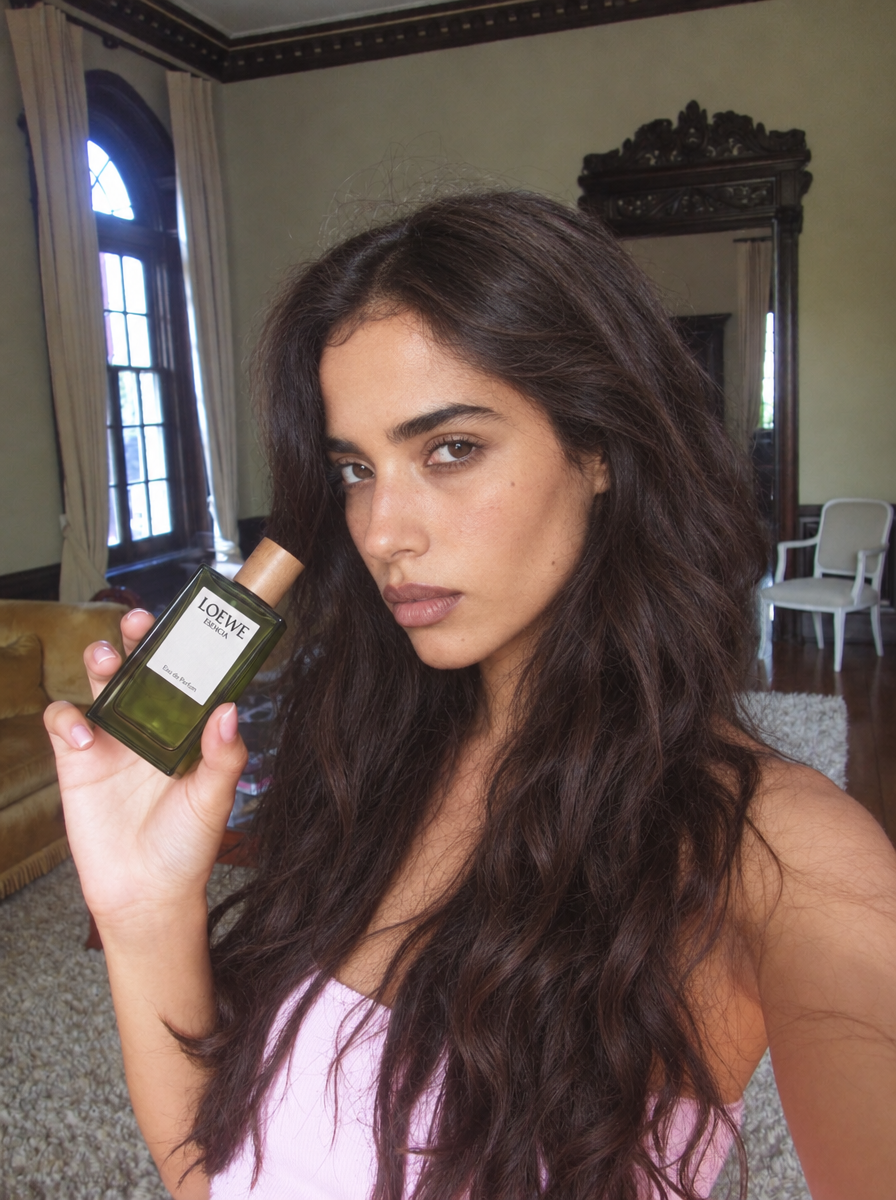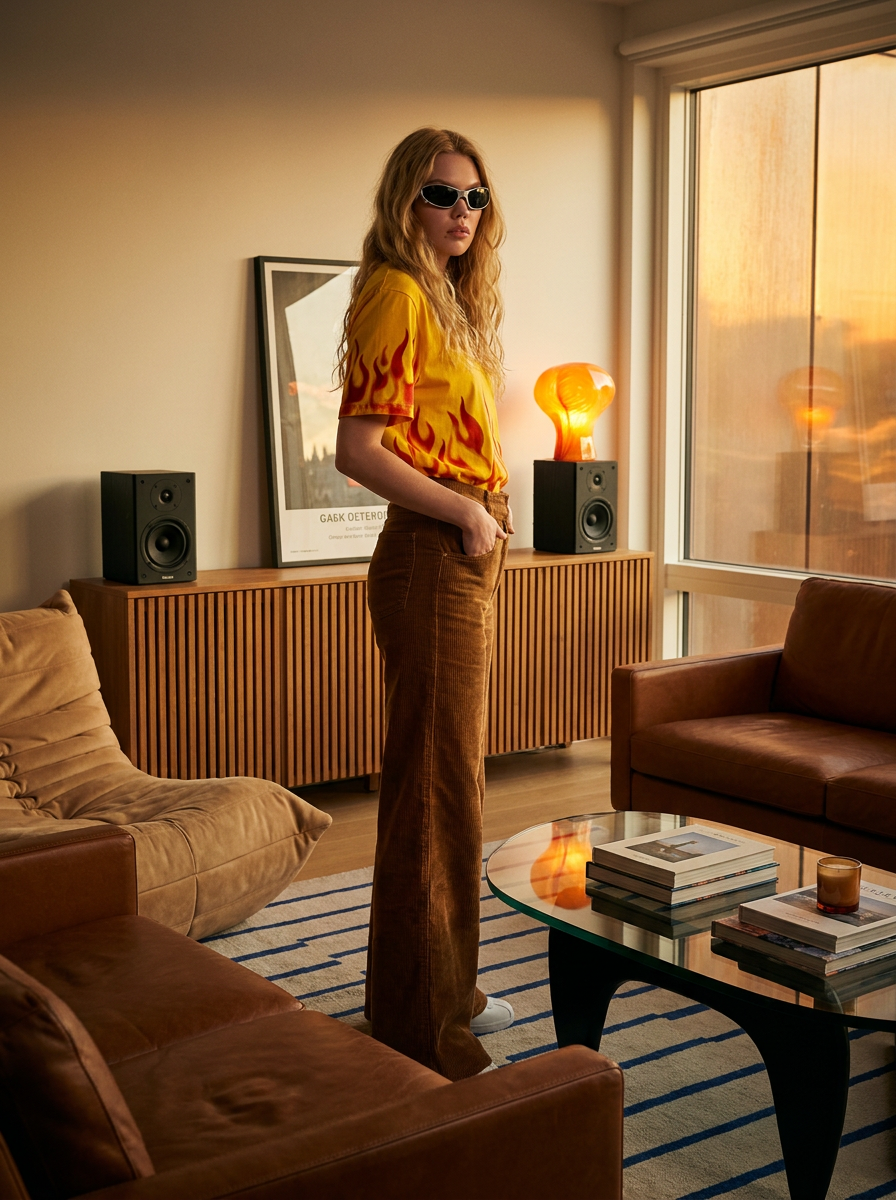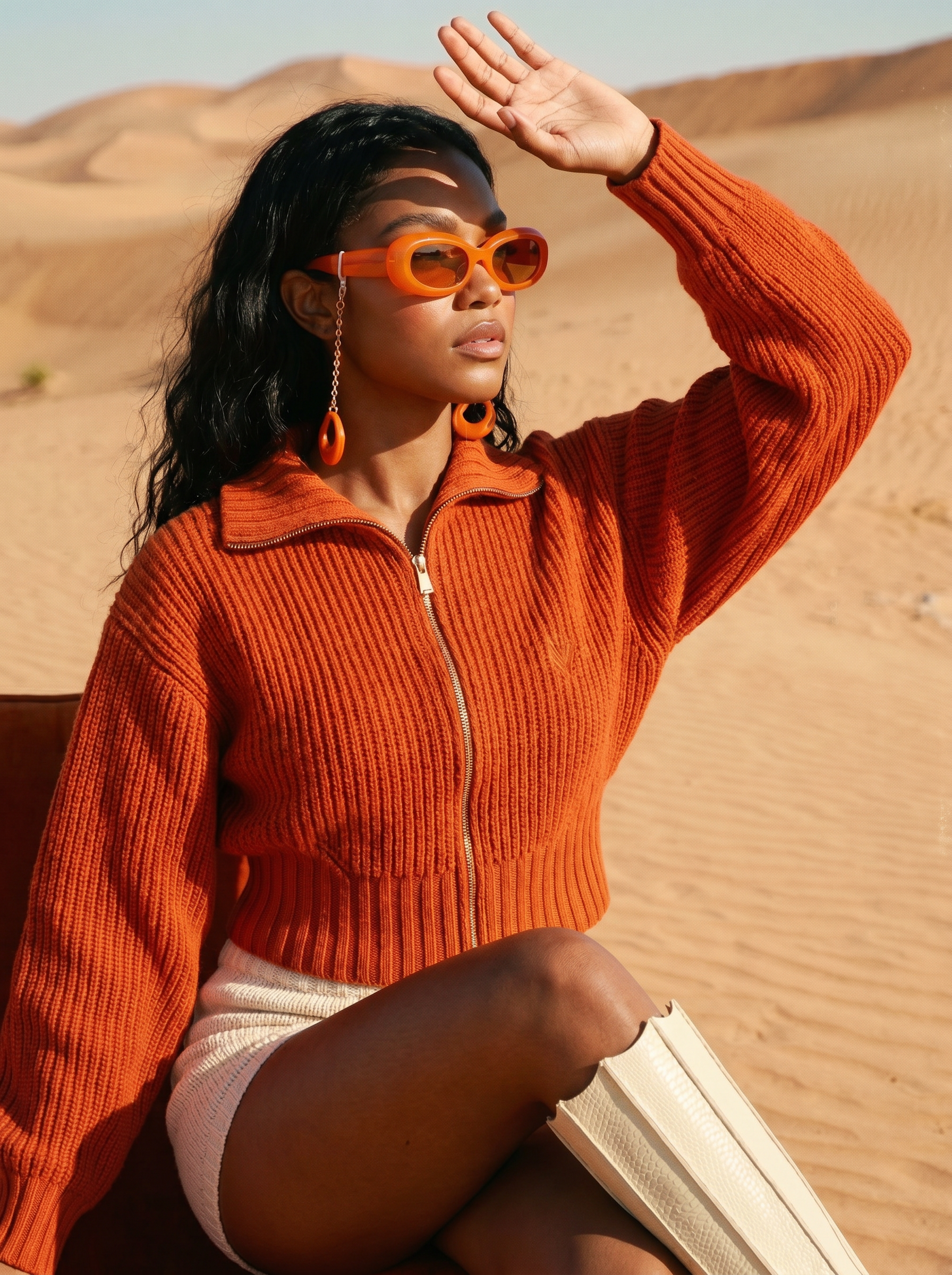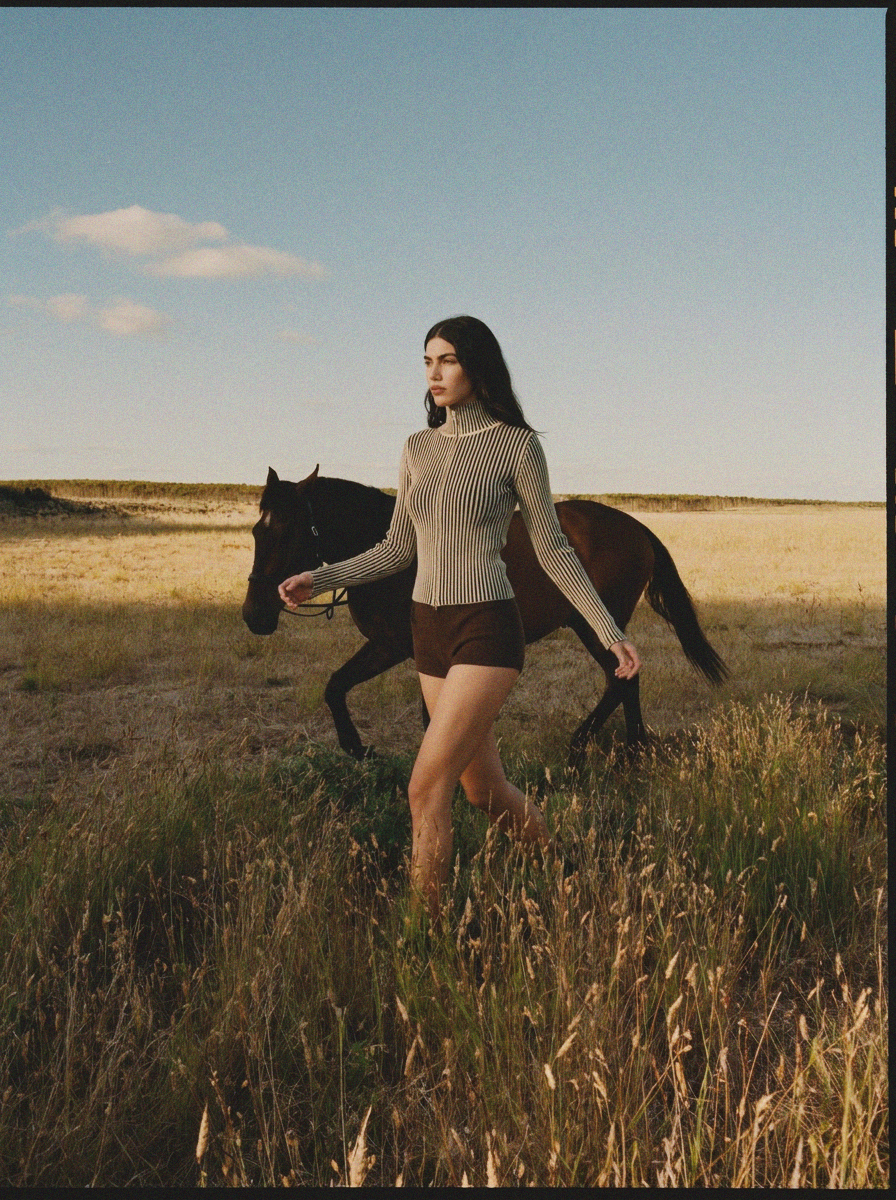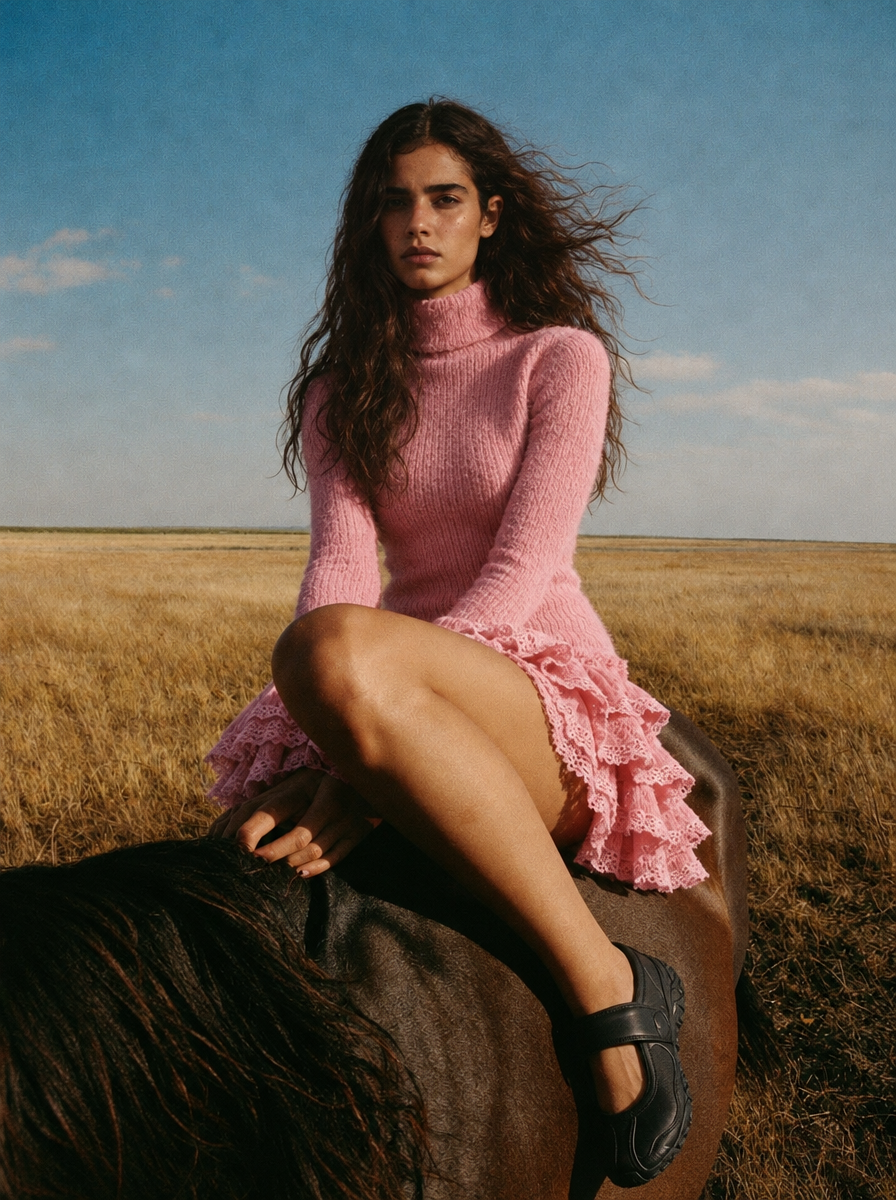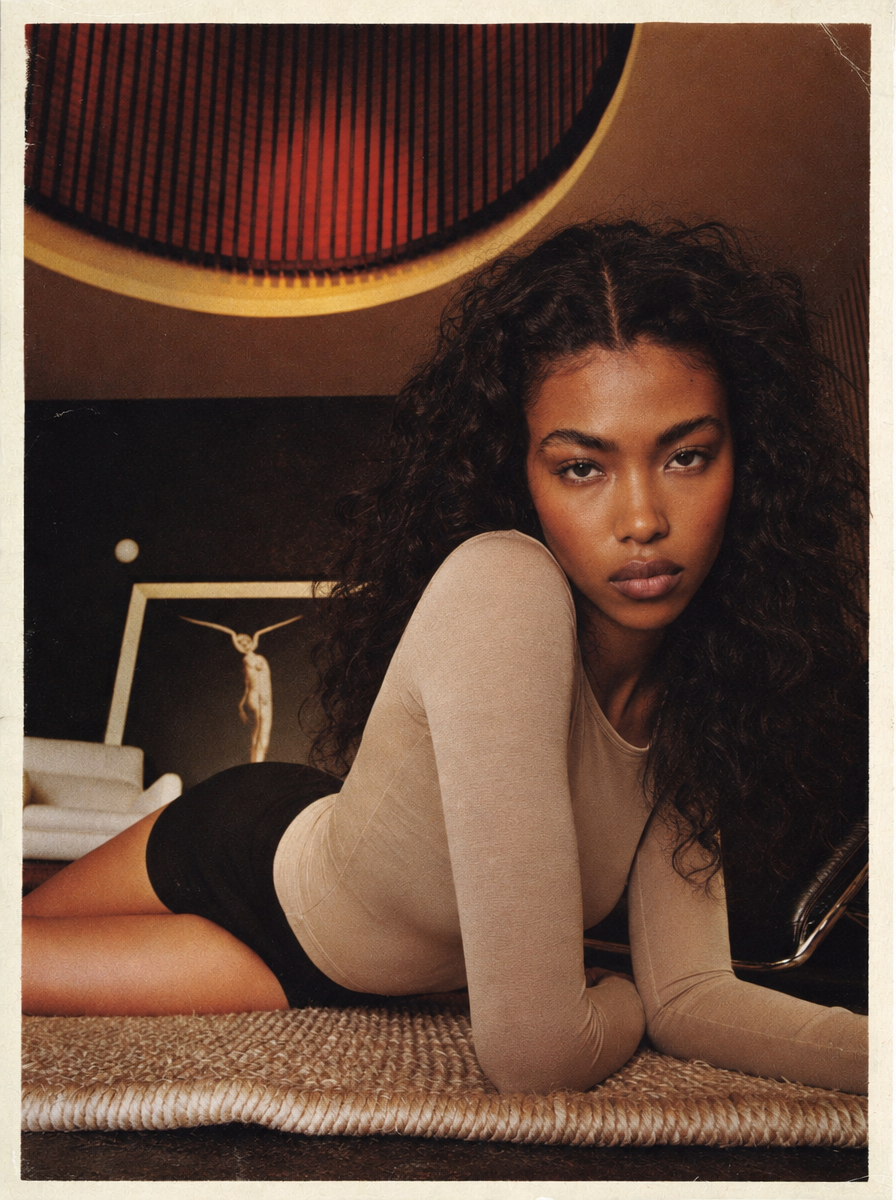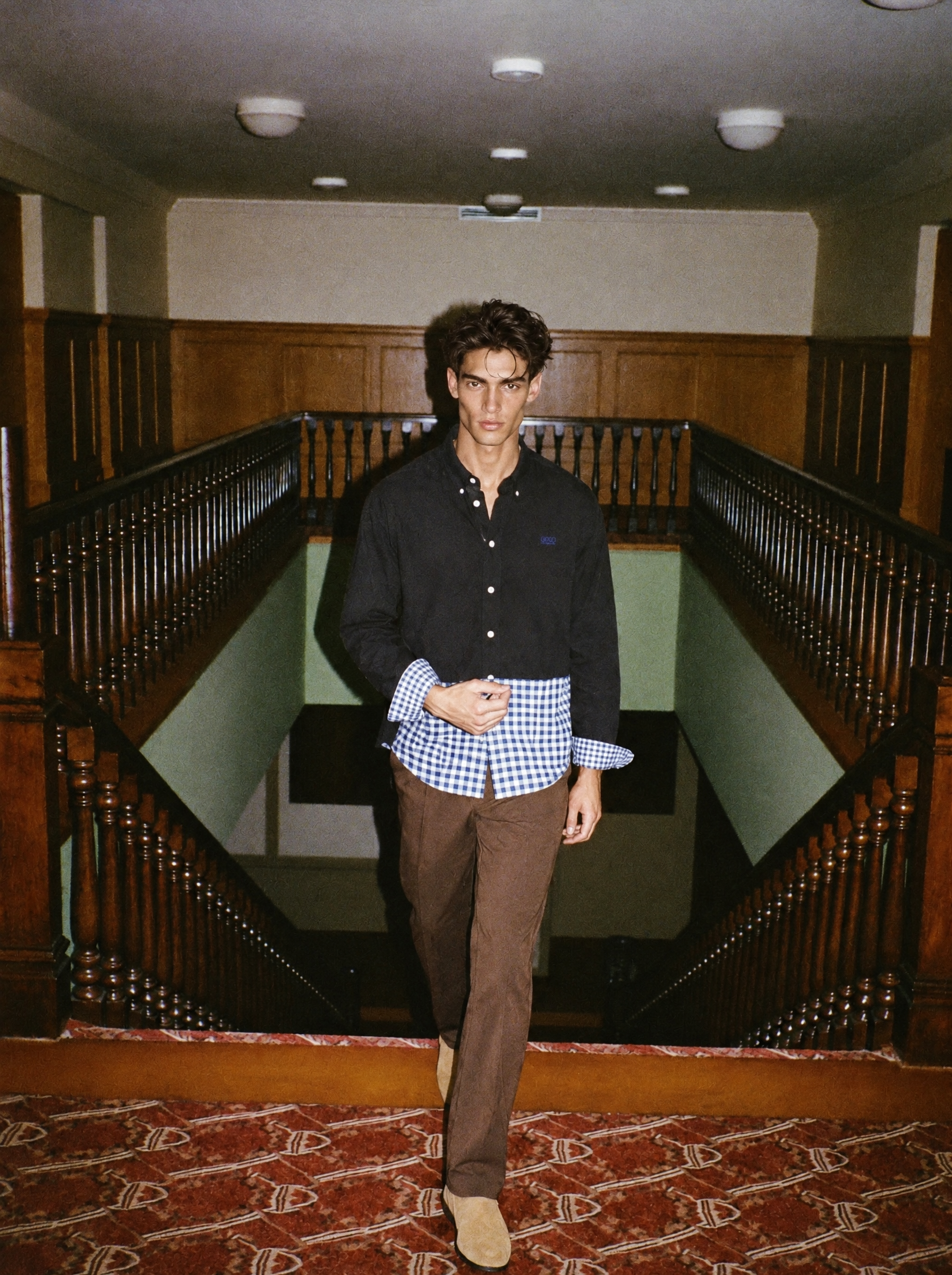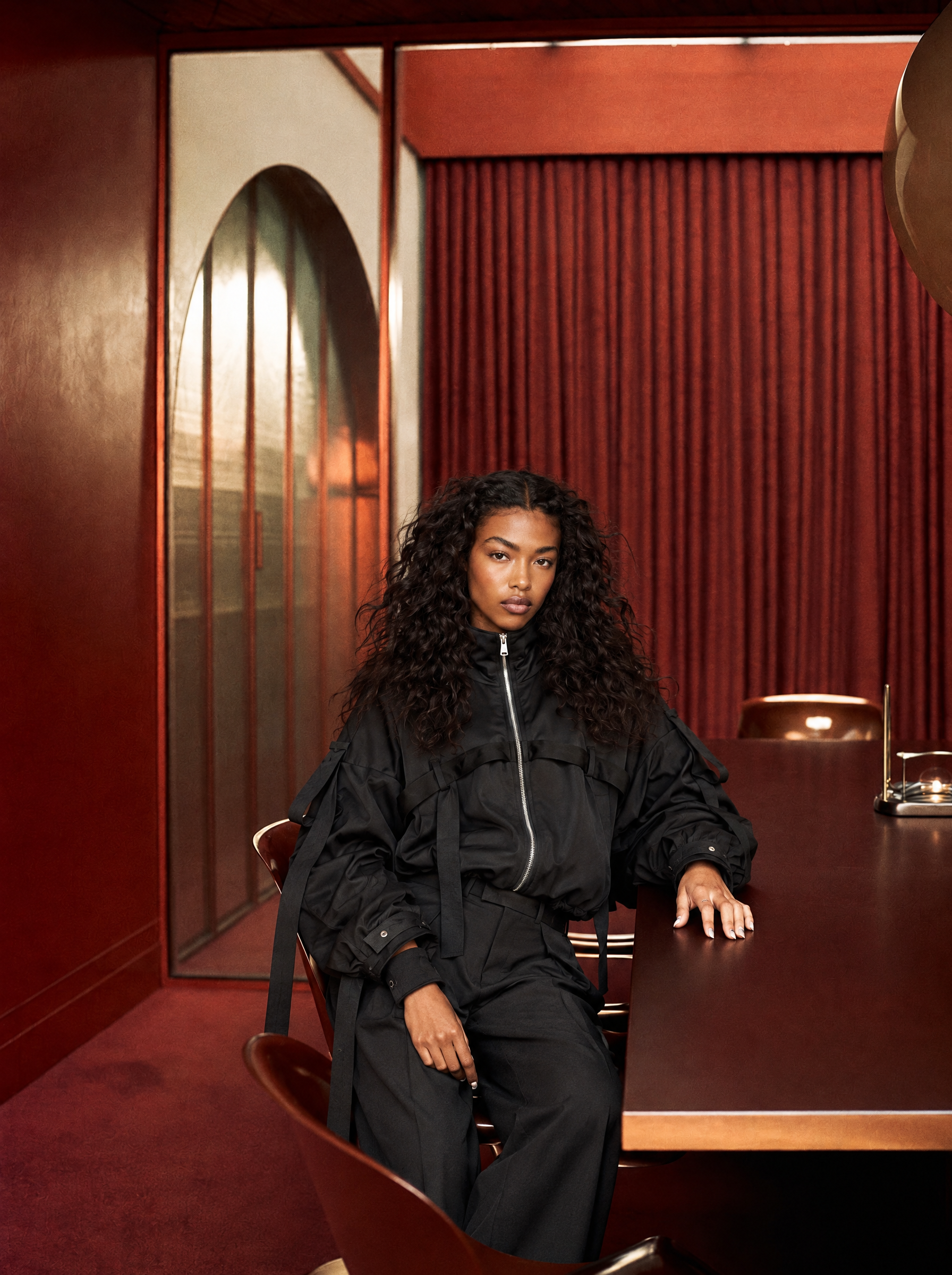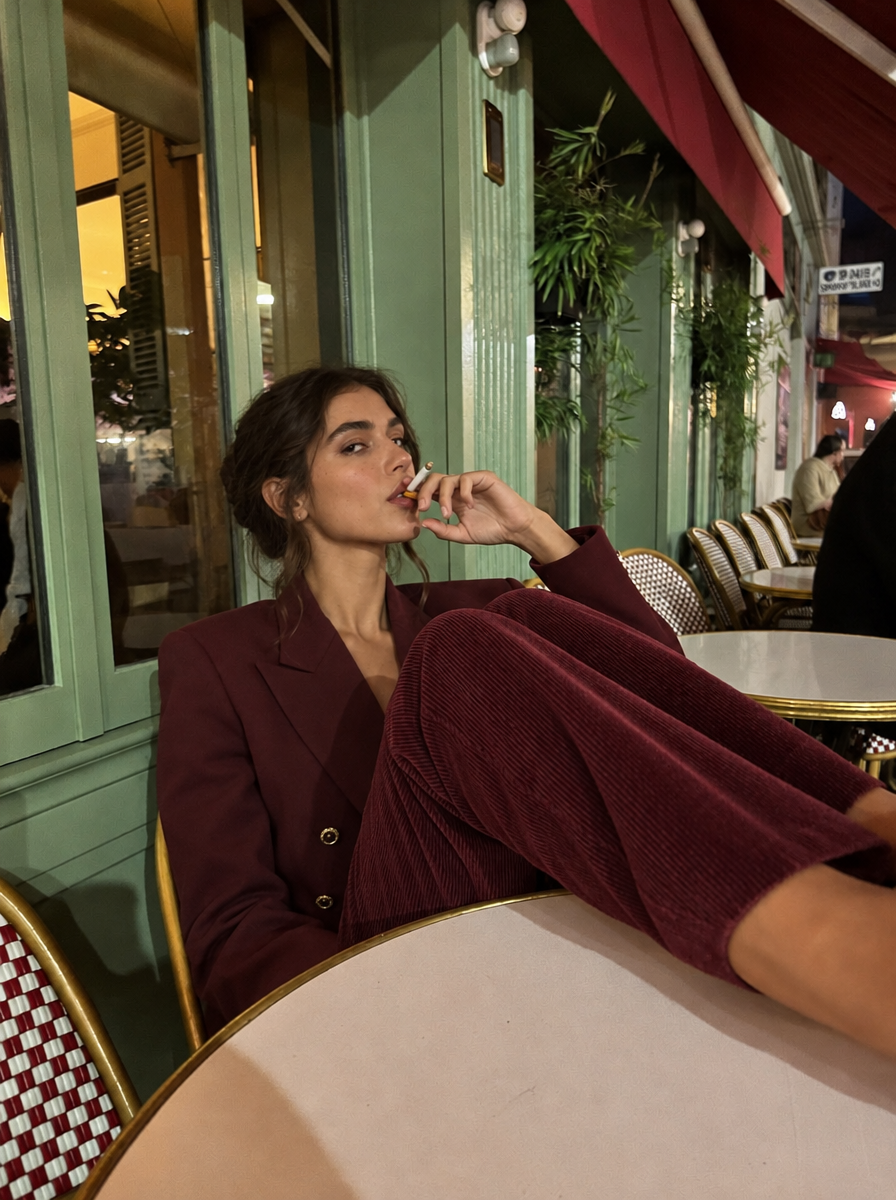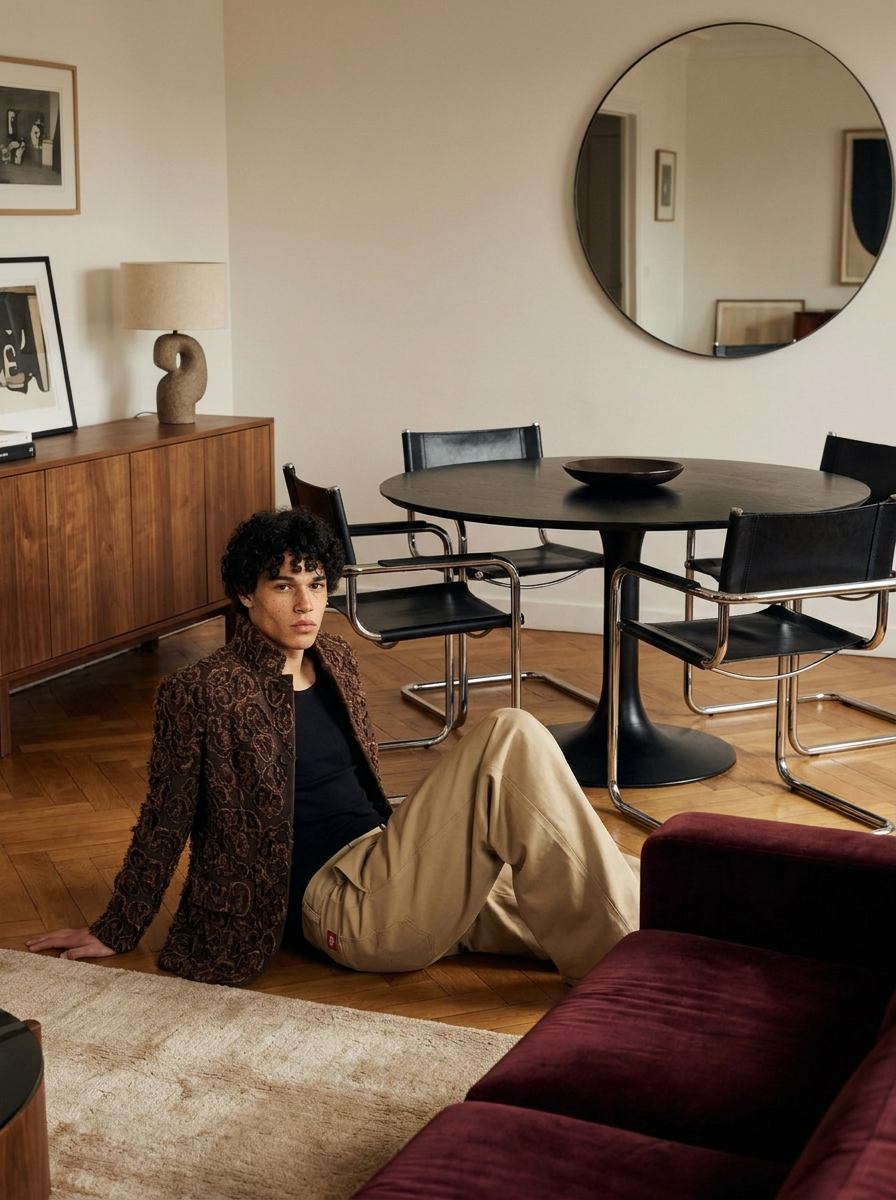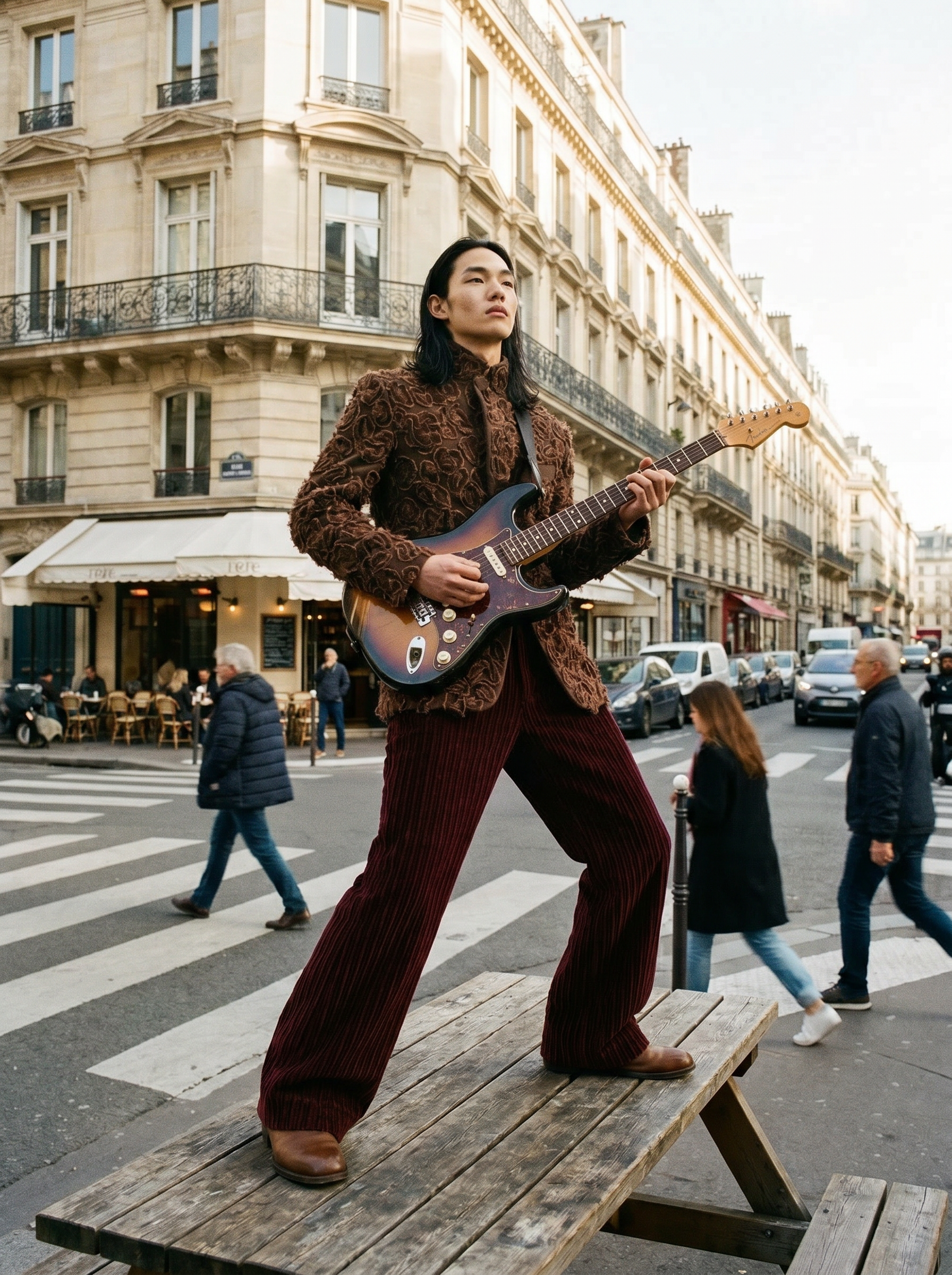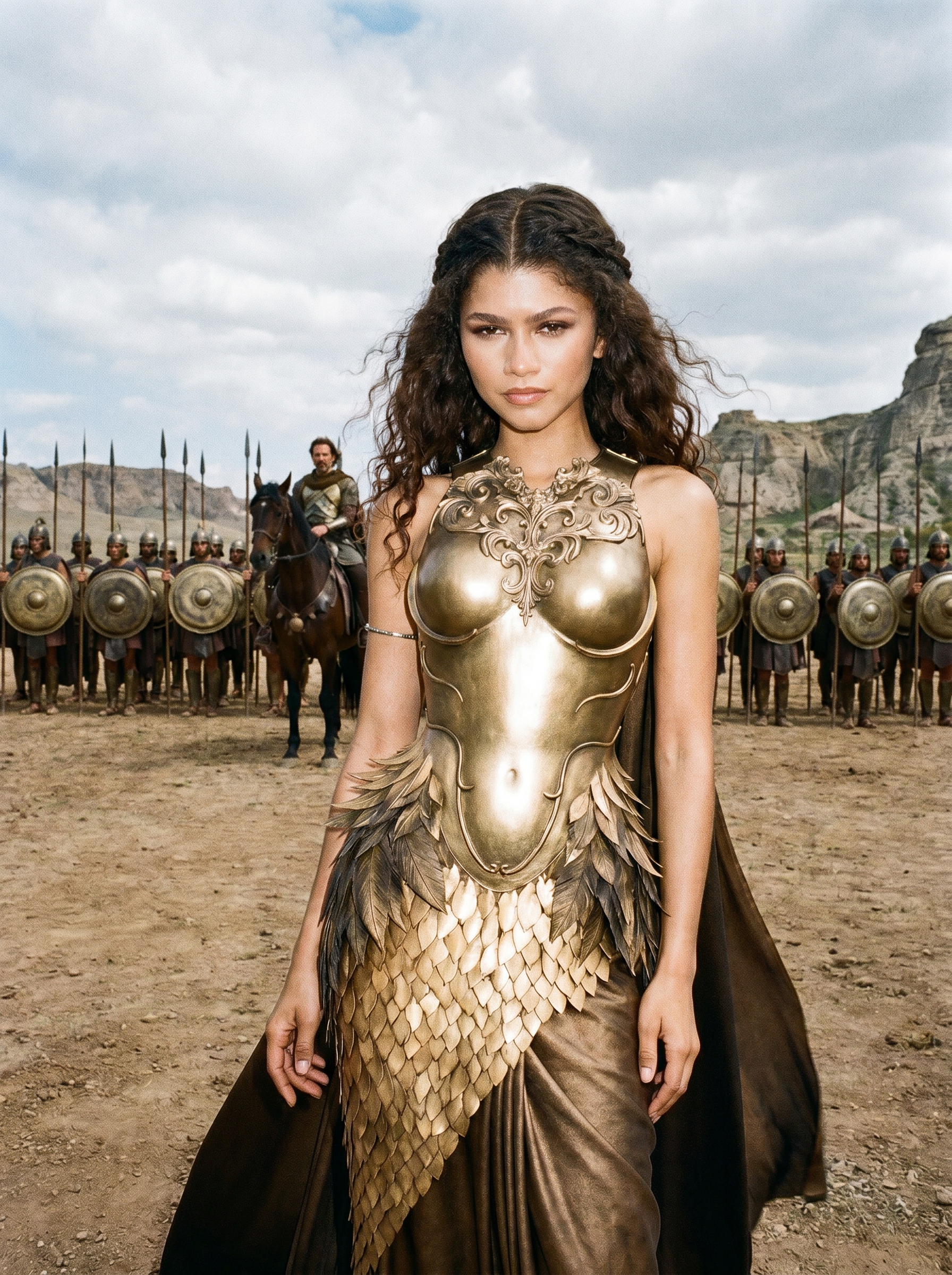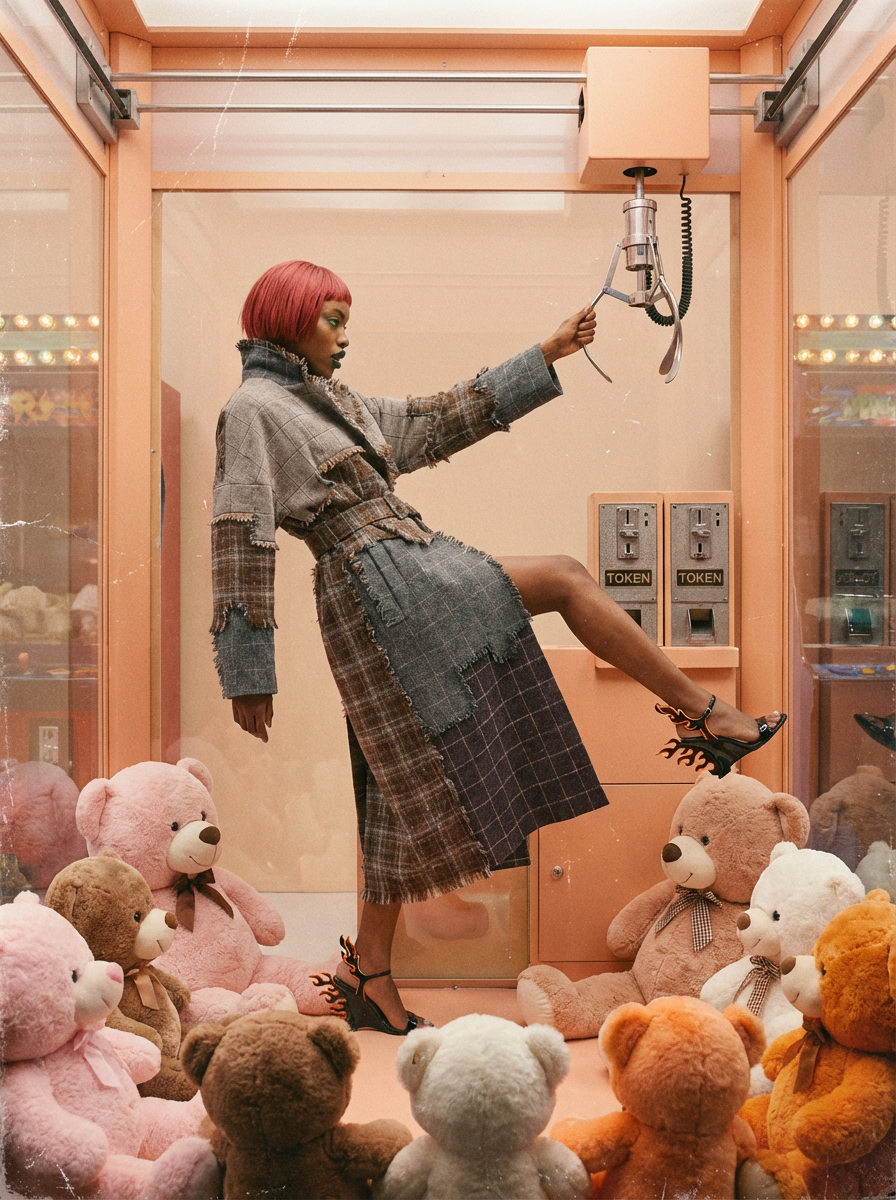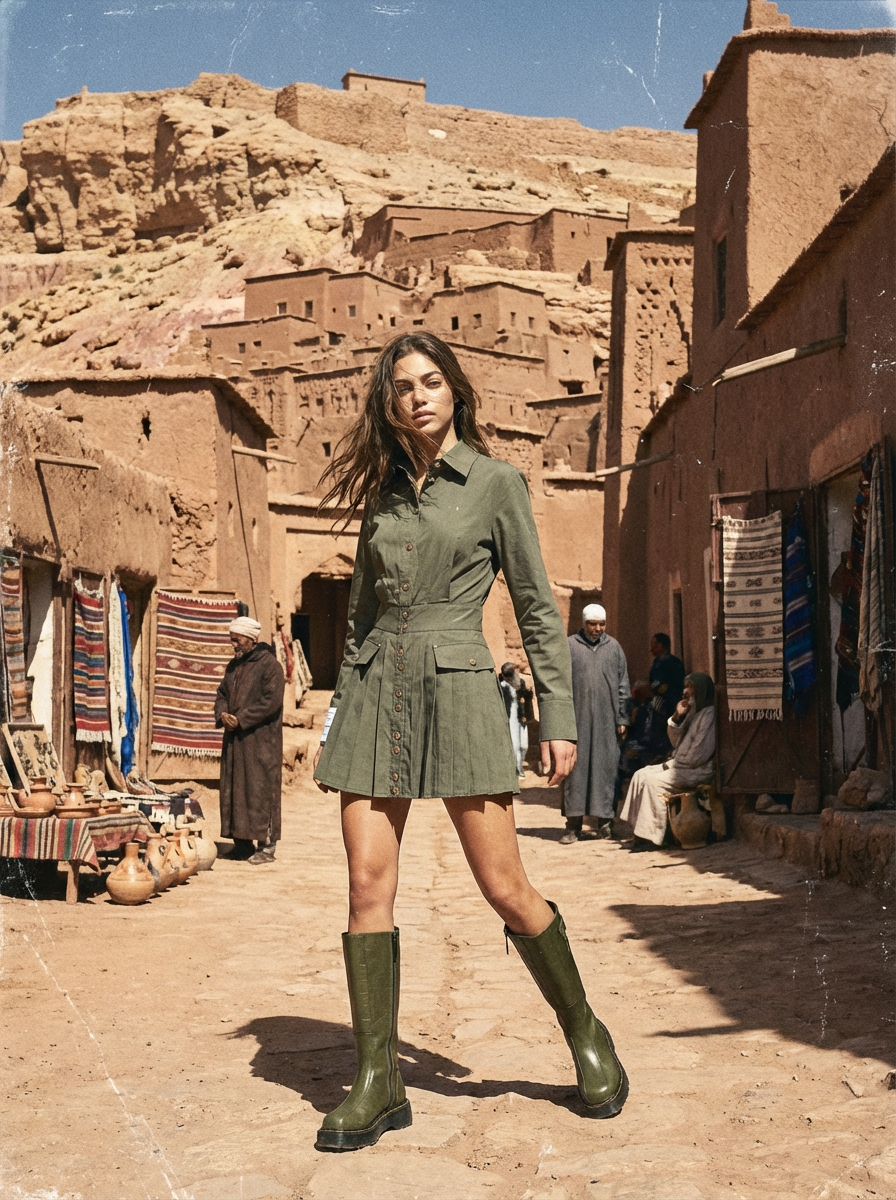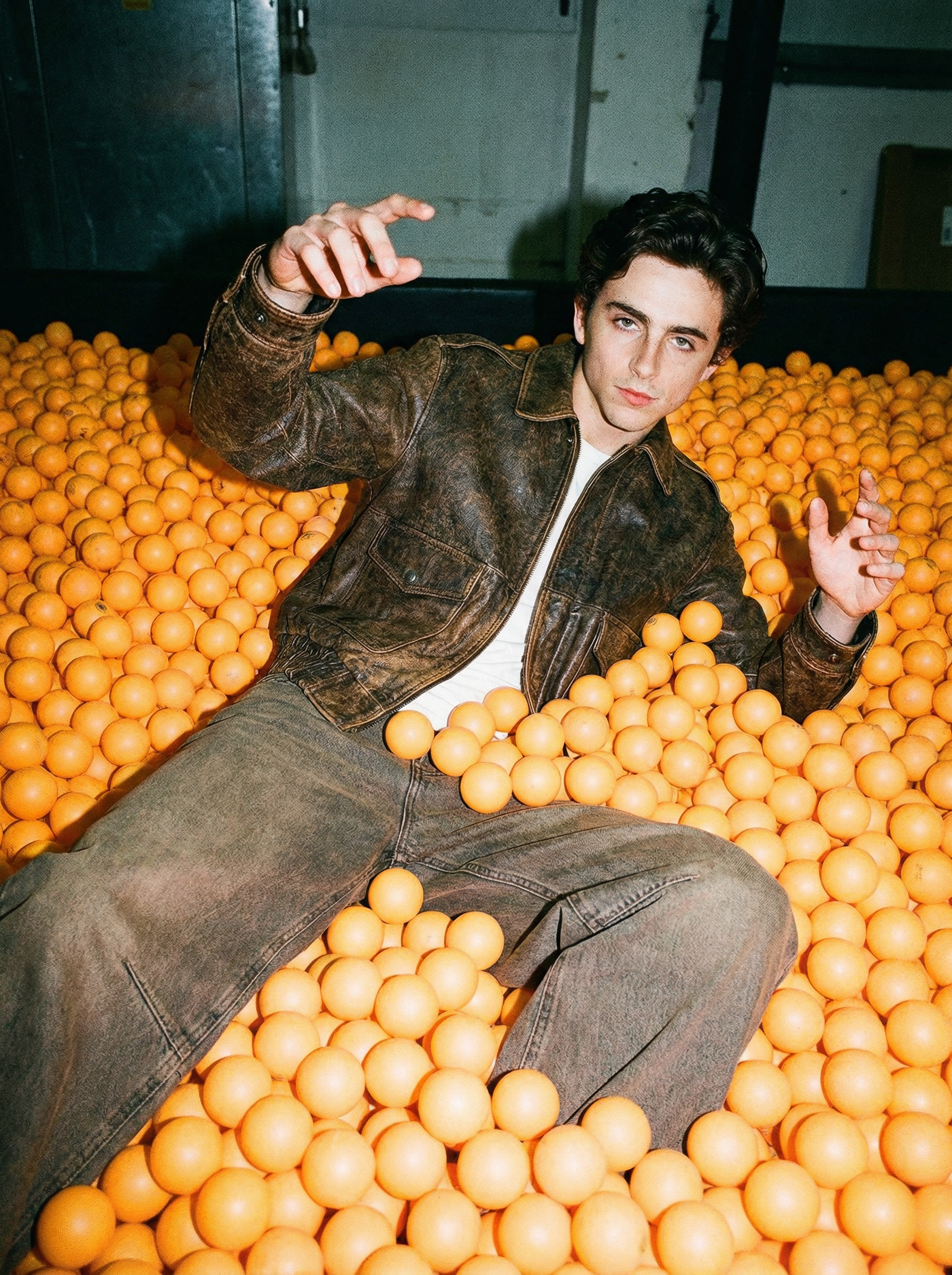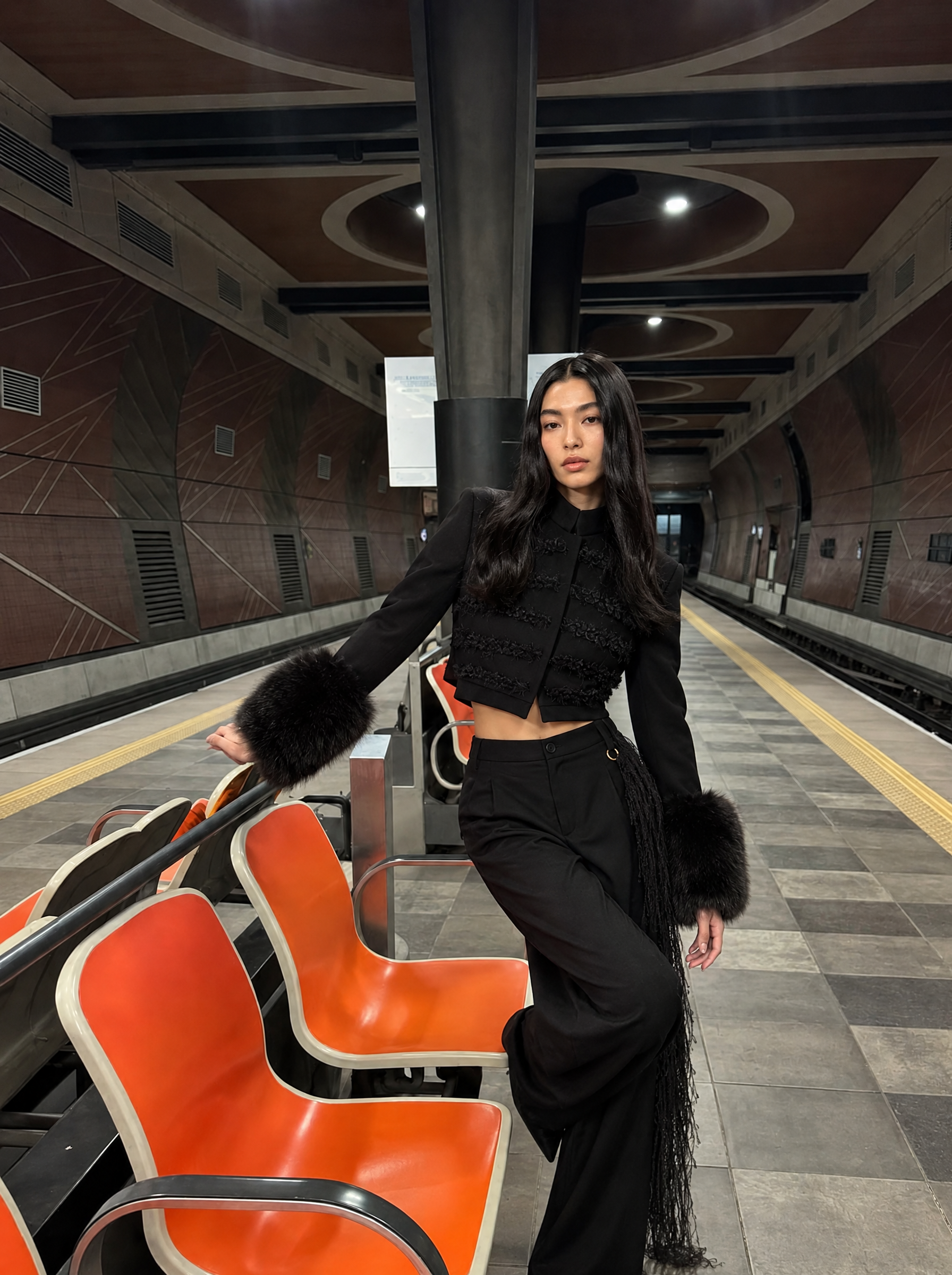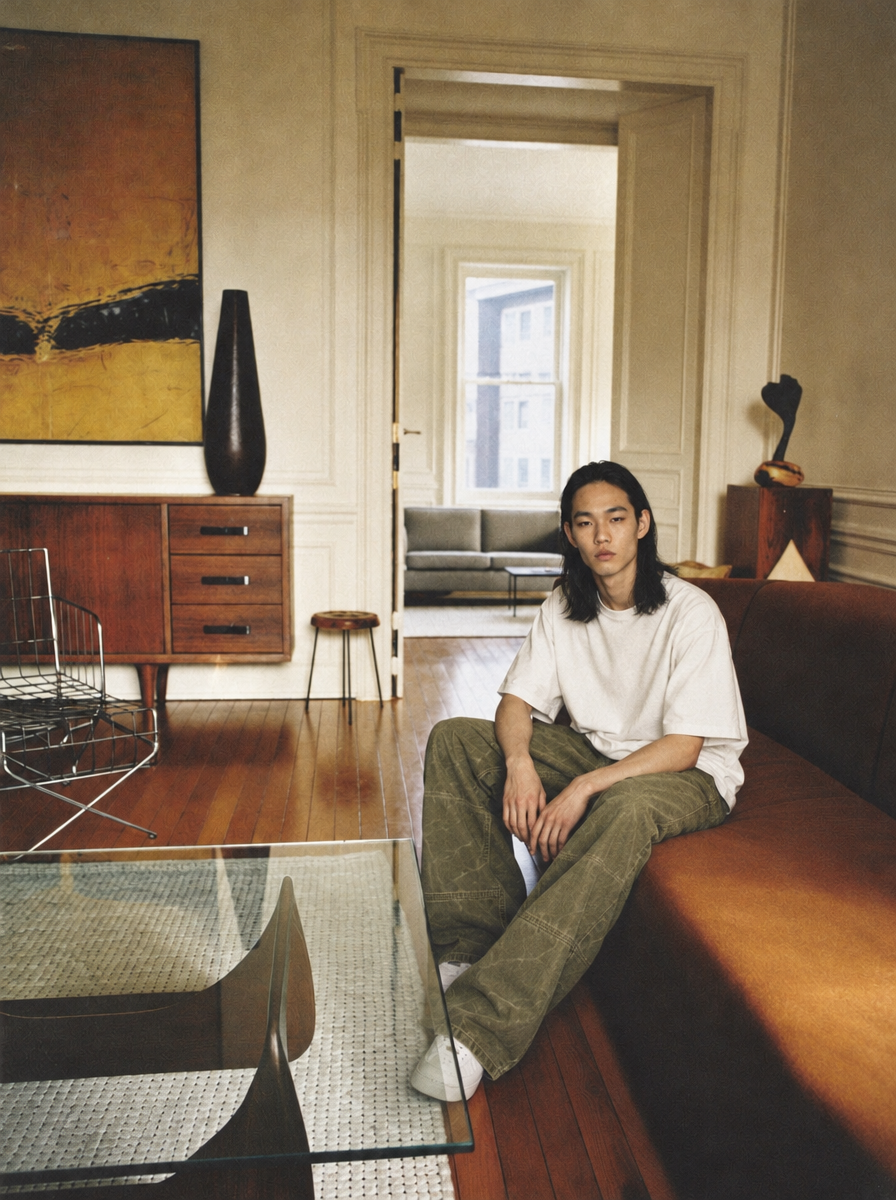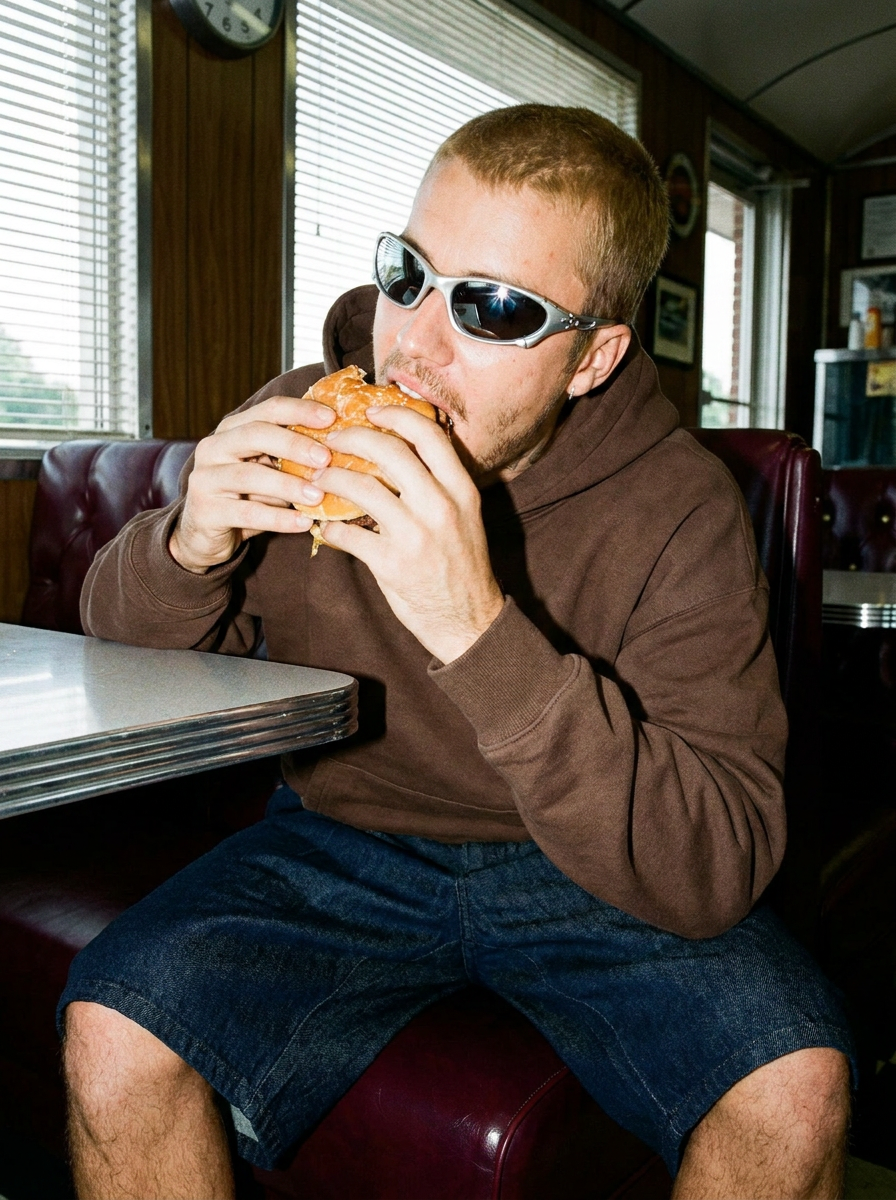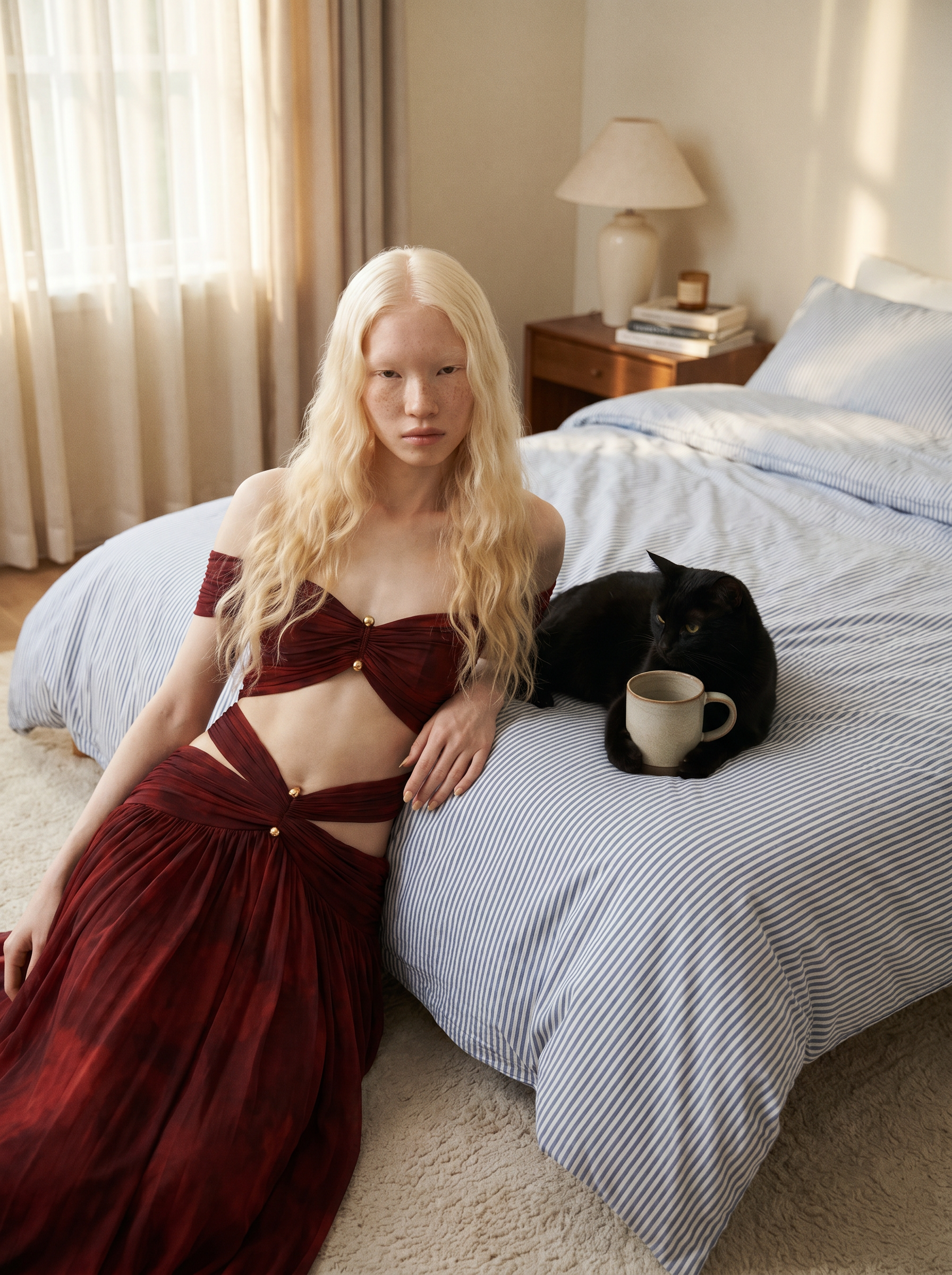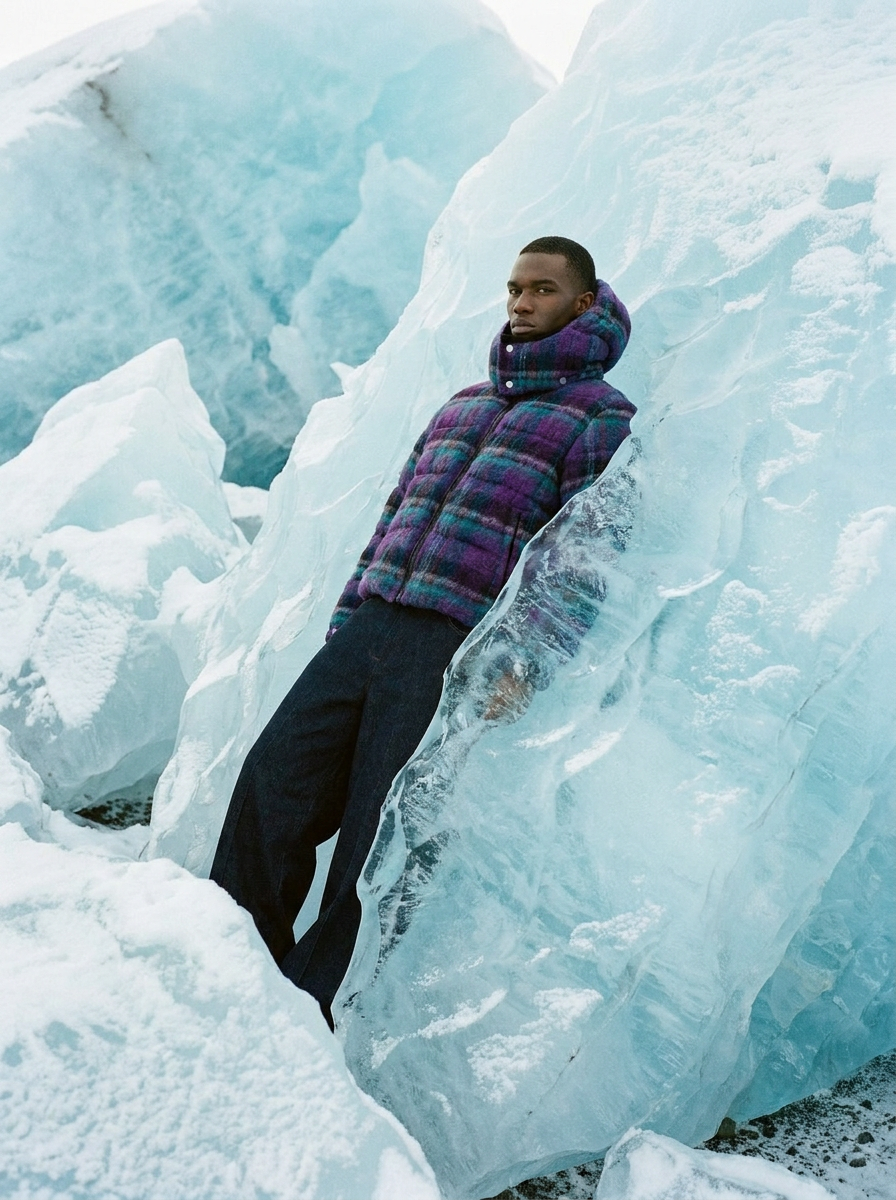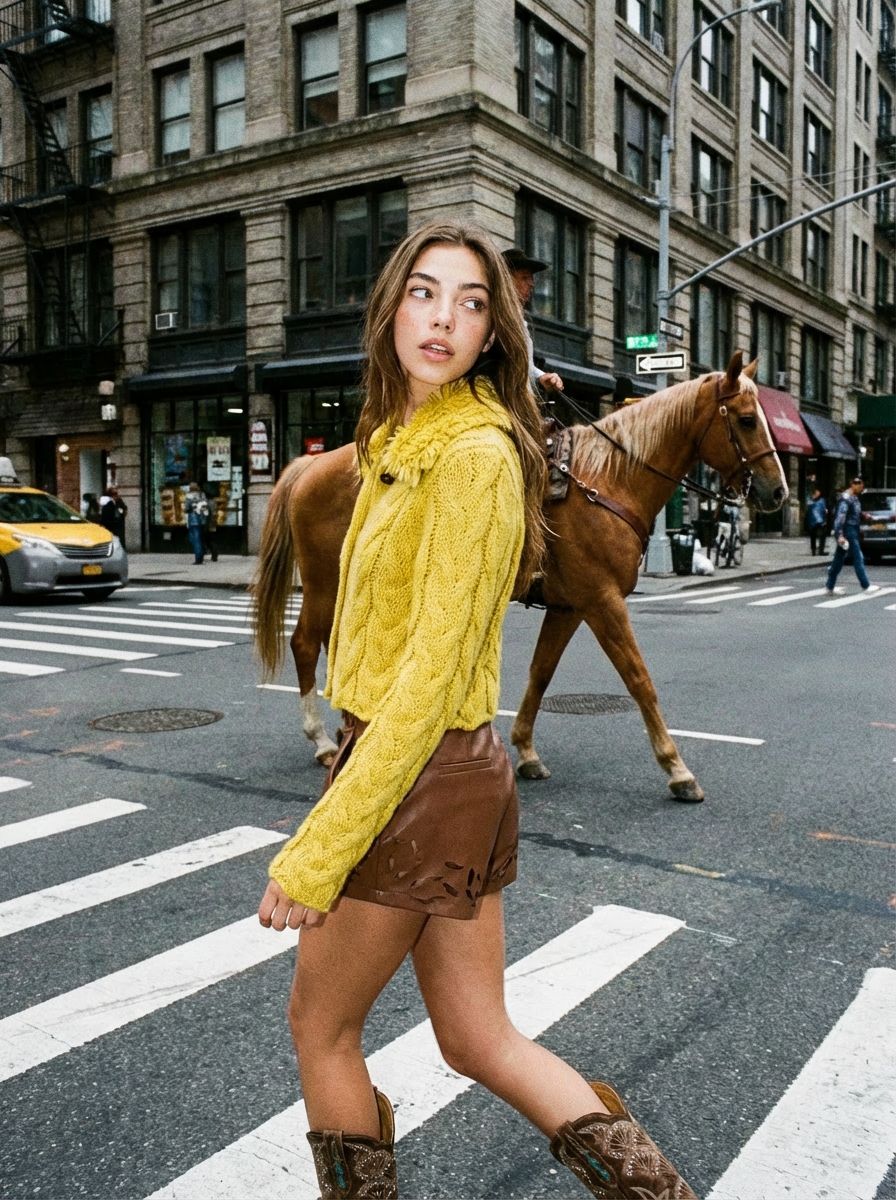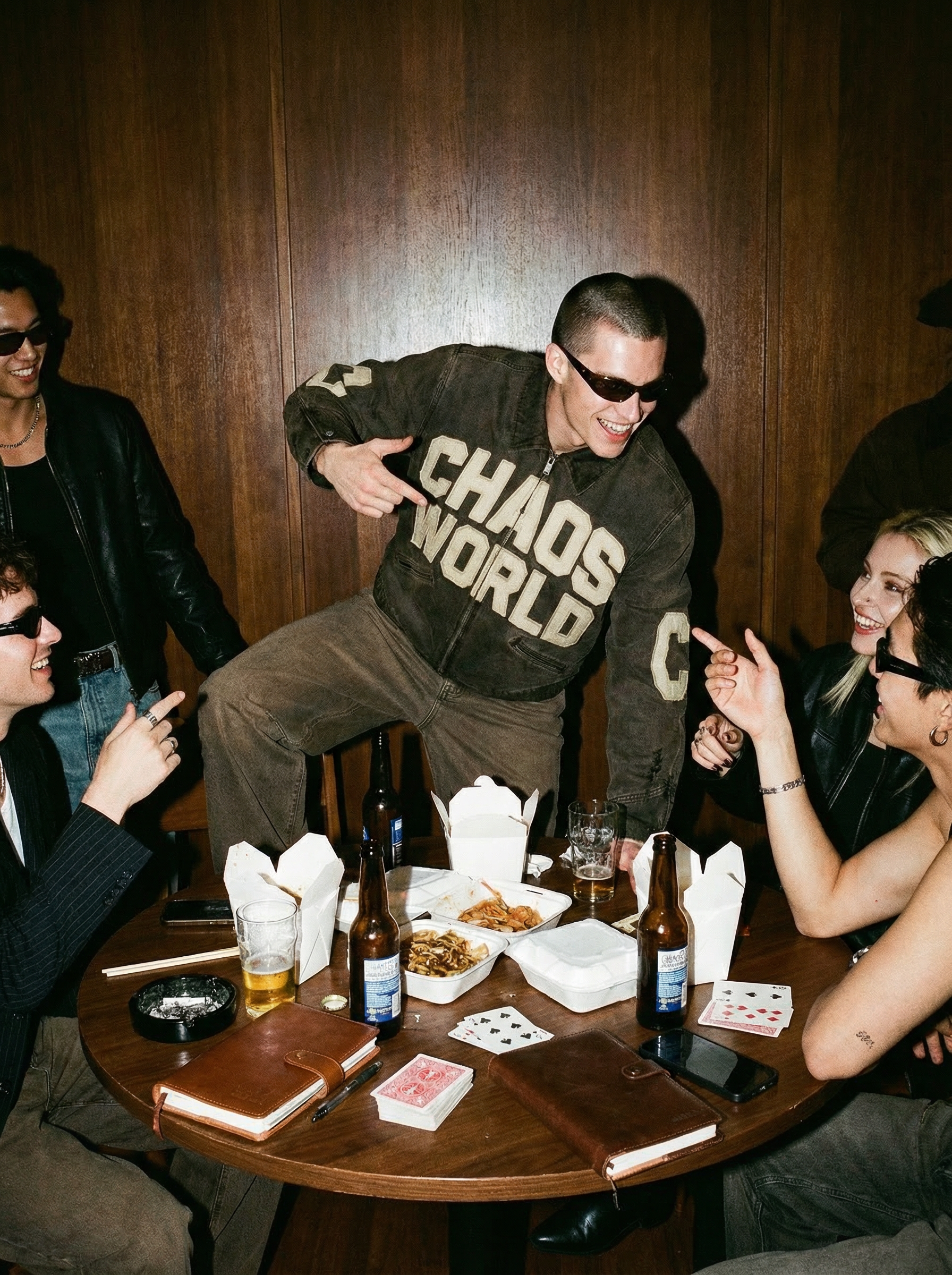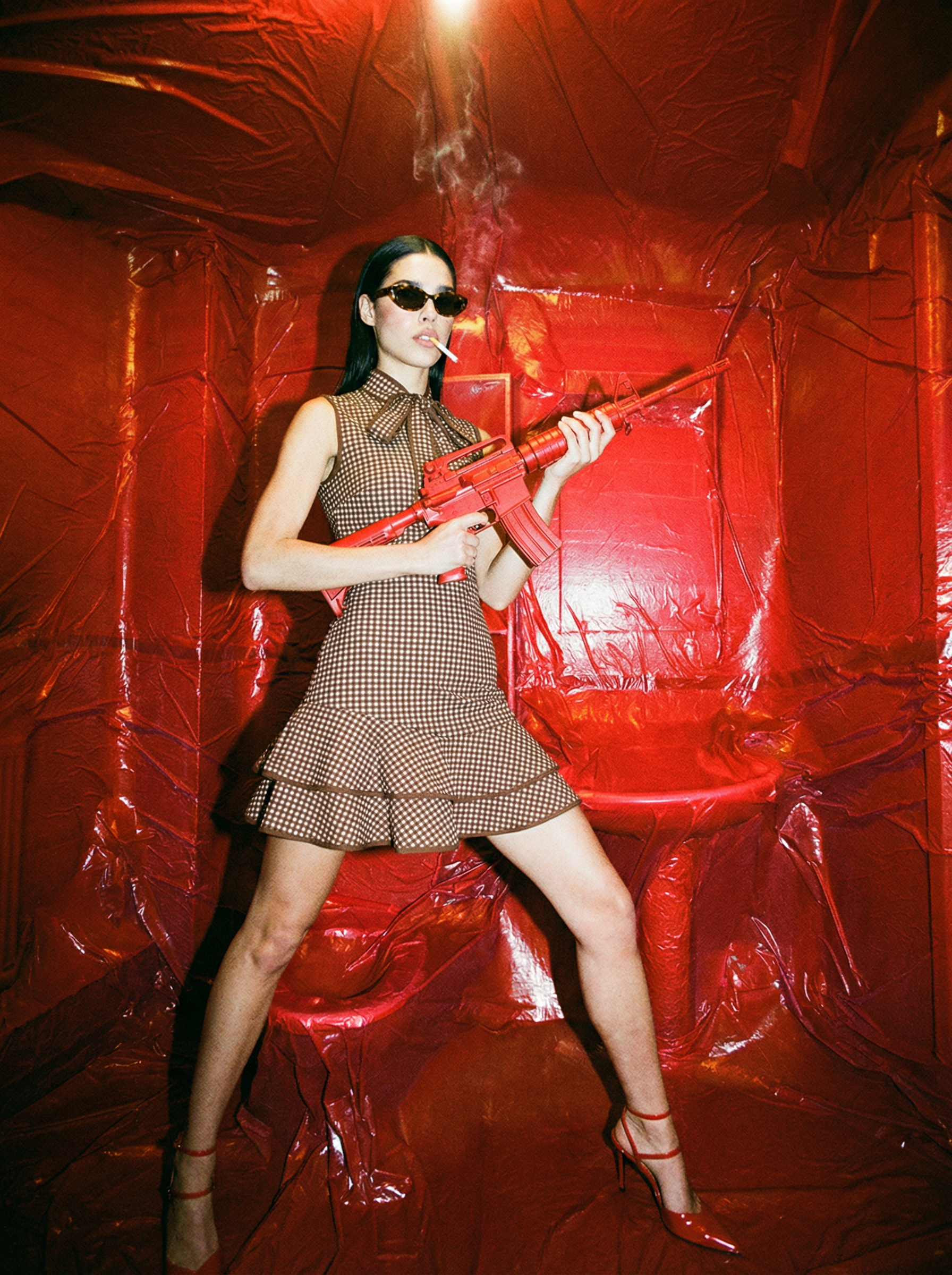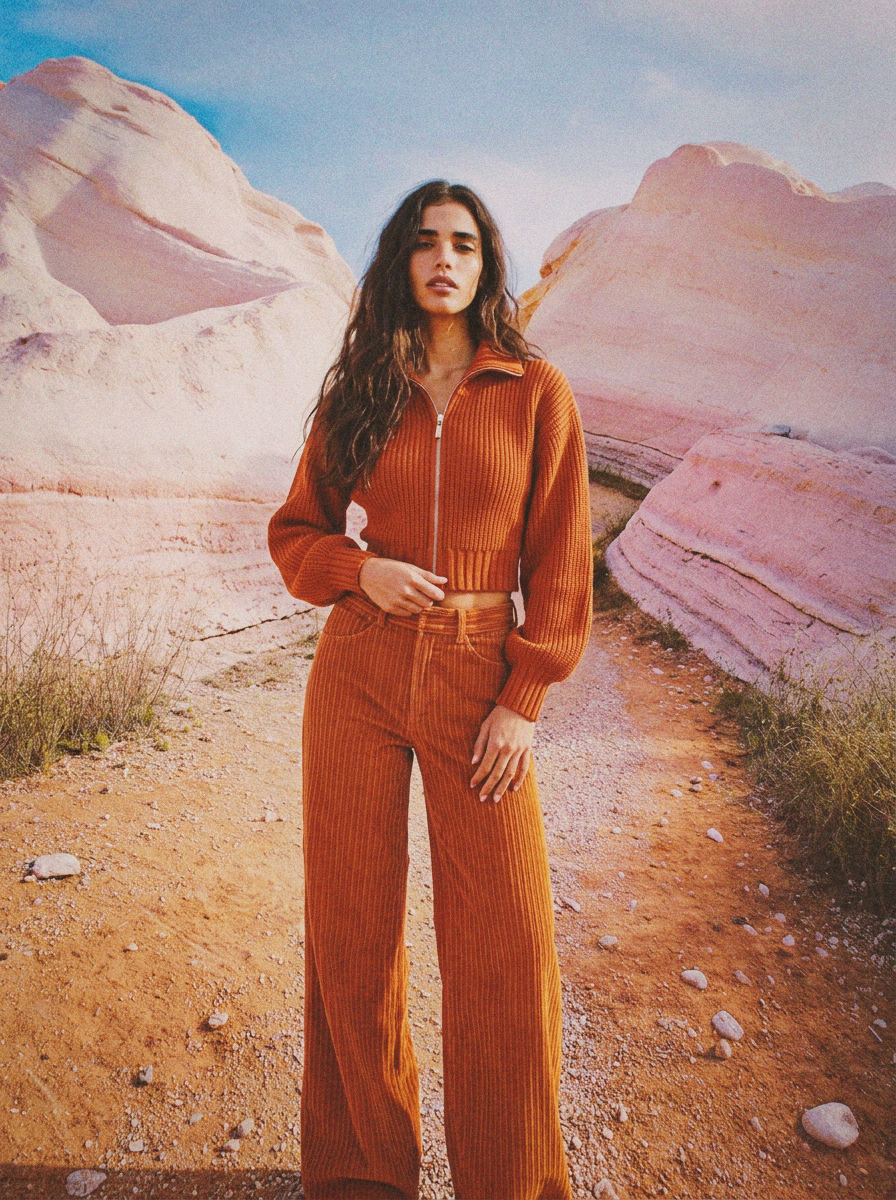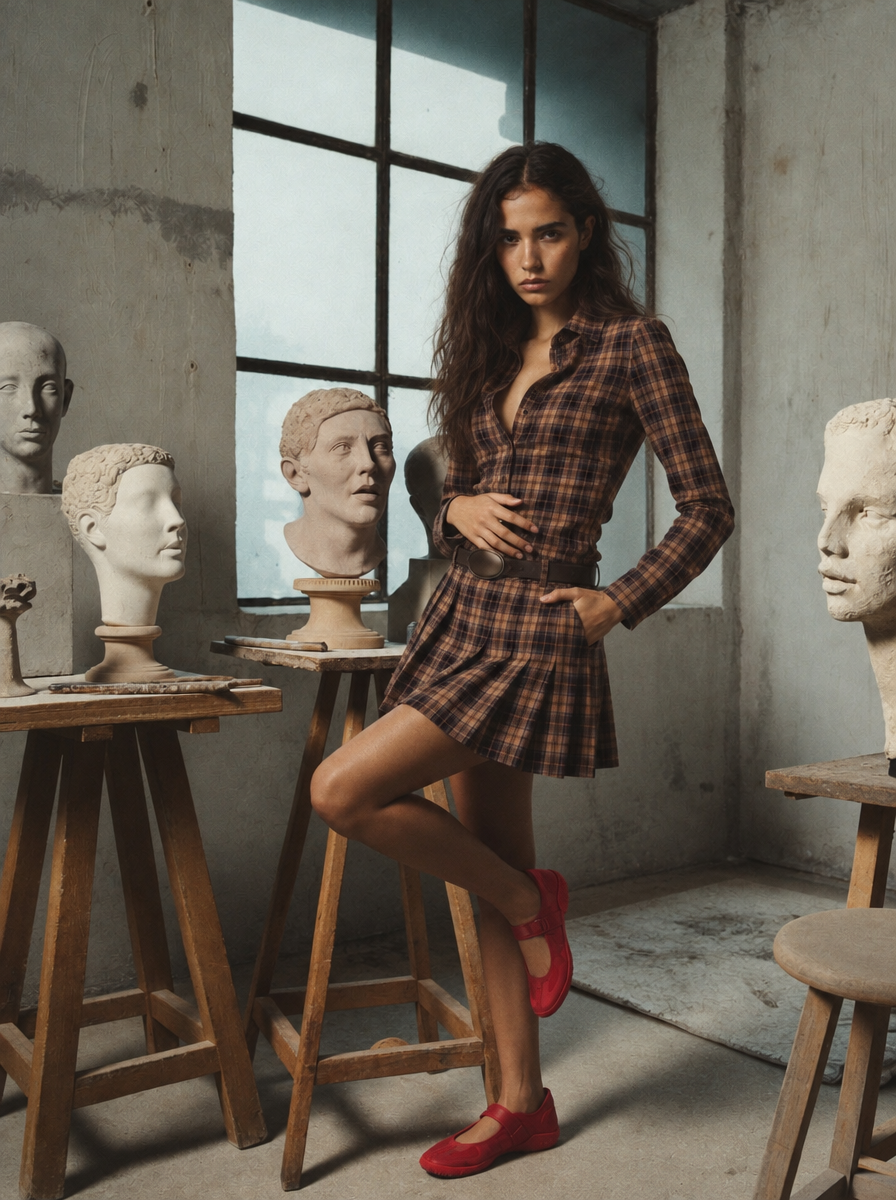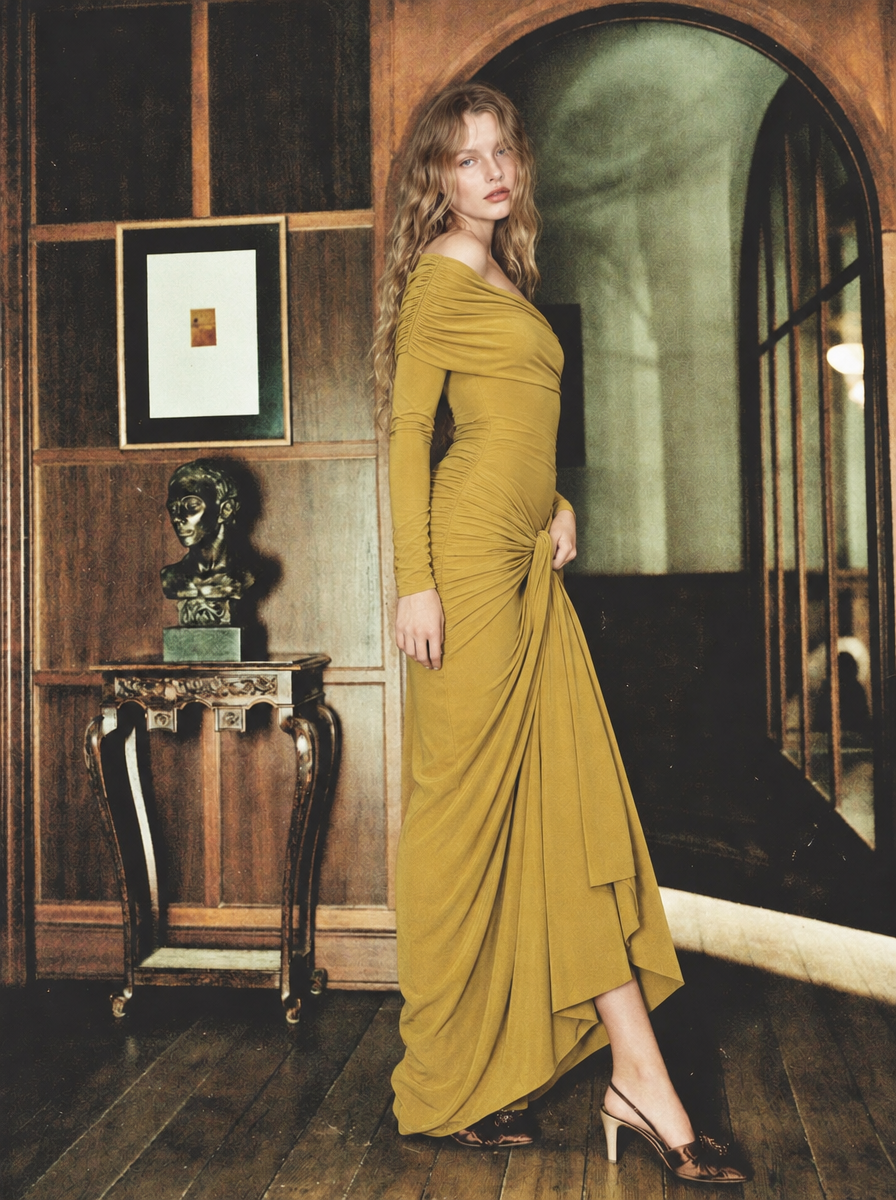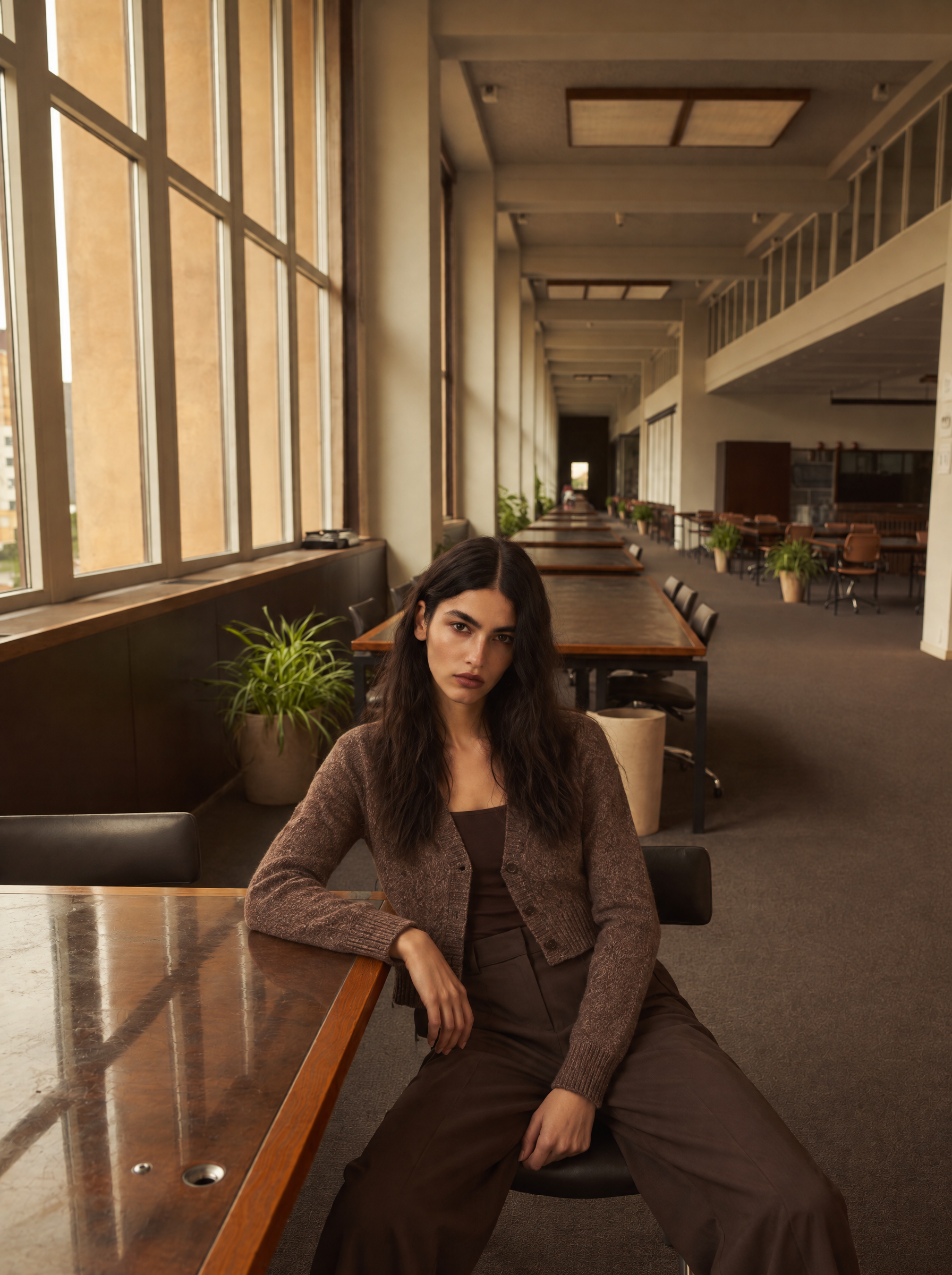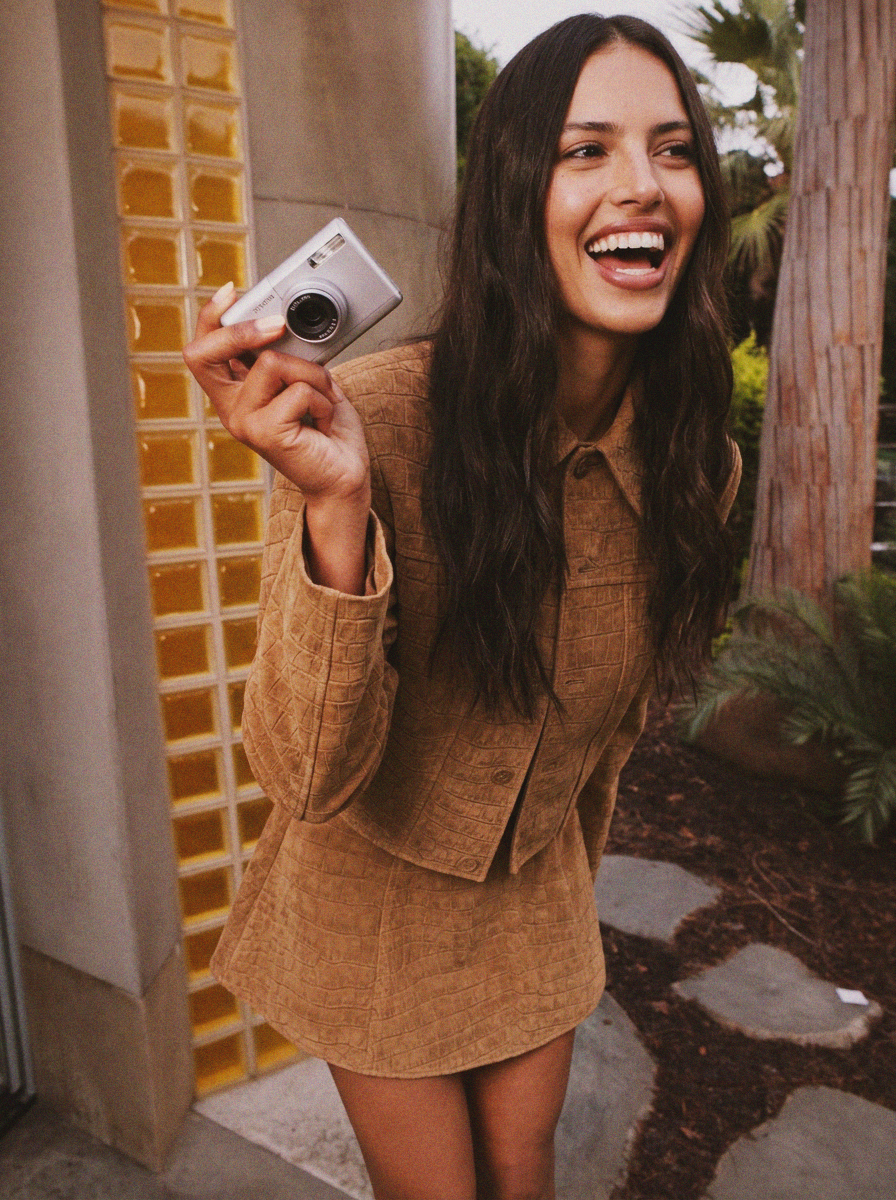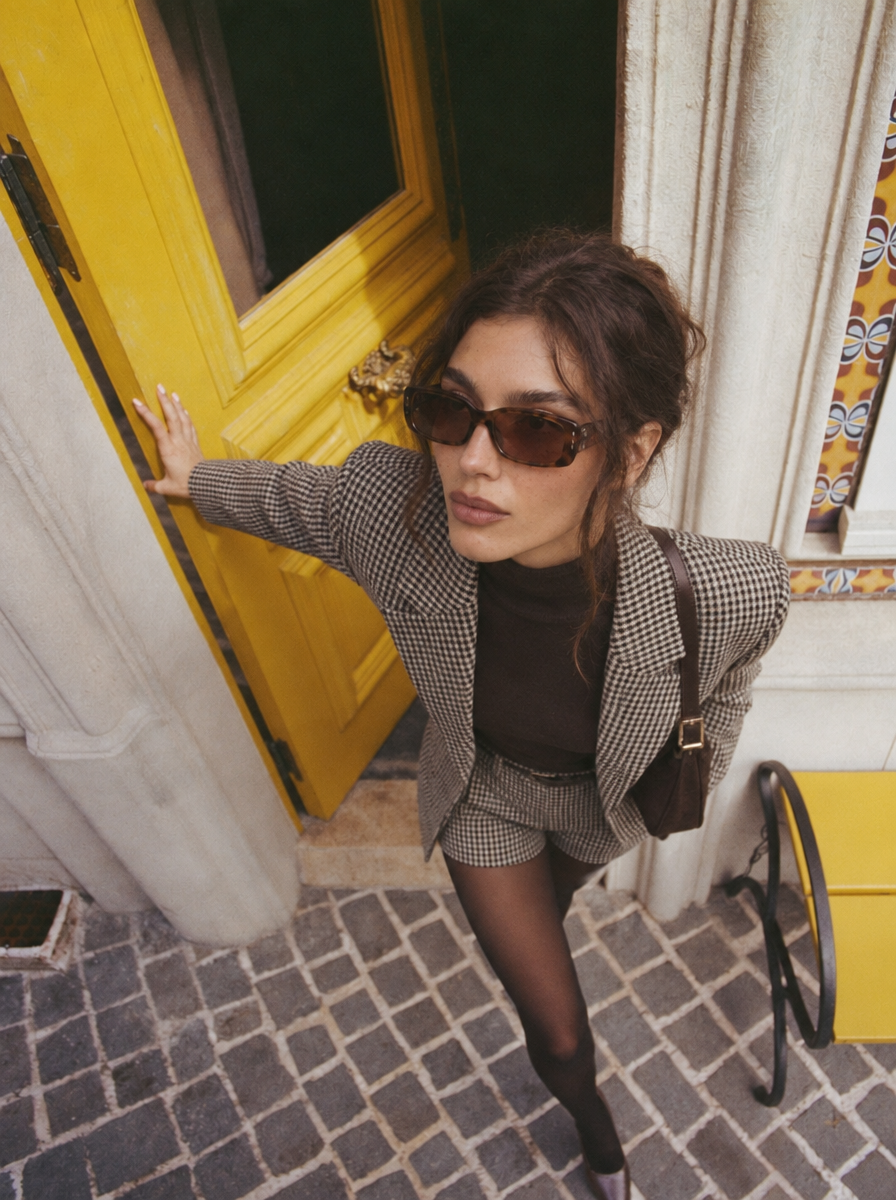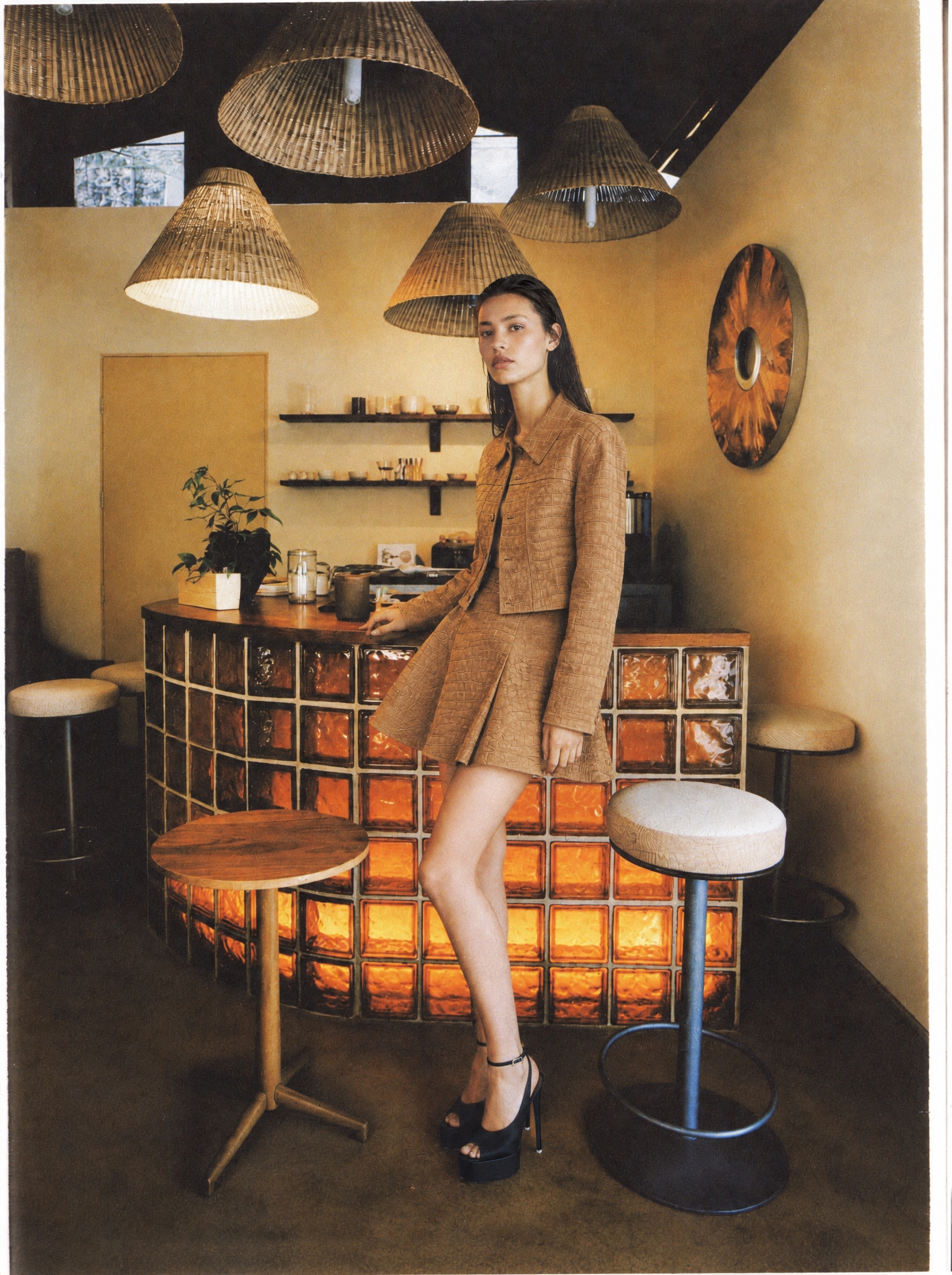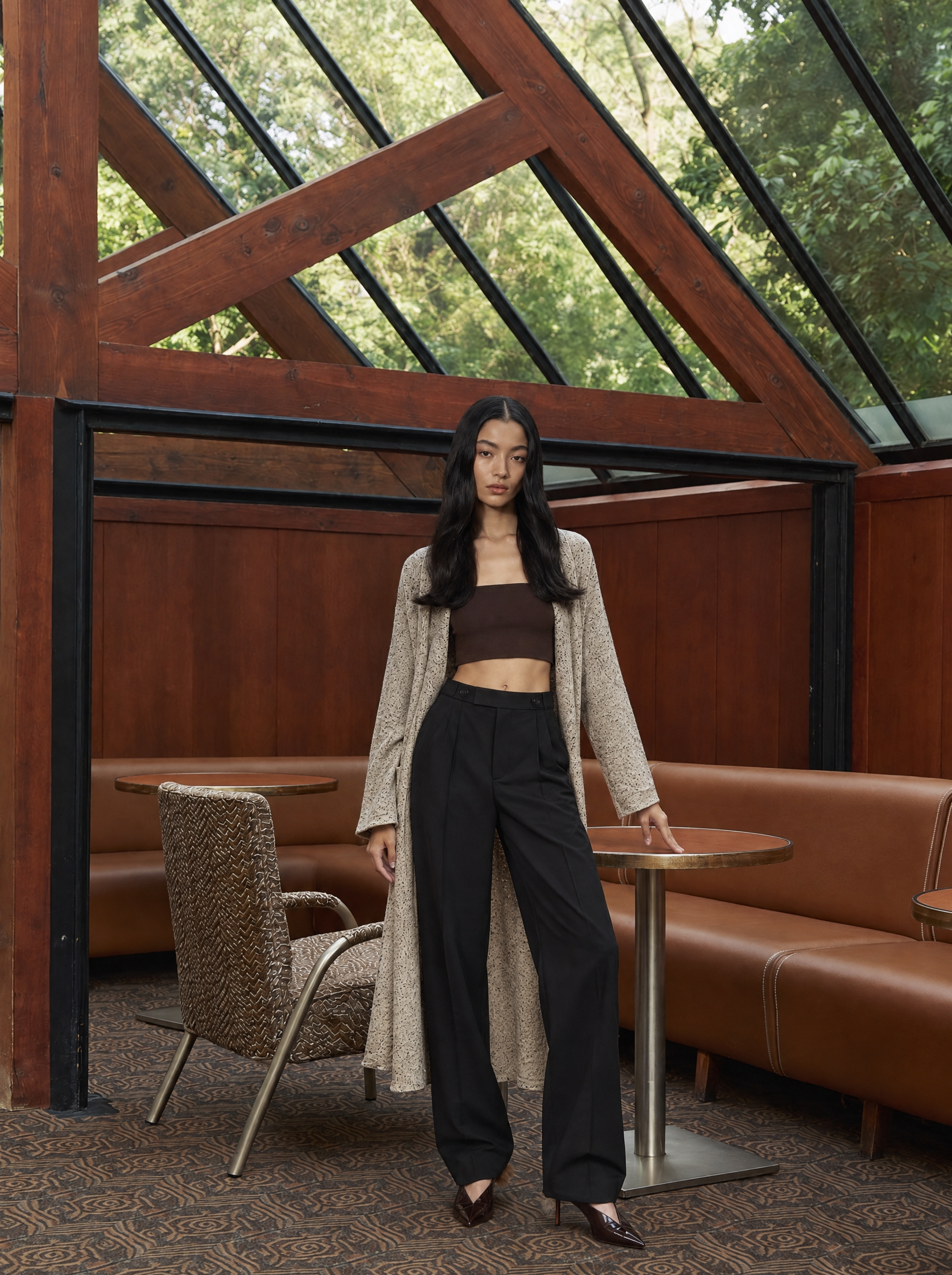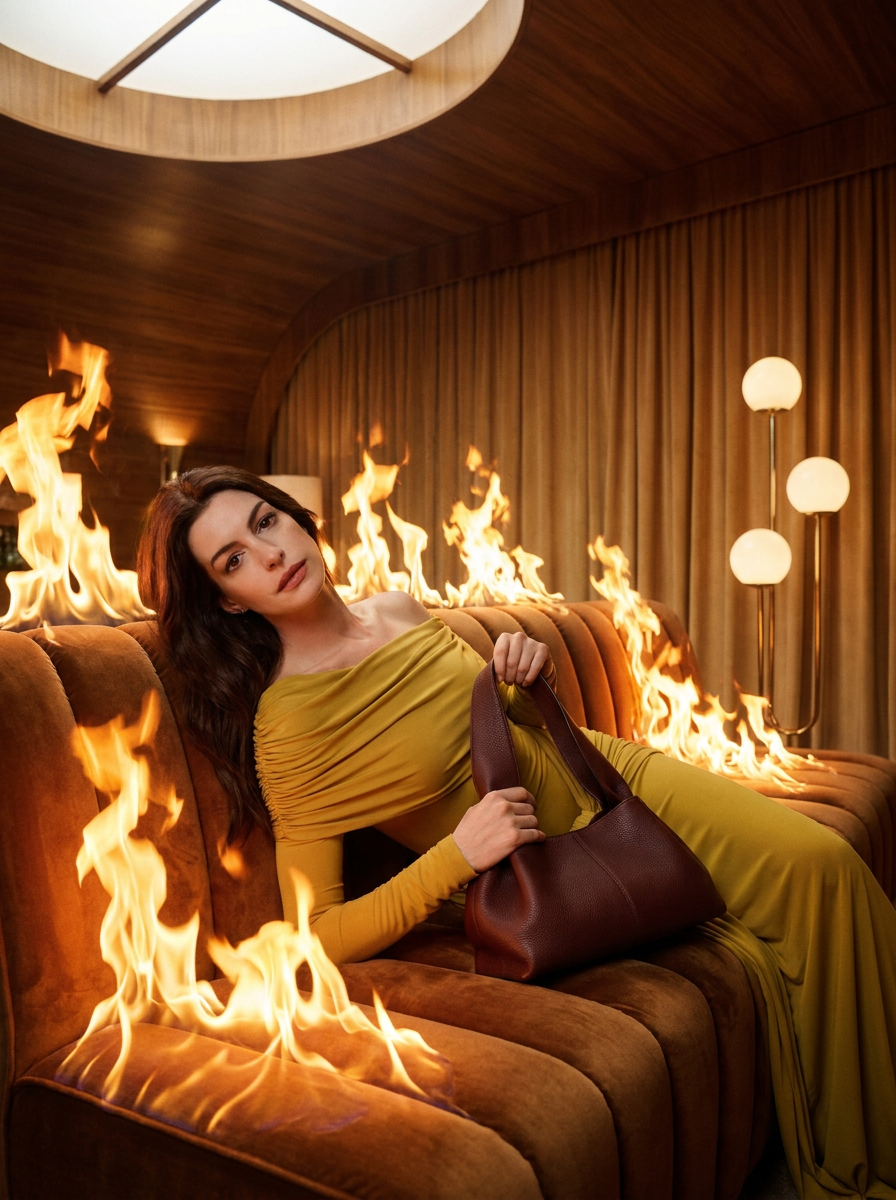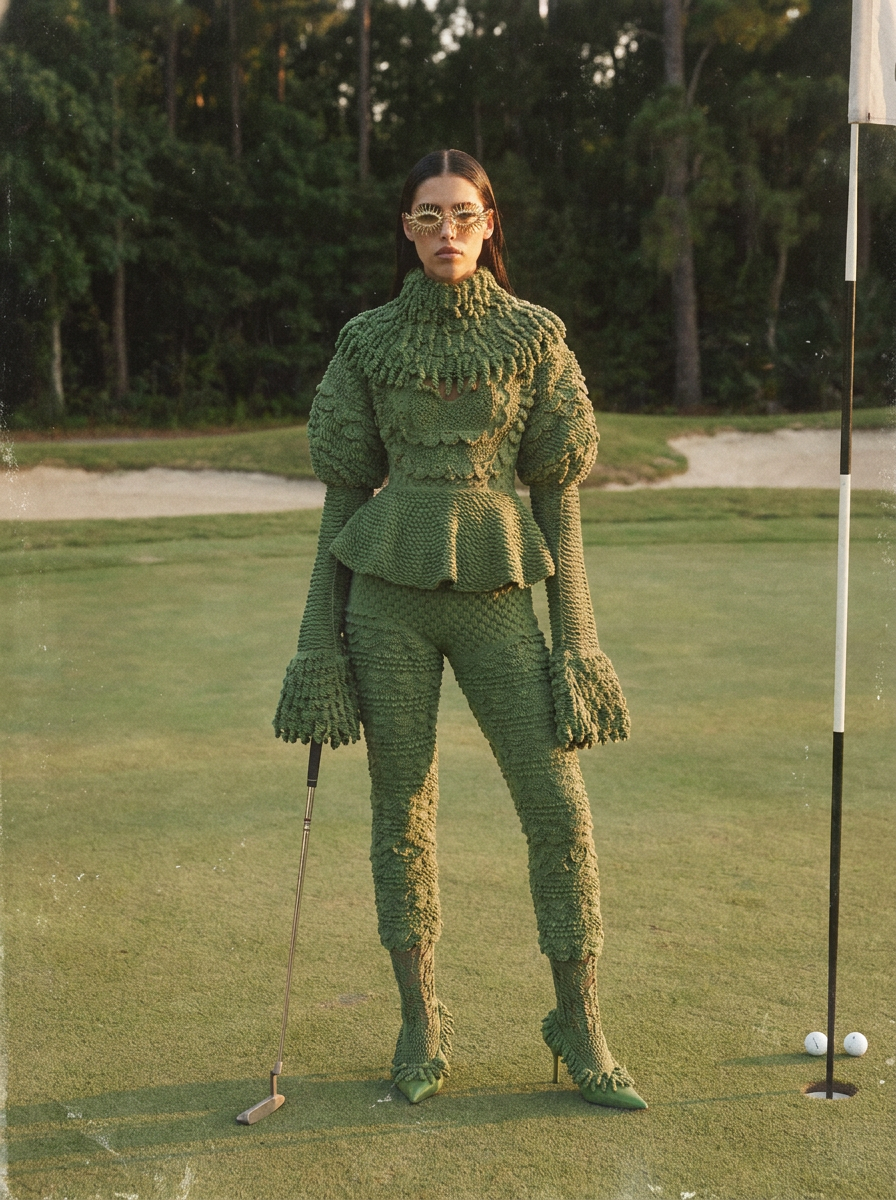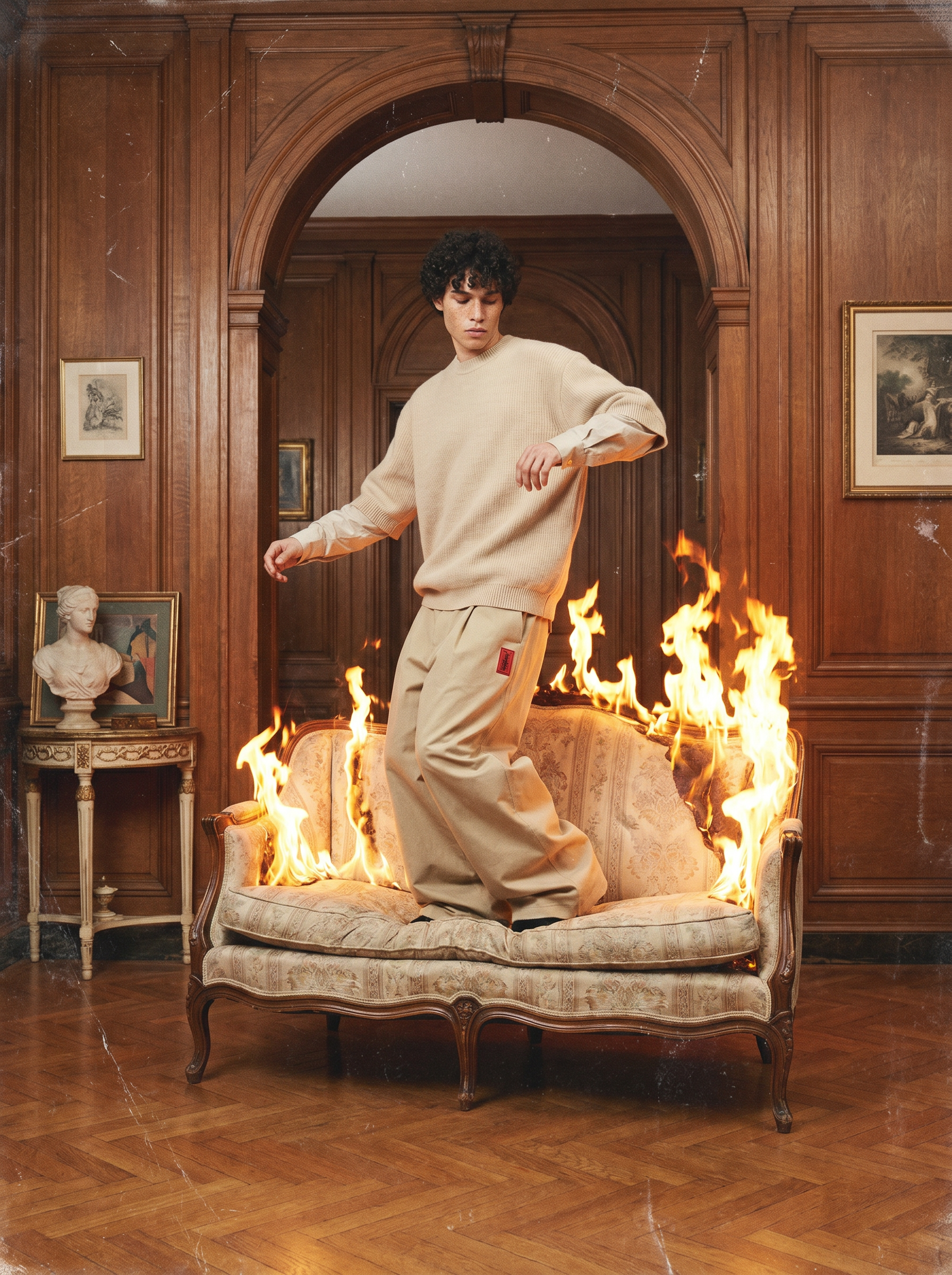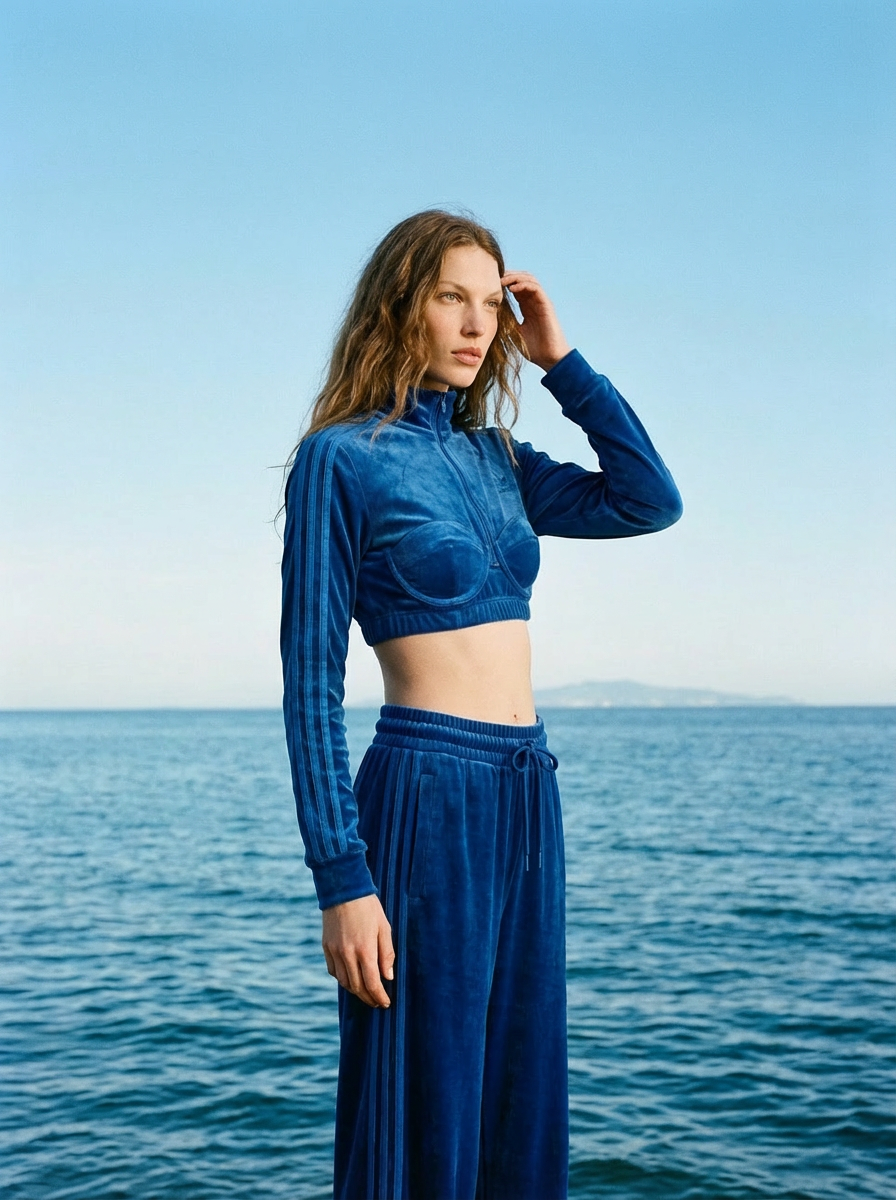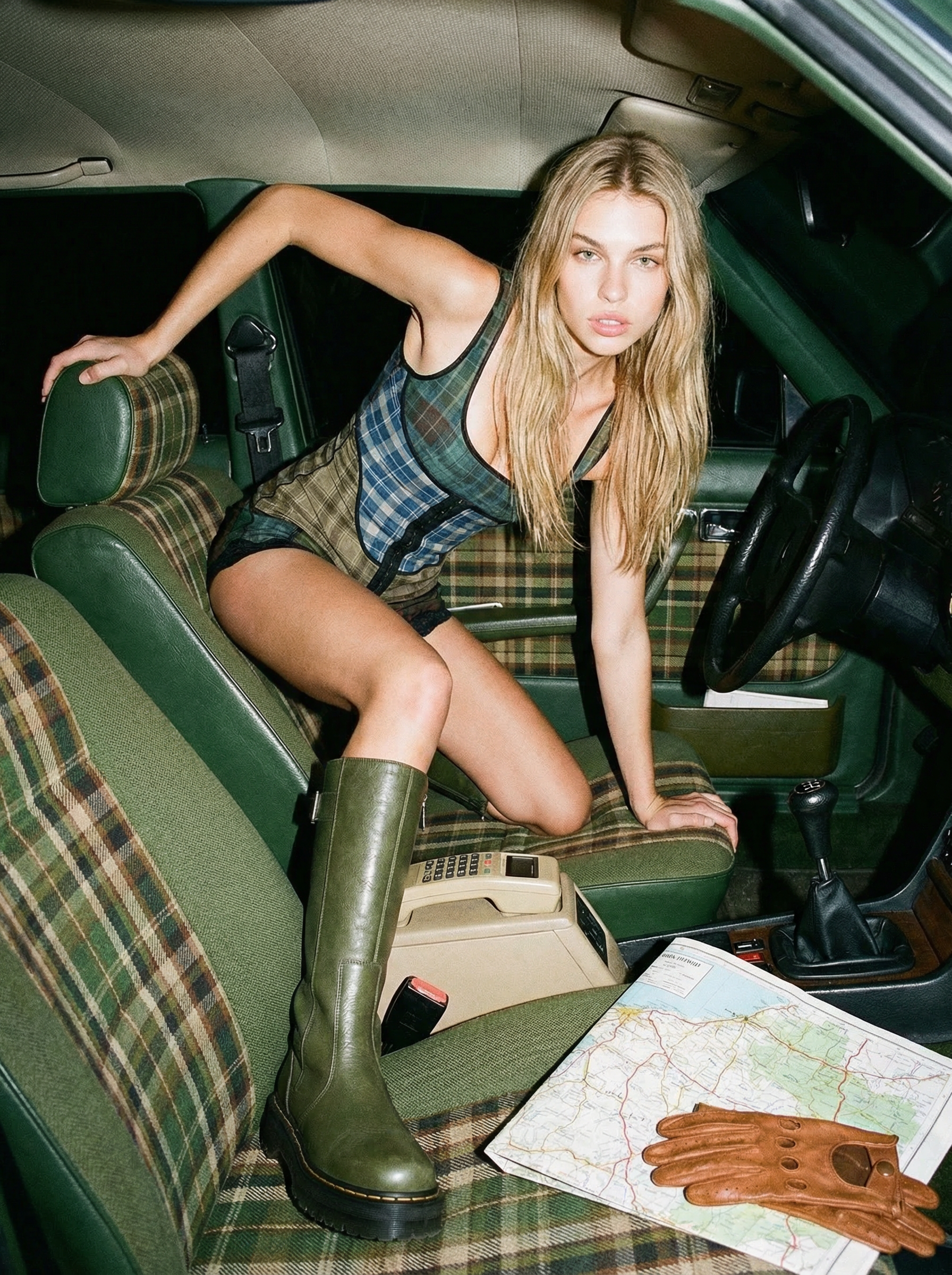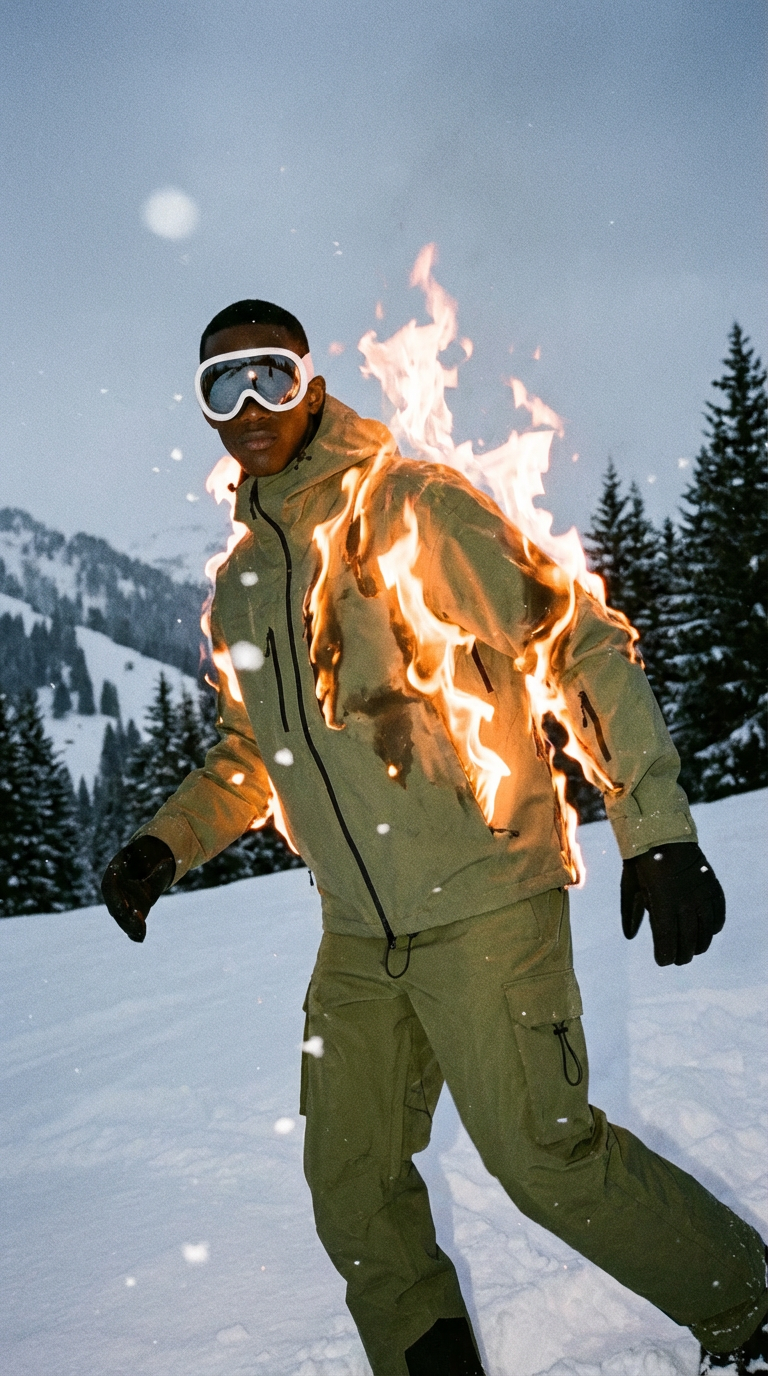
AI product photography for e-commerce campaigns
Upload a product once and place it in styled still life, seasonal scenes, and on-model shots, with the same lighting and look across the whole catalog.
What does Rainfrog do for product photography?
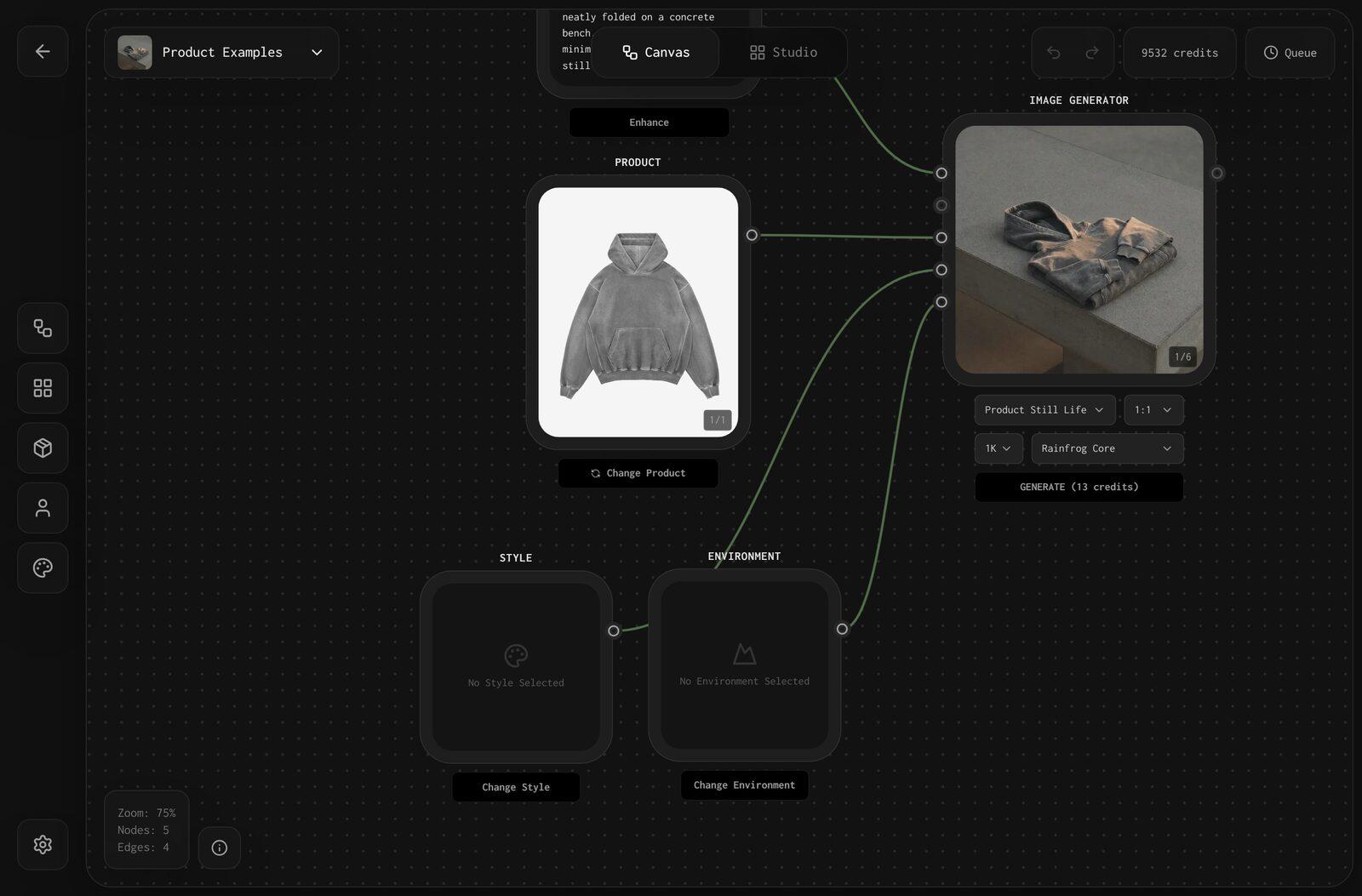
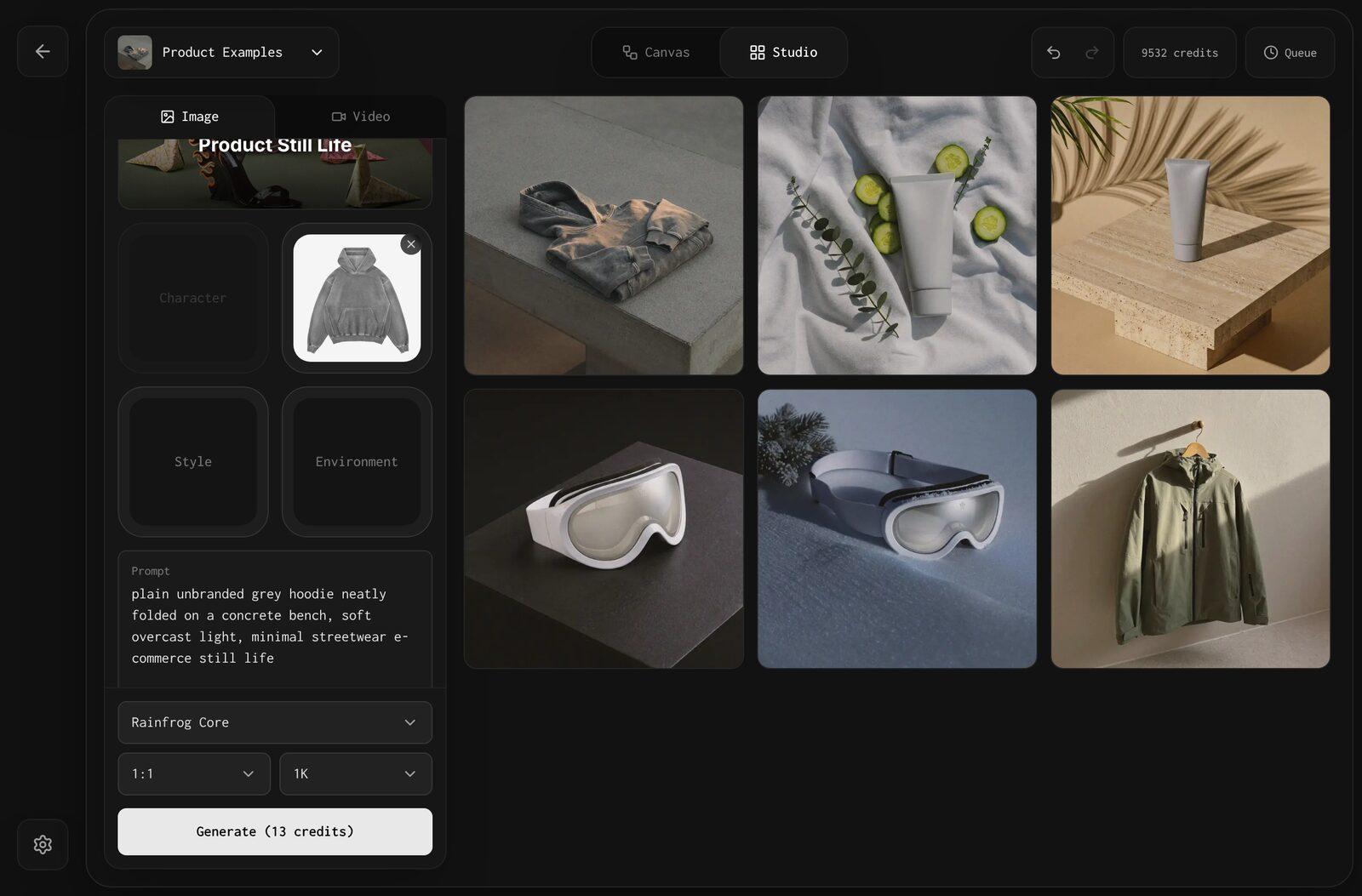
Rainfrog is an AI creative studio for art-directed product imagery. You add your product photo to the library, connect it to an environment, a style, and a generator on a visual canvas, and generate still life and campaign scenes. Because the product is a saved input, it stays the same across every scene, and the workflow can be reused for the rest of the catalog.
- Hero still life for product pages
- Seasonal and lifestyle scenes for the same product
- Catalog sets with matching light and style
- Ad and social formats from 1:1 to 9:16
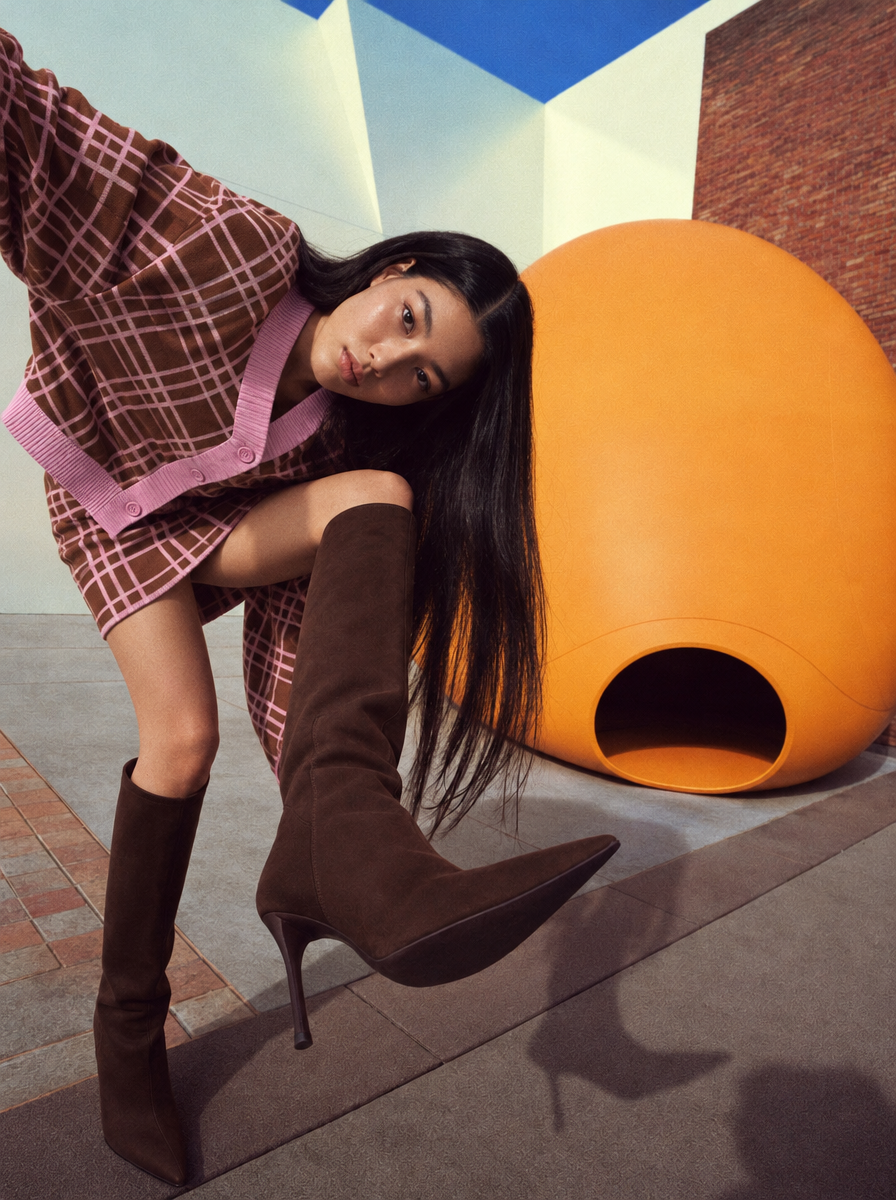
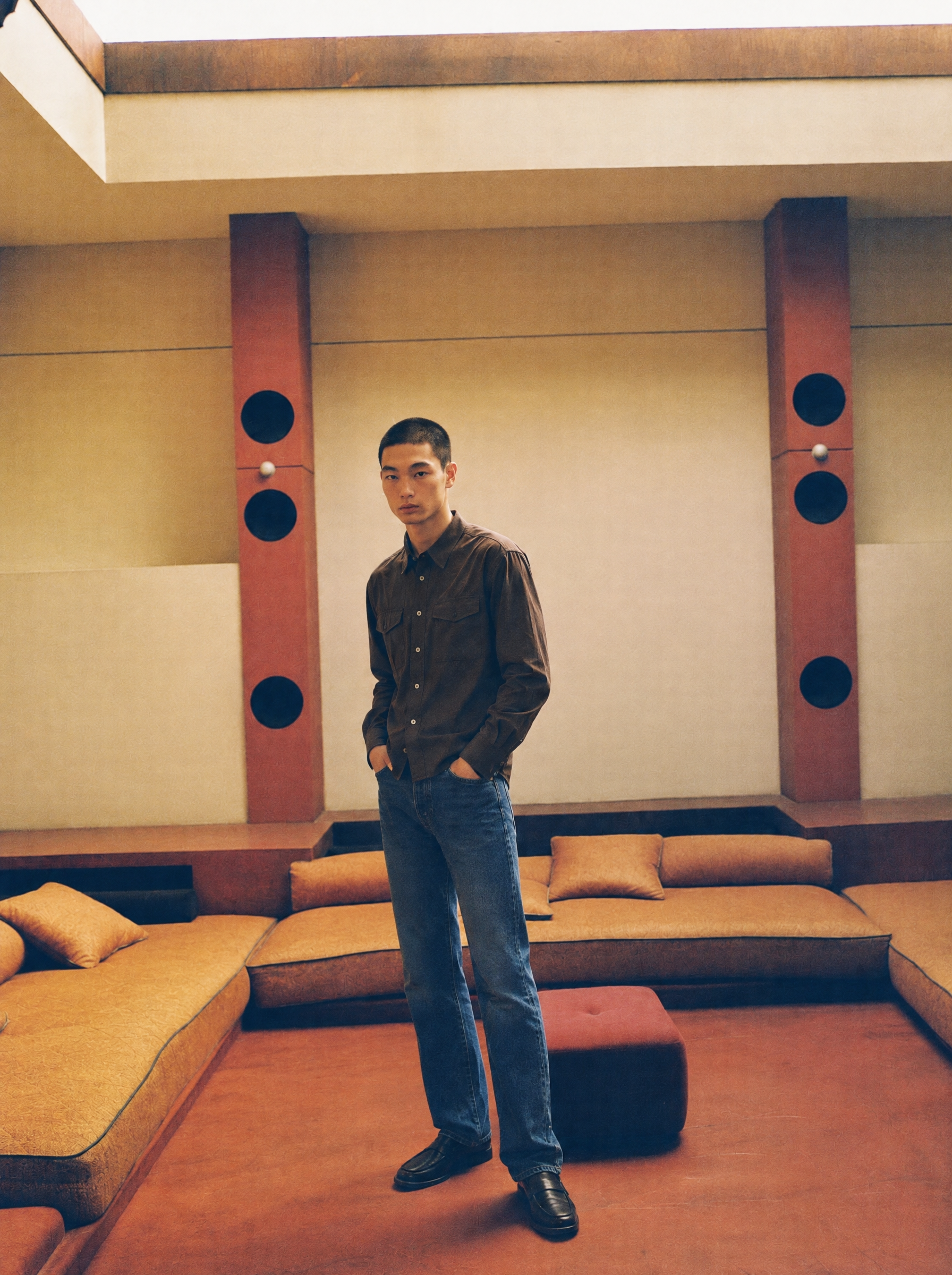
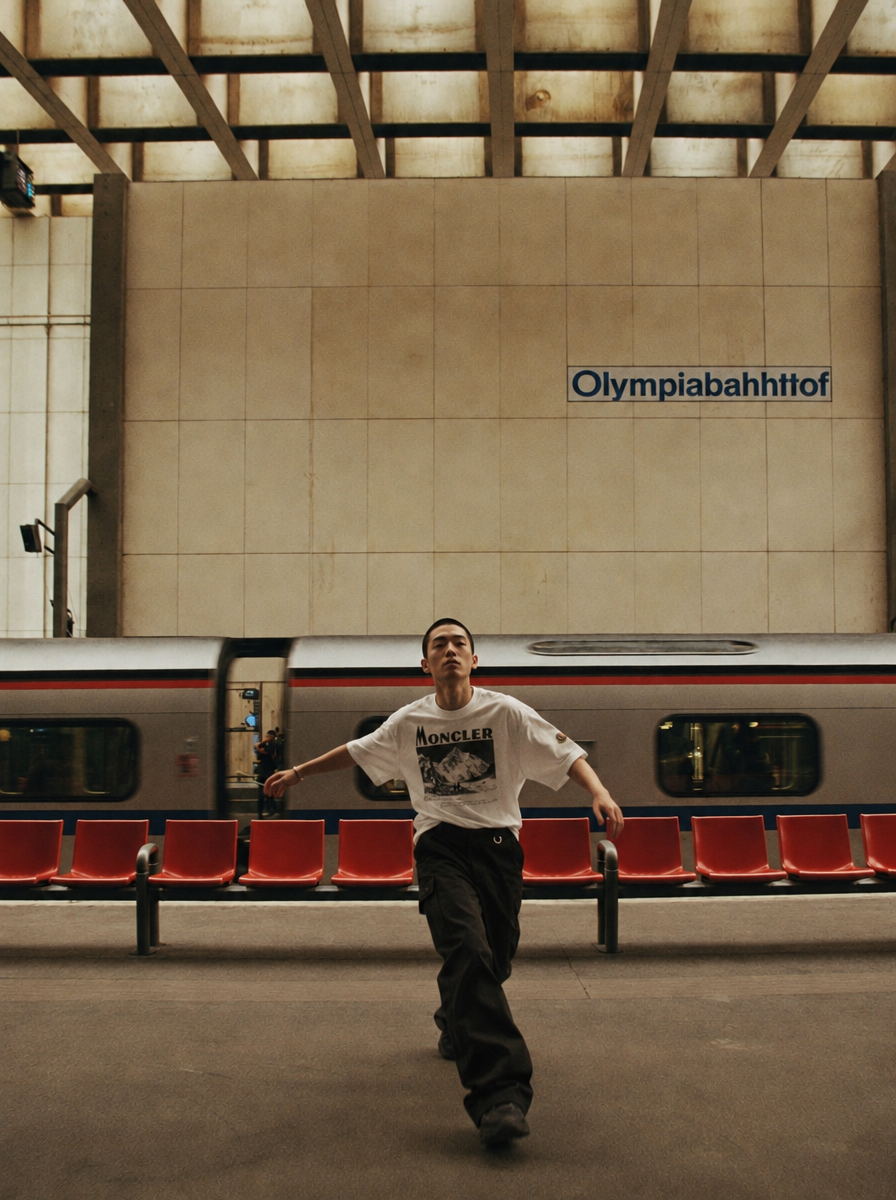
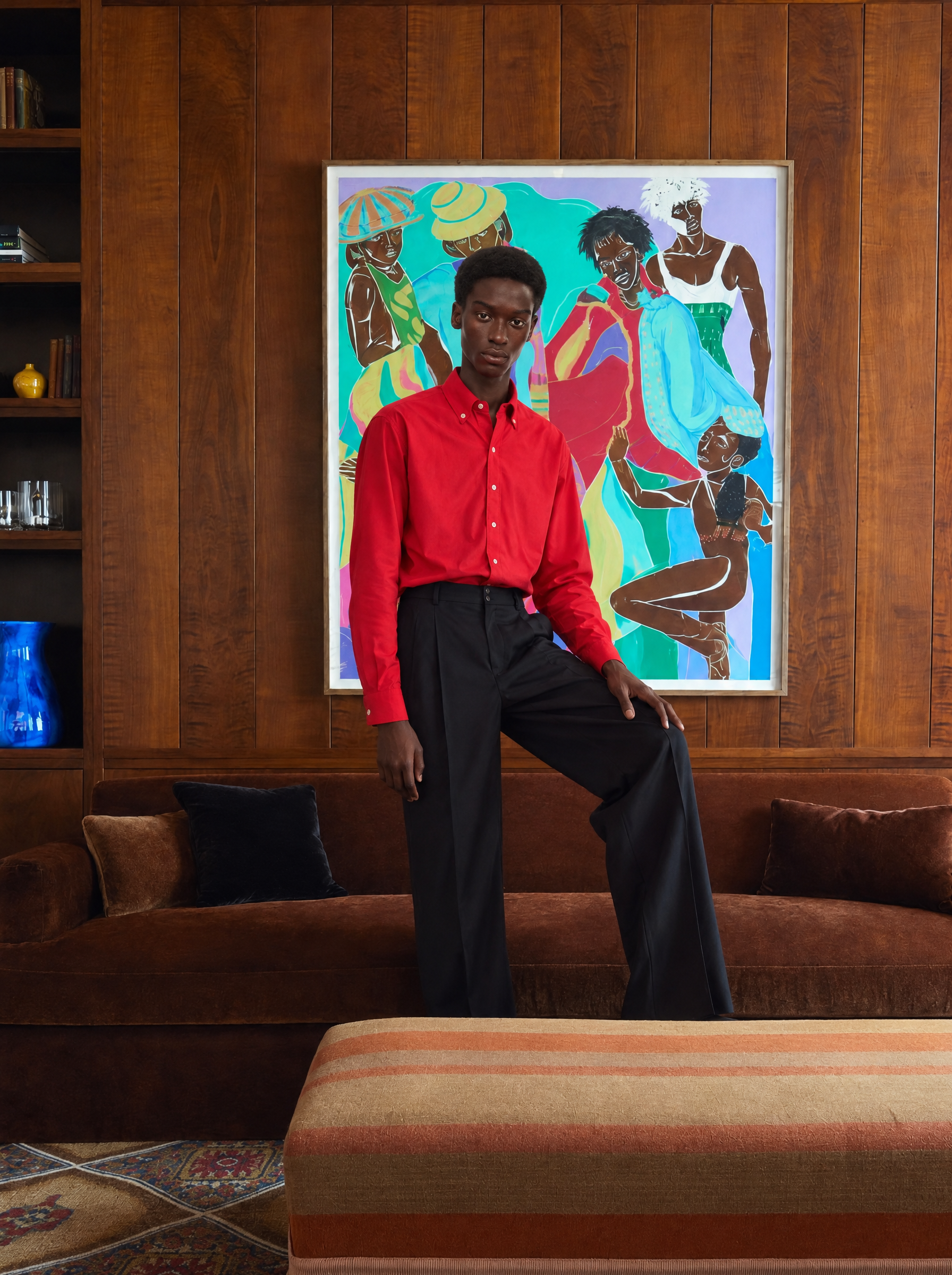
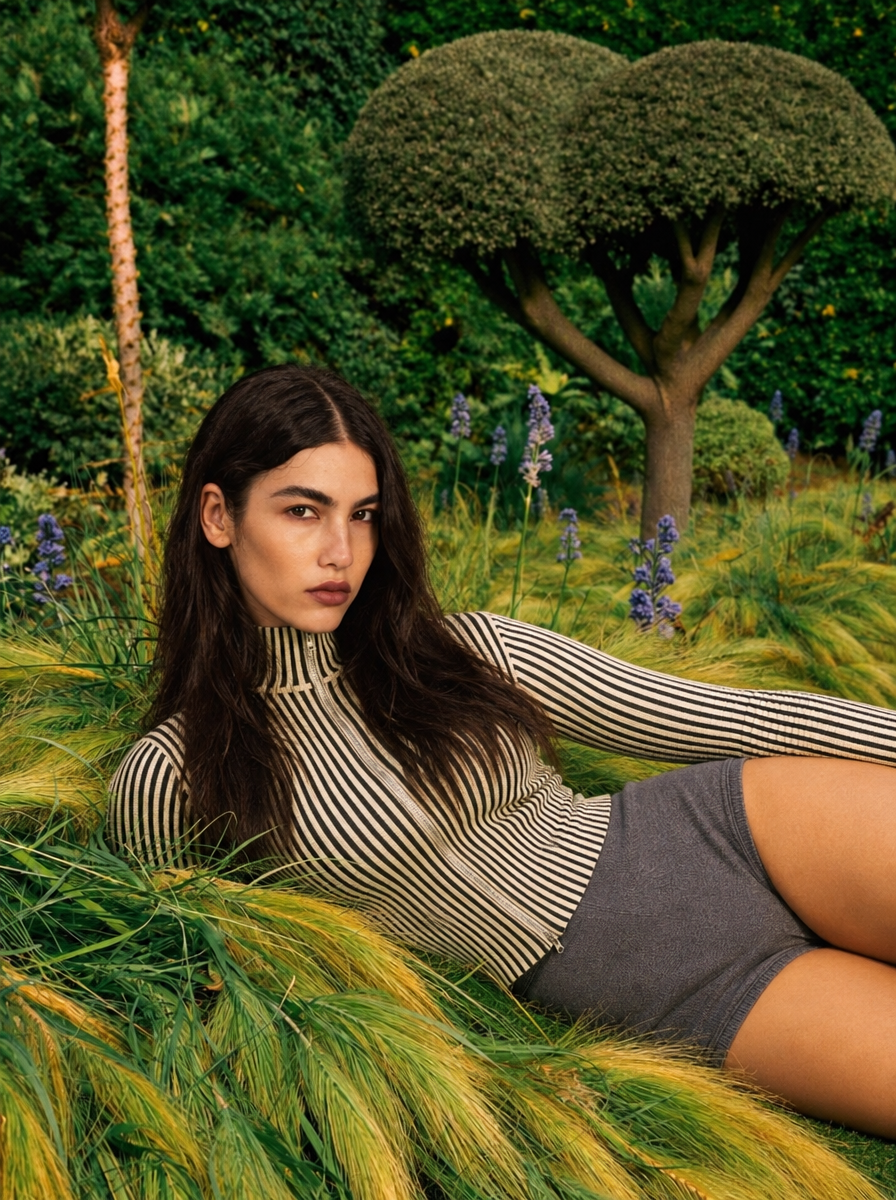
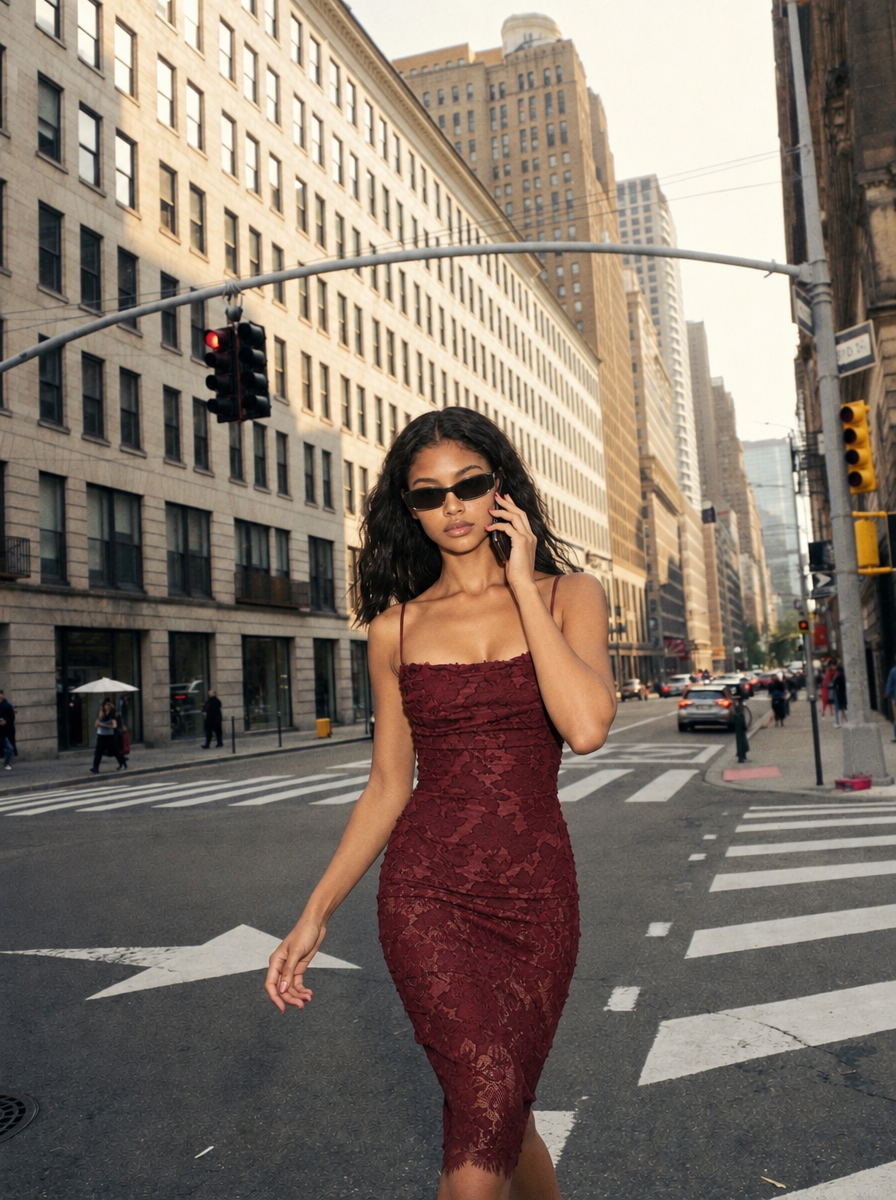
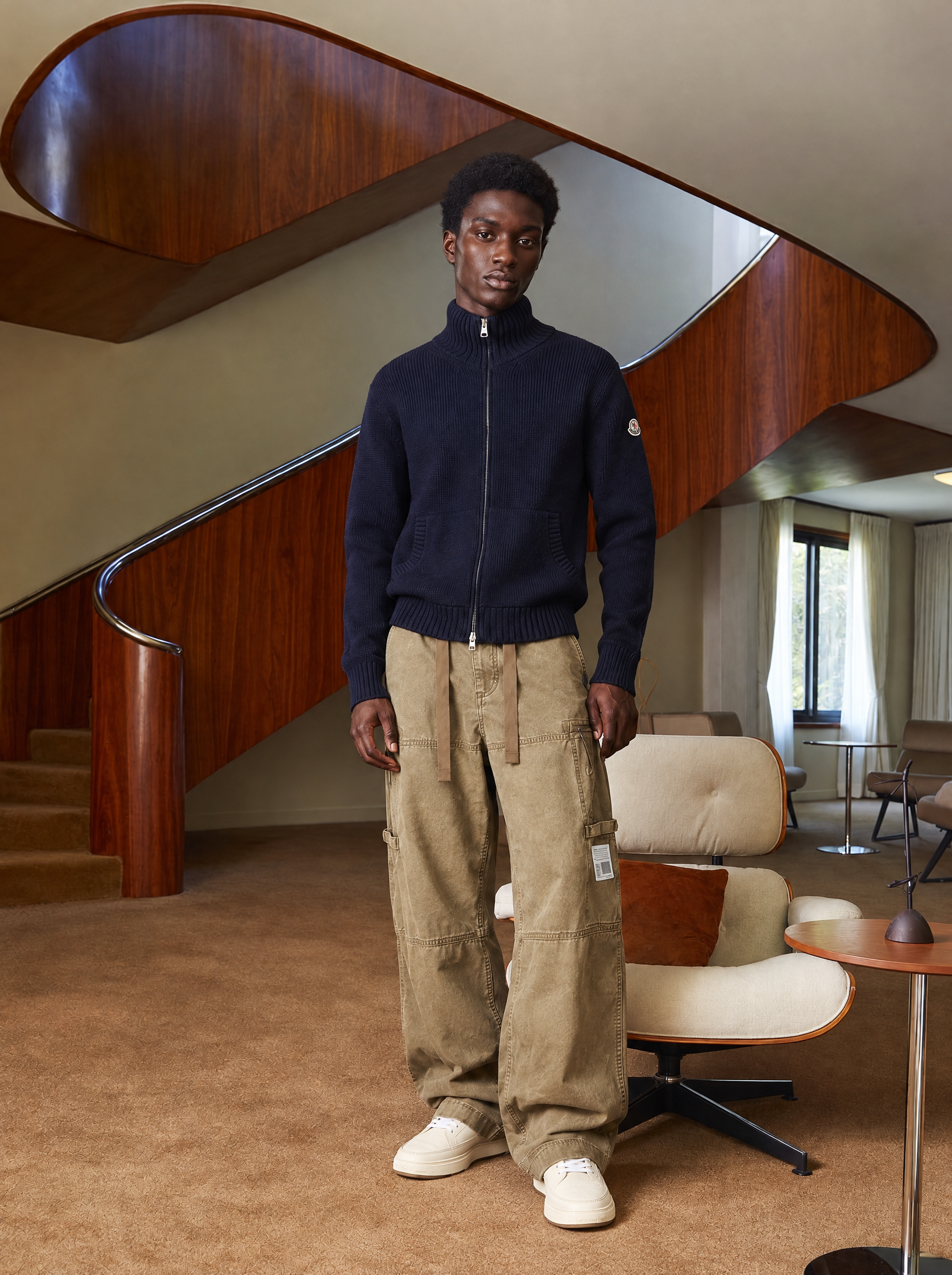
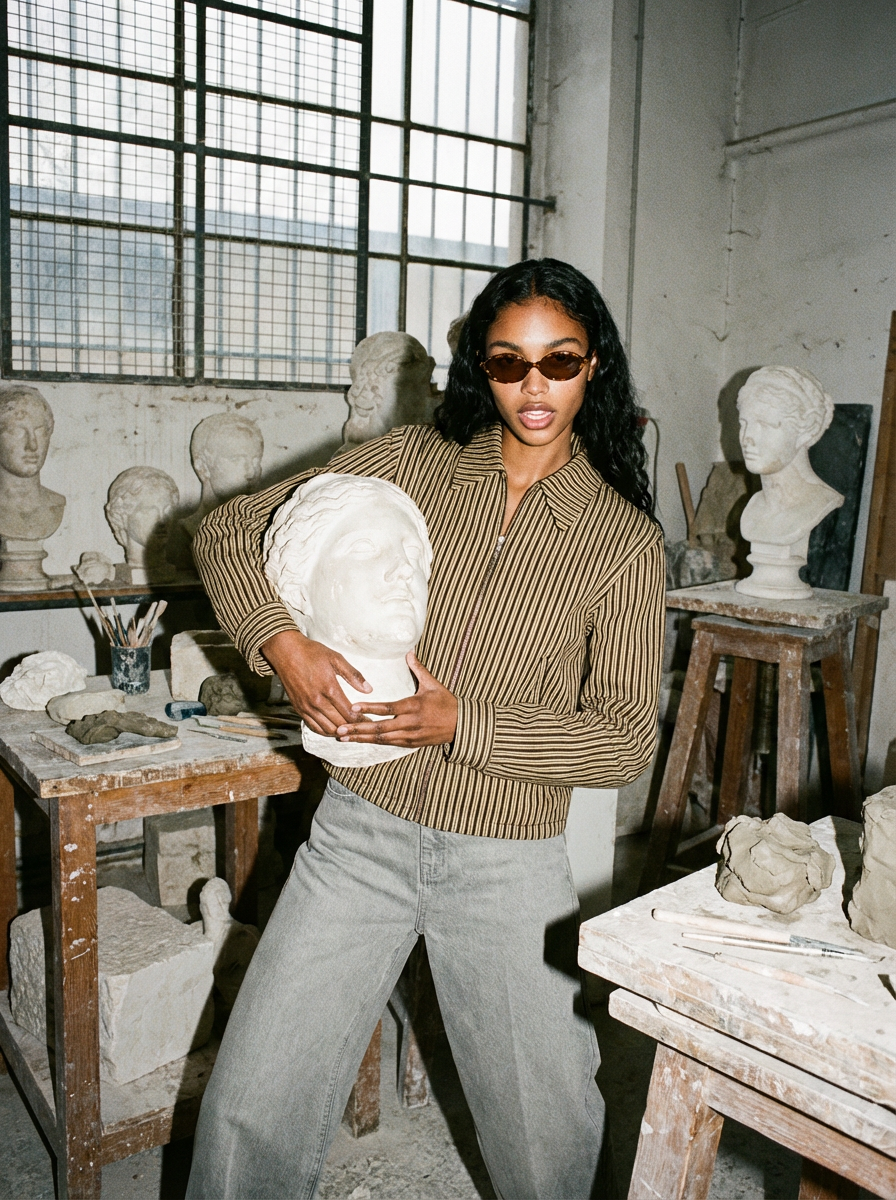
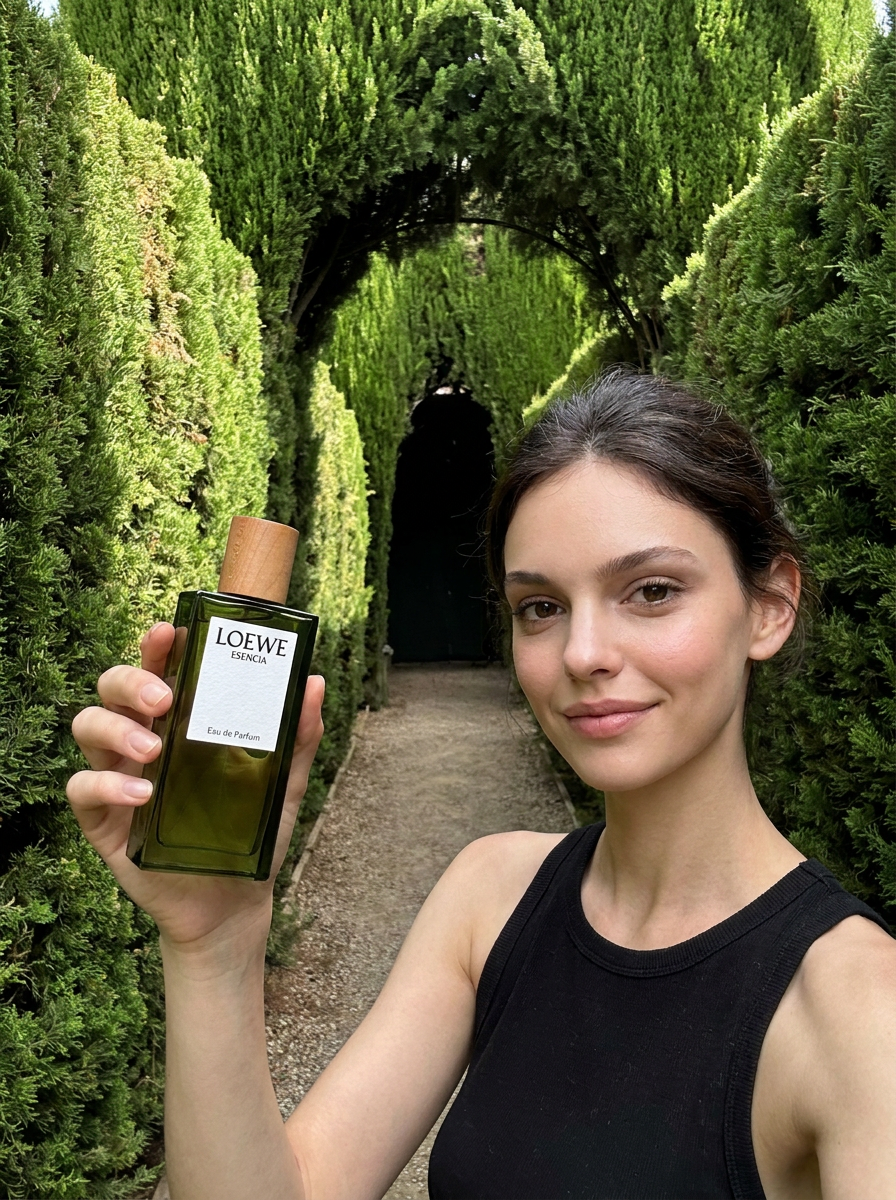
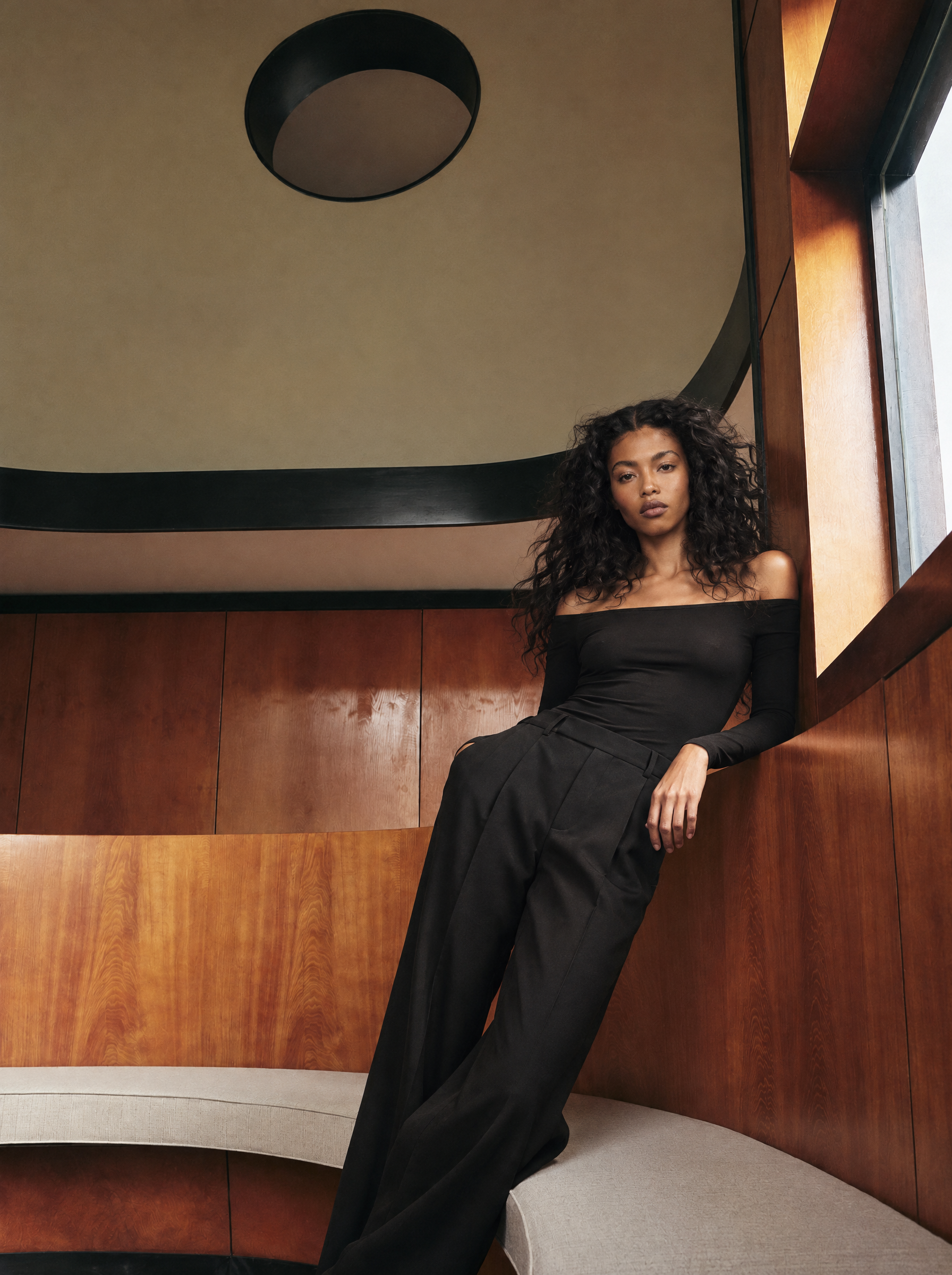
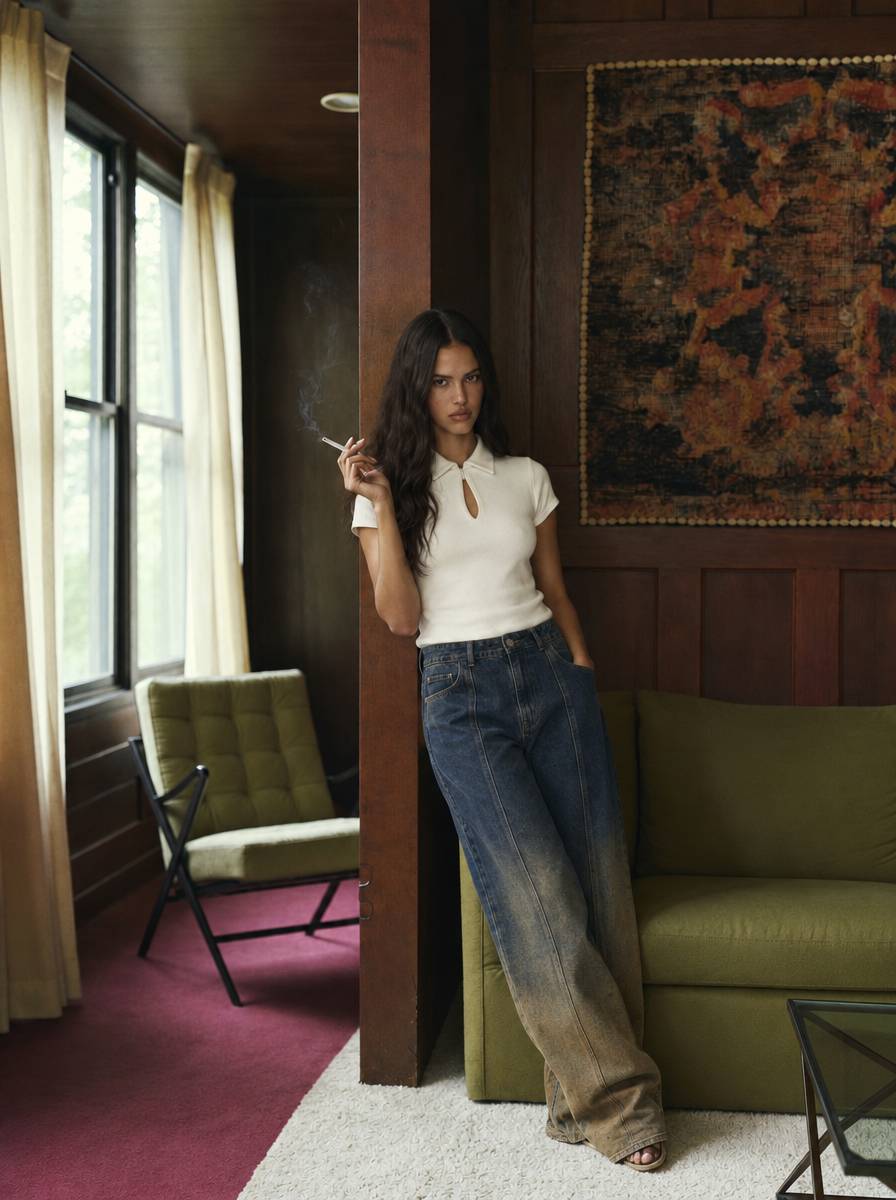
- On-model shots for wearables and accessories
- Short product videos from a still
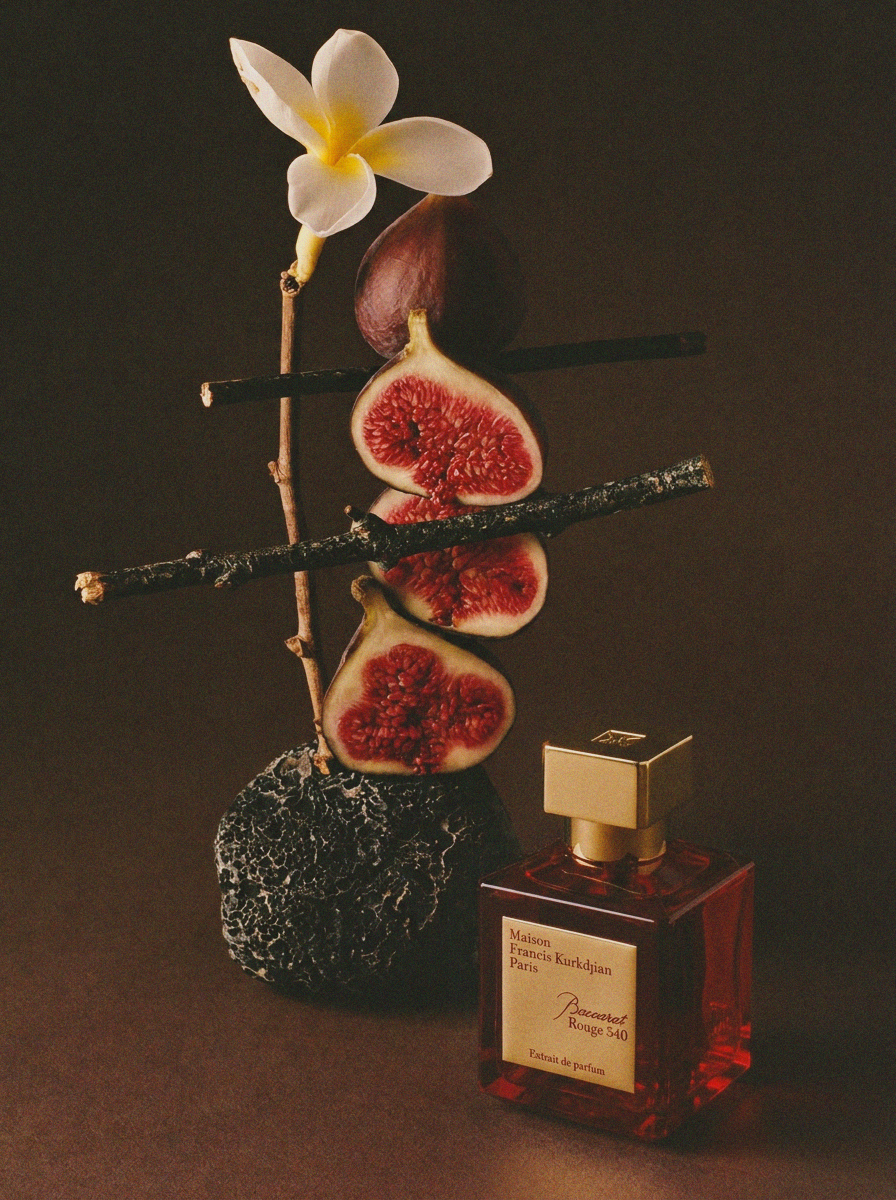
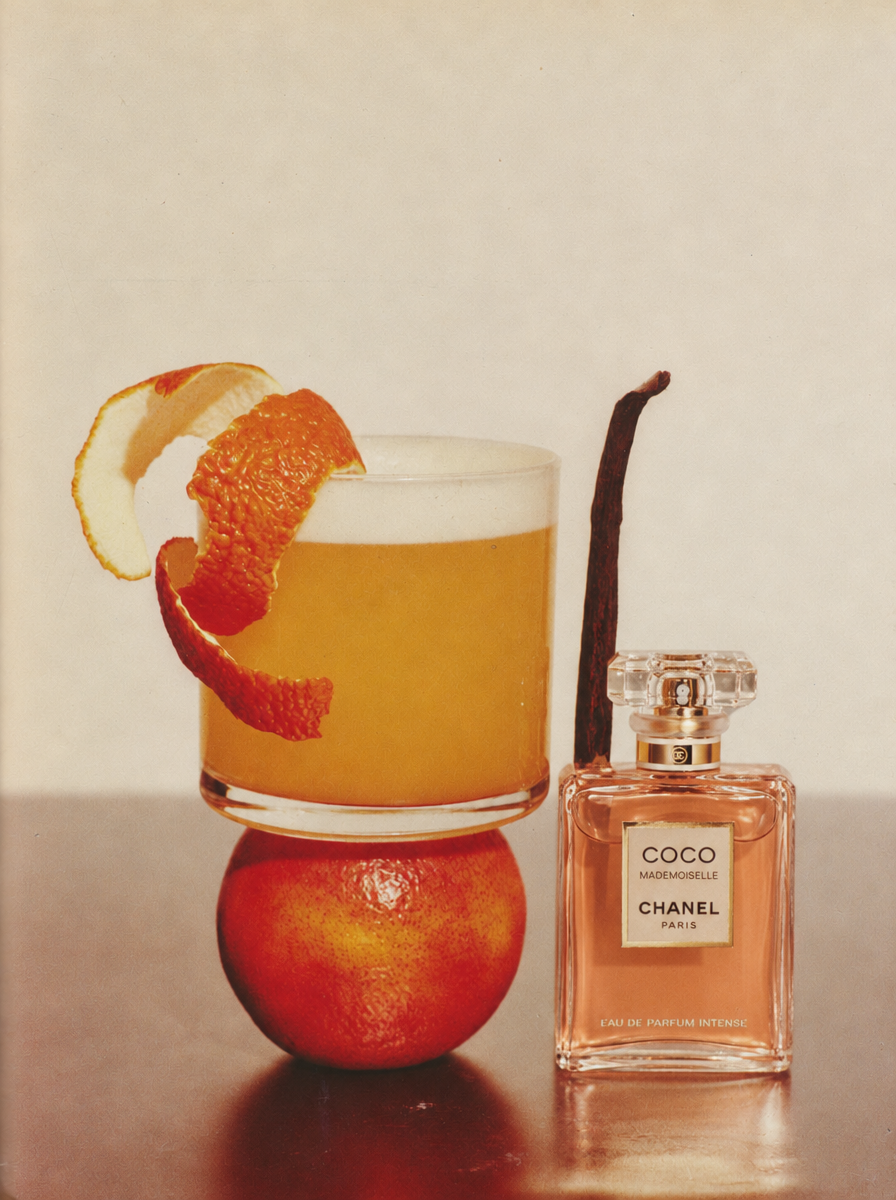
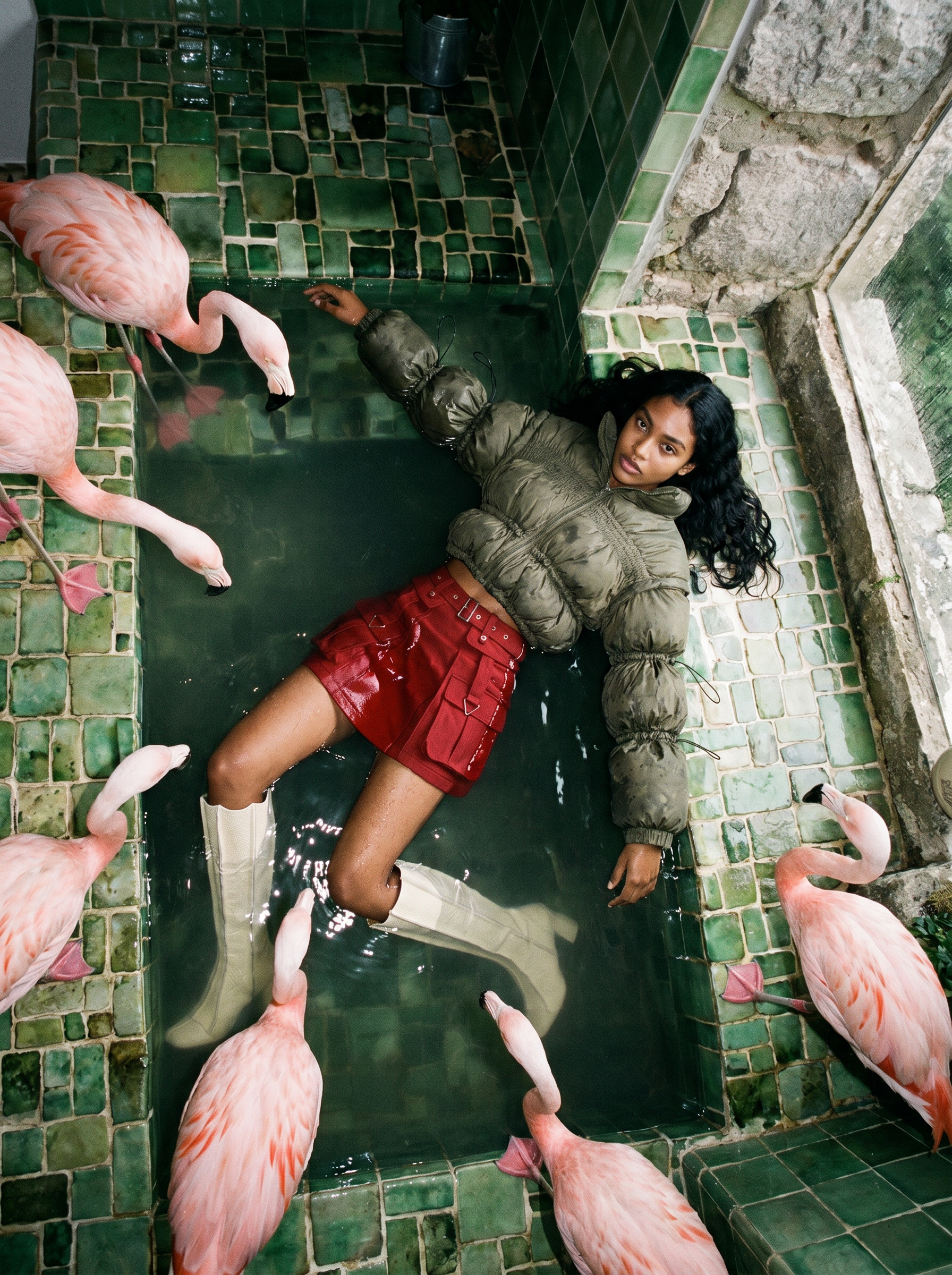
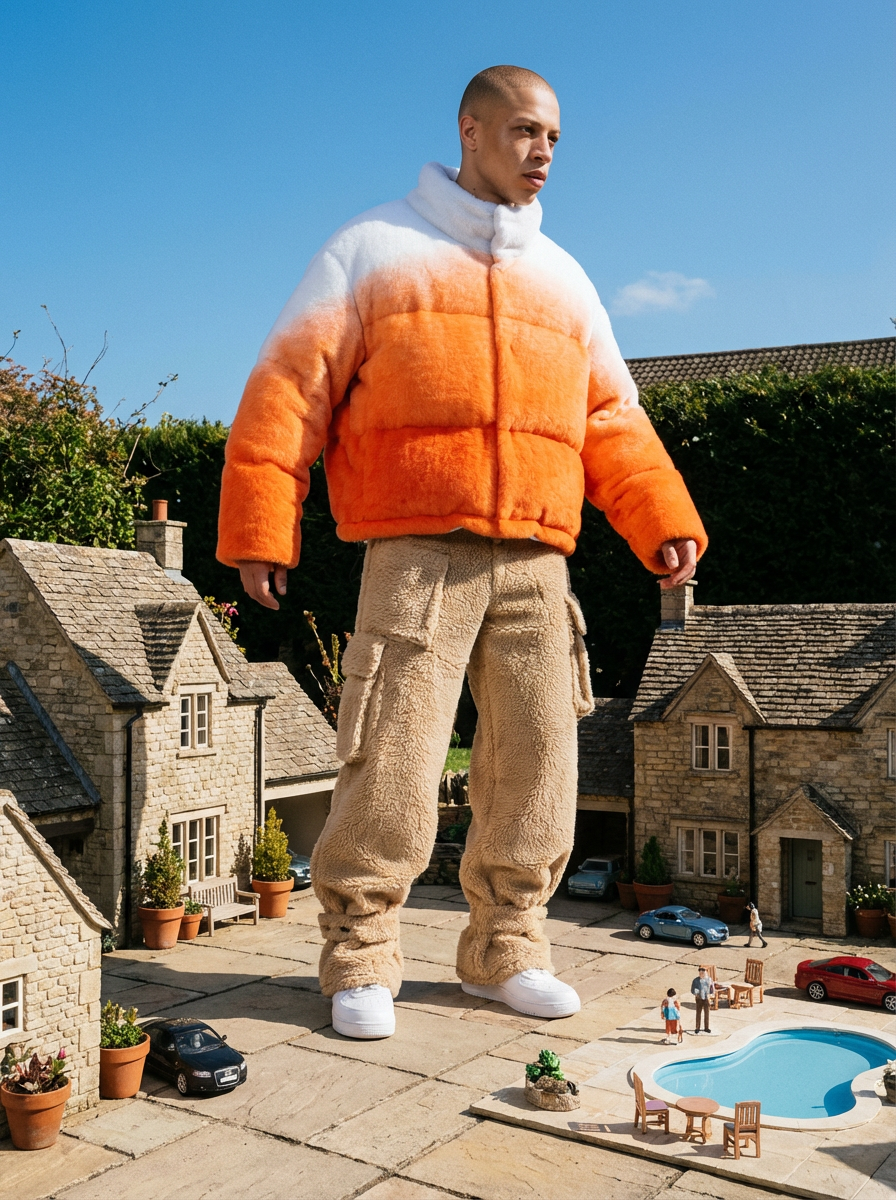
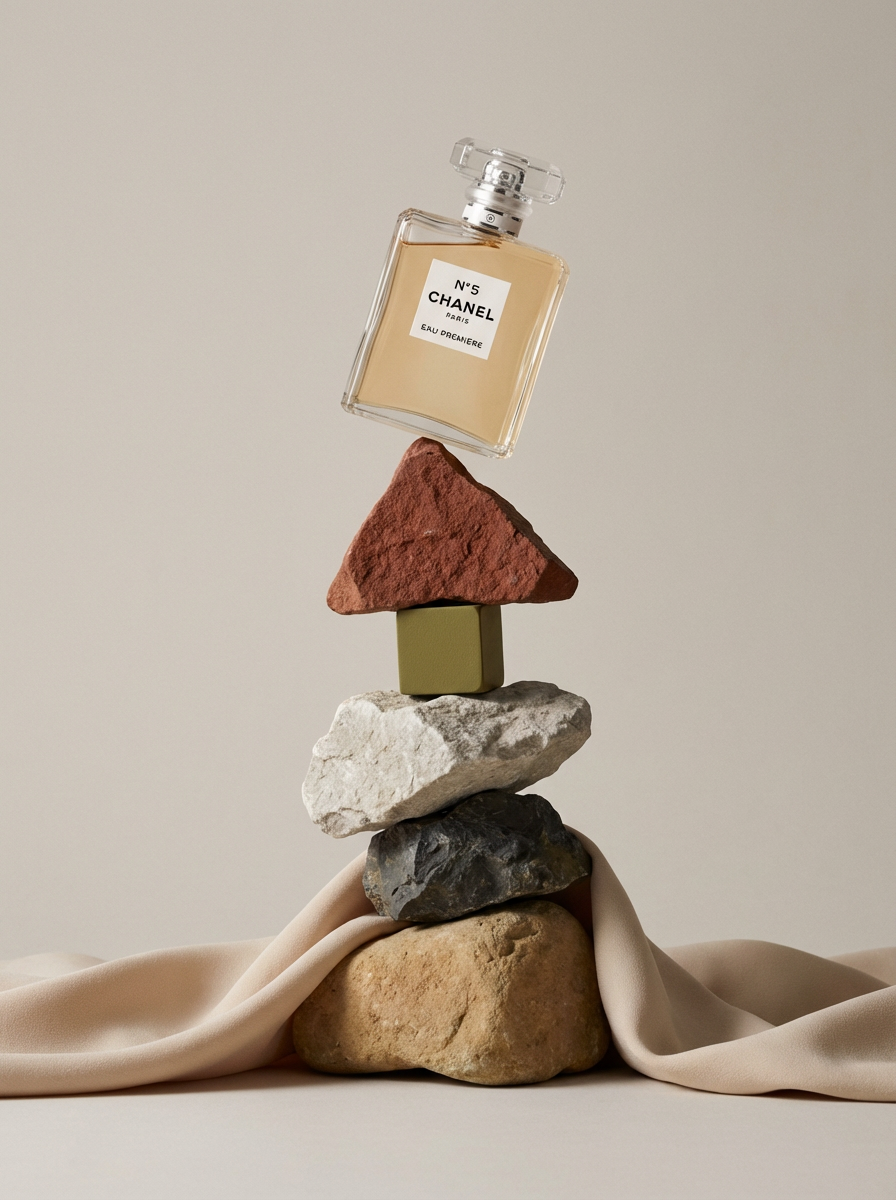
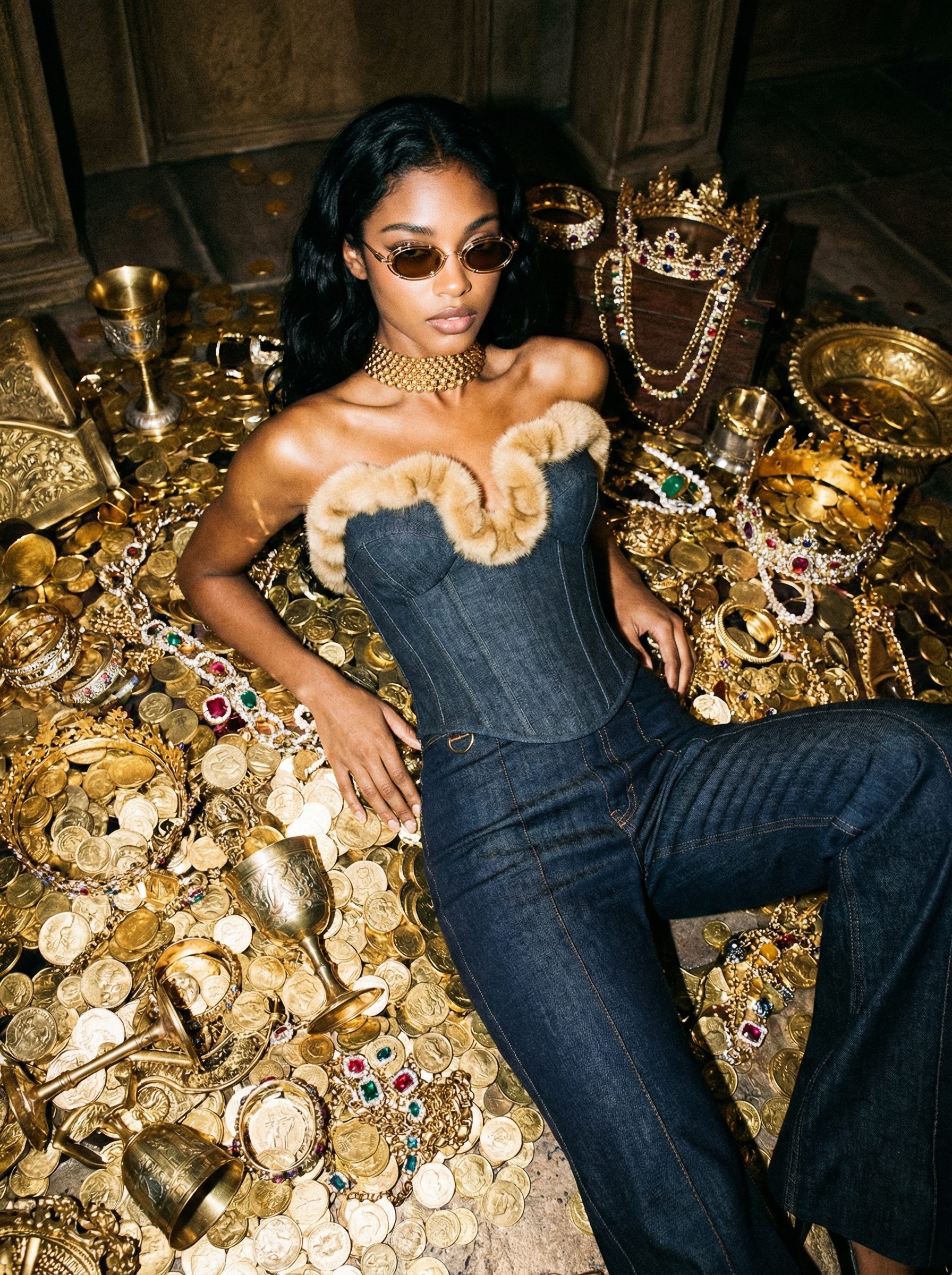
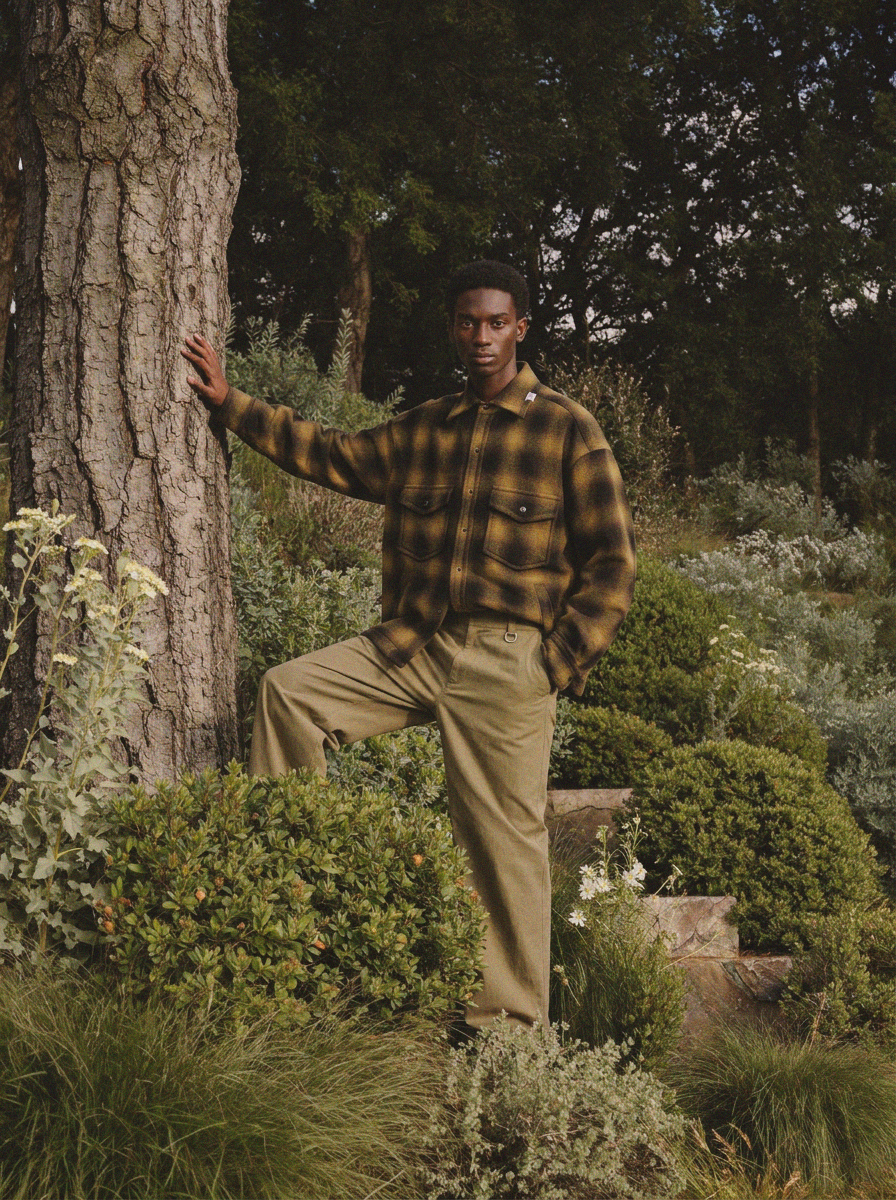
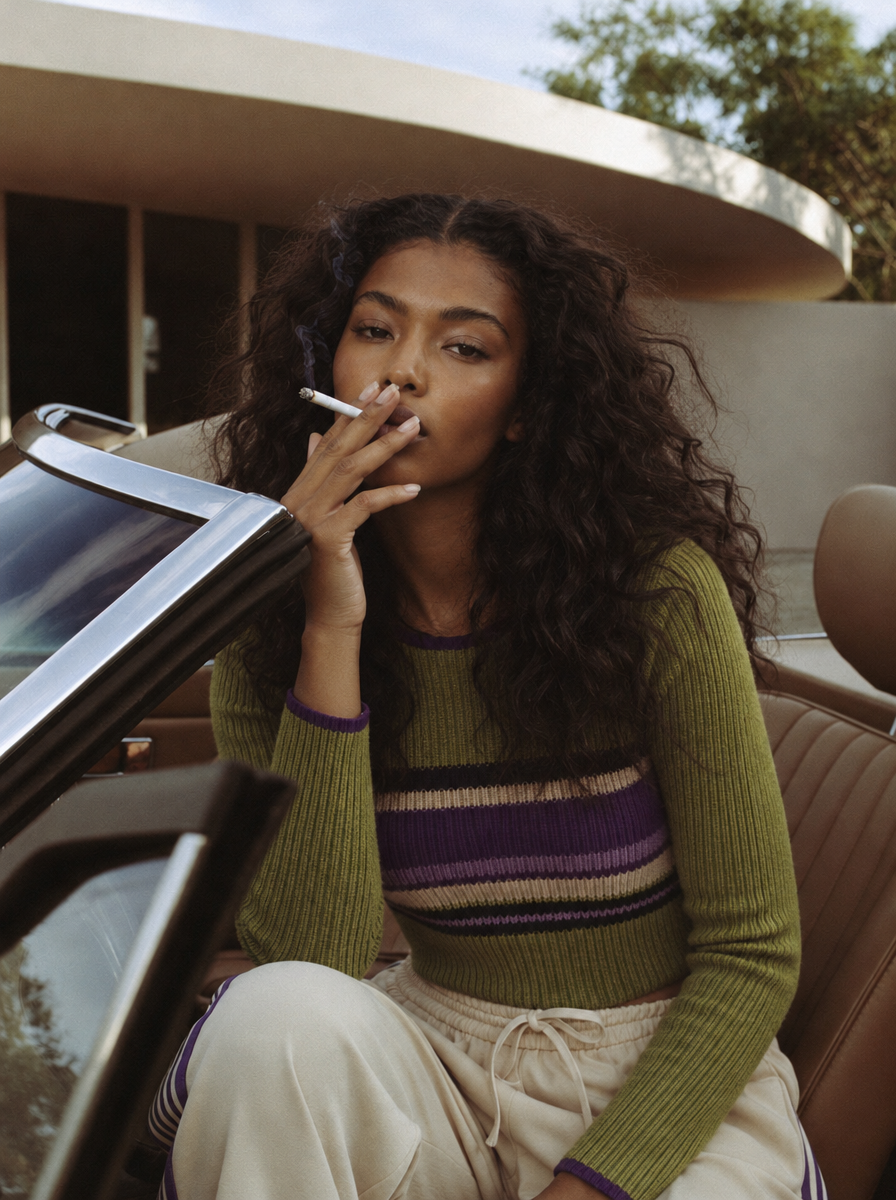
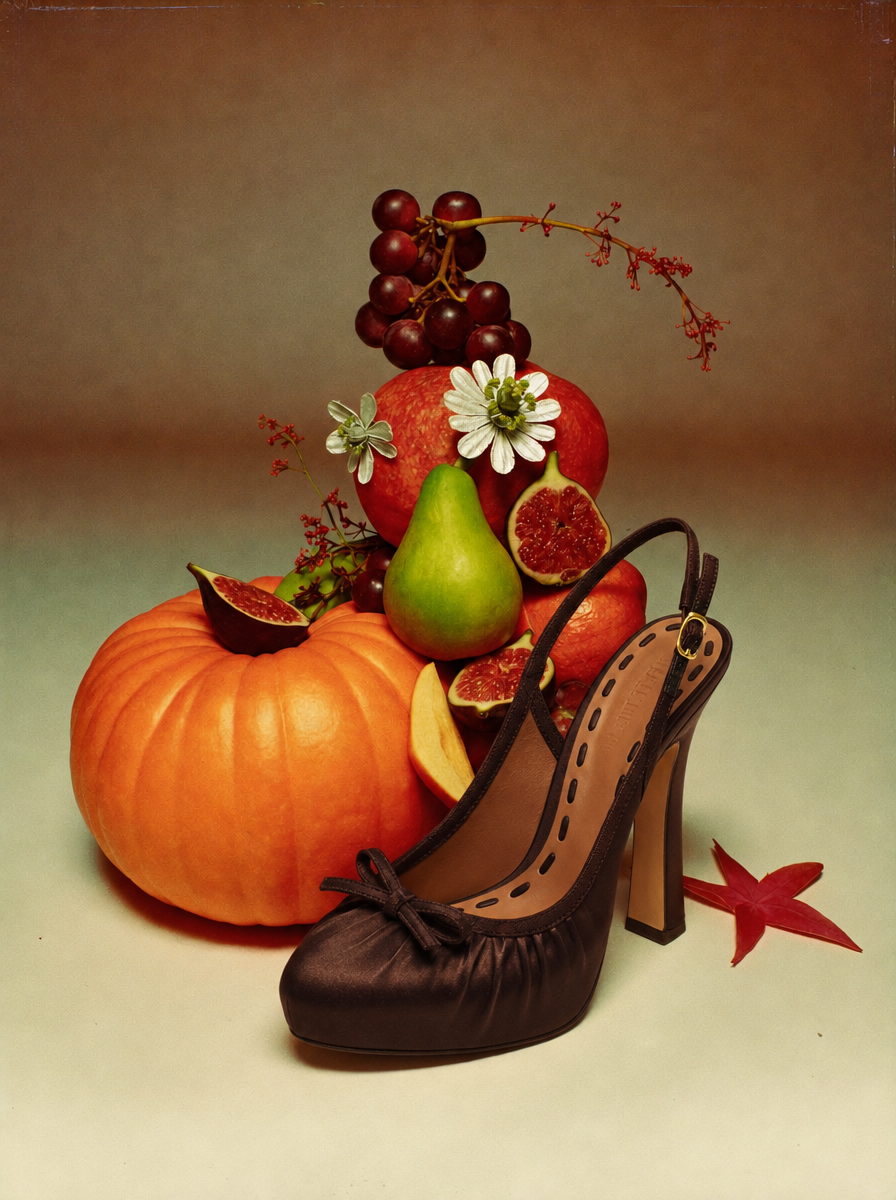
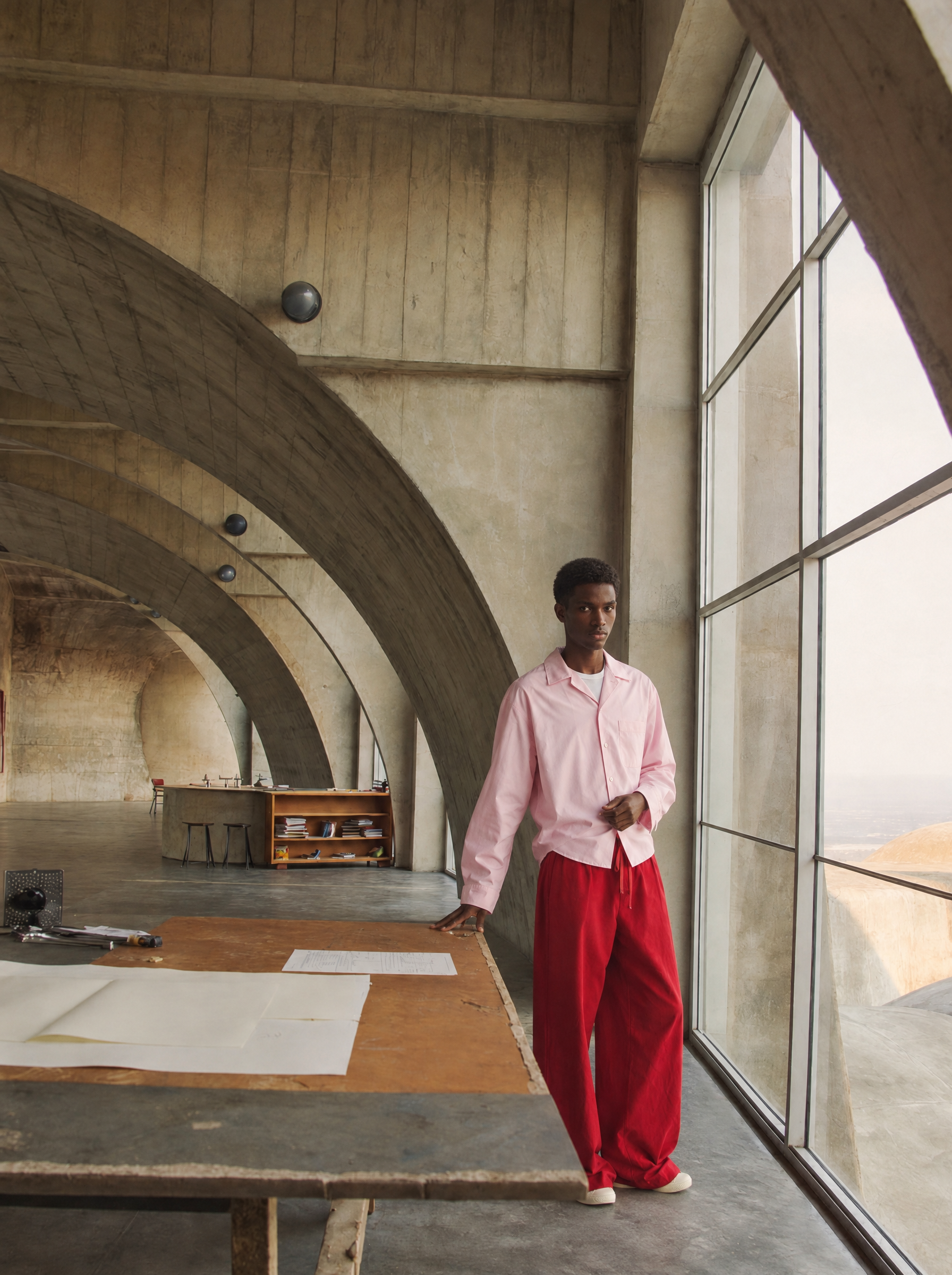
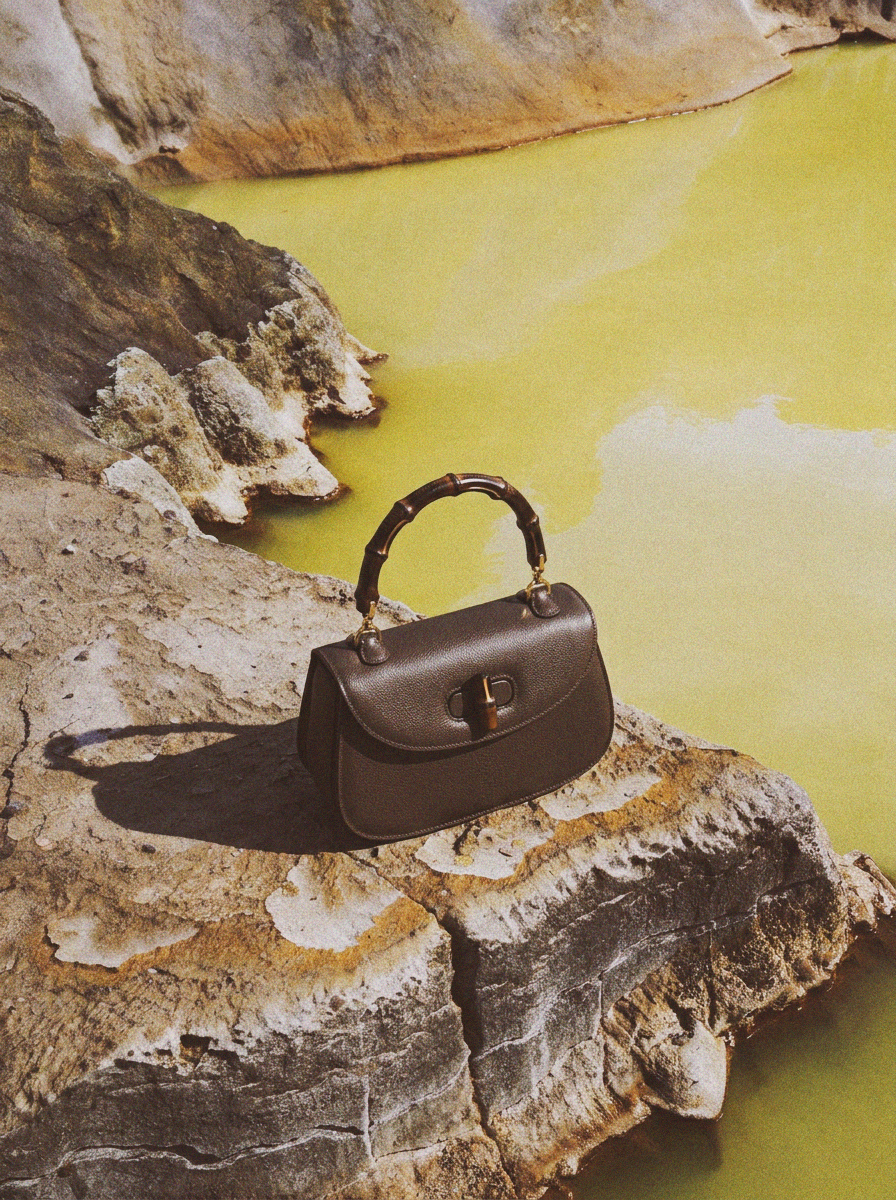
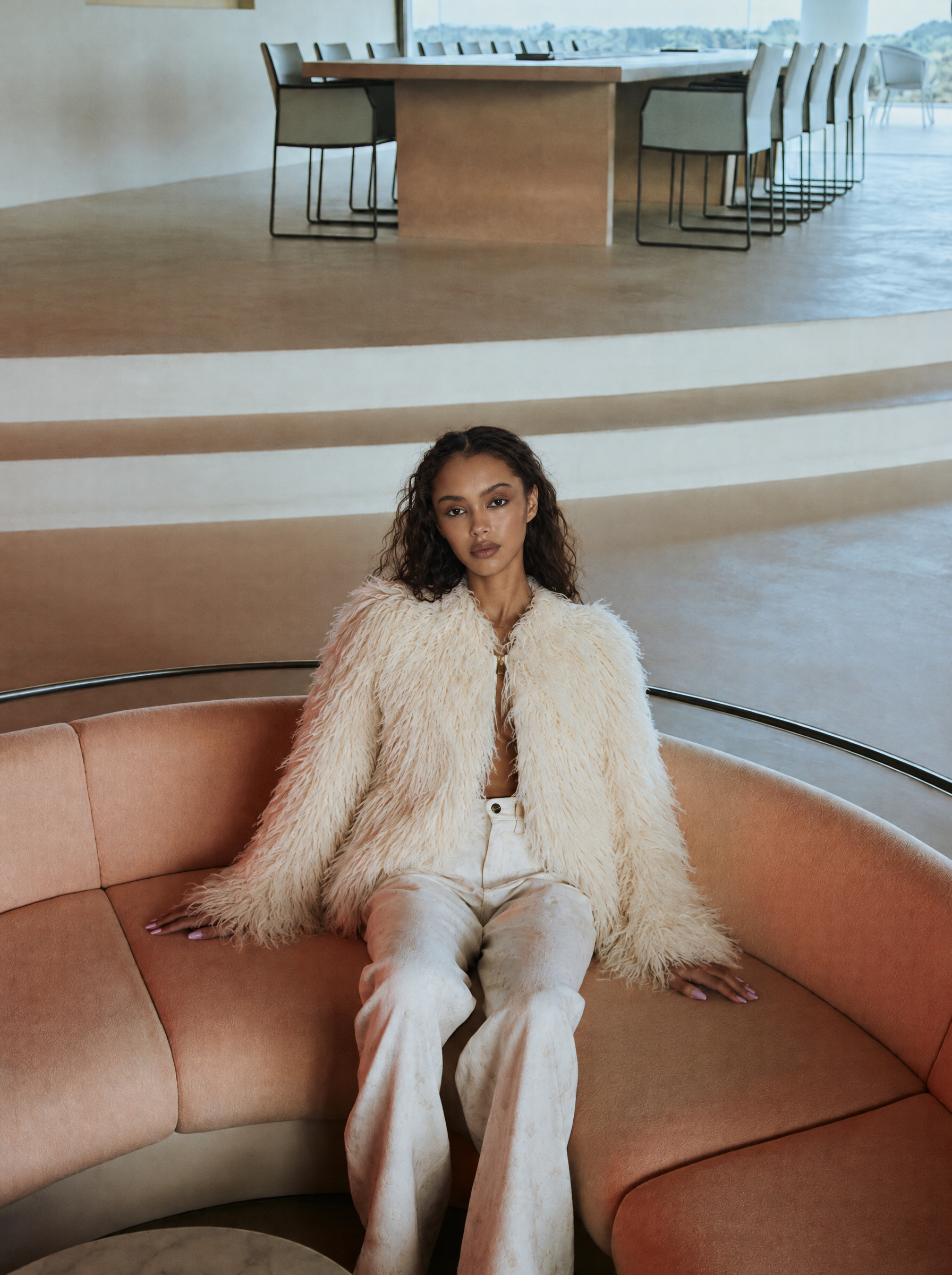
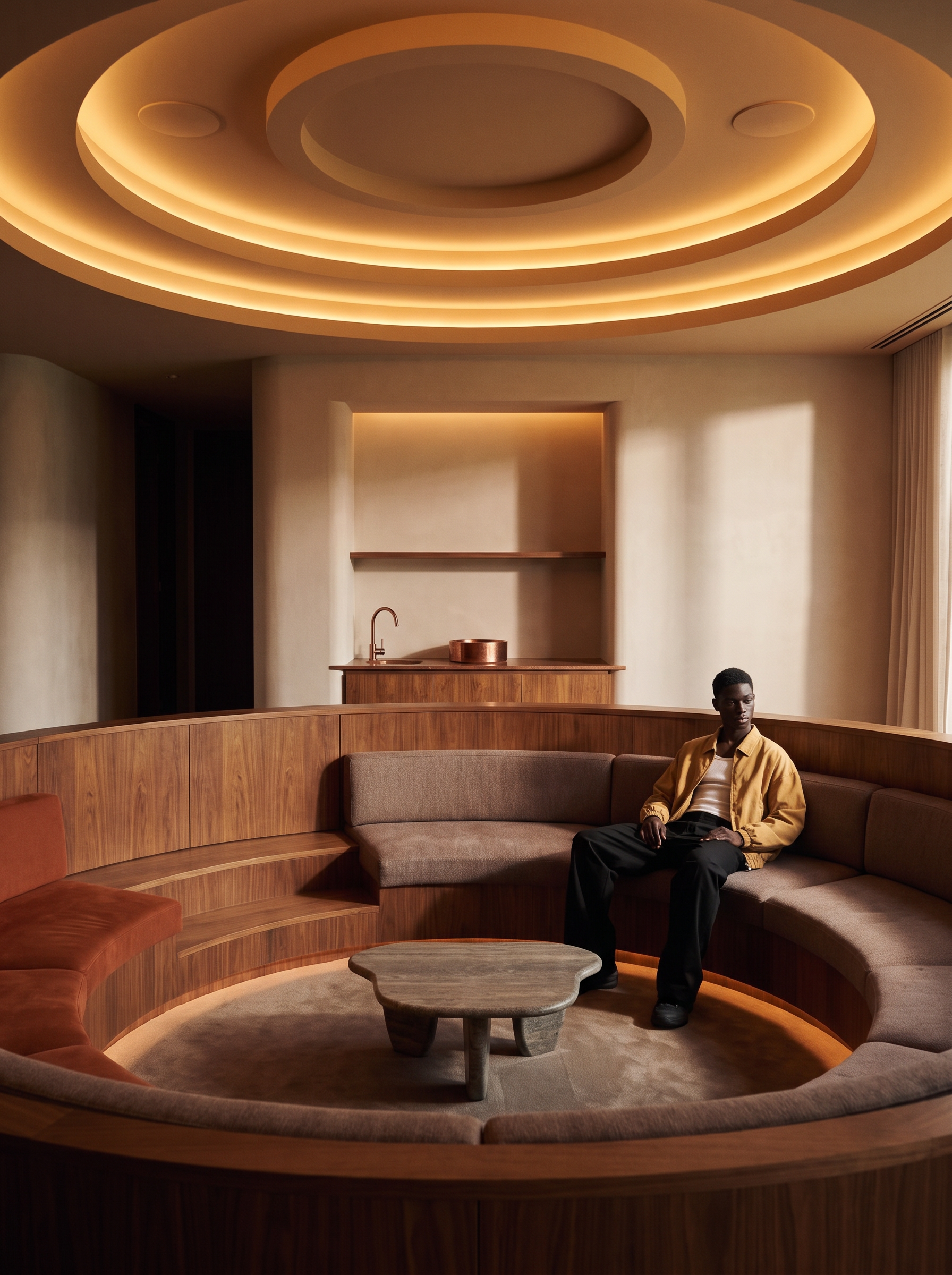
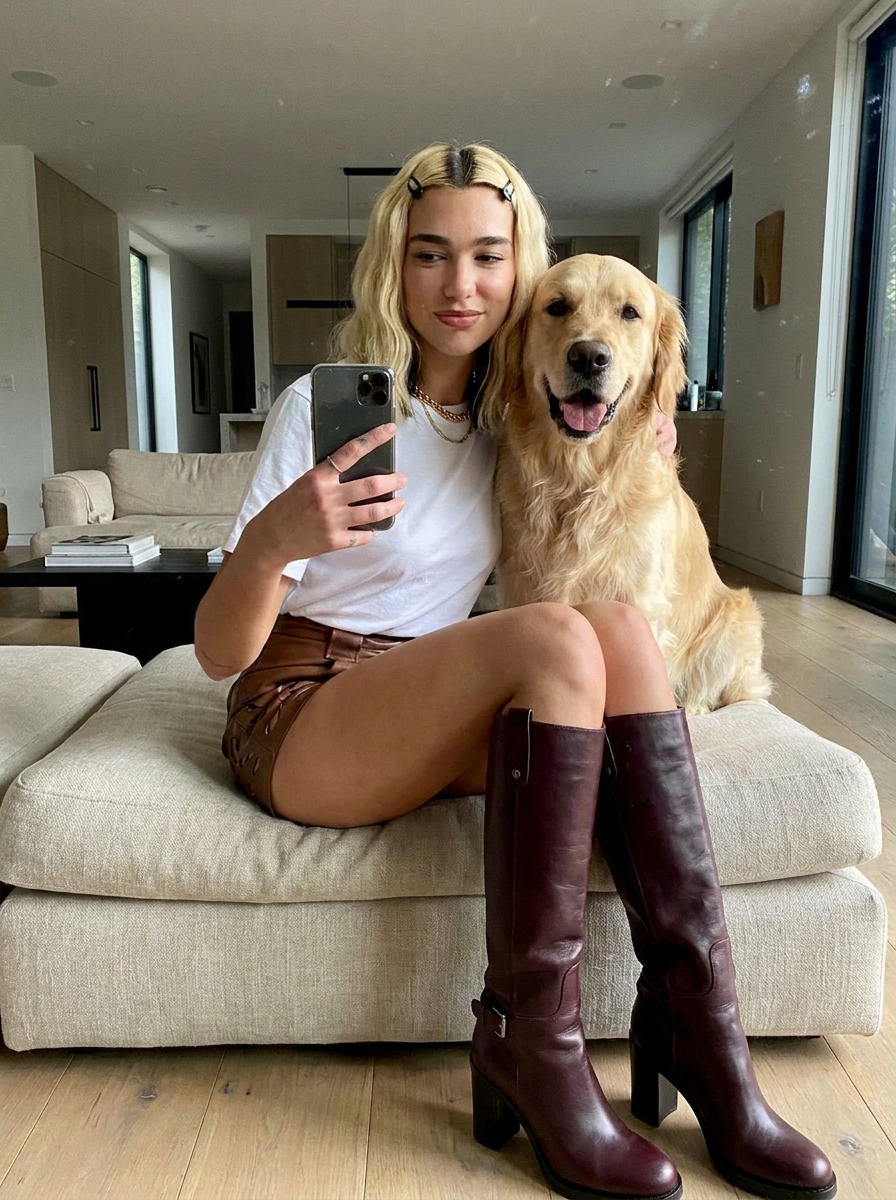
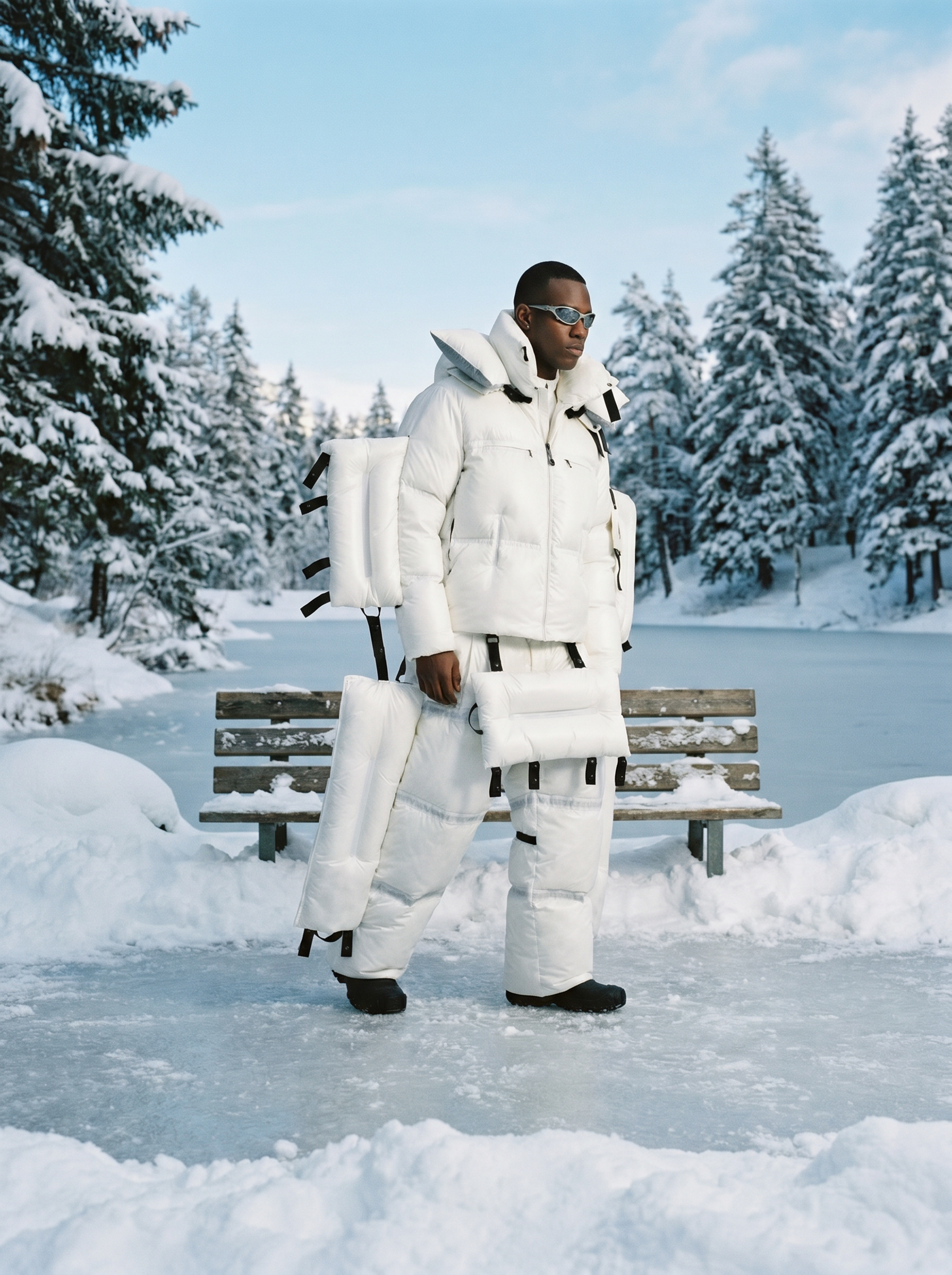
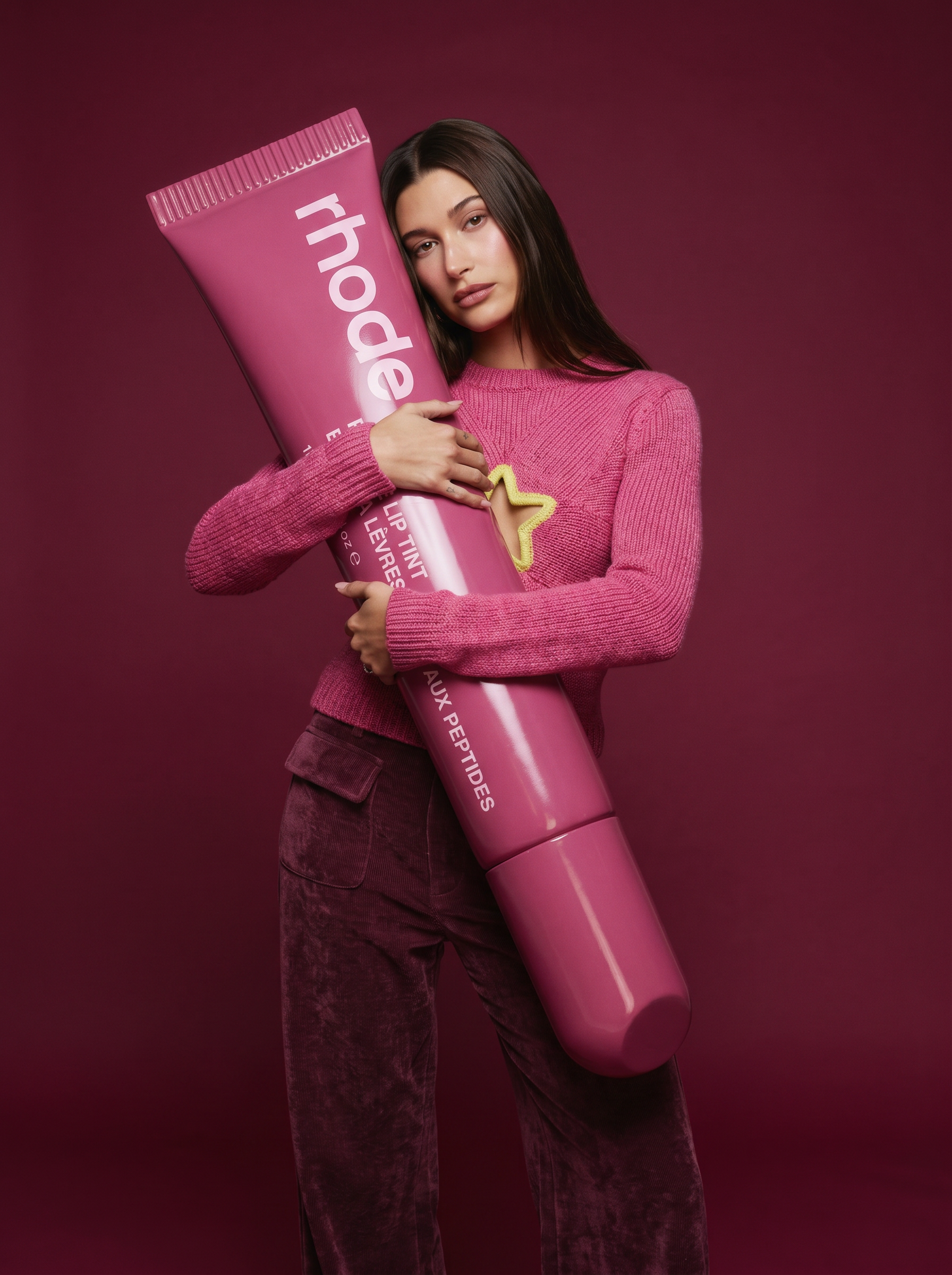
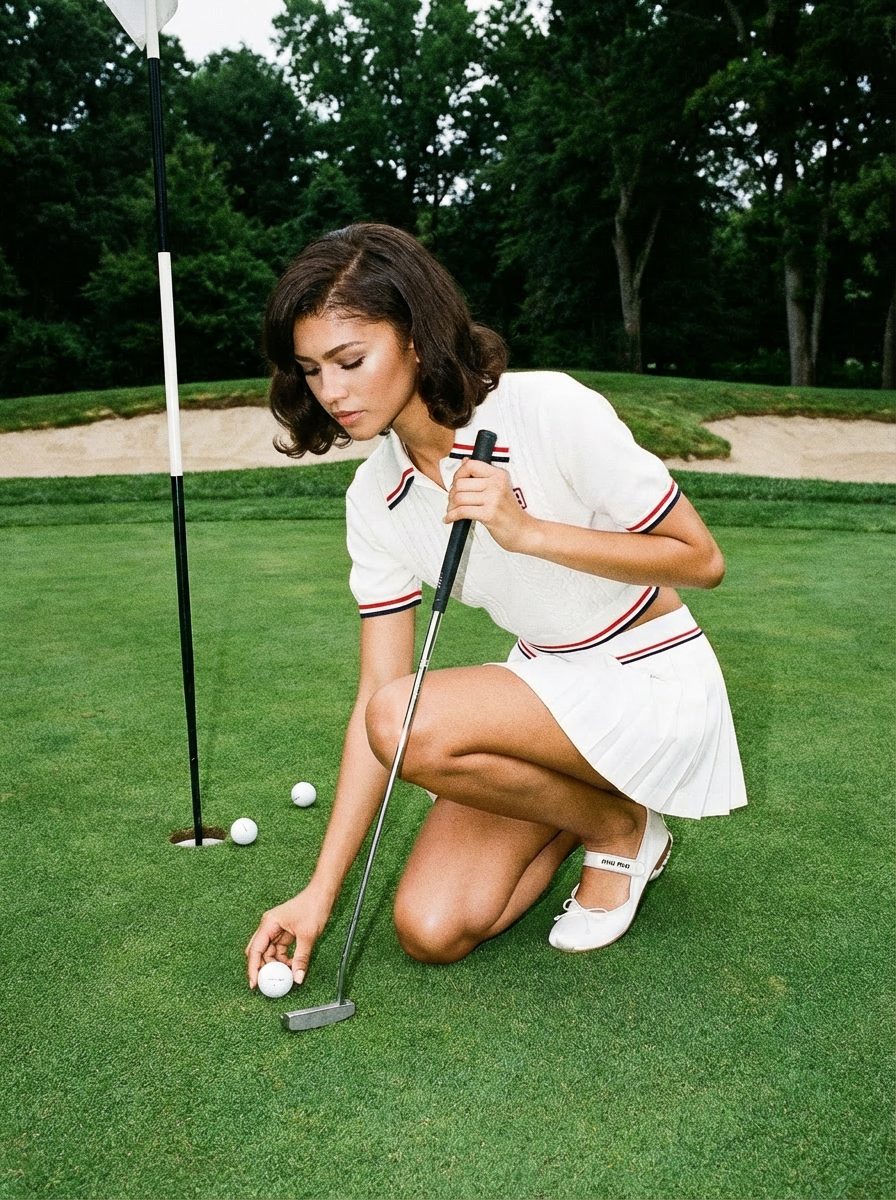
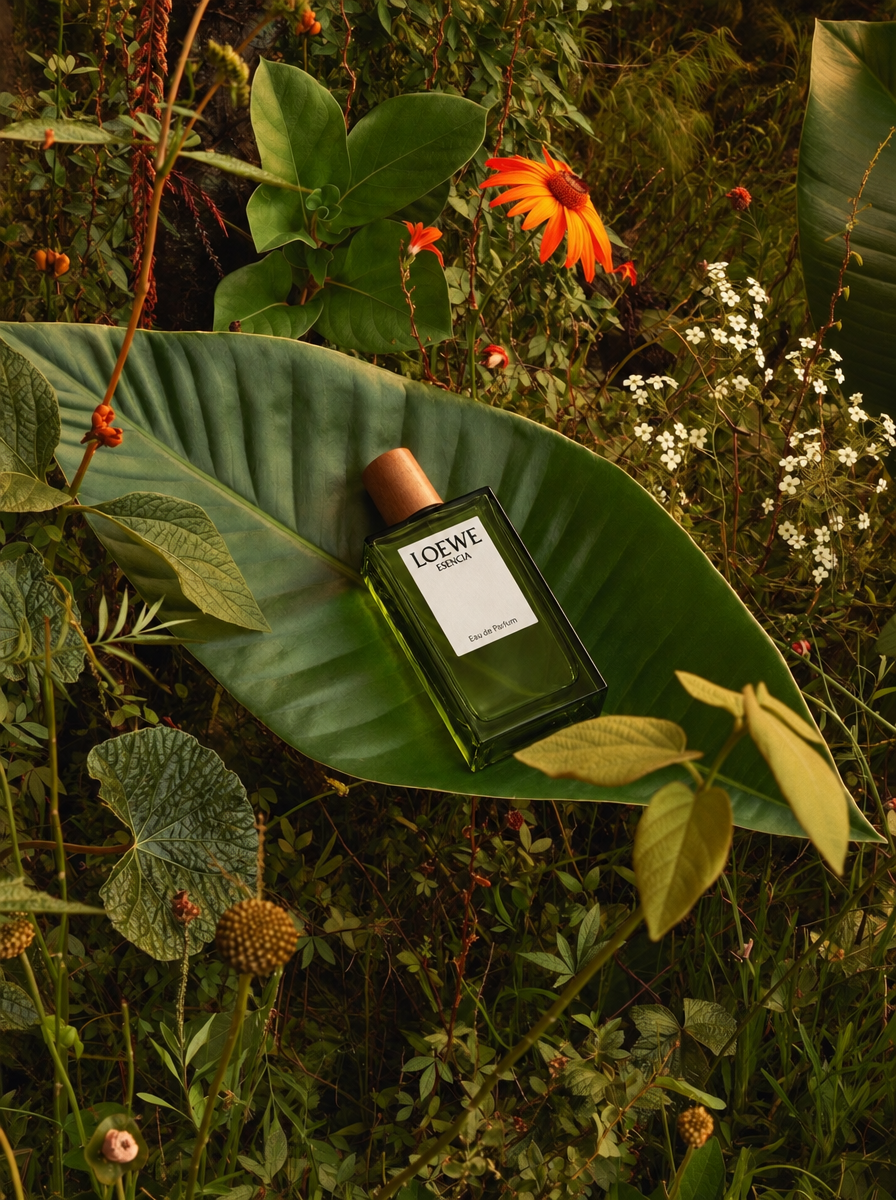
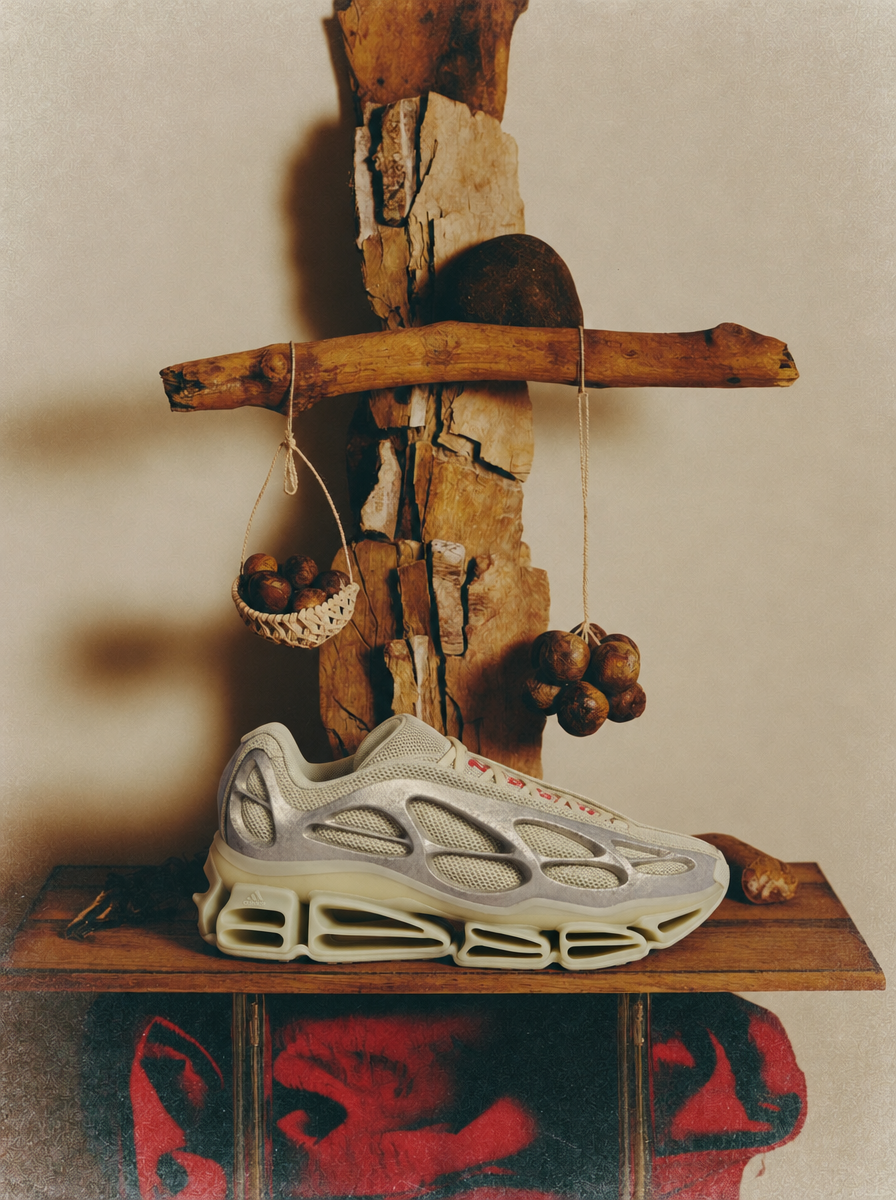
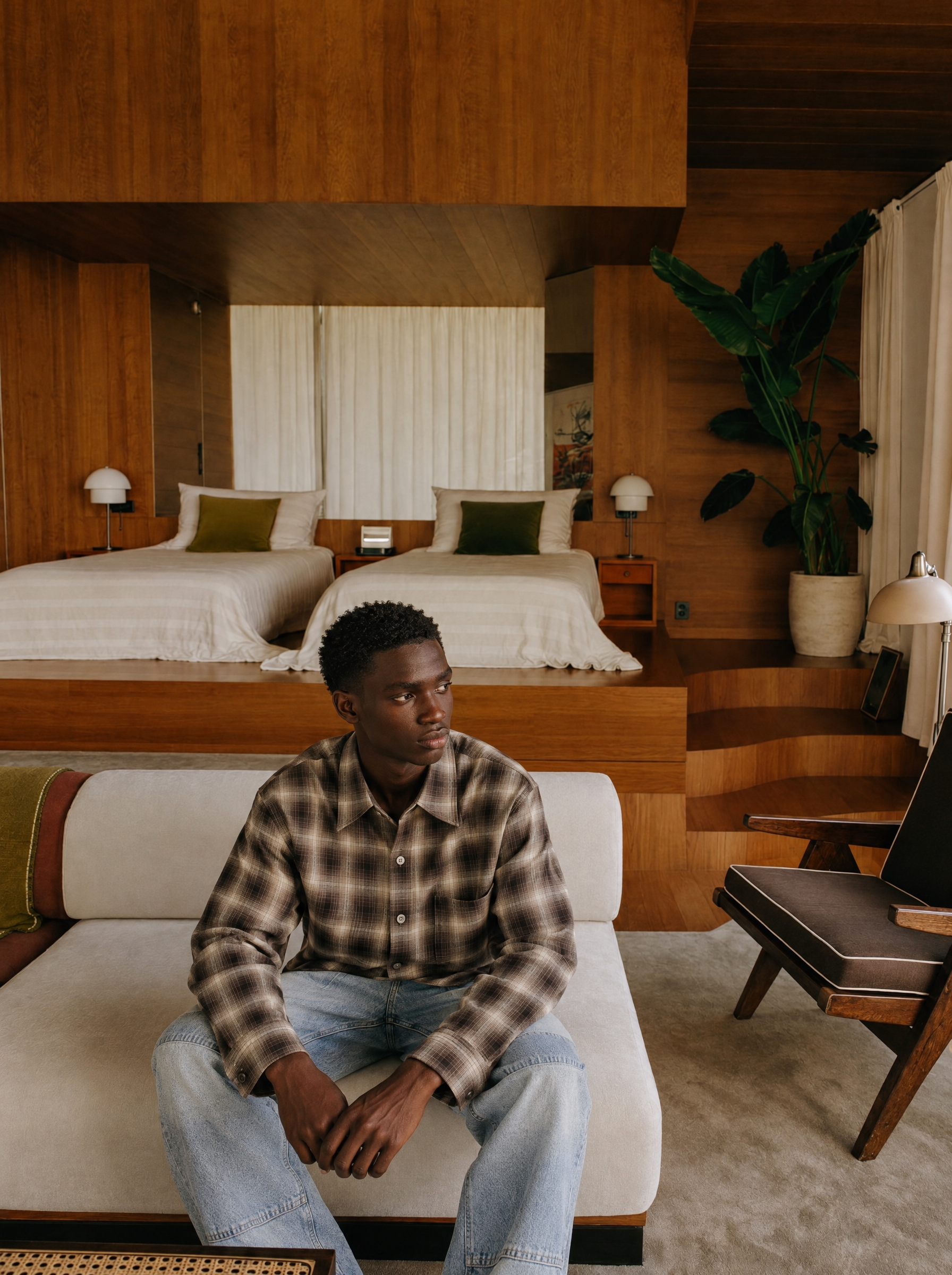
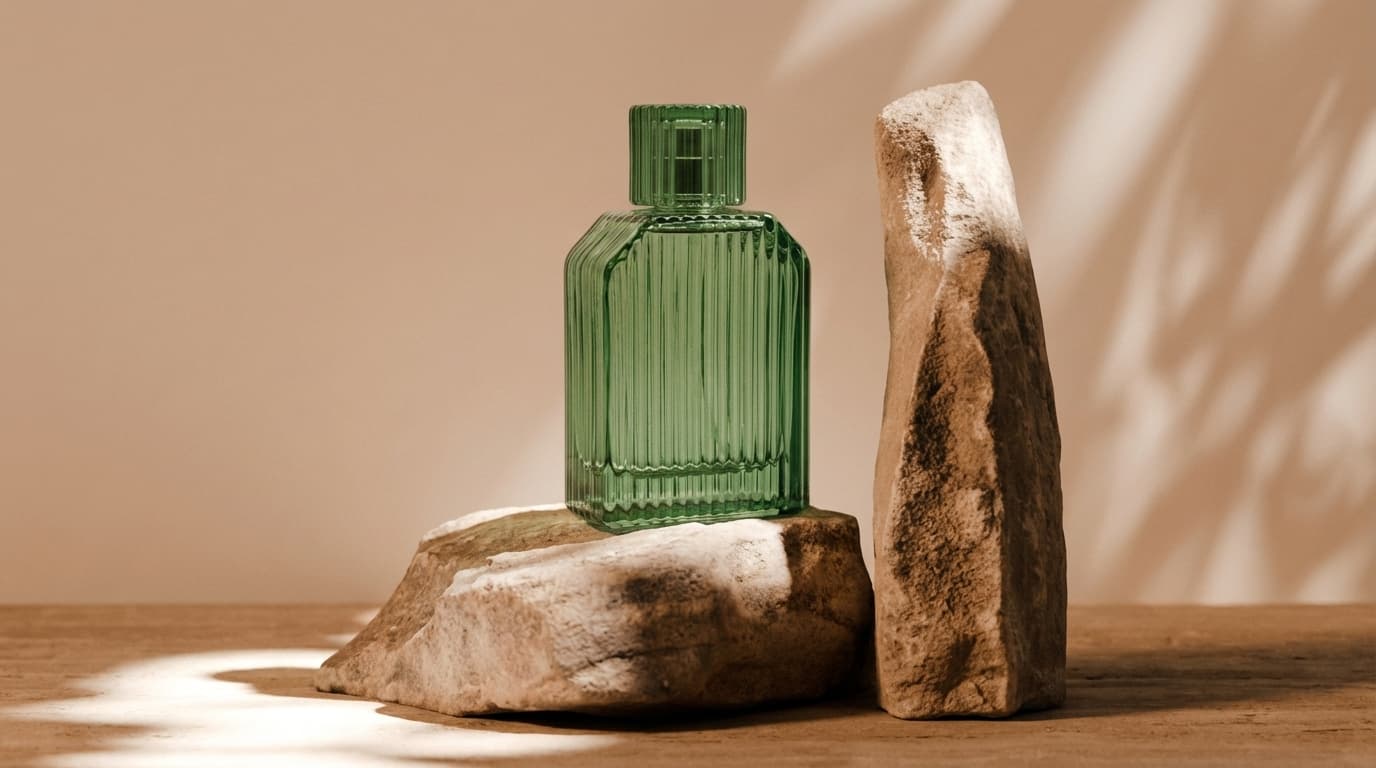
Product photography made in Rainfrog
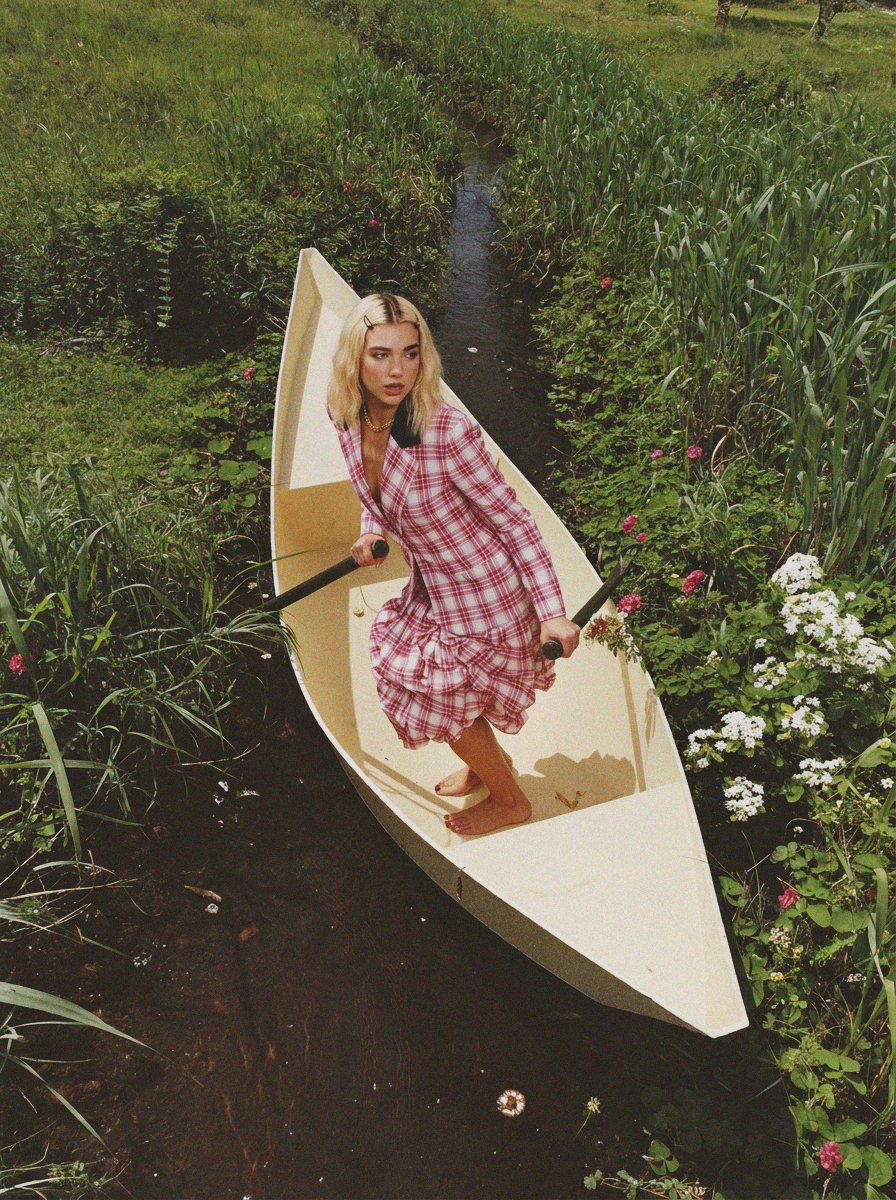
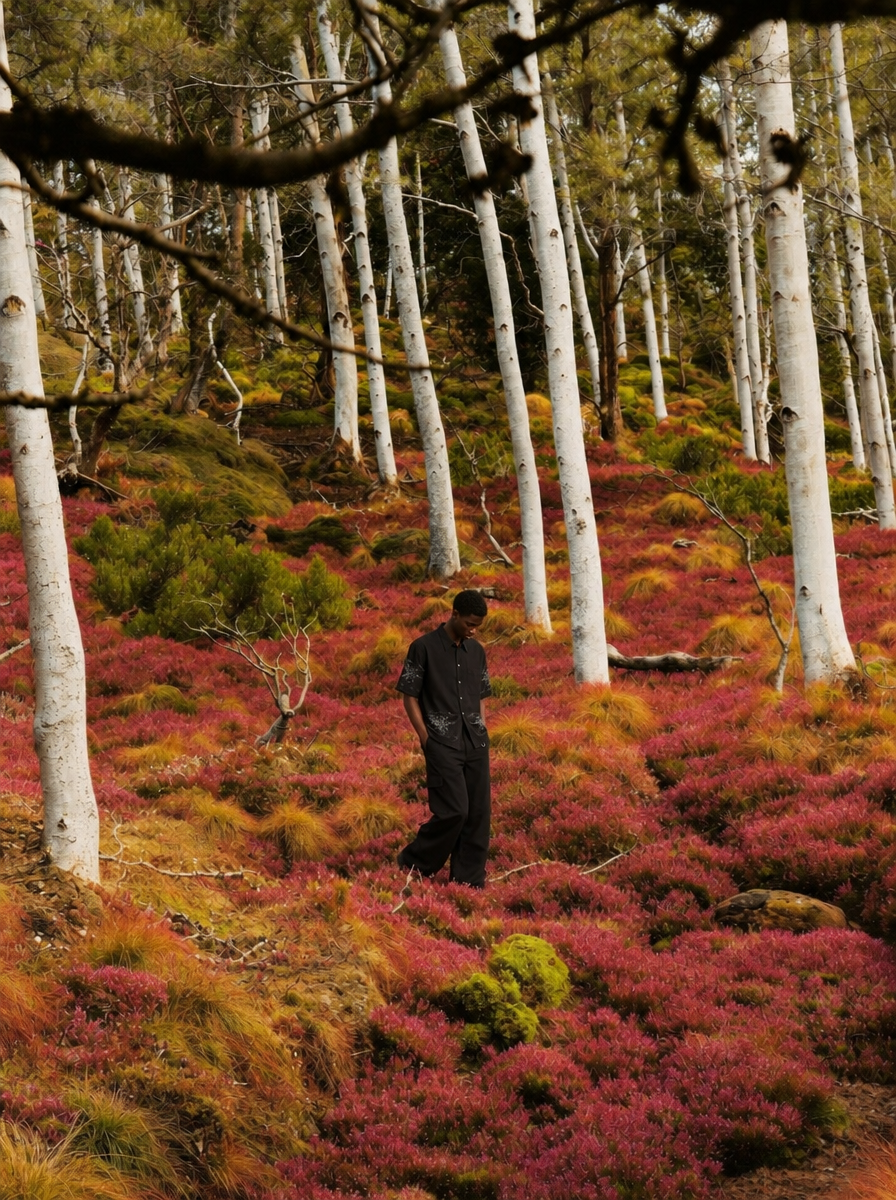
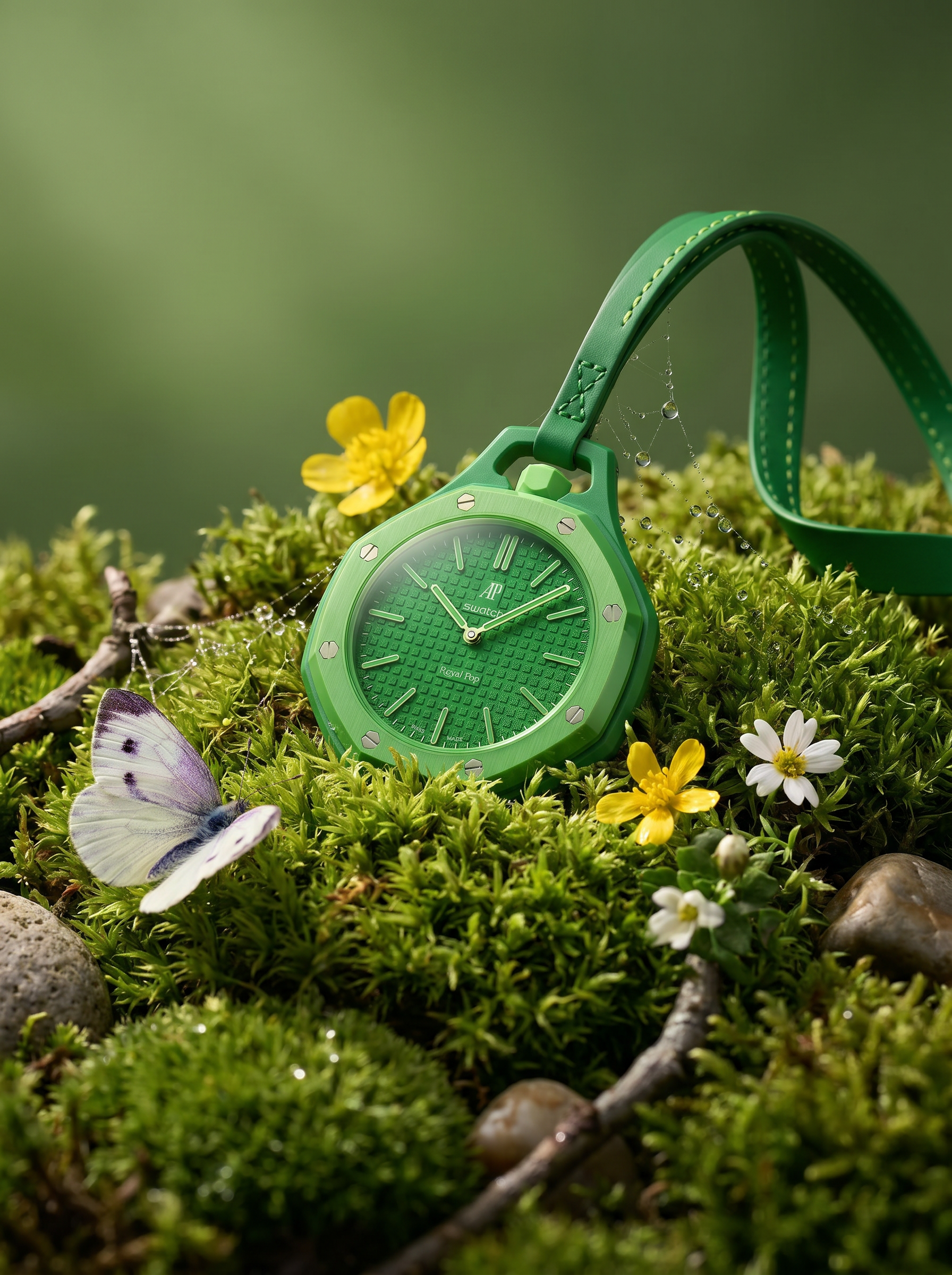
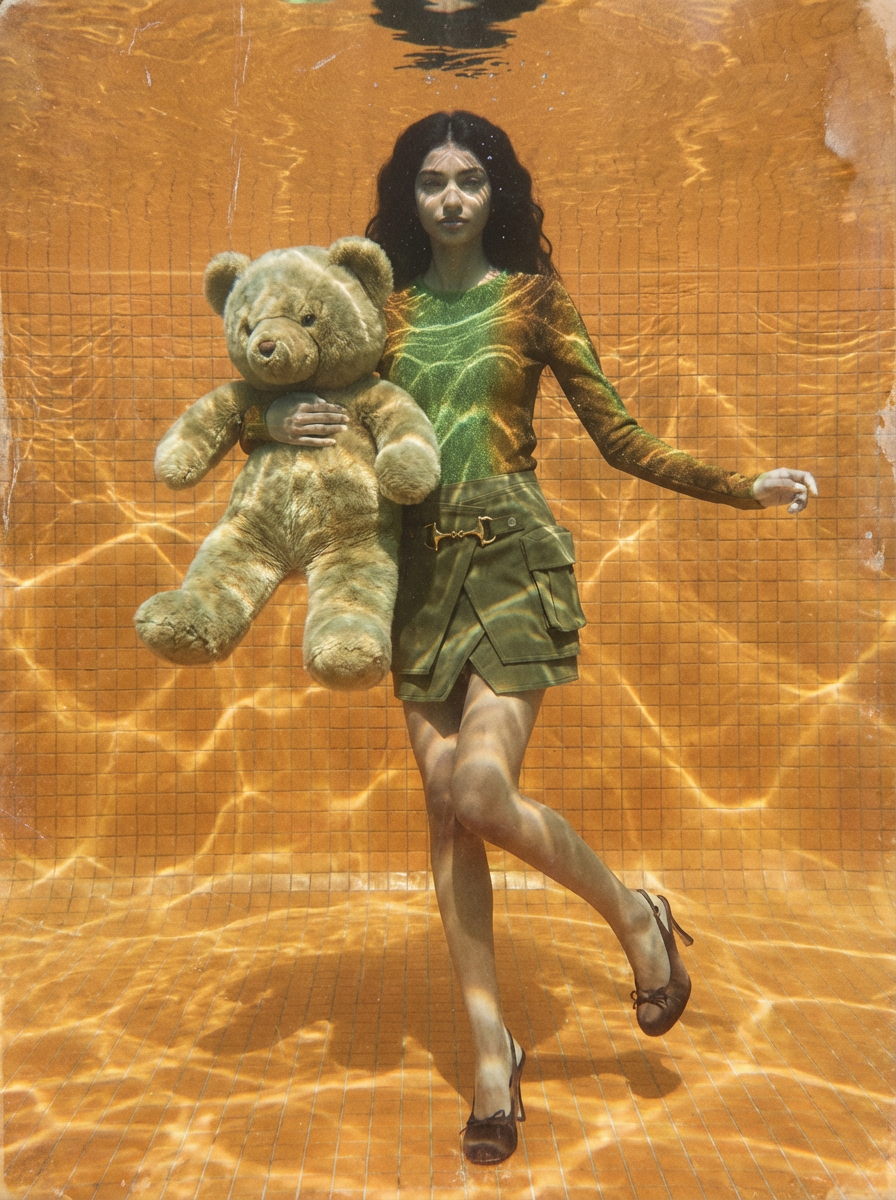
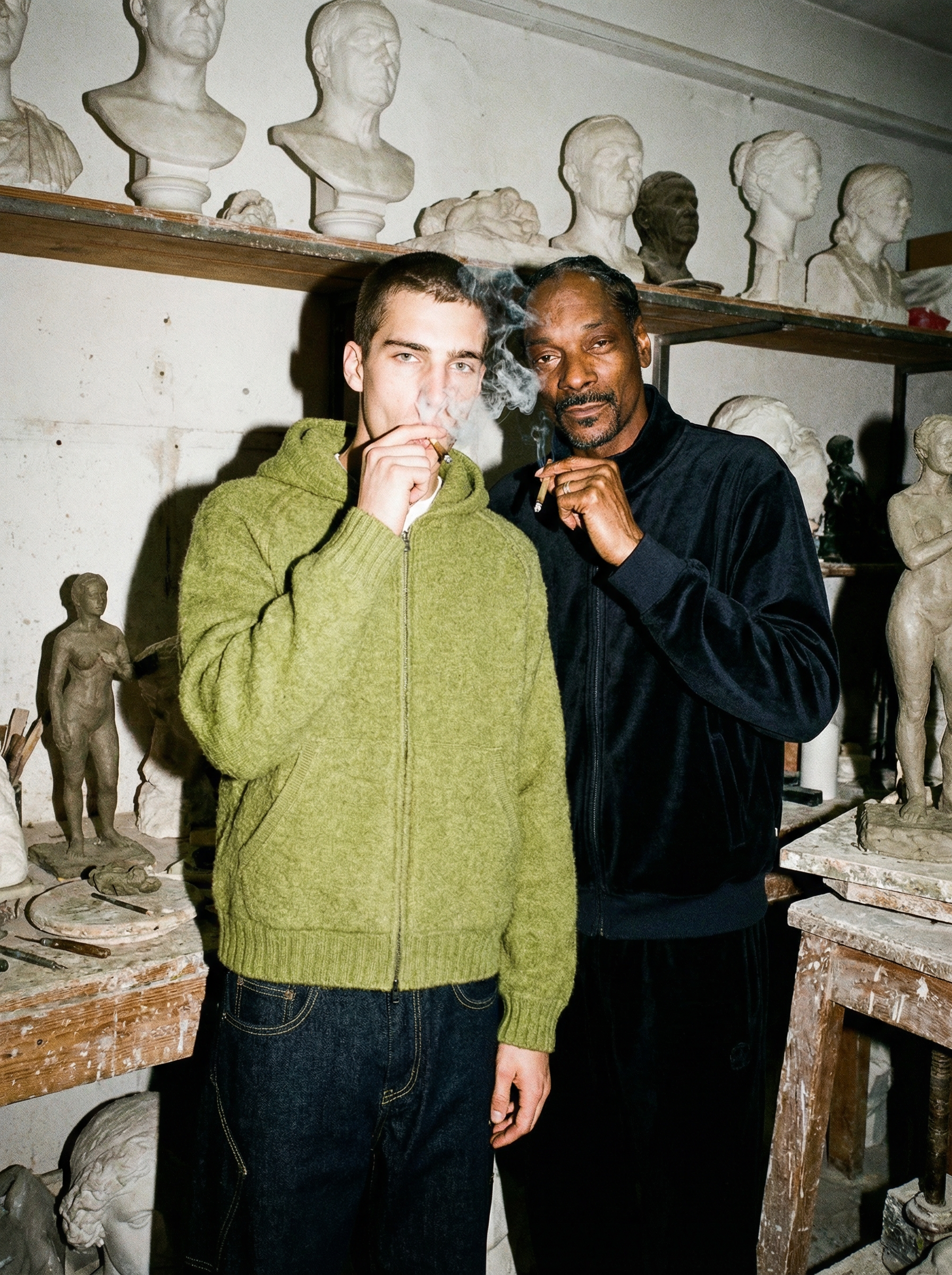
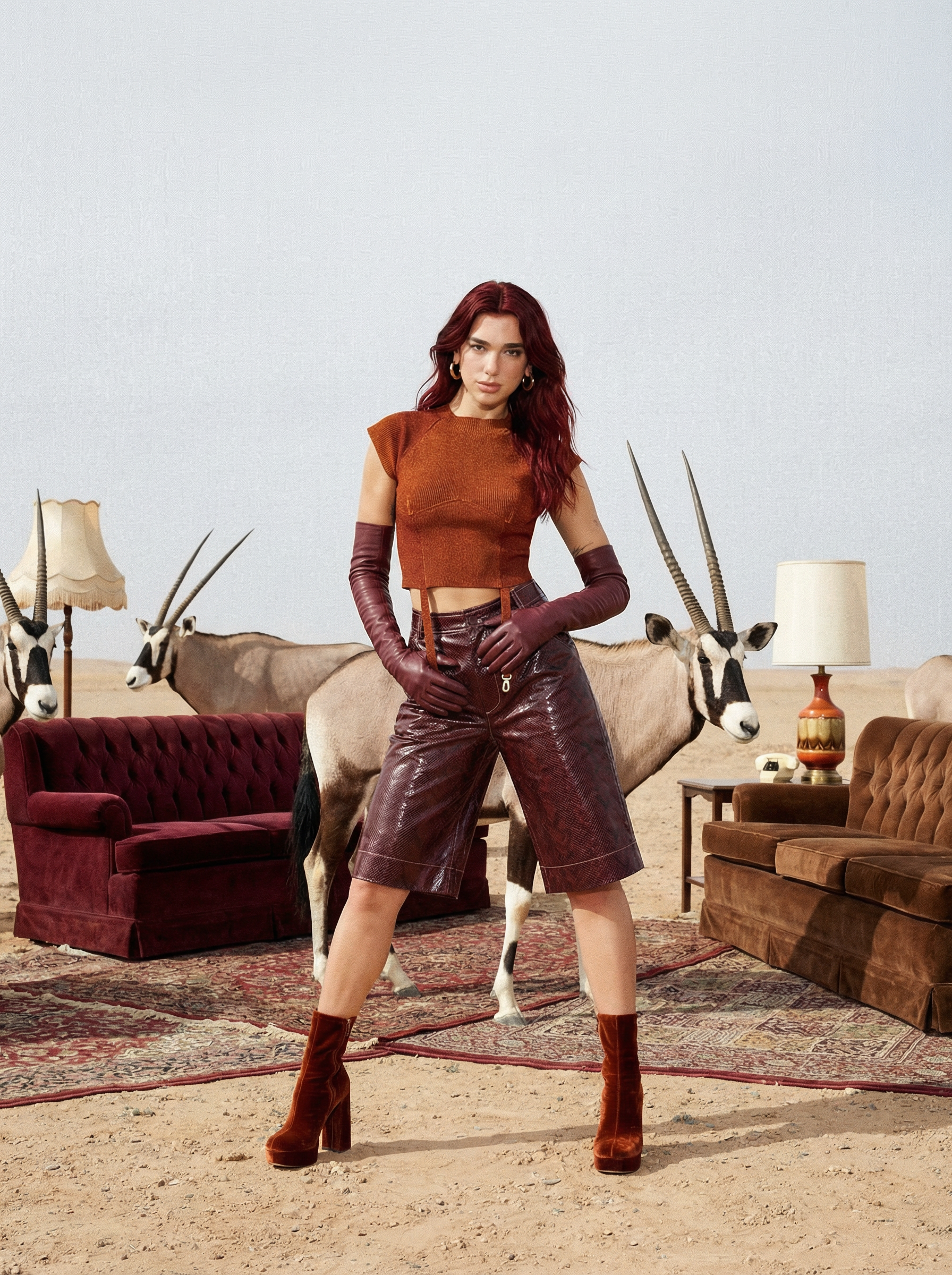
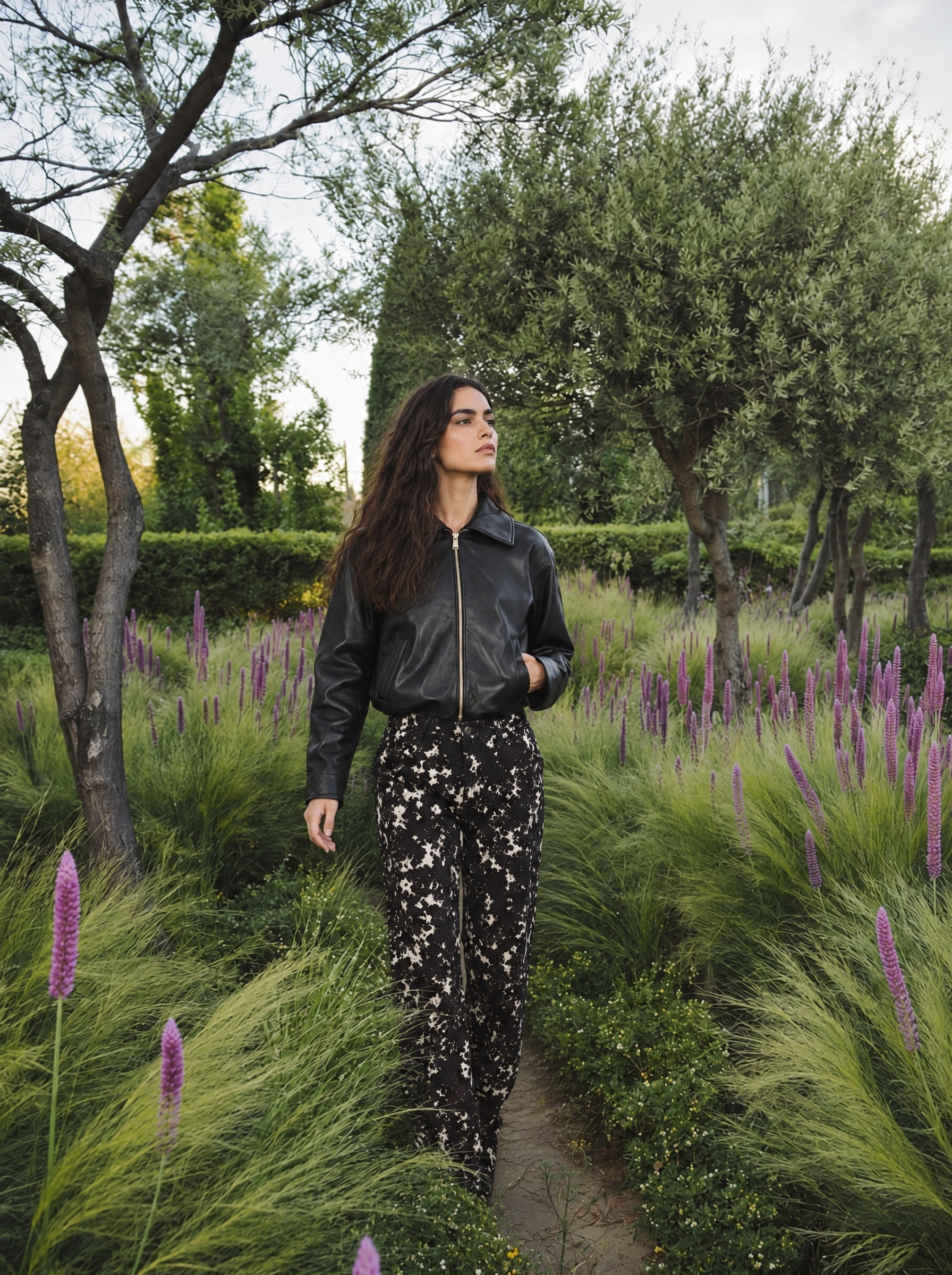
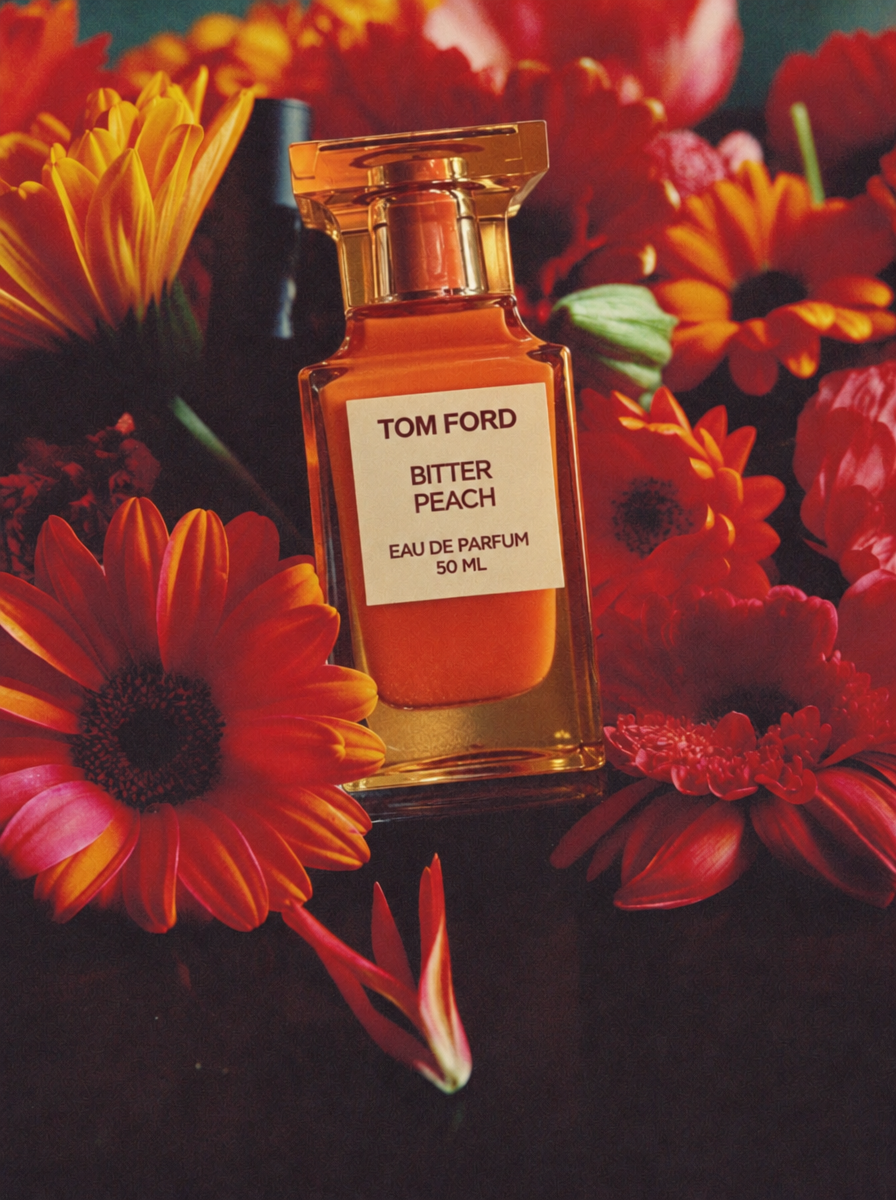
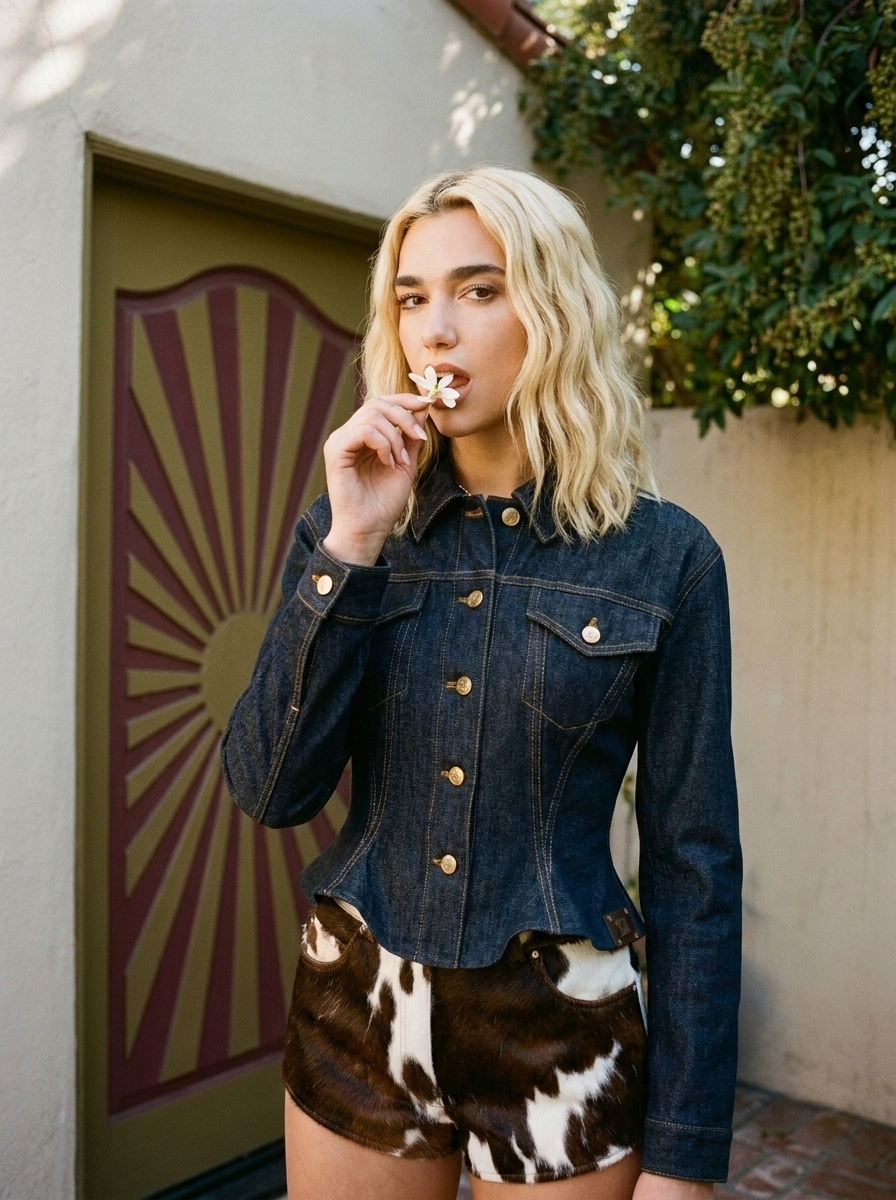
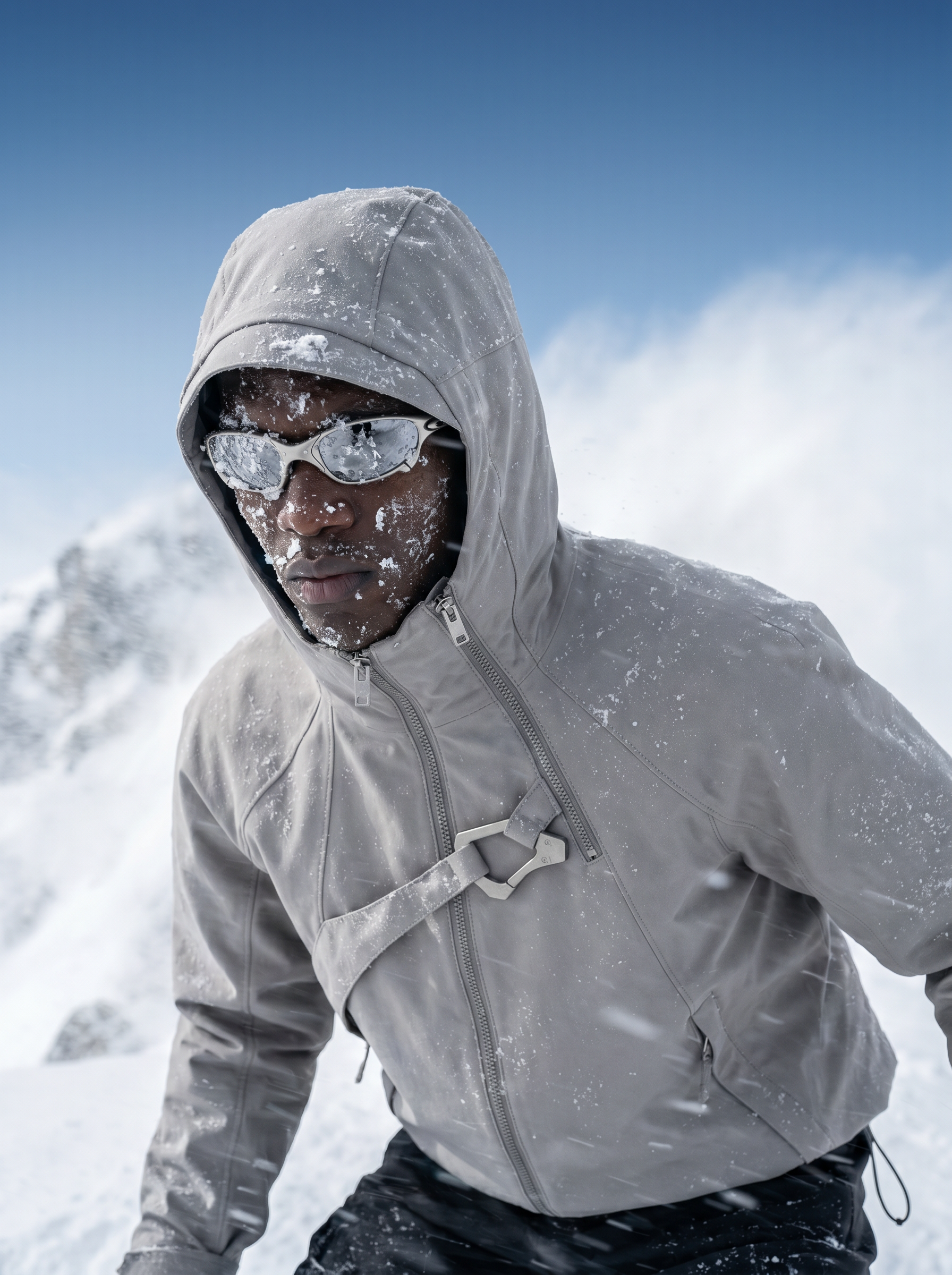
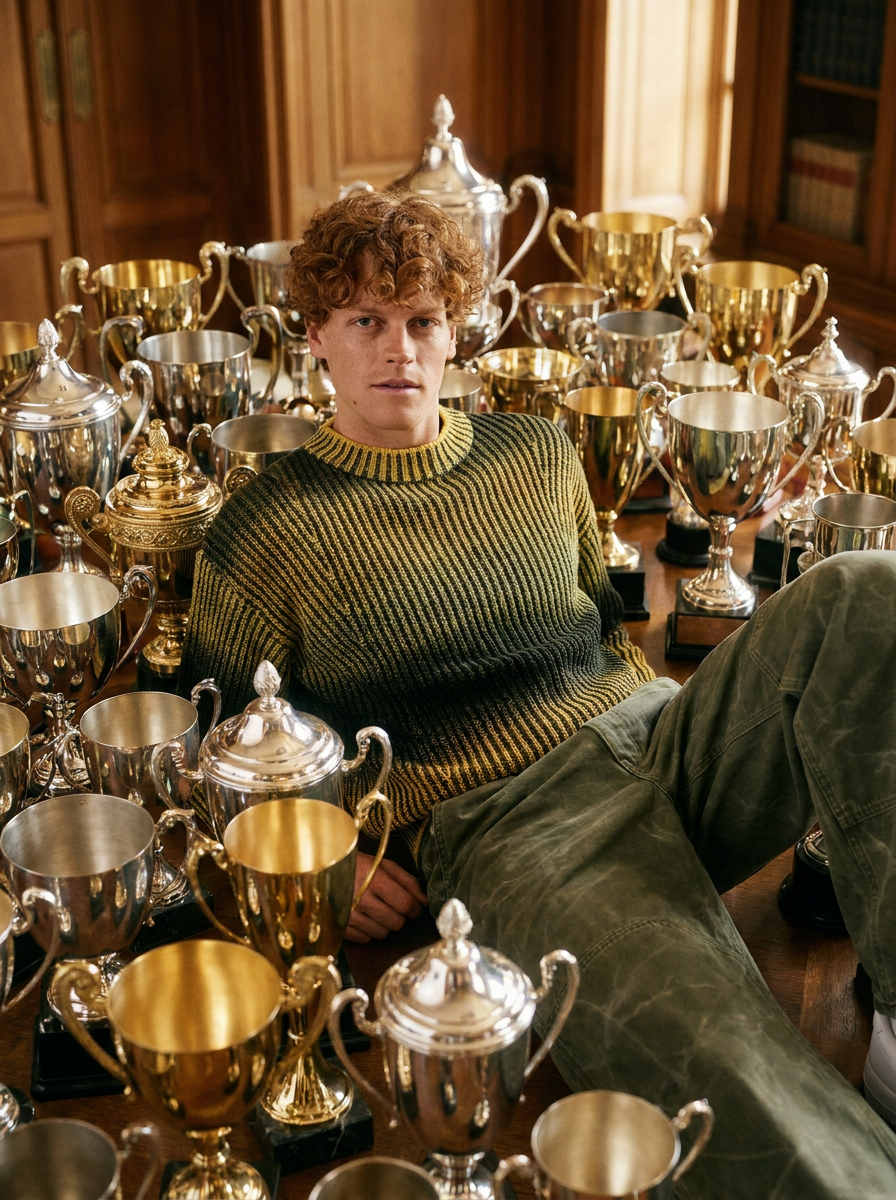
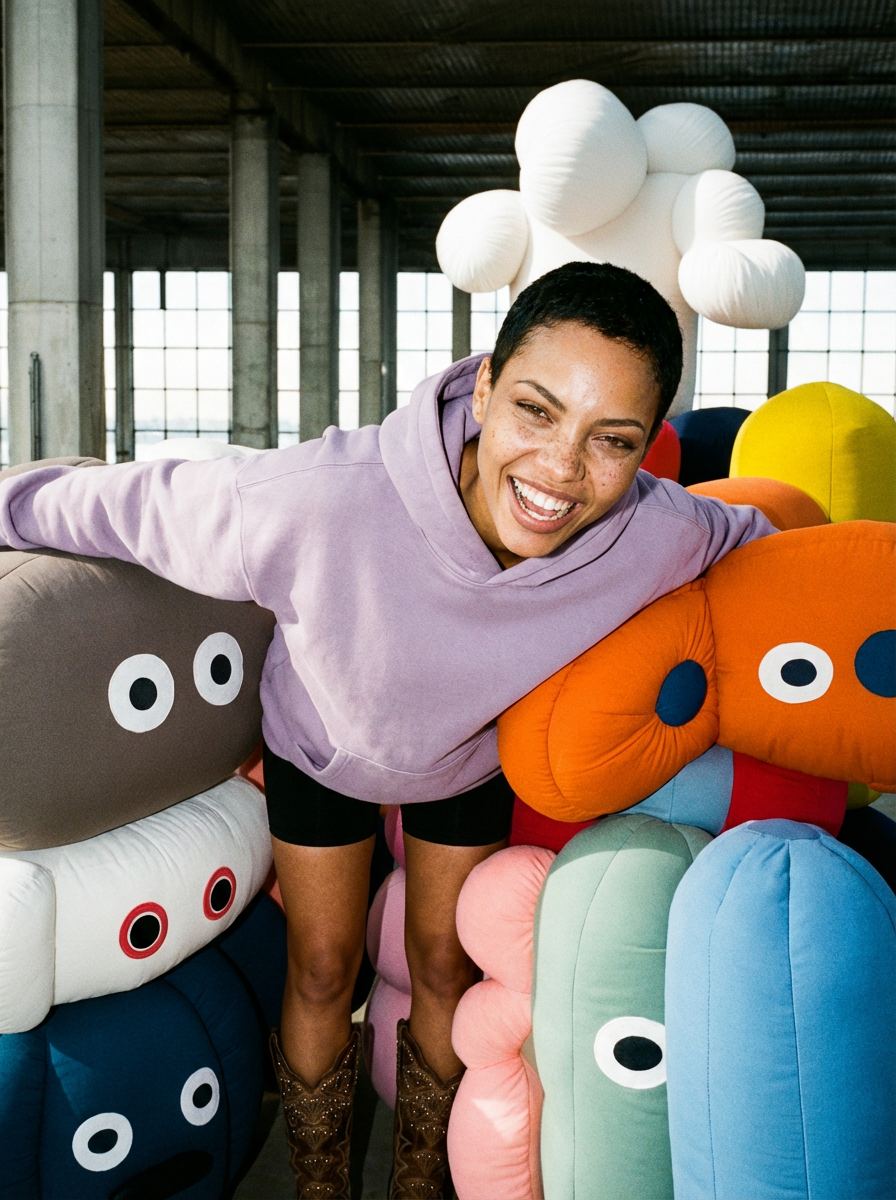
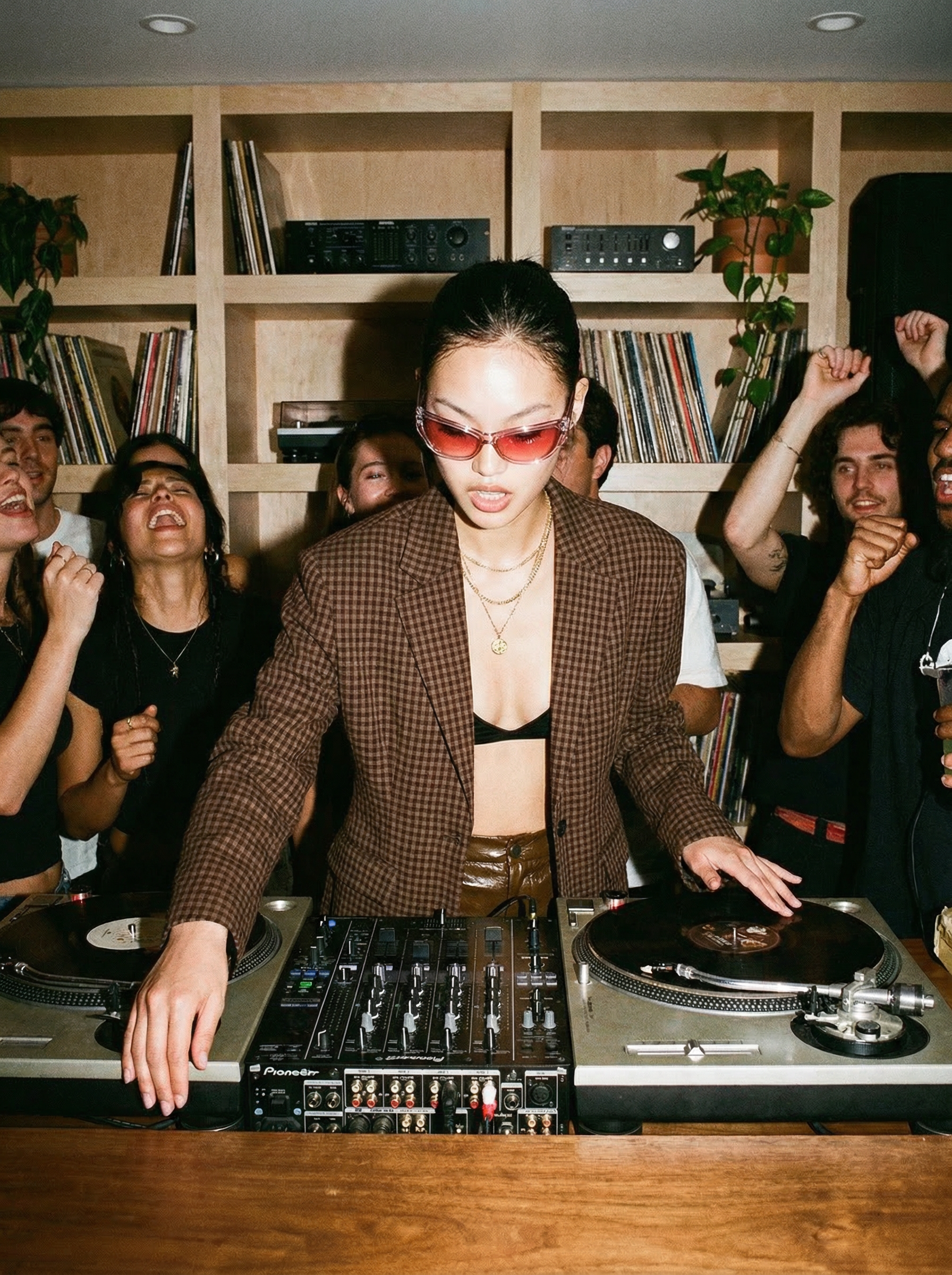
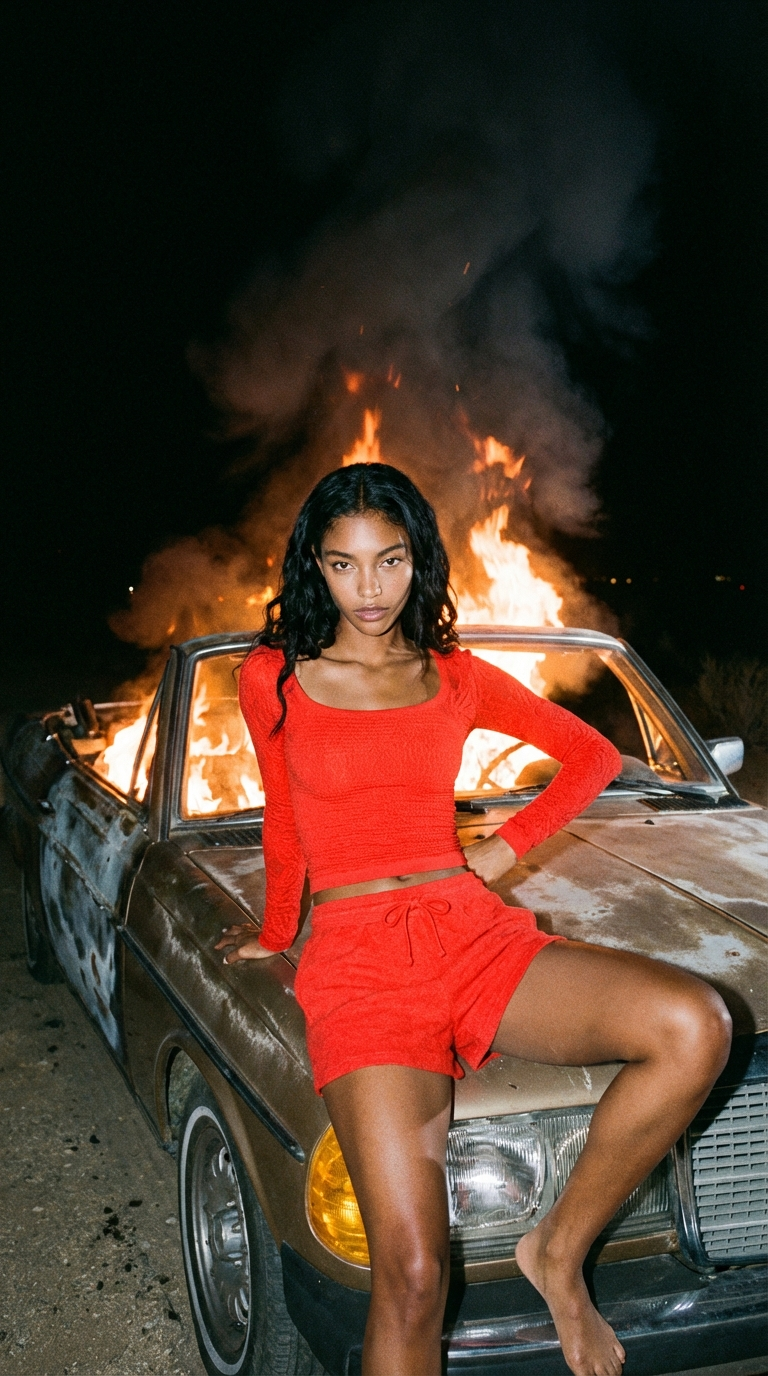
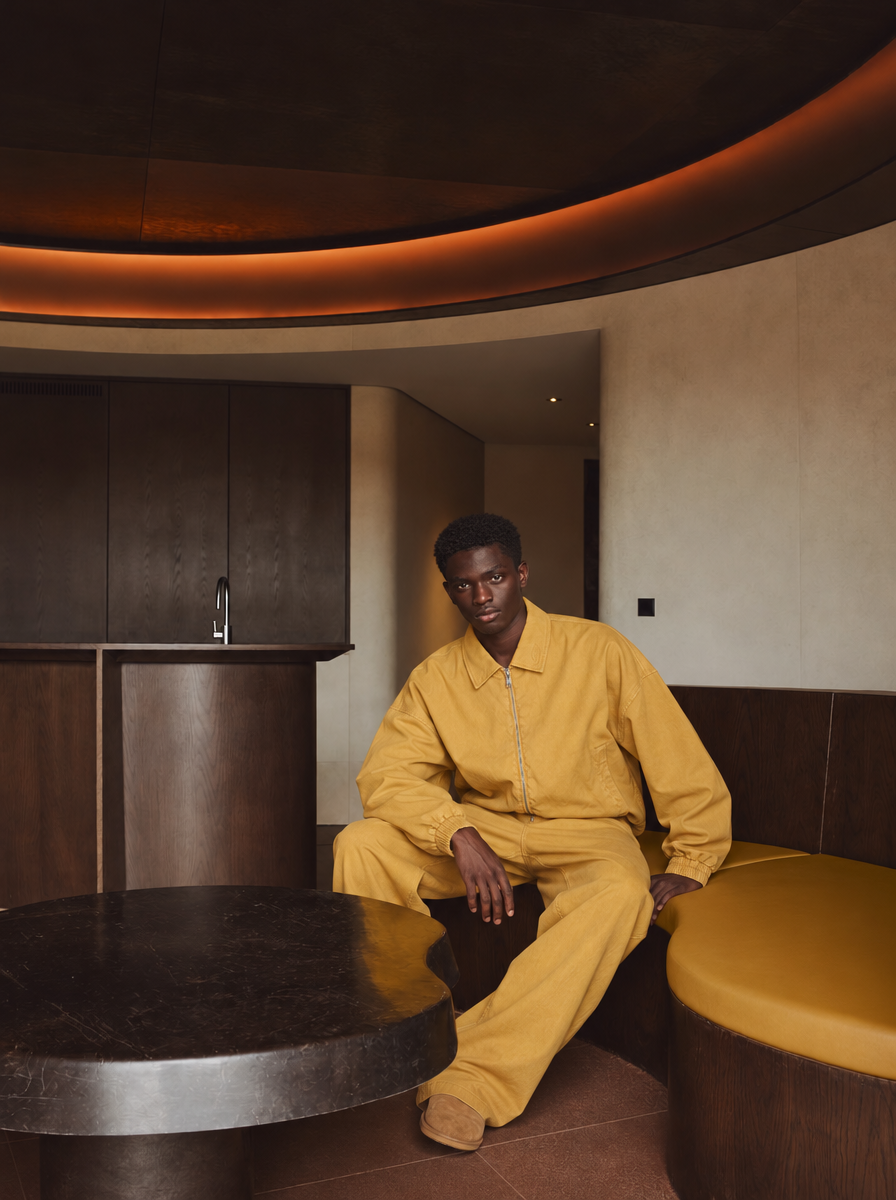
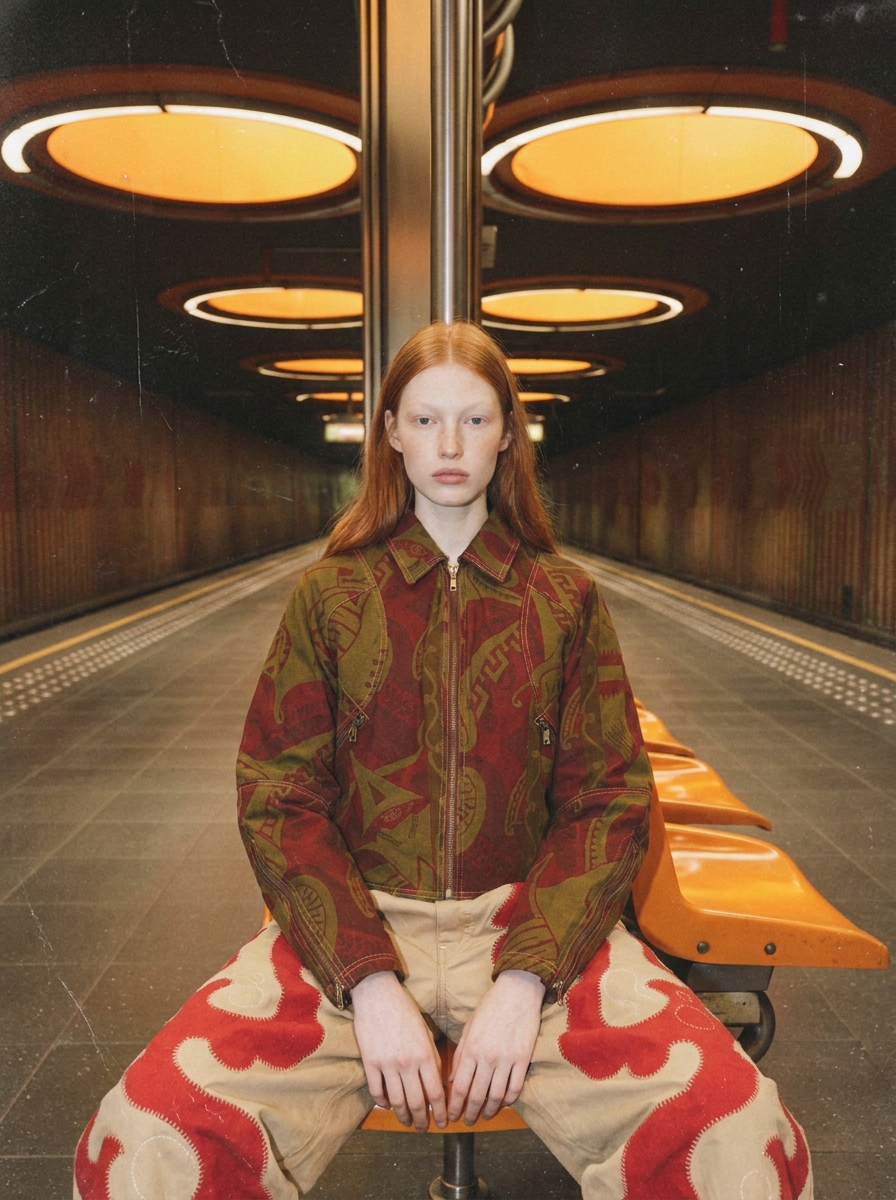
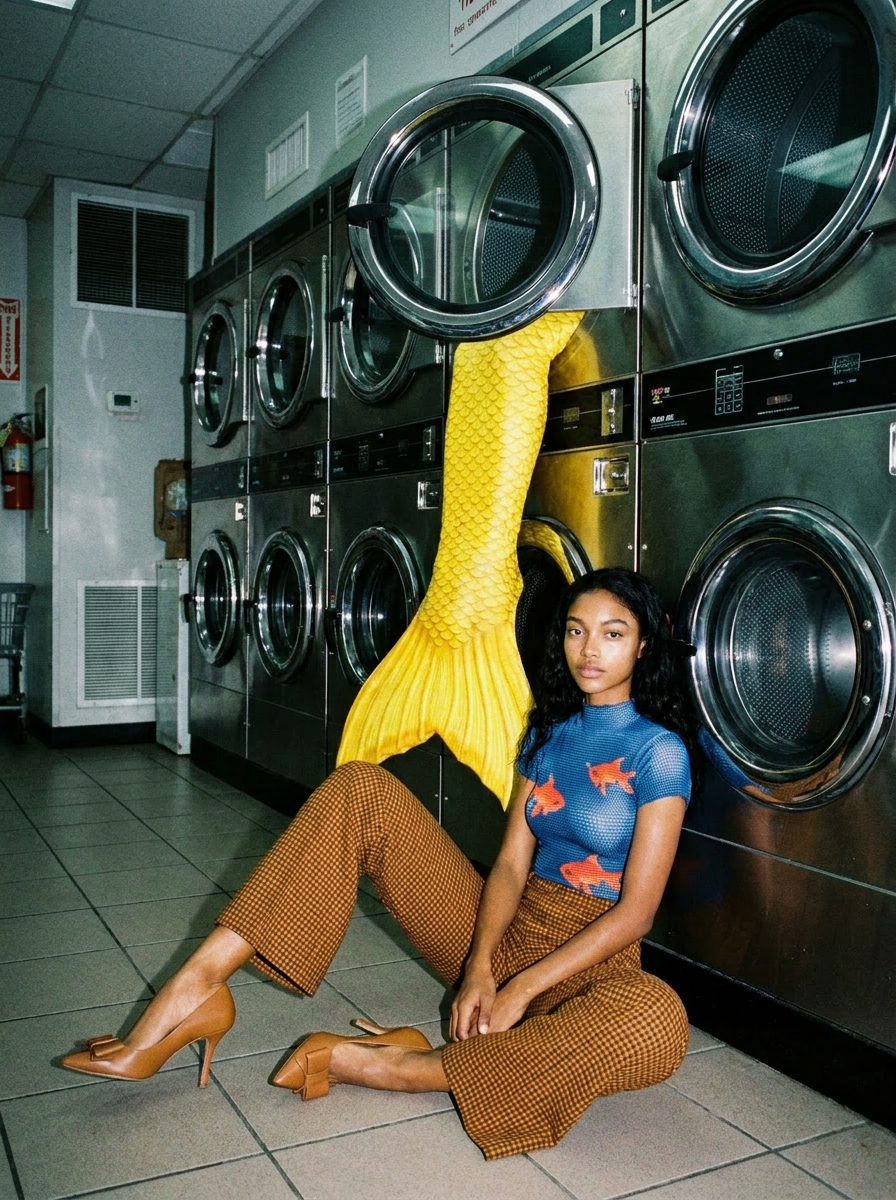
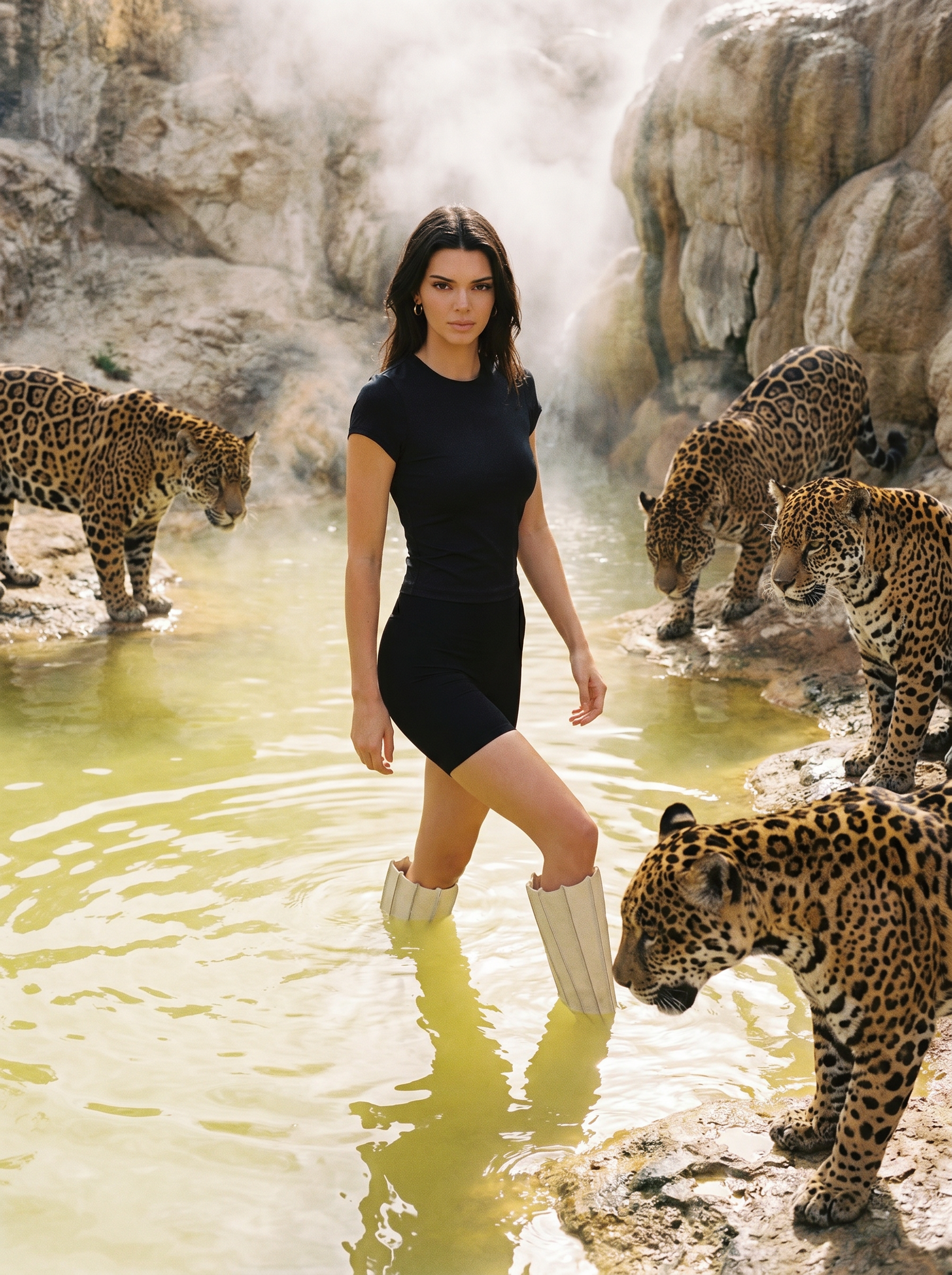
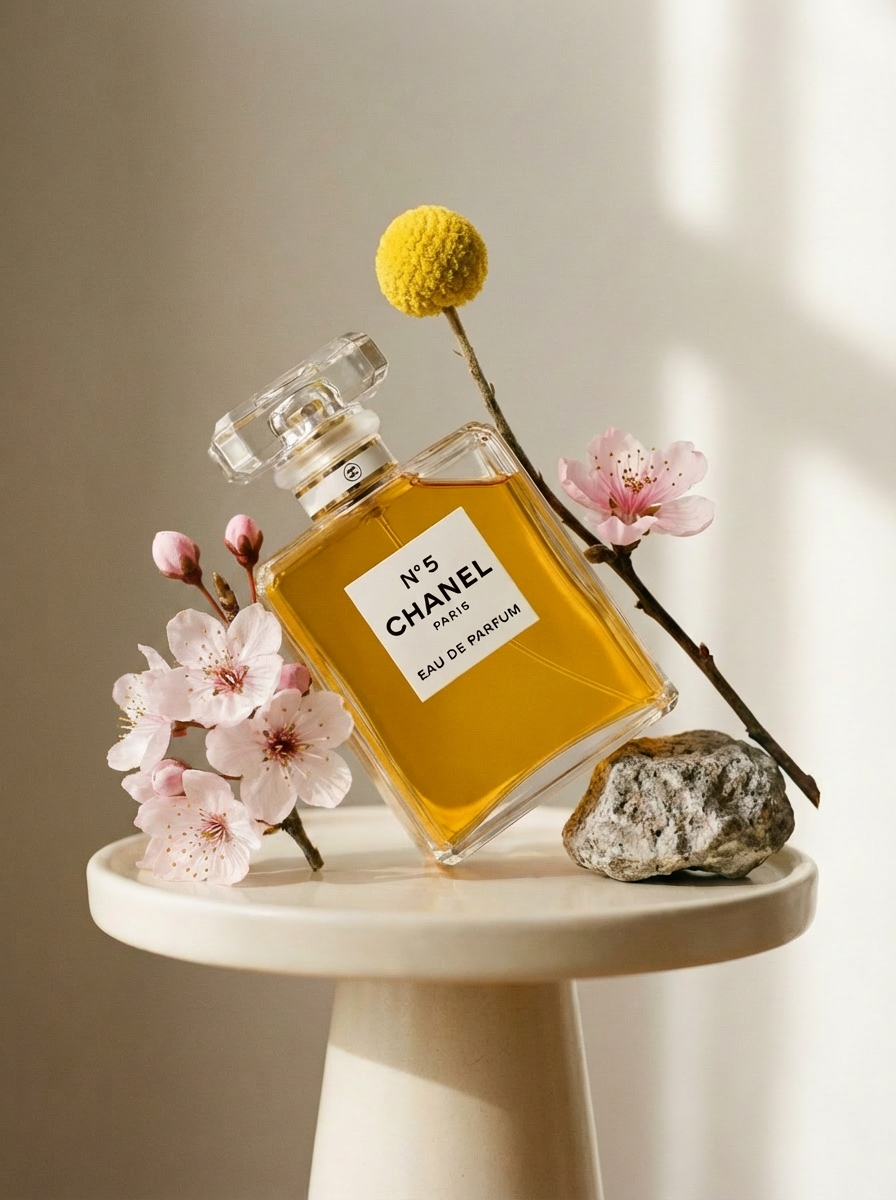
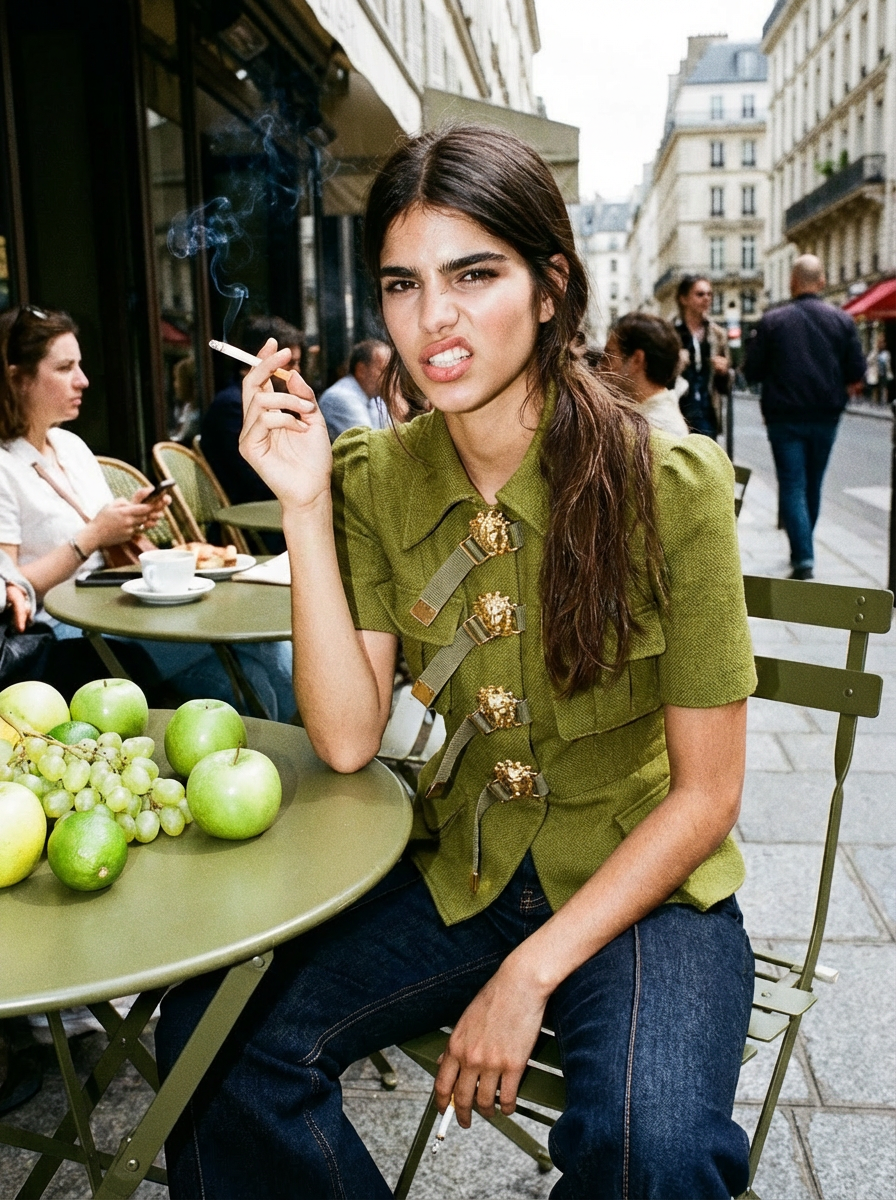
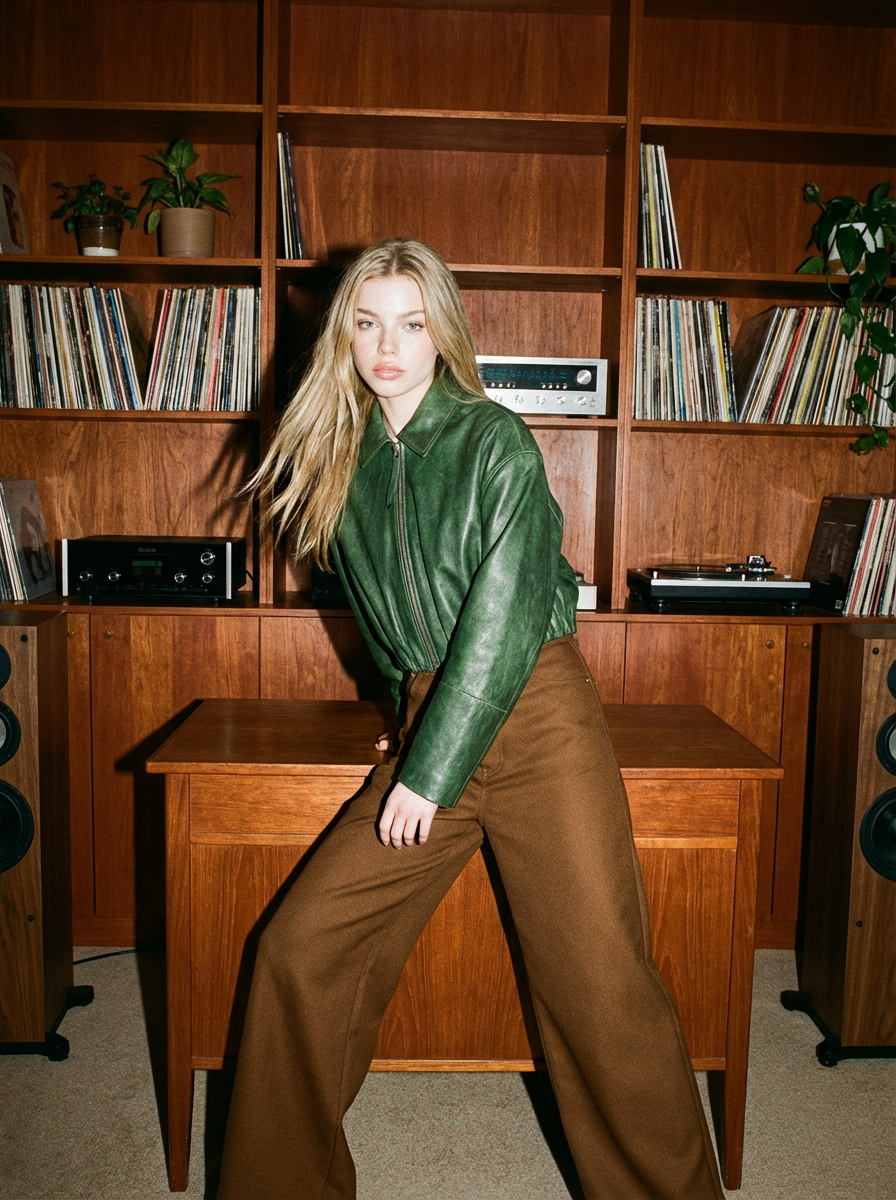
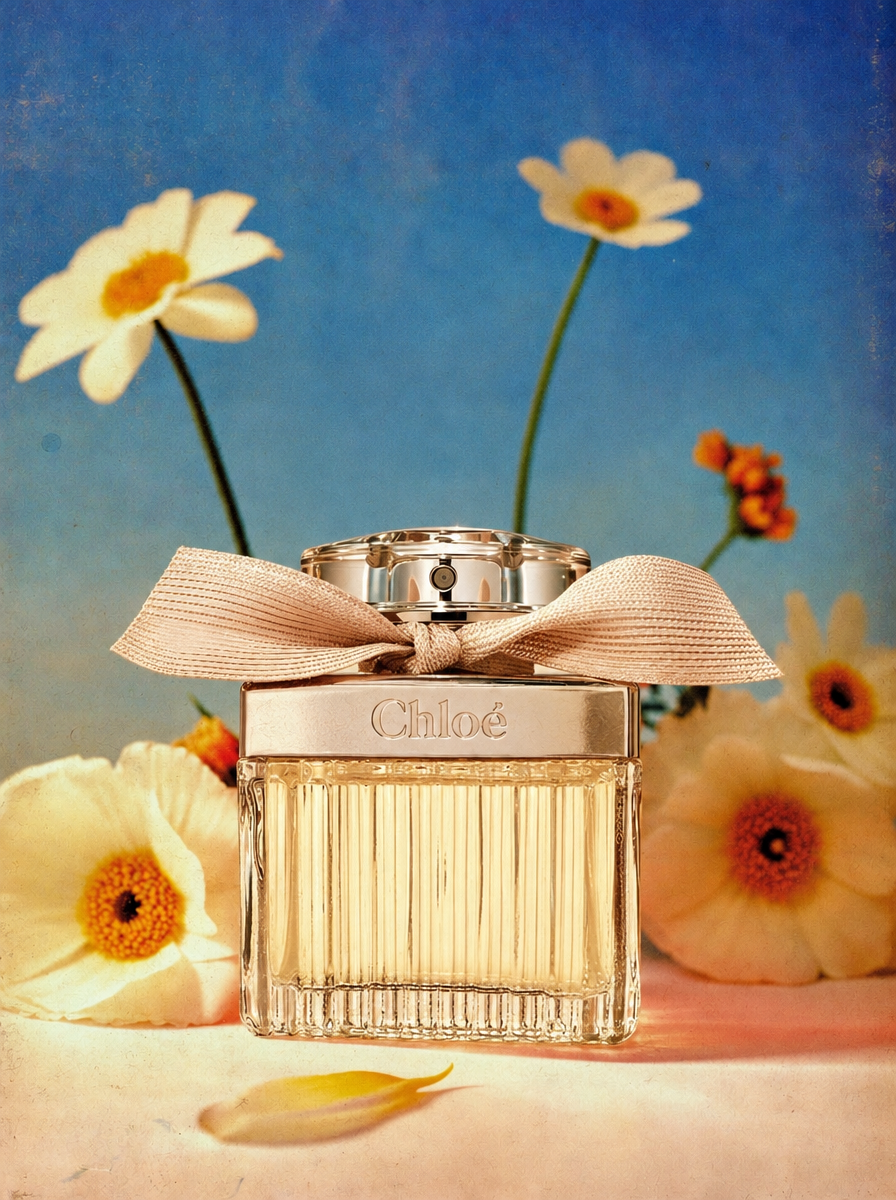
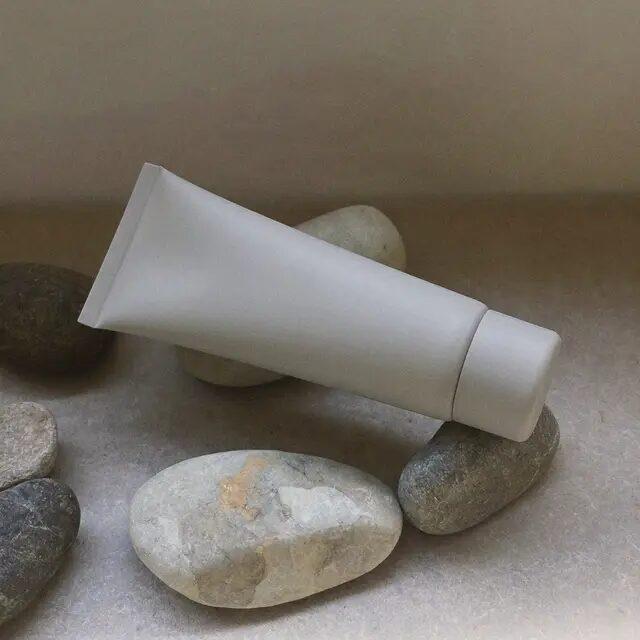
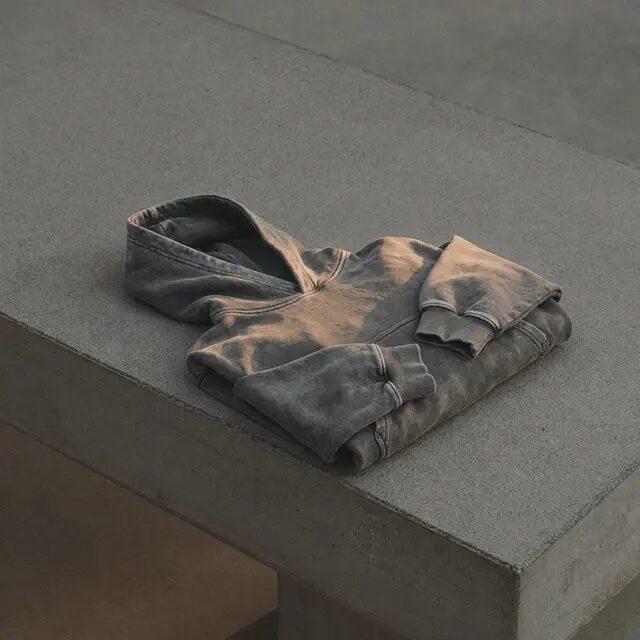
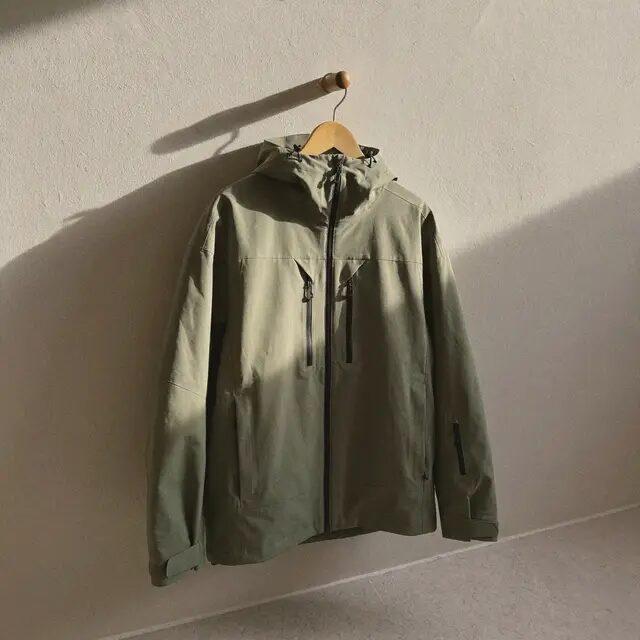
Seven still lifes generated on a Rainfrog test account with the Product Still Life template, from four unbranded product photos.




How it works
- 01
Upload your product photo
Add a clear photo of the product to the Products library. It becomes the input for every scene, so you never re-upload it.
- 02
Pick the scene and the light
Connect an environment and a style, or start from the Product Still Life template. Change the environment to make seasonal or lifestyle variations.
- 03
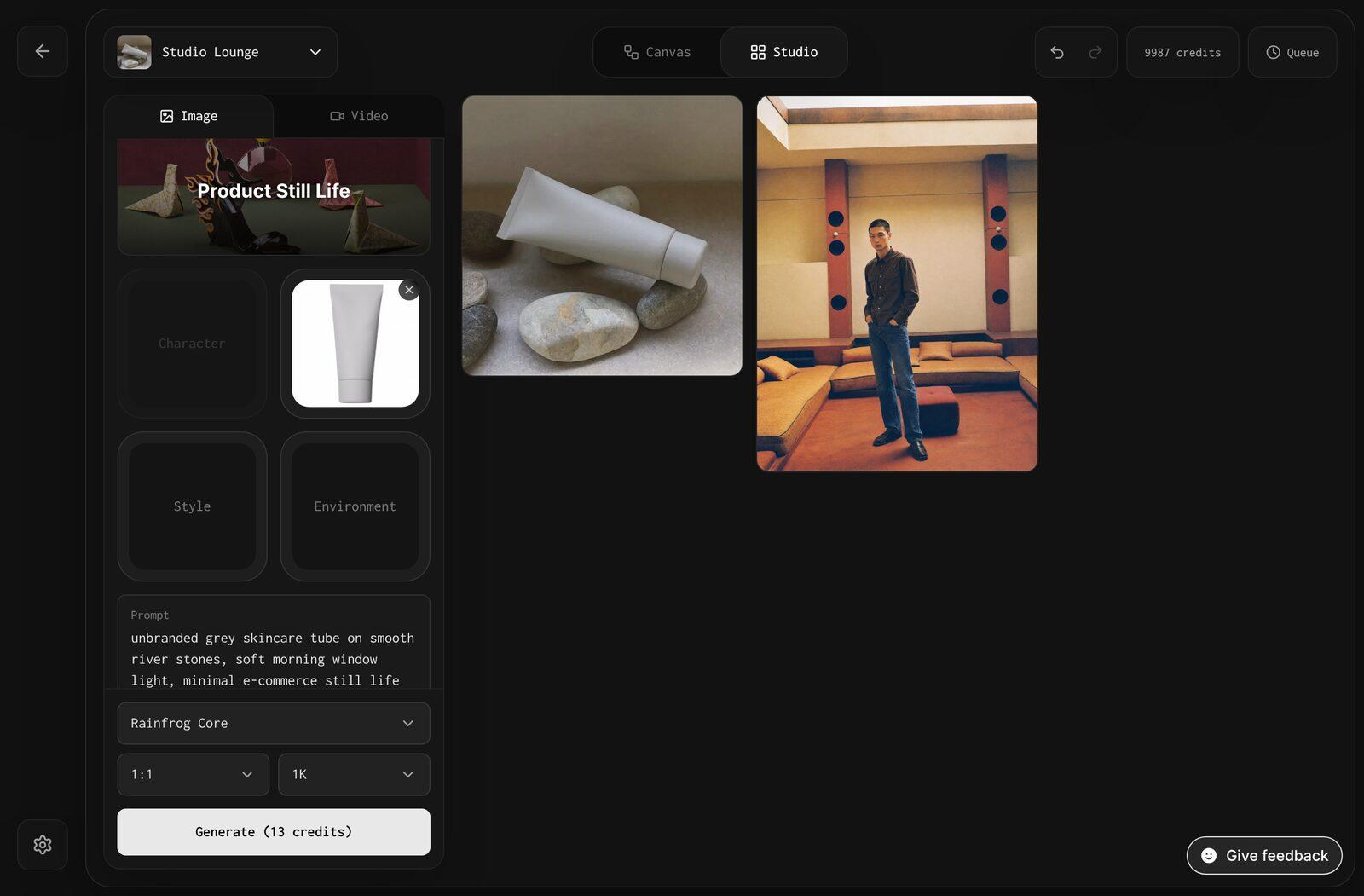
Generate the catalog set
Run the generator for each scene and format, keep the best images, and reuse the same workflow for the next product.
What to check before you publish
- Review label text, logos, and small details on every image before publishing.
- For regulated categories, keep the real product photo for the main listing image where marketplaces require it.
- Generation uses plan credits, so batch scenes per product.
AI for product photography: common questions
Quick answers about using Rainfrog for this job.
Can AI product photography replace a studio shoot?
For many e-commerce and campaign images, yes. Teams usually keep a clean product photo as the input and use AI for scenes, seasons, and formats that would otherwise need new shoots.
Will the product look the same in every image?
The product is a saved reference connected to every generation, which keeps it consistent across scenes. Check fine text and logos before publishing.
What product photos work best as input?
A sharp, well-lit photo of the product on a plain background, showing the details you need. Add more angles for products that change shape when turned.
Is Rainfrog free to try?
You can create a free account to explore the studio, templates, and public workflows. Generating and downloading campaign images uses credits from a paid plan (Hobby, Pro, or Ultra); see the pricing page for current allotments.