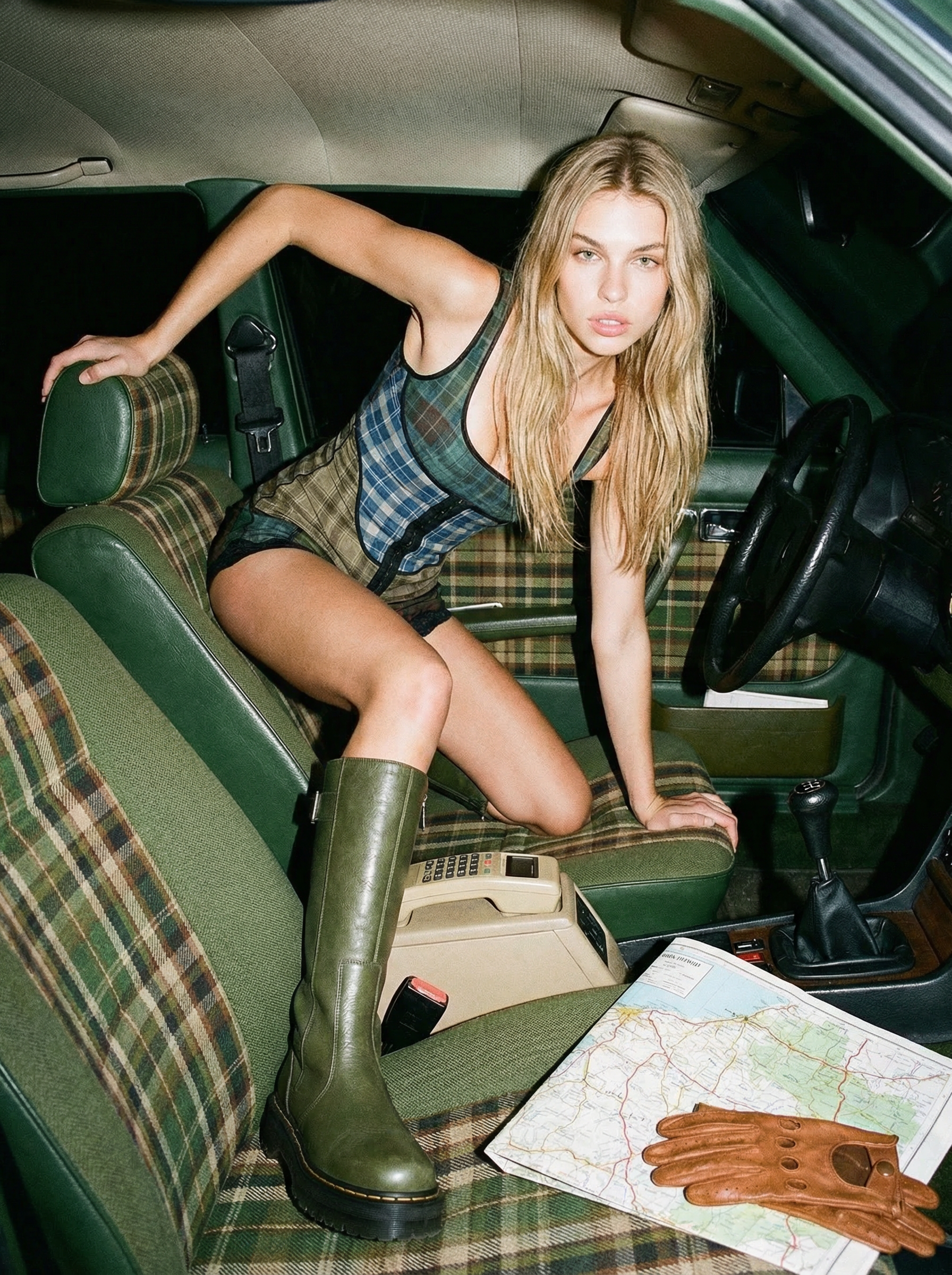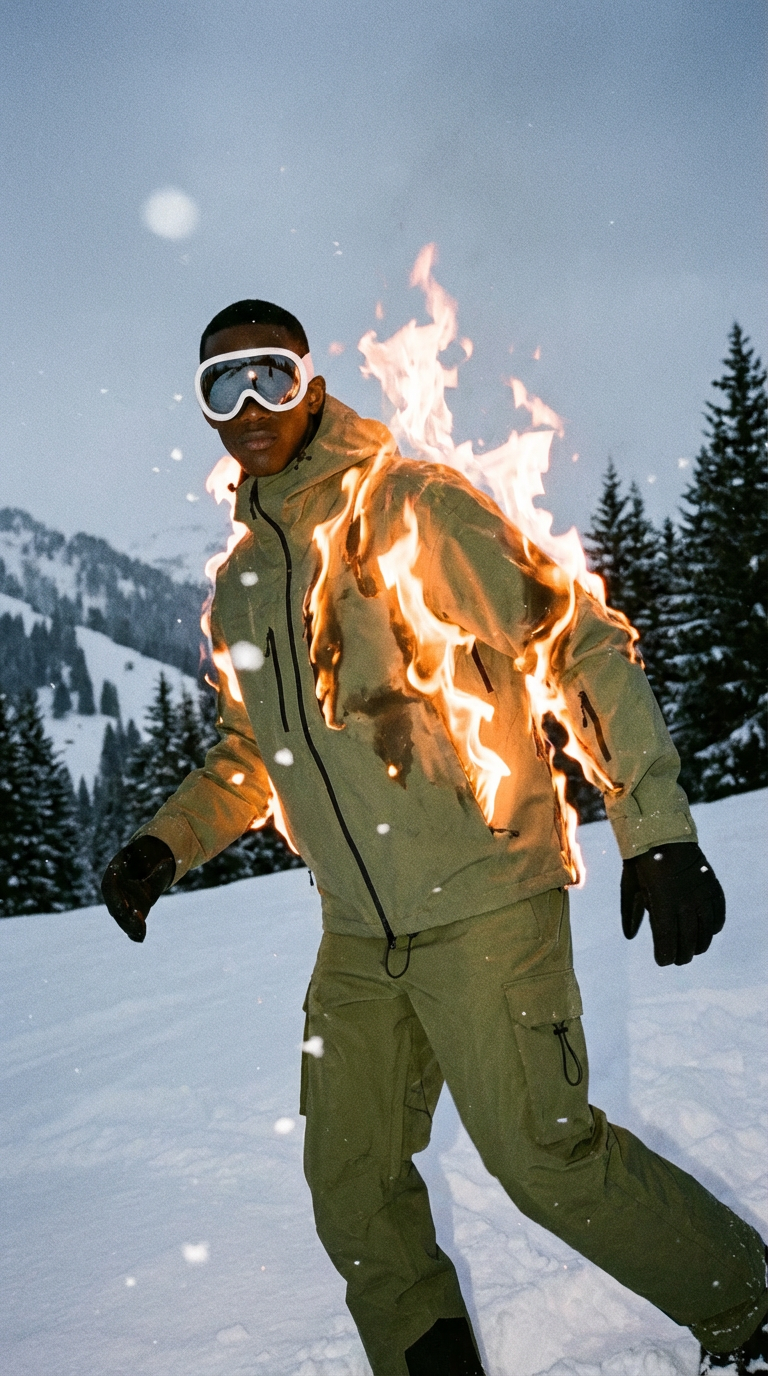
AI for fashion campaigns: on-brand visuals without a reshoot
Put your real garments on consistent characters, in your locations and your look, then generate the whole campaign set from one workflow you can reuse every season.
What does Rainfrog do for fashion campaigns?
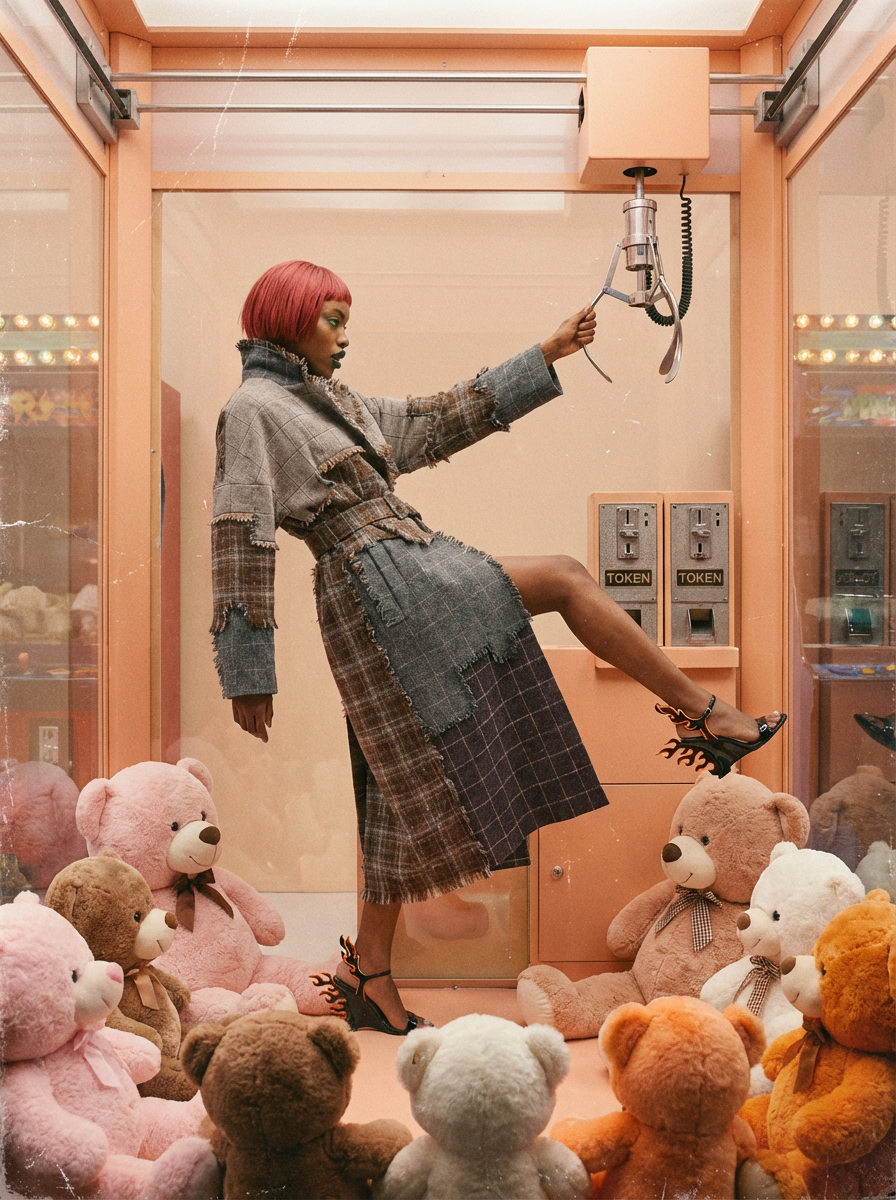
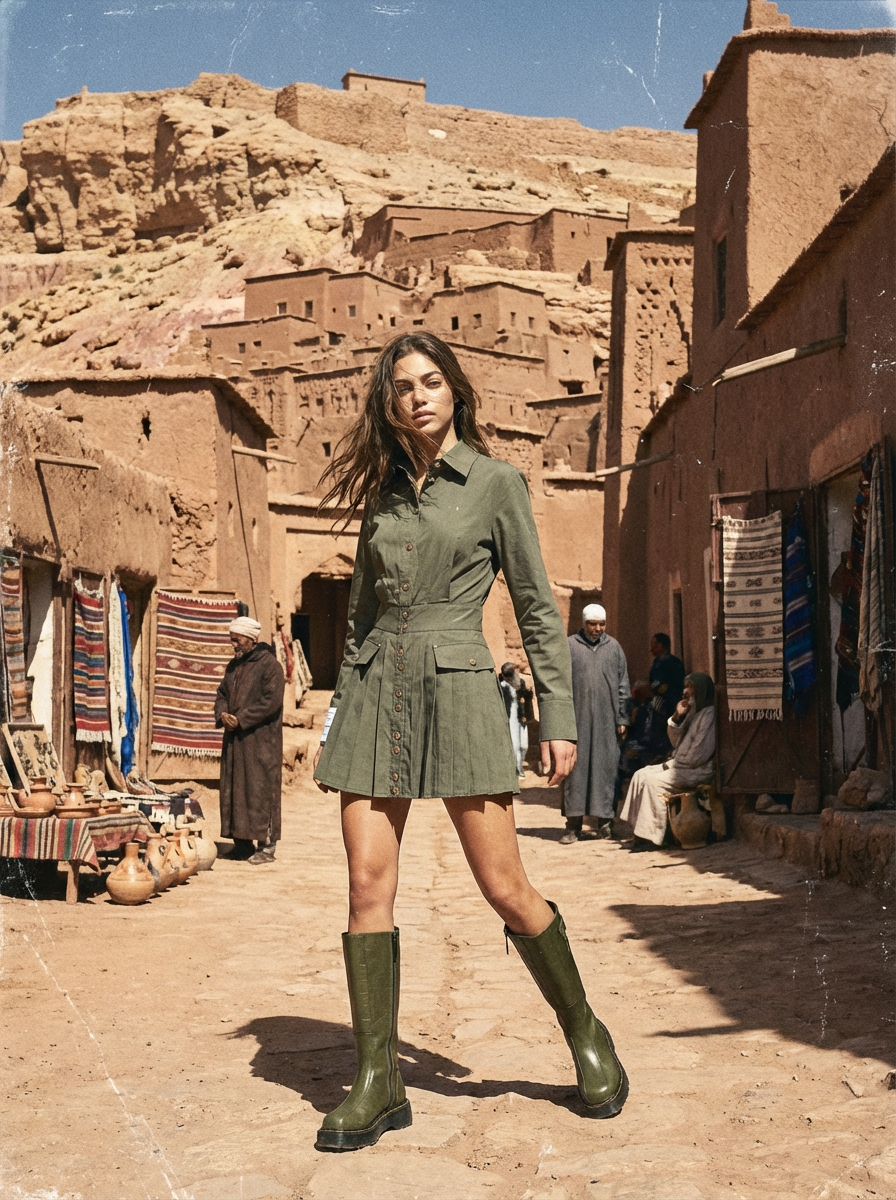
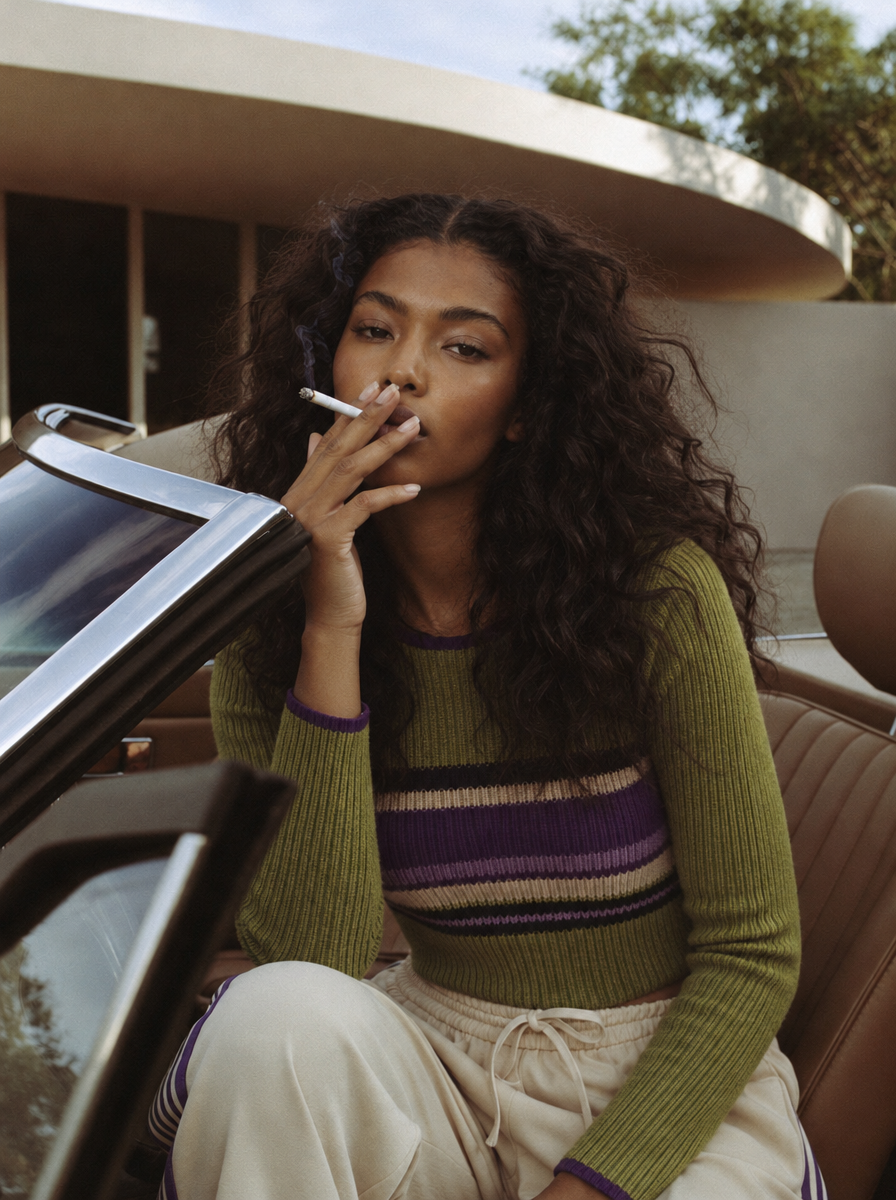
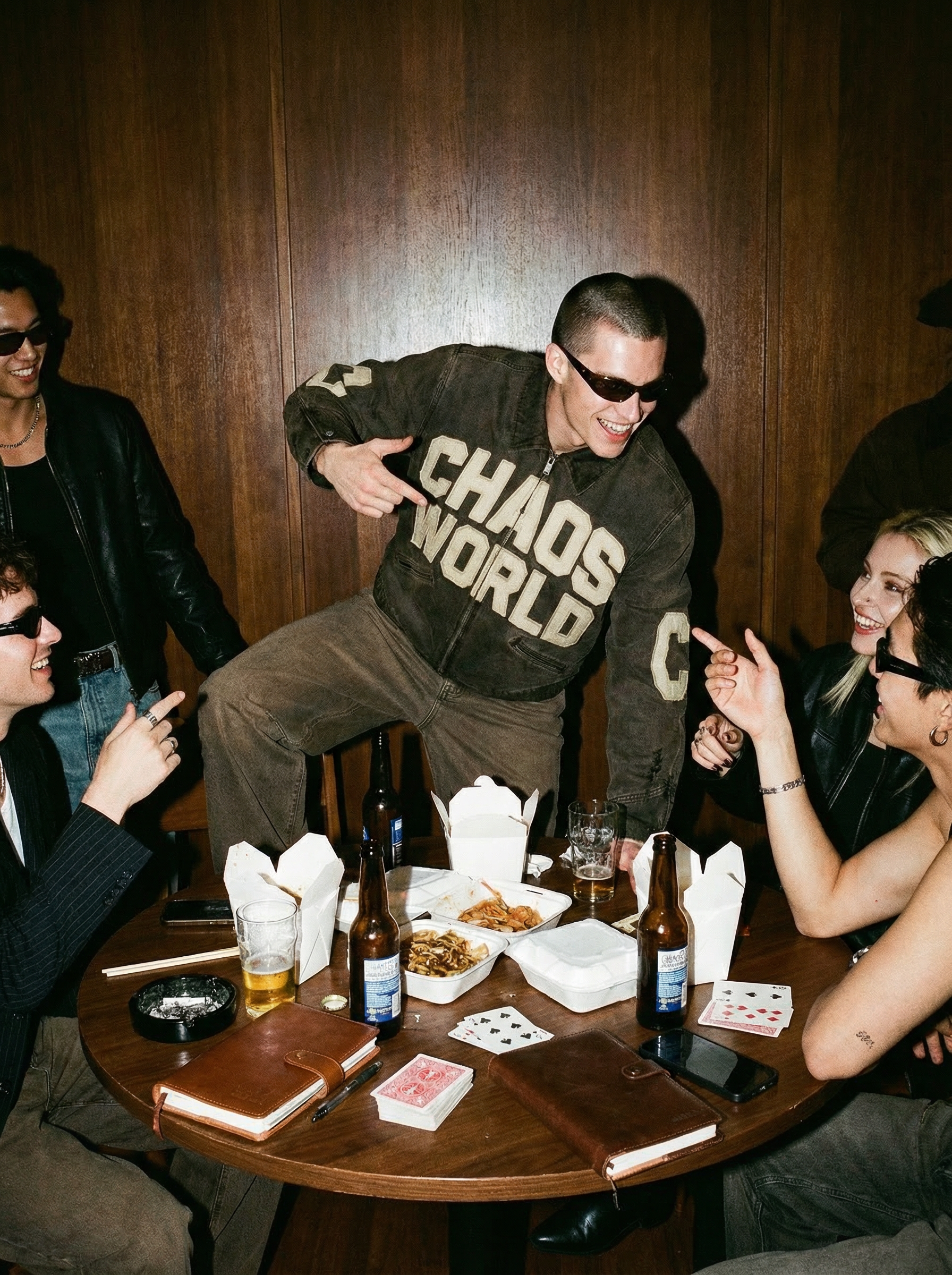
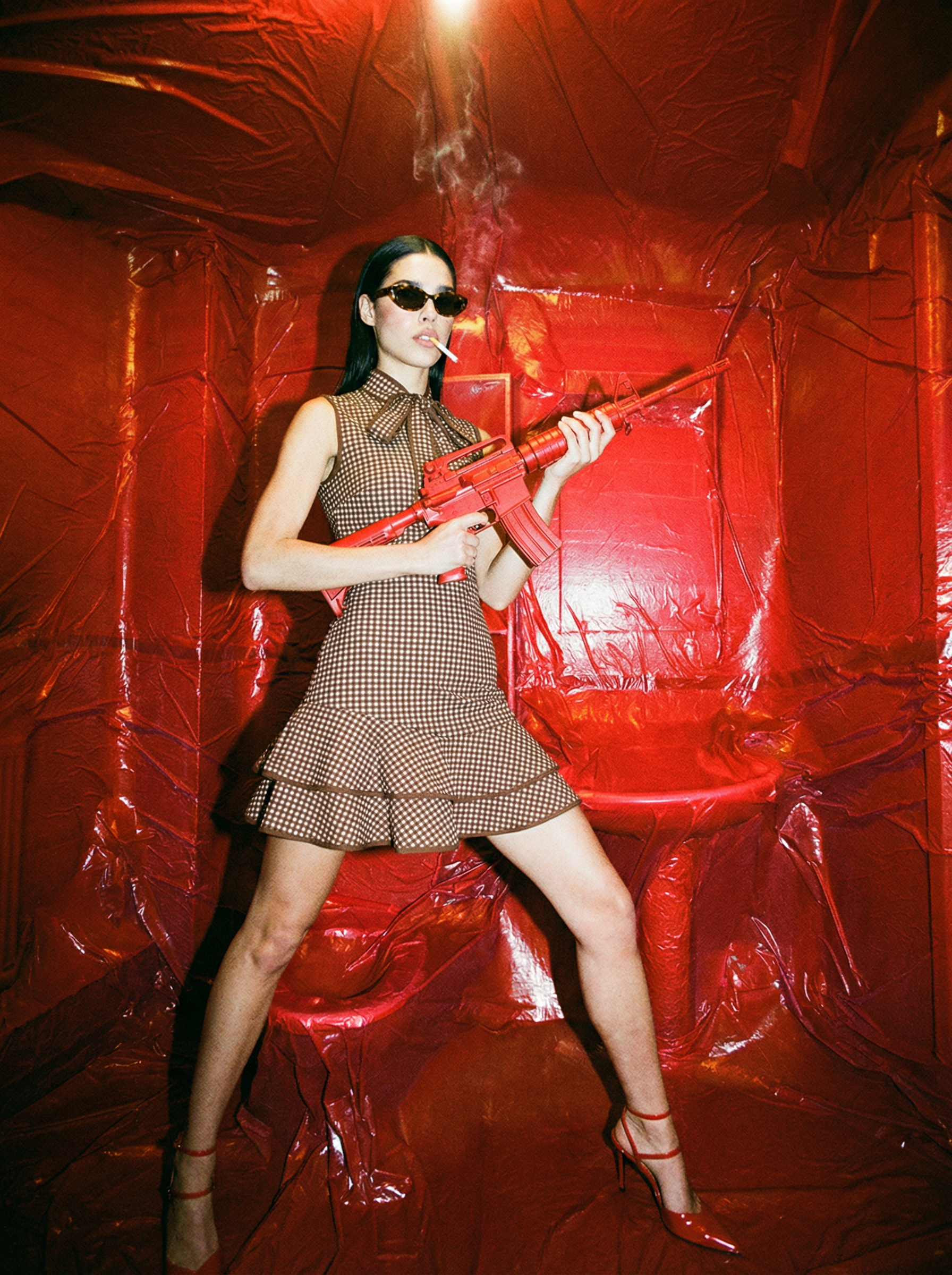
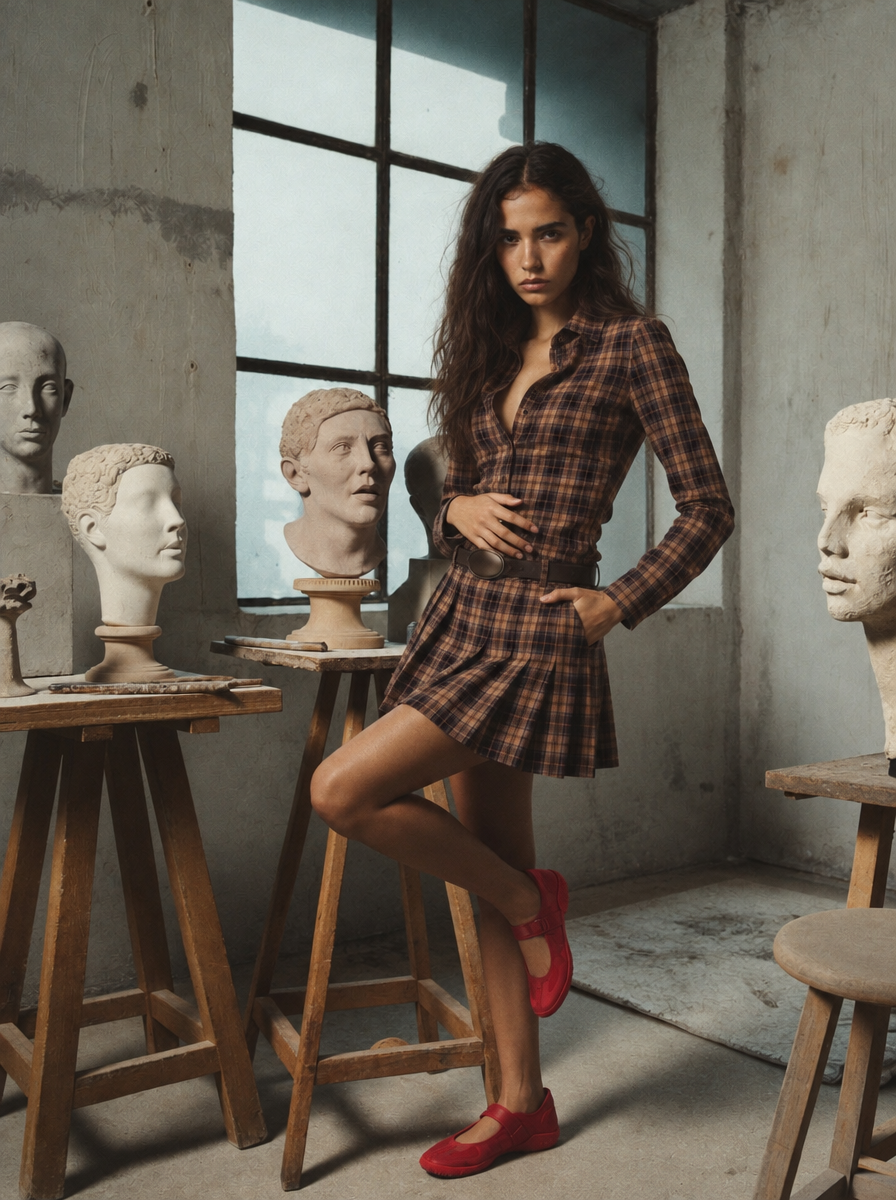
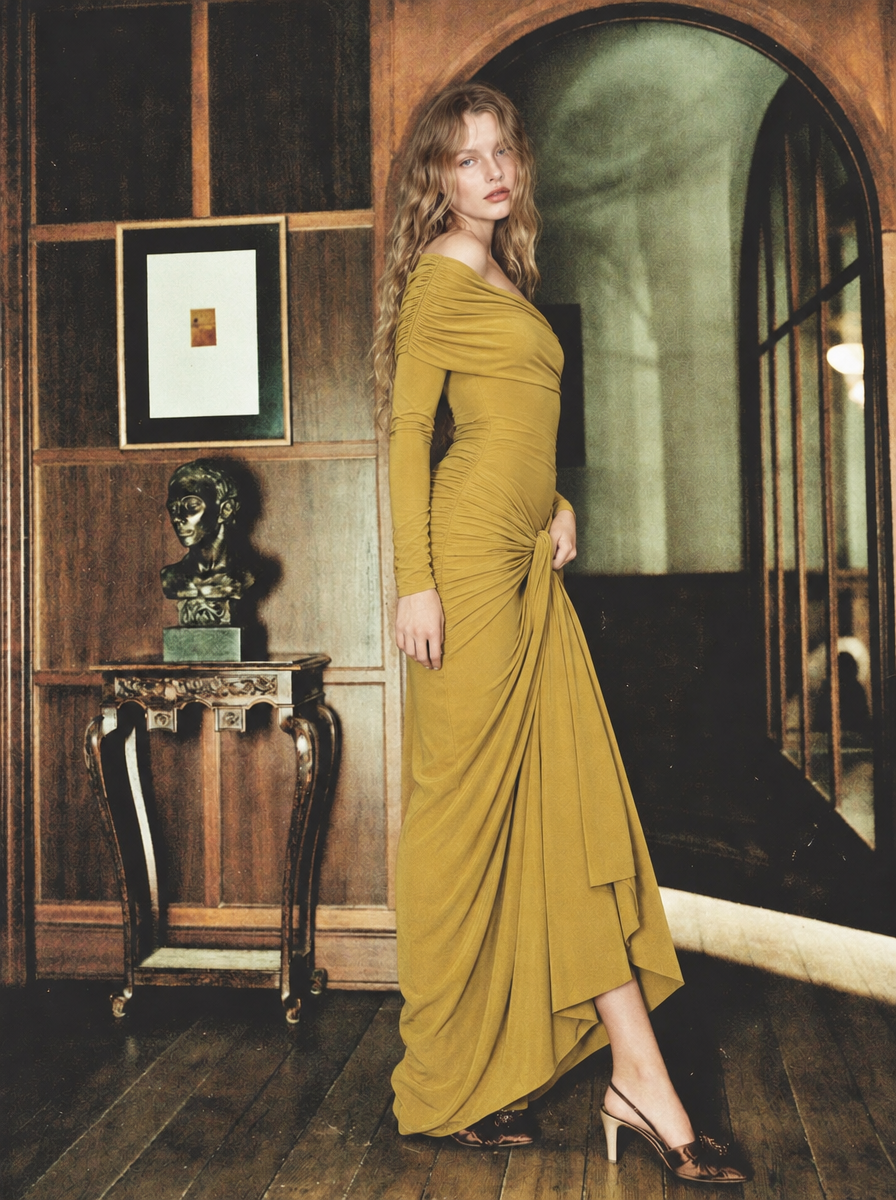
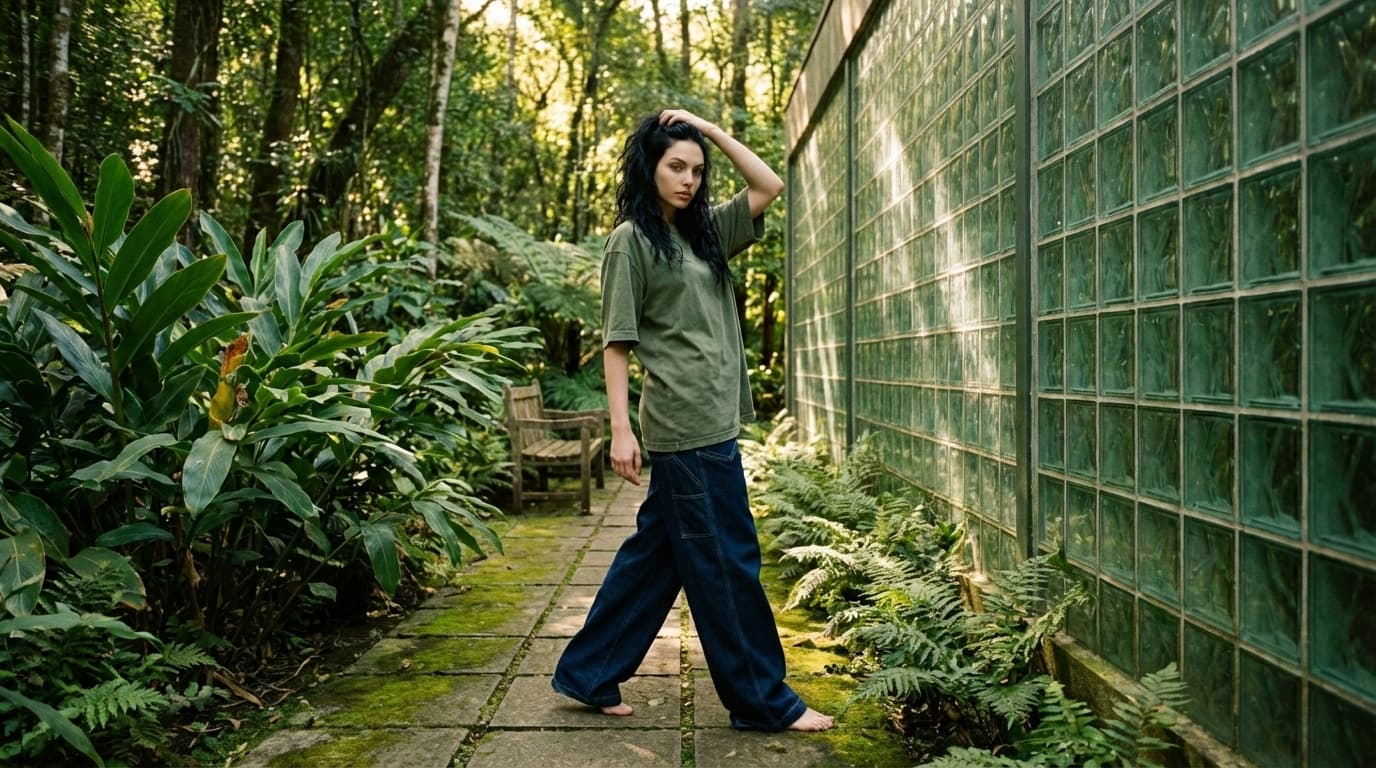
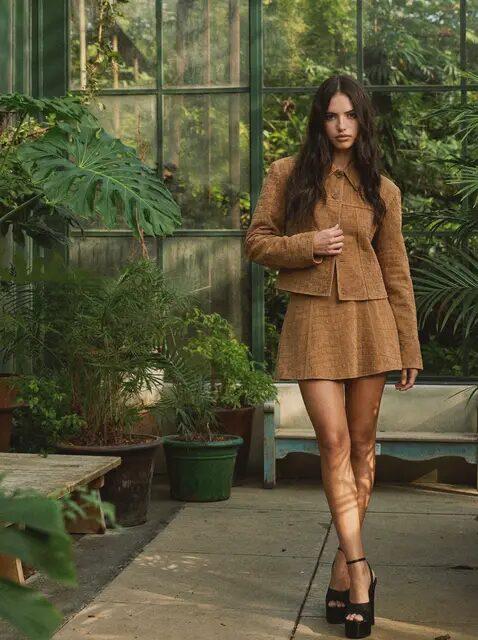
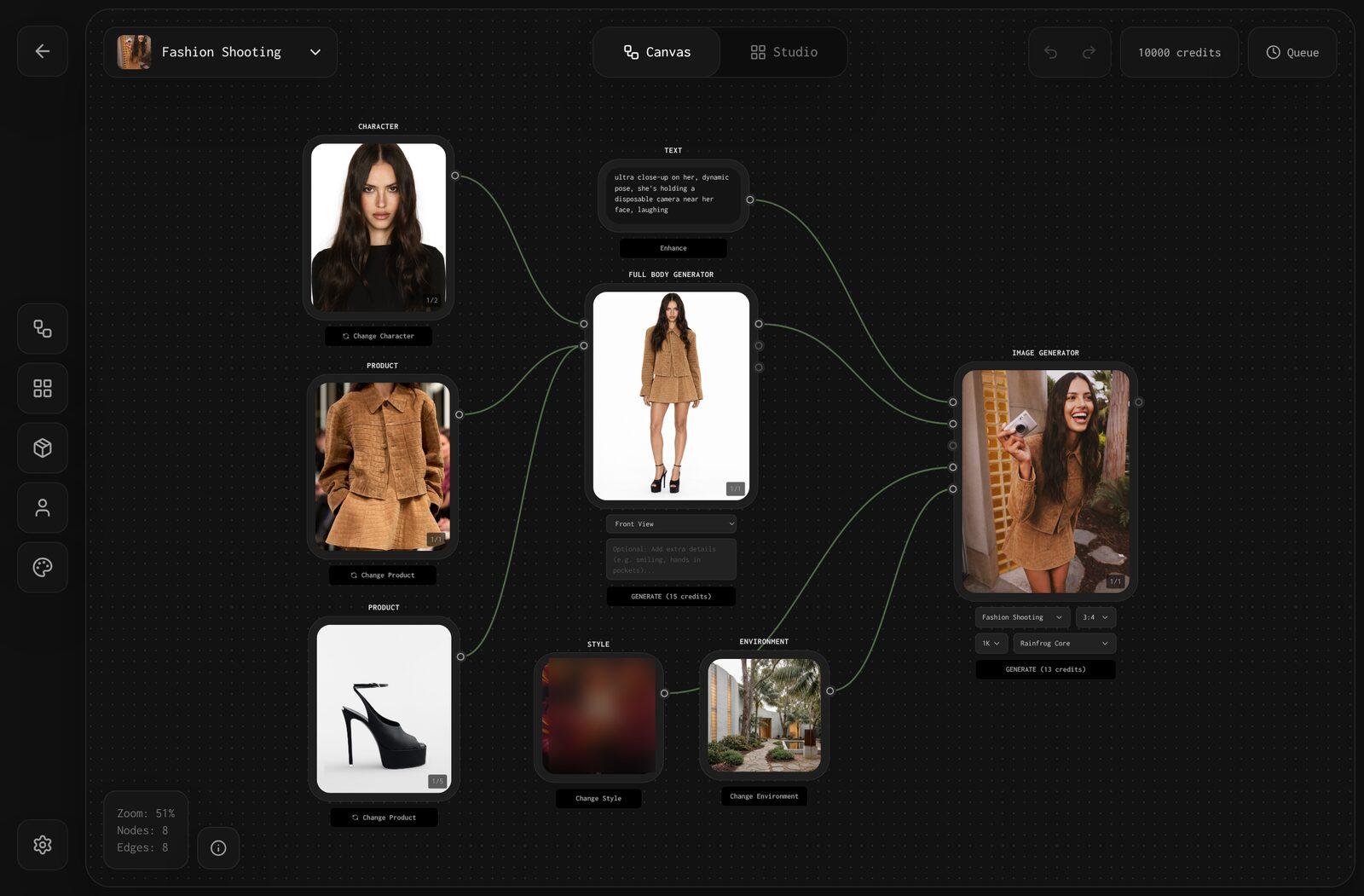
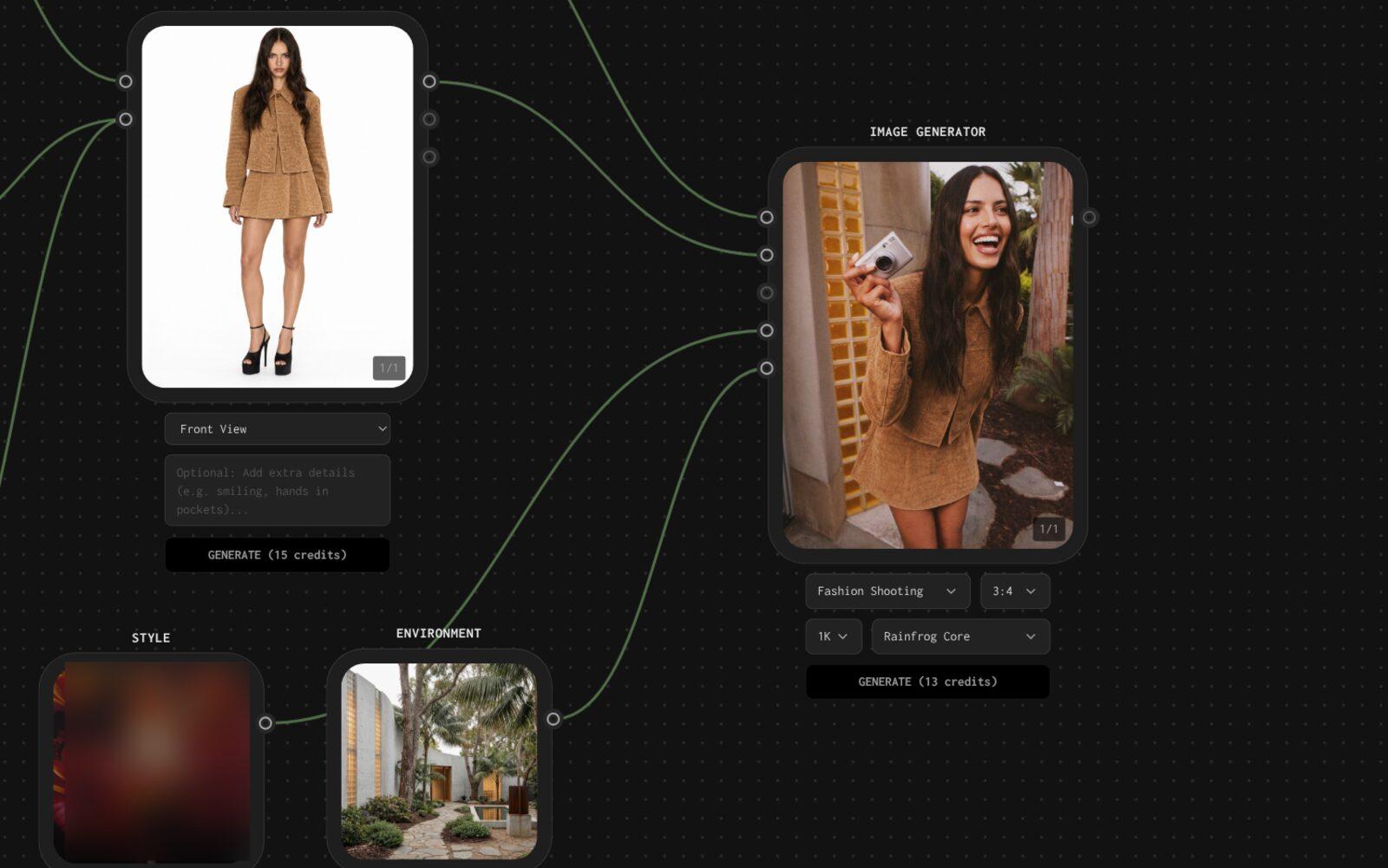
Rainfrog is an AI creative studio where fashion teams connect a product (the garment), a character (the model), a style, and an environment on a visual canvas. The generator combines them into on-model campaign images, so you art-direct the shoot instead of writing prompts. The same workflow can produce editorial, e-commerce, and social formats and be reused for the next drop.
- Editorial campaign hero images
- On-model e-commerce and lookbook shots
- Full-body views of a character wearing your garments
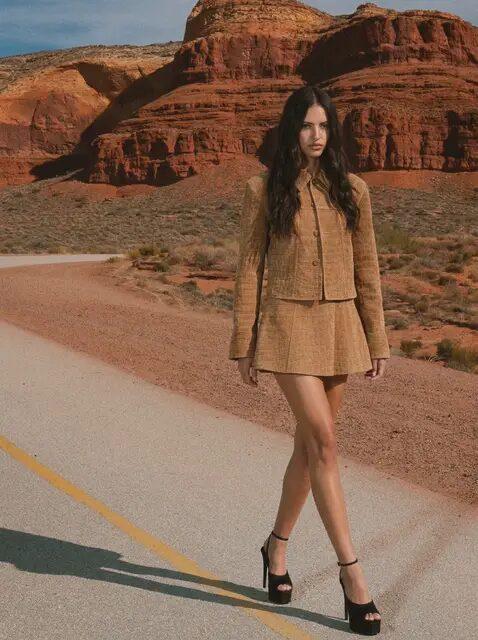
- Location variations without a new shoot
- Social formats from 1:1 to 9:16
- Short videos from your best frames
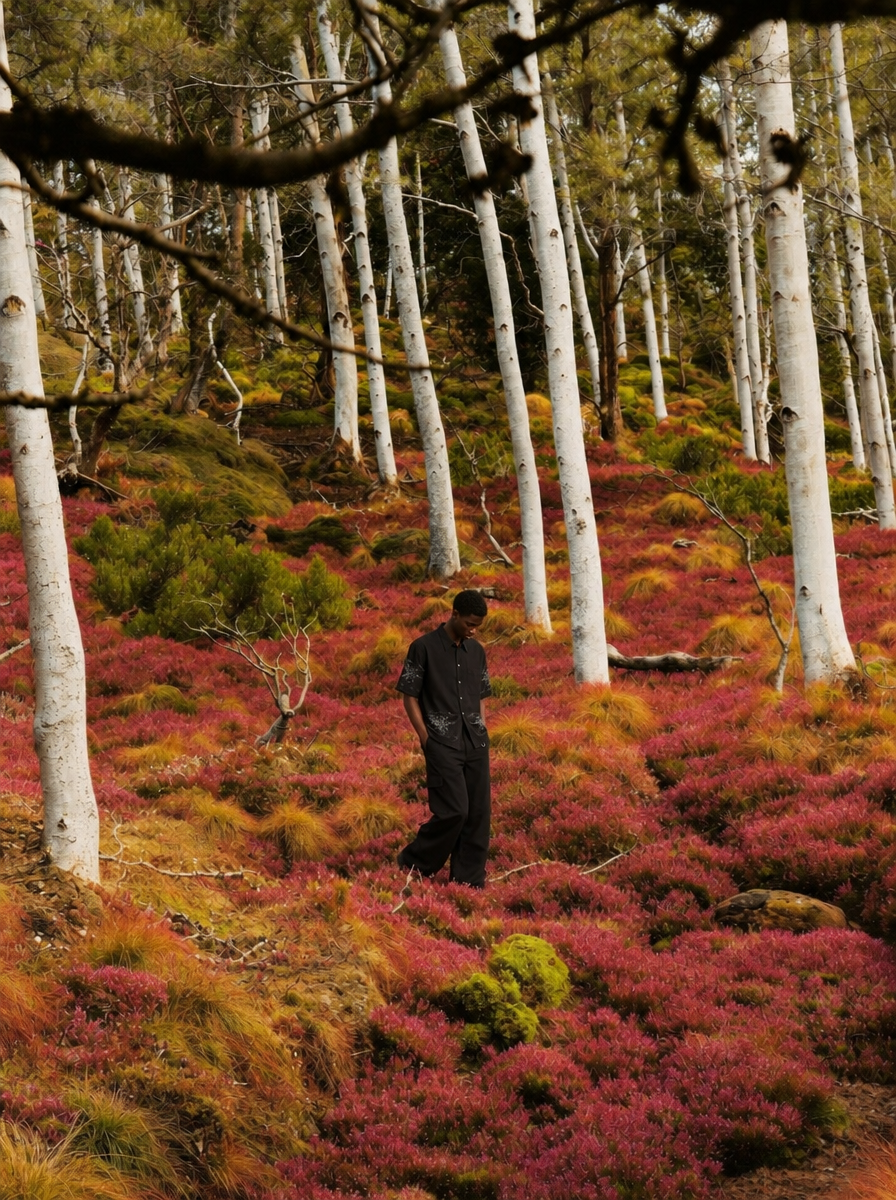
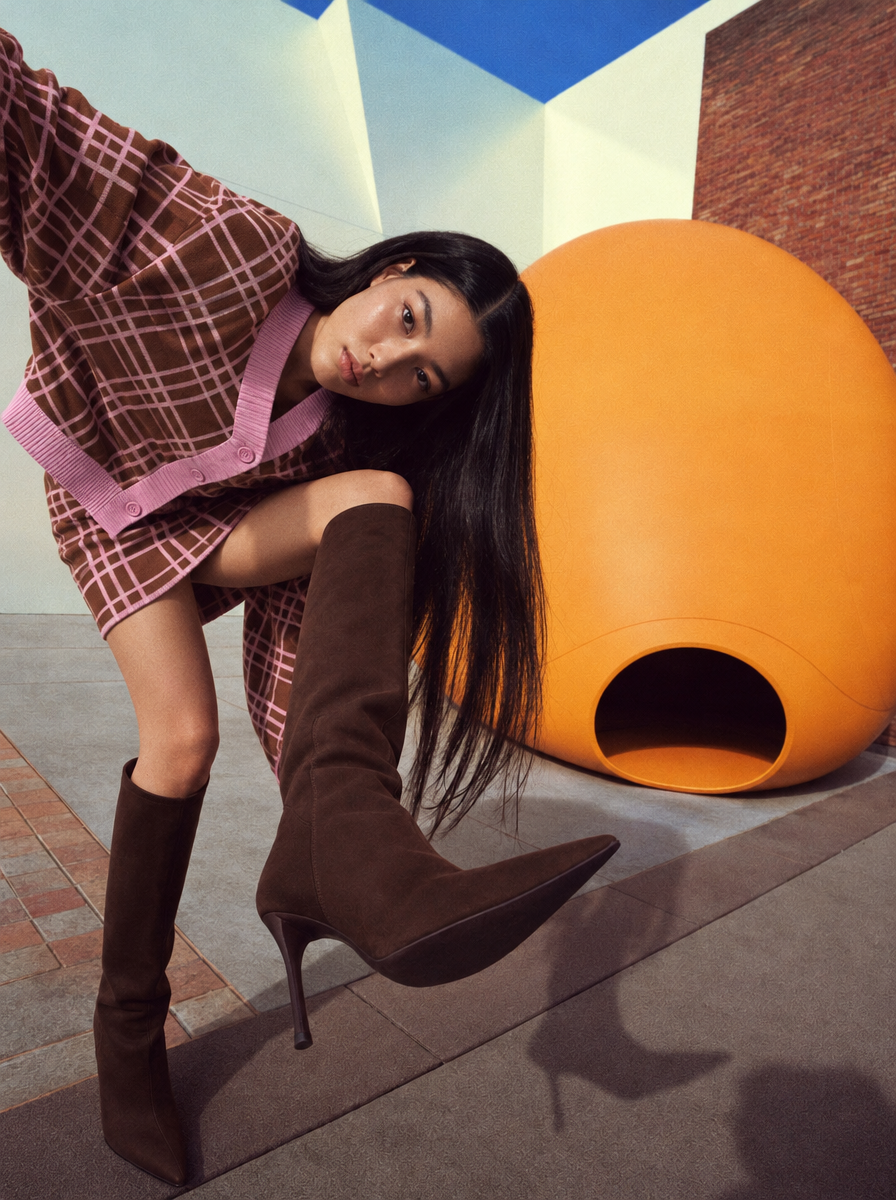
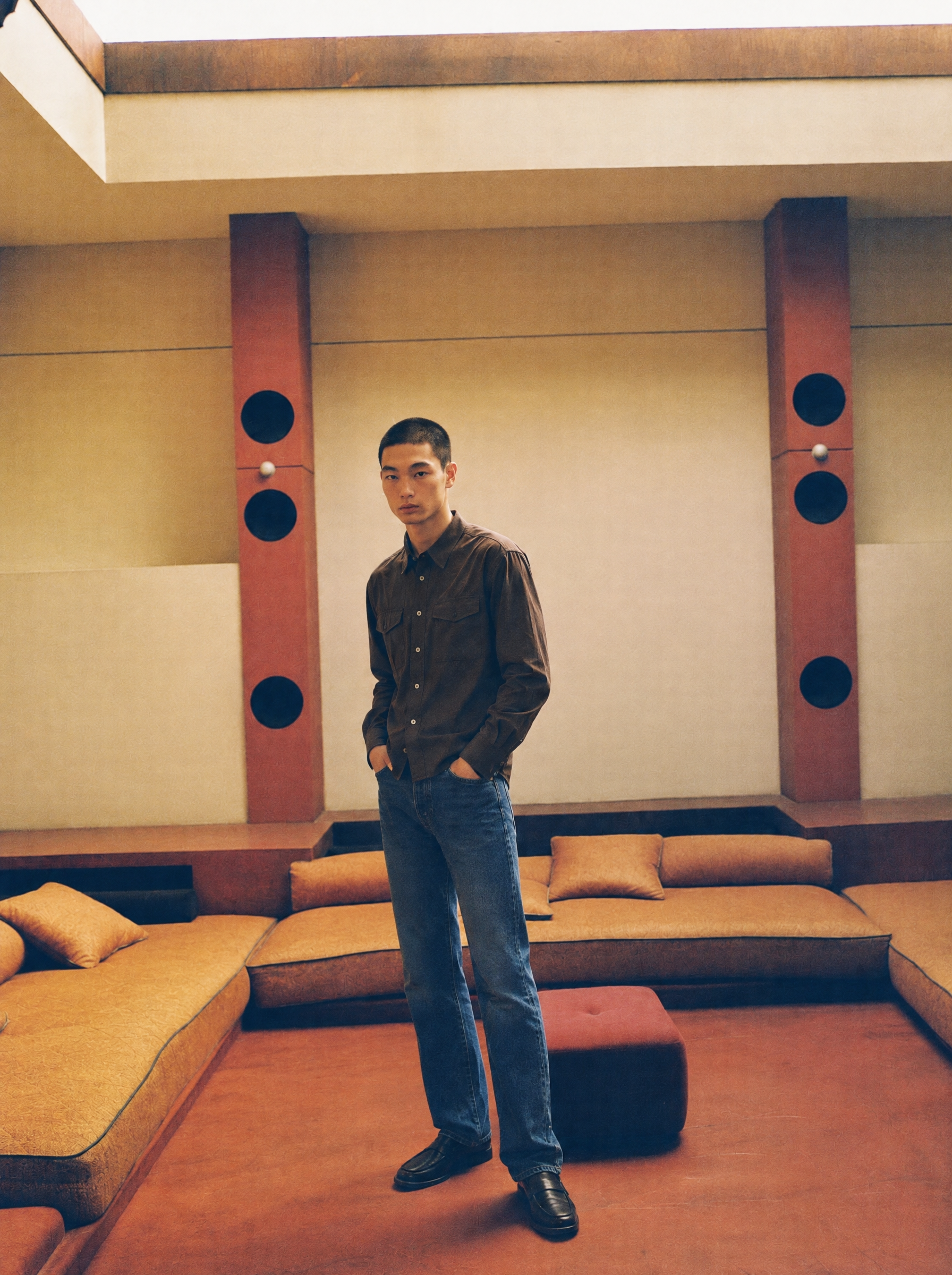
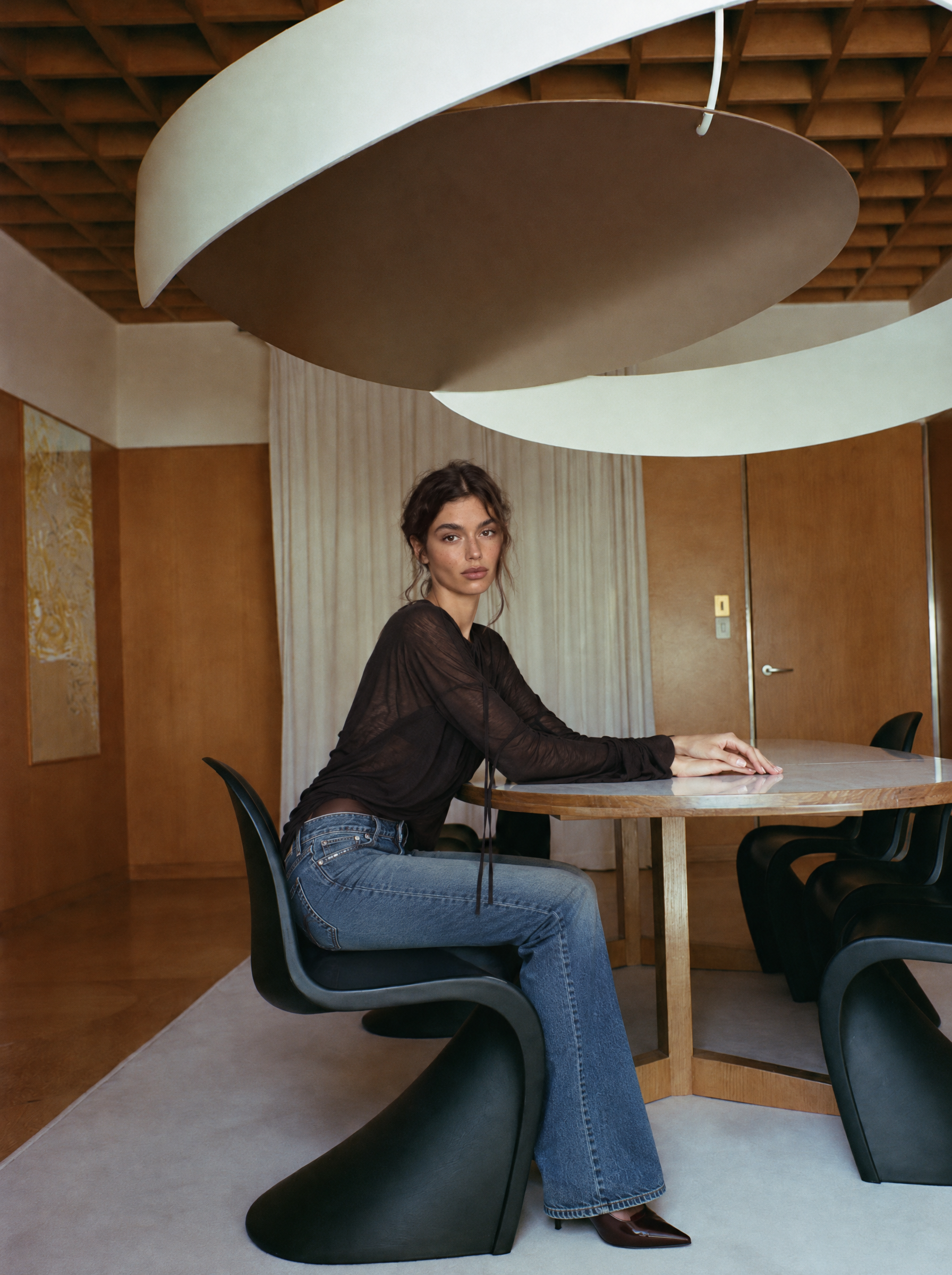
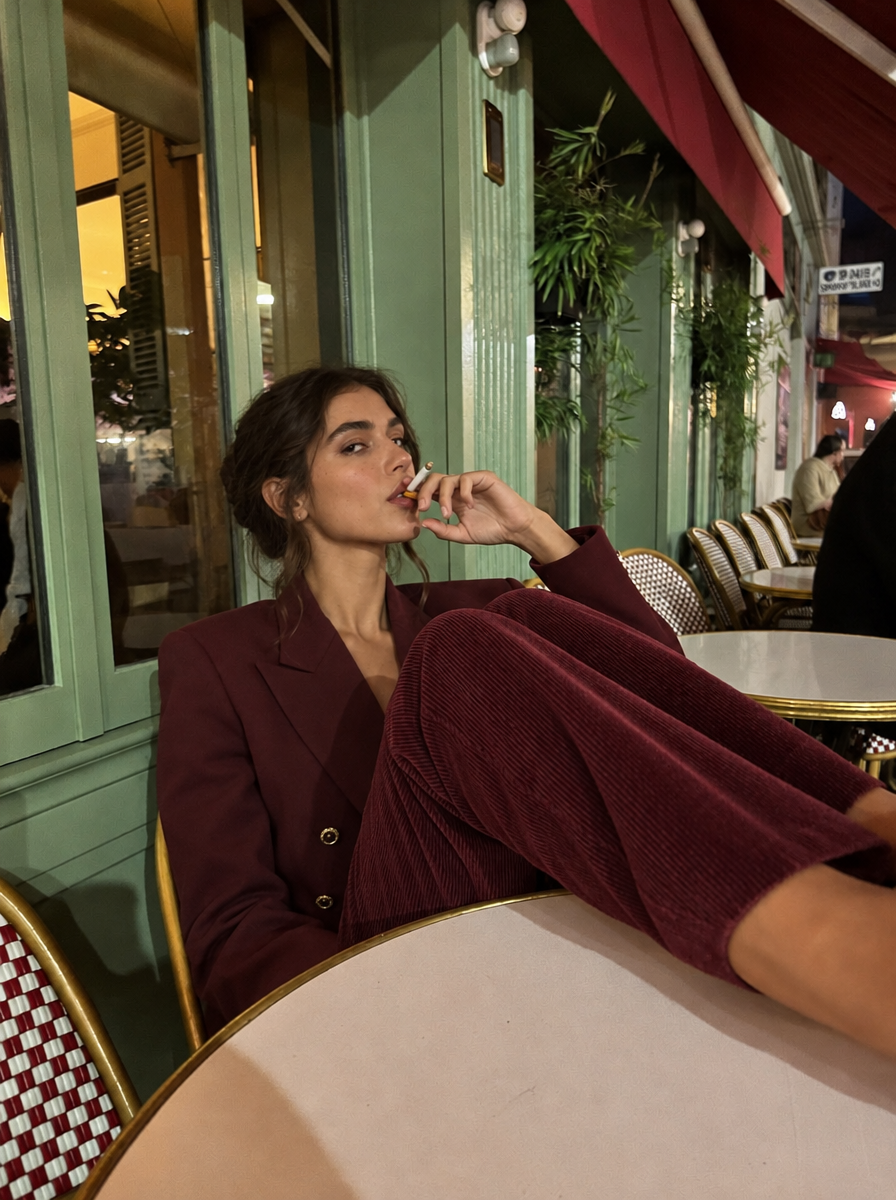
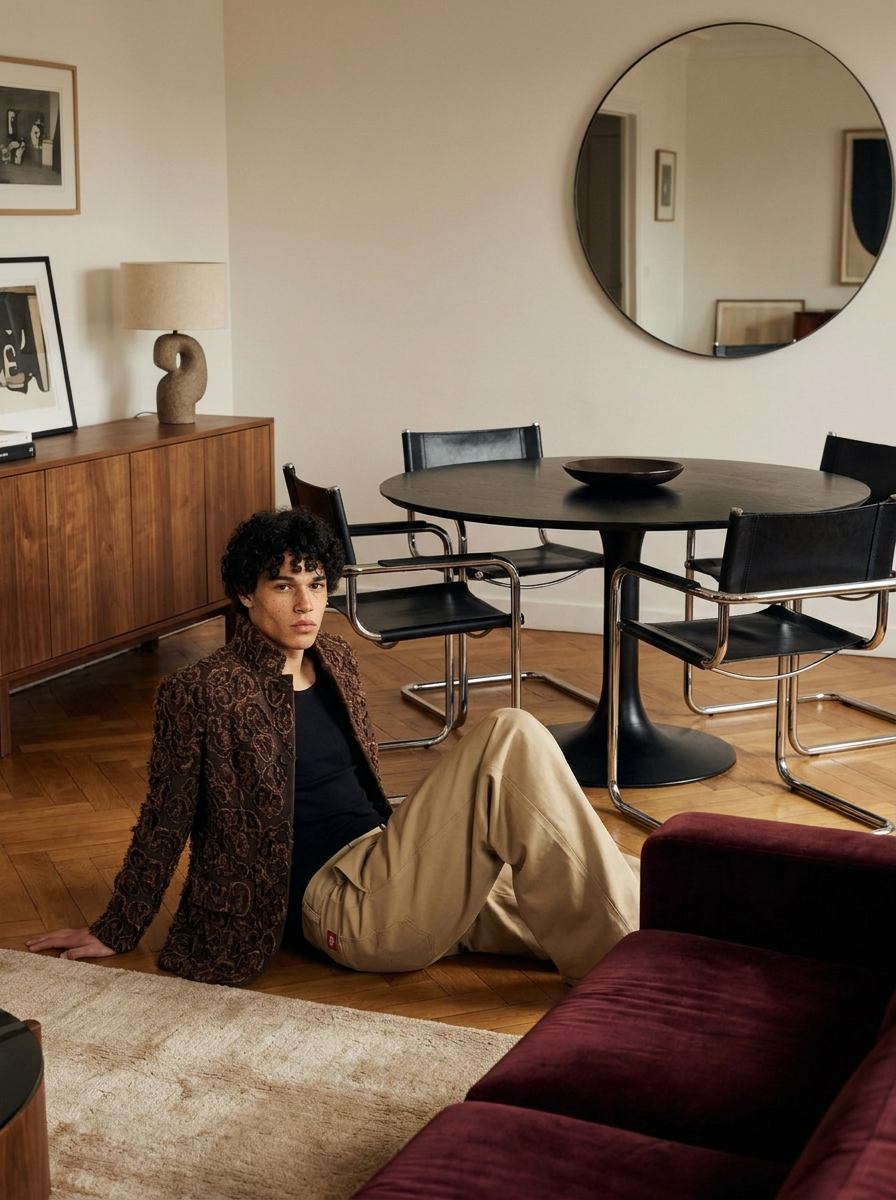
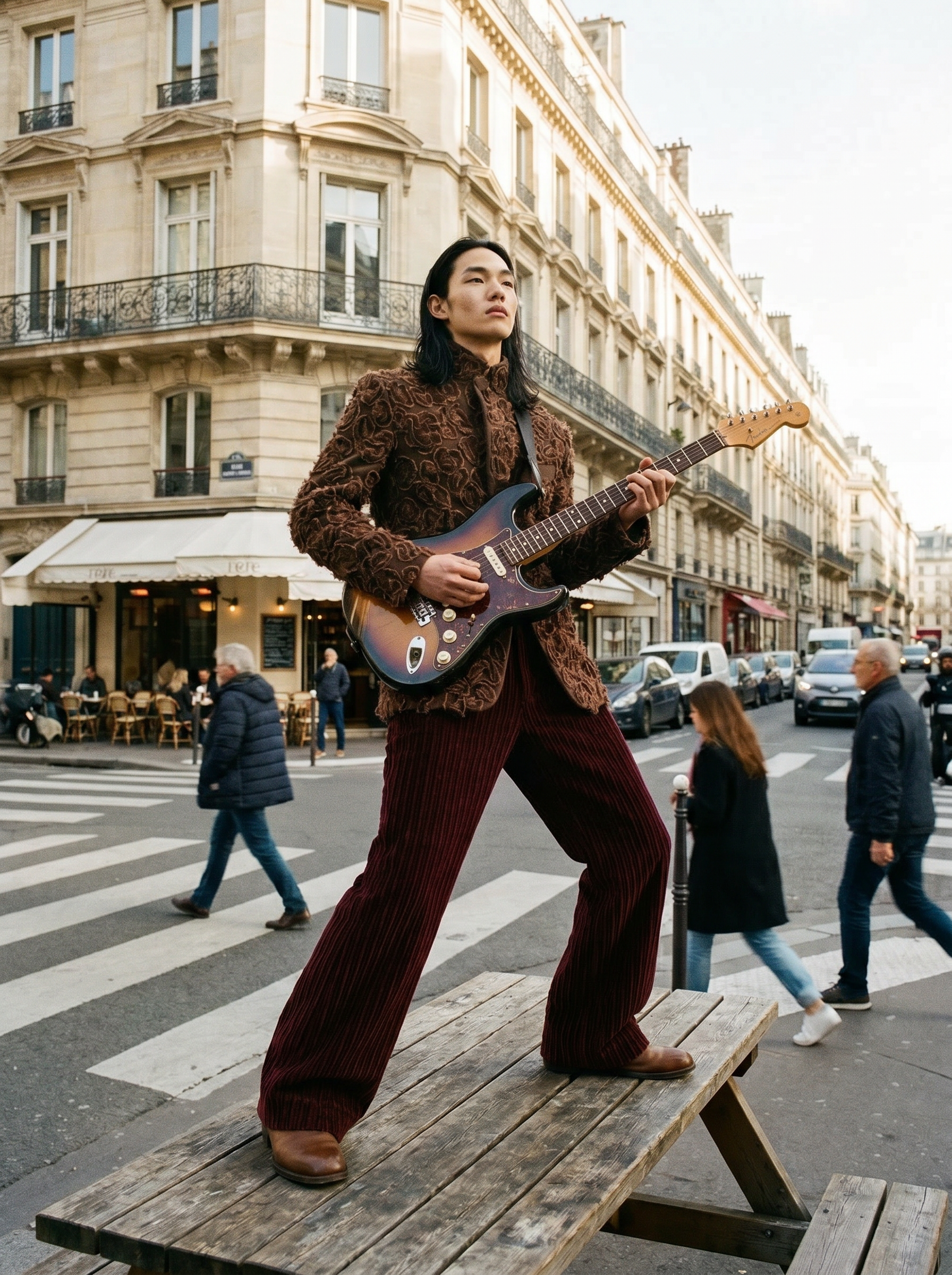
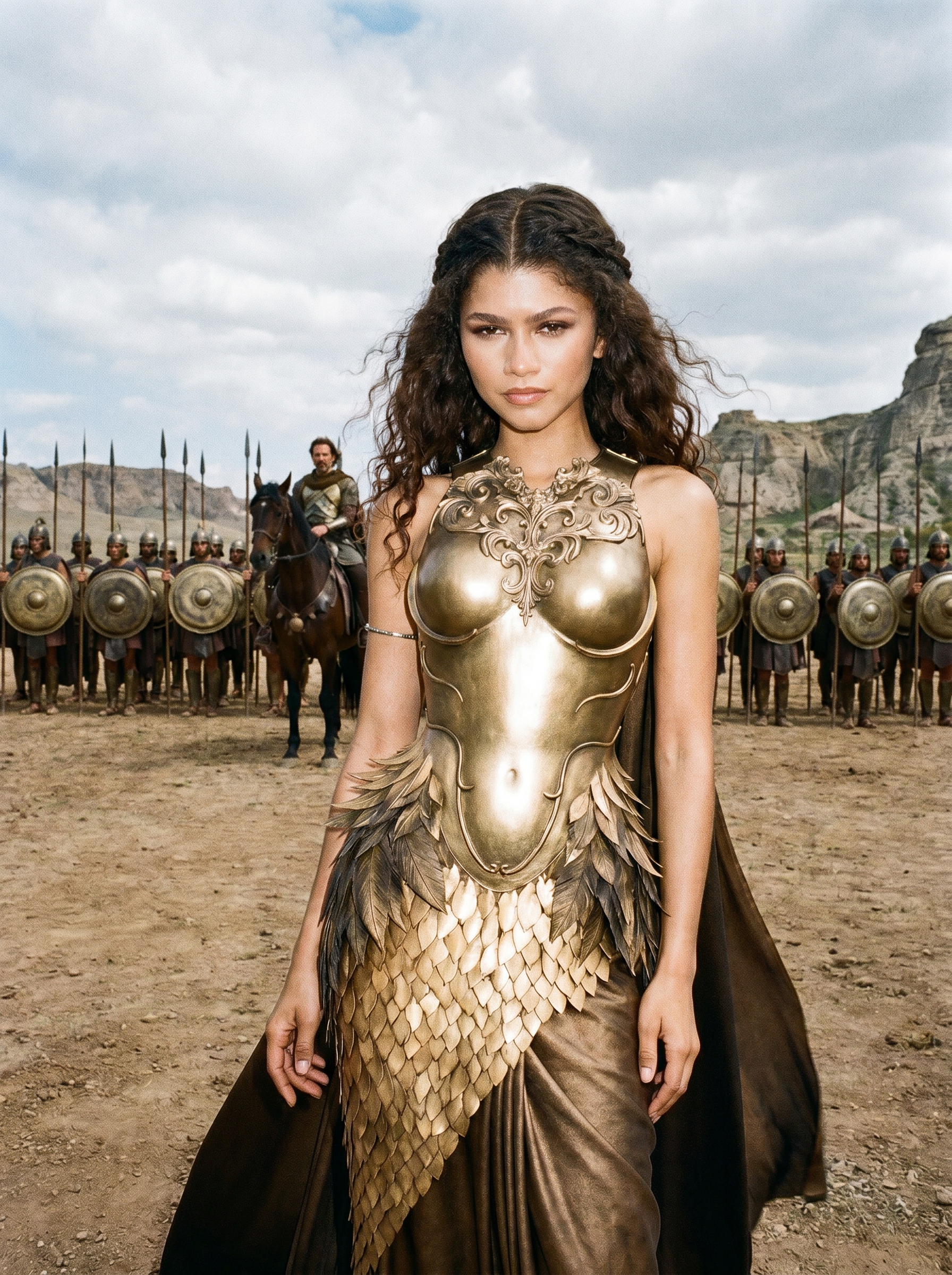
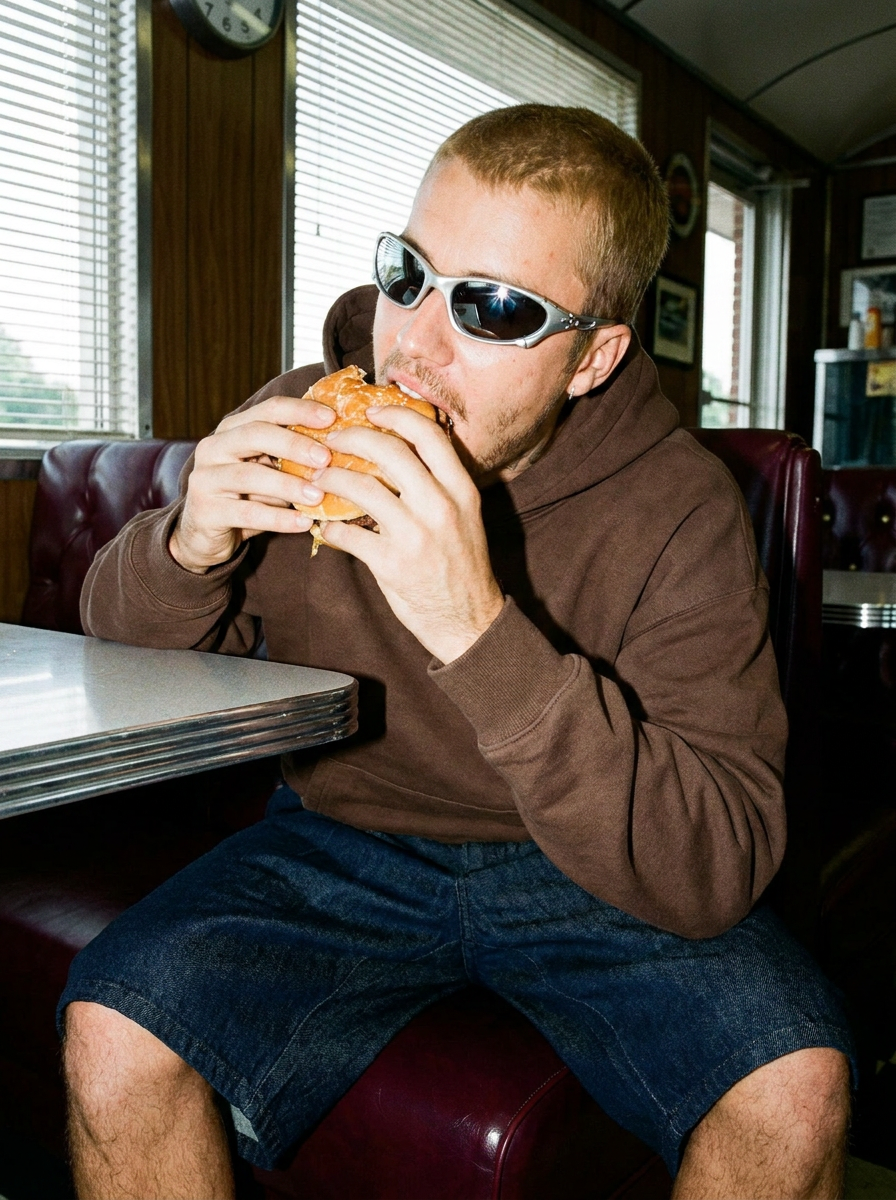
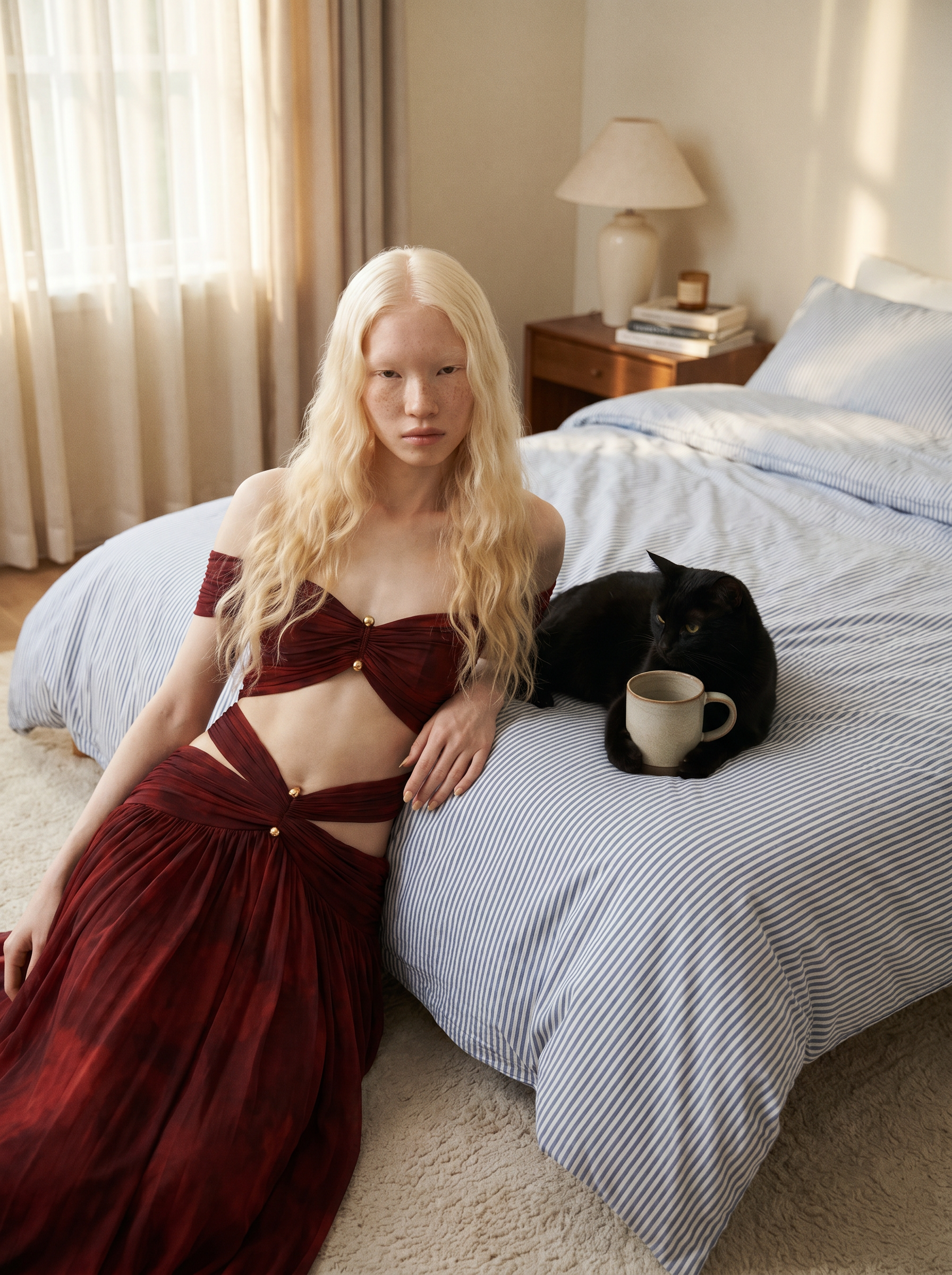
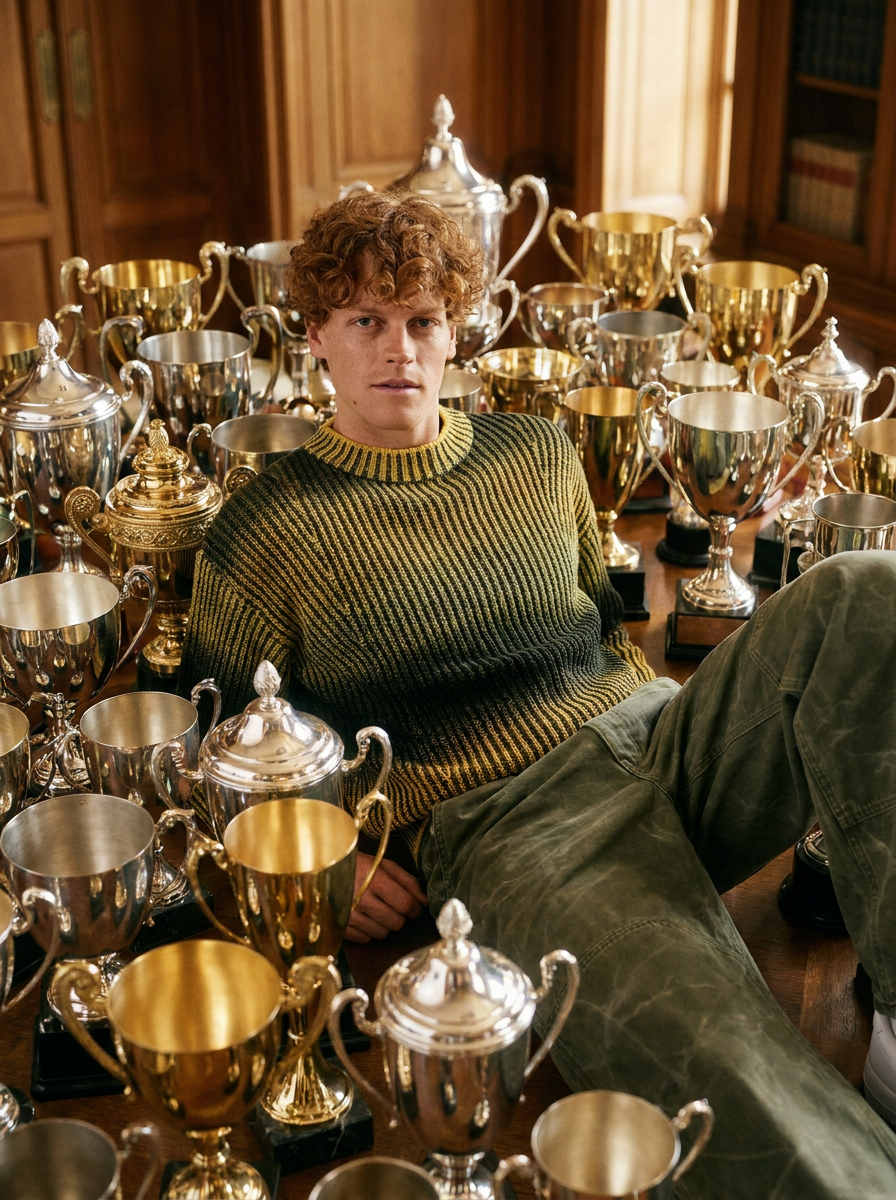
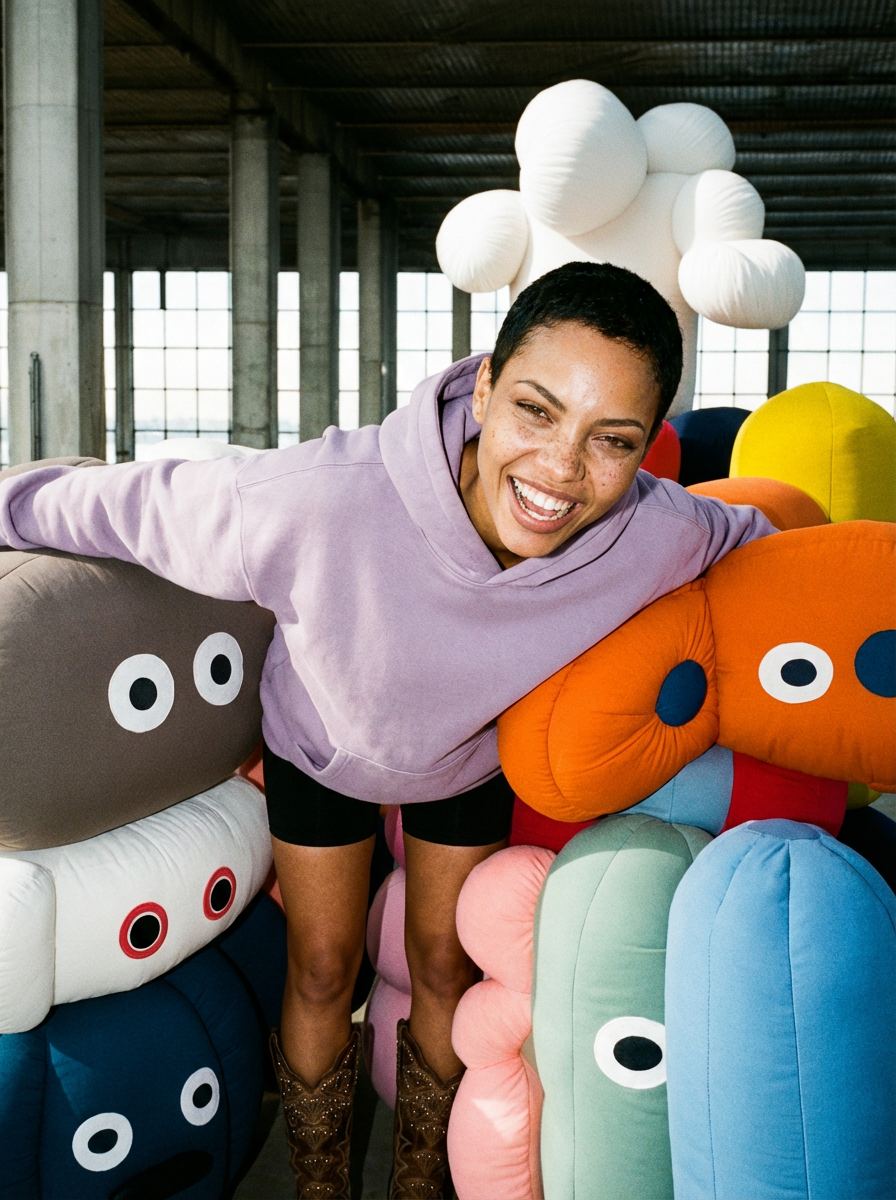
Fashion campaigns made in Rainfrog
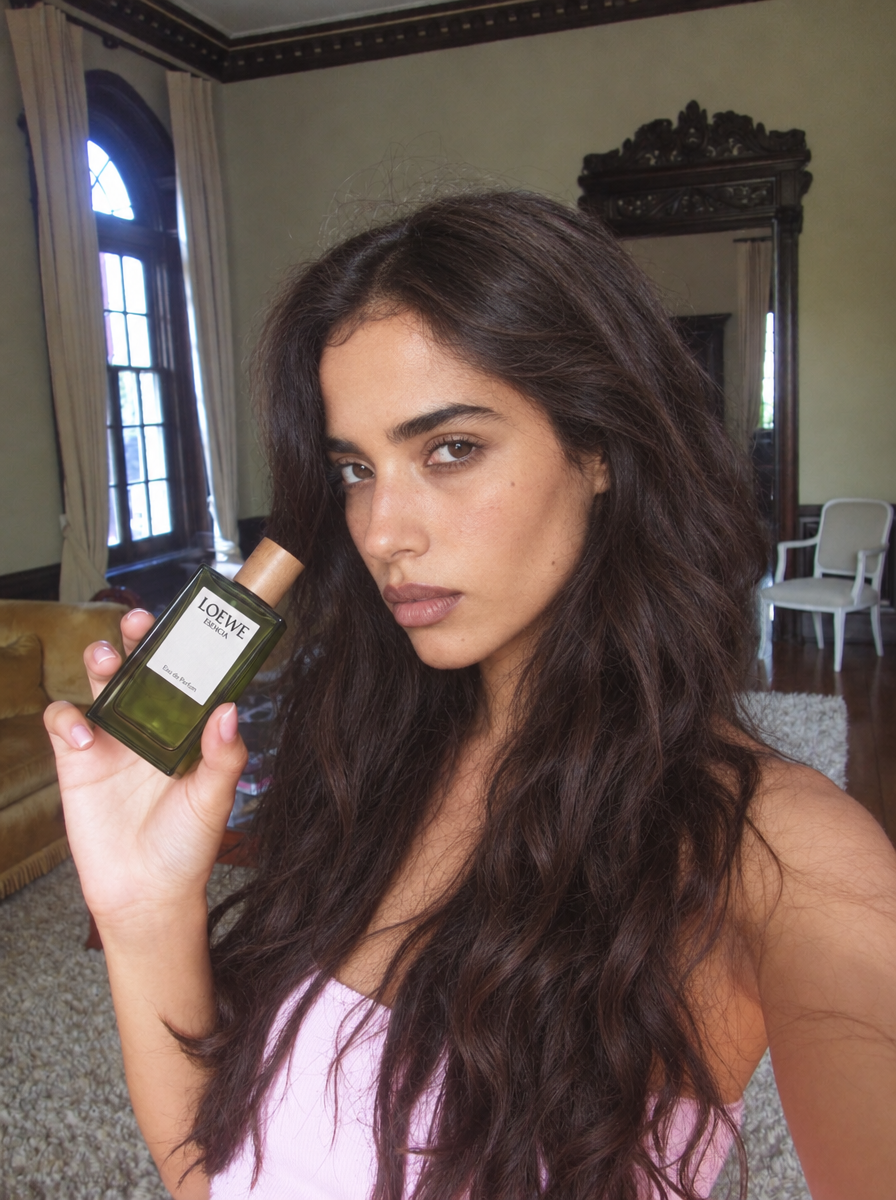
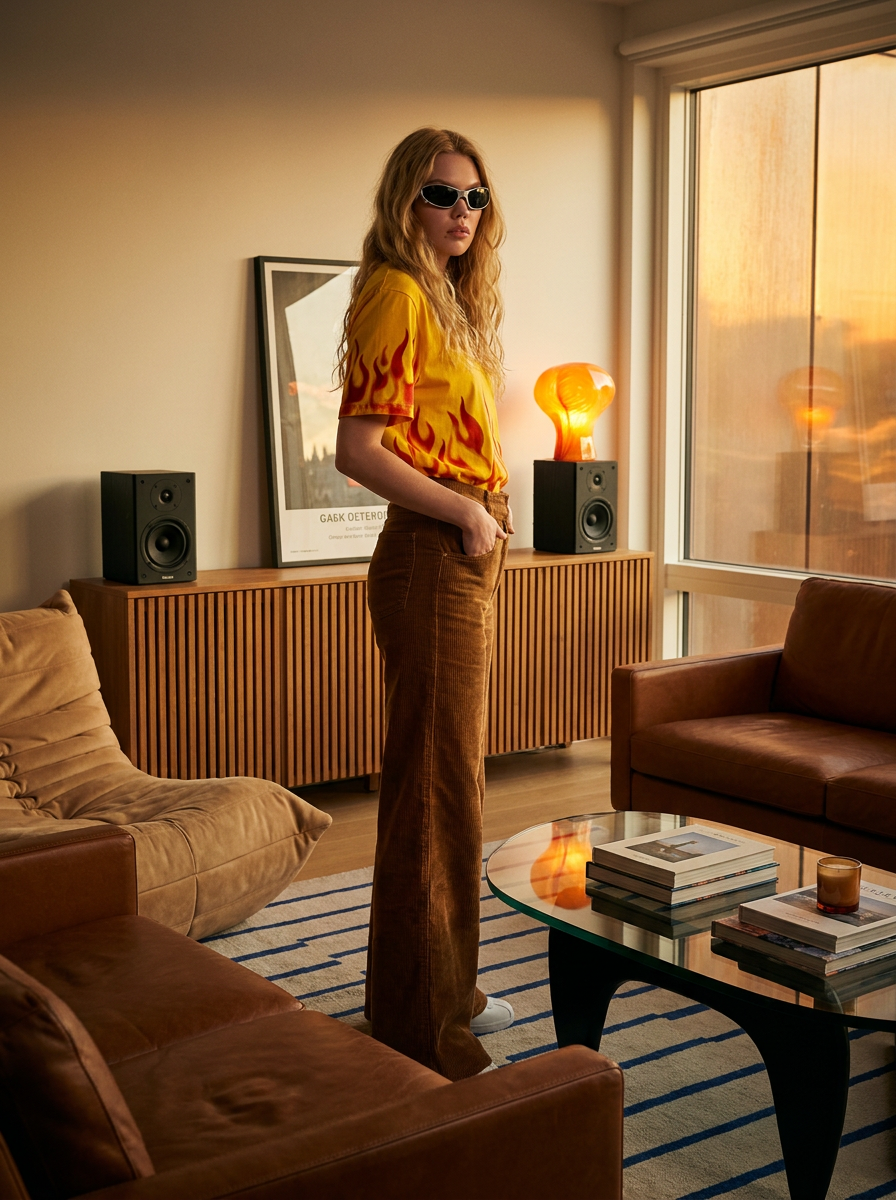
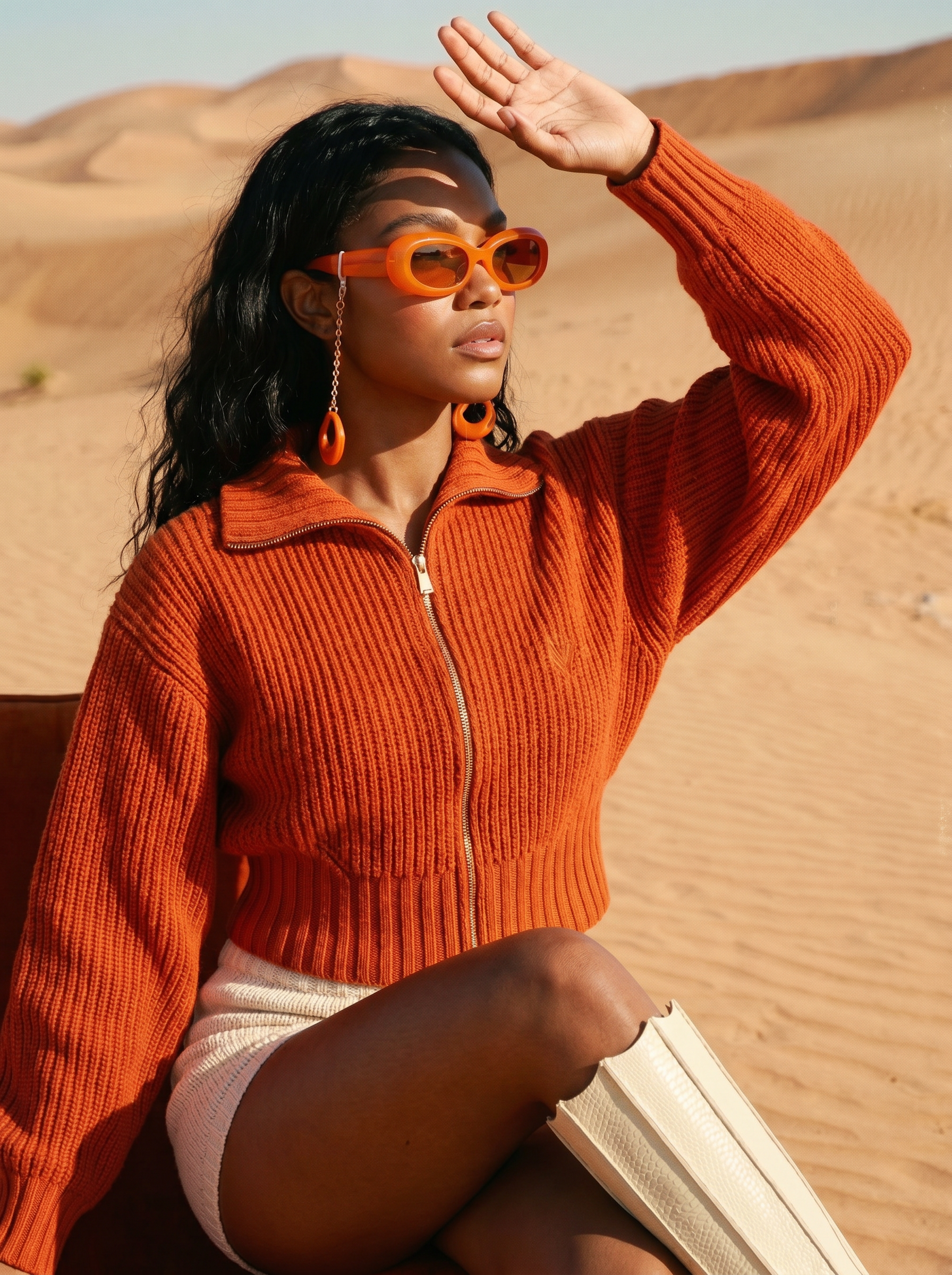
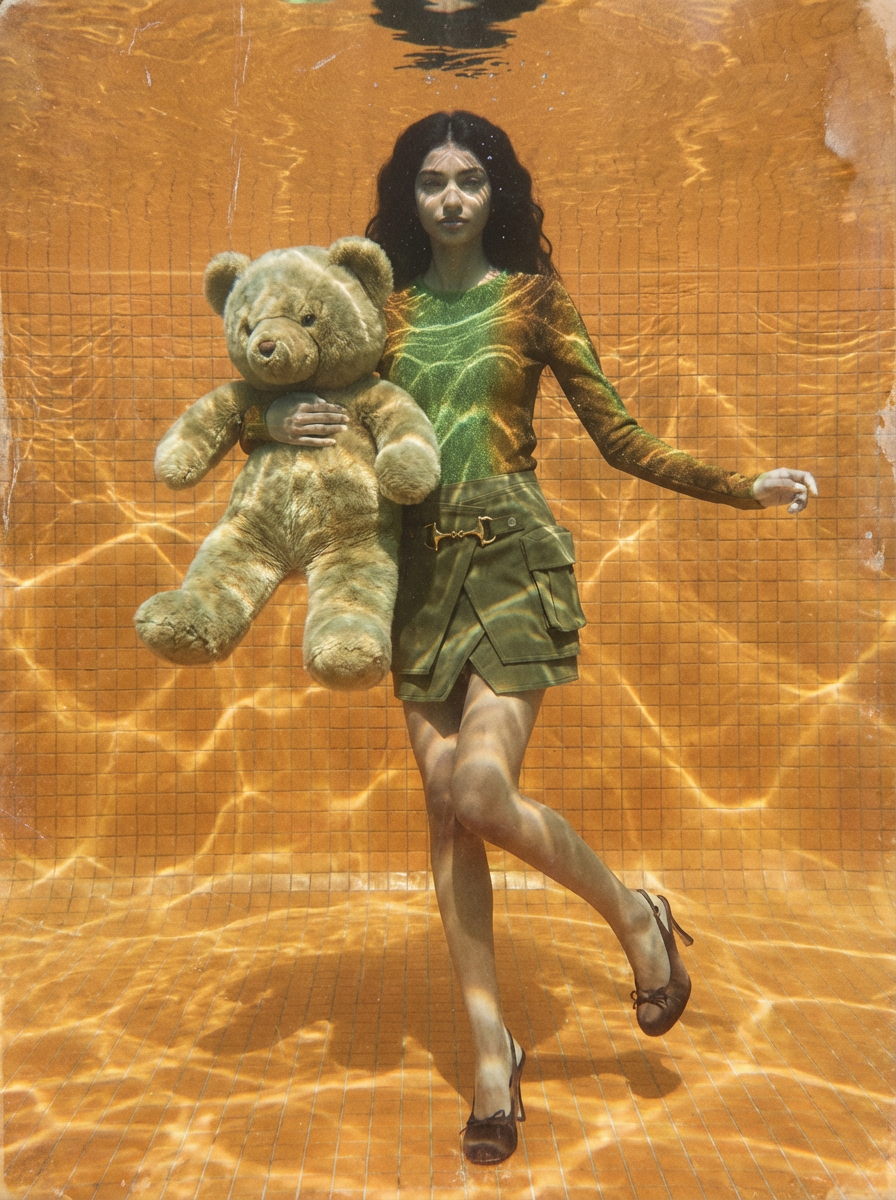
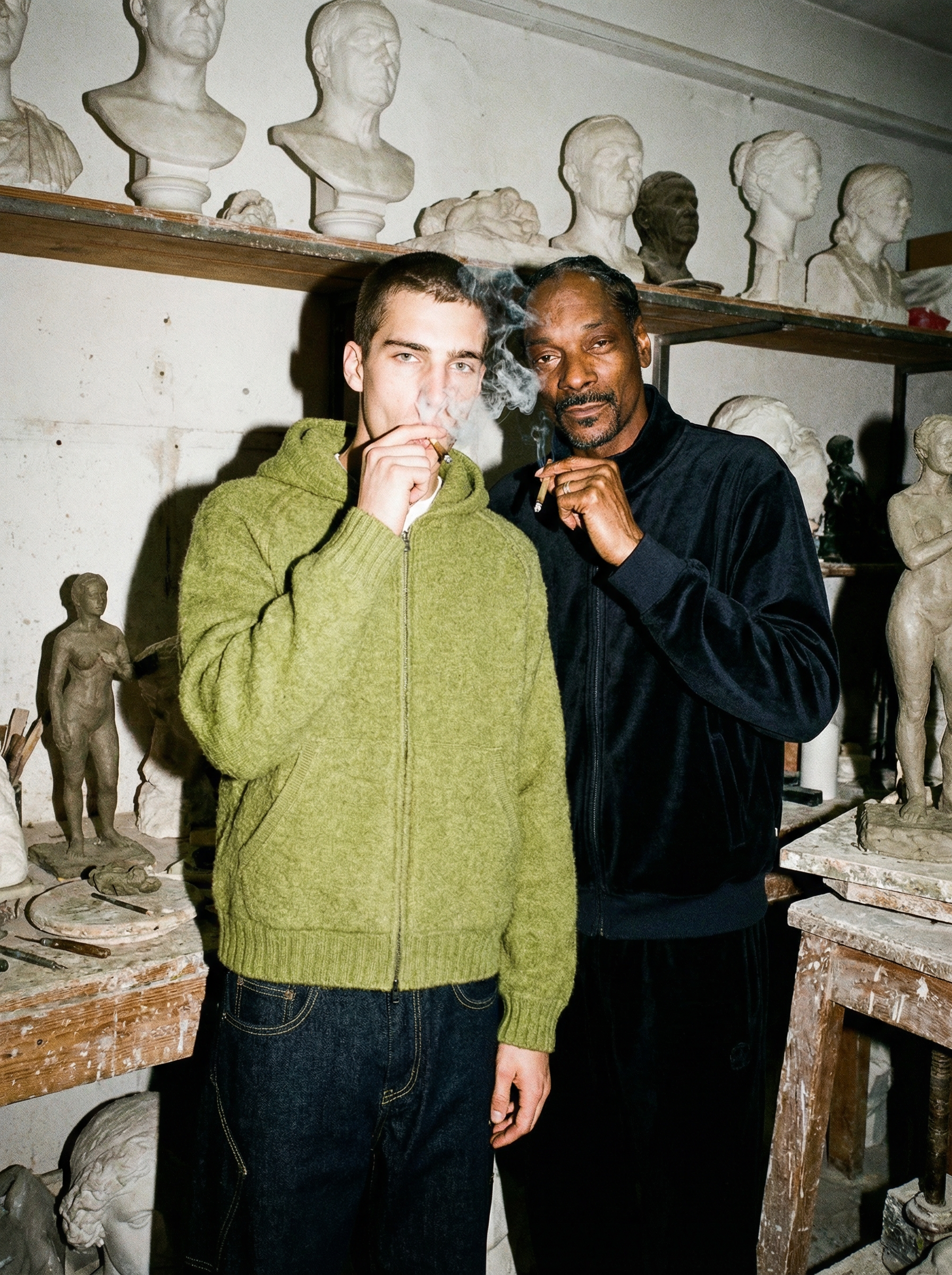
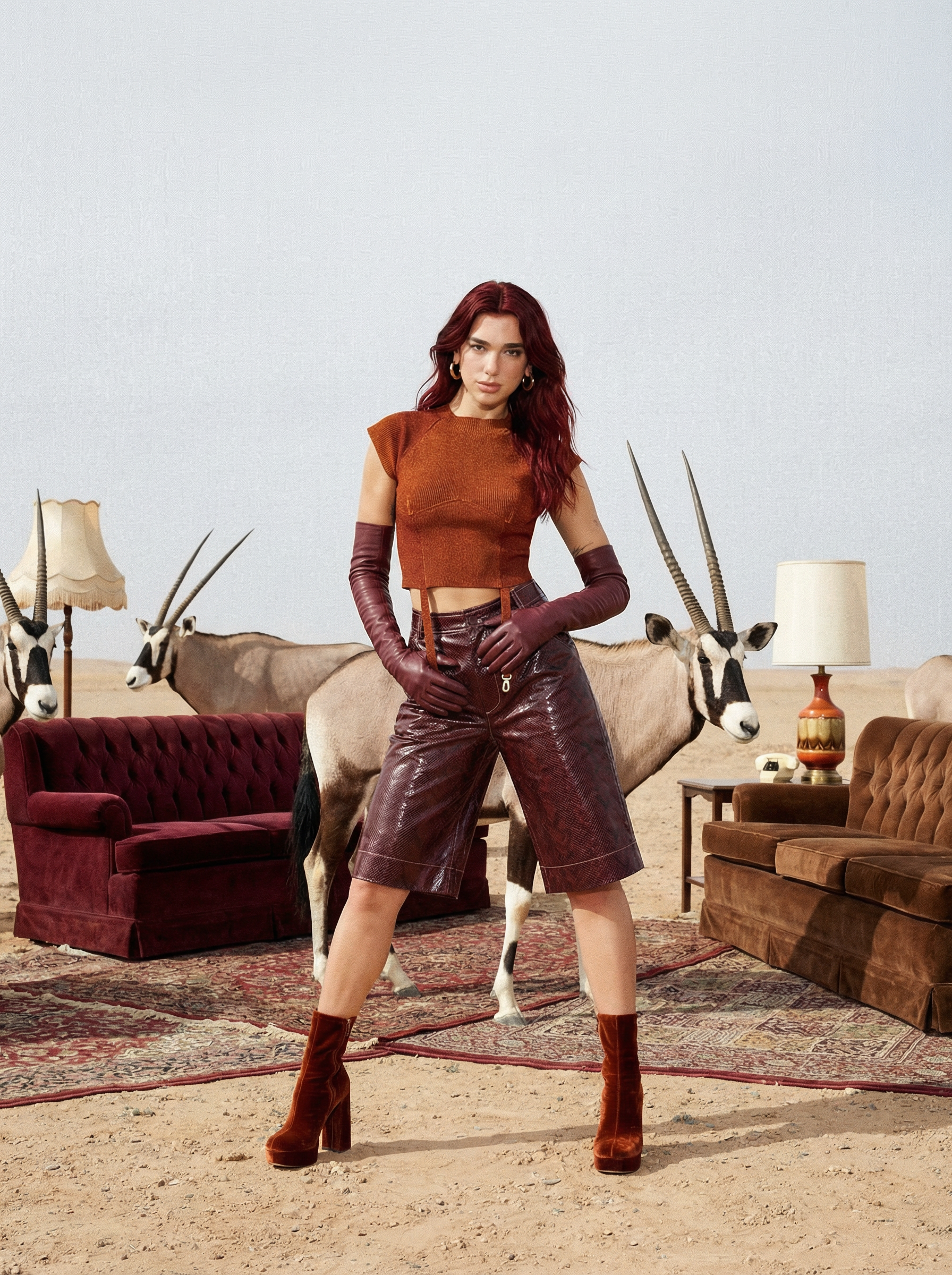
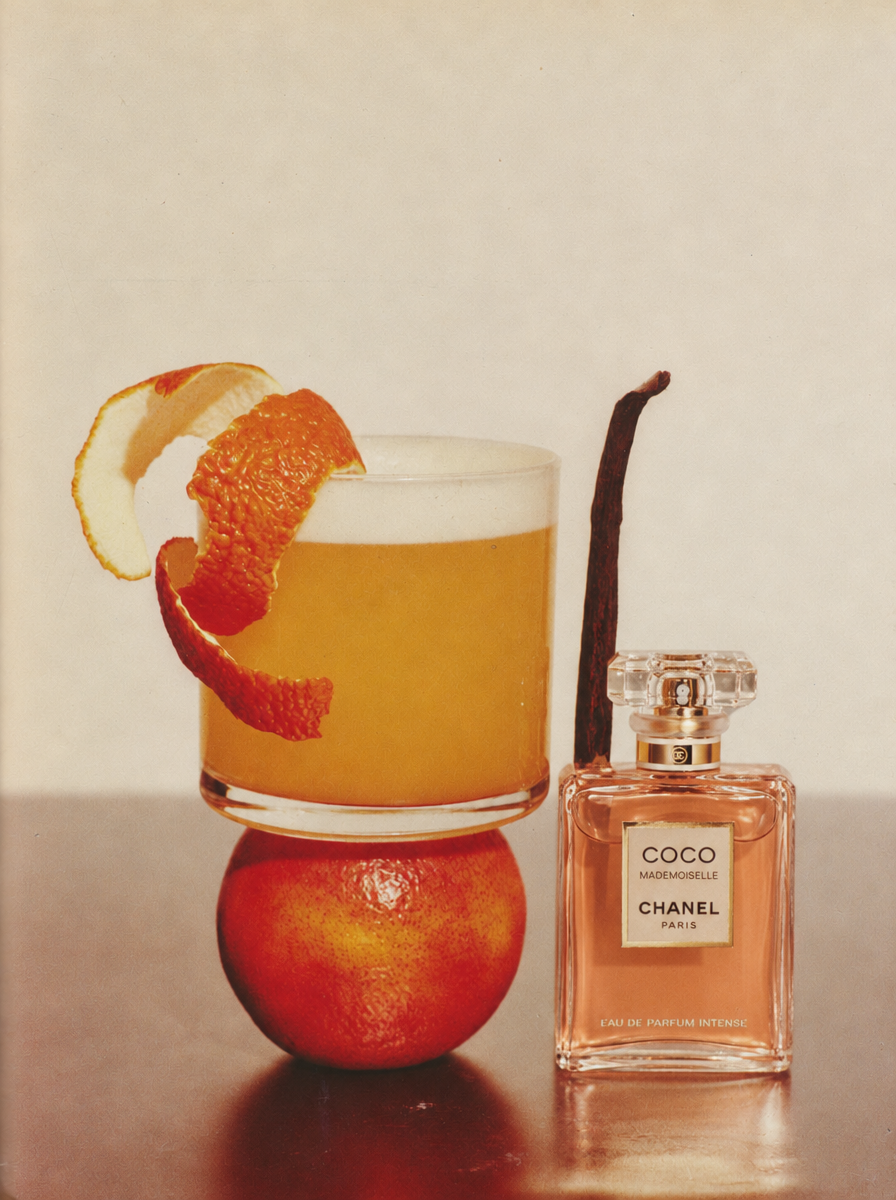
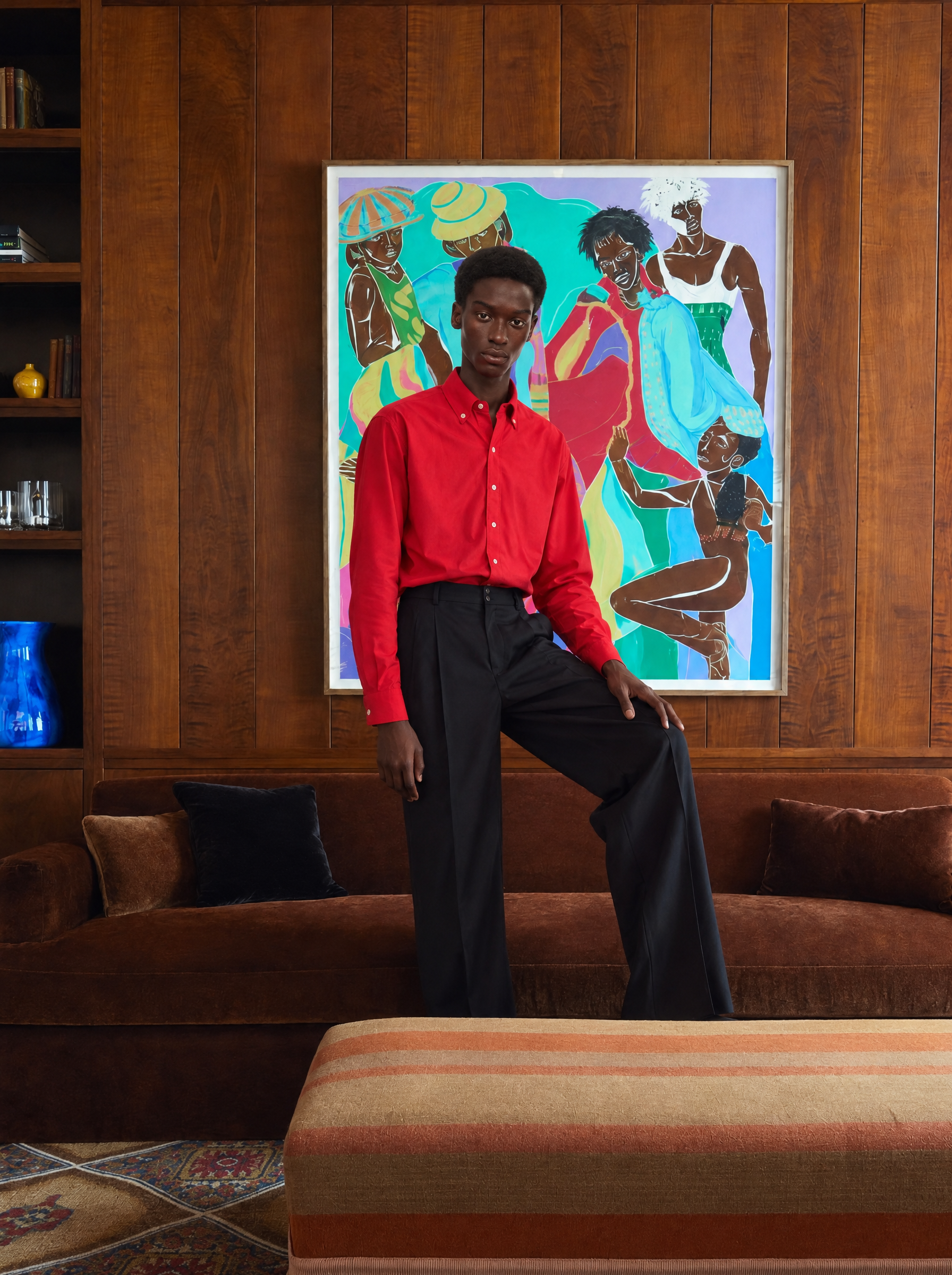
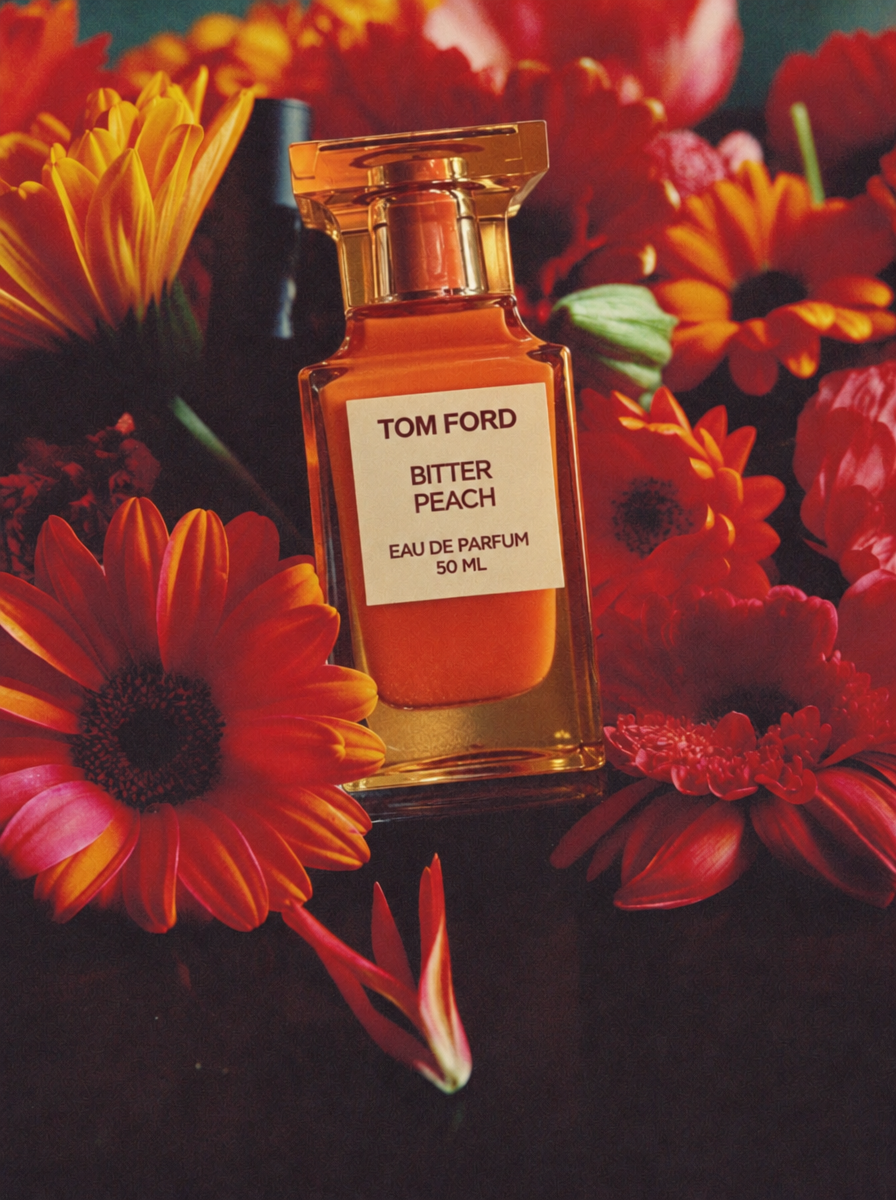
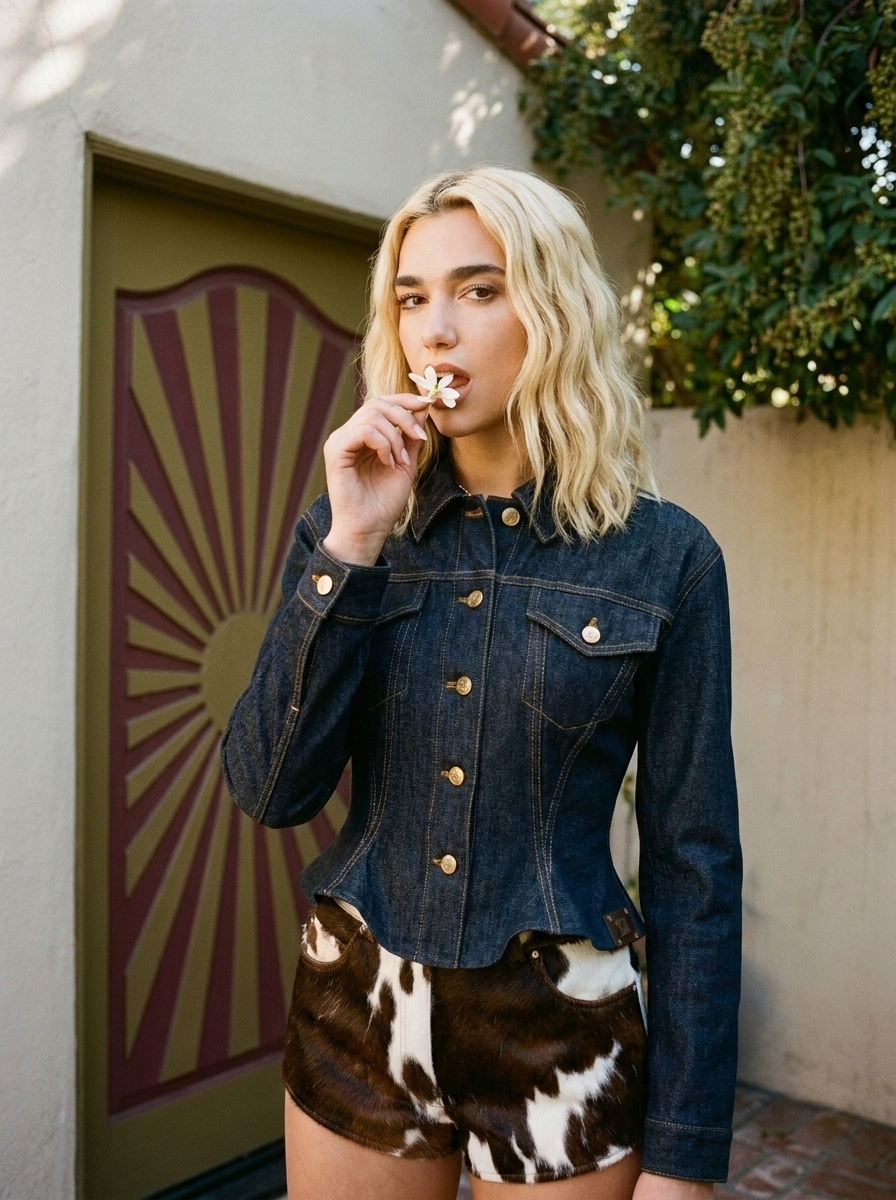
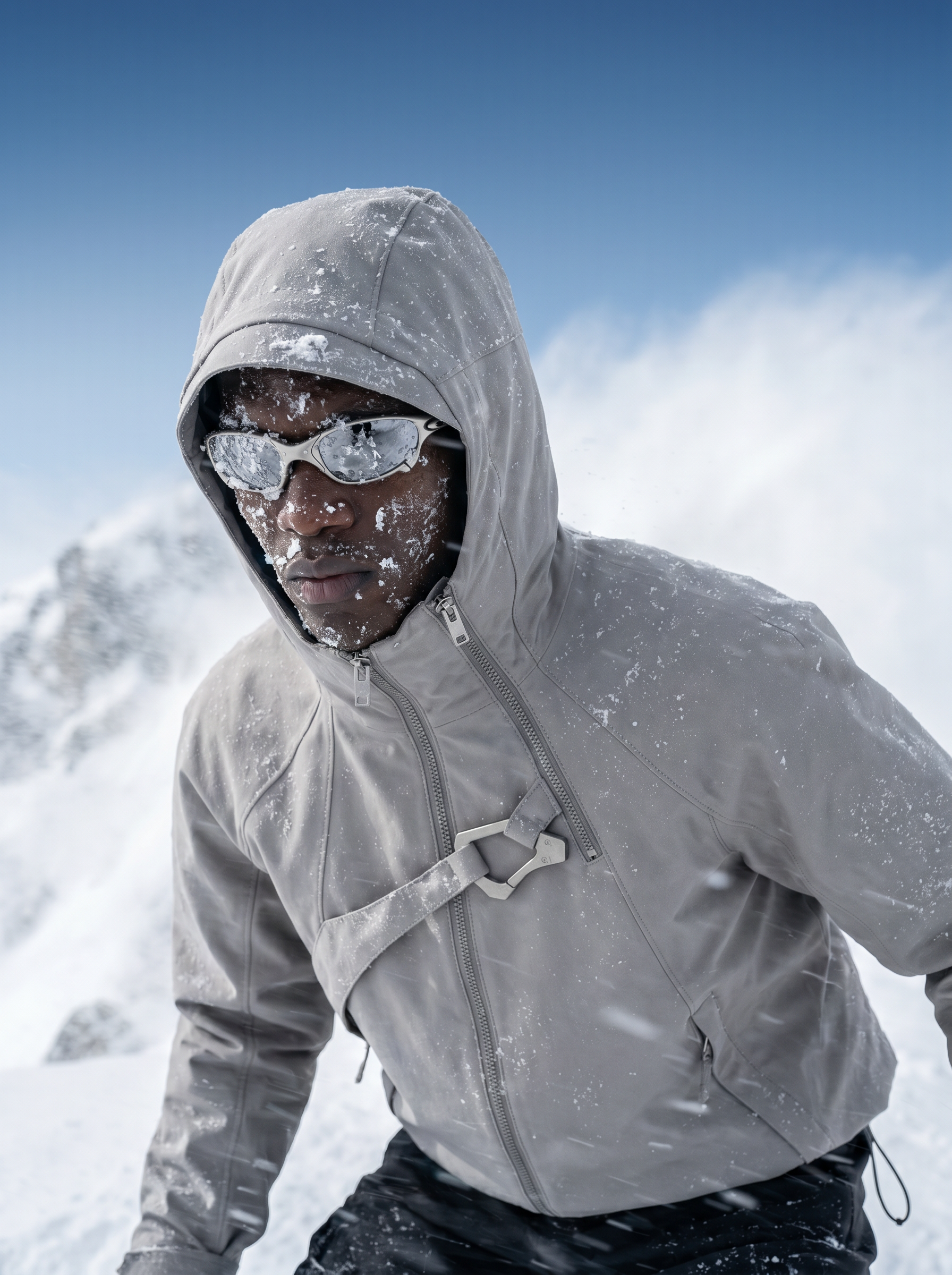
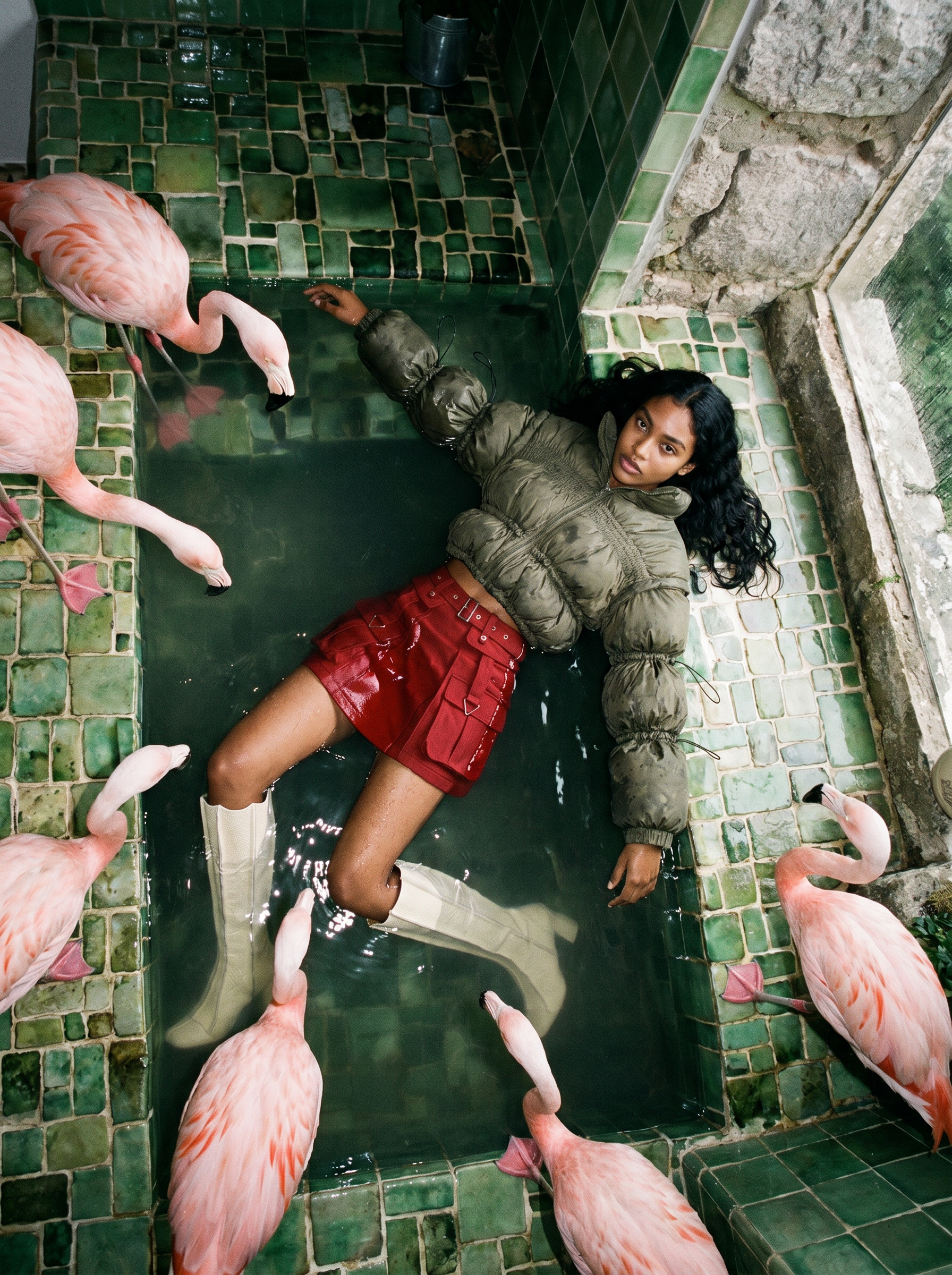
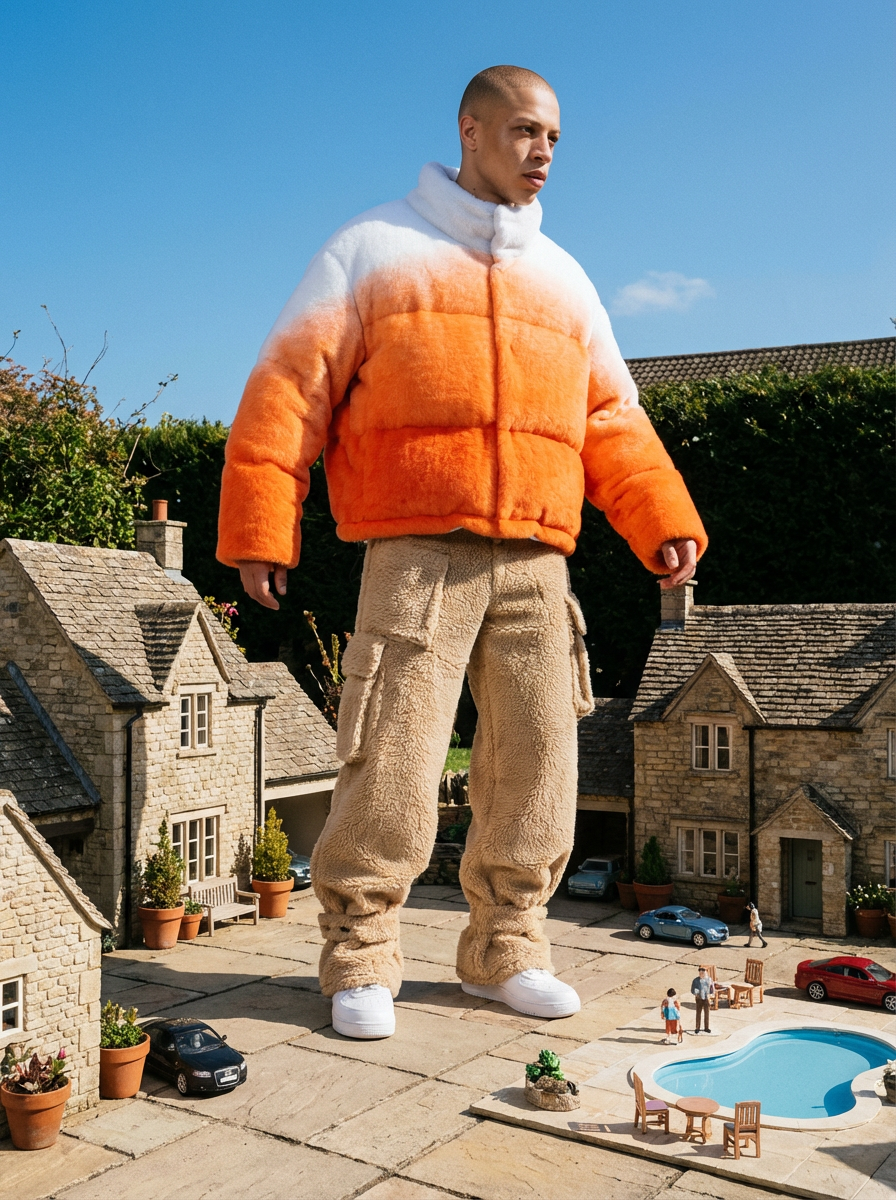
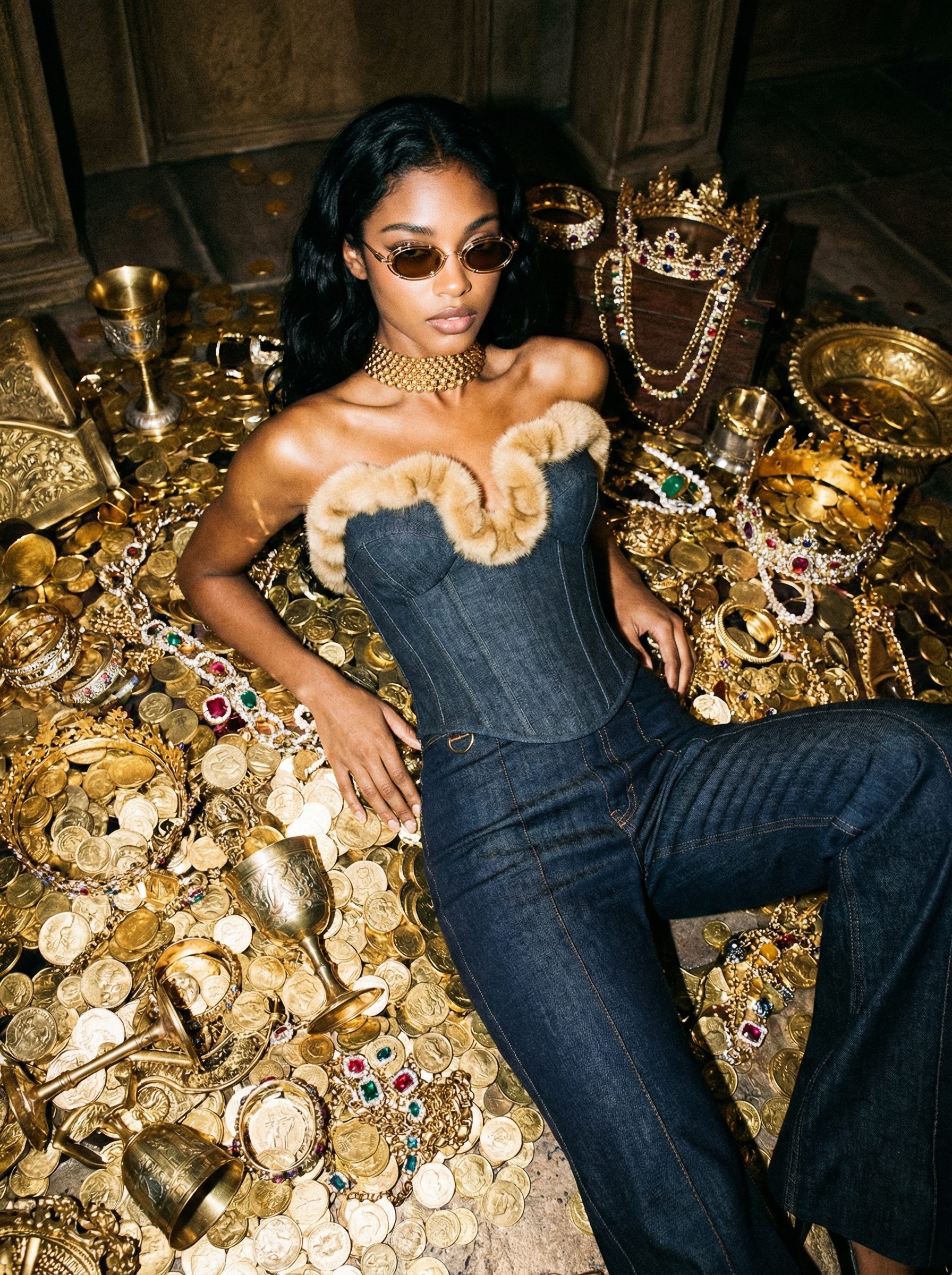
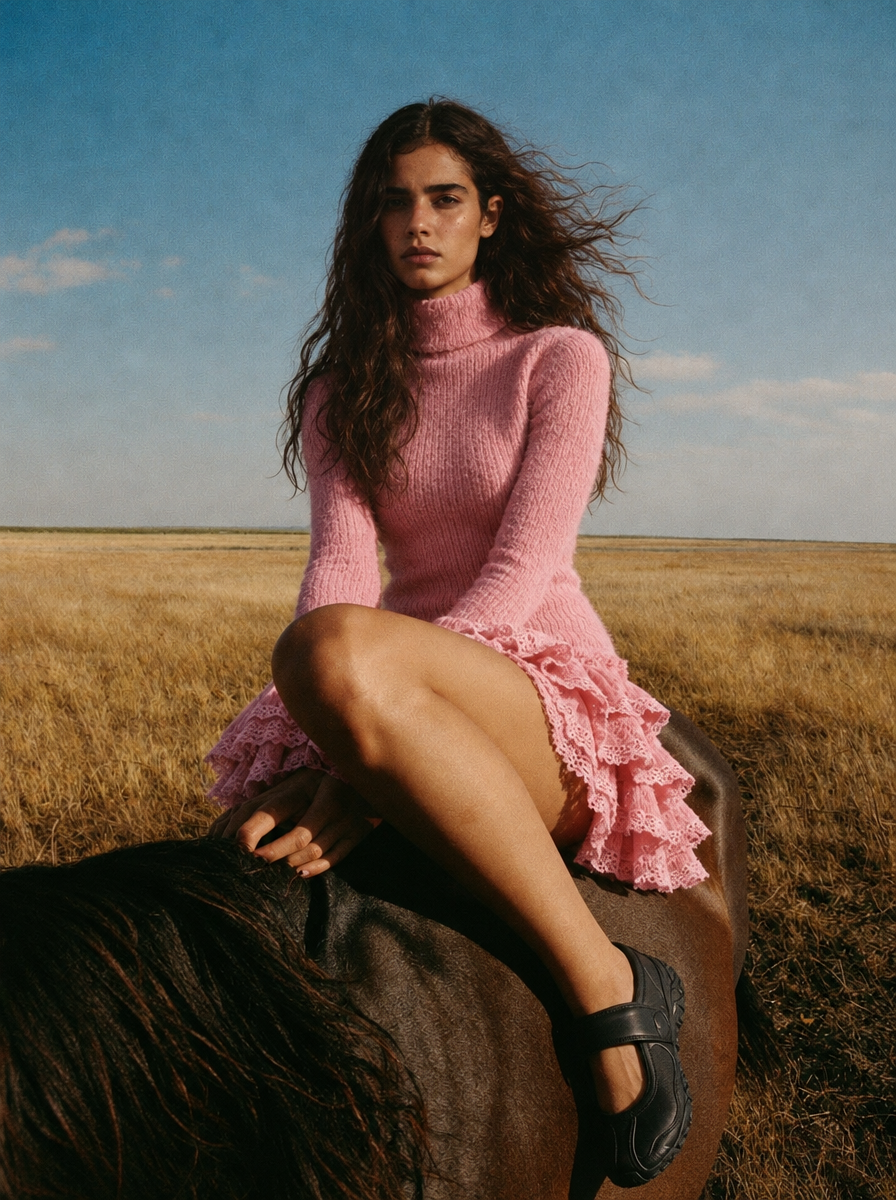
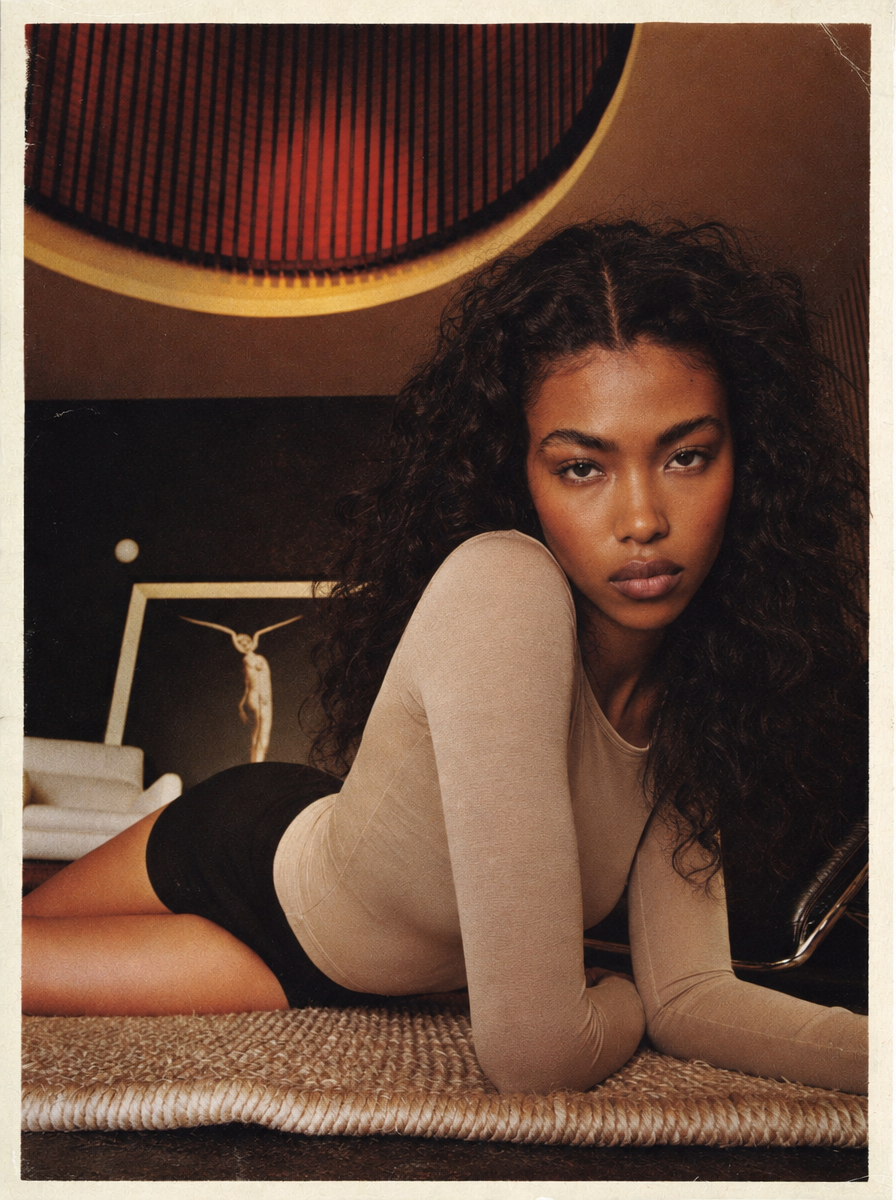
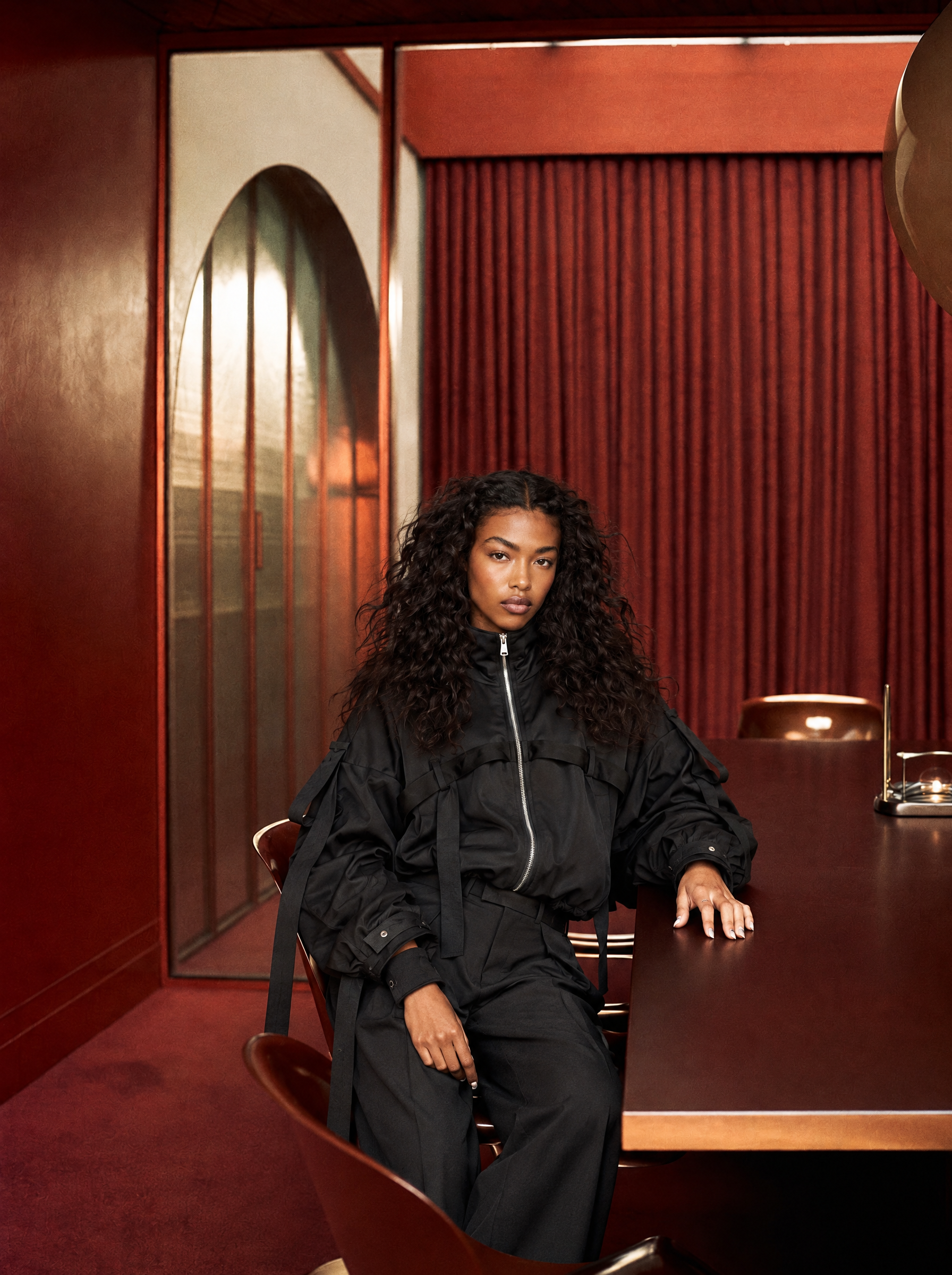
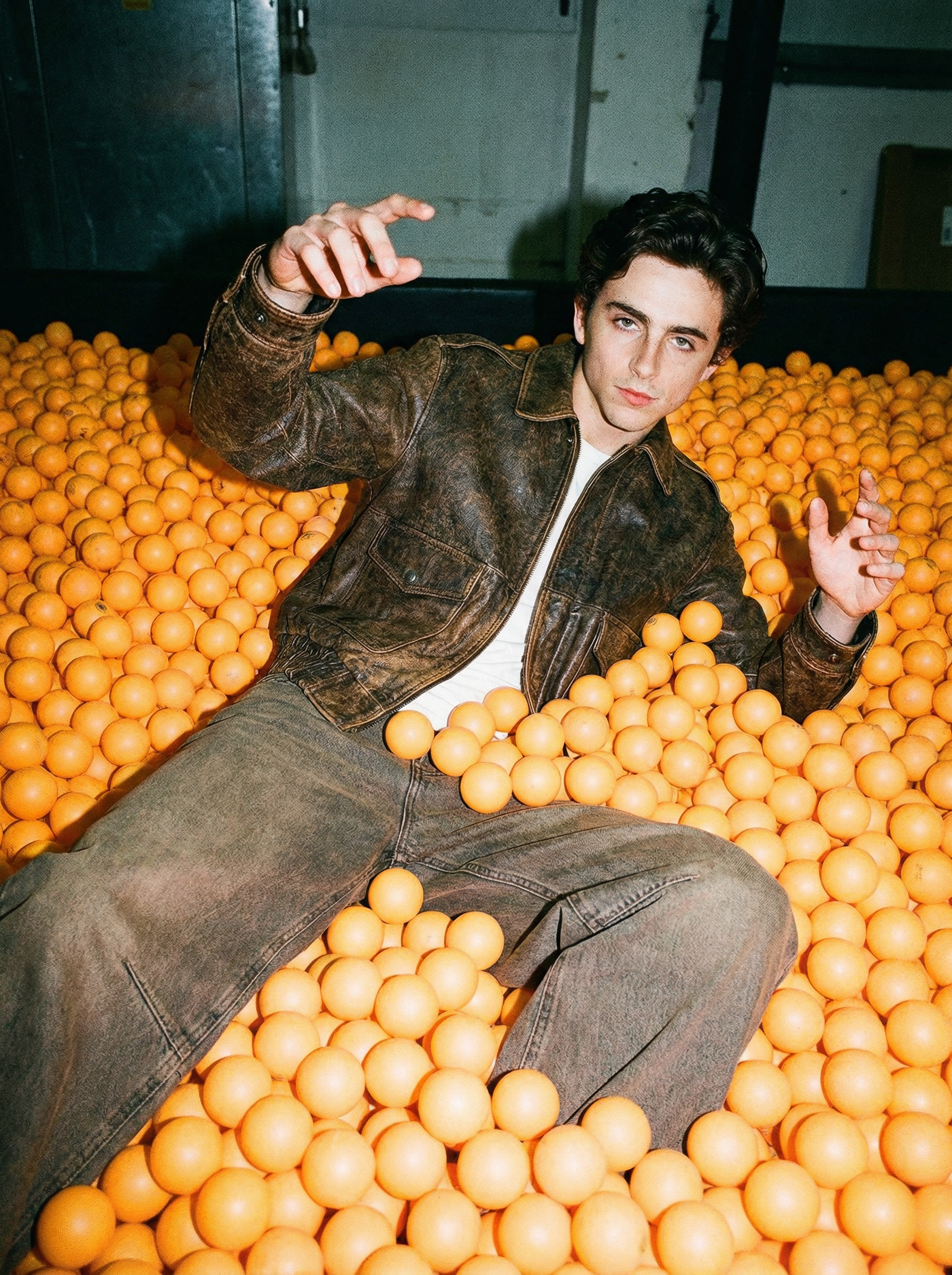
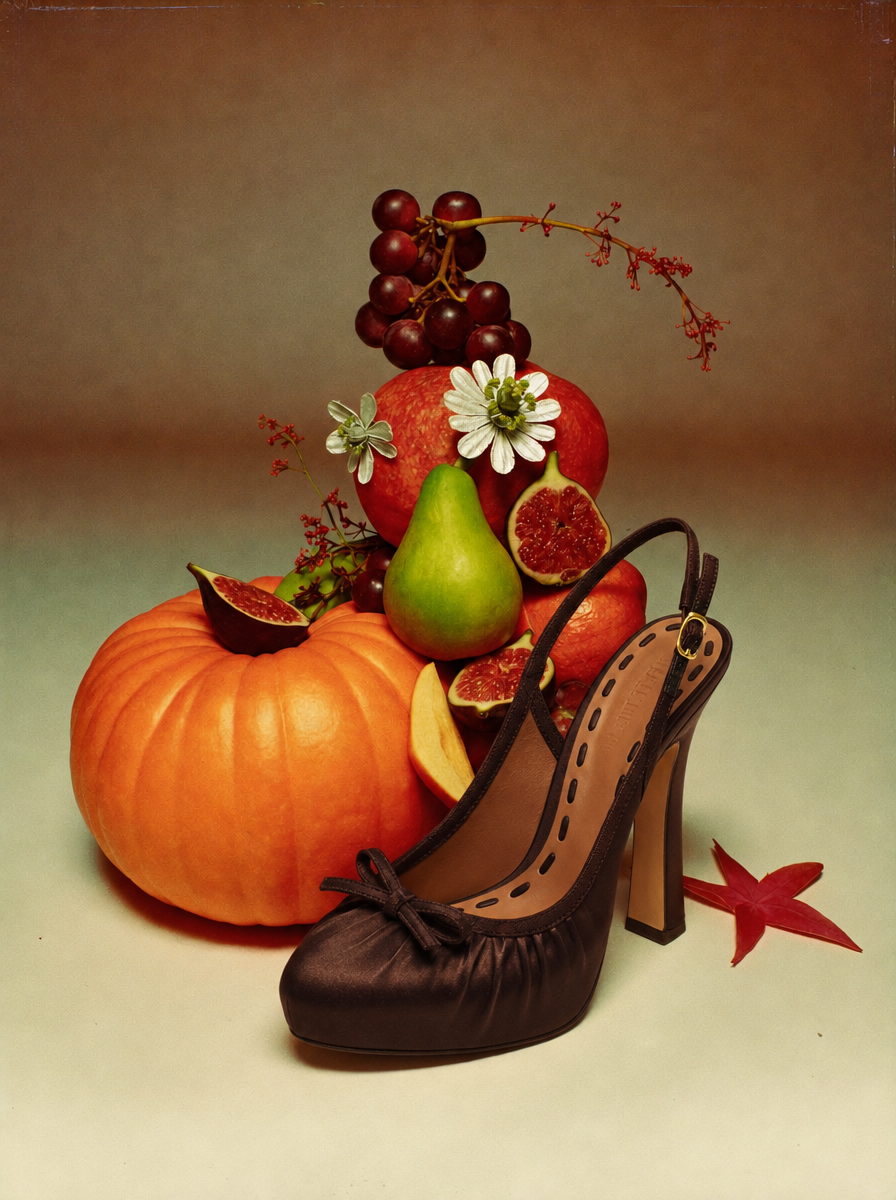
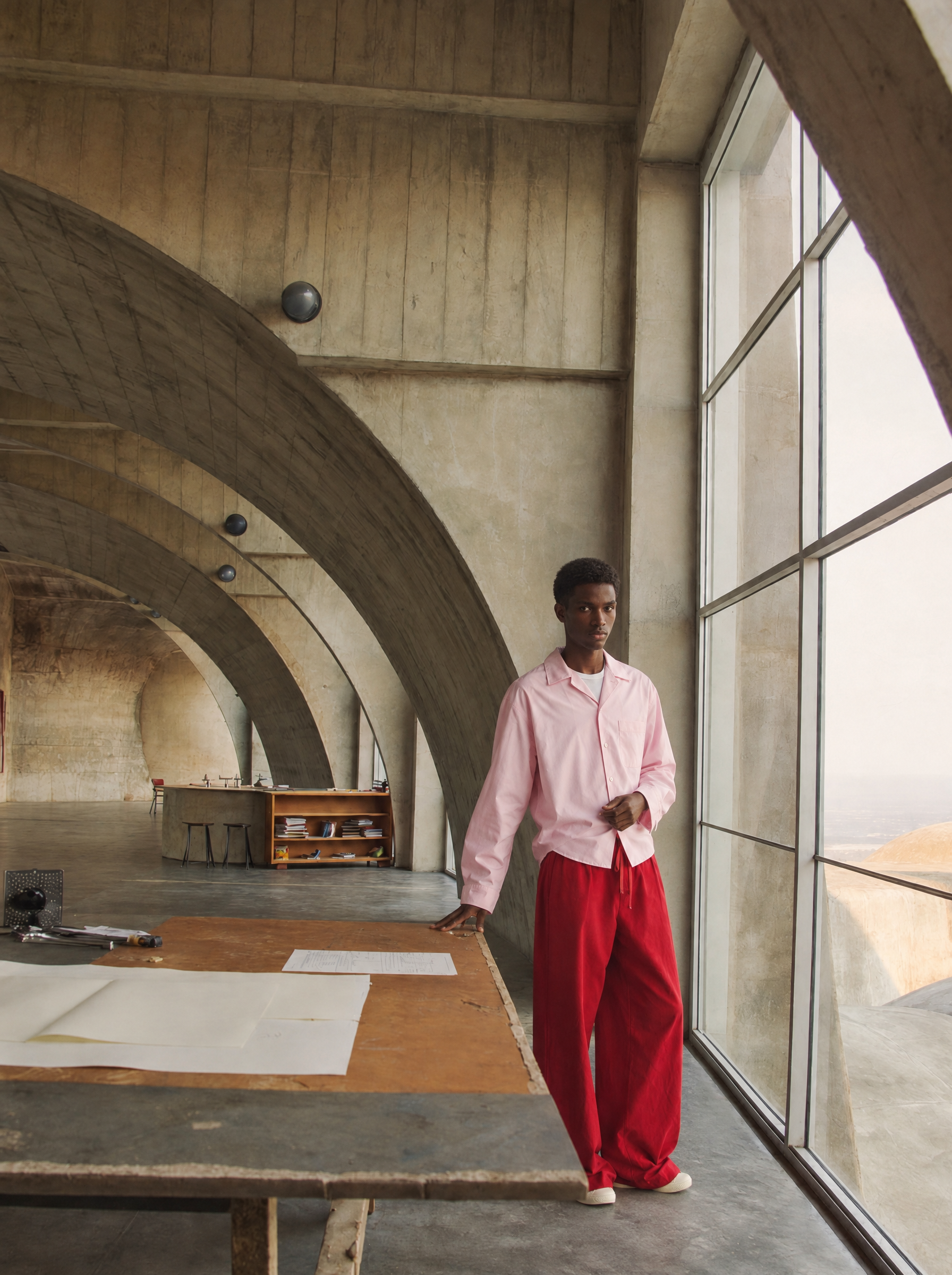
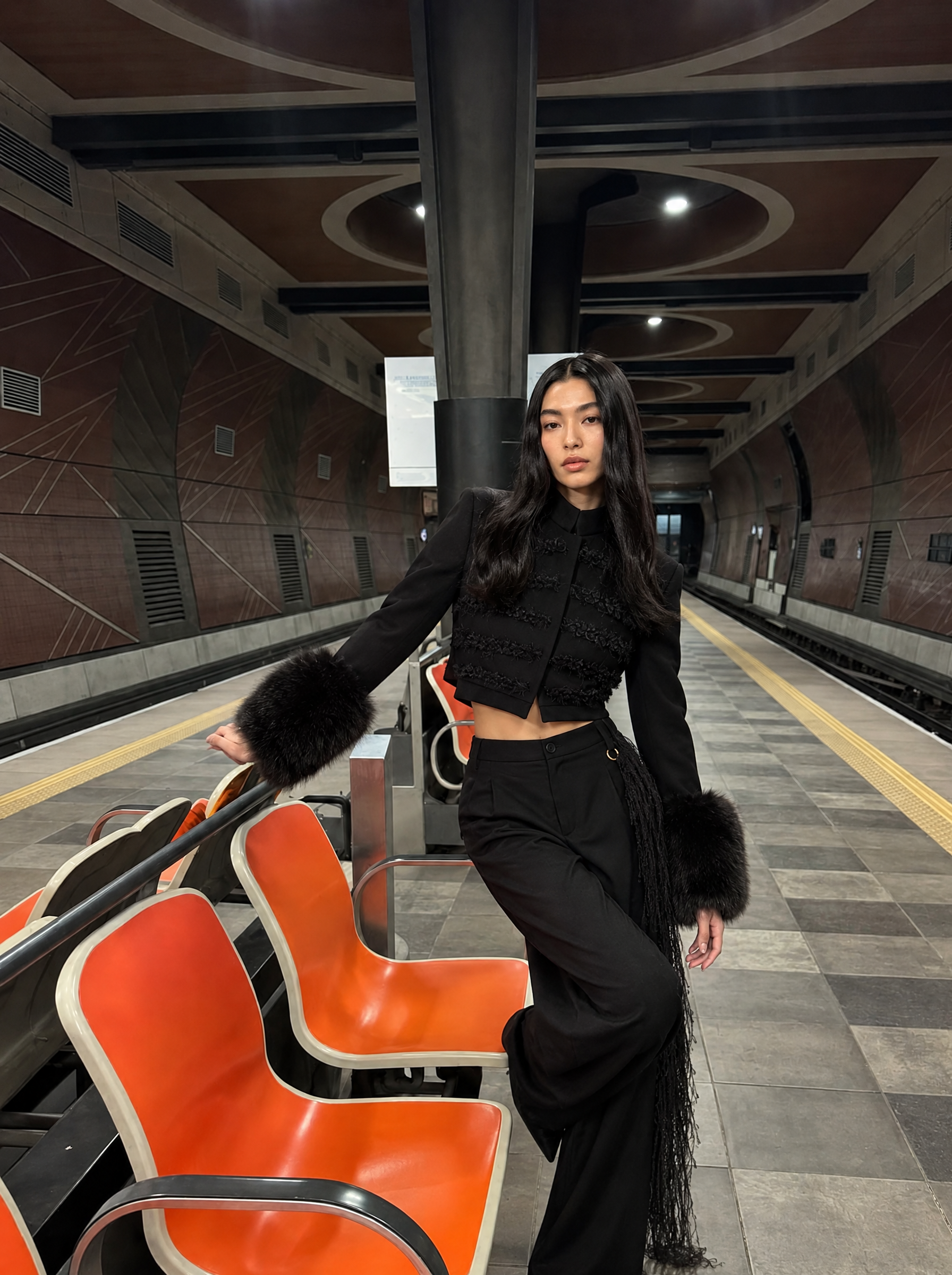
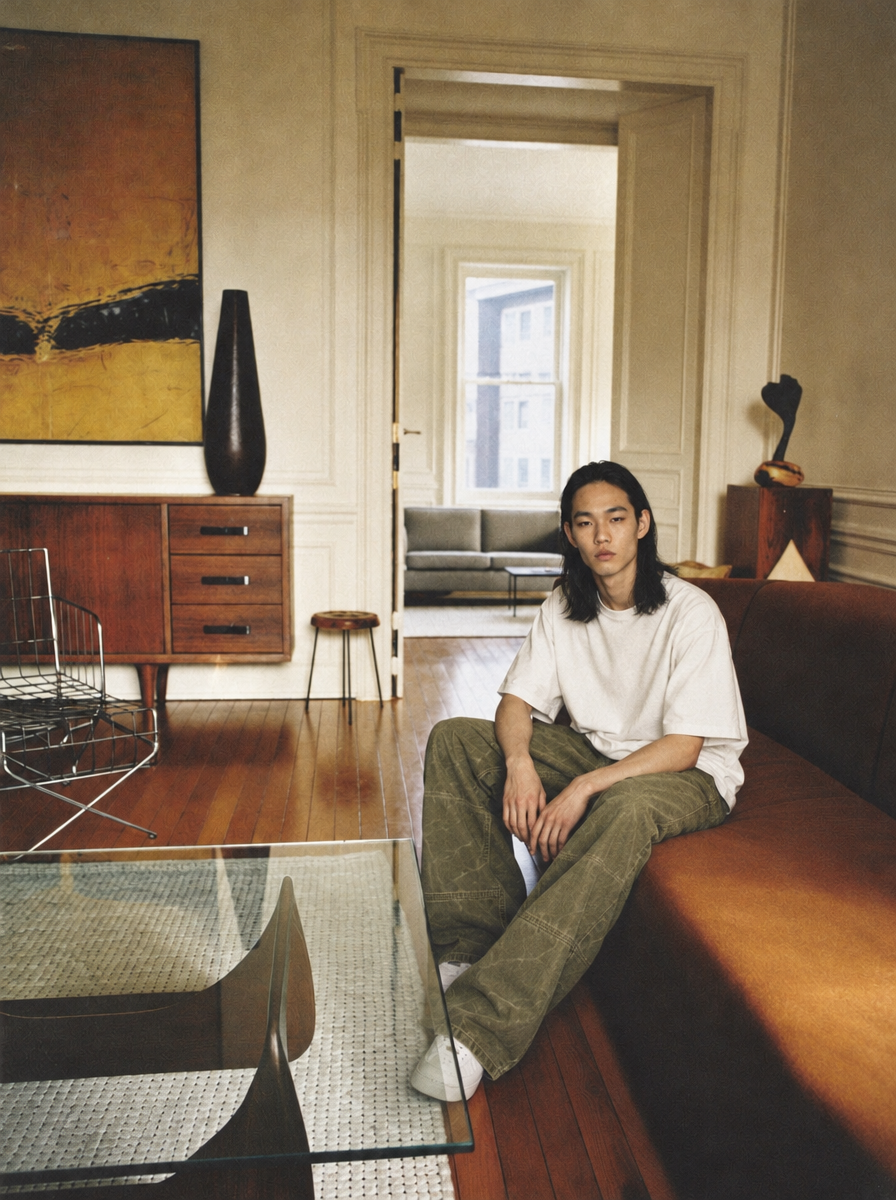
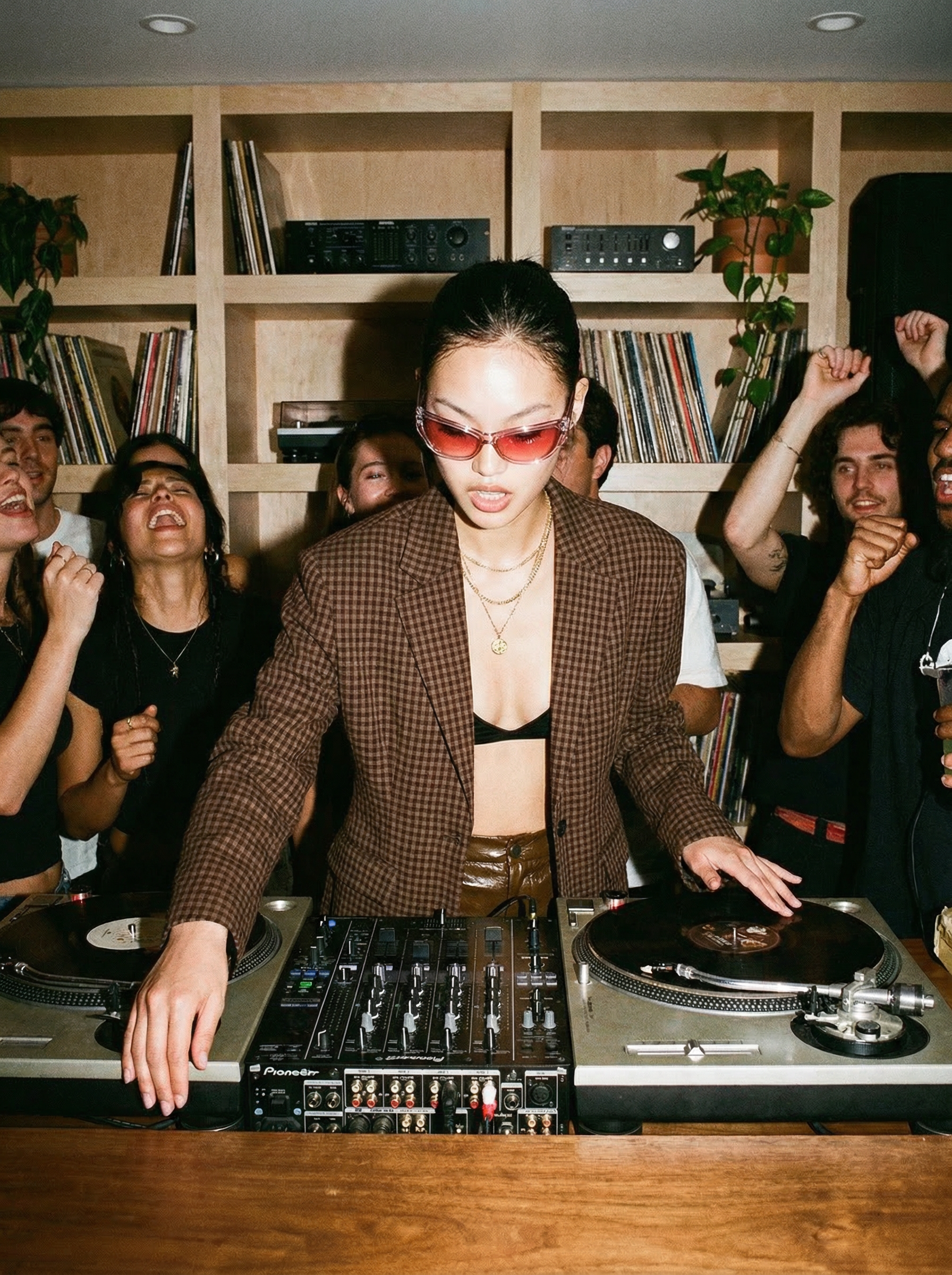
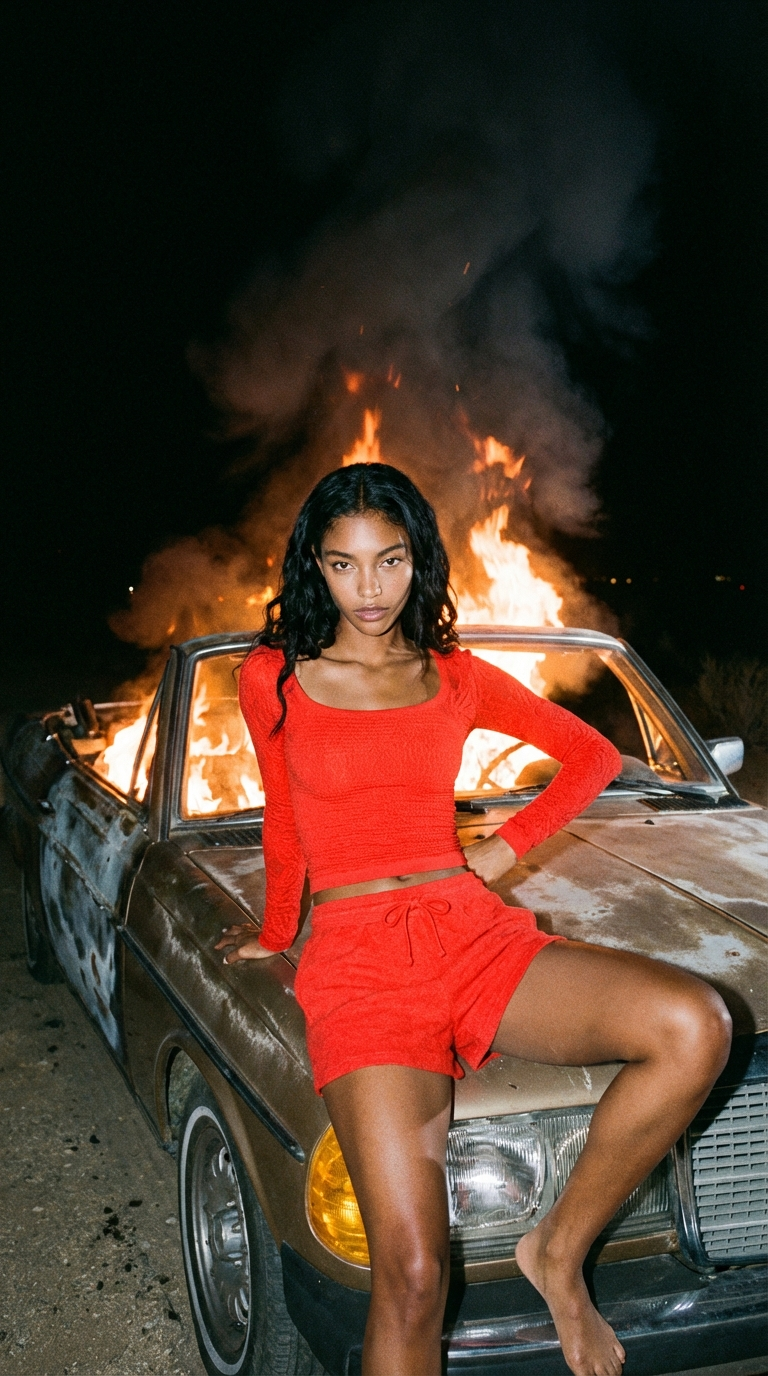
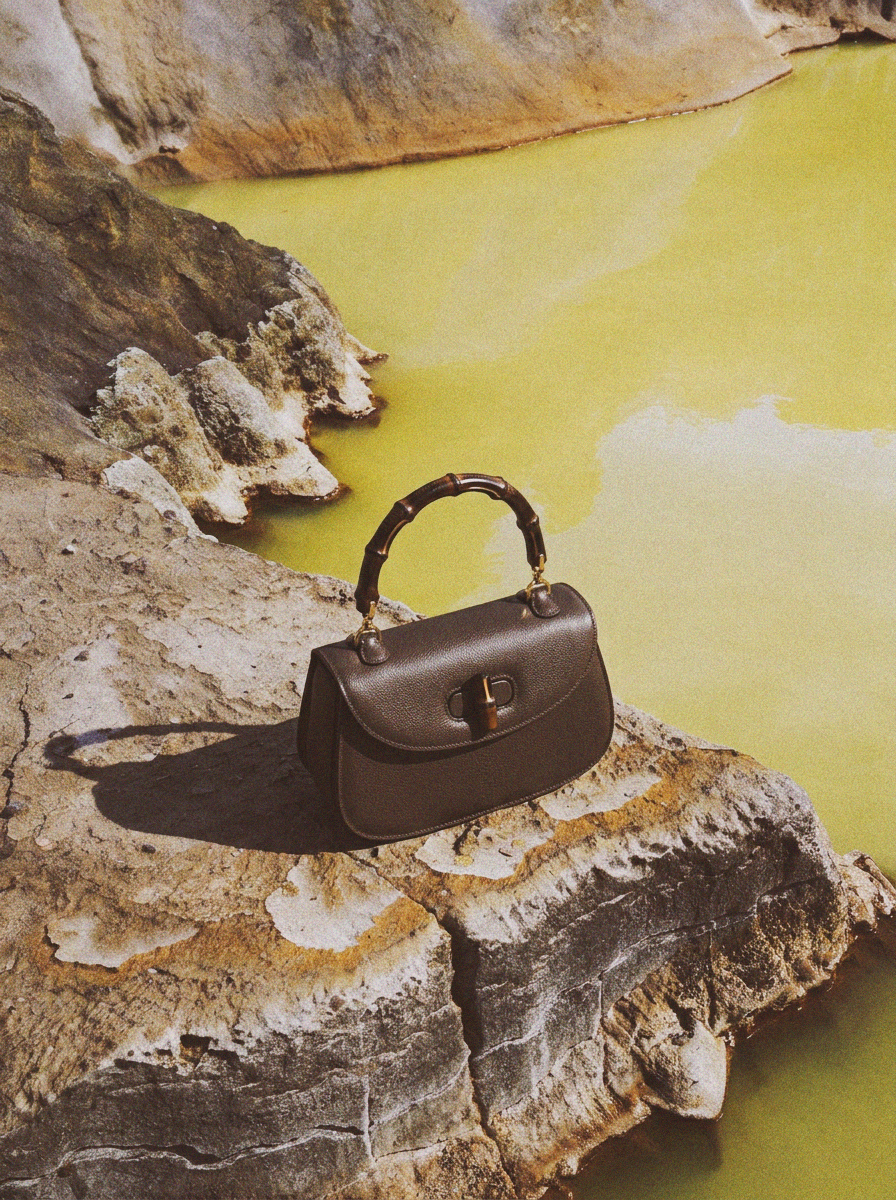
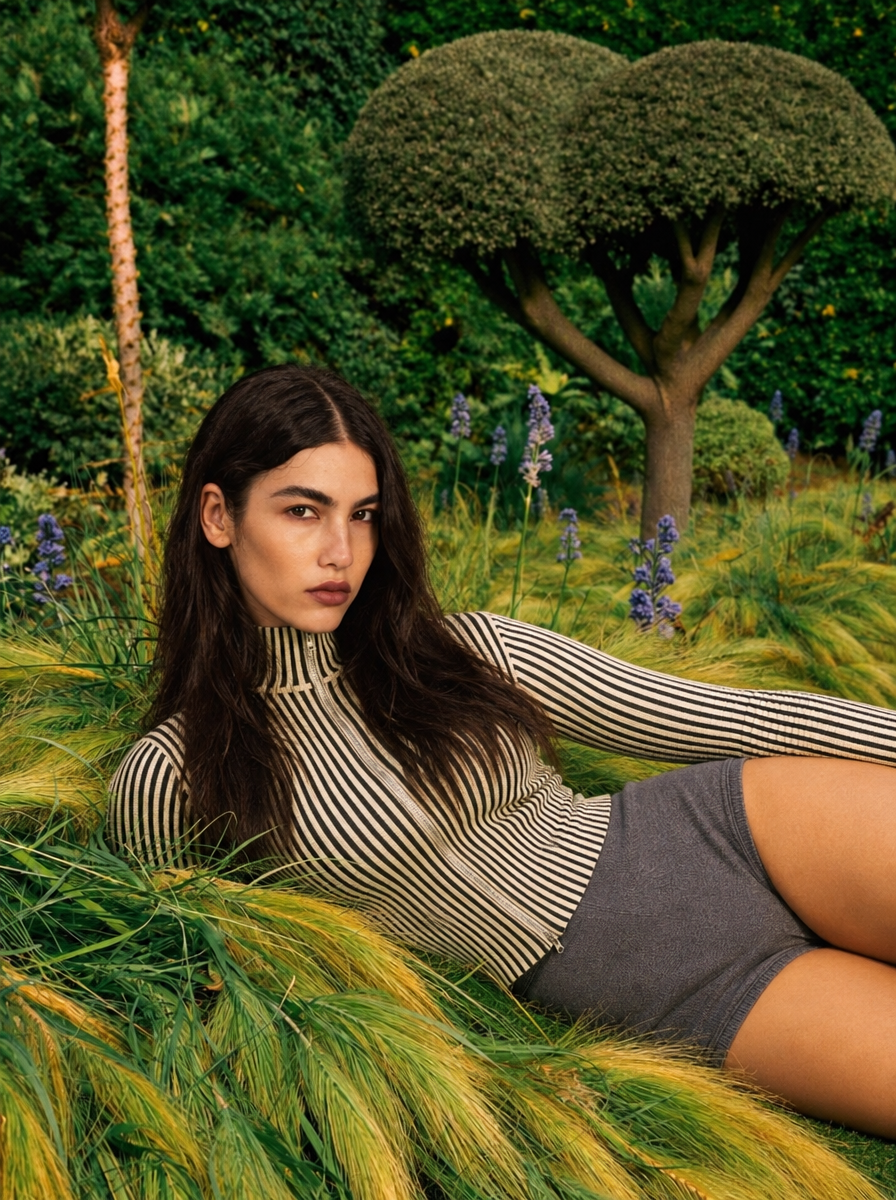
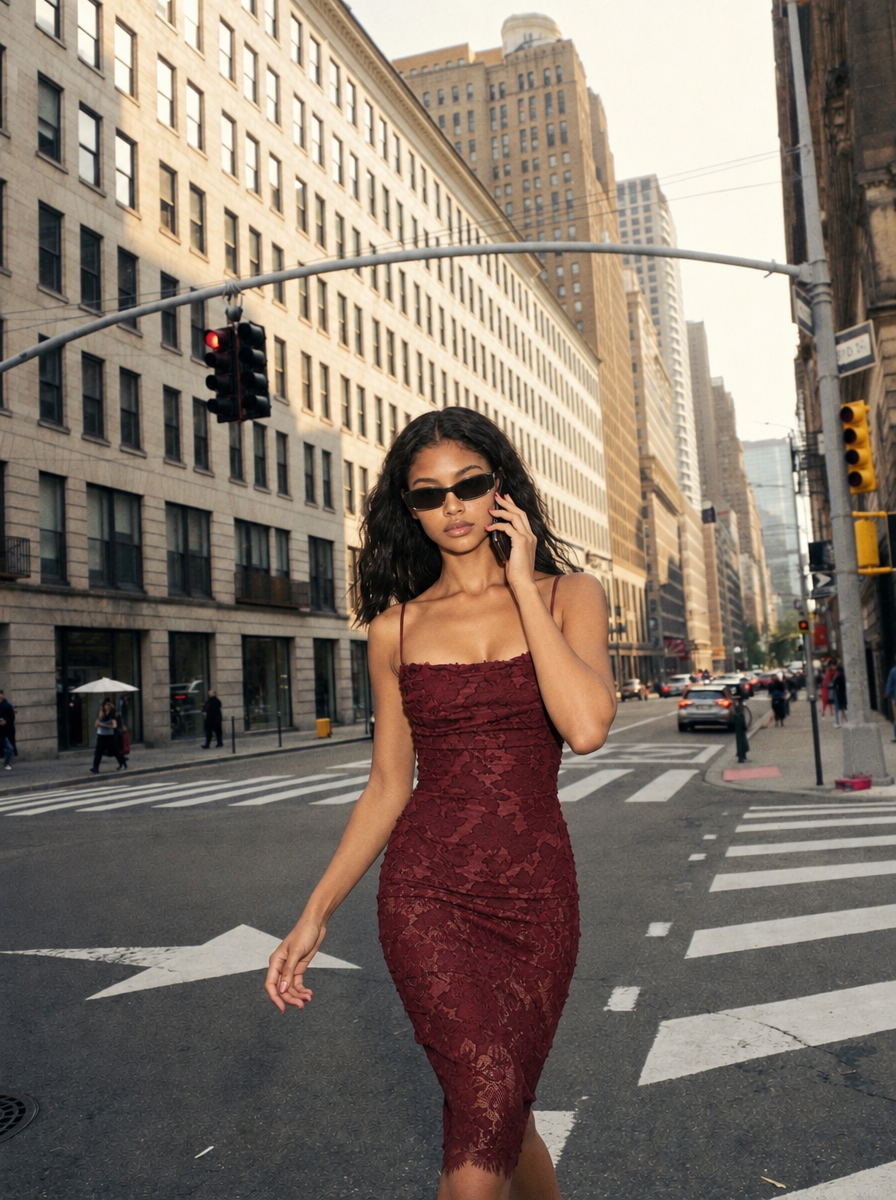
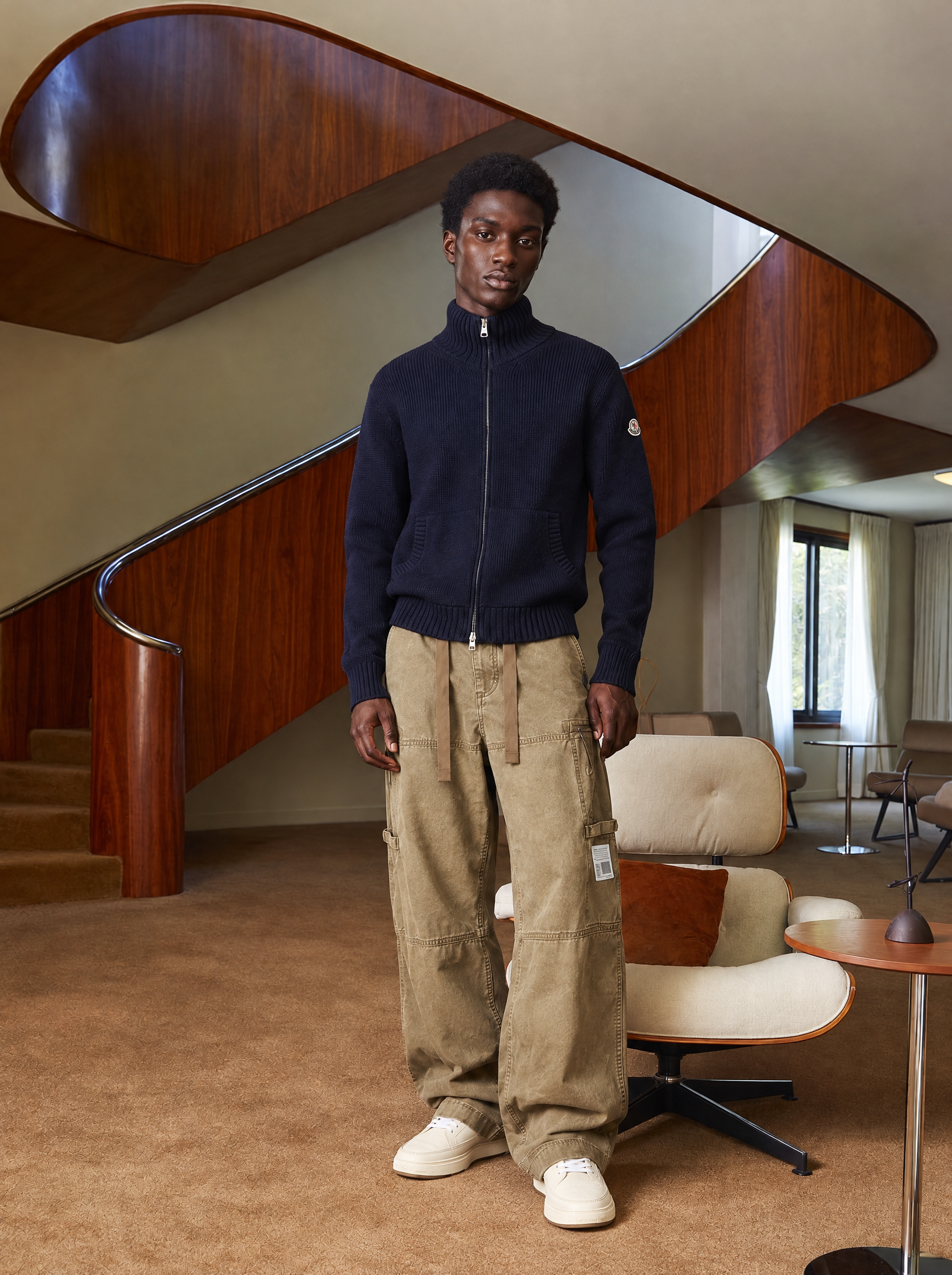
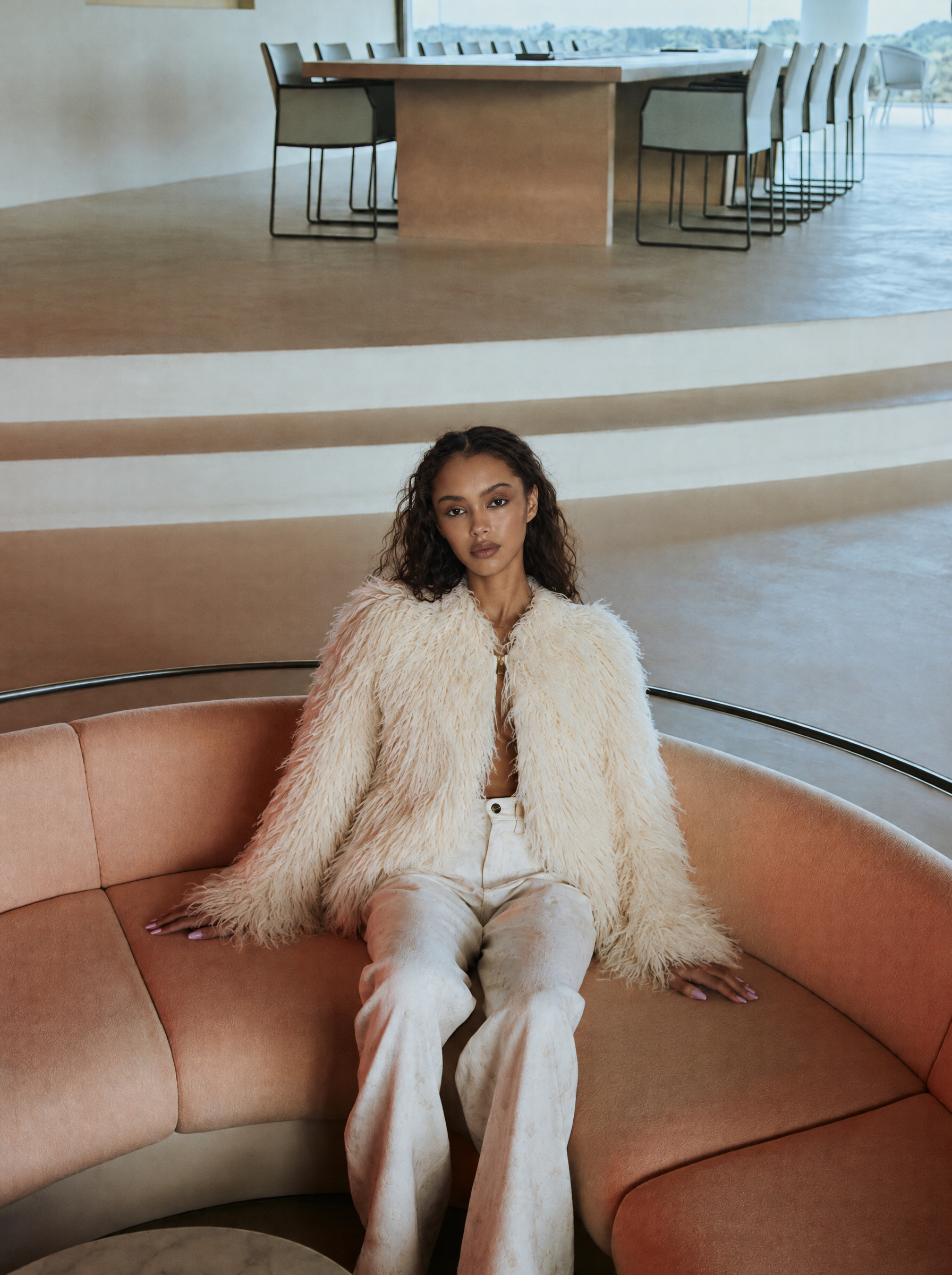
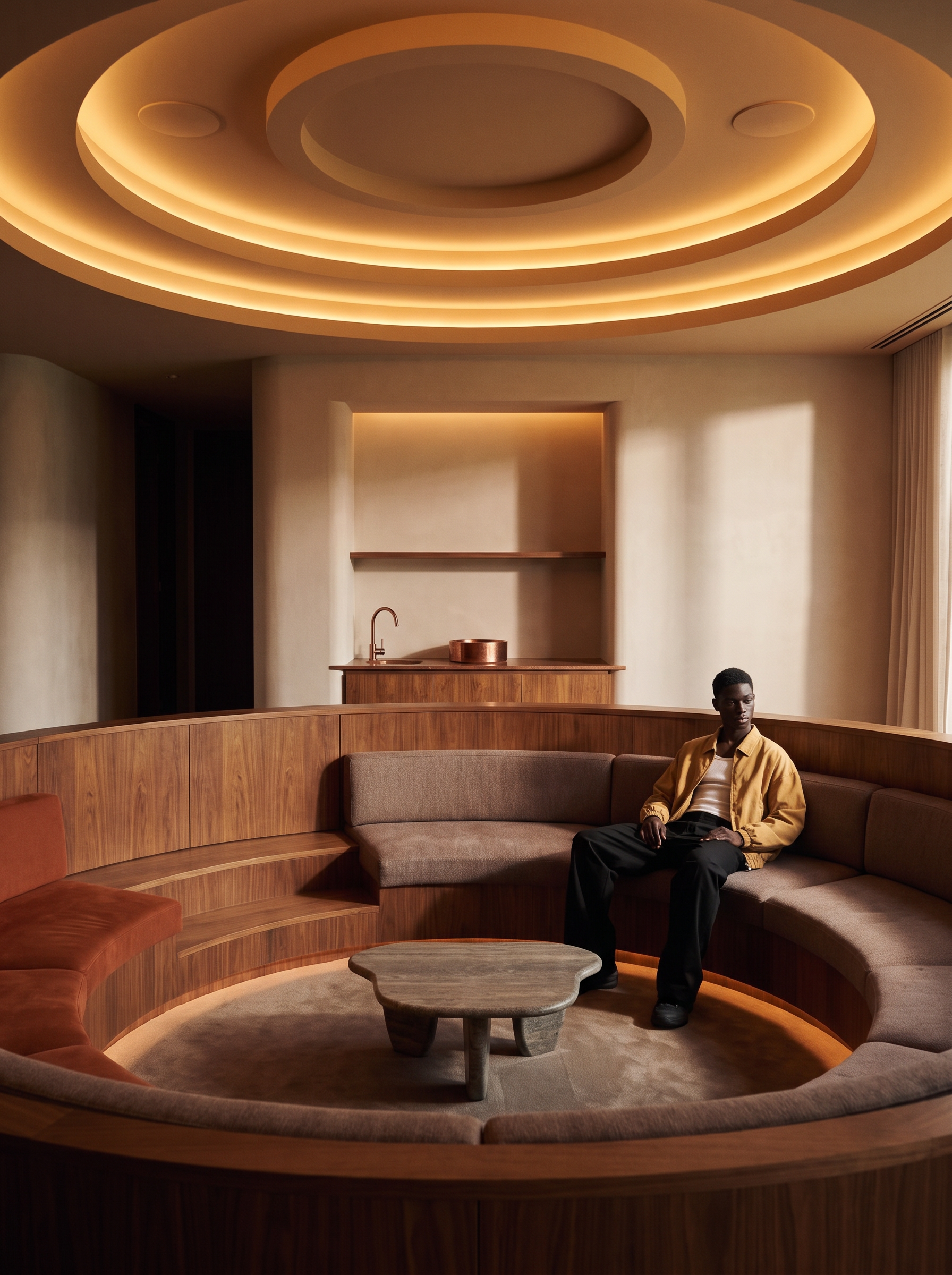
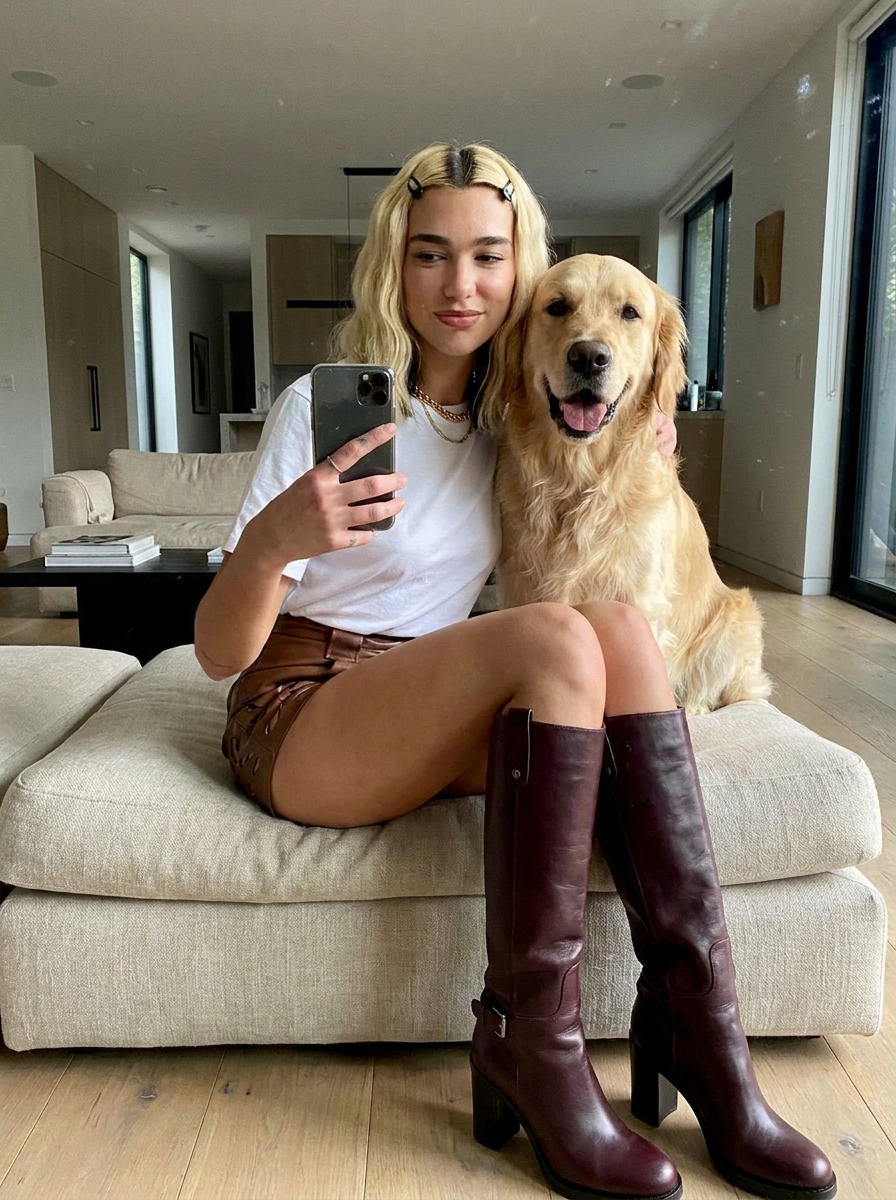
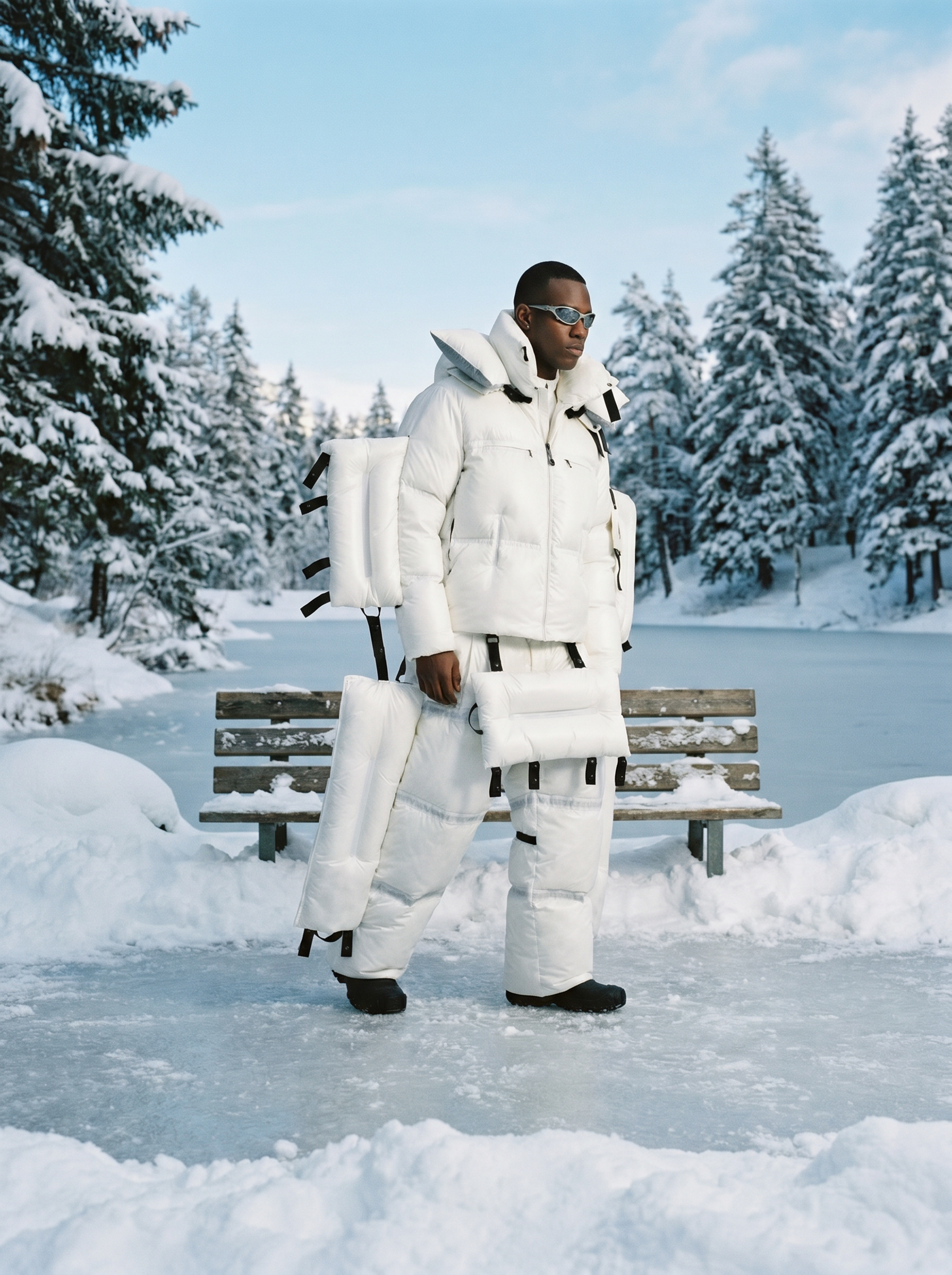
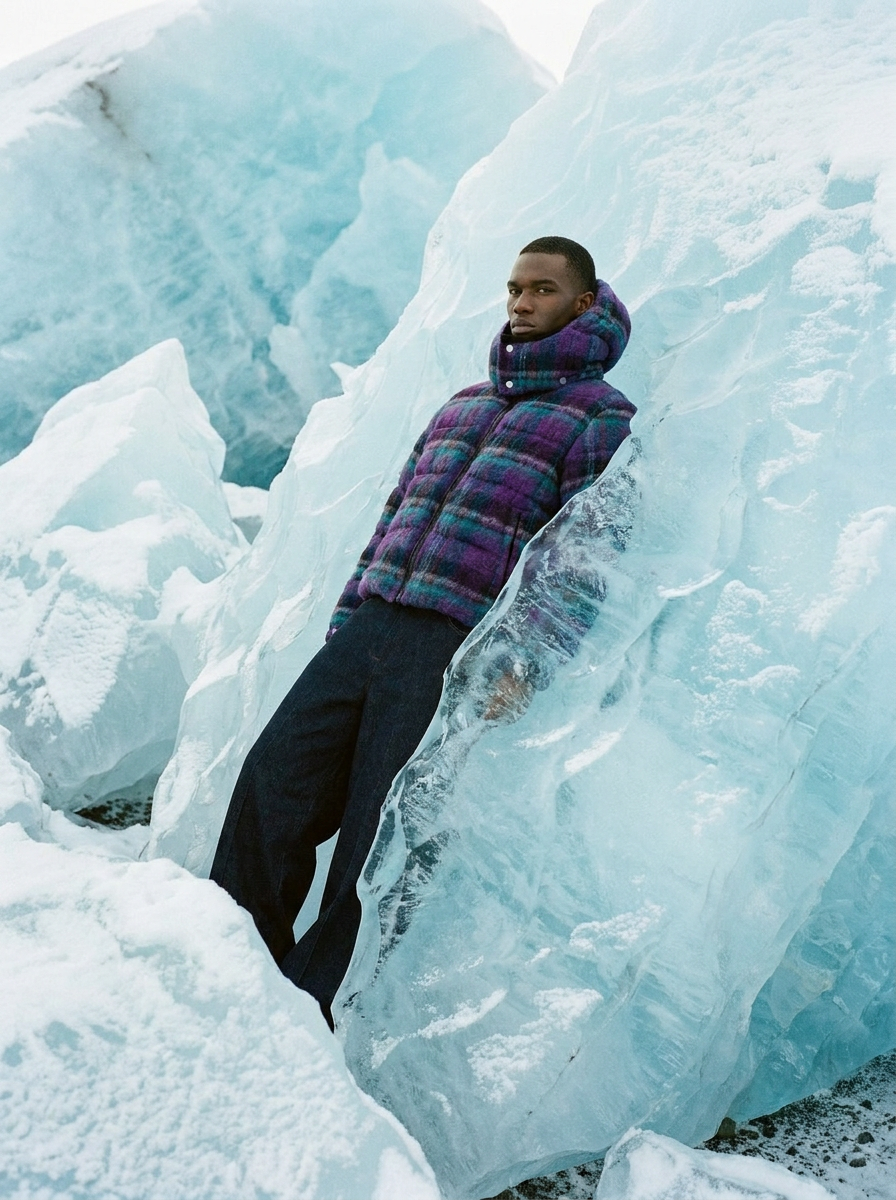
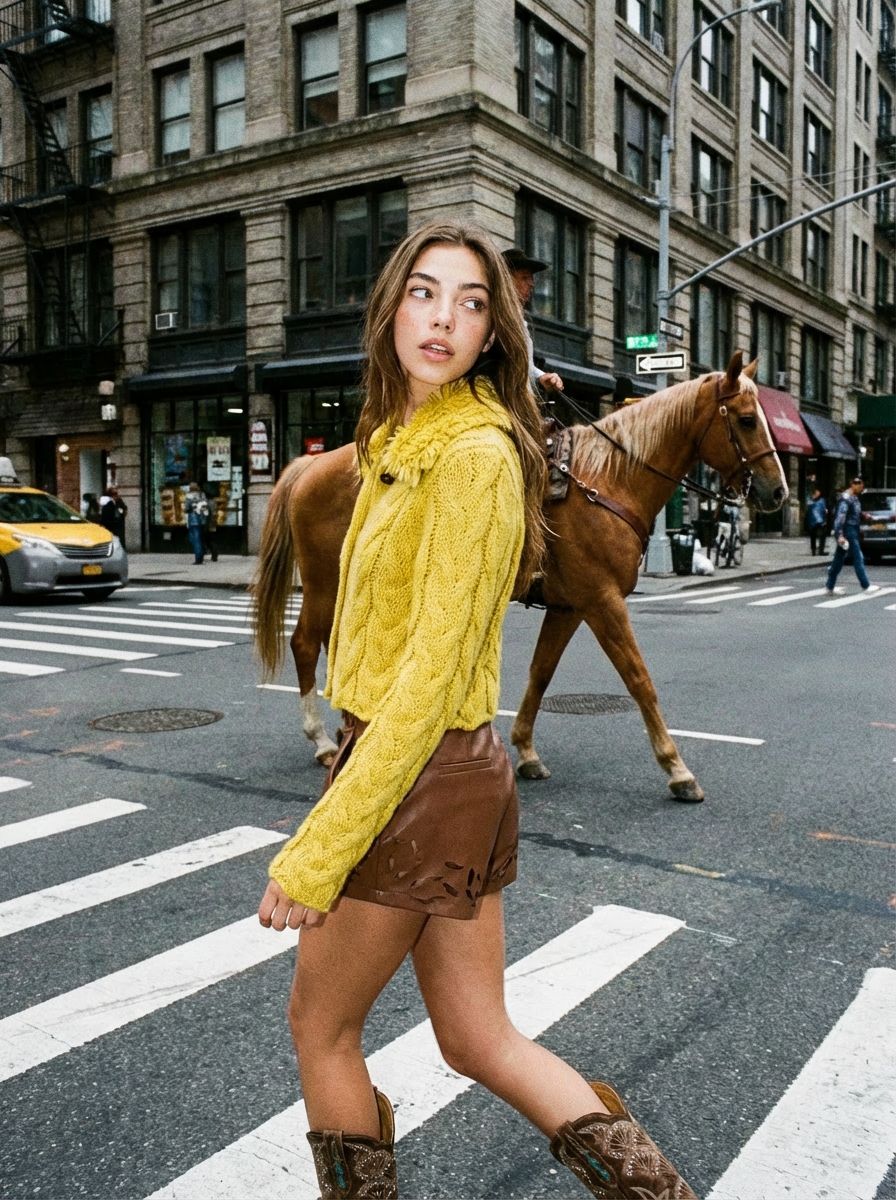
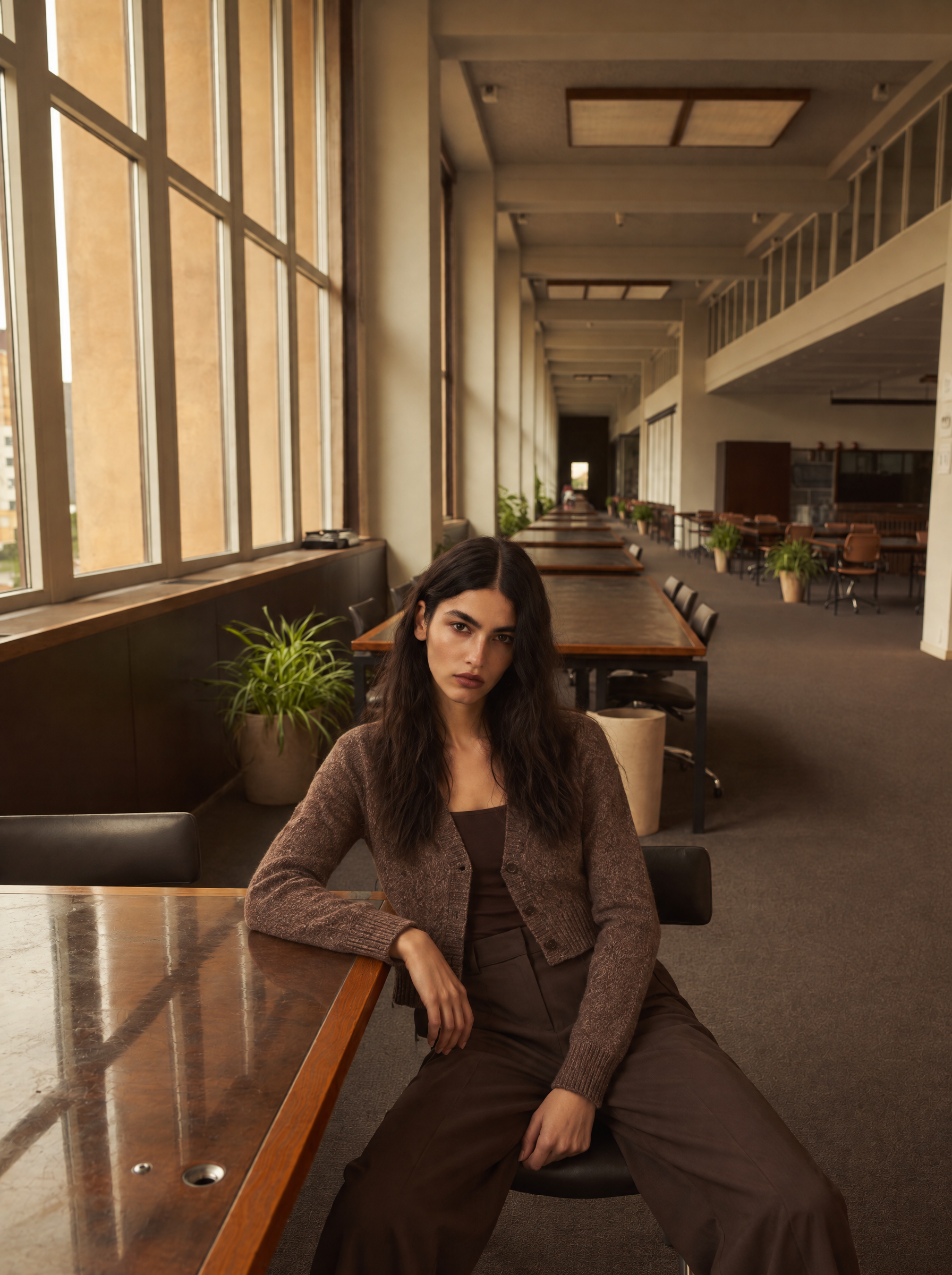
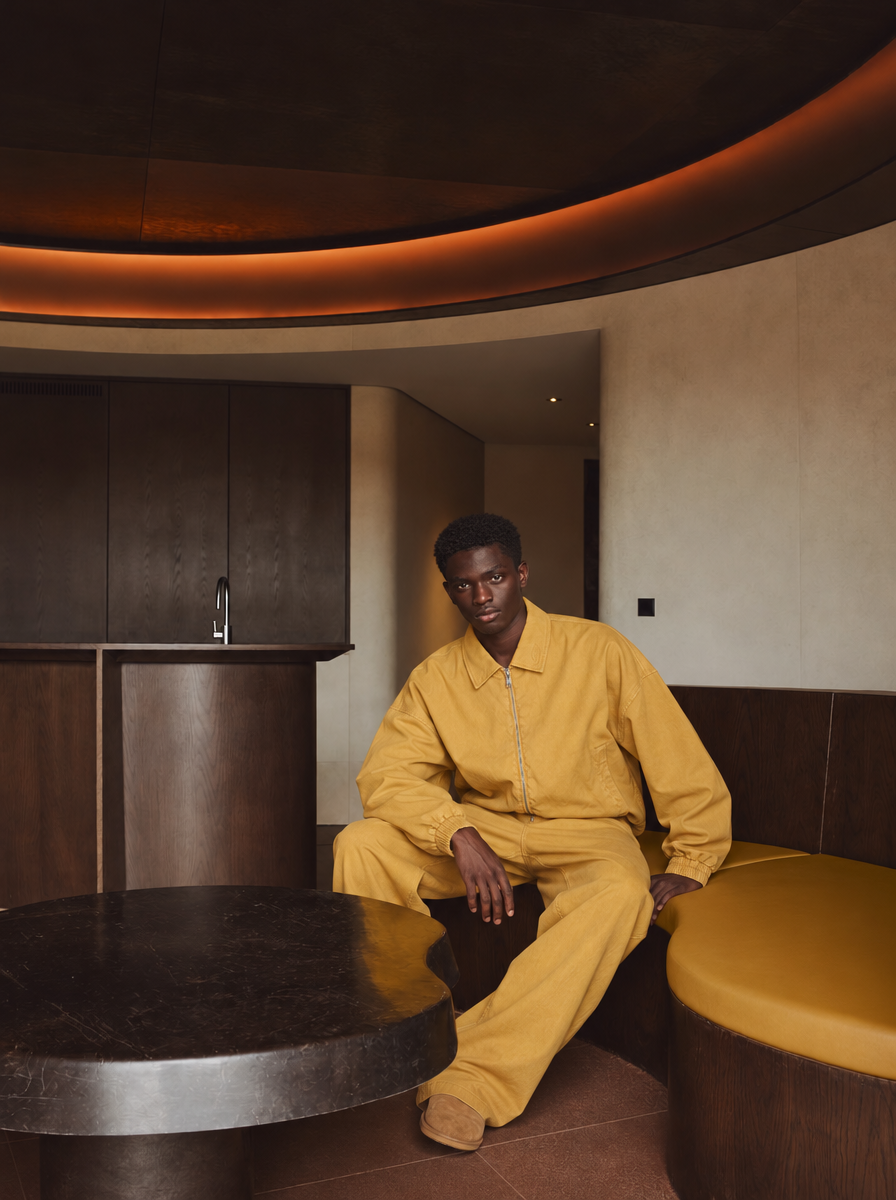
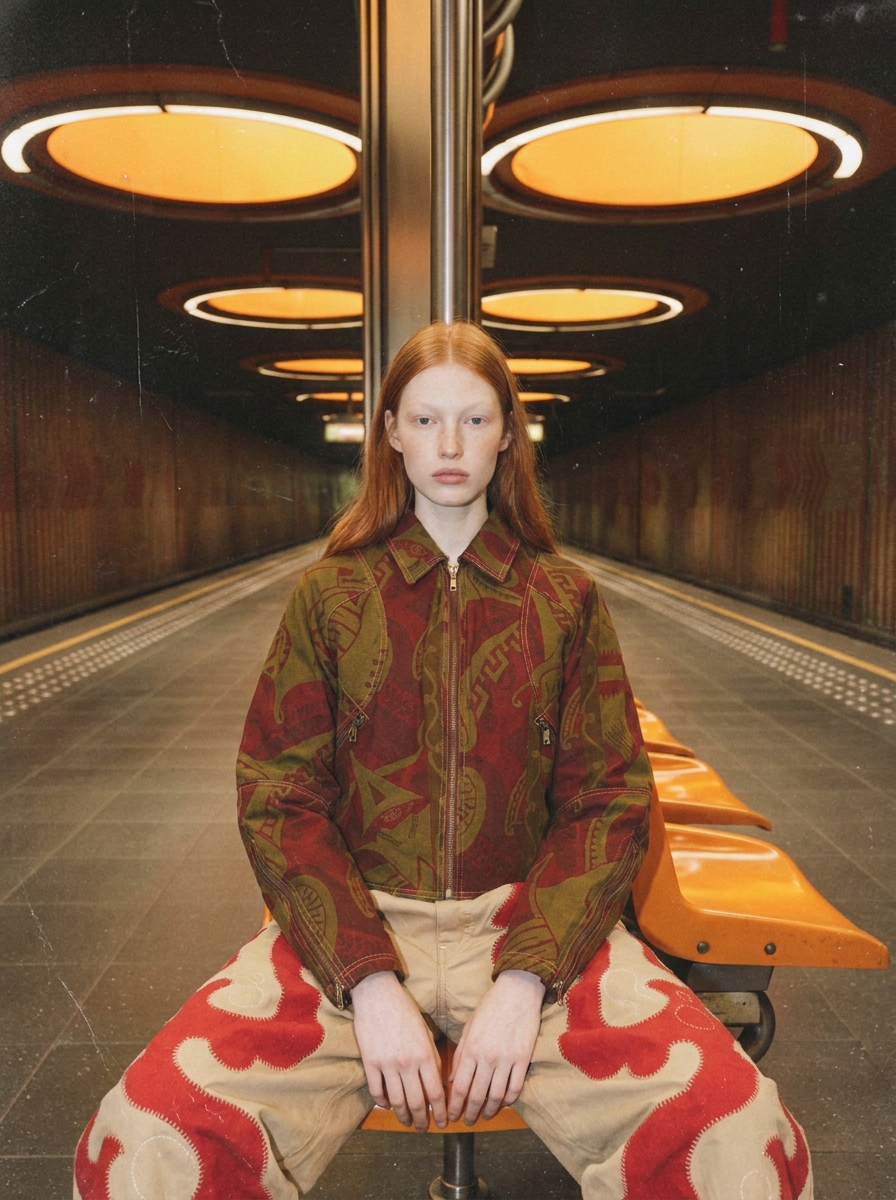
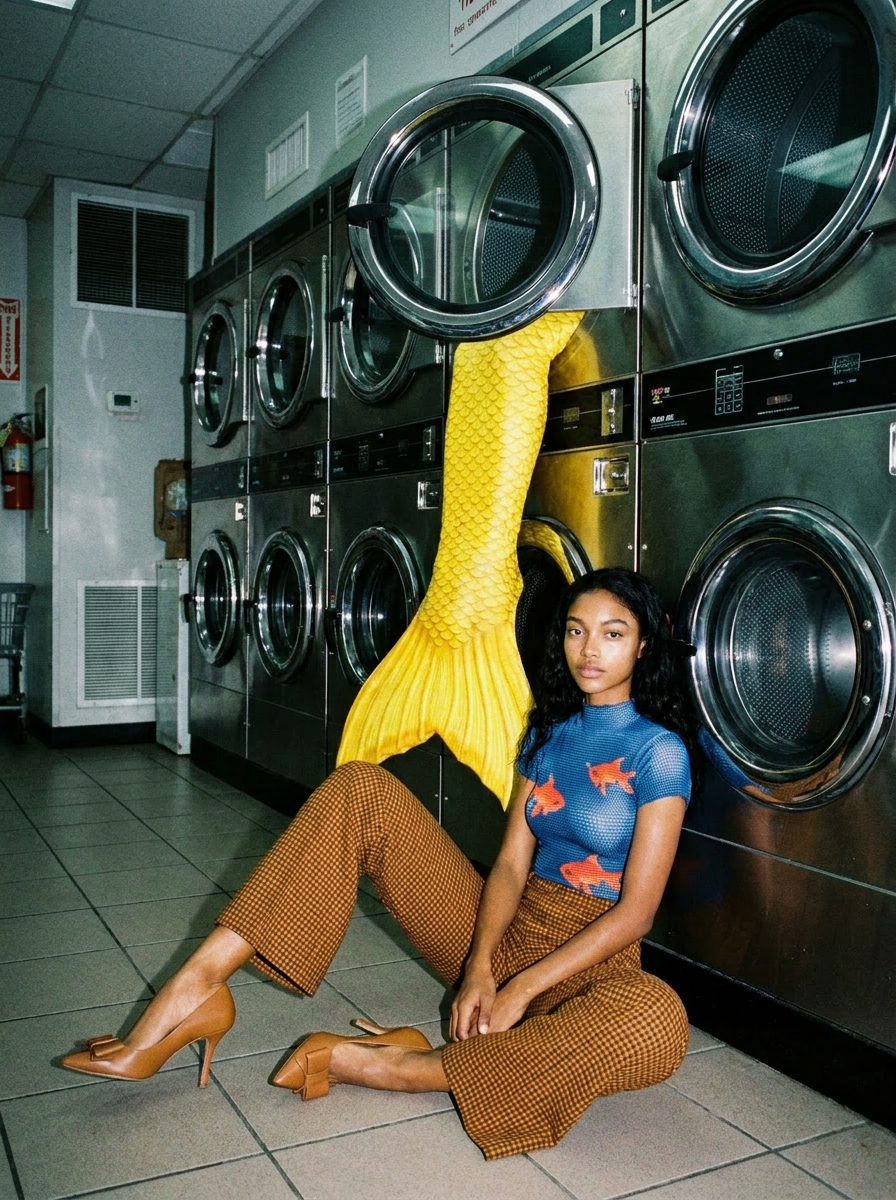
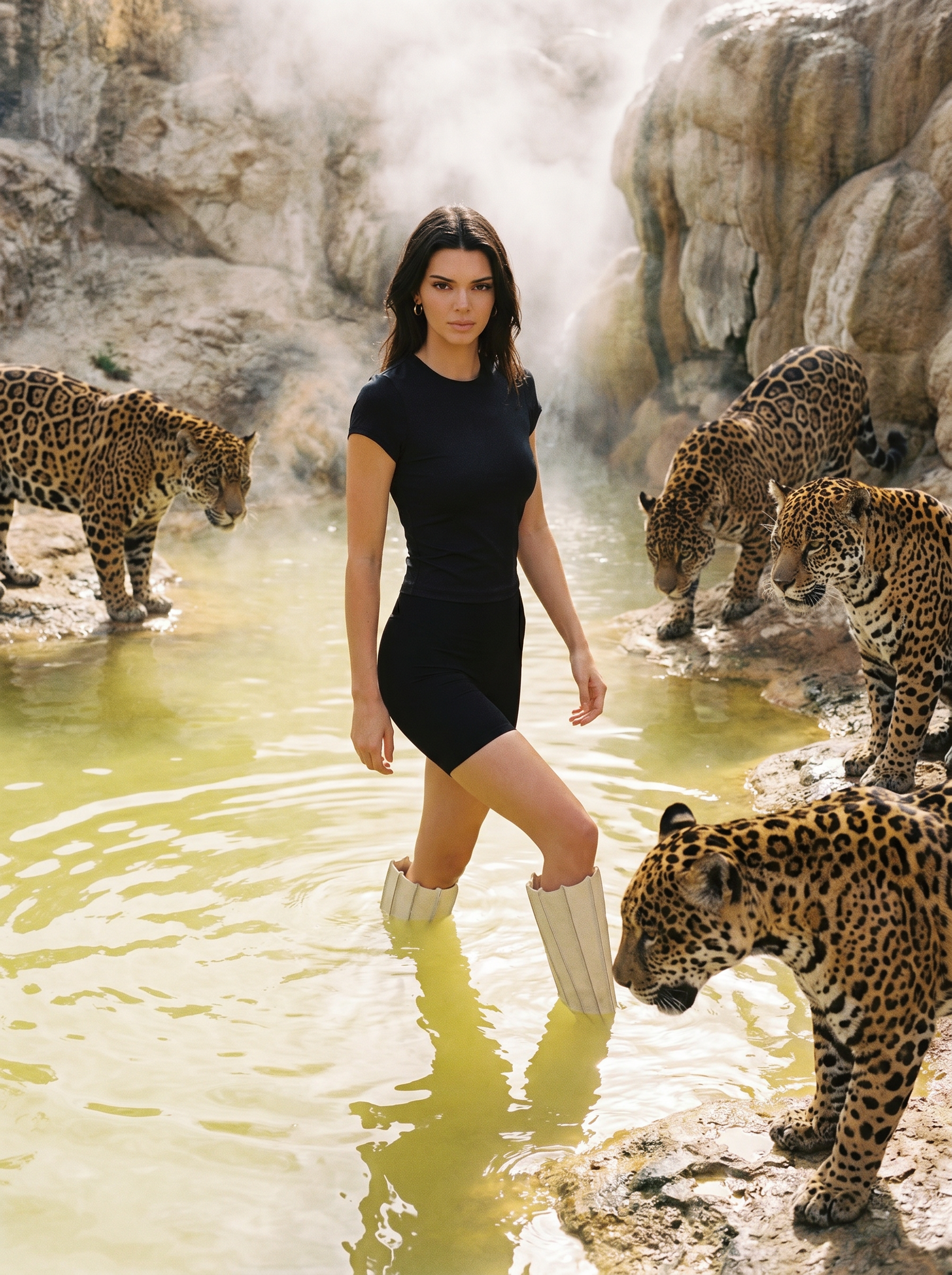
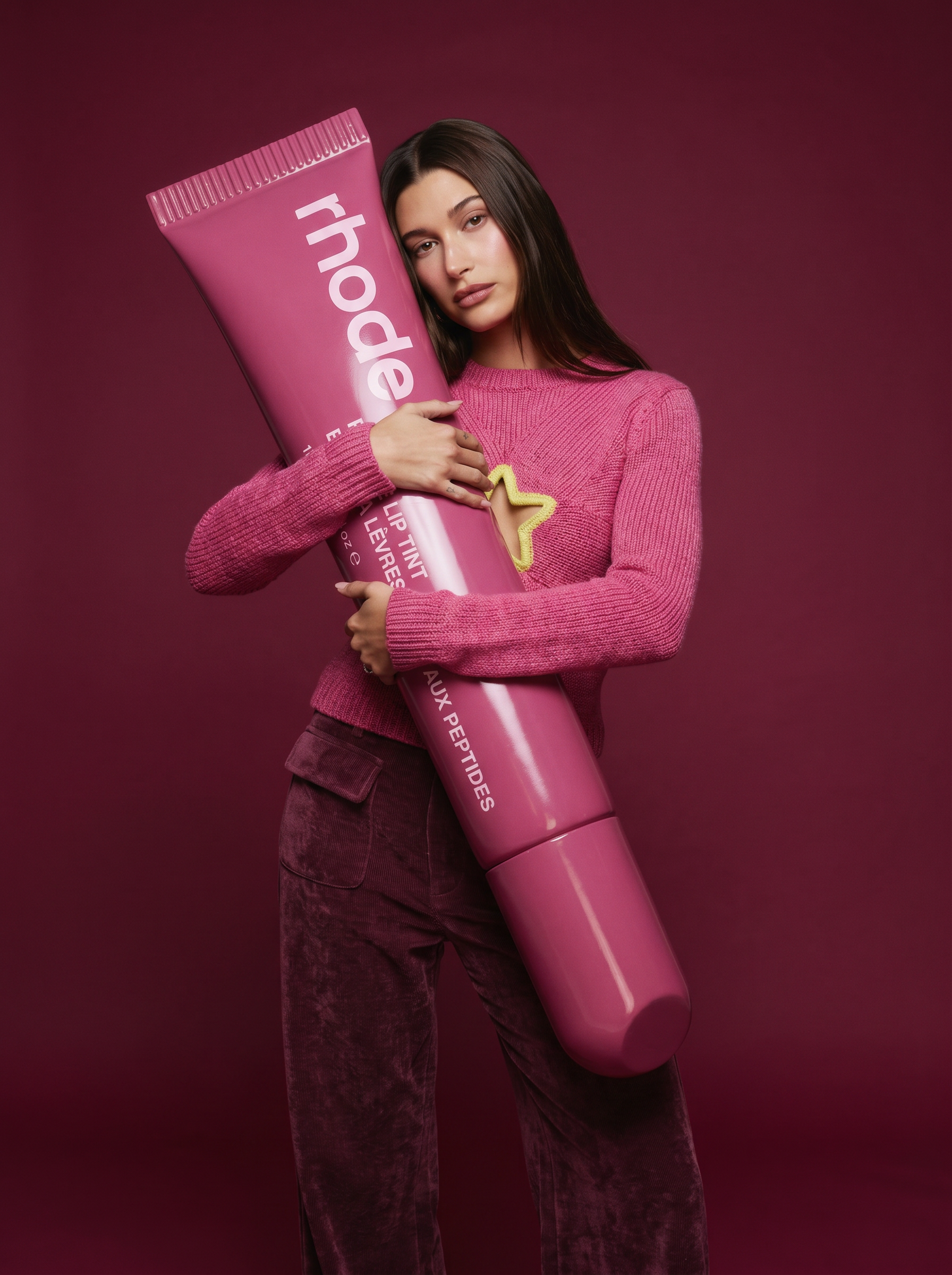
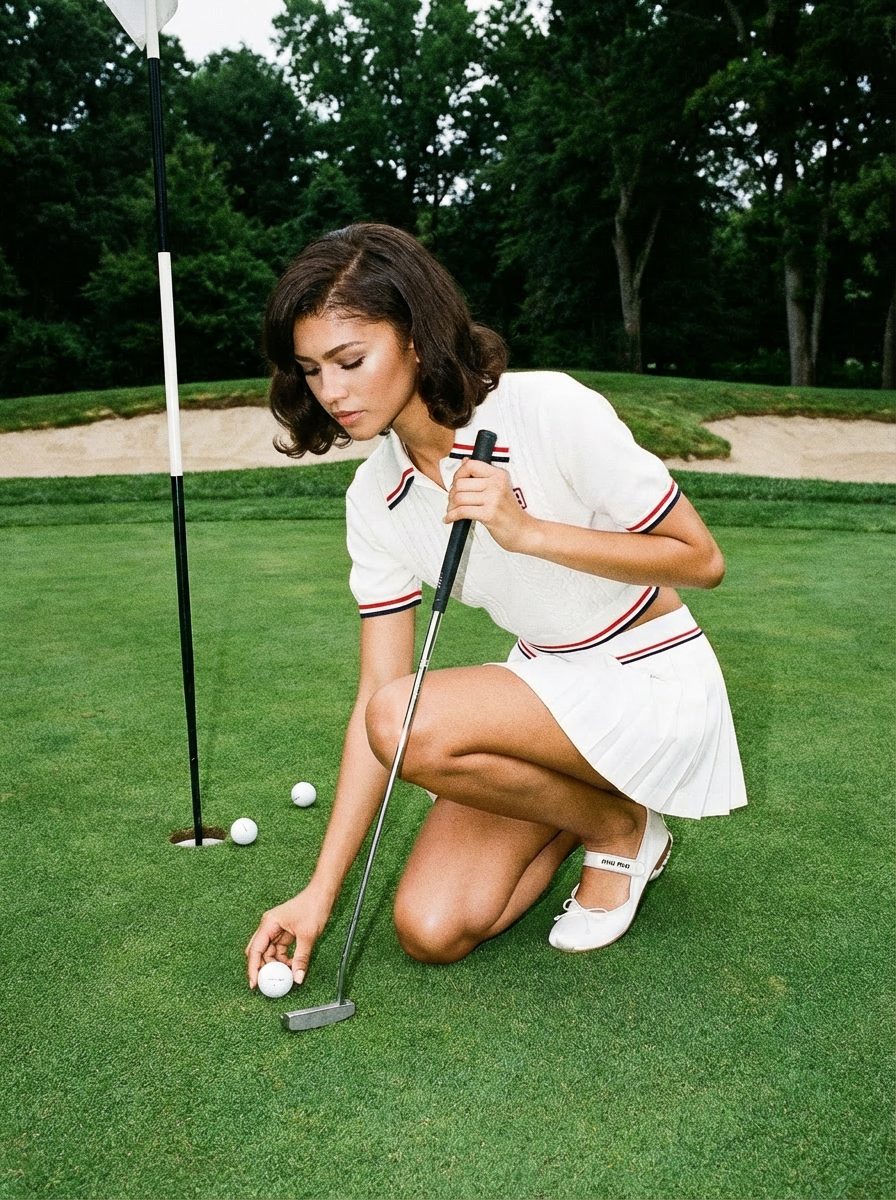
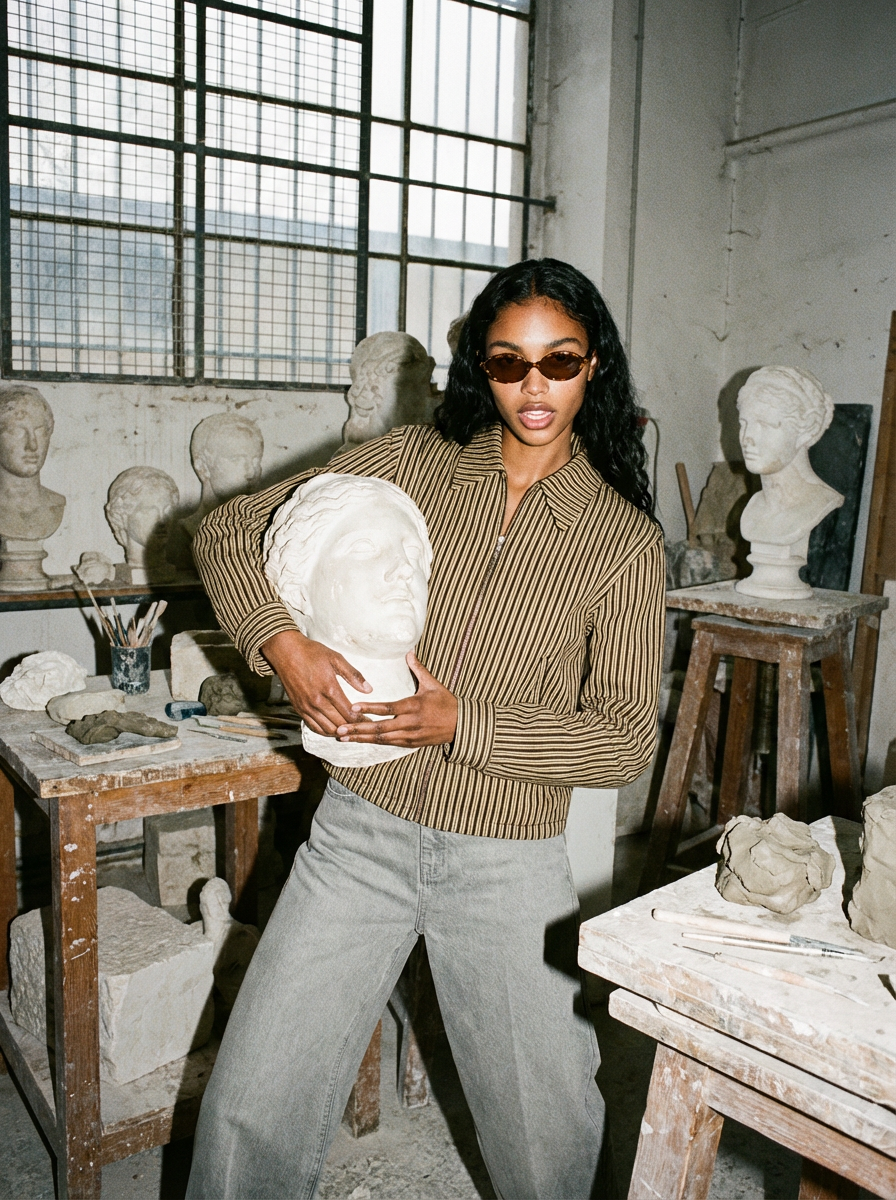
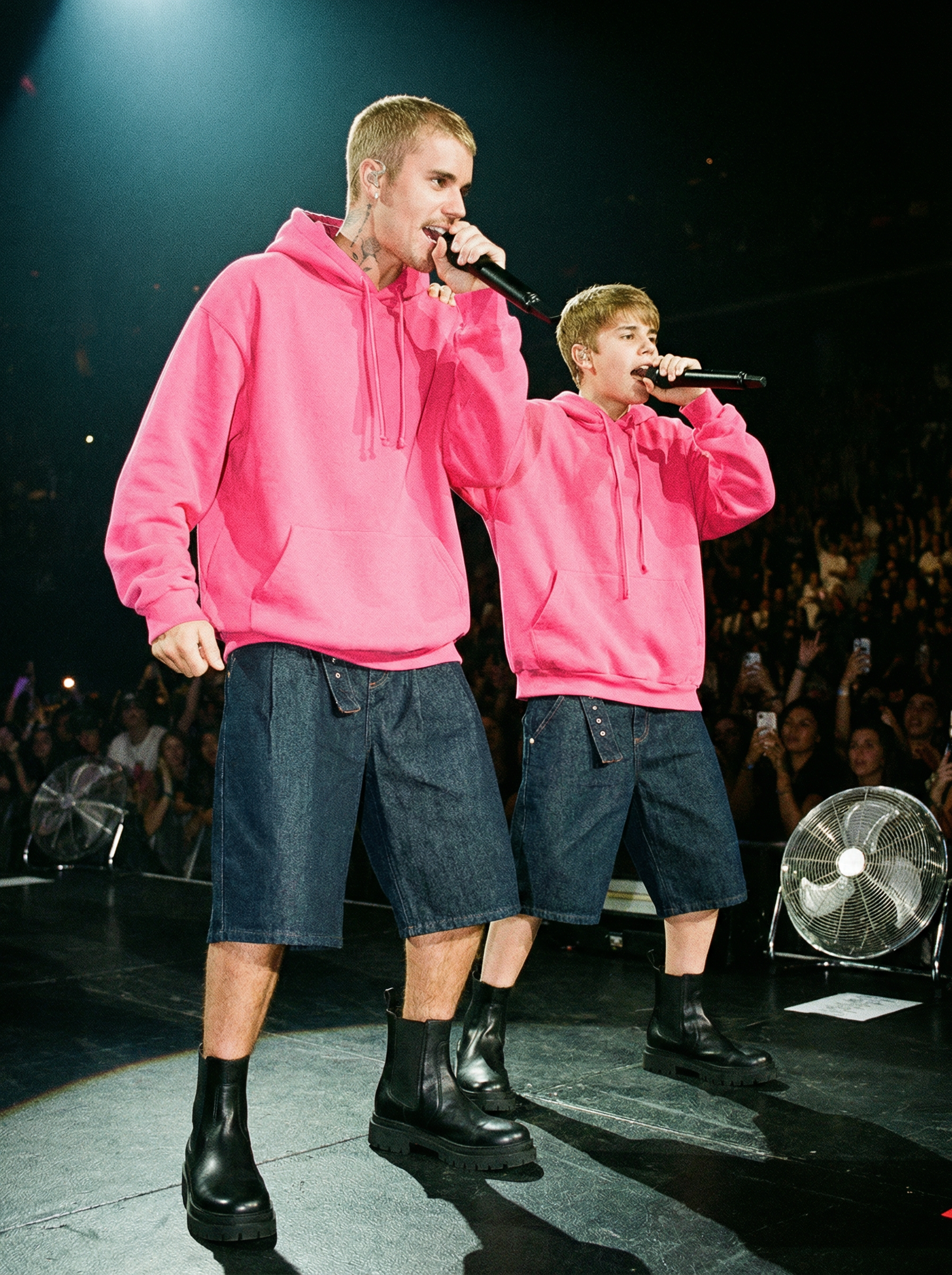
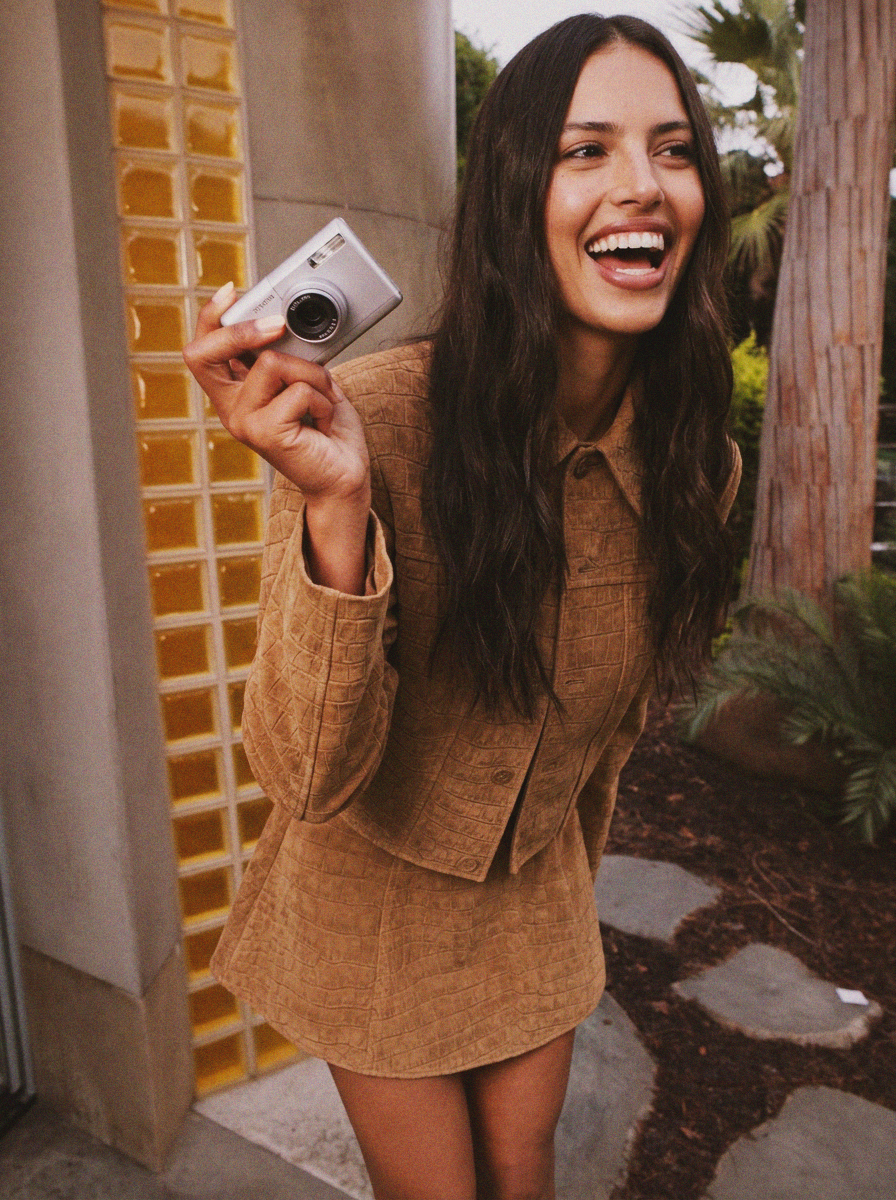
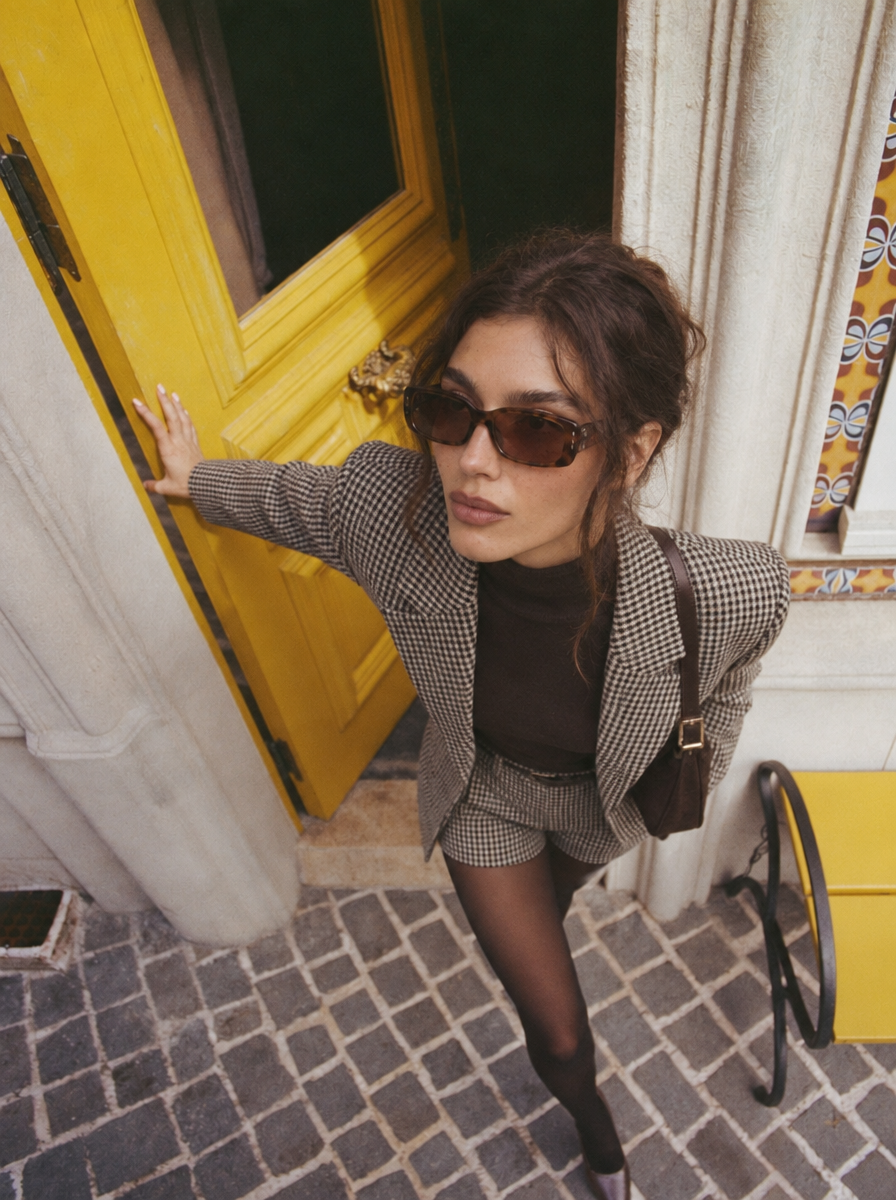
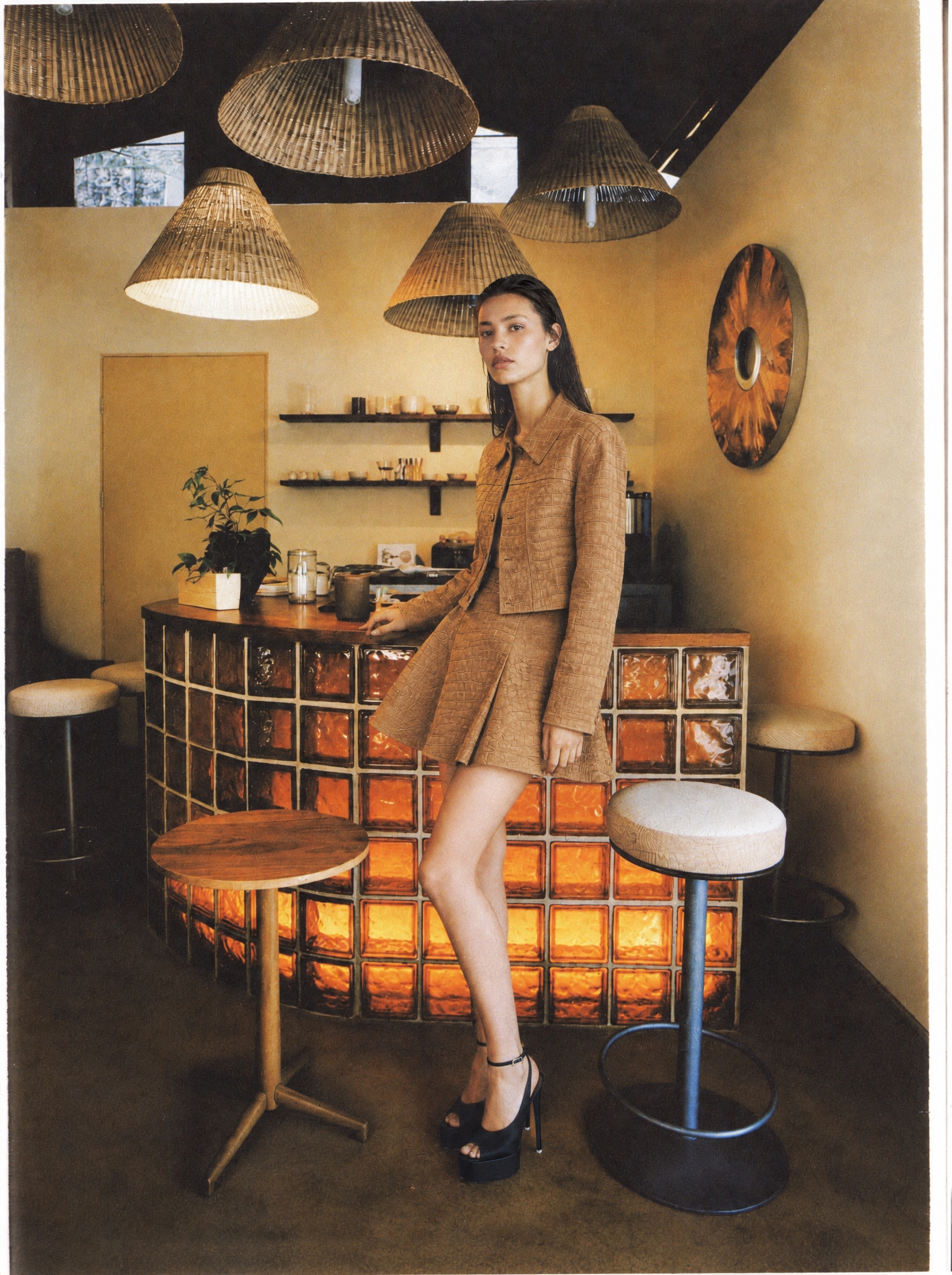
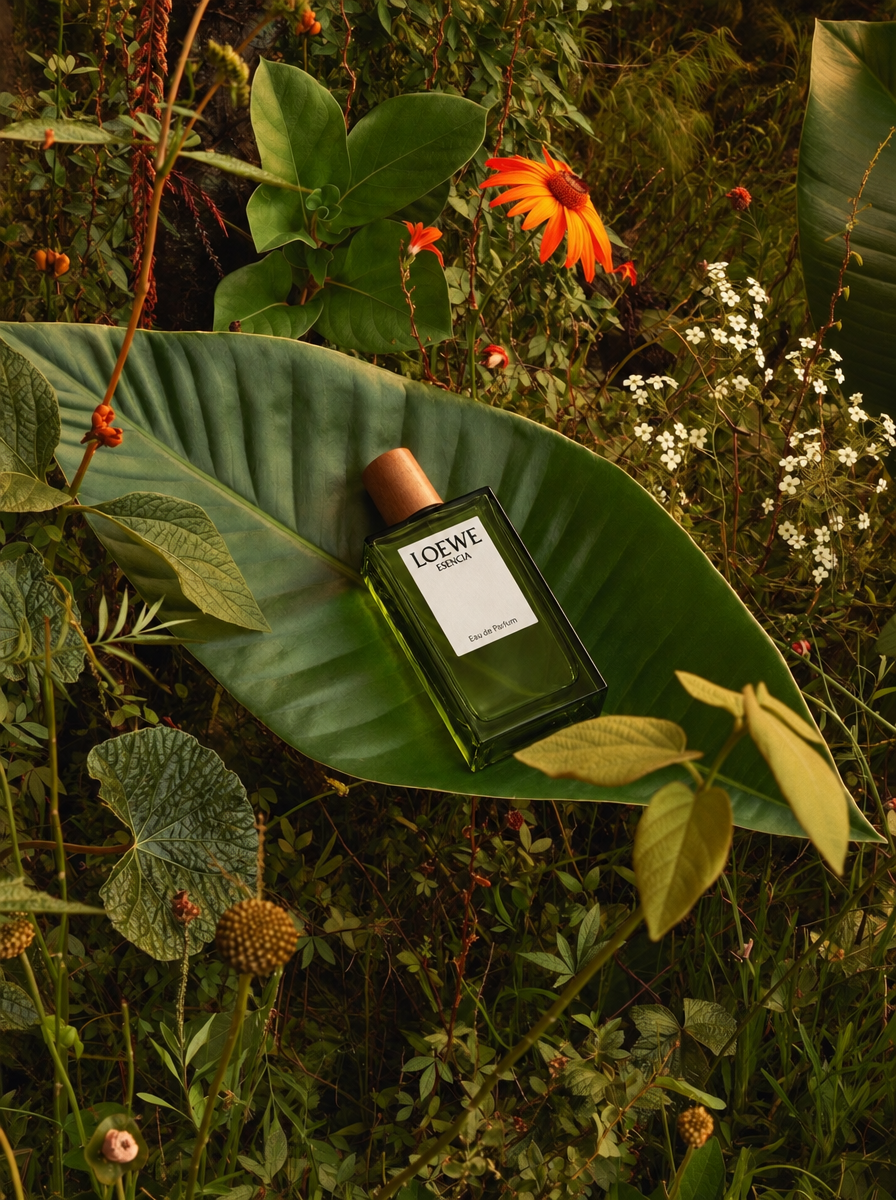
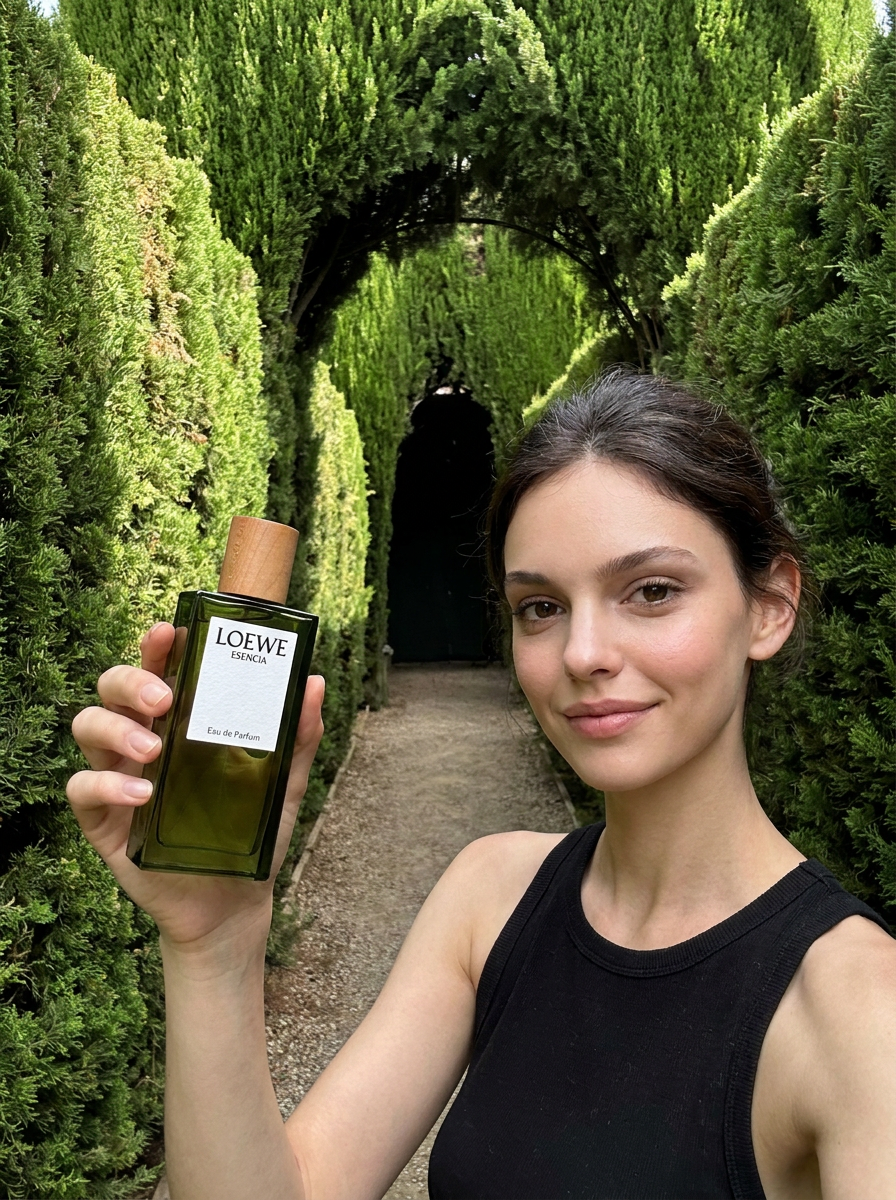
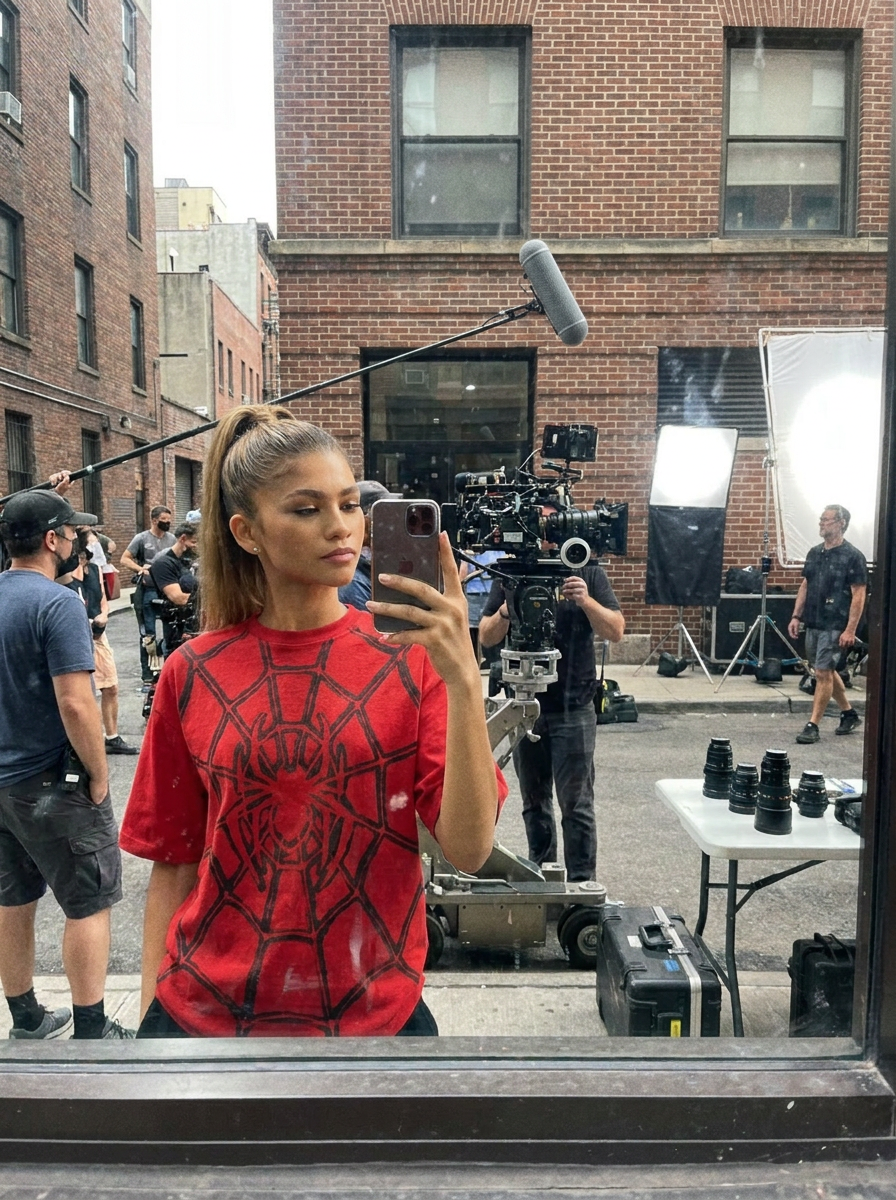
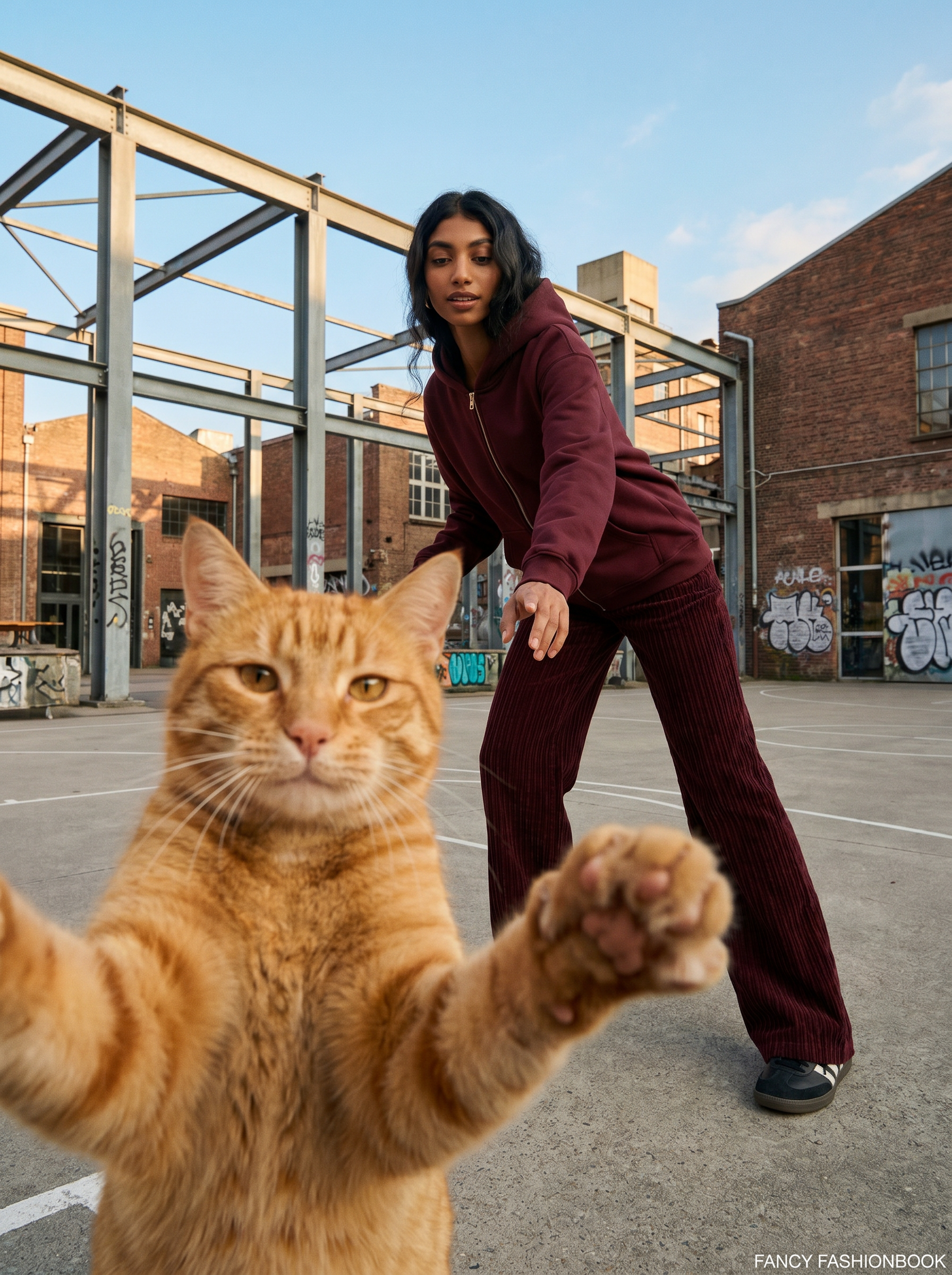
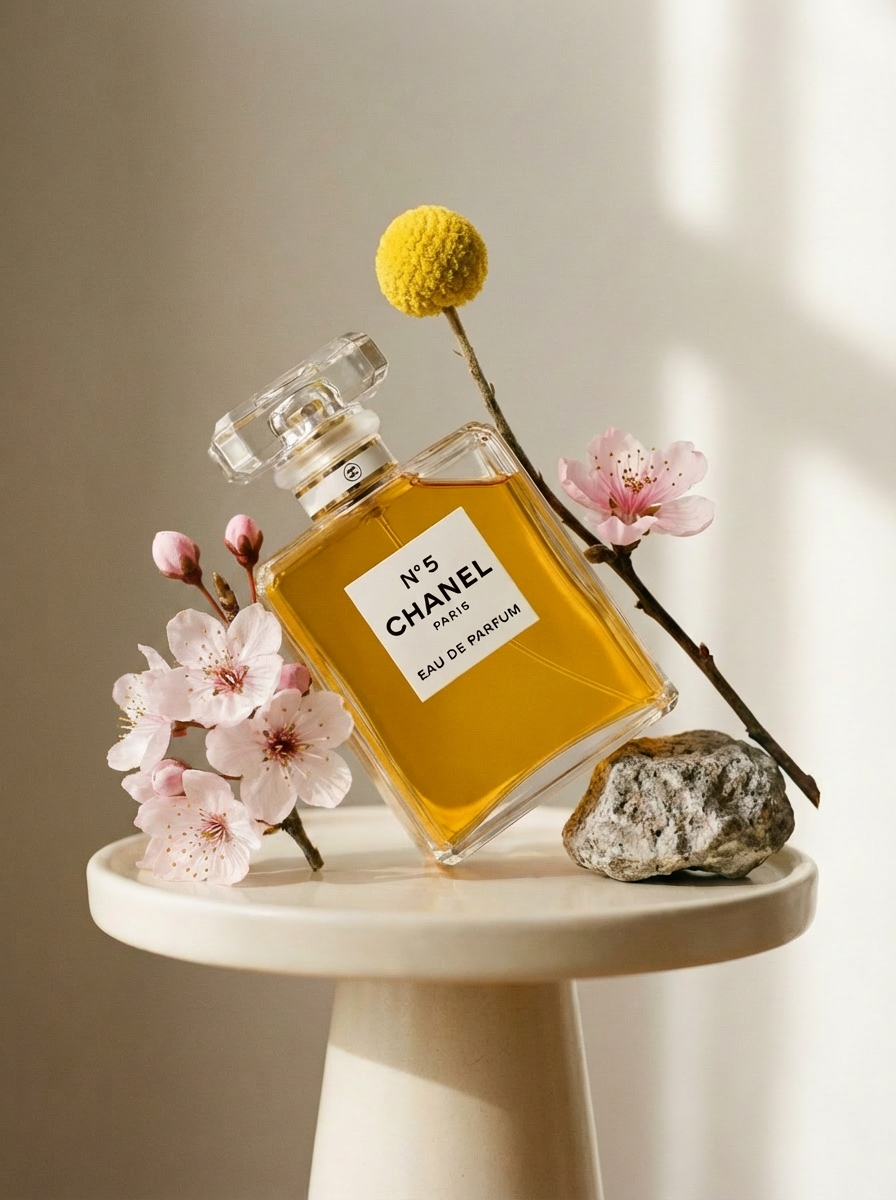
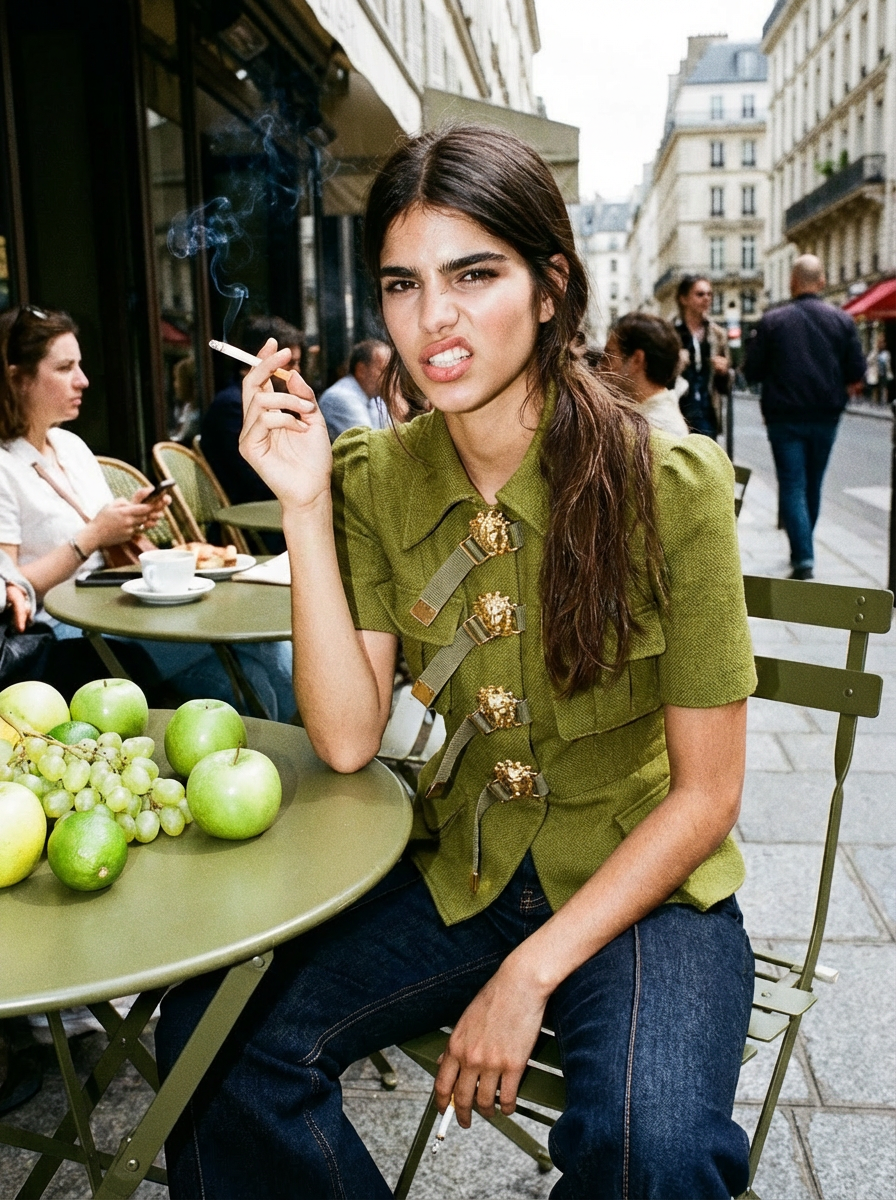
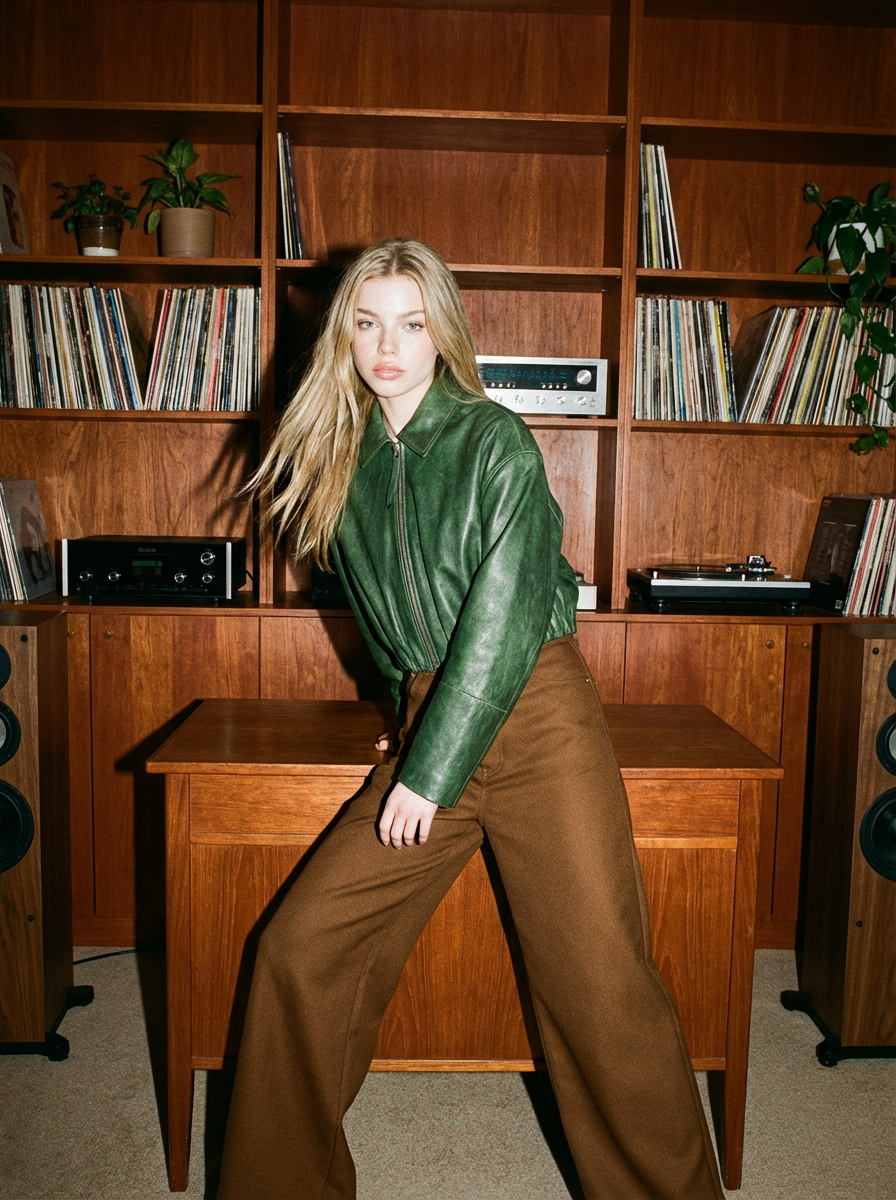
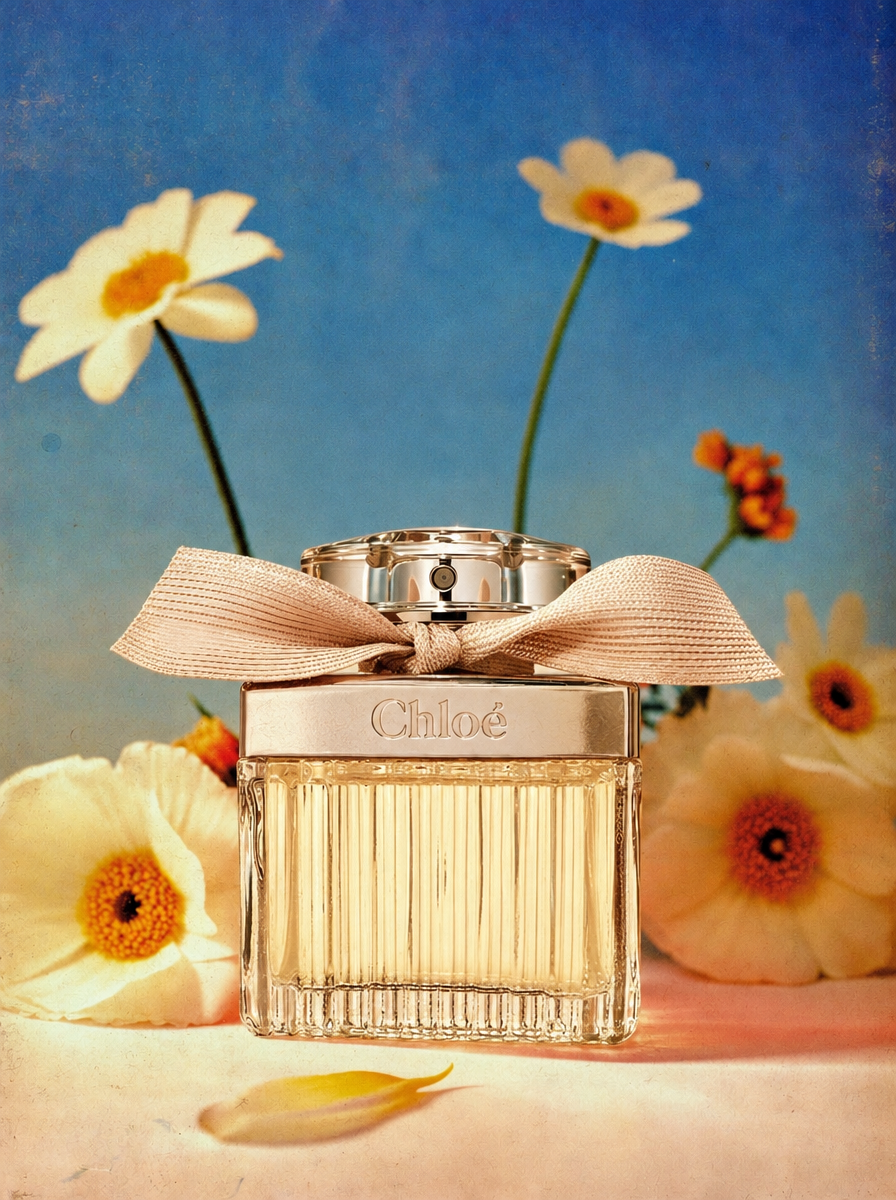
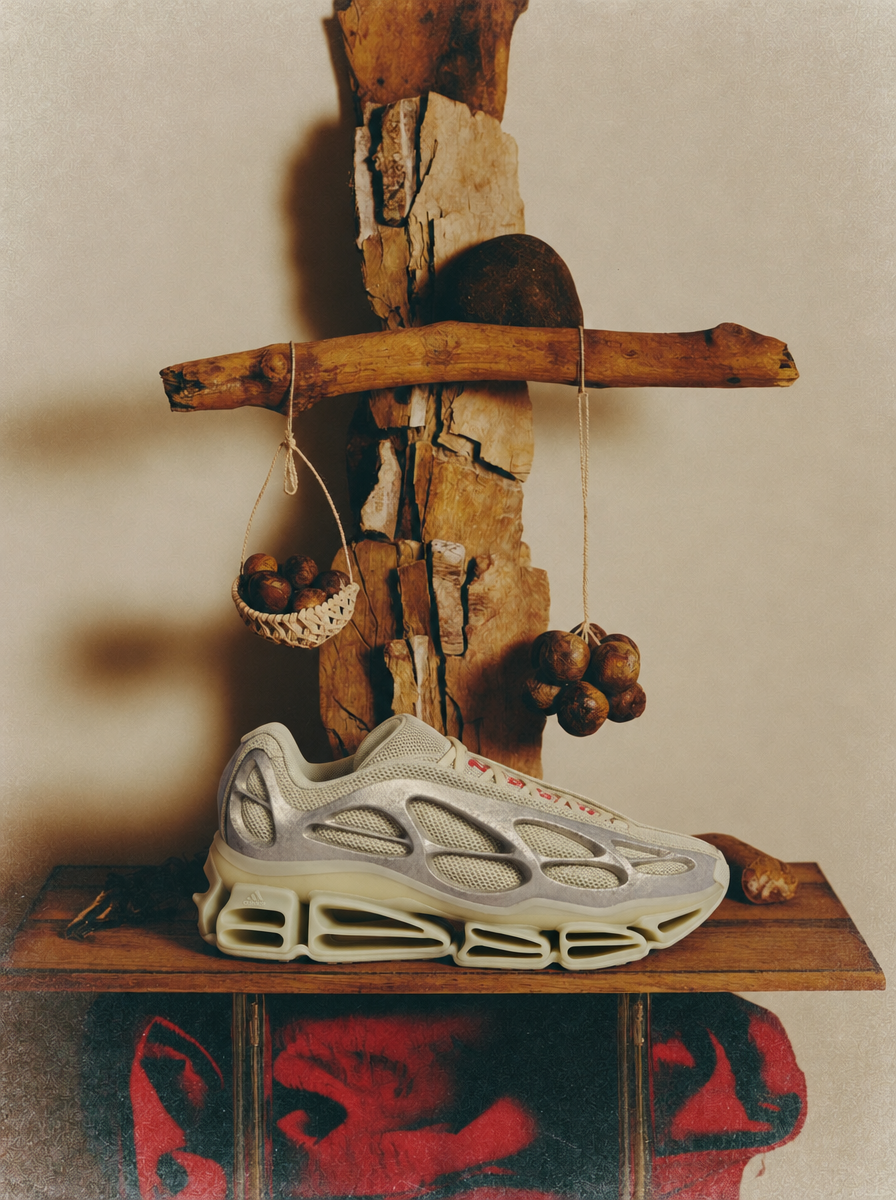
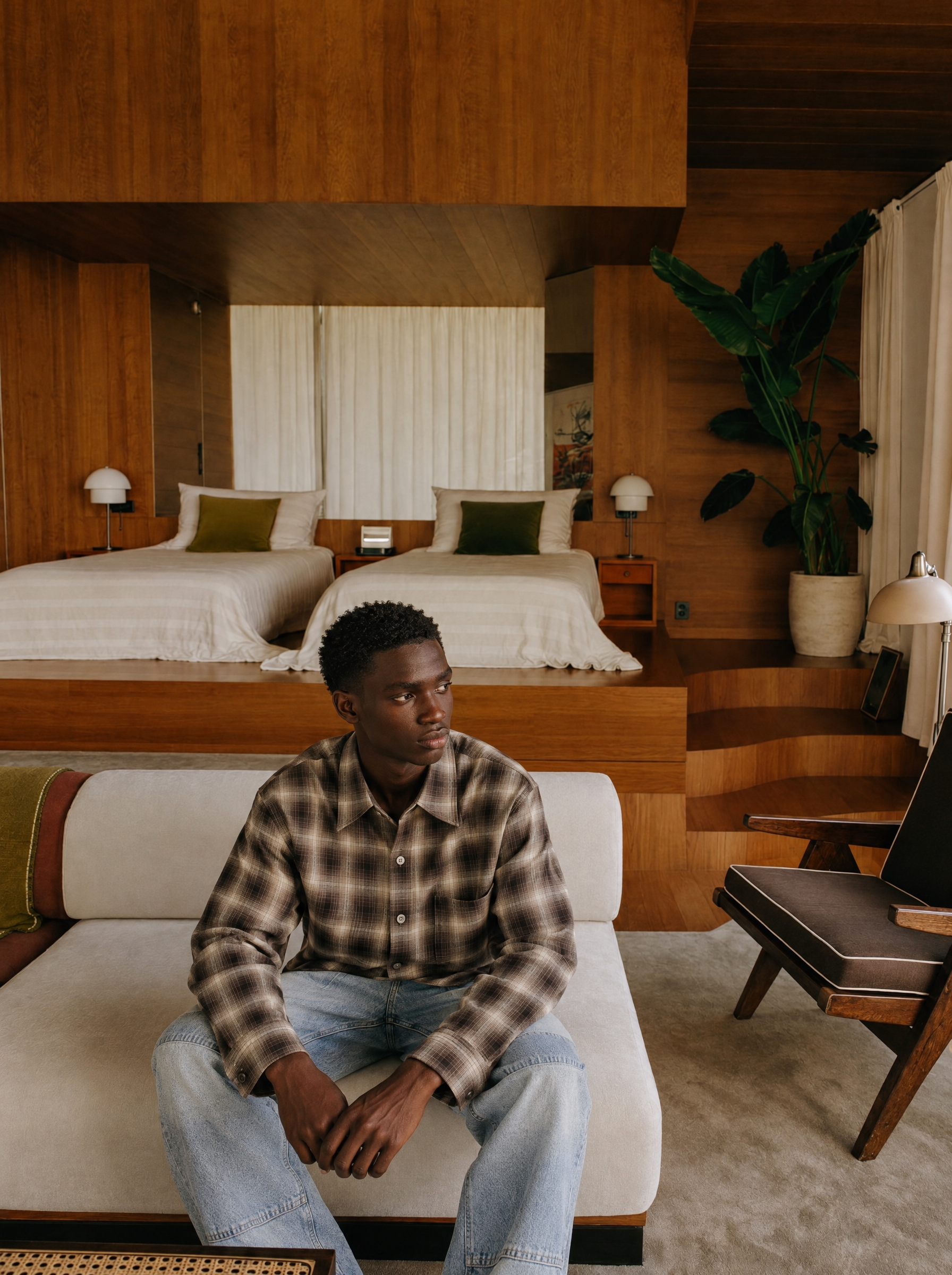
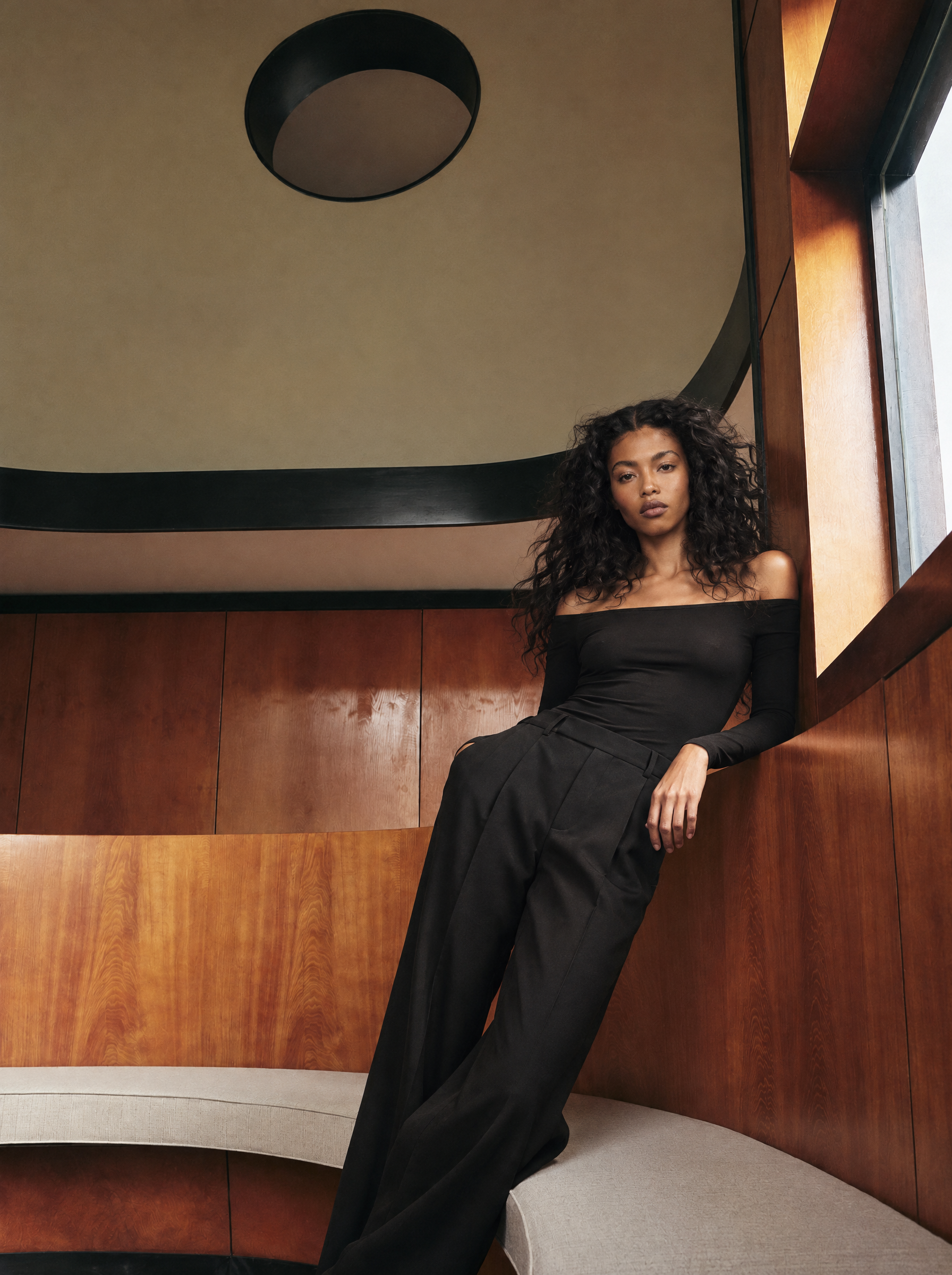
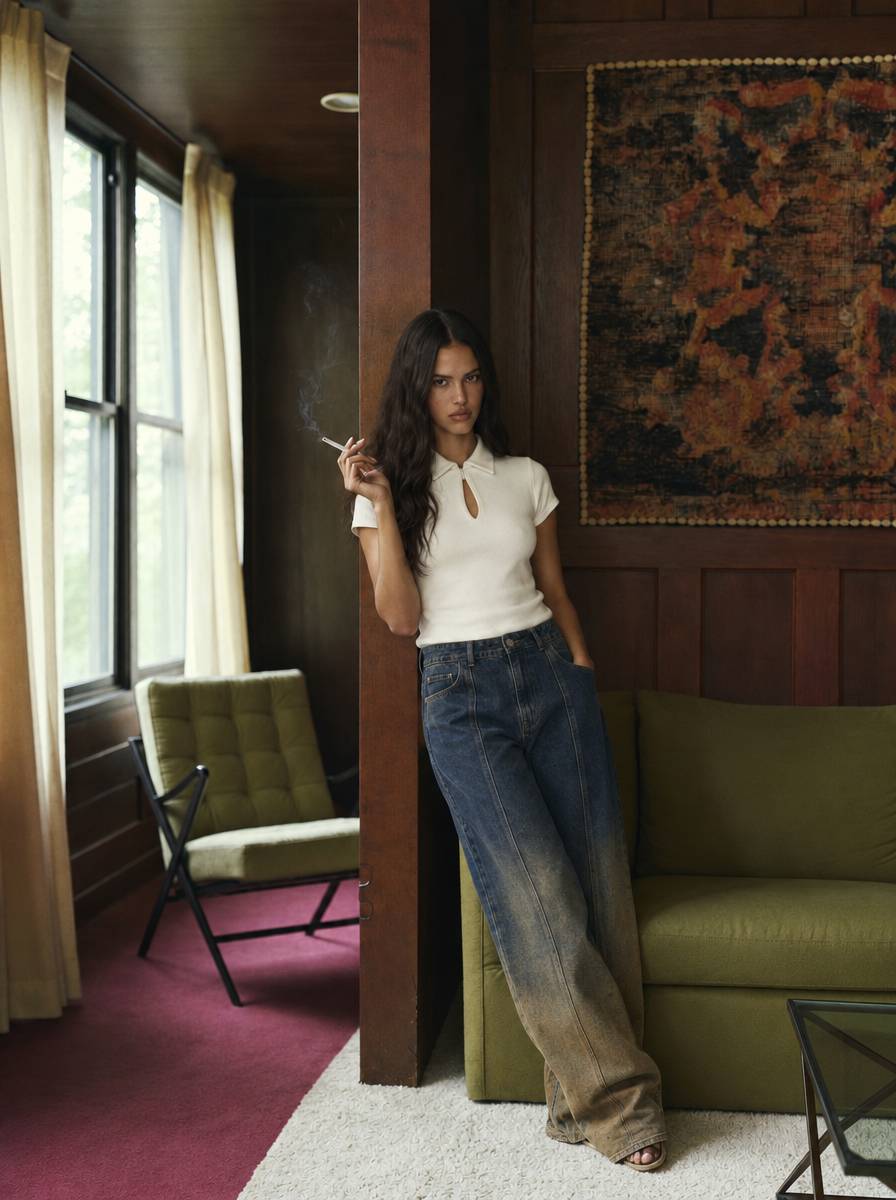
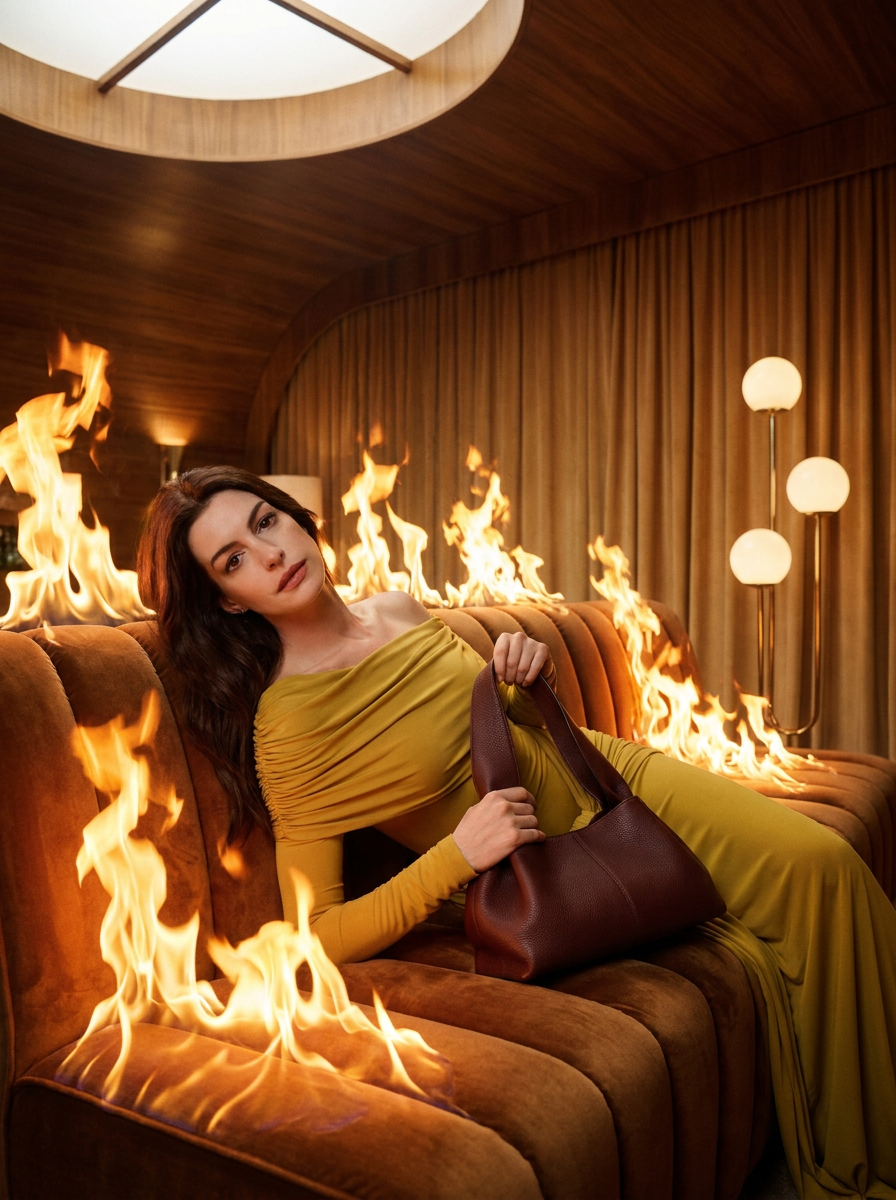
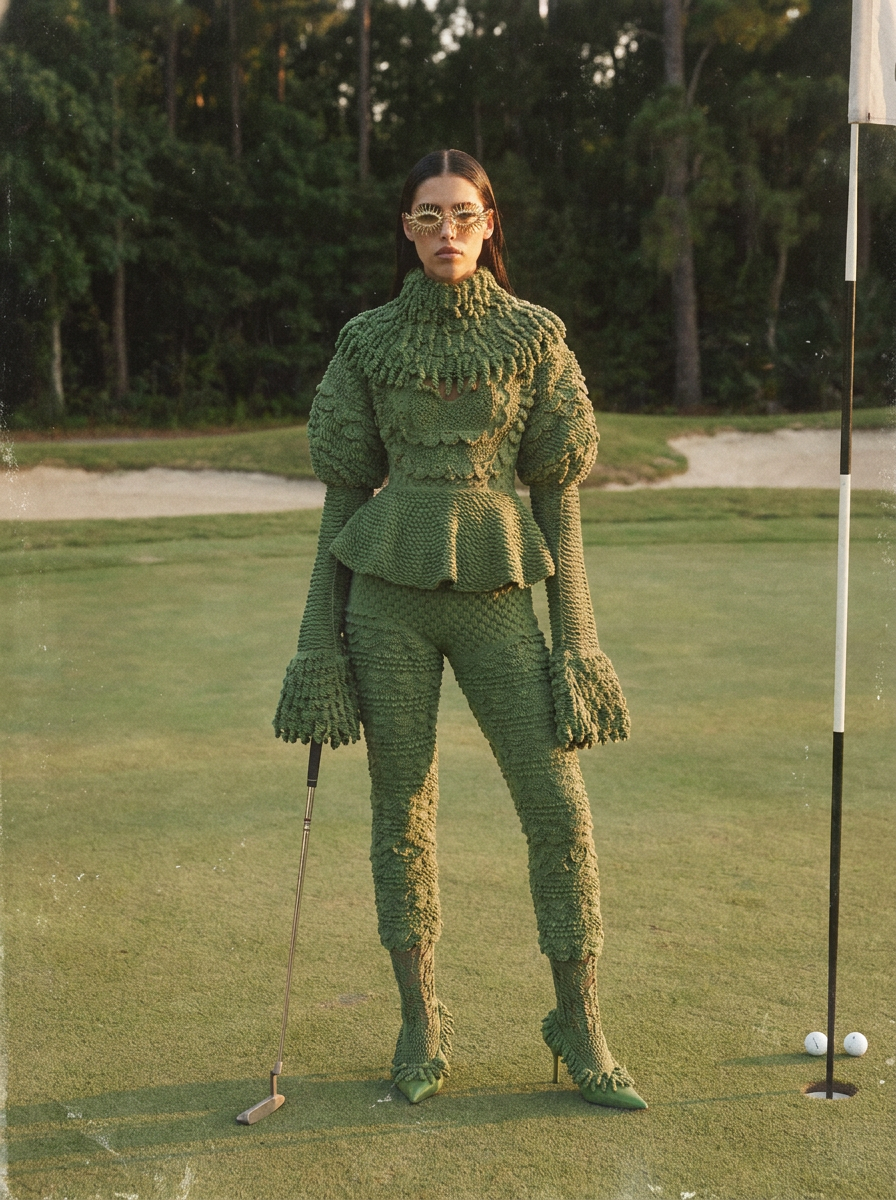
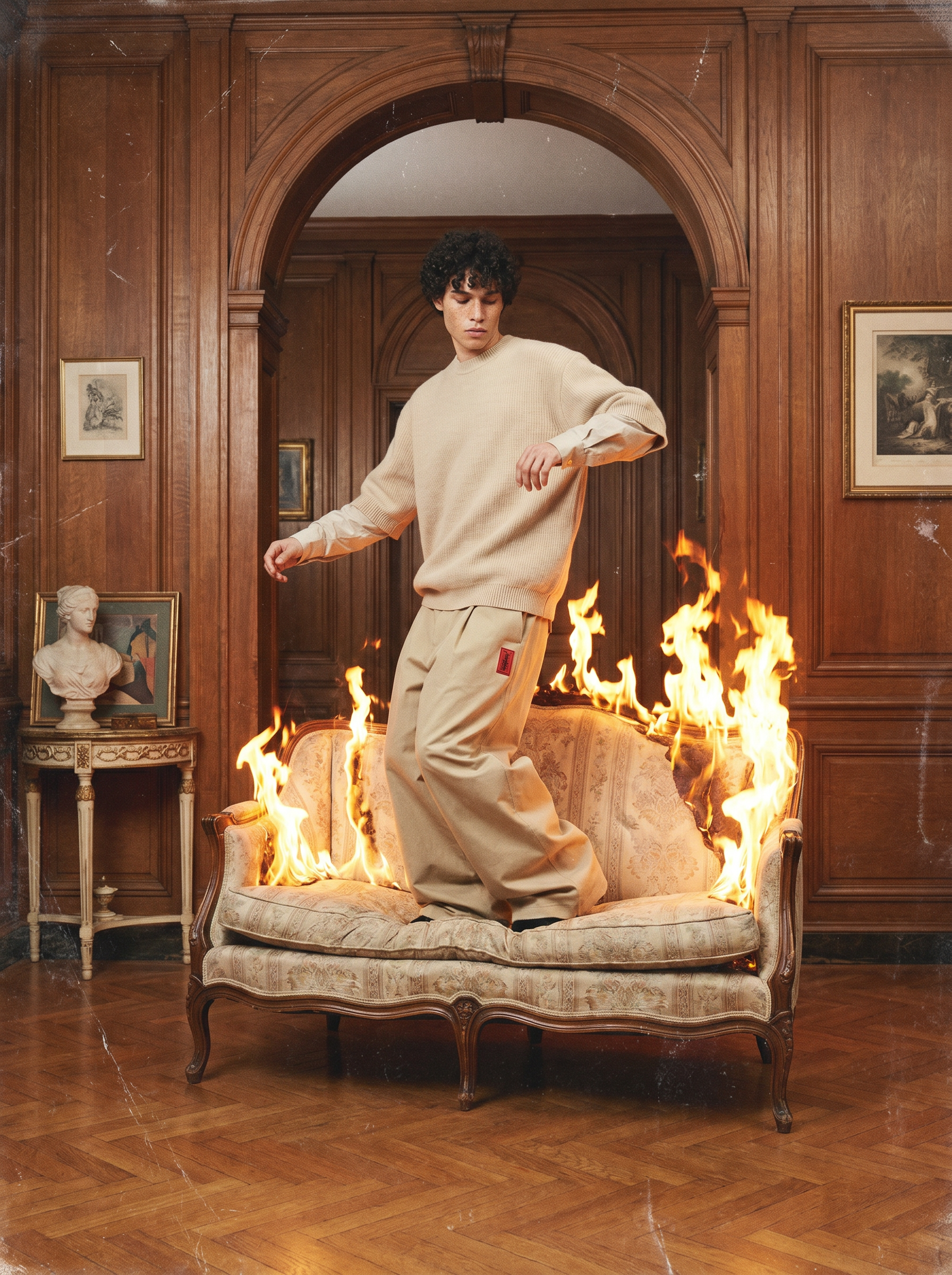
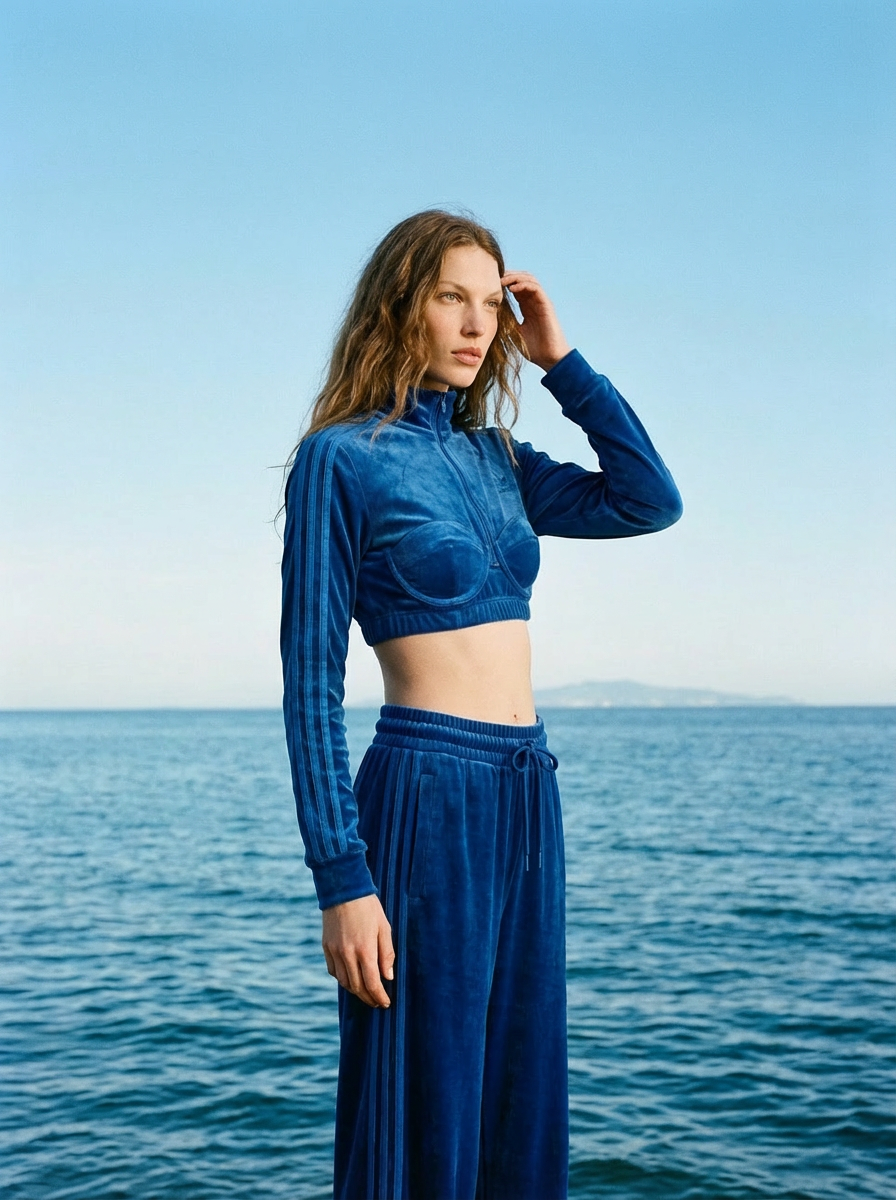
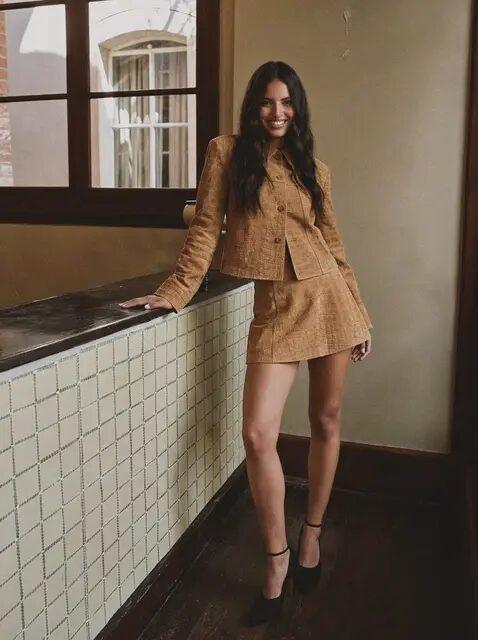
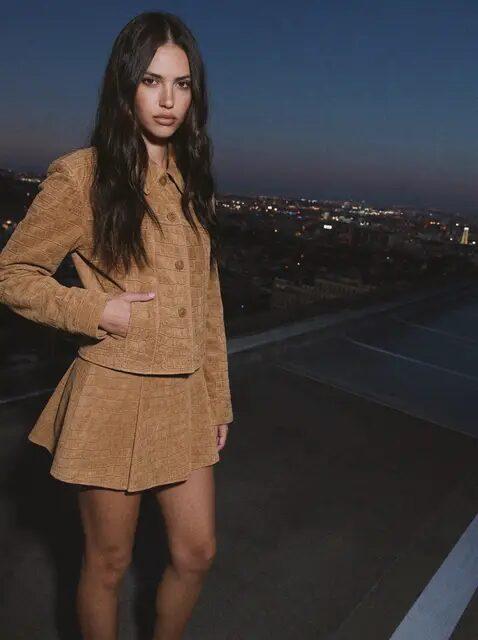
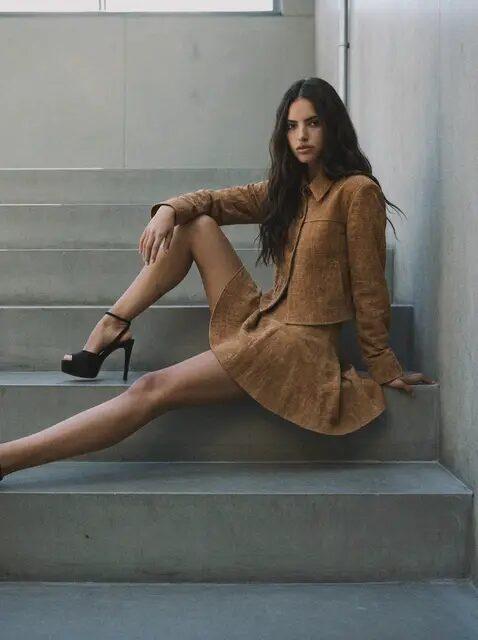
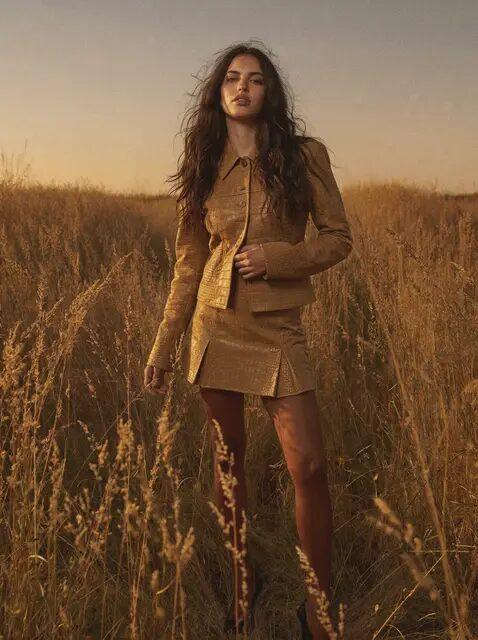
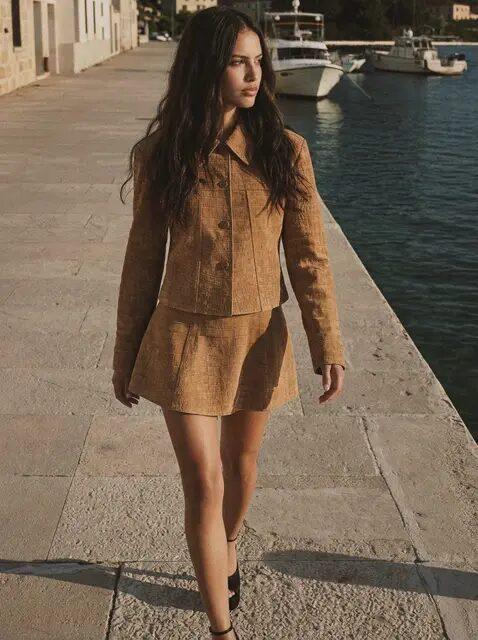
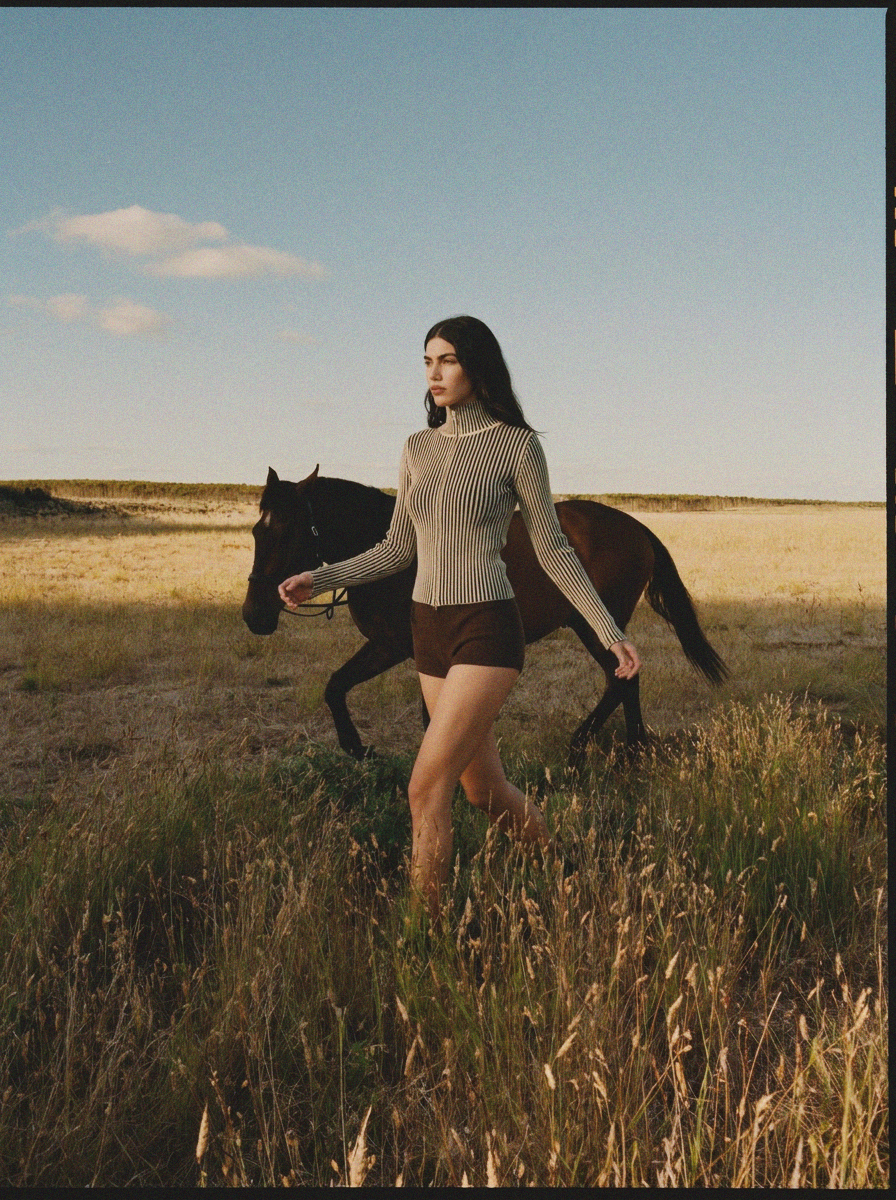
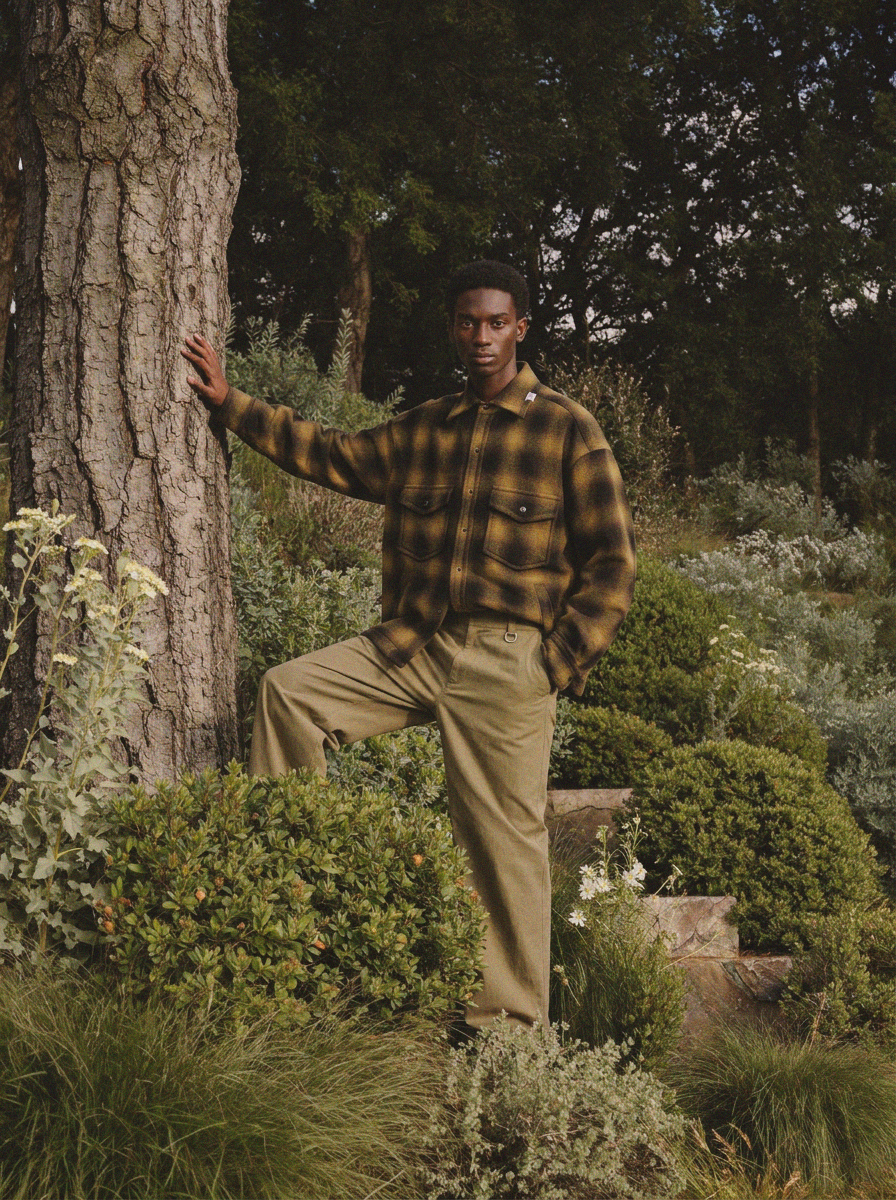
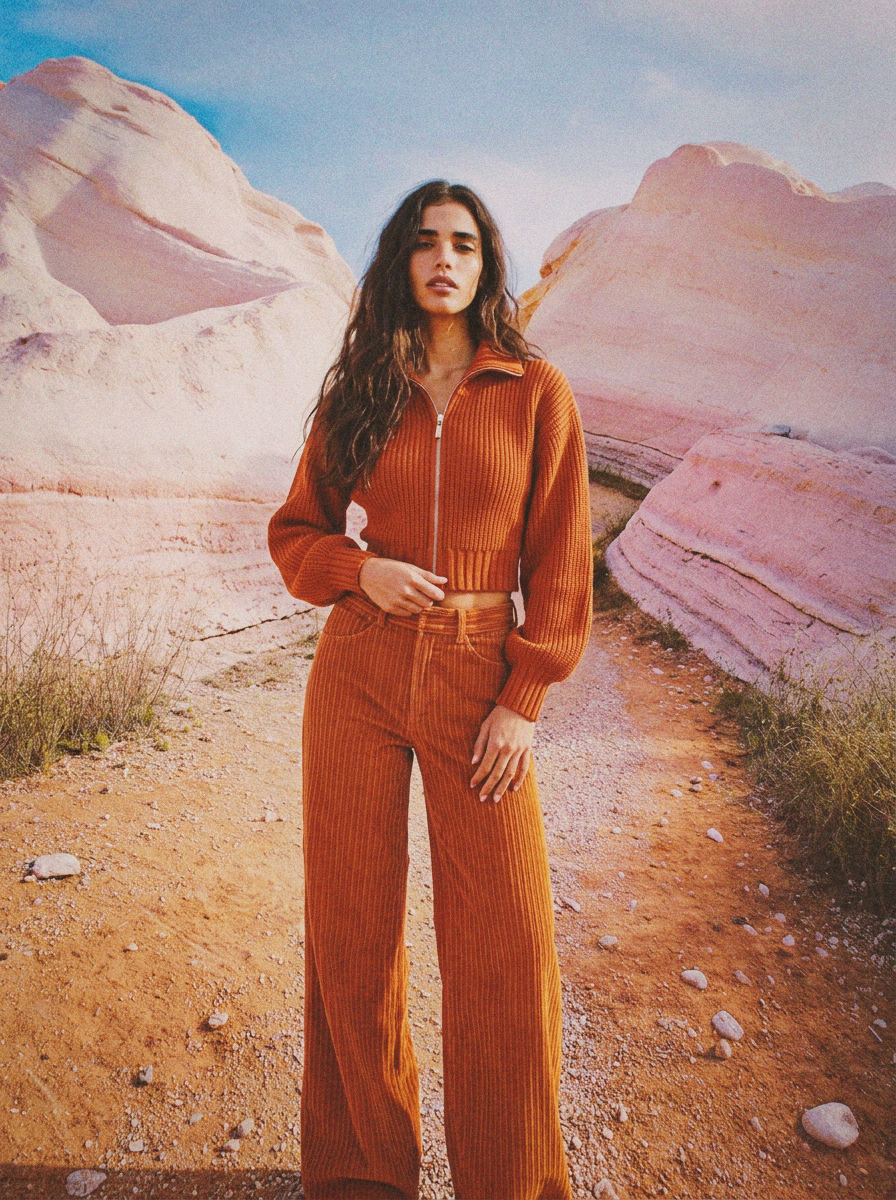
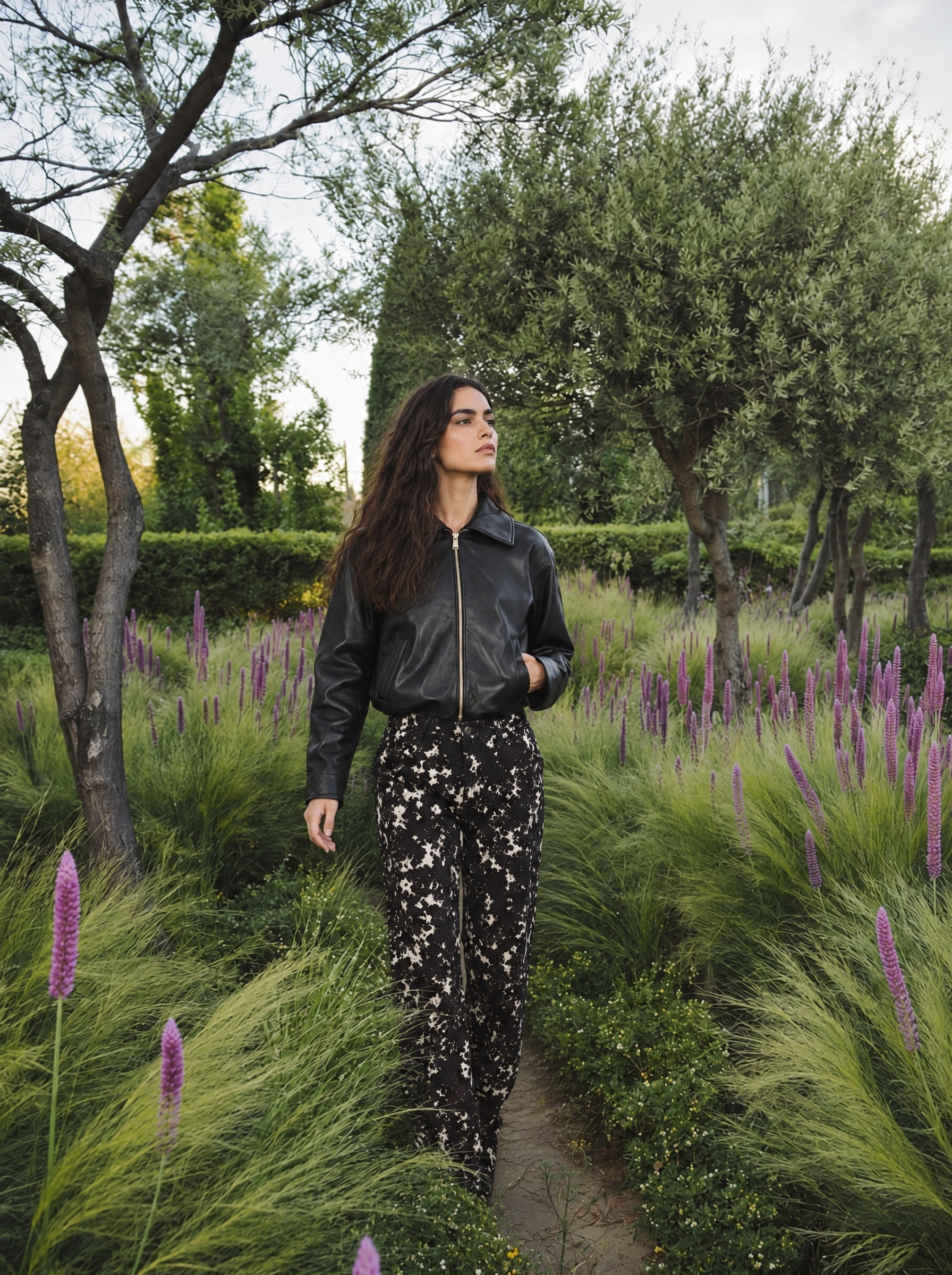
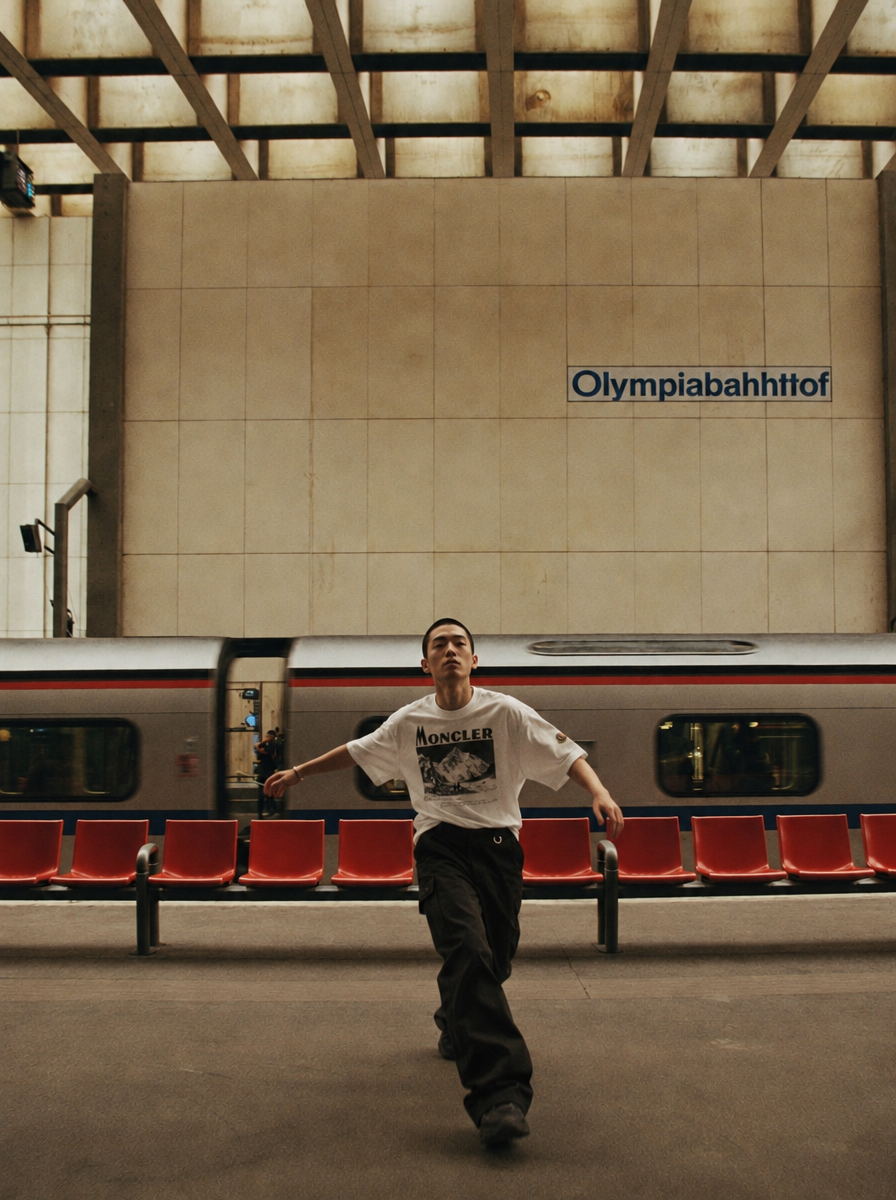
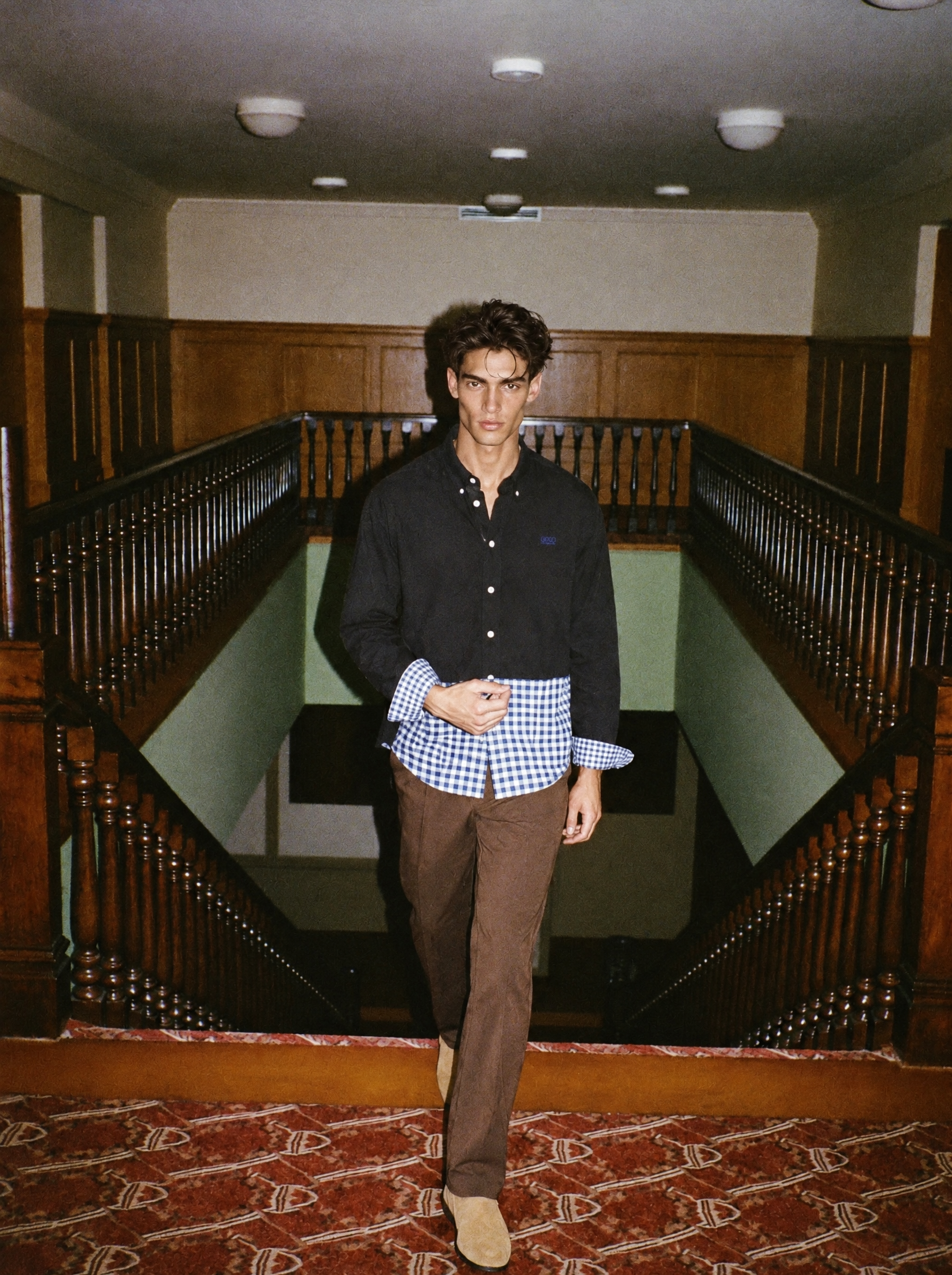
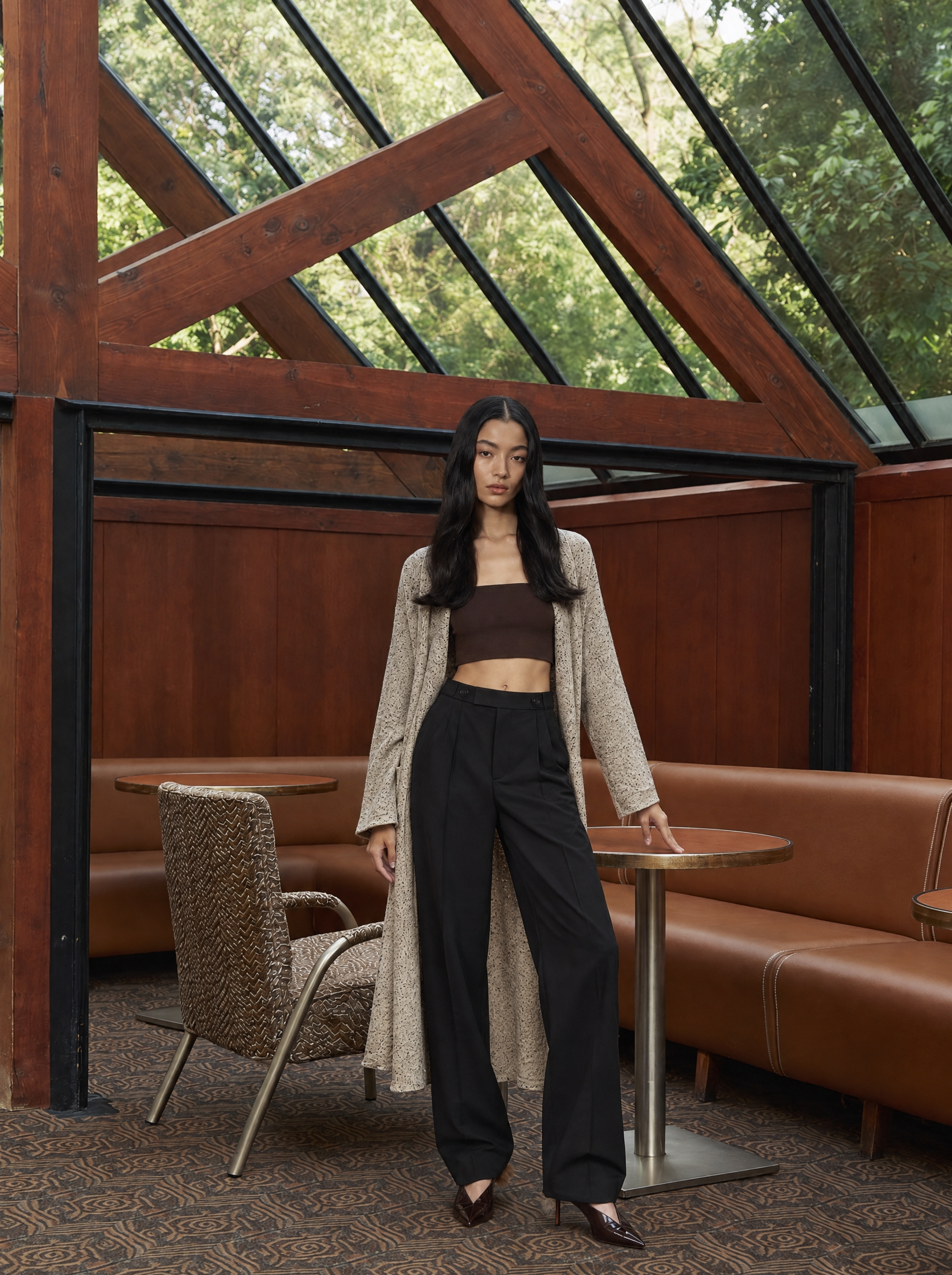
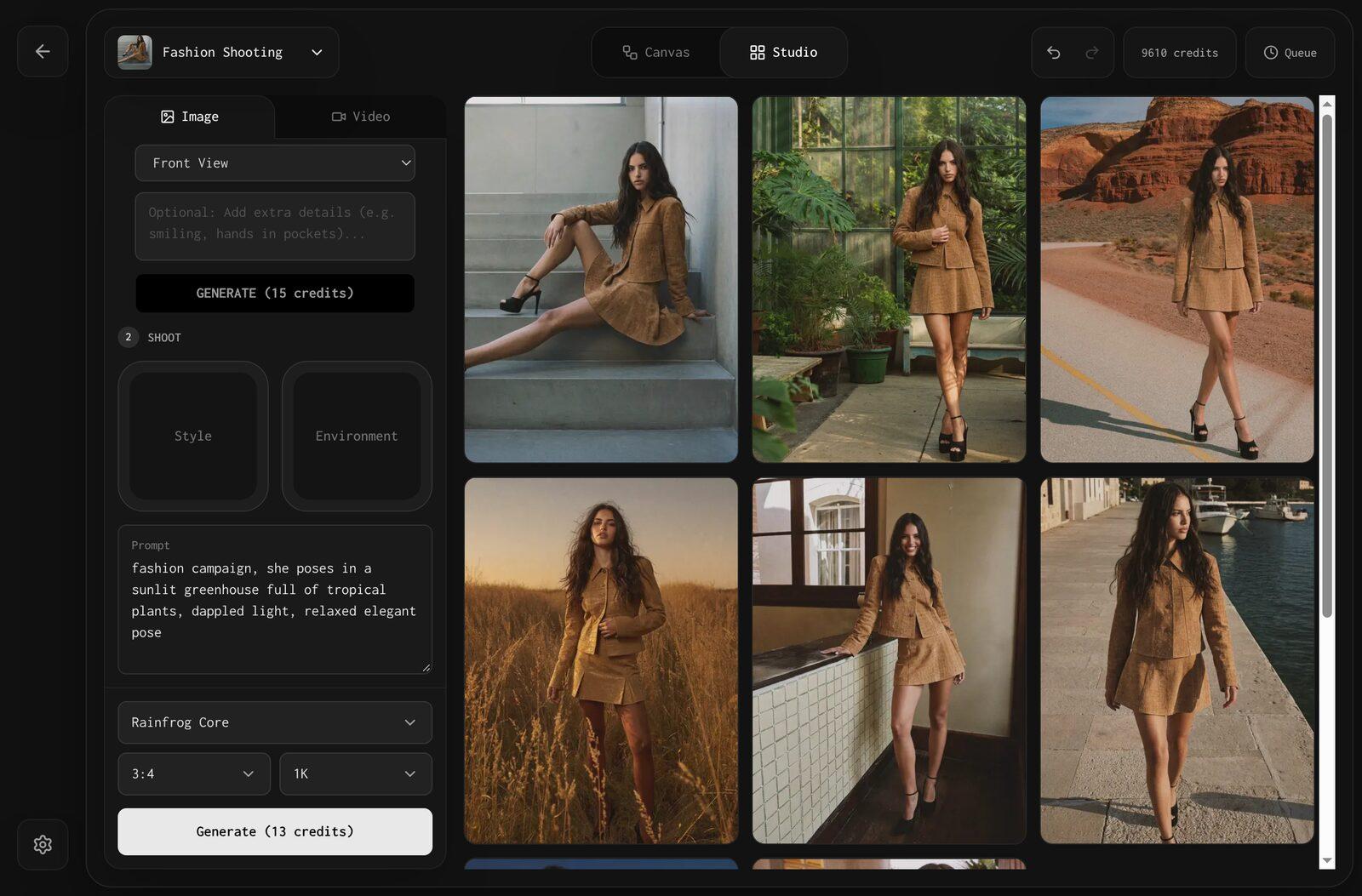
Eight campaign shots generated on a Rainfrog test account from one saved model and one outfit. Only the scene prompt changes.
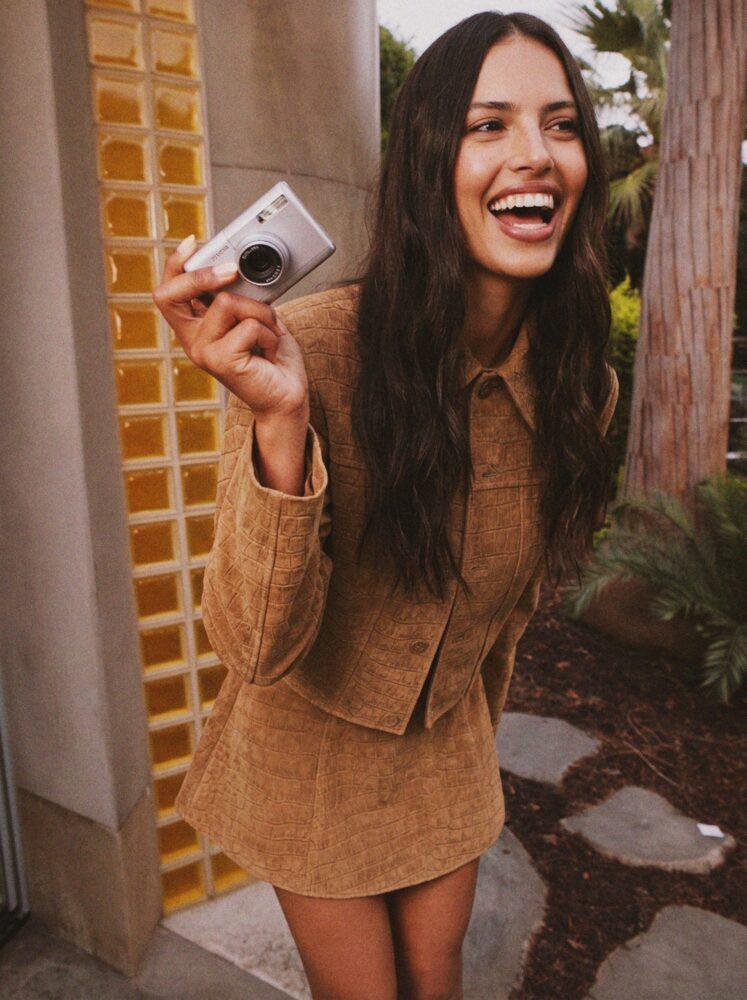
Start from a public workflow
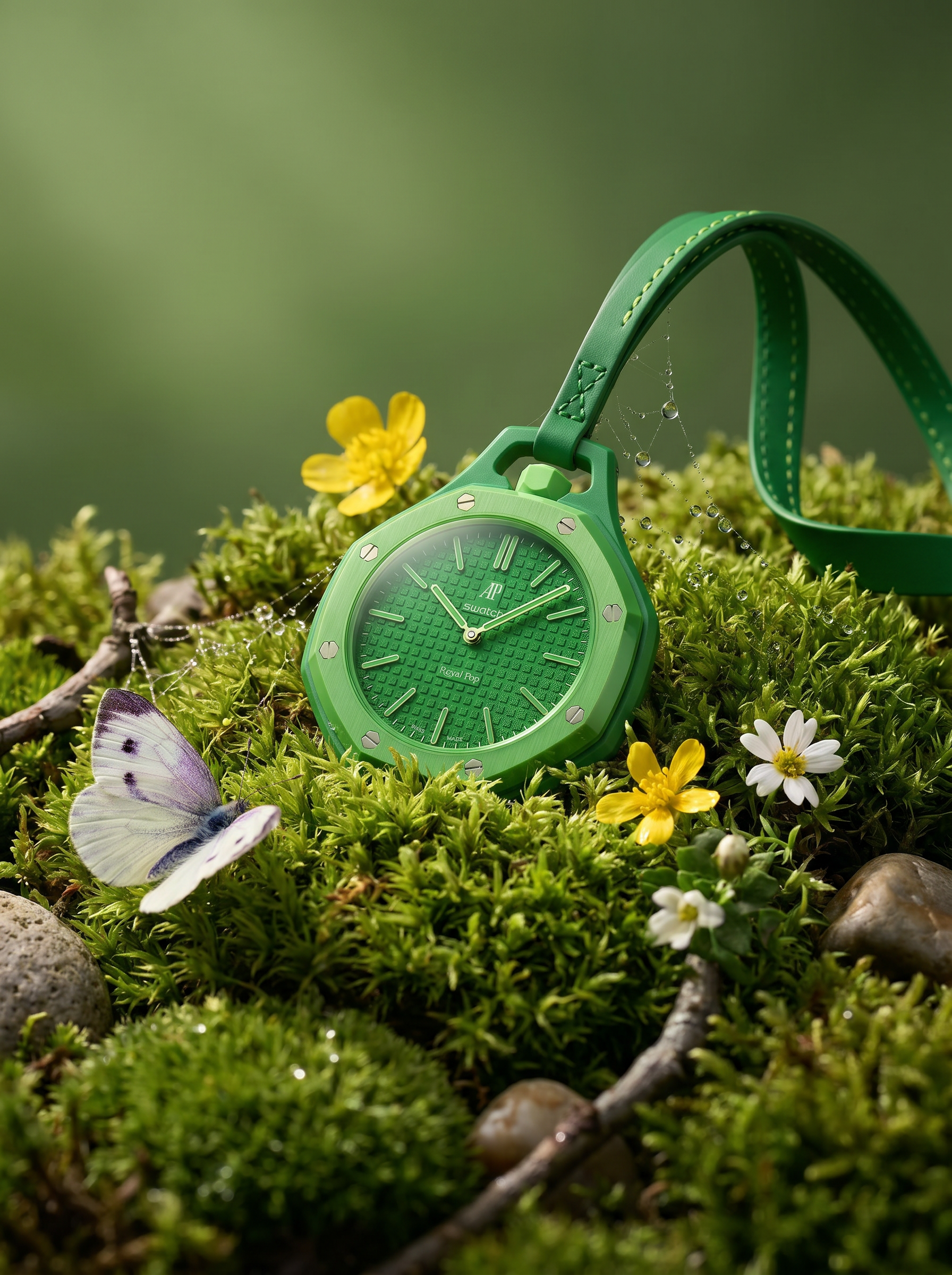
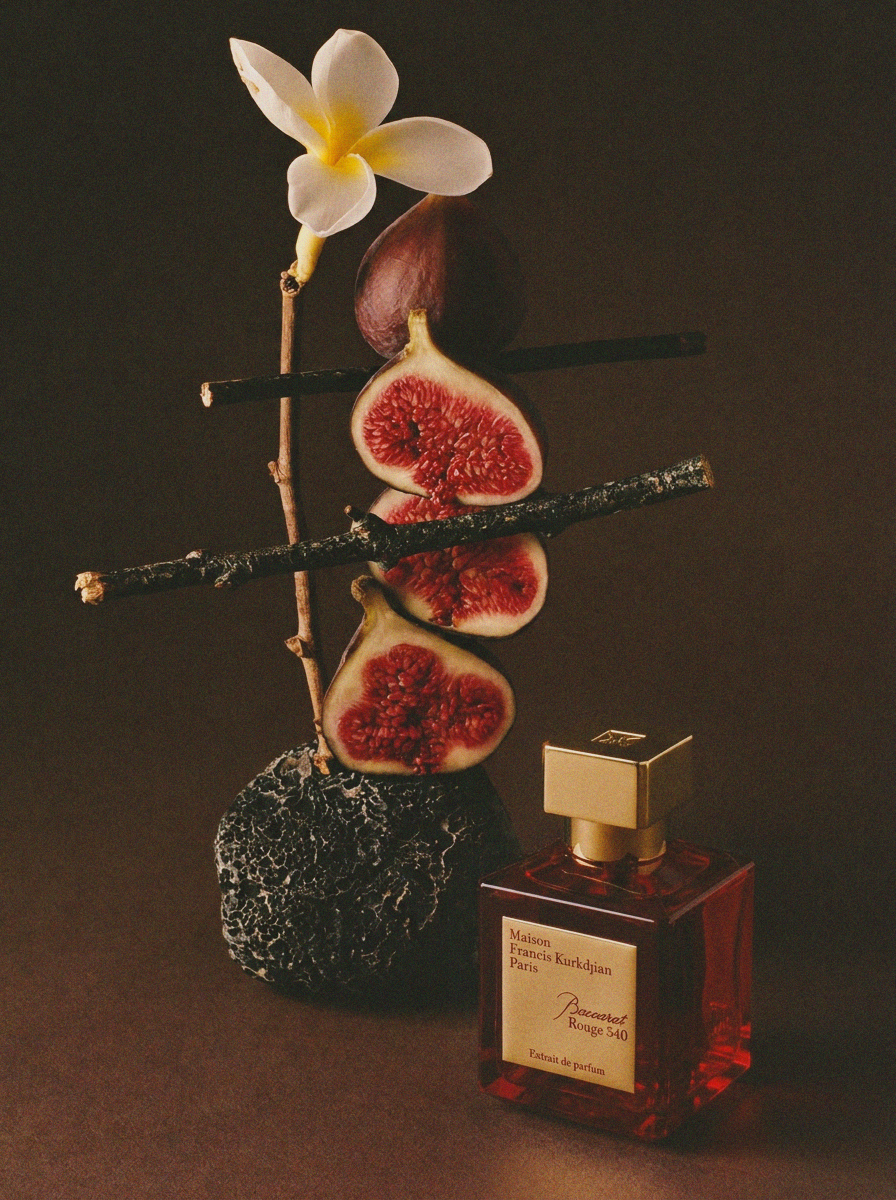
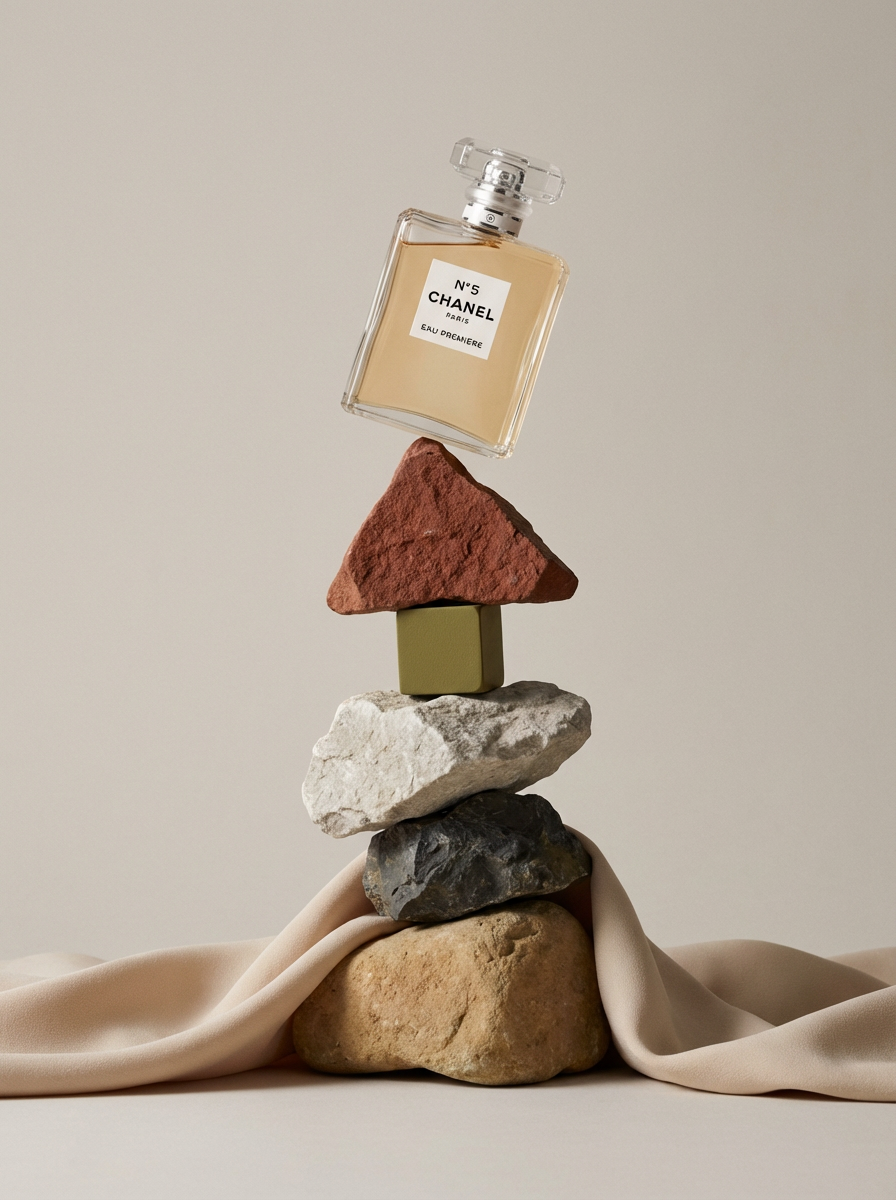
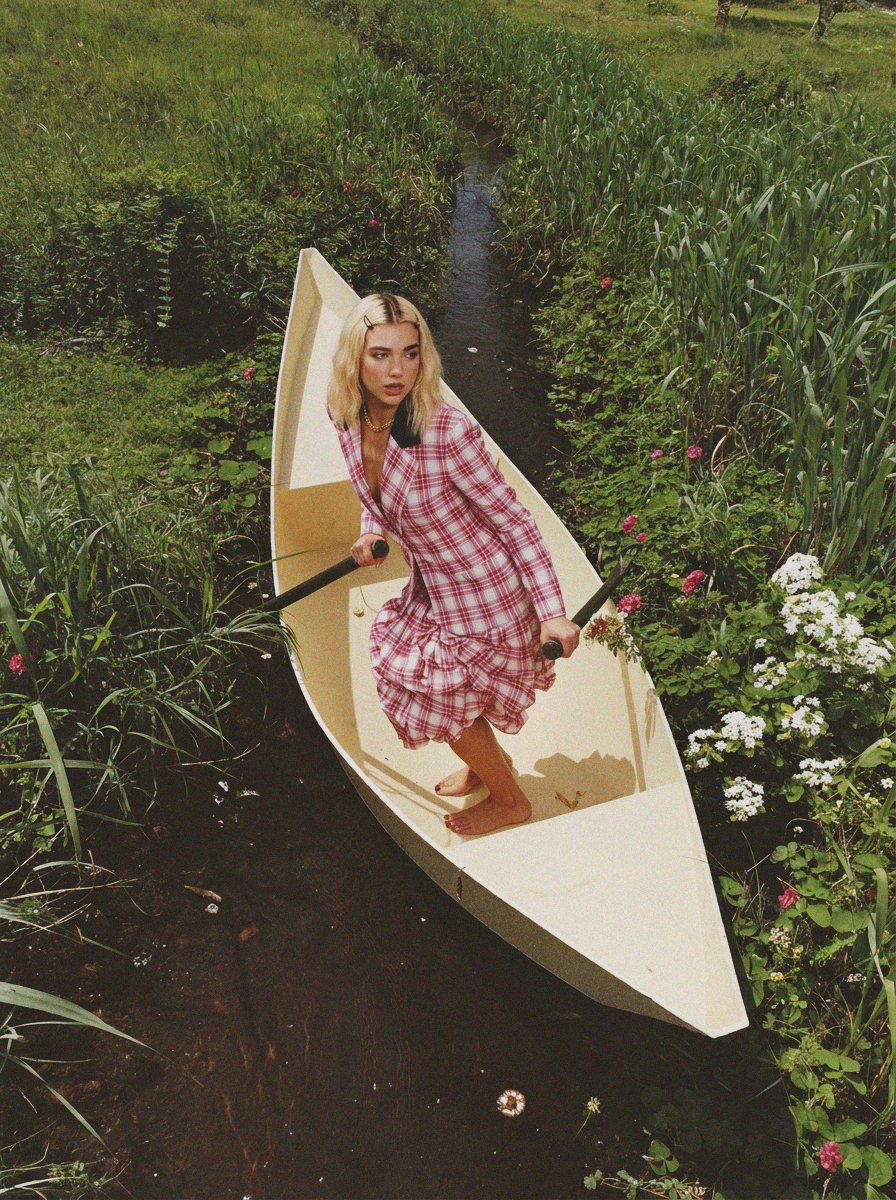
Real outputs from public Rainfrog workflows. Open one to see the workflow behind it.
How it works
- 01
Add your garments and your character
Upload product photos of the garments once to the Products library and pick or create the character who wears them. Both are reused across every shot.
- 02
Set the style and the location
Choose a style for the visual language and an environment for the setting. Swap either one to move the same look to a new location.
- 03
Generate the campaign set
Run the generator for the shots and formats you need, keep the best frames, and turn them into video. Save the workflow as the template for the next collection.
What to check before you publish
- Rainfrog does not predict fit or sizing; check garment details against the real product before publishing.
- Real model likeness needs that person’s consent; use characters you have the rights to.
- Generation uses plan credits, so plan the number of shots per drop.
AI for fashion campaigns: common questions
Quick answers about using Rainfrog for this job.
Can AI create a fashion campaign without a photoshoot?
Yes, for many campaign assets. With product photos of the garments, Rainfrog can put them on a consistent character in the styles and locations you choose. Teams often still shoot hero pieces and use AI for variations, new locations, and social formats.
Will the garments look like my real products?
The garment is an input node, so the generator works from your product photos rather than a text description. Fine details such as prints, logos, and stitching should still be reviewed before publishing.
Can I keep the same model across the whole campaign?
Yes. Characters are saved in your library and reused in every workflow, so the same face and look carry across shots, formats, and future campaigns.
Is Rainfrog free to use for fashion campaigns?
You can create a free account to explore the studio, templates, and public workflows. Generating and downloading campaign images uses credits from a paid plan (Hobby, Pro, or Ultra); see the pricing page for current allotments.